Deals for every list.Start early, save early.Shop now

Main Content
Skip to contentGo to Product Search

Deals for every list.Start early, save early.Shop now

Main Content

Interactive Tablets For Education

Interactive tablets for education are transforming the way students and teachers connect with learning materials, making classrooms more engaging and collaborative. Designed to support a variety of educational activities, these innovative devices help foster creativity, critical thinking, and problem-solving skills. Whether used for interactive lessons, group projects, or individual study, interactive tablets for education offer flexible solutions that adapt to different learning styles and environments. Explore options that can enhance the educational experience and inspire a love of learning in students of all ages.

Read More
Results
Main Results
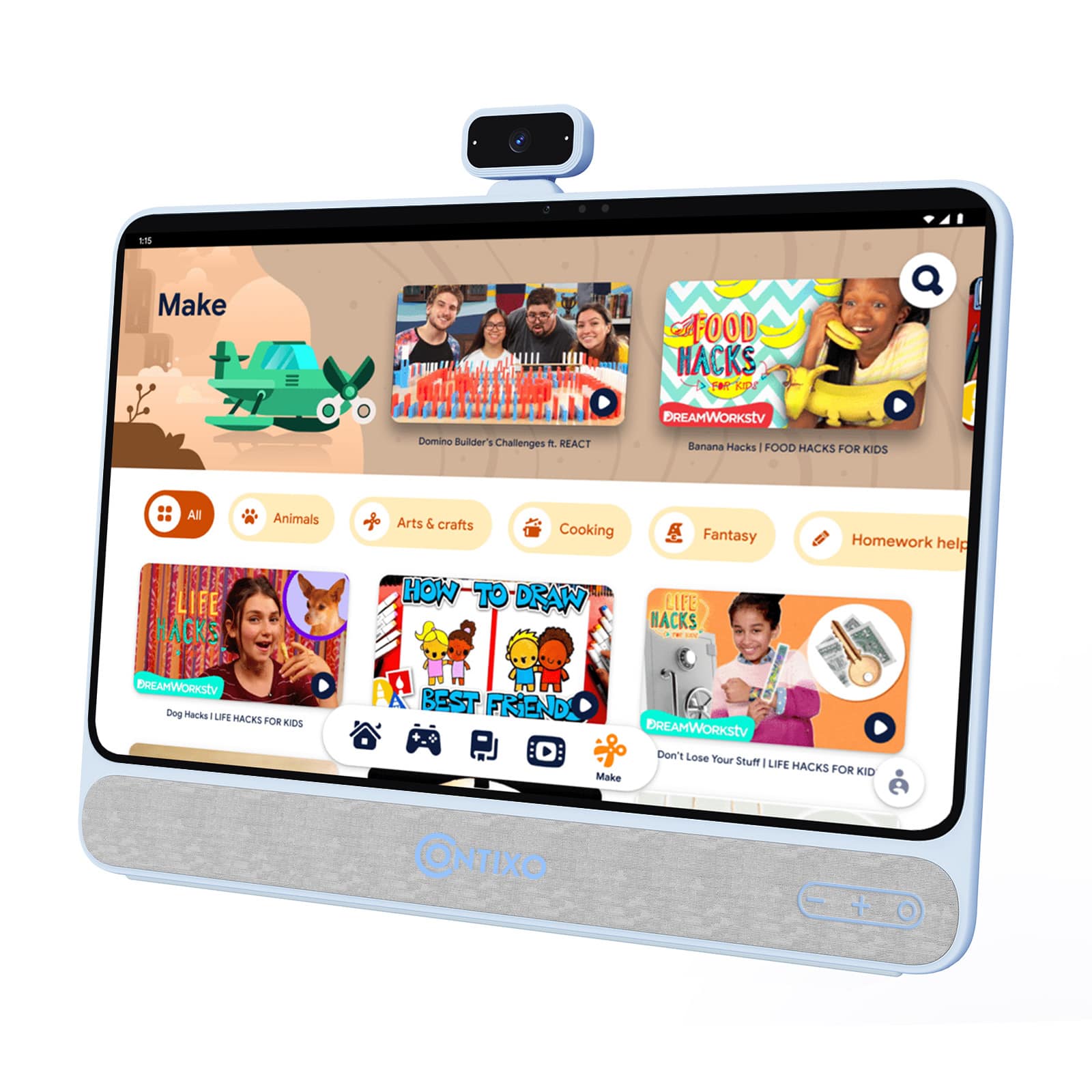
  1. Your price for this item is $329.99
    Save $20
    The previous price was $349.99
  2. Jupiter Creations - My Smart Tablet Mini + Phone Combo - Blue

    SKU: J3RT6F72RW

    Product Description

    A blue plastic educational tablet and phone combo offering bilingual games, music, and interactive learning activities for kids.
    See all Science Kits & Toys
    Your price for this item is $26.99
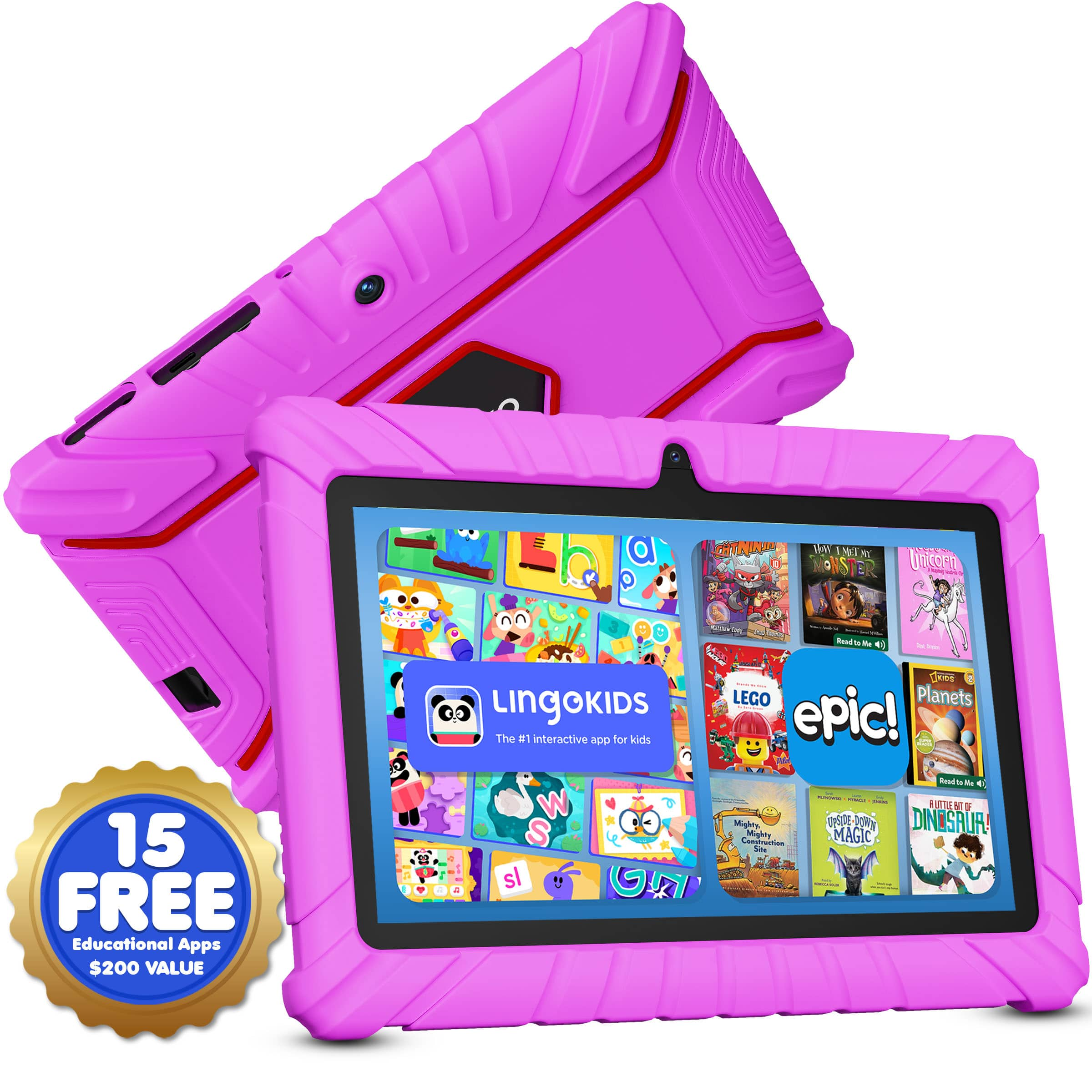
  3. Contixo - V9 Kids Tablet, 7" Android 11 Tablet, 32GB, 2GB RAM, Parental Controls & Shockproof Case - Pink

    SKU: JXK4Z3LV7K

    Product Description

    A pink kids’ tablet with parental controls, shockproof case, stylus, and preloaded educational apps for learning.
    See all Kids' Tablets
    Your price for this item is $64.99
  4. Contixo - Kids Tablet 2026, 7" Android 13 Tablet, 32GB, Parental Controls, Learning Apps & Shockproof Case - Pink

    SKU: JXK4Z3Y7WK

    Great for the price...My daughter loves it its great for what i paid for it...great grandson loves it goes with him in the car keeps him busy

    Product Description

    A pink kids’ tablet with parental controls, shockproof case, educational apps, and a matching stylus included.
    See all Kids' Tablets
    Your price for this item is $59.99
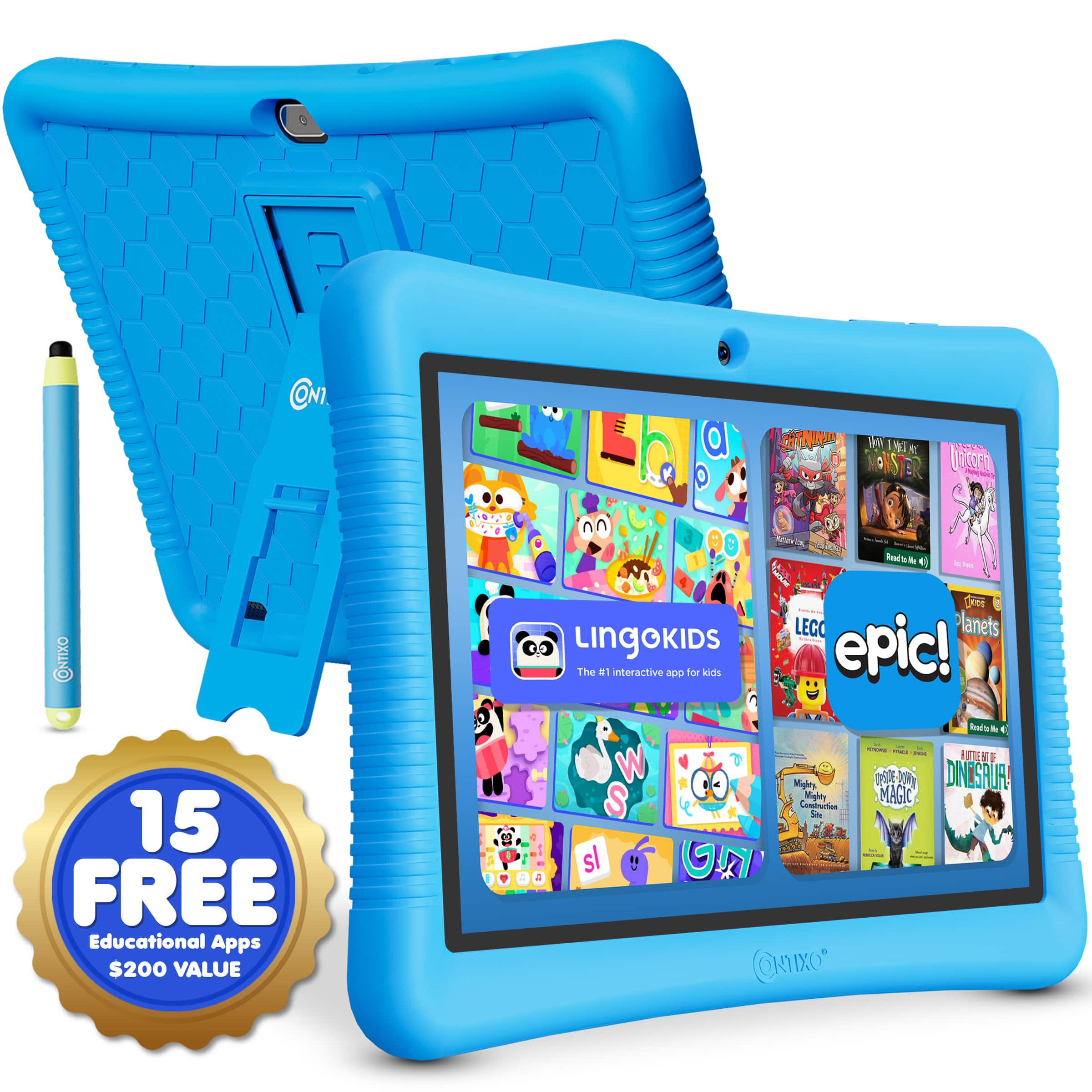
  5. Contixo - 10" Android Kids Tablet 32GB with Stylus, Parental Controls, Learning Apps & Protective Case - Blue

    SKU: JXK4Z3L59P

    Product Description

    A blue Android kids’ tablet with 32GB storage, parental controls, educational apps, and a kid-proof case.
    See all Kids' Tablets
    Your price for this item is $89.99
  6. Contixo - V9 Kids Tablet, 7" Android 11 Tablet, 32GB, 2GB RAM, Parental Controls & Shockproof Case - Green

    SKU: JXK4Z3LVJJ

    Product Description

    A green kids’ tablet with parental controls, shockproof case, stylus, and educational apps for safe learning.
    See all Kids' Tablets
    Your price for this item is $64.99
    Save $21
    The previous price was $86.49
  7. MEIZE - Kids Tablet,10.1 Inch Android Toddler Tablet with Case, 8GB RAM 64GB ROM Tableta, Parent Control, Kids Education Tablet - Blue

    SKU: JX343HRJCT

    Overall, it's a durable, kid-friendly tablet with excellent parent controls and great for the price....This tablet is a great value for the price....Great for little ones

    Product Description

    A blue Android tablet for kids with 8GB RAM, 64GB storage, parental controls, and protective case.
    See all All Tablets
    Your price for this item is $75.00
    Save $104
    The previous price was $179.99
  8. Contixo - 10" Android Kids Tablet 32GB with Stylus, Parental Controls, Learning Apps & Protective Case - Green

    SKU: JXK4Z3L592

    Product Description

    A green Android kids’ tablet with 32GB storage, parental controls, educational apps, and a kid-proof case.
    See all Kids' Tablets
    Your price for this item is $89.99
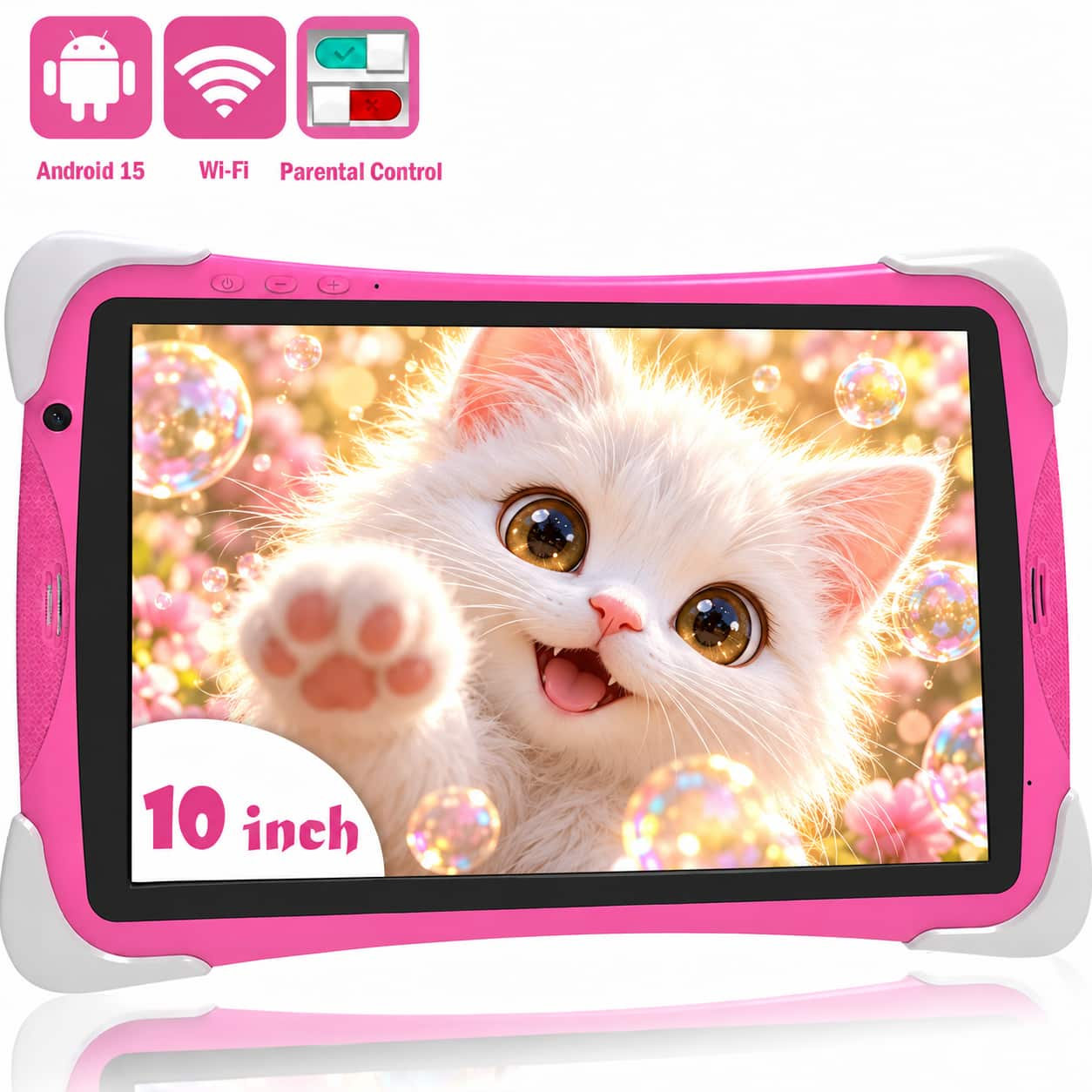
  9. FEONAL - 10.1 inch Kids Tablet, 64GB Tablet APP Preinstalled & Parent Control Kids Education Children Tablet - Pink

    SKU: JX343HRJC7

    Product Description

    A pink Android 12 kids' tablet with 64GB storage, parental controls, WiFi, and dual cameras.
    See all All Tablets
    Your price for this item is $79.99
    Save $110
    The previous price was $189.99
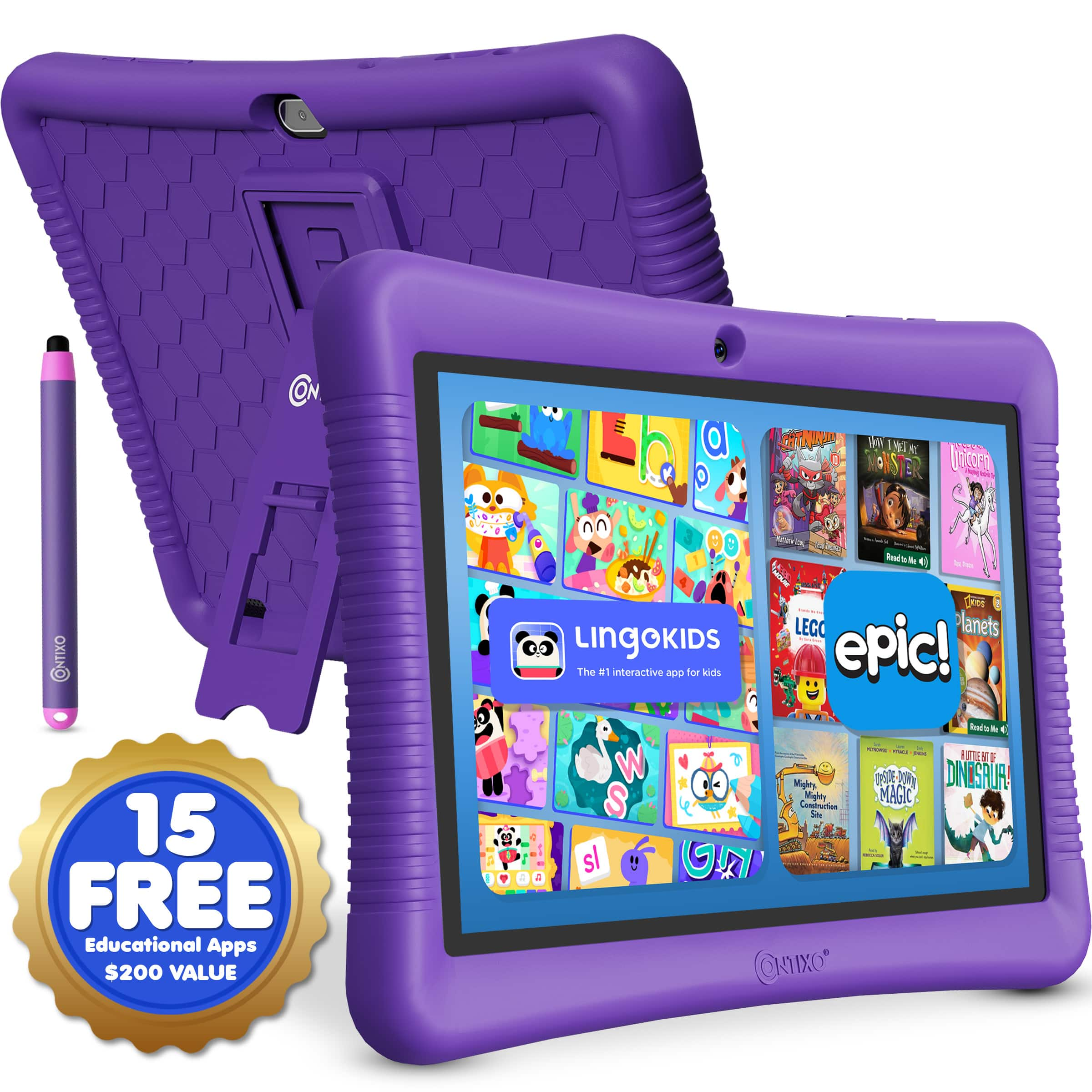
  10. Contixo - 10" Android Kids Tablet 32GB with Stylus, Parental Controls, Learning Apps & Protective Case - Purple

    SKU: JXK4Z3L5SX

    Product Description

    A durable purple Android kids' tablet with 32GB storage, parental controls, educational apps, and a kid-proof case.
    See all Kids' Tablets
    Your price for this item is $89.99
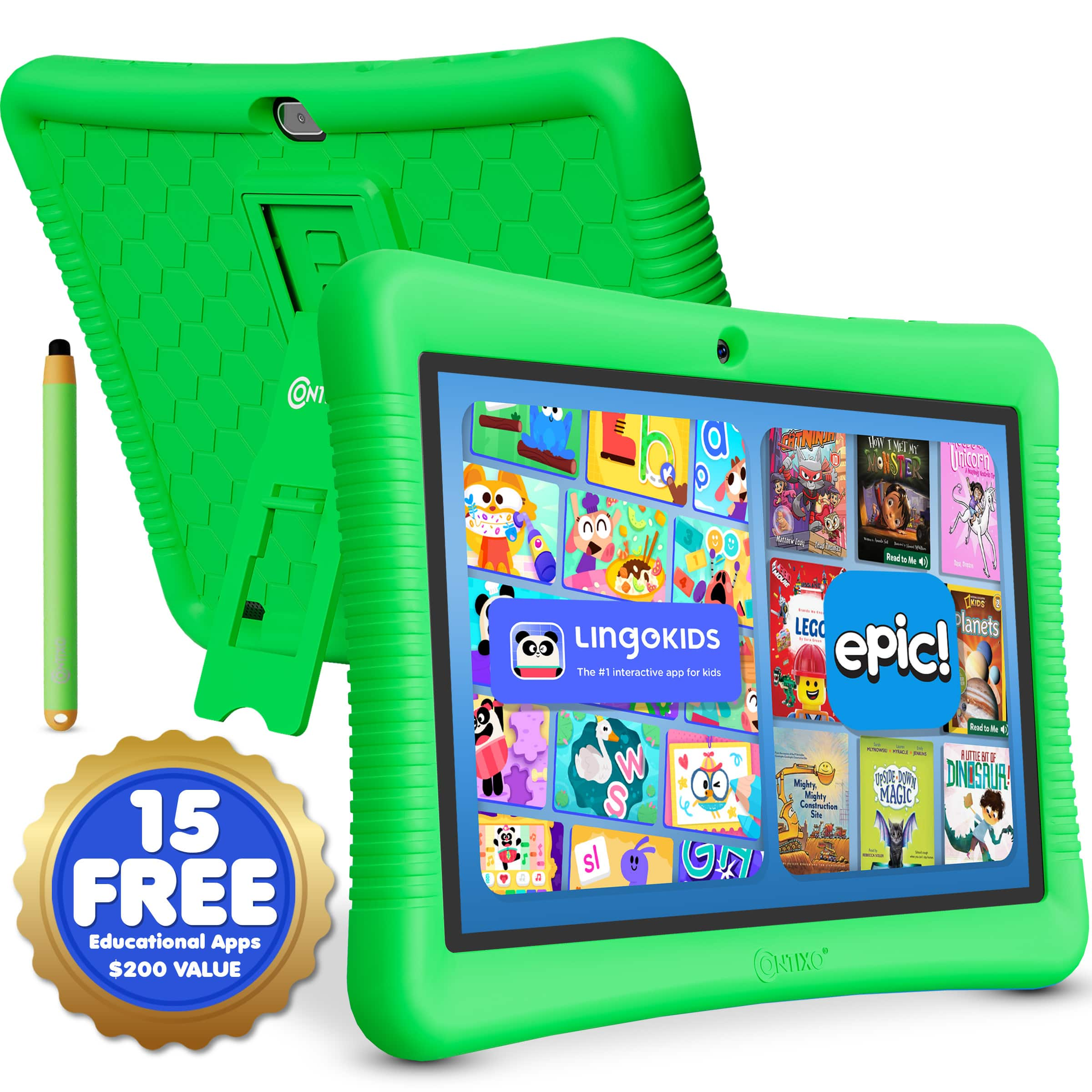
Interactive tablets for education are touchscreen devices that bring reading, writing, research, and multimedia learning together in a portable format. Depending on the device and installed apps, students can annotate a passage, move shapes around a geometry exercise, record a science observation, or listen to a narrated book while following the text. That direct interaction makes tablets useful for activities that call for more than watching a video or scrolling through a document. A young learner might trace letters with a fingertip, while a college student might sketch a diagram beside lecture notes using a compatible stylus. Teachers can use educational tablets to present examples, review assignments, and move between small groups without staying behind a desk. At home, a tablet can serve as a shared reading screen, a workspace for a homeschool lesson, or a way to connect with a tutor. Individual tablets differ from large classroom interactive displays: tablets support handheld and personal work, while large displays provide a shared surface for presentations and group activities. Screen sharing can connect the two when the hardware, software, and network support it. The most useful educational features depend on the learner’s age, curriculum, and daily tasks rather than the educational label alone. Early learners may benefit from simple navigation and carefully selected activities, while older students often need reliable document editing, browser access, and assignment submission tools. Touch input, audio, cameras, and handwriting support give students several ways to engage with a subject, but the quality and suitability of the learning content still matter. A tablet works best as part of a broader learning routine that includes discussion, hands-on projects, printed materials, and time away from screens. For families considering one as a gift, matching the device to school requirements and the recipient’s interests helps turn it into a practical learning tool rather than another screen with little connection to everyday schoolwork.

Display size, handling, and input options shape how comfortably an educational tablet fits into that routine. A smaller device can be easier to carry between rooms or hold during independent reading, while a larger screen gives worksheets, illustrated textbooks, and side-by-side windows more breathing room. Weight matters just as much as screen dimensions when a child holds the tablet for an extended reading session or carries it in a backpack. Sharp text, adjustable brightness, and manageable reflections help keep lesson materials readable, although a tablet’s screen may still need repositioning under overhead lights. For handwritten math, drawing, or marking up documents, active stylus compatibility deserves attention: not every touchscreen supports the same pens, and features such as pressure sensitivity and palm rejection depend on the device, stylus, and app. A keyboard can make longer responses and research papers more comfortable to type, while a stable stand keeps the screen upright during a remote lesson. These accessories need to fit the tablet’s dimensions, connectors, and attachment system. Families exploring tablets for middle school students may find that this balance of portability, typing comfort, and handwriting support becomes especially relevant as assignments grow more varied. Construction also matters in busy learning spaces. Tablet bodies commonly combine glass screens with metal or plastic housings, and a protective case can add grip and cushioning around vulnerable edges. Raised borders, reinforced corners, and a secure handhold may be useful where devices move between a desk, a reading nook, and a backpack, though no case makes a tablet damage-proof. A fitted sleeve can help separate the screen from loose supplies during transport. Care should follow the manufacturer’s directions, including approved cleaning methods and precautions around ports. A soft, lint-free cloth is generally useful for removing fingerprints; cleaning liquids should not be sprayed directly onto the device. Keeping charging cables out of walkways and placing the tablet on a stable surface also supports everyday classroom and home use.

Software compatibility and dependable access are just as important as the physical design of a learning tablet. A device needs to work with the school’s learning platform, required apps, digital textbooks, and sign-in process; a familiar app name does not necessarily mean every feature works identically across operating systems. Some assignments require desktop software or browser functions that a tablet cannot fully replace. For a student moving between a video lesson, a reference page, and a written response, processing performance and memory affect how smoothly those tasks run together. Storage needs grow with downloaded books, recorded presentations, creative projects, and offline videos, while cloud storage depends on account settings and internet access. Download support can keep selected materials accessible without Wi-Fi, but not every app or lesson works offline. Battery life varies with brightness, video calls, multitasking, and other uses, so a charging routine remains important even when a device is designed for extended use. Cameras and microphones support remote tutoring, spoken-language practice, and documenting projects, while headphones can make listening activities less distracting in shared spaces. Accessibility options such as text enlargement, captions, screen readers, dictation, and text-to-speech may help students interact with materials in different ways; support varies by device, app, and content. For younger users, parental controls can help manage app access, permissions, and screen time, but those settings still need adult oversight. Shared classroom tablets may also need managed accounts, restricted settings, and a clear process for protecting student work and signing out between users. Ongoing operating system and security updates are another consideration for devices expected to support learning over several school years. A tablet used mainly for illustrated stories has different demands from one used for coding activities, detailed artwork, or collaborative presentations. Matching those real tasks to the screen, accessories, software, and support options helps create a setup that feels comfortable at a kitchen table, on a library desk, or in a classroom, with fewer interruptions between opening an assignment and getting to work.

FAQ

When choosing an interactive tablet for education, consider features such as stylus compatibility, multi-touch support, long battery life, robust parental controls, access to educational apps, and a durable build suitable for classroom or home use.

Interactive tablets can make learning more engaging by providing access to multimedia content, interactive lessons, and educational games. They also allow students to take notes, draw diagrams, and collaborate with classmates digitally.

Yes, some tablets are tailored for younger children with simplified interfaces, pre-installed educational content, and enhanced parental controls. Others cater to older students with advanced productivity tools and compatibility with a wider range of educational software.

Absolutely. Interactive tablets are versatile tools that support both in-person classroom activities and remote learning environments. They enable video conferencing, digital assignments, and real-time collaboration regardless of location.

Educational tablets typically offer a wide variety of apps covering subjects like math, science, reading, language arts, coding, art, and music. Many also provide tools for note-taking, organization, and test preparation.