Tablets For School
-
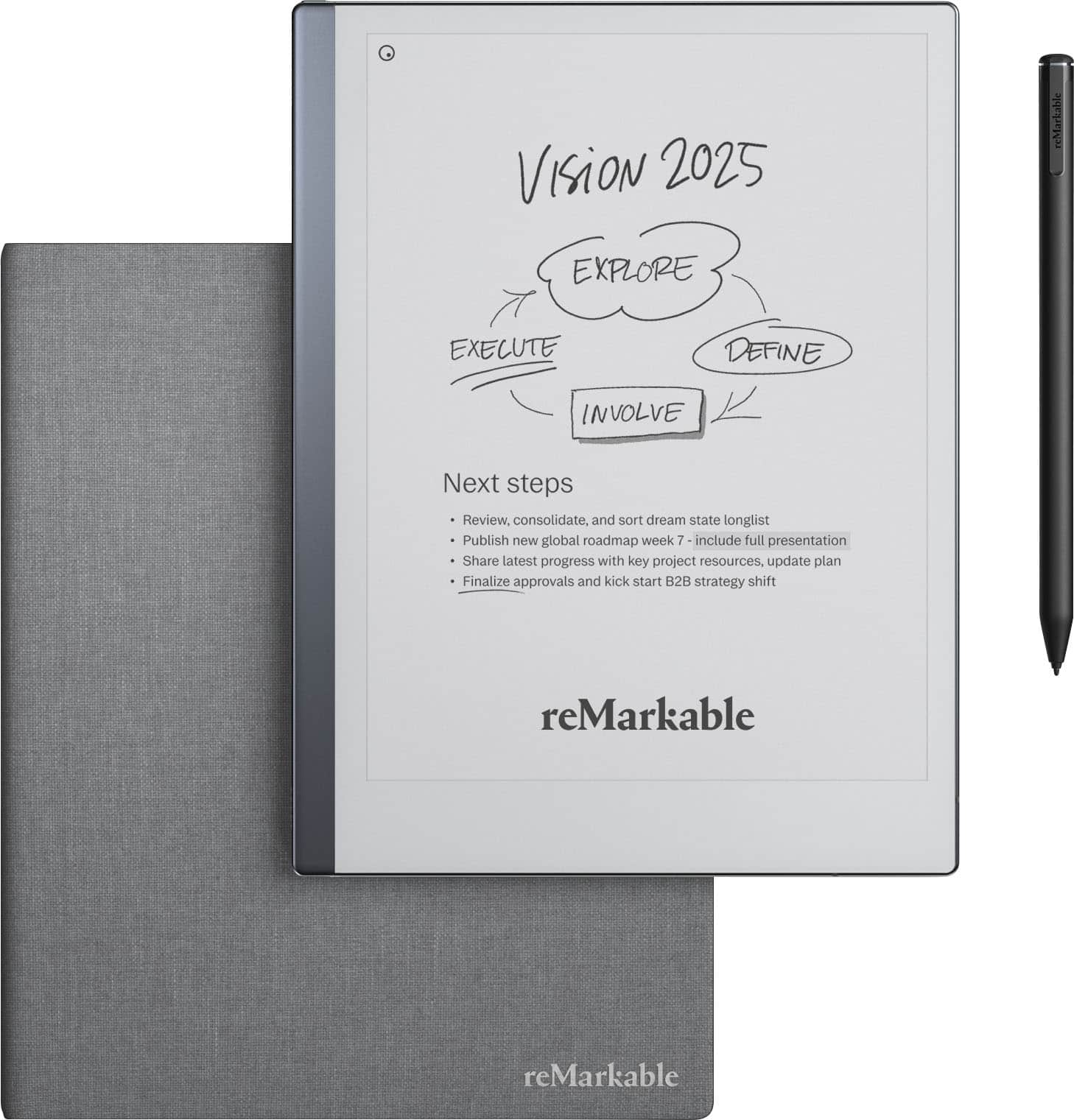
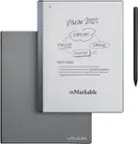
reMarkable - 2 - 10.3” Paper Tablet with Marker Plus and Polymer Weave Book Folio - Gray
SKU: C4SQZQ4JFJIt has a learning curve and the company does not have great videos
See all Digital NotebooksProduct Description
A gray digital tablet offering a paper-like writing experience with Marker Plus and a stylish polymer weave folio.Your price for this item is $512.99Save $56The previous price was $569.00 -
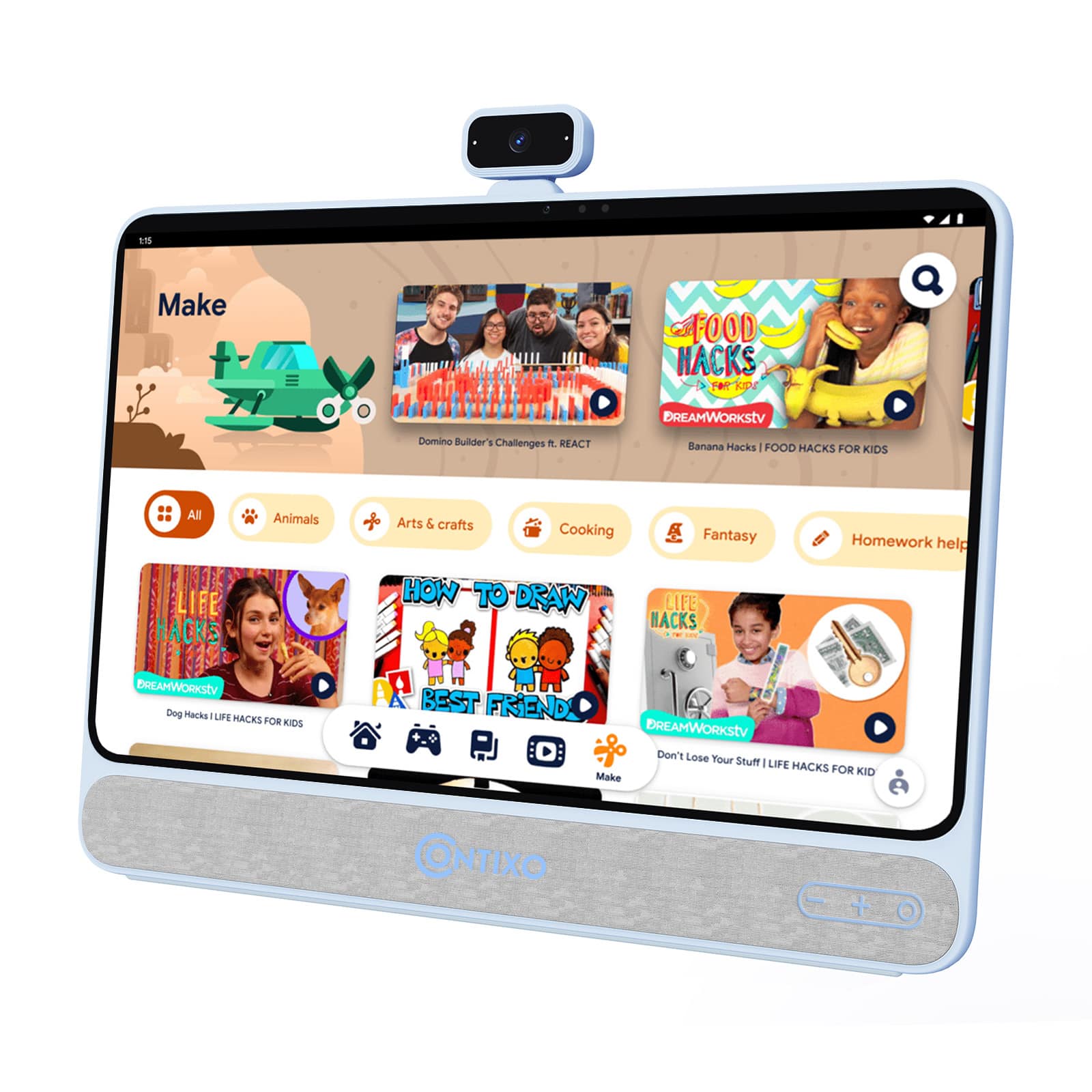
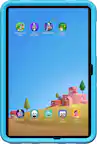
Contixo - A3 15.6" Educational Touchscreen Tablet, Android 11 HD, 256GB Storage, 13MP Camera & Built-in 10W Speaker - Light Blue
SKU: J3GWLL2QGYSee all All TabletsProduct Description
A light blue Android 11 tablet with a 15.6" HD touchscreen, 256GB storage, and 13MP camera.Your price for this item is $329.99Save $20The previous price was $349.99 -
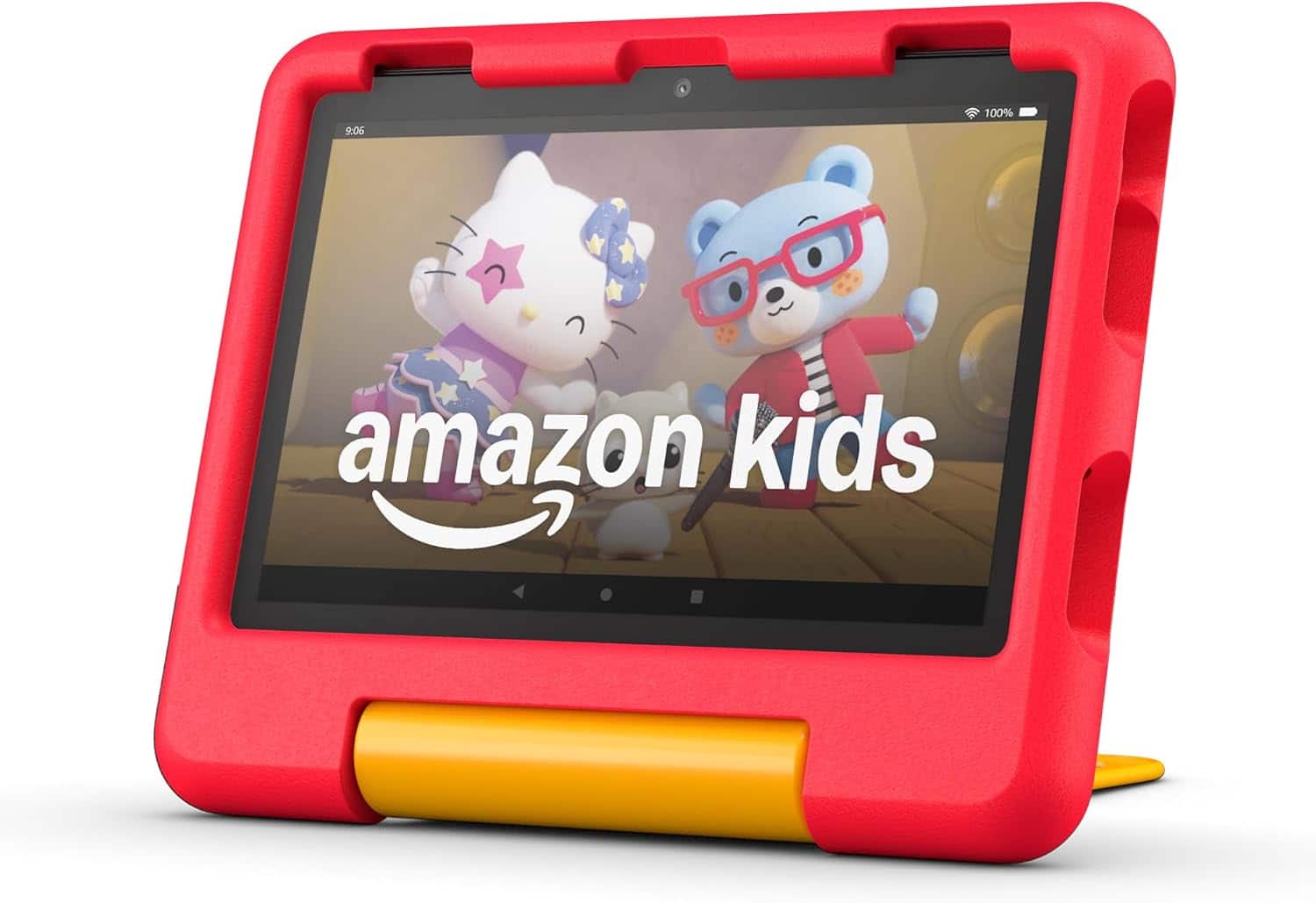
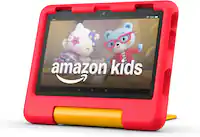
Amazon - Fire HD 8 Kids tablet, ages 3-7 | 3GB memory, 13-hr battery, 32GB (2024 release) - Disney Pixar Cars
SKU: J39TLSR7G3See all Kids' TabletsProduct Description
A red Disney Pixar Cars-themed kids’ tablet with 3GB memory, 32GB storage, and 13-hour battery life.Your price for this item is $149.99 -
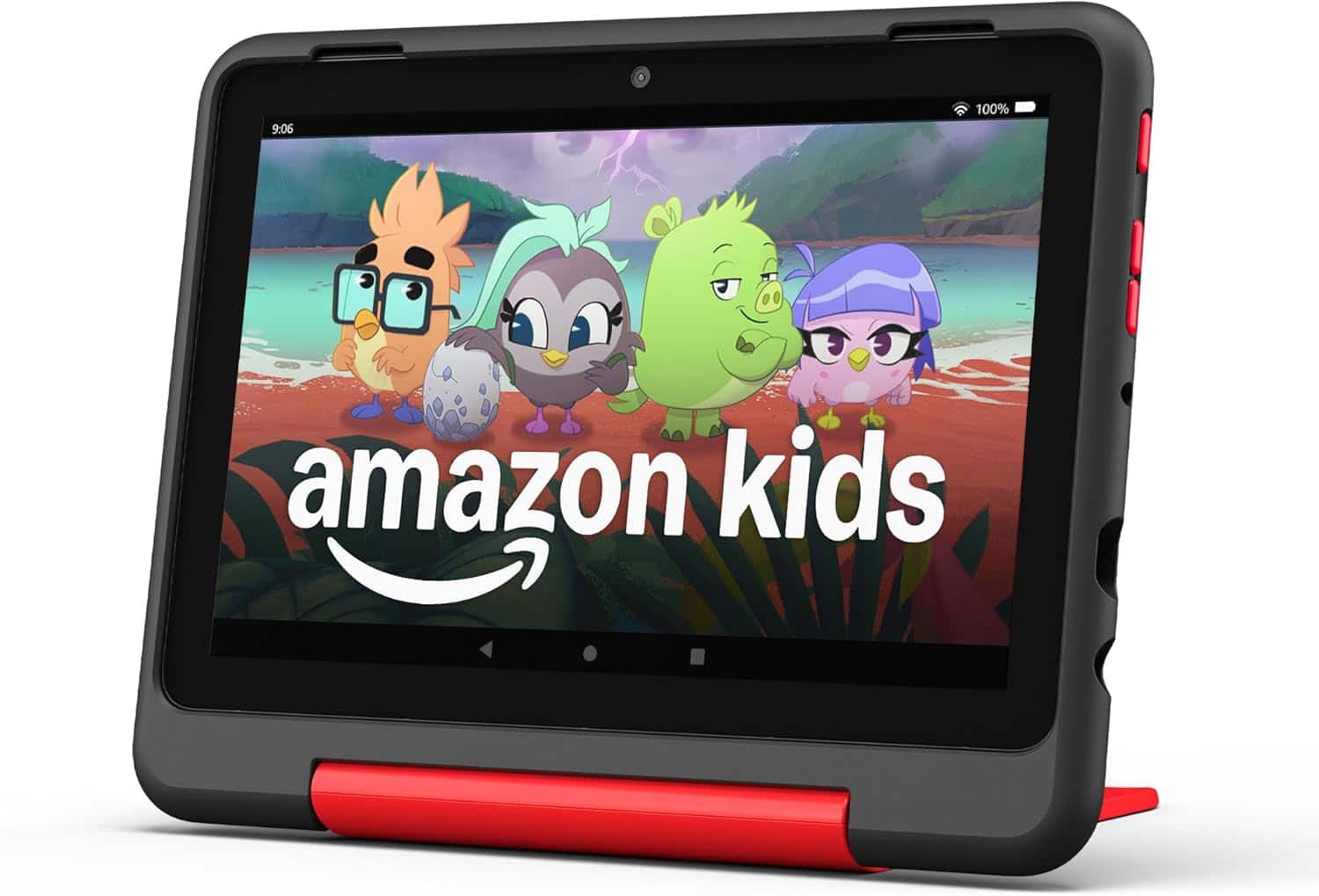
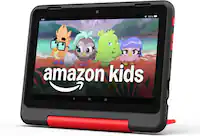
Amazon - Fire HD 8 Kids Pro tablet, ages 6-12 | 3GB memory, 8" HD screen, 13-hr battery, 32GB (2024 release) - Marvel Avengers
SKU: J39TLS96RWSee all Kids' TabletsProduct Description
A Marvel Avengers-themed tablet with 8" HD screen, 3GB memory, 32GB storage, and 13-hour battery.Your price for this item is $149.99 -
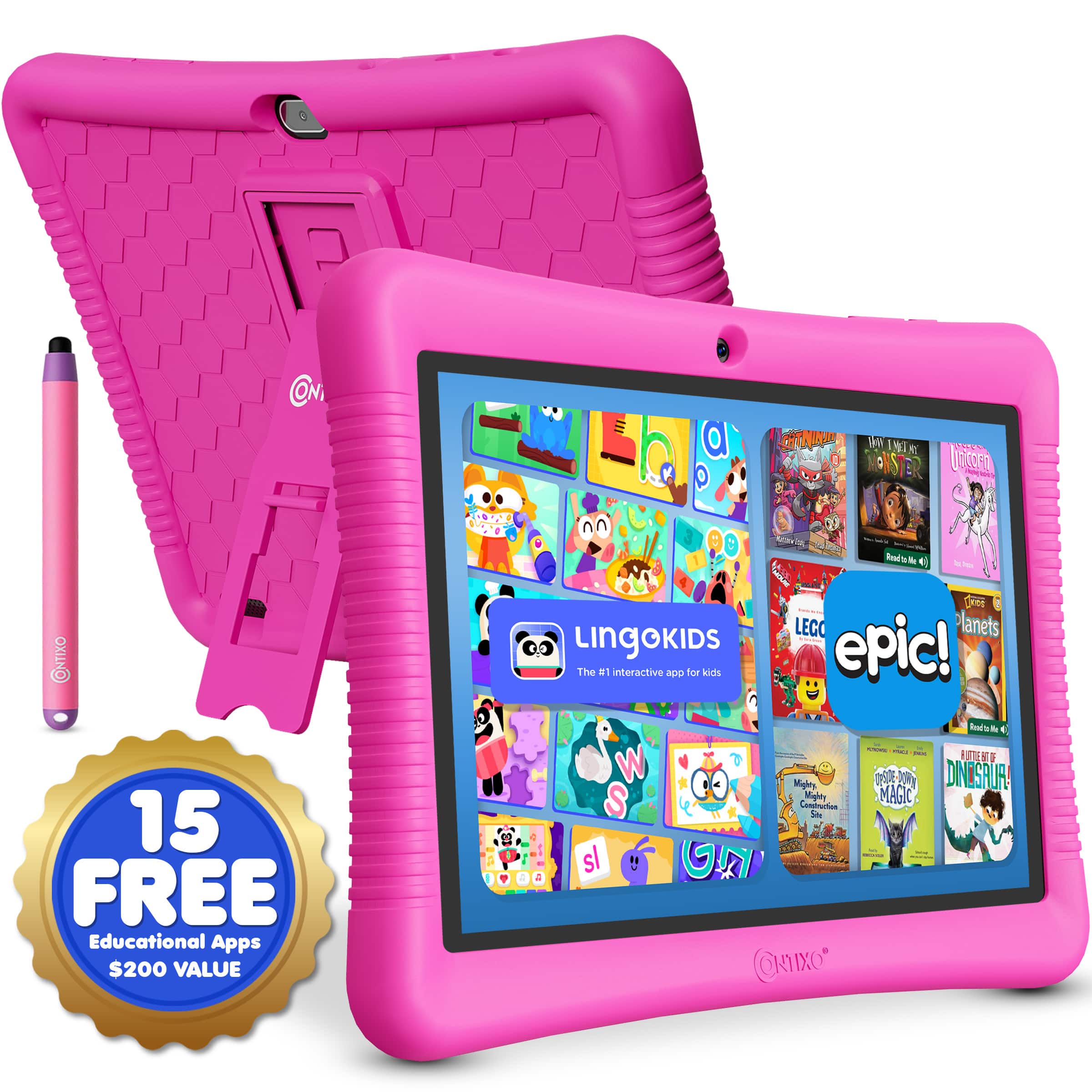
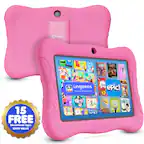
Contixo - 10" Android Kids Tablet 32GB with Stylus, Parental Controls, Learning Apps & Protective Case - Pink
SKU: JXK4Z3L5SSSee all Kids' TabletsProduct Description
A pink Android kids’ tablet with 32GB storage, parental controls, educational apps, and a kid-proof case.Your price for this item is $79.99 -
Dell - Chromebook 3120 11.6" Laptop Intel N-Series N100 4GB 64GB EMMC - Gray
SKU: J3K4L6XZ6HSee all ChromebooksProduct Description
A durable gray Chromebook with an 11.6" HD display, Intel N100 processor, 4GB RAM, and Wi-Fi 6.Your price for this item is $424.59 -
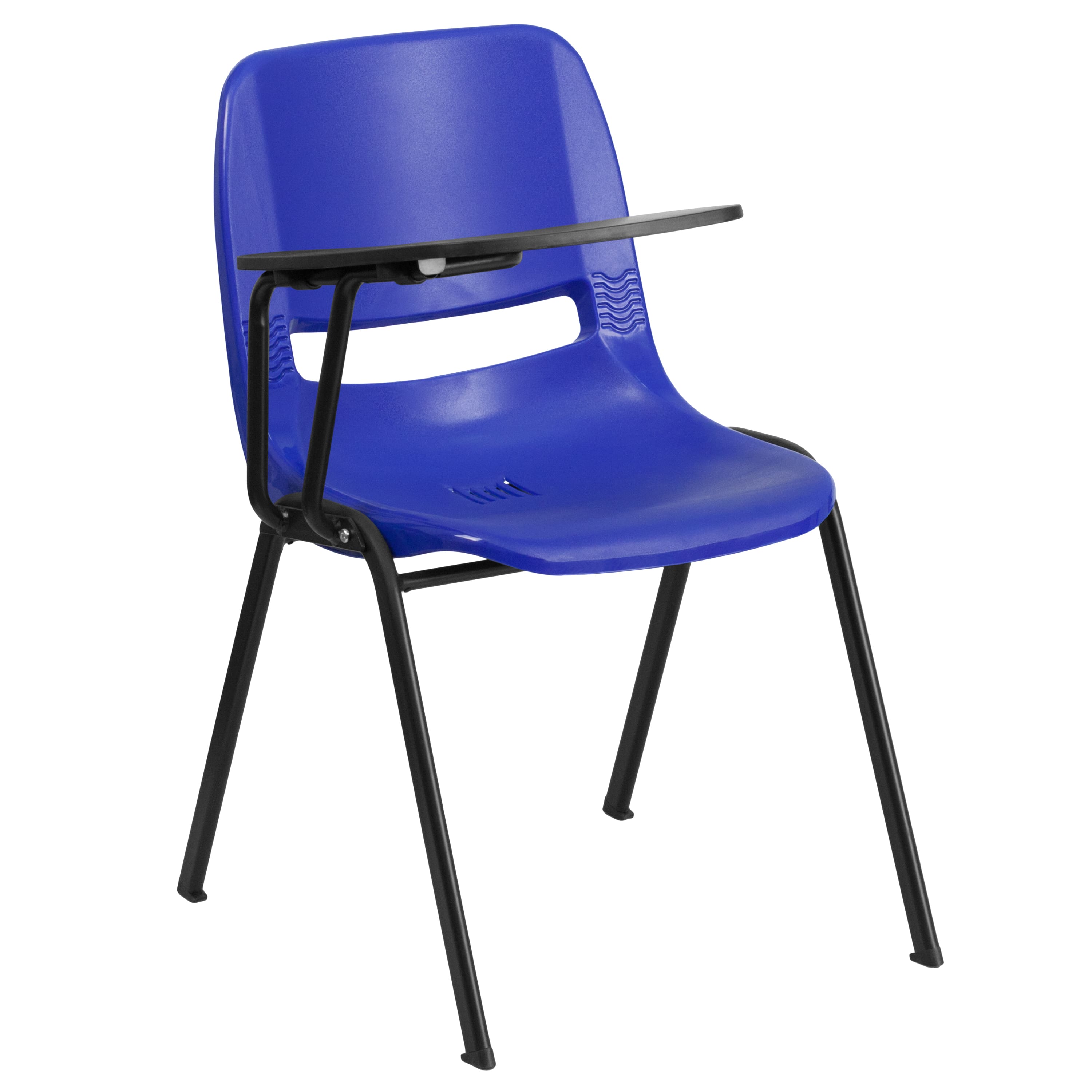
Emma + Oliver - Ergonomic Shell Chair with Right Handed Flip-Up Tablet - Tablet Arm Desk - Blue
SKU: J3ZHF3YXGKThese chairs are great!...These chairs are great! In fact, I am going to order 8 more!
See all Task ChairsProduct Description
An ergonomic blue chair with a right-handed flip-up tablet arm, featuring a contoured seat and metal frame.Your price for this item is $62.69 -
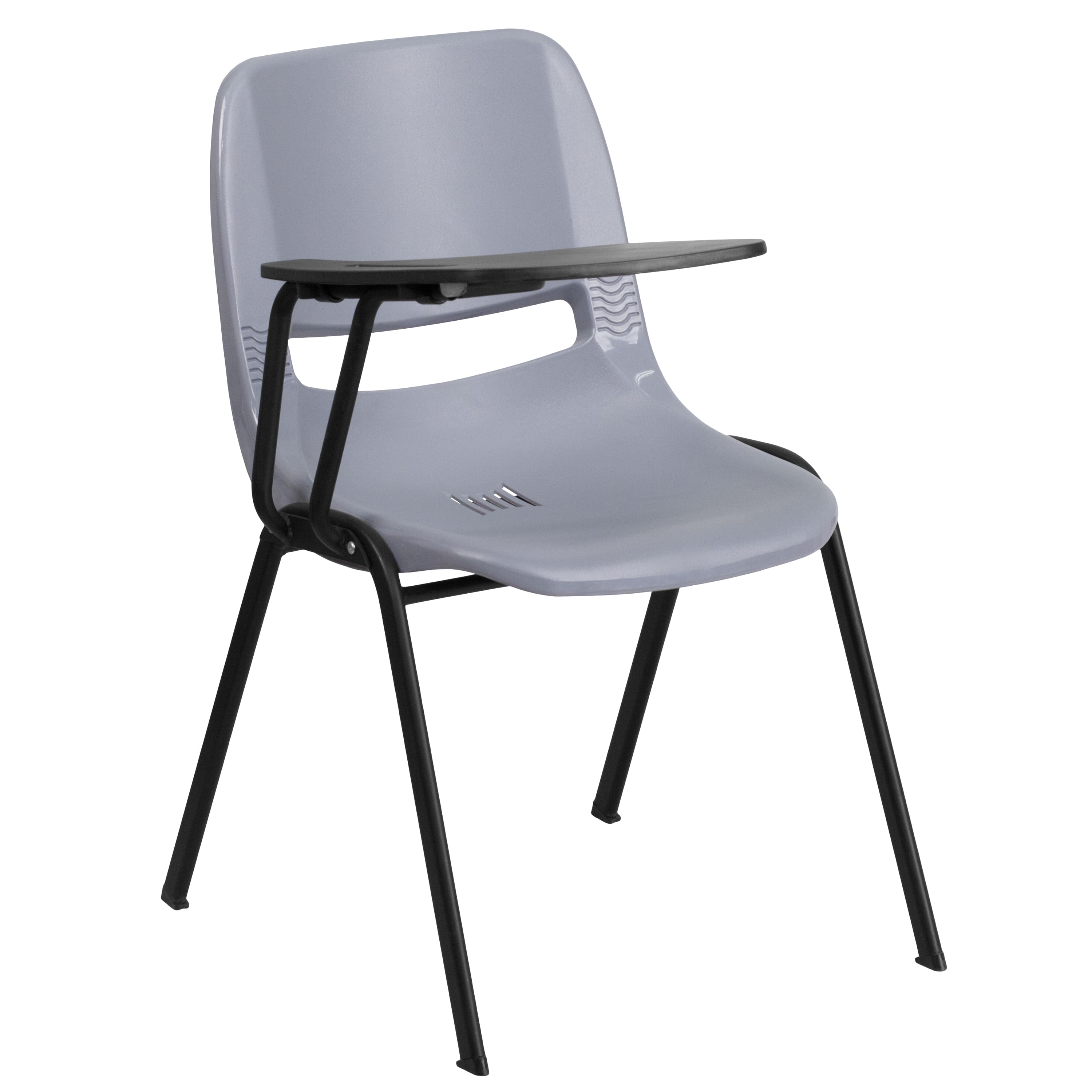
Emma + Oliver - Ergonomic Shell Chair with Right Handed Flip-Up Tablet - Tablet Arm Desk - Gray
SKU: J3ZHF3YX88See all Task ChairsProduct Description
An ergonomic gray chair with a right-handed flip-up tablet arm, contoured seat, and metal-plastic frame.Your price for this item is $61.59 -
Emma + Oliver - Ergonomic Shell Chair with Left Handed Flip-Up Tablet - Tablet Arm Desk - Green
SKU: J3ZHFXFH5VSee all Task ChairsProduct Description
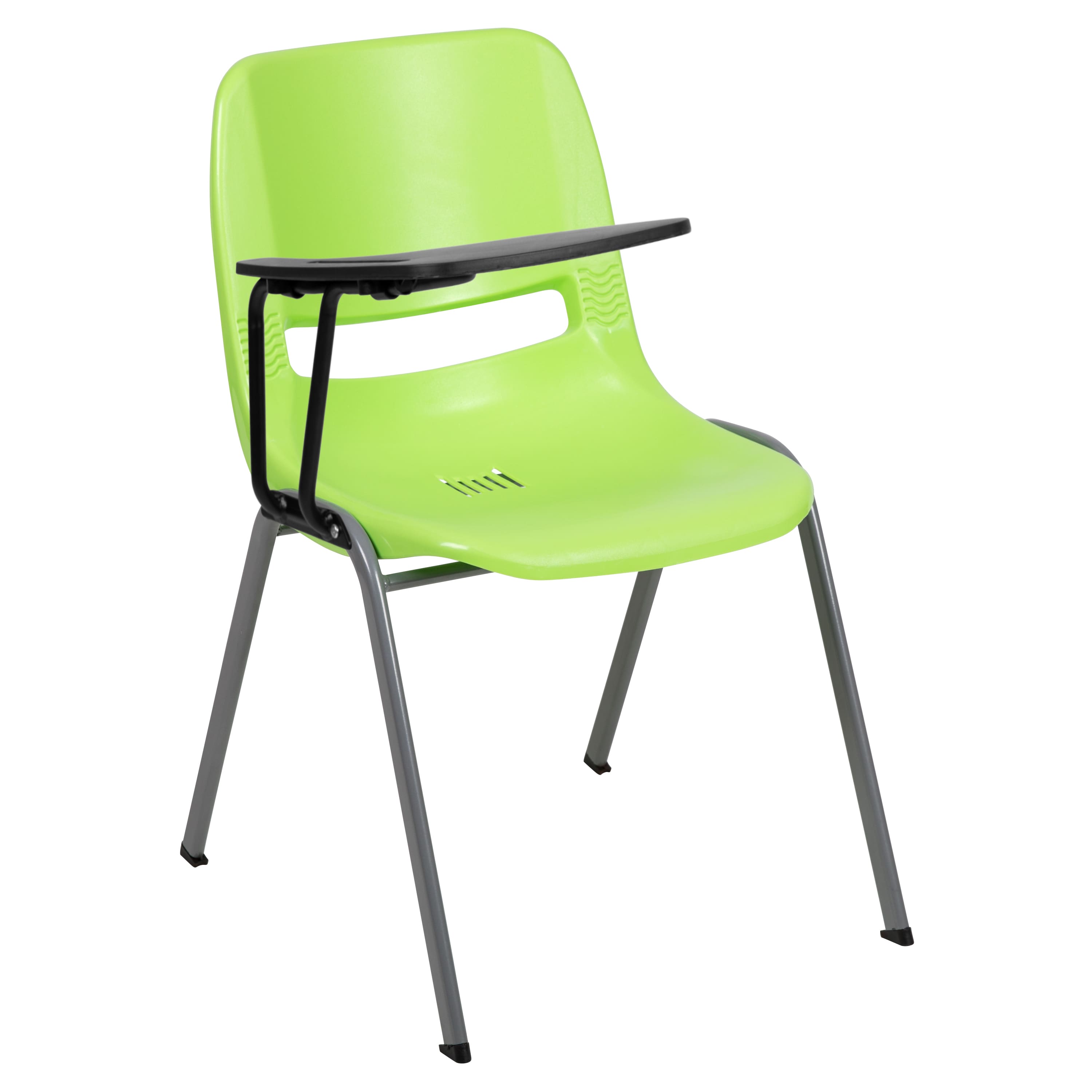
An ergonomic green chair with left-handed flip-up tablet arm, featuring a comfort-formed back and metal frame.Your price for this item is $81.39 -
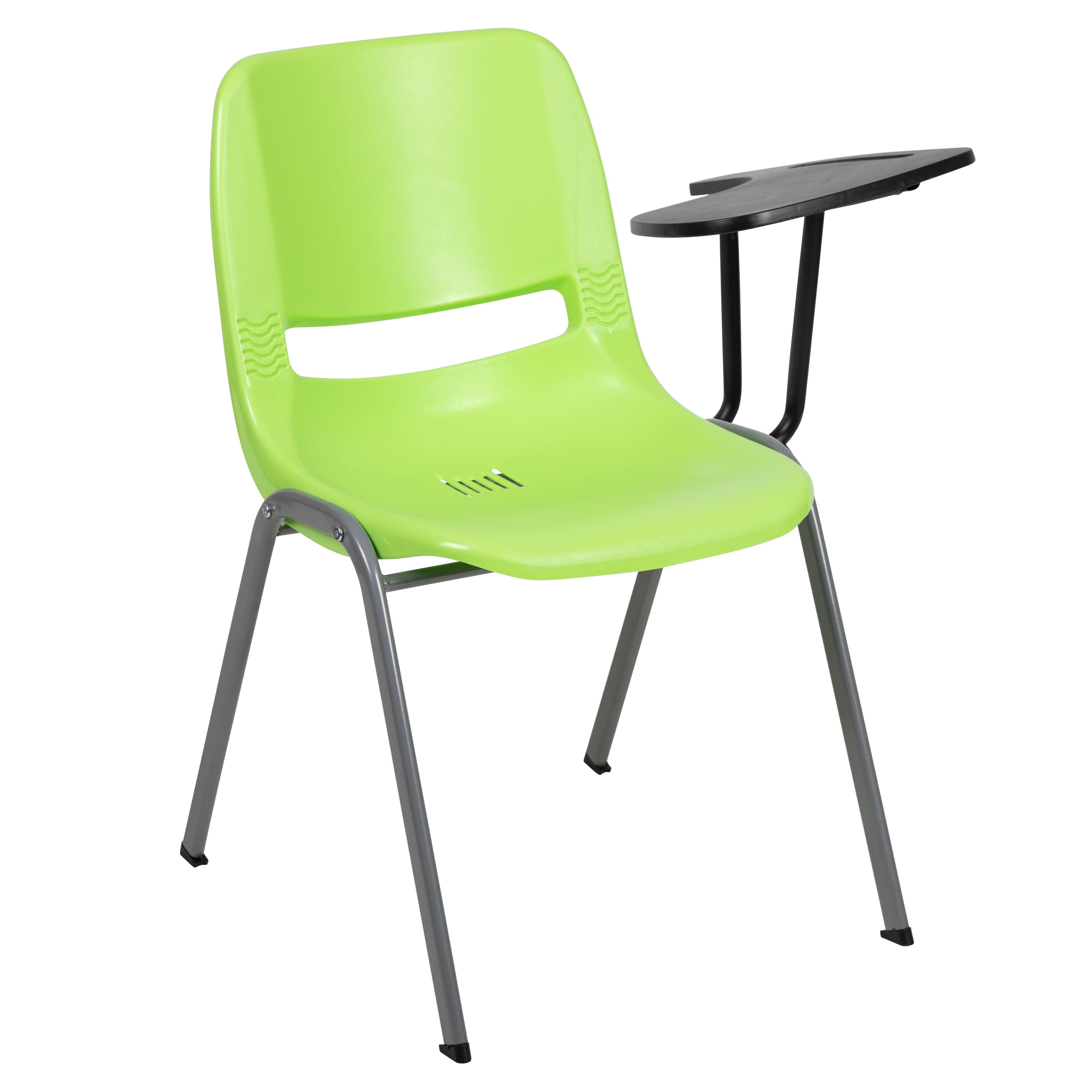
Emma + Oliver - Ergonomic Shell Chair with Right Handed Flip-Up Tablet - Tablet Arm Desk - Green
SKU: J3ZHFXFH5GSee all Task ChairsProduct Description
An ergonomic green chair with a right-handed flip-up tablet arm, featuring a comfort-formed plastic seat and metal frame.Your price for this item is $67.09

Best Sellers
Related Pages


FAQ
Tablets for school can support activities such as reading digital textbooks, taking notes, completing assignments, attending virtual classes, researching topics and using educational apps.
Helpful features include a clear display, a responsive touchscreen, a battery that supports daily schoolwork, sufficient storage for apps and files, a front-facing camera for video calls and compatibility with school platforms.
The best operating system depends on the apps and online platforms used by the school. Students may choose among tablet operating systems such as iPadOS, Android or ChromeOS based on software compatibility, account integration and familiarity.
Many school tablets work with compatible keyboards and styluses. A keyboard can help with essays and longer assignments, while a stylus can be useful for handwriting, drawing, annotating documents and solving problems.
Students can organize schoolwork with folders, calendar apps, note-taking tools and cloud storage. Creating separate folders for each class and using clear file names can make assignments, notes and study materials easier to find.