Graphics Card For Premiere Pro
-
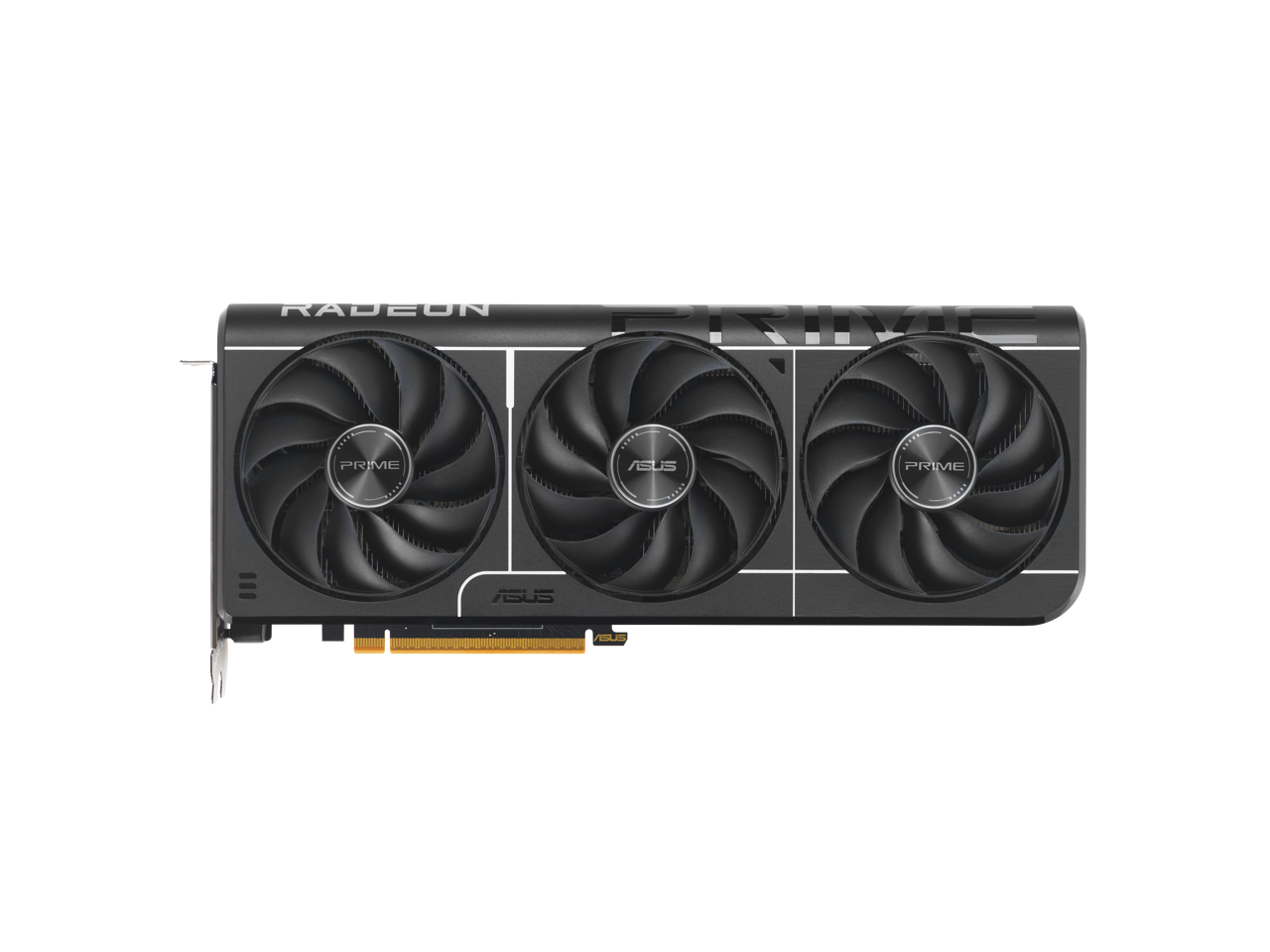
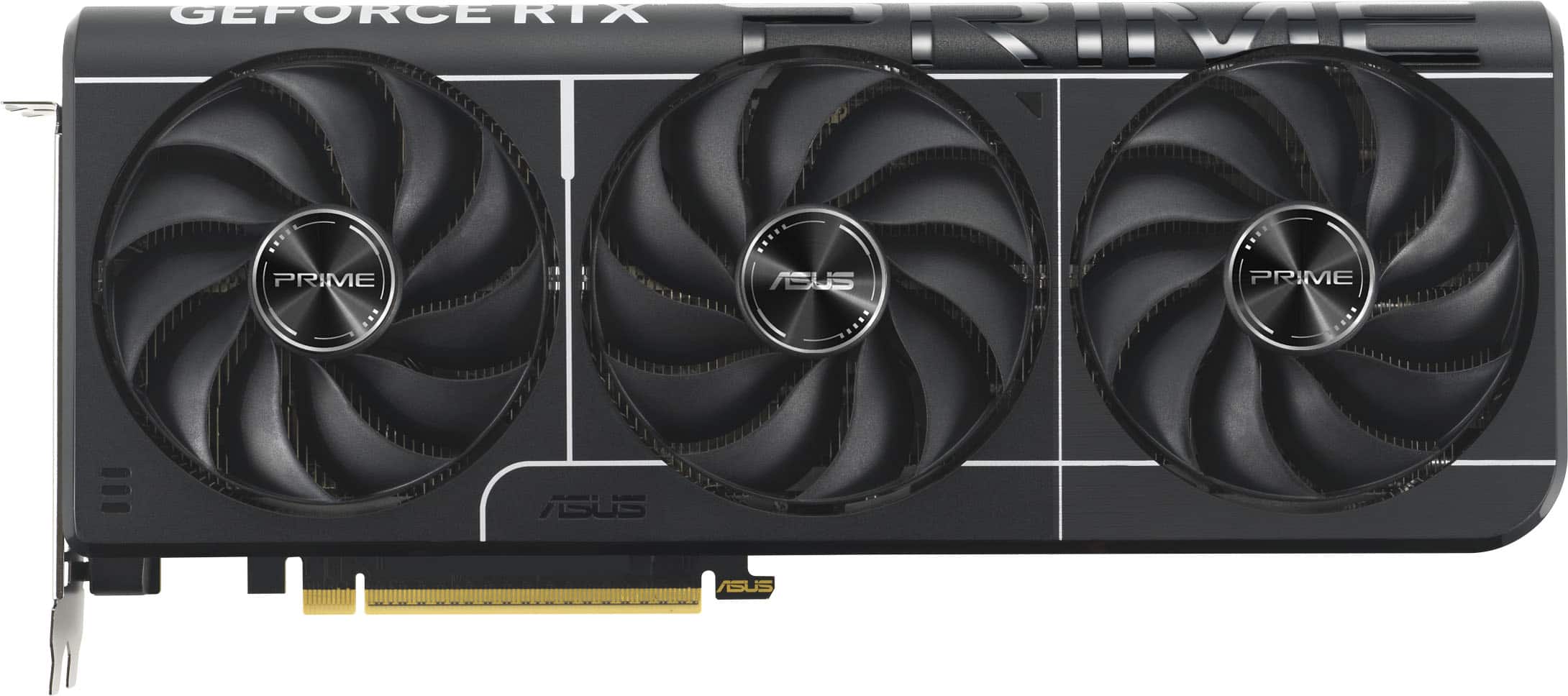
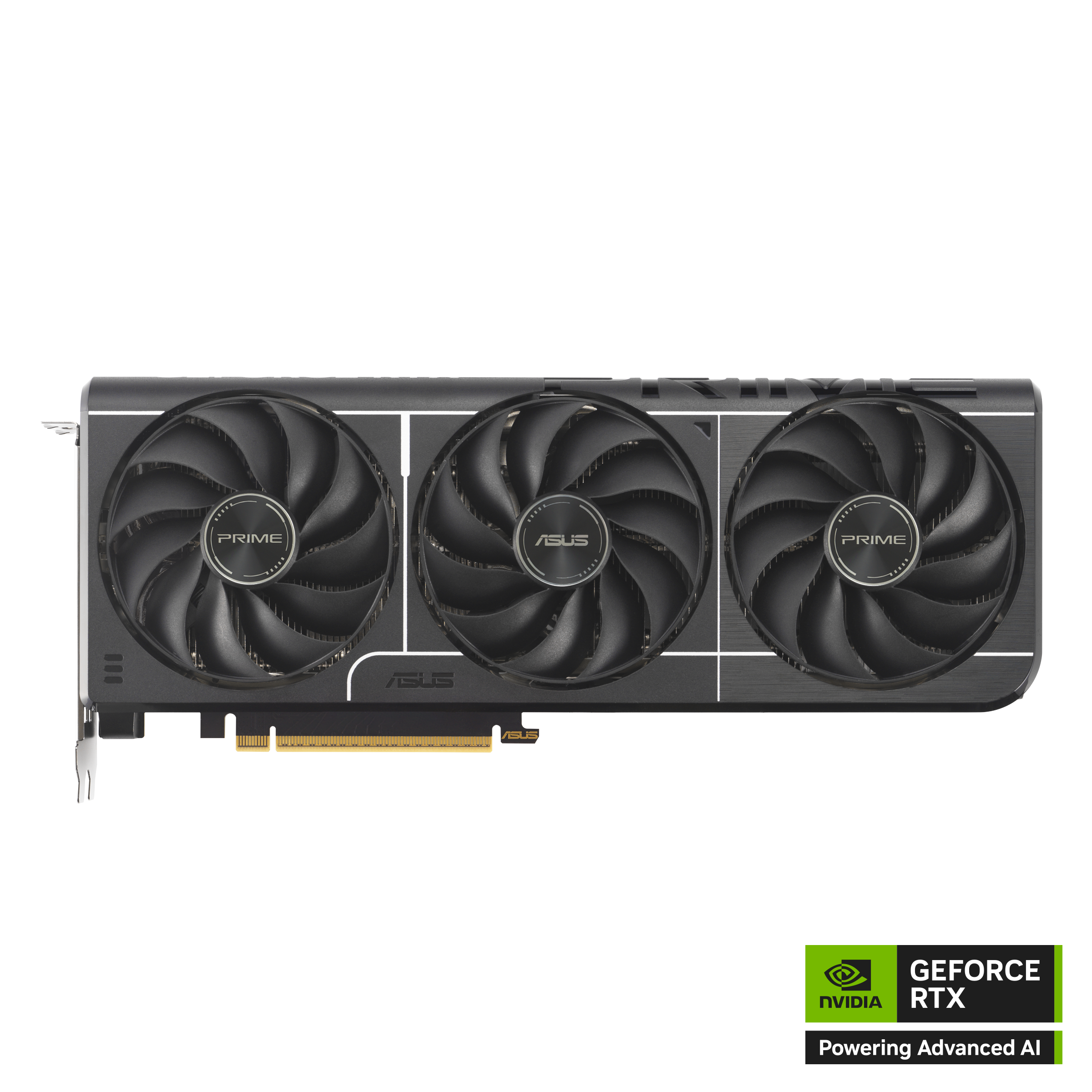
ASUS - PRIME Radeon RX 9070 GRE 12GB GDDR6 PCI Express 5.0 ATX Graphics Card PRIME-RX9070GRE-O12G-EVO
SKU: JJGHGSSV92Been using for 3 months and card performance is great run every game at high smooth framerates,no issues...Great Card
See all GPUs / Video Graphics CardsProduct Description
A high-performance graphics card with 12GB GDDR6 memory, PCIe 5.0 support, and 8K resolution capability.Your price for this item is $614.99Save $81The previous price was $696.75 -
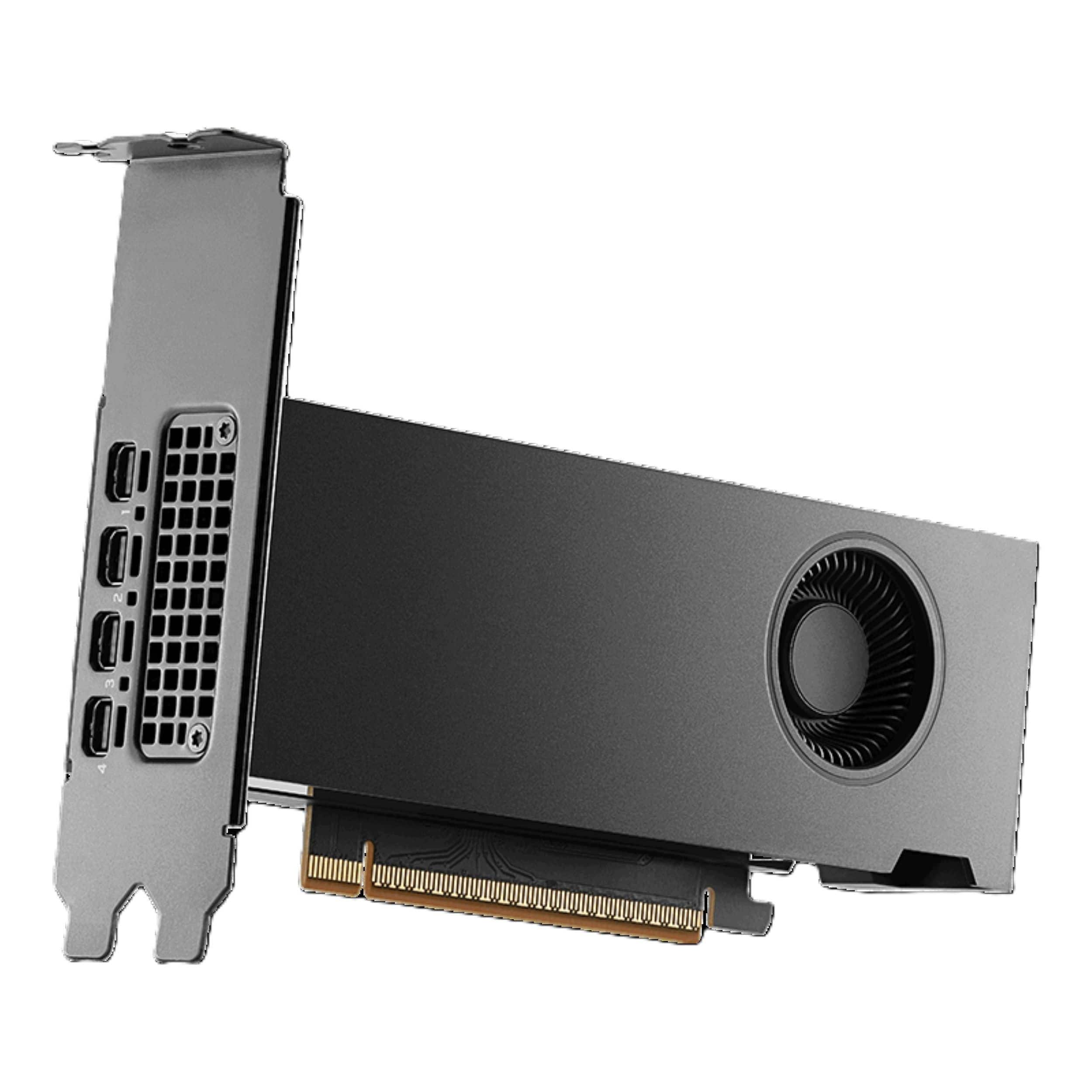
PNY - NVIDIA RTX PRO 2000 Blackwell 16GB GDDR7 PCI Express 5.0 Graphics Card - Black
SKU: JXF2C46VFJSee all GPUs / Video Graphics CardsProduct Description
A black graphics card with 16GB GDDR7 memory, PCIe 5.0, four mini DisplayPort ports, and 8K.Your price for this item is $1,799.99 -
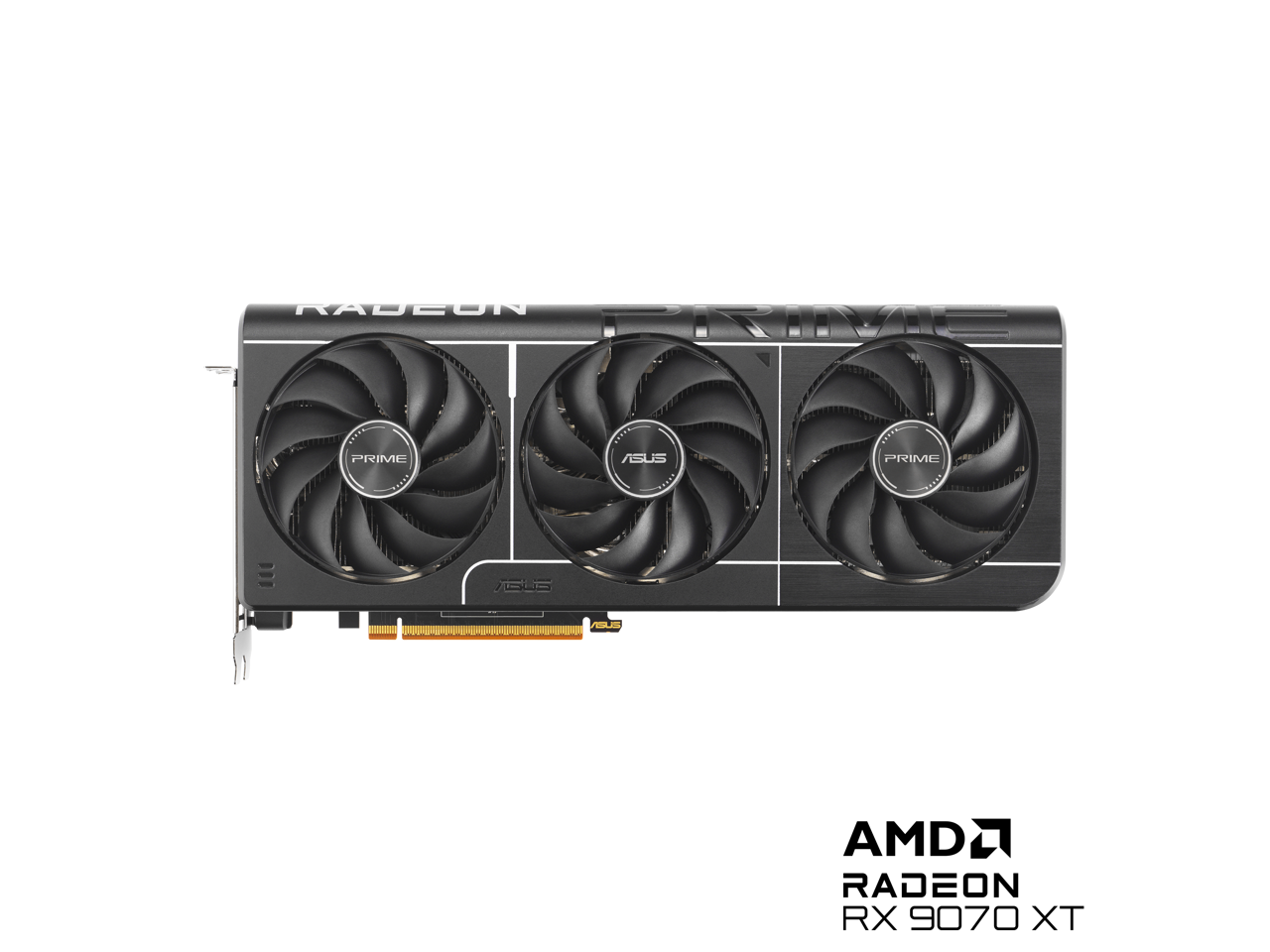
ASUS - PRIME Radeon RX 9070 XT 16GB 256-Bit GDDR6 PCI Express 5.0 RDNA 4 Graphics Card PRIME-RX9070XT-O16G
SKU: JJGGLH7CGPLove the SFF on this card. Fits great in a meshroom s v2 for my new 9950x /9070xt / 64gb build....Love how it stays cool (61-64 c) and quiet under 100% load with demanding titles such as Jedi Survivor...
See all GPUs / Video Graphics CardsProduct Description
A high-performance graphics card with 16GB GDDR6 memory, PCIe 5.0, and 8K DisplayPort 2.1 support.Your price for this item is $999.99 -
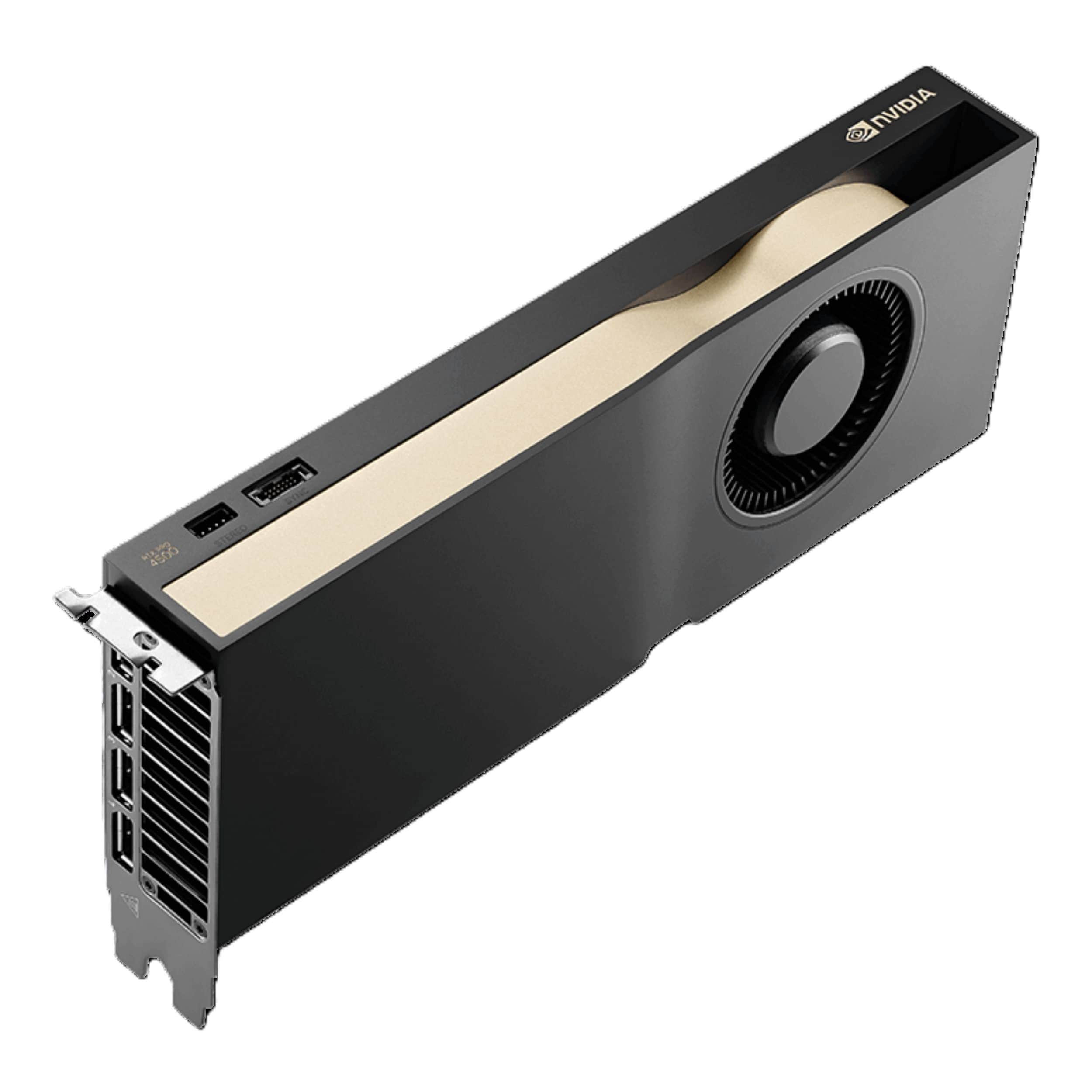
PNY - NVIDIA RTX PRO 4500 Blackwell 32GB GDDR7 PCI Express 5.0 Workstation Edition Graphics Card - Black
SKU: JXF2C46FV4See all GPUs / Video Graphics CardsProduct Description
A high-performance graphics card with 32GB GDDR7 ECC memory, PCIe 5.0 interface, and 4K resolution support.Your price for this item is $5,049.99 -
ASUS - PRIME NVIDIA GeForce RTX 5070 Ti 16GB GDDR7 PCI Express 5.0 Graphics Card - Black
SKU: JJGGLHJX5WSee all GPUs / Video Graphics CardsProduct Description
A powerful black graphics card with 16GB GDDR7, PCIe 5.0, and advanced cooling for optimal gaming.Your price for this item is $1,199.99 -
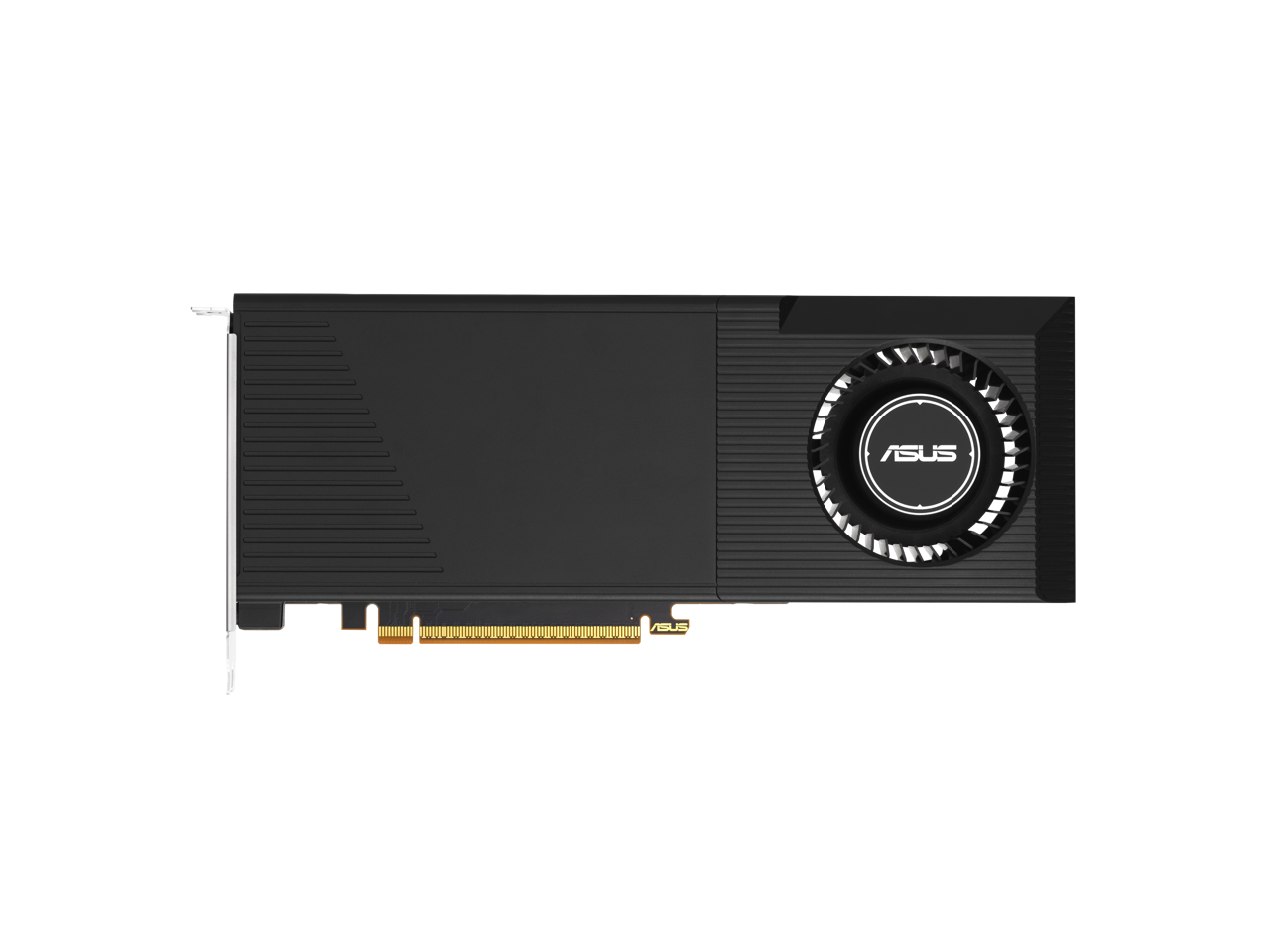
ASUS - TURBO R9700 TURBO-AI-PRO-R9700-32G 32GB 256-bit GDDR6 PCI Express 5.0 x16 Graphics Card
SKU: JJGHGP9ZSTSee all GPUs / Video Graphics CardsProduct Description
A high-performance graphics card with 32GB GDDR6 memory, PCIe 5.0, HDMI, and DisplayPort connectivity.Your price for this item is $2,278.49 -
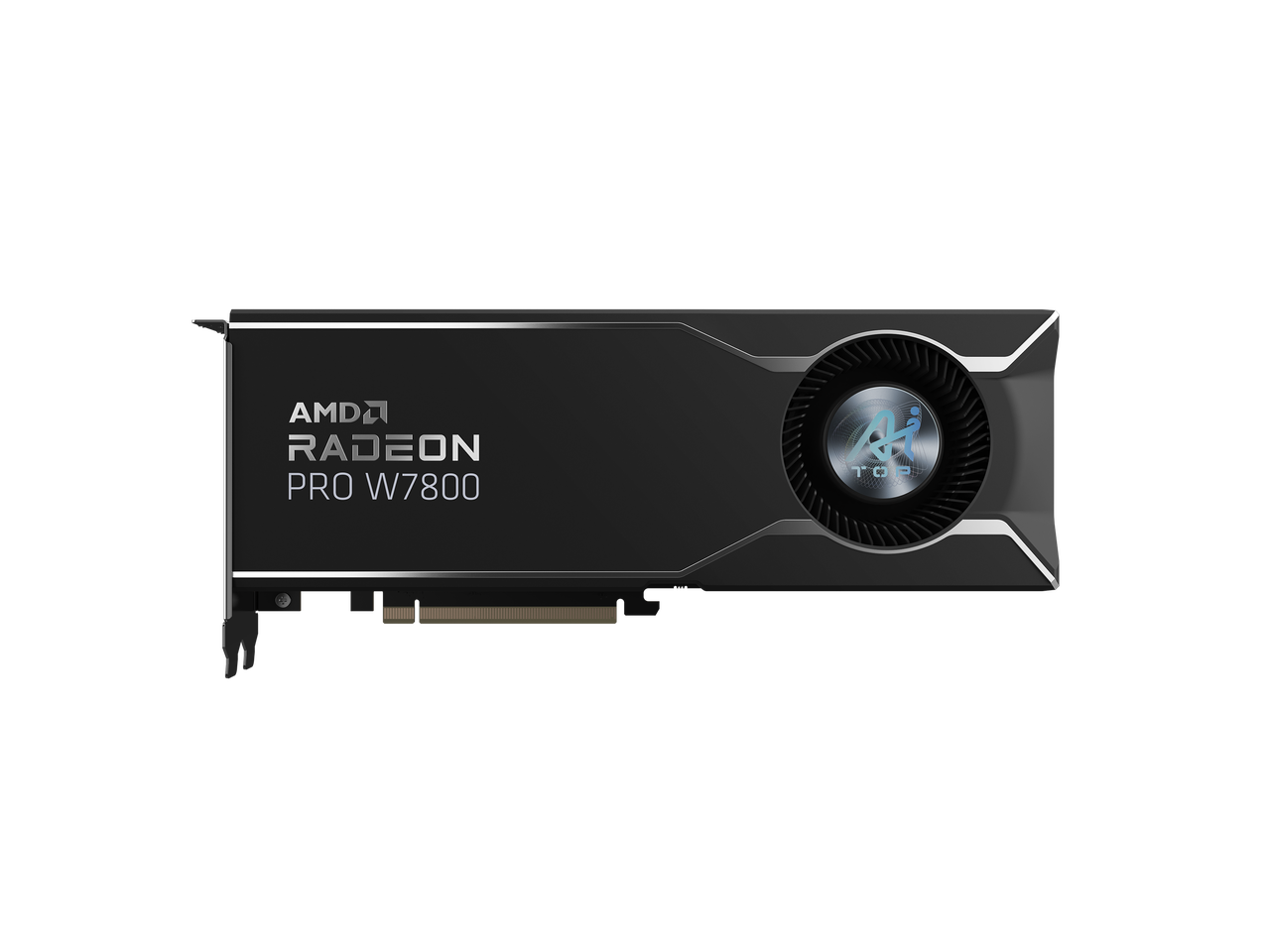
GIGABYTE - Radeon AI PRO W7800 32GB GDDR6 PCI Express 4.0 x16 ATX Graphics Card Radeon PRO W7800 AI TOP 32G
SKU: J3ZW92V49FSee all GPUs / Video Graphics CardsProduct Description
A professional AMD Radeon graphics card with 32GB GDDR6 memory, PCIe 4.0 x16, and 8K support.Your price for this item is $2,225.99Save $60The previous price was $2,285.99 -
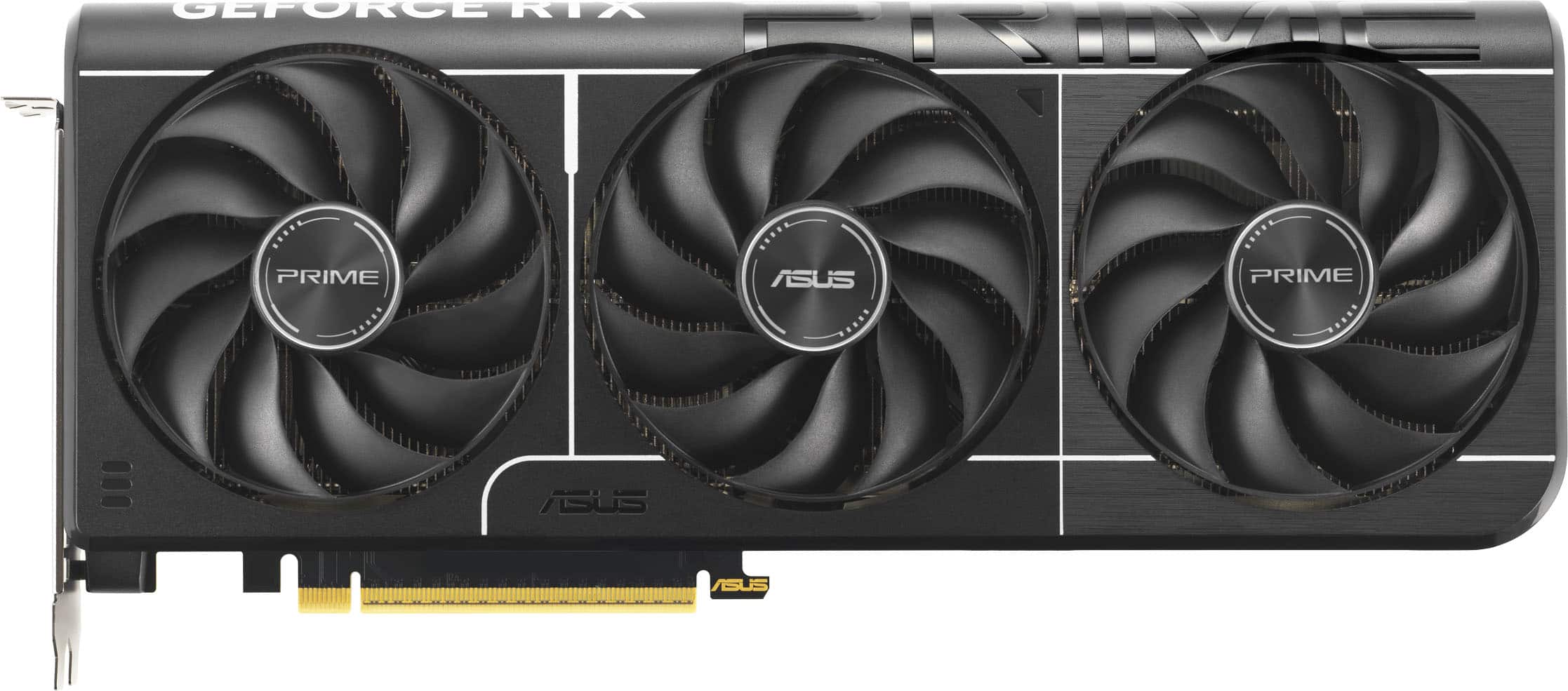
ASUS - PRIME NVIDIA GeForce RTX 5070 OC Edition 12GB GDDR7 PCI Express 5.0 Graphics Card - Black
SKU: JJGGLH7TH8I love best buy!...Love this card low temps and fast with high fps runs very smooth and would recommend to get the best
See all GPUs / Video Graphics CardsProduct Description
A black PCIe 5.0 graphics card with 12GB GDDR7, triple fans, and 8K resolution support.Your price for this item is $855.99Save $54The previous price was $909.99 -
ASUS - PRIME NVIDIA GeForce RTX 5070 Ti OC Edition 16GB GDDR7 PCI Express 5.0 Graphics Card - Black
SKU: JJGGLHJX4KGreat GPU...This GPU is amazing, even in 4k, it runs everything smoothly in ultra settings, i love it....I love it
See all GPUs / Video Graphics CardsProduct Description
A black PCIe 5.0 graphics card with 16GB GDDR7, triple fans, and 8K resolution support.Your price for this item is $1,229.99Save $70The previous price was $1,299.99 -
ASUS - PRIME NVIDIA GeForce RTX 5060 Ti 16GB GDDR7 PCI Express 5.0 Graphics Card - Black
SKU: JJGHGYVFQZGreat service...Great graphics card. Definitely purchasing from best buy...Best, Best Buy Buy
See all GPUs / Video Graphics CardsProduct Description
A black 16GB GDDR7 graphics card with triple-fan cooling, PCIe 5.0, and 8K display support.Your price for this item is $788.99Save $21The previous price was $809.99
Best Sellers
Related Pages




FAQ
When selecting a graphics card for Adobe Premiere Pro, consider cards with high VRAM, strong CUDA core counts (for NVIDIA cards), and support for hardware acceleration. Look for models compatible with the latest drivers and software updates to ensure smooth video editing and rendering.
Adobe Premiere Pro is optimized for both NVIDIA and AMD graphics cards, but many professionals prefer NVIDIA cards due to their CUDA technology, which Premiere Pro leverages for GPU-accelerated effects and rendering. However, AMD cards with OpenCL support also offer excellent performance.
For 4K video editing in Premiere Pro, it is recommended to use a graphics card with at least 6GB of VRAM. Higher VRAM, such as 8GB or more, can provide smoother playback and faster rendering, especially when working with complex projects or high-resolution footage.
Yes, a dedicated graphics card can significantly improve export and rendering times in Premiere Pro by accelerating GPU-optimized effects and processes. This allows for faster previews, smoother playback, and quicker exports compared to relying solely on the CPU.
Popular graphics card models for Premiere Pro include the NVIDIA GeForce RTX series (such as RTX 3060, 3070, and 3080) and AMD Radeon RX series (such as RX 6700 XT and RX 6800). These cards offer excellent performance for video editing and are widely supported by Adobe software.