Graphics Card For Video Editing Laptop
-
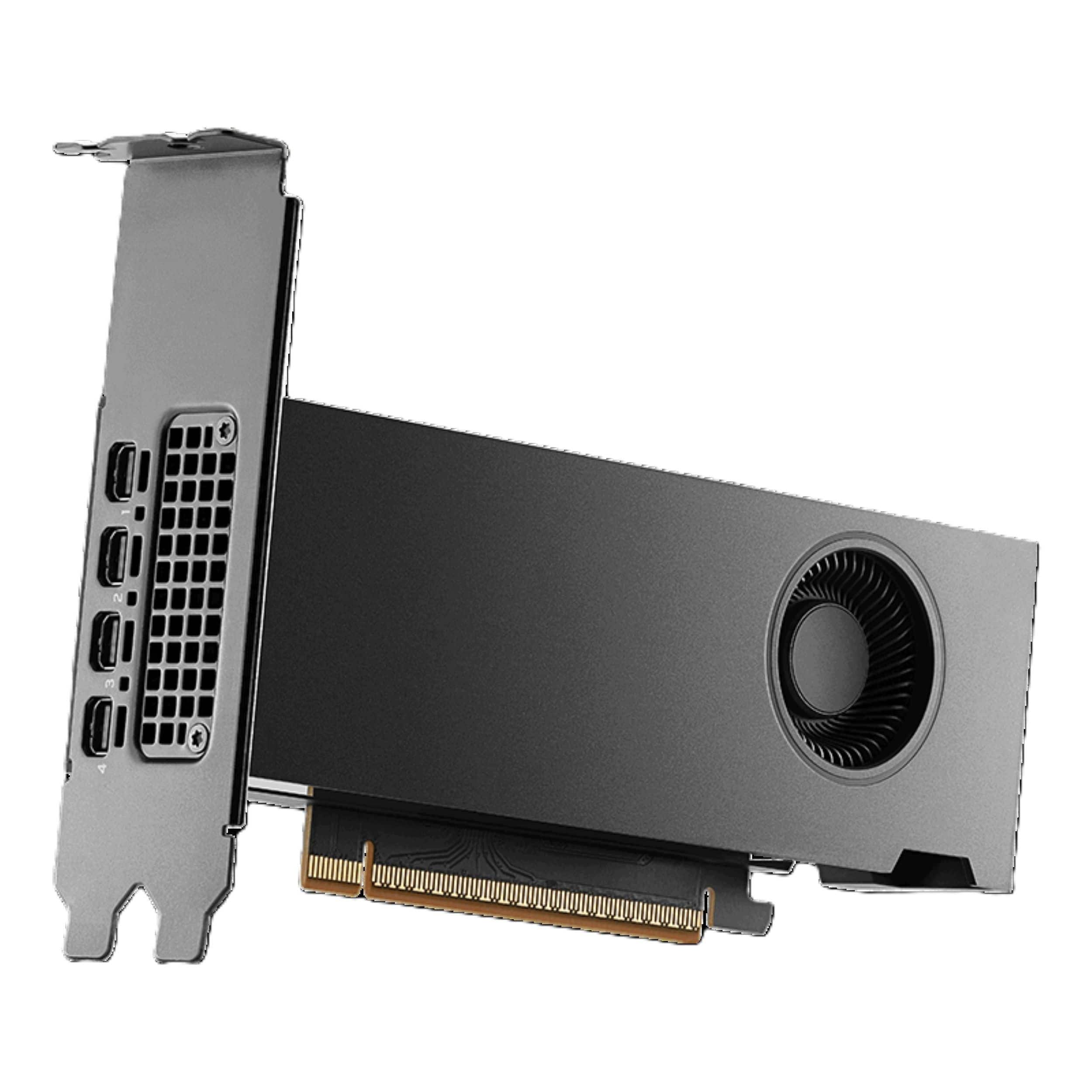
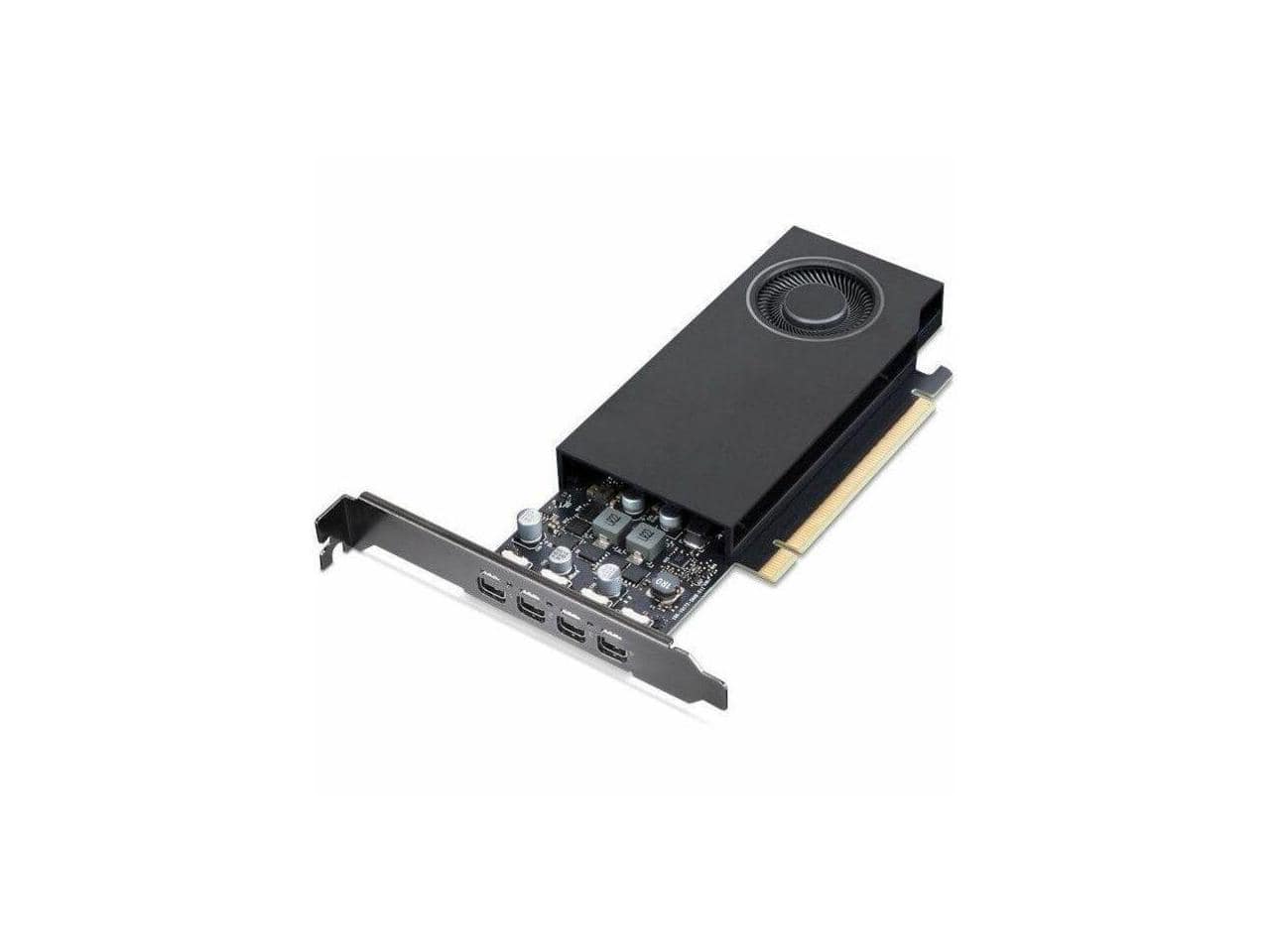
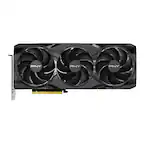
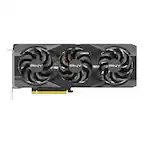
PNY - NVIDIA RTX PRO 2000 Blackwell 16GB GDDR7 PCI Express 5.0 Graphics Card - Black
SKU: JXF2C46VFJSee all GPUs / Video Graphics CardsProduct Description
A black graphics card with 16GB GDDR7 memory, PCIe 5.0, four mini DisplayPort ports, and 8K.Your price for this item is $1,799.99 -
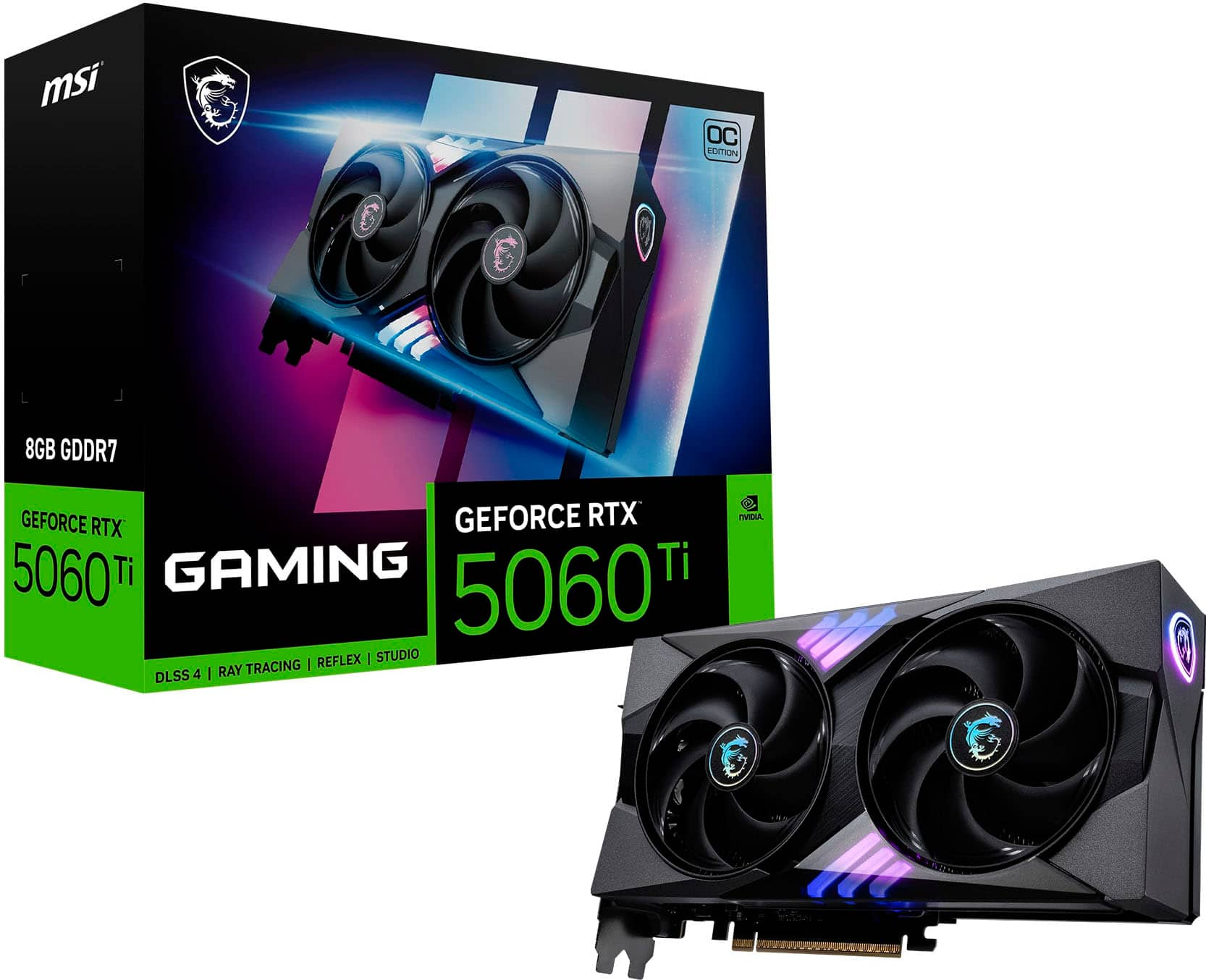
MSI - NVIDIA GeForce RTX 5060 Ti 8G GAMING OC 8GB GDDR7 PCI Express Gen 5 Graphics Card - Black
SKU: J3P7TXR4CYGreat purchase...Love this gpu, honestly the best I have had yet. Gameplay is really smooth with decent fps....Great desl...Best Buy got better price then anyone go get your now
See all GPUs / Video Graphics CardsProduct Description
A powerful black graphics card with 8GB GDDR7, PCIe Gen 5, 8K support, and advanced cooling.Your price for this item is $519.99 -
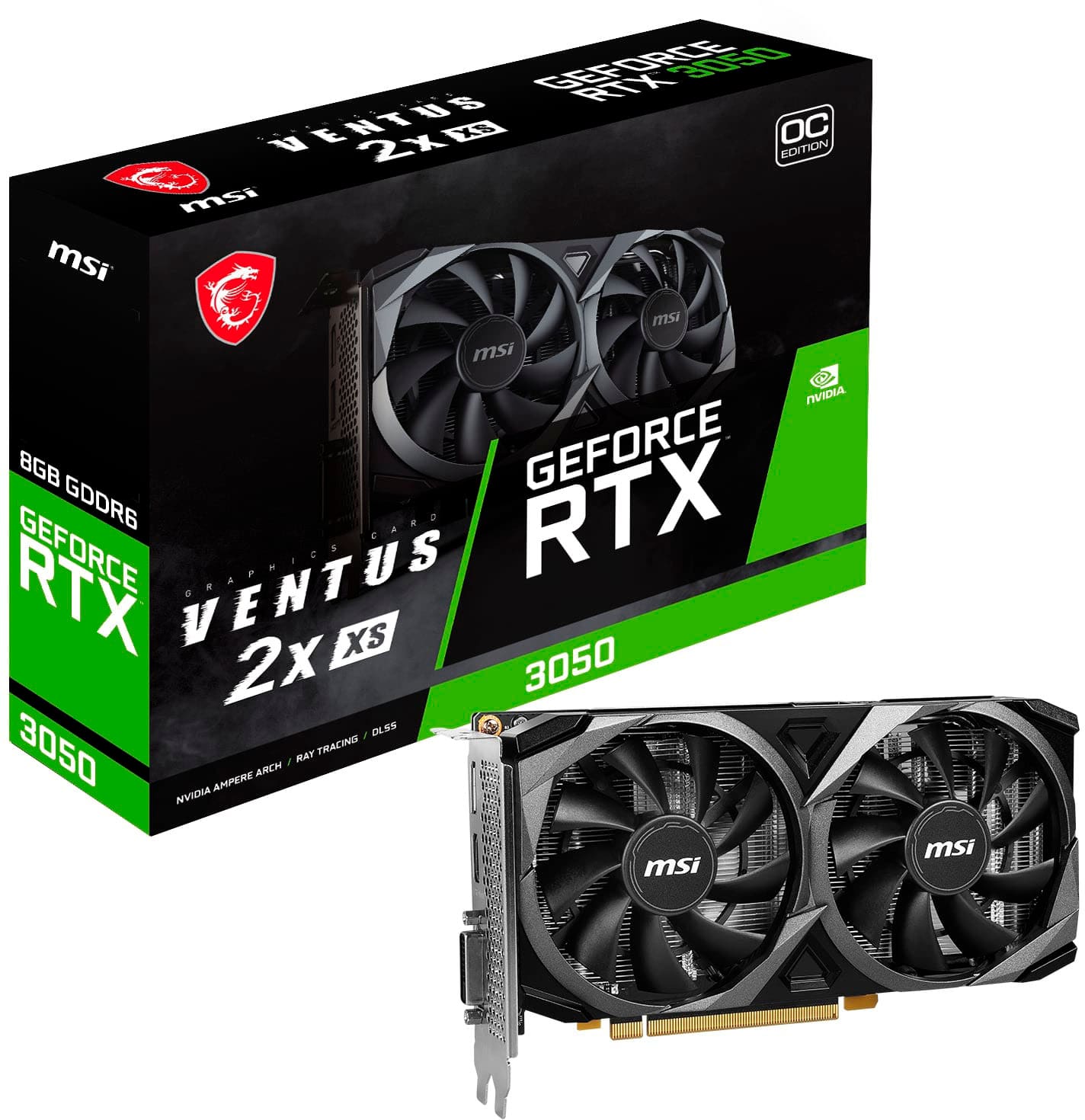
MSI - NVIDIA RTX 3050 VENTUS 2X XS 8G OC - 8GB GDDR6 - PCI Express 4.0 - Graphics Card - Black
SKU: J3P7TXLPTTSee all GPUs / Video Graphics CardsProduct Description
A black PCIe 4.0 graphics card with 8GB GDDR6, triple fans, and 8K gaming support.Your price for this item is $359.99 -
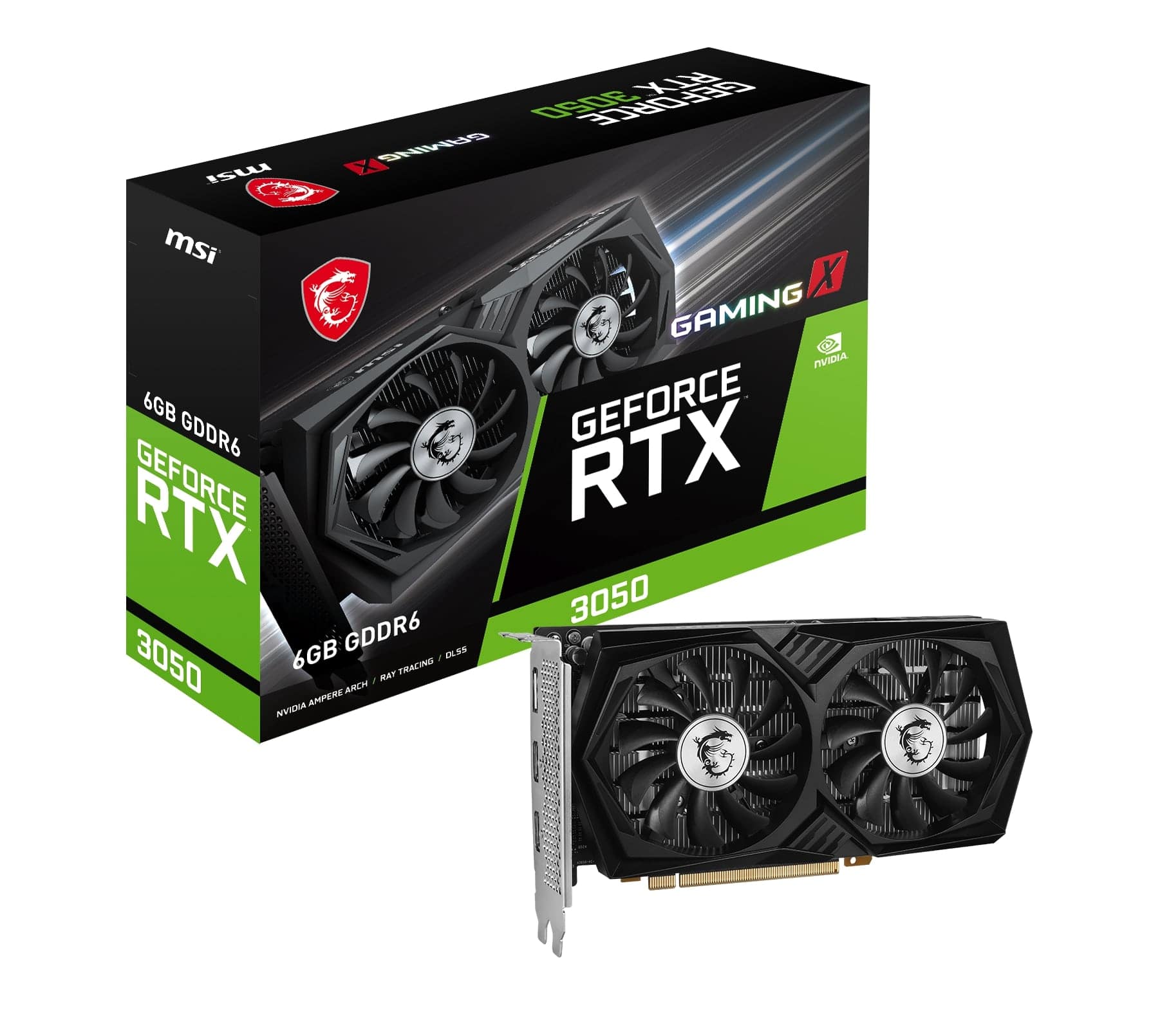
MSI - NVIDIA RTX 3050 GAMING X 6G - 6GB GDDR6 - PCI Express 4.0 - Graphics Card - Black
SKU: J3P7TXPGVCGreat product at great price in the best electronic store in the US...Great product. Delivered quickly. Always loke buying frim Best Buy....Great product
See all GPUs / Video Graphics CardsProduct Description
A high-performance black graphics card with 6GB GDDR6, triple-fan cooling, and PCI Express 4.0 support.Your price for this item is $279.99 -
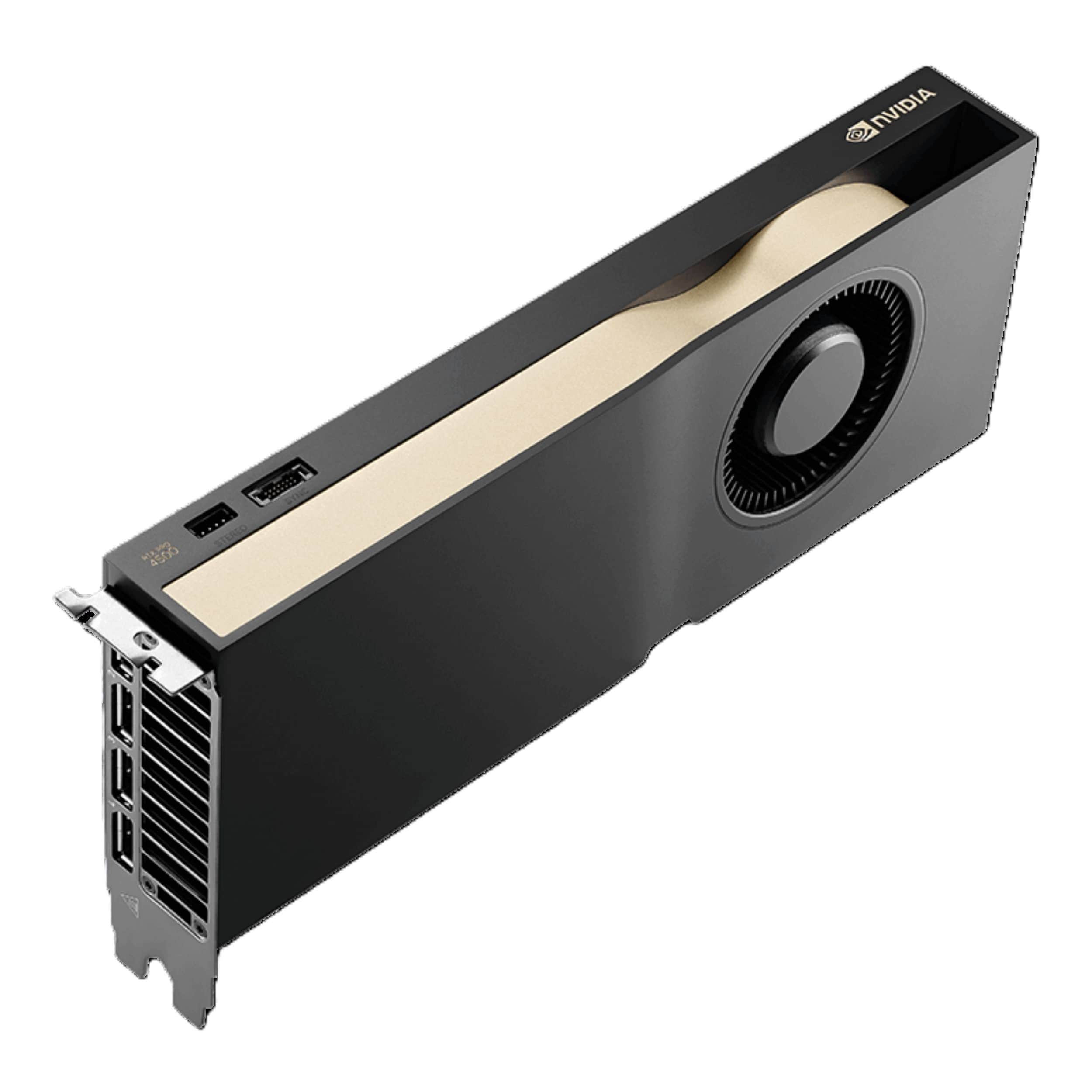
PNY - NVIDIA RTX PRO 4500 Blackwell 32GB GDDR7 PCI Express 5.0 Workstation Edition Graphics Card - Black
SKU: JXF2C46FV4See all GPUs / Video Graphics CardsProduct Description
A high-performance graphics card with 32GB GDDR7 ECC memory, PCIe 5.0 interface, and 4K resolution support.Your price for this item is $5,049.99 -
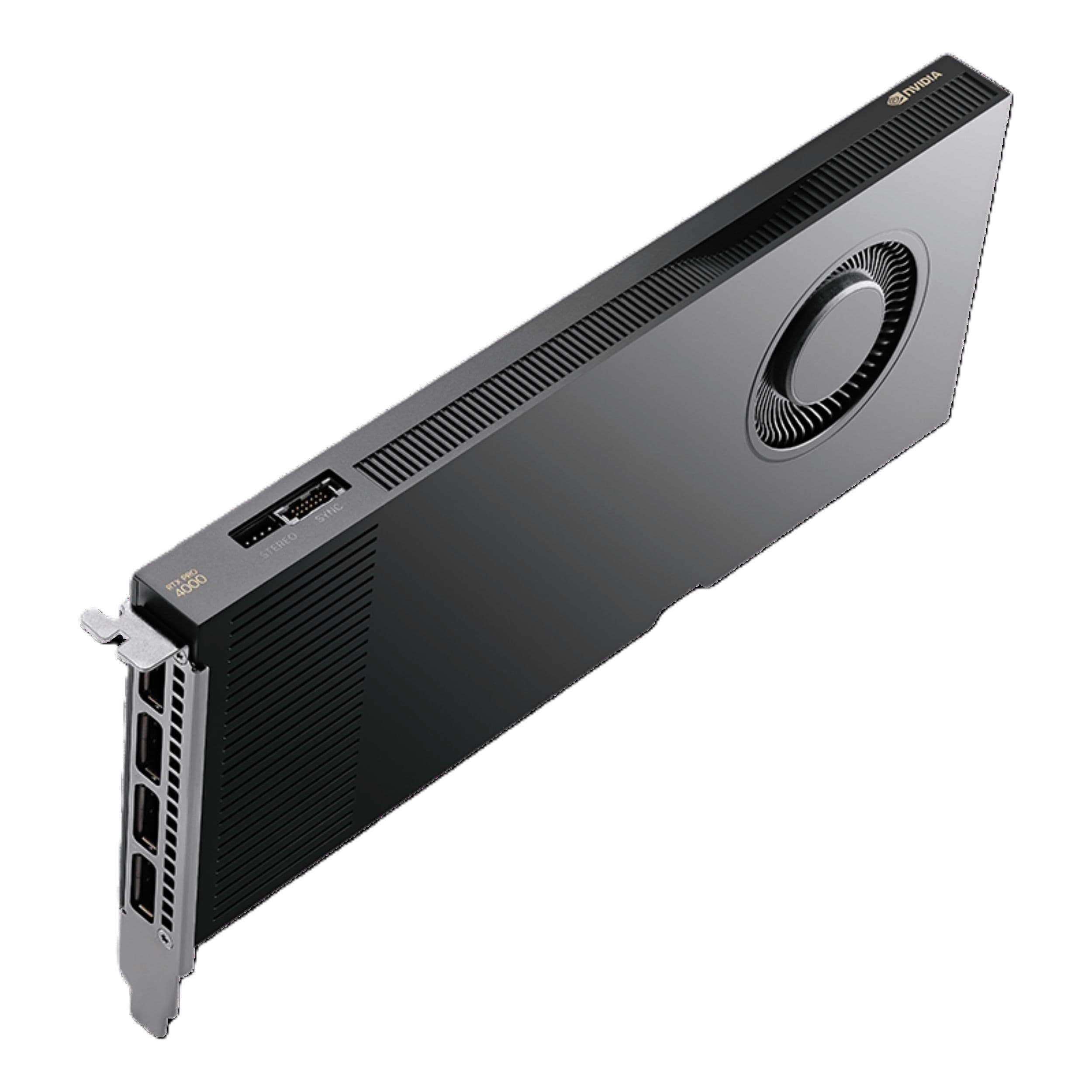
PNY - NVIDIA RTX PRO 4000 Blackwell 24GB GDDR7 PCI Express 5.0 GPU Graphics Card - Black
SKU: JXF2C46VZLSee all GPUs / Video Graphics CardsProduct Description
A high-performance graphics card with 24GB GDDR7 ECC memory, PCIe 5.0 interface, and 8K resolution support.Your price for this item is $3,299.99 -
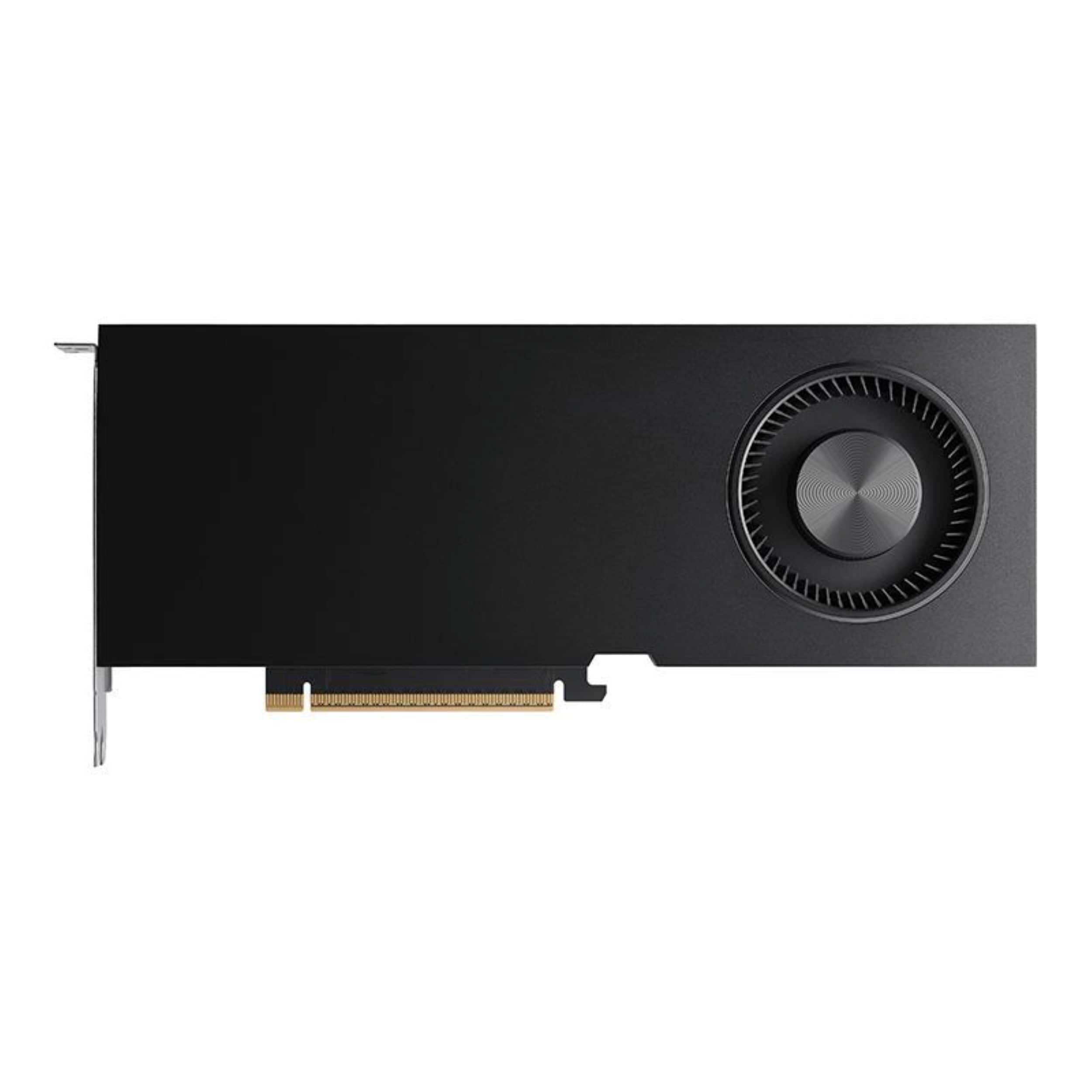
PNY - NVIDIA RTX PRO 5000 Blackwell 48GB GDDR7 PCI Express 5.0 GPU Graphics Card - Black
SKU: JXF2C46FF5See all GPUs / Video Graphics CardsProduct Description
A high-performance 48GB GDDR7 ECC graphics card with PCIe 5.0, 2-slot design, and 8K resolution support.Your price for this item is $8,871.39Save $128The previous price was $8,999.99 -
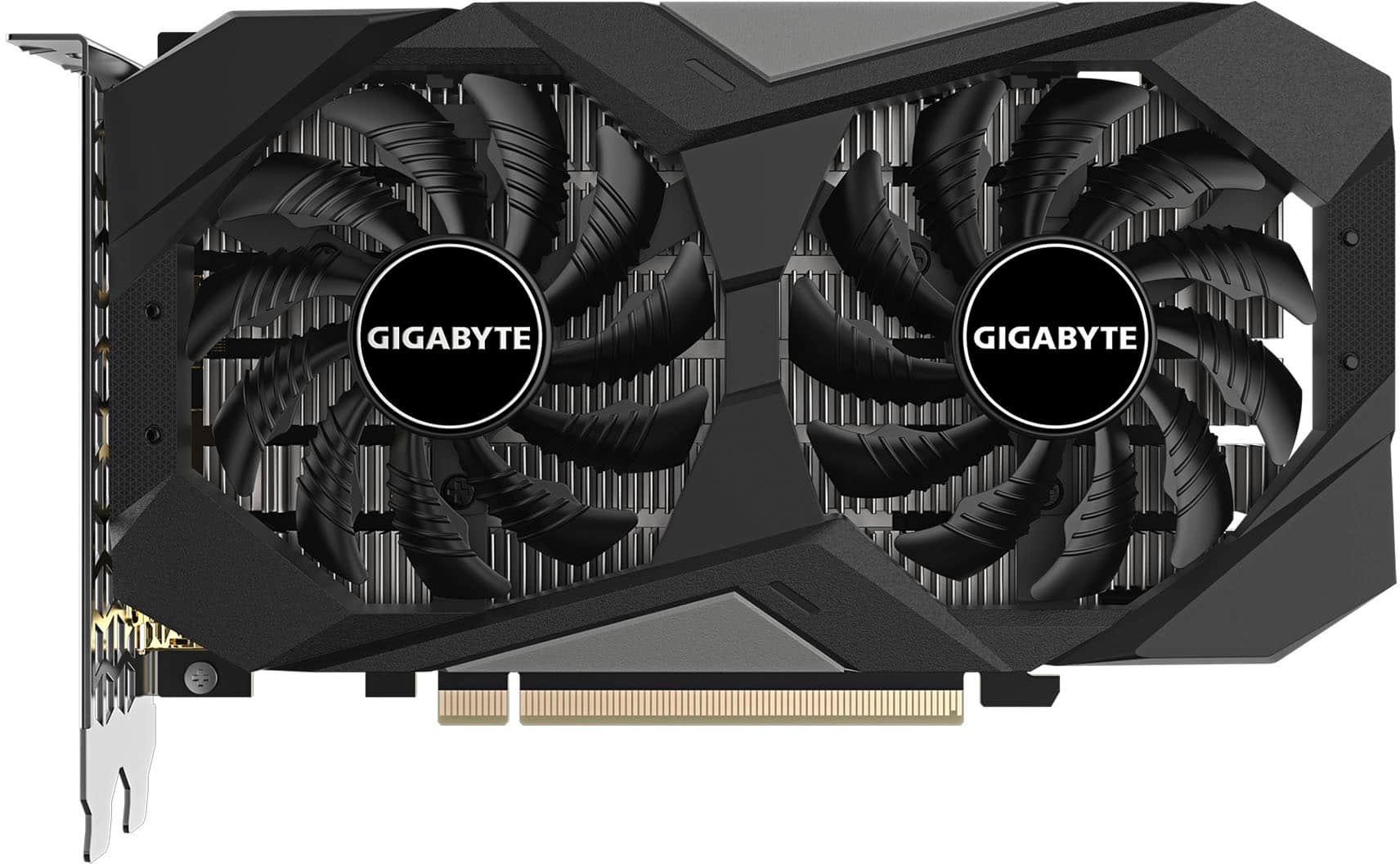
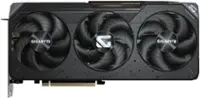
GIGABYTE - NVIDIA GeForce RTX 3050 WINDFORCE OC V2 6GB GDDR6 PCI Express 4.0 Graphics Card - Black
SKU: J3ZW92VFPXGreat product...Wonderful gpu for a good price and great performance
See all GPUs / Video Graphics CardsProduct Description
A black PCIe 4.0 graphics card with 6GB GDDR6, WINDFORCE cooling, and 8K display support.Your price for this item is $249.99 -
Lenovo - NVIDIA RTX A400 Graphic Card - 4 GB GDDR6 - 4 x Mini DisplayPort - Mini DisplayPort
SKU: JJGCYLZ76YSee all GPUs / Video Graphics CardsProduct Description
A powerful PCI Express 4.0 graphics card with 4GB GDDR6 memory and four Mini DisplayPort outputs.Your price for this item is $221.65 -
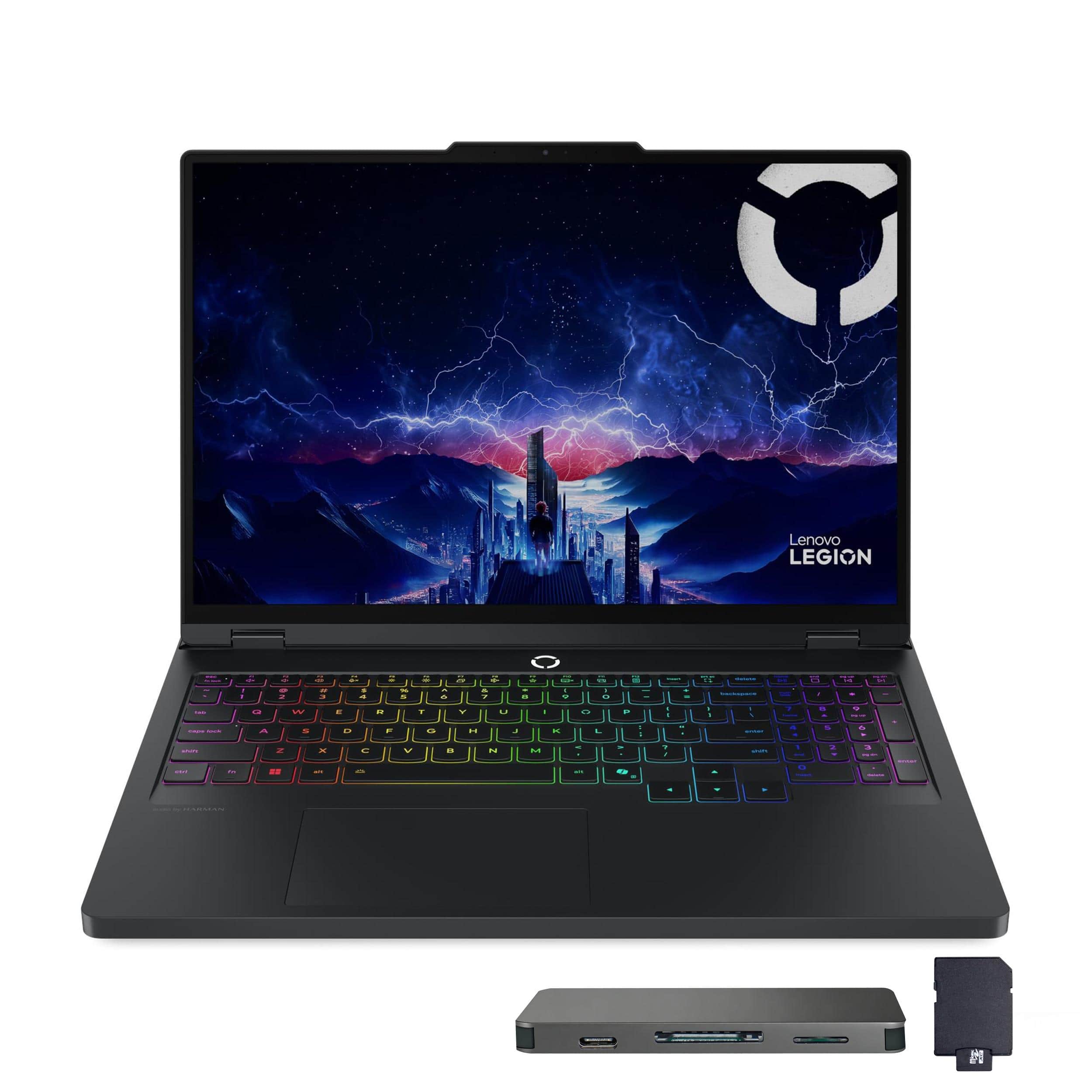
Lenovo - Legion Pro 5 16" Gaming Laptop,Ultra 9 275HX,32GB RAM,1TB SSD+1TB Dock Set,RTX 5070,Backlit,Win 11 - Black
SKU: JJGXYG269QSee all Gaming LaptopsProduct Description
A powerful black gaming laptop with Ultra 9 processor, 32GB RAM, RTX 5070, and RGB backlit keyboard.Your price for this item is $2,999.00
Best Sellers
Related Pages



FAQ
When choosing a graphics card for video editing on a laptop, consider factors such as GPU memory (VRAM), CUDA or Stream cores, compatibility with your preferred editing software, and support for hardware acceleration. A higher VRAM (at least 4GB) and compatibility with software like Adobe Premiere Pro or DaVinci Resolve can significantly improve rendering and playback performance.
Most modern video editing software, including Adobe Premiere Pro, DaVinci Resolve, and Final Cut Pro, utilize a dedicated graphics card to accelerate rendering, effects, and playback. However, the level of benefit can vary depending on the software and the complexity of your projects.
Both NVIDIA and AMD graphics cards offer excellent performance for video editing. NVIDIA cards are popular for their CUDA cores and broad support in many editing programs, while AMD cards are known for their strong OpenCL performance. The best choice depends on your specific software compatibility and personal preference.
Integrated graphics can handle basic video editing tasks, such as trimming and simple transitions, but they may struggle with high-resolution footage, complex effects, or 3D rendering. For professional or intensive video editing, a laptop with a dedicated graphics card is recommended.
GPU acceleration allows video editing software to offload demanding tasks, such as rendering effects and encoding videos, from the CPU to the graphics card. This results in faster processing times, smoother playback, and improved overall workflow efficiency, especially when working with high-resolution or multi-layered projects.