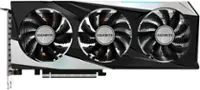
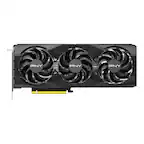
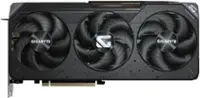
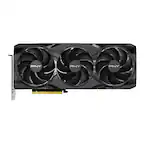
Top Rated Graphics Card For Streaming
Finding the best graphics card for streaming means balancing gaming performance, video encoding, and compatibility with your PC. Compare GPUs with your preferred gaming resolution and streaming software in mind, paying attention to hardware encoding support. Check power supply requirements and case clearance, too, to narrow your options for playing and broadcasting from the same computer.
What to look for in a graphics card for streaming
The best graphics card for your streaming setup should balance gaming performance, video encoding capabilities, and compatibility with your PC and streaming software.
1. Gaming and Streaming Performance
2. Hardware Encoding Support
3. Video Memory
4. Power and Physical Compatibility
-
1
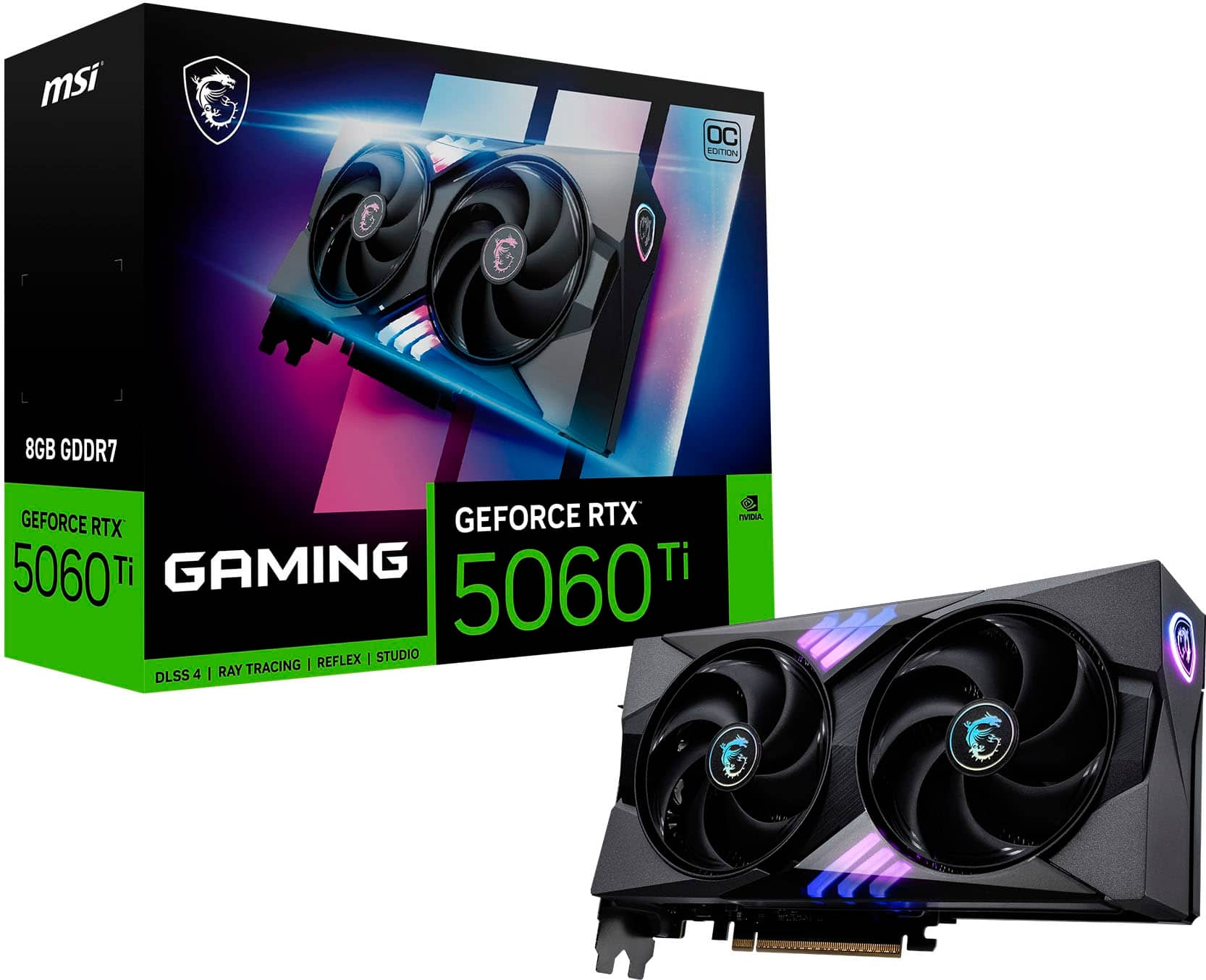
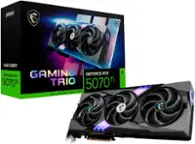
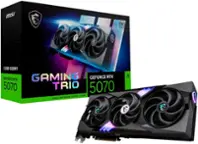
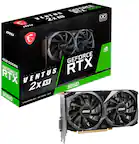
MSI - NVIDIA GeForce RTX 5060 Ti 8G GAMING OC 8GB GDDR7 PCI Express Gen 5 Graphics Card - Black
About this product
A powerful black graphics card with 8GB GDDR7, PCIe Gen 5, 8K support, and advanced cooling.
What customers like
(52)$519.99 Your price for this item is $519.99 -
2
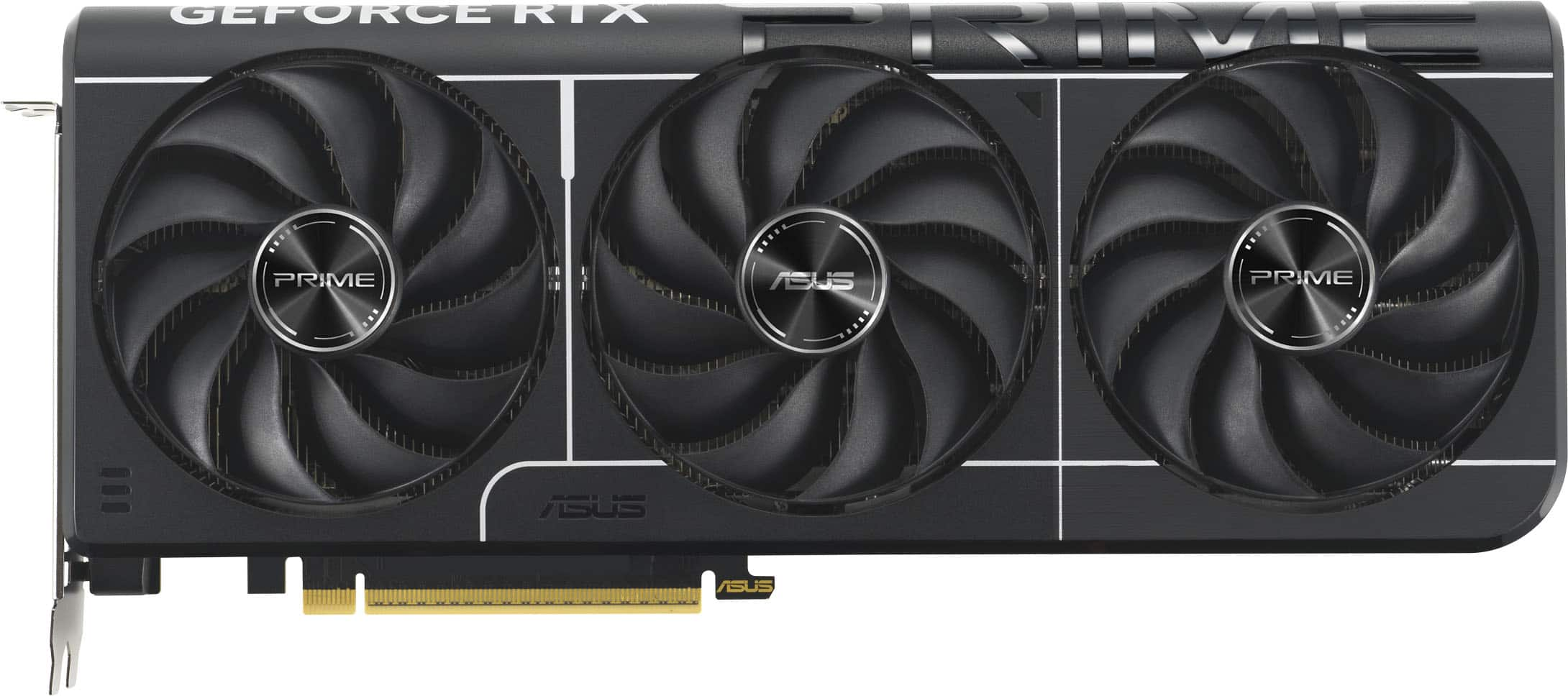
ASUS - PRIME NVIDIA GeForce RTX 5080 16GB GDDR7 PCI Express 5.0 Graphics Card - Black
About this product
A black PCI Express 5.0 graphics card with 16GB GDDR7 memory, 8K support, and advanced cooling.
What customers like
(28)$2,399.00 Your price for this item is $2,399.00 -
3
ASUS - PRIME NVIDIA GeForce RTX 5080 16GB GDDR7 PCI Express 5.0 Graphics Card - Black
About this product
A powerful black graphics card with 16GB GDDR7, PCIe 5.0, and advanced thermal management for gaming.
What customers like
(65)$2,398.15 Your price for this item is $2,398.15 -
4
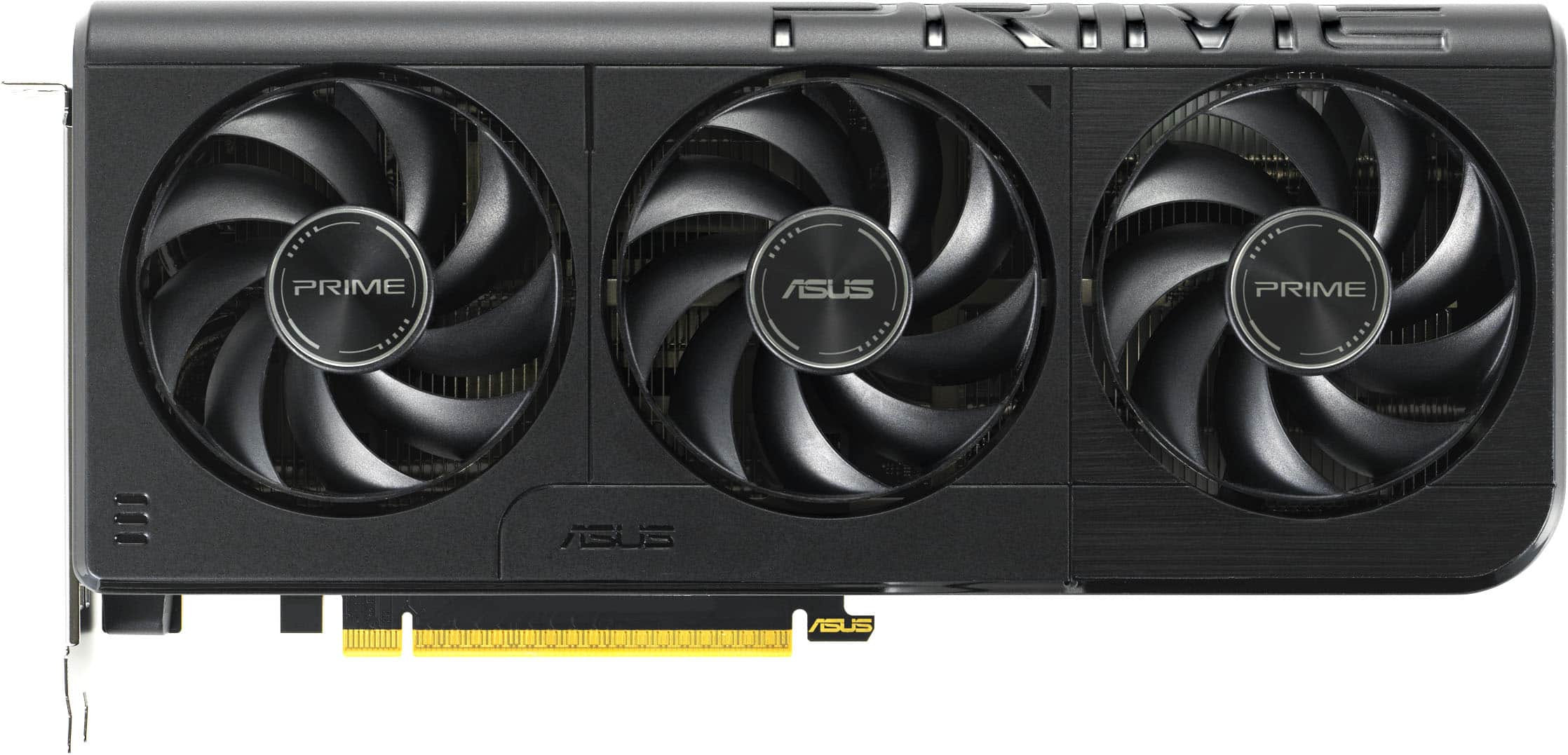
ASUS - PRIME NVIDIA GeForce RTX 5060 OC Edition 8GB GDDR7 PCI Express 5.0 Graphics Card - Black
About this product
A black 2.5-slot graphics card with 8GB GDDR7, triple-fan cooling, and PCI Express 5.0 support.
What customers like
(36)$534.99Your price for this item is $534.99SAVE $5.00 -
5
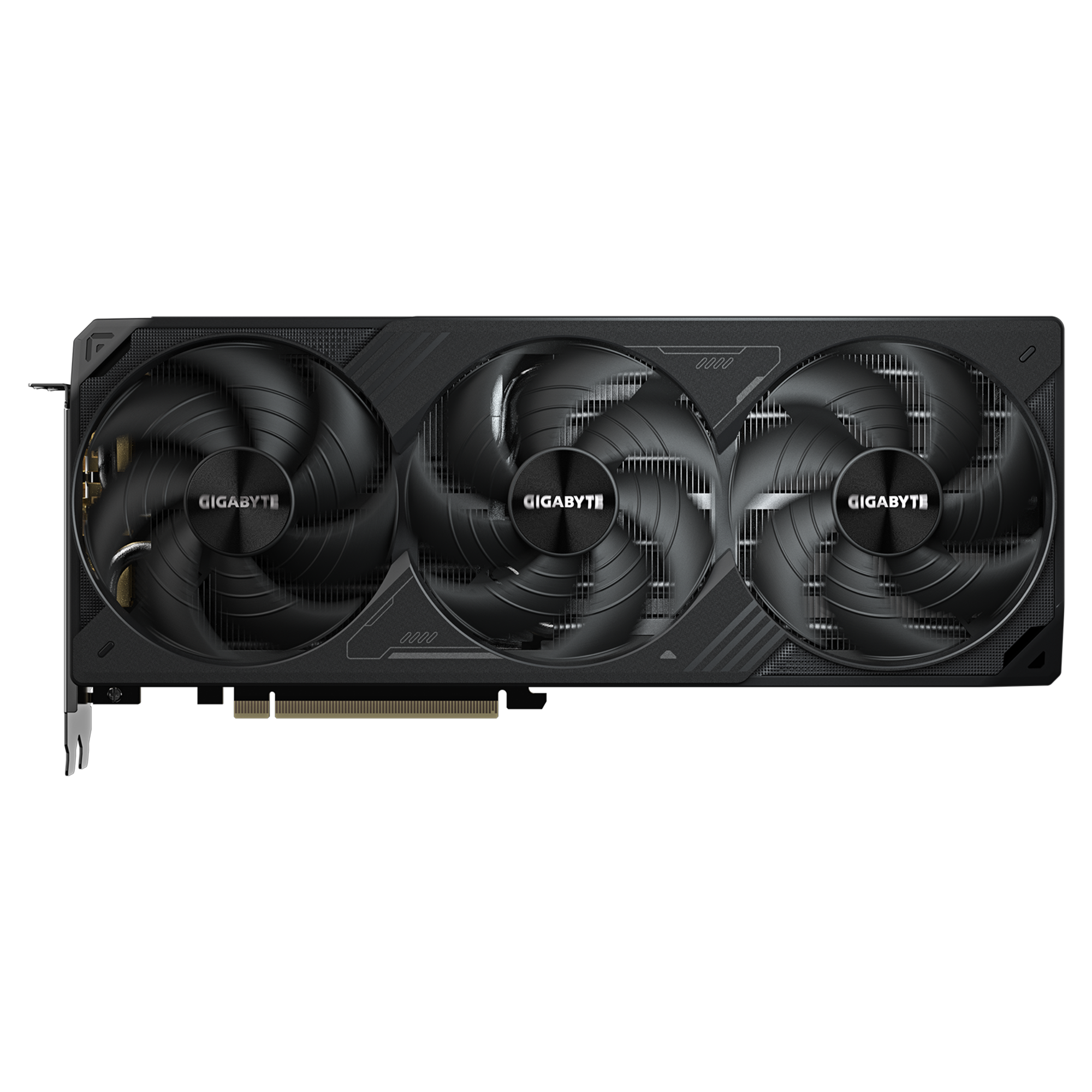
GIGABYTE - NVIDIA GeForce RTX 5080 WINDFORCE OC SFF 16G GDDR7 PCI Express 5.0 Graphics Card - Black
About this product
A powerful black graphics card featuring 16GB GDDR7 memory, PCIe 5.0, and 8K resolution support.
What customers like
(20)$2,331.99 Your price for this item is $2,331.99 -
6
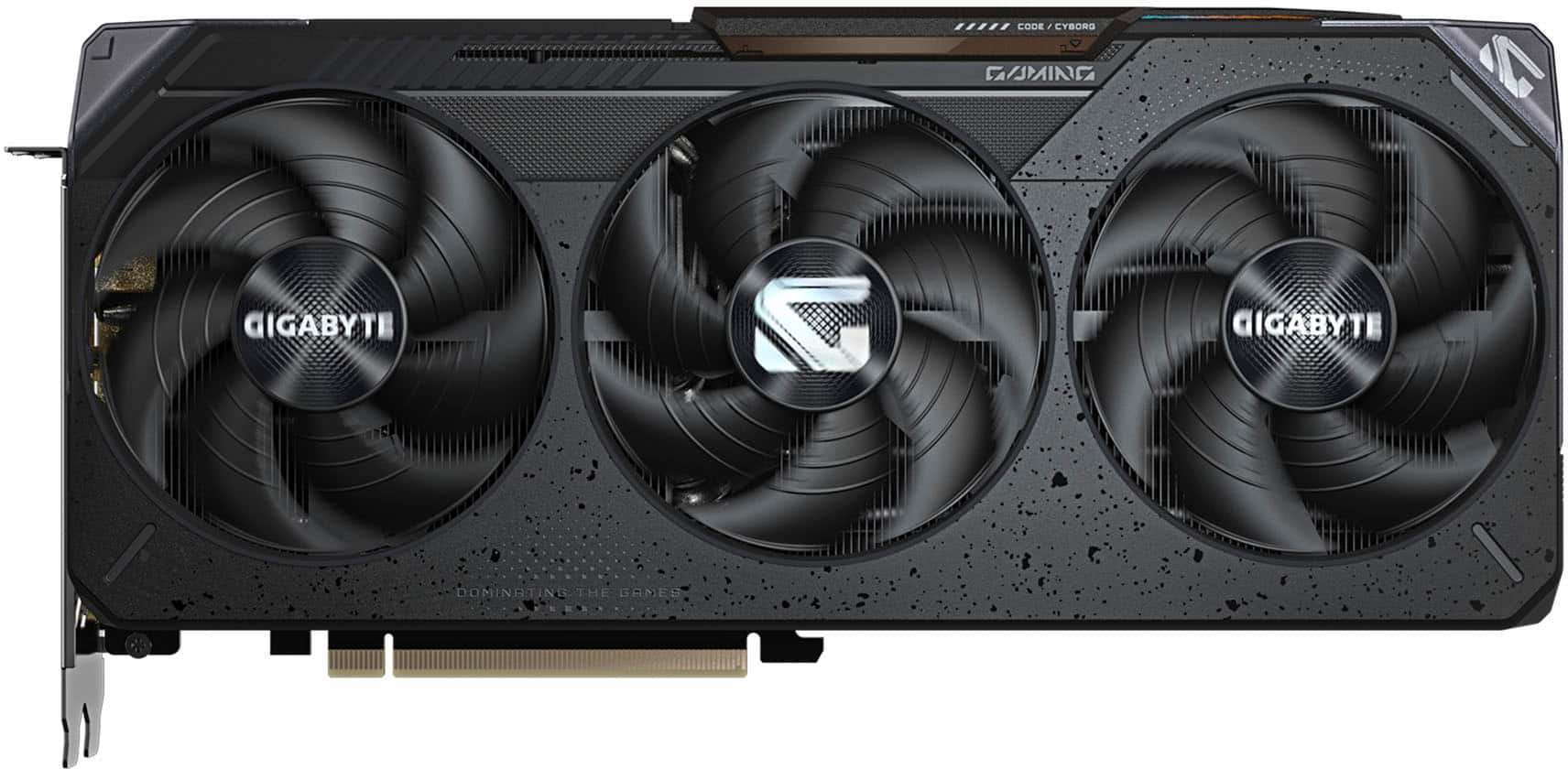
GIGABYTE - Radeon RX 9070 XT GAMING OC 16G GDDR6 PCI Express 5.0 Graphics Card - Black
About this product
A powerful black graphics card featuring AMD RDNA 4, 16GB GDDR6, PCIe 5.0, and 8K support.
What customers like
(549)$1,049.99 Your price for this item is $1,049.99 -
7
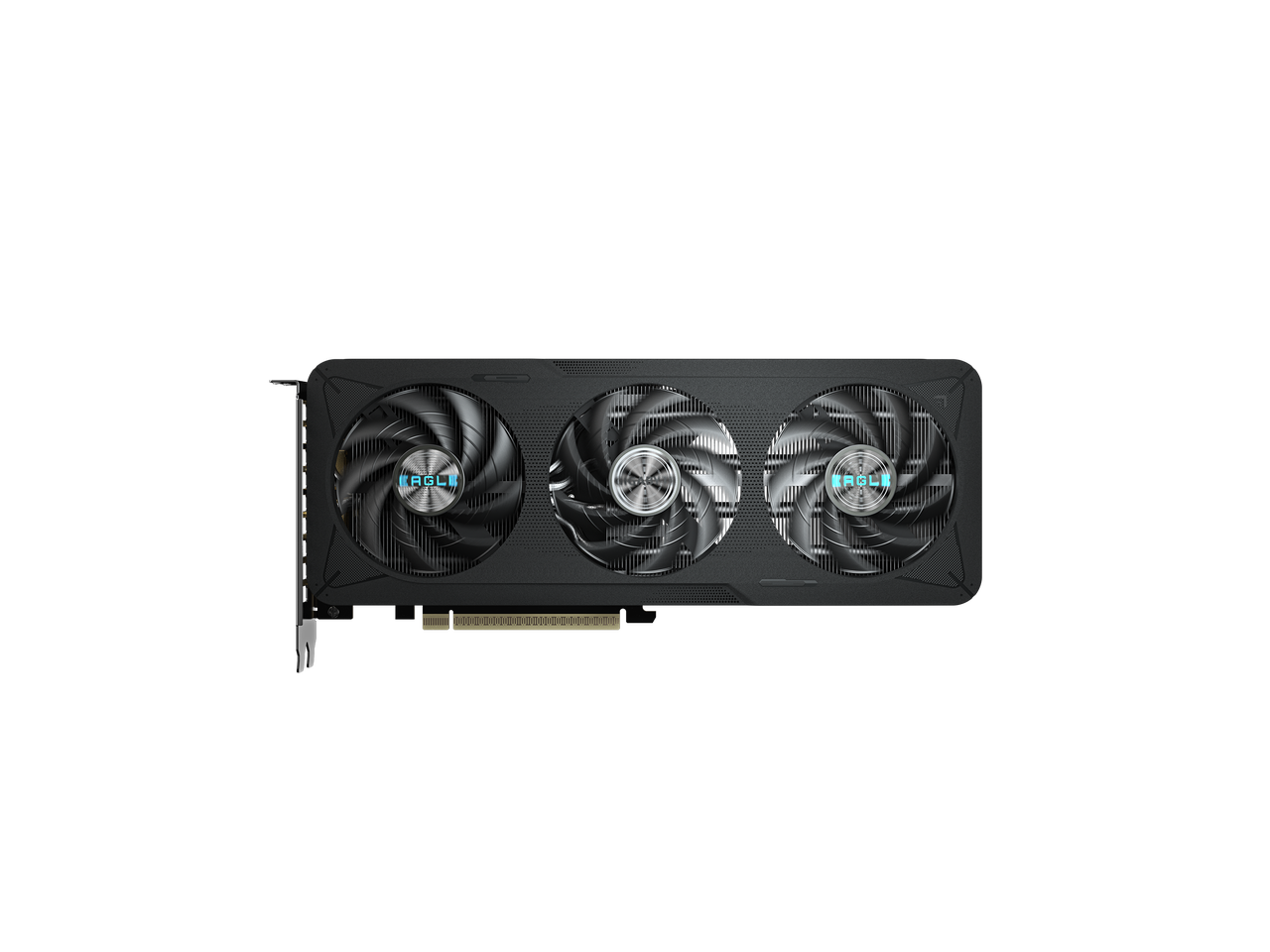
GIGABYTE - Eagle GeForce RTX 5060 Ti 16GB GDDR7 PCI Express 5.0 x8 ATX Graphics Card GV-N506TEAGLEMAX OC-16GD
About this product
A 16GB GDDR7 graphics card supporting 8K resolution, PCIe 5.0, three DisplayPort outputs, and HDMI.
(0)$858.99 Your price for this item is $858.99 -
8
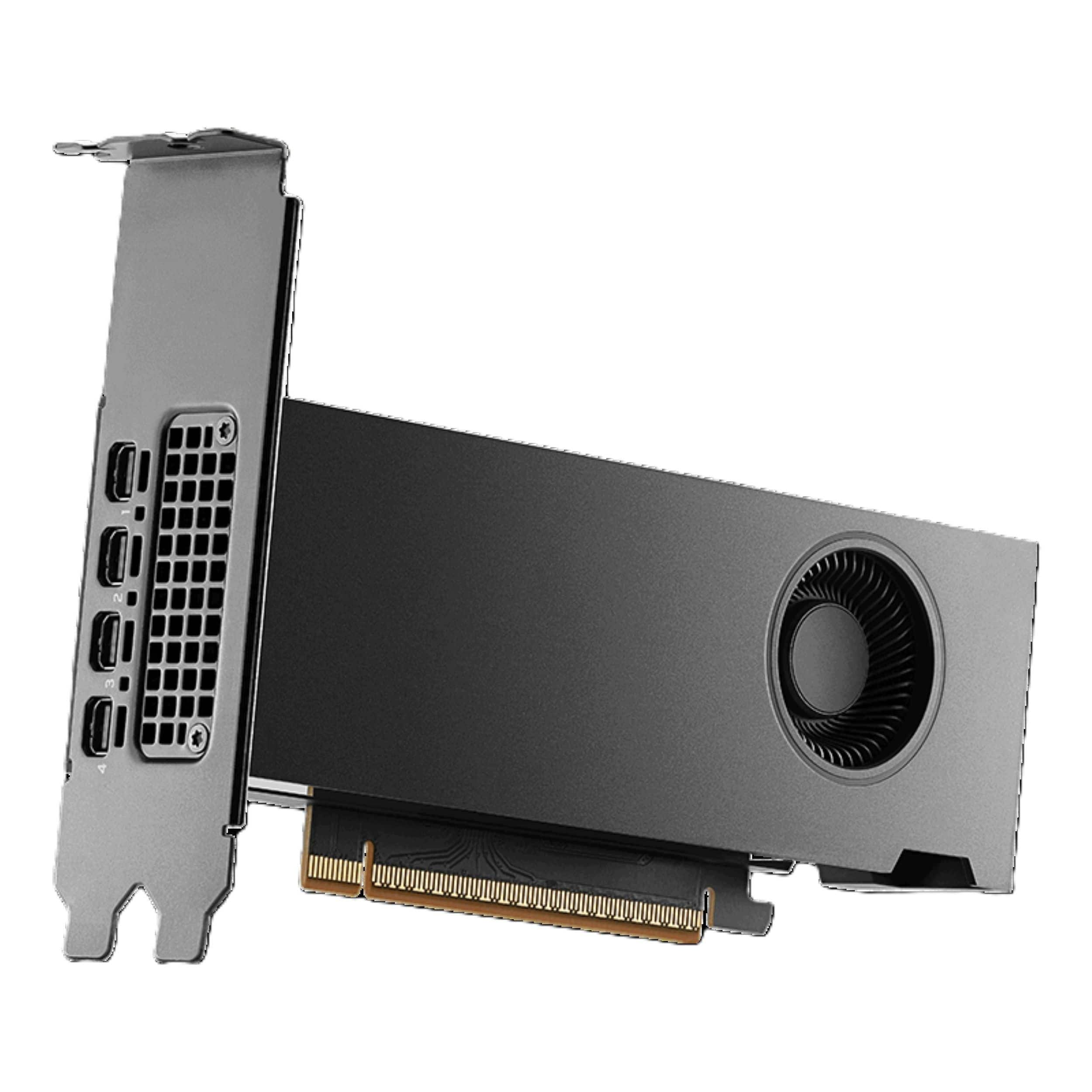
PNY - NVIDIA RTX PRO 2000 Blackwell Architecture 16GB GDDR7 PCI Express 5.0 Graphics Card - Black
About this product
A black graphics card featuring Blackwell architecture, 16GB GDDR7, PCIe 5.0, and four mini DisplayPort outputs.
(0)$1,695.99Your price for this item is $1,695.99SAVE $104.00 -
9
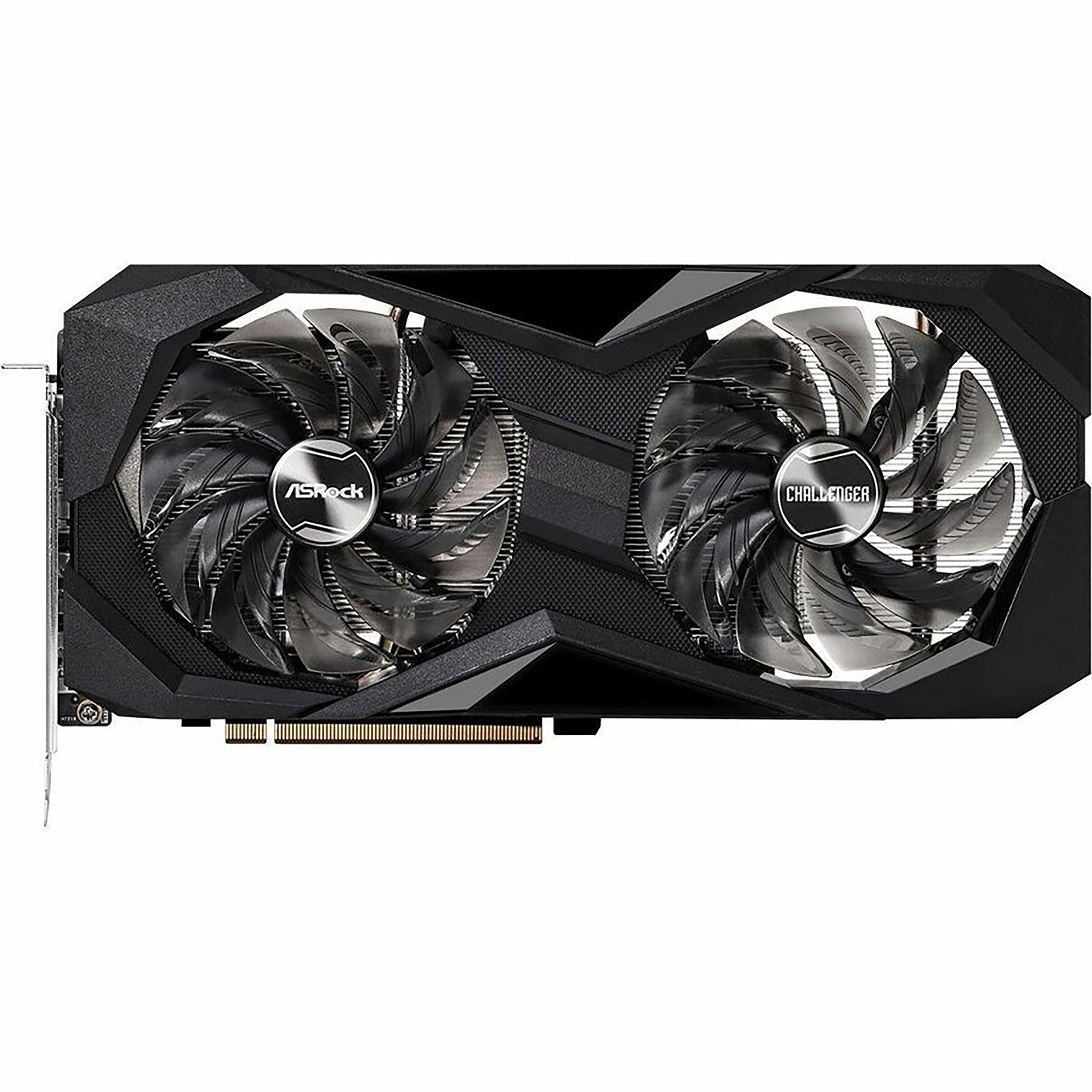
ASRock - AMD RX 7600 Challenger 8GB GDDR6 OC PCIe 4.0 Graphic Card - Black
About this product
A black PCIe 4.0 graphics card with 8GB GDDR6 memory, supporting 8K visuals and advanced upscaling.
(0)$464.33 Your price for this item is $464.33 -
10
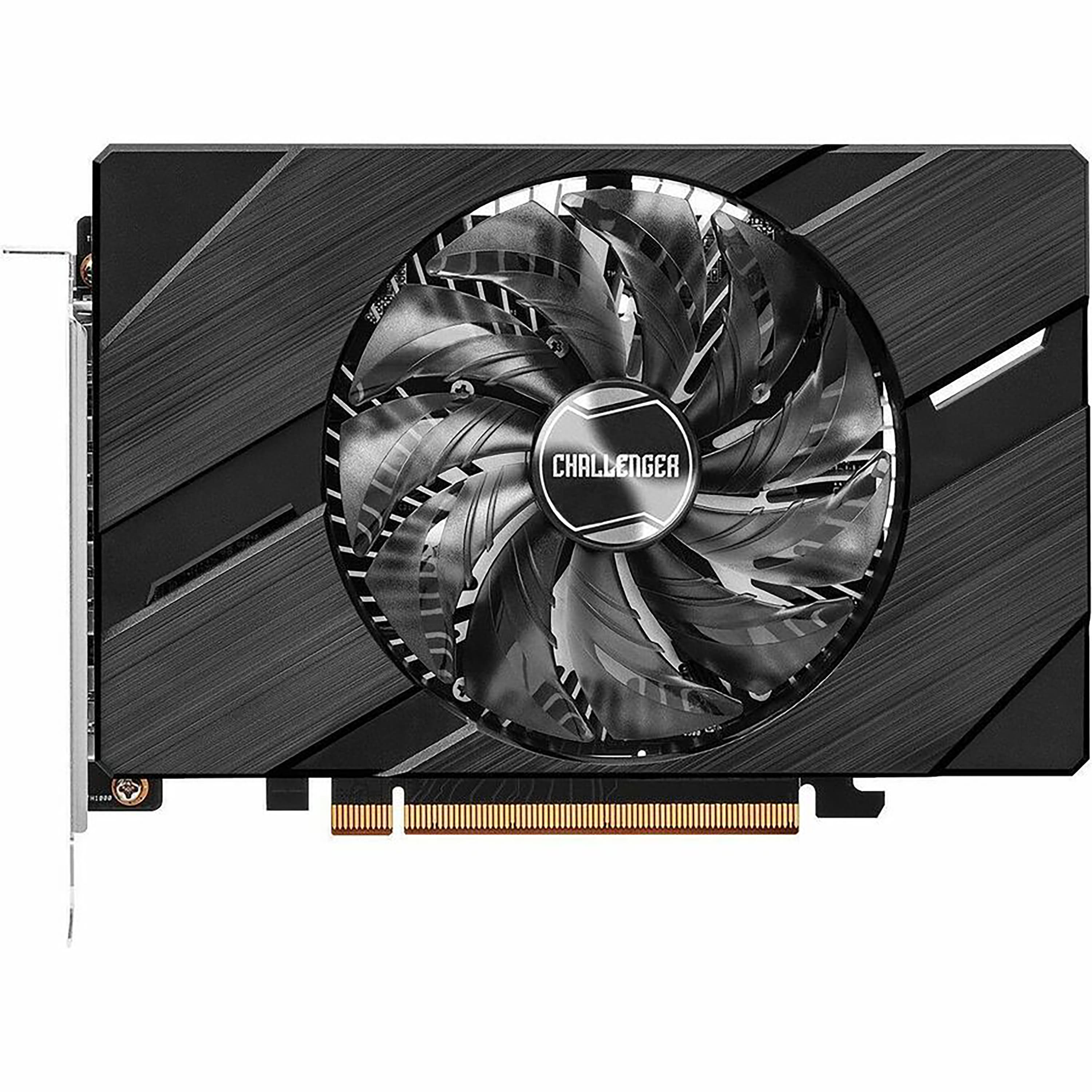
ASRock - Intel Arc A380 Challenger ITX 6GB GDDR6 OC PCIe 4.0 Graphic Card - Black
About this product
A black PCIe 4.0 graphics card with 6GB GDDR6, AV1 hardware encode, and 8K resolution support.
(1)$199.09Your price for this item is $199.09SAVE $2.40
Top Rated Graphics Card For Streaming
FAQs
A hardware encoder is a dedicated component that converts video into a compressed format for broadcasting or recording. Streaming software can use this component instead of relying on the CPU for video encoding. Encoder availability and supported formats vary by graphics card model and generation.
Common formats include H.264, HEVC, also called H.265, and AV1. H.264 is widely supported by streaming services, while HEVC and AV1 support varies by platform and software. Check that your graphics card supports encoding—not just decoding—in the format you plan to use.
Review your streaming software’s documentation for supported graphics cards, hardware encoders, operating systems, and driver requirements. For example, applications such as OBS Studio offer hardware encoding options for compatible GPUs. Also confirm that your chosen streaming service accepts the encoding format you intend to select.
A capture card generally brings video from an external source, such as a gaming console, compatible camera, or second computer, into your streaming computer. For games running on the same computer as your streaming software, you can typically capture the video without a separate capture card.
Check the number and types of display outputs, such as HDMI and DisplayPort, against the monitors you plan to connect. A multi-monitor setup may use separate screens for gameplay, streaming controls, and chat. Graphics card display ports are generally outputs, not inputs for capturing video from another device.