Black Friday is hereEnds Nov. 28.Shop now

Main Content
Skip to contentGo to Product Search

Black Friday is hereEnds Nov. 28.Shop now

Main Content

Top Rated Graphics Card For Warzone

The best graphics card for Warzone depends on your target resolution, frame rate, and budget. Compare gaming GPUs by video memory and performance at your preferred settings, then check power supply requirements and case clearance to find an upgrade that fits your PC.

What to look for in a graphics card for Warzone

Find the best graphics card for your Warzone setup by weighing performance, video memory, display compatibility, and your PC’s requirements.

1. Resolution and Frame Rate

Choose a graphics card based on your preferred resolution and target frame rate, whether you prioritize competitive play at 1080p or sharper visuals at 1440p or 4K. Compare Warzone benchmarks at similar graphics settings, and keep in mind that your processor can also limit frame rates.

2. Video Memory

Video memory, or VRAM, helps a graphics card handle textures and other visual assets. Higher resolutions and texture settings generally require more VRAM, so check the current game requirements and leave room for future updates.

3. Display and Gaming Features

Check that the graphics card’s outputs support your monitor’s resolution and refresh rate. Compatible variable refresh rate technology can help reduce screen tearing, while supported upscaling and latency-reduction features can help balance image quality and responsiveness.

4. Power, Fit, and Cooling

Confirm that your power supply meets the graphics card manufacturer’s wattage and connector requirements. Check the card’s length, thickness, and clearance against your case dimensions, and make sure your case has adequate airflow to manage heat during extended Warzone sessions.

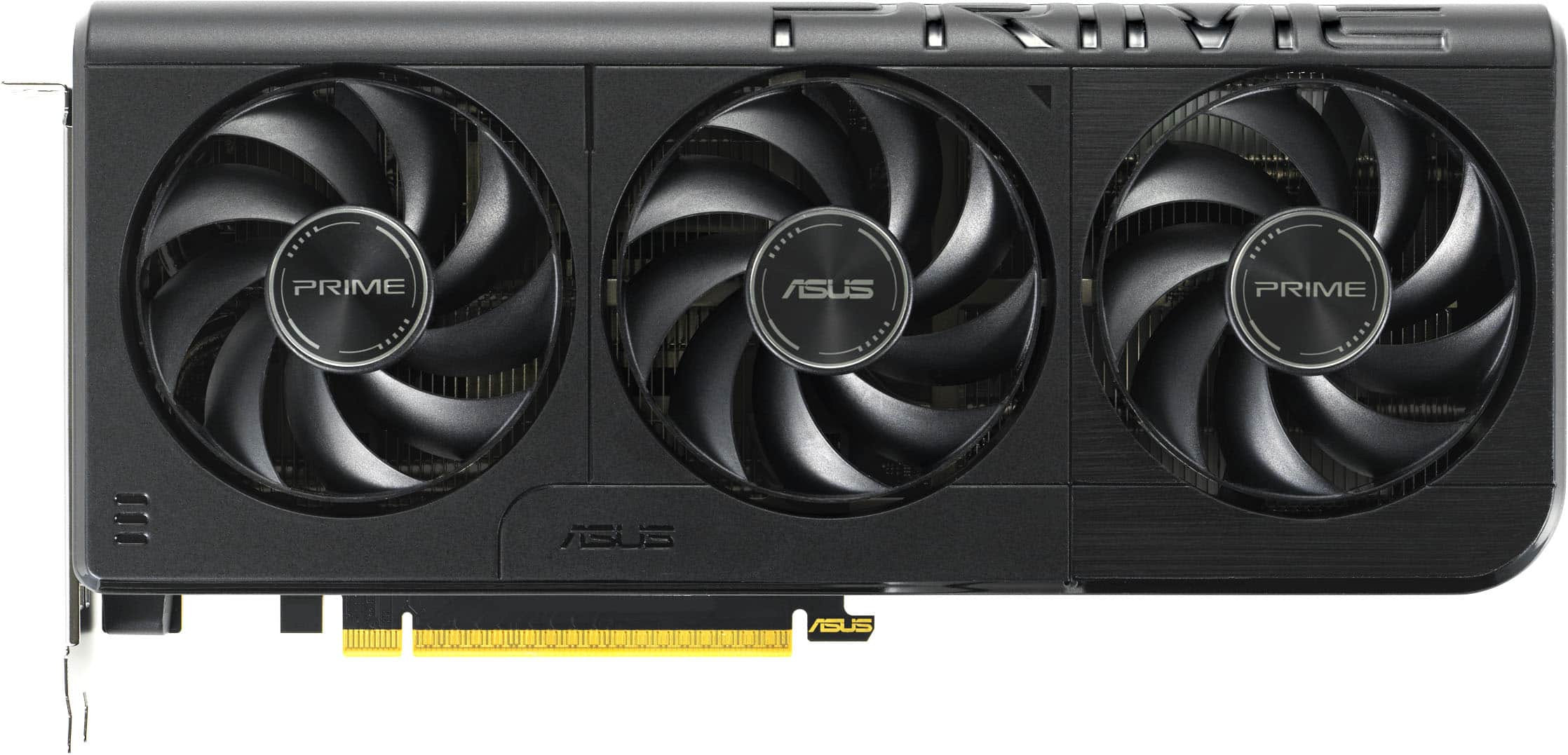
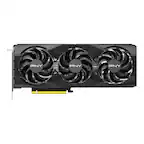
  1. 1

    About this product

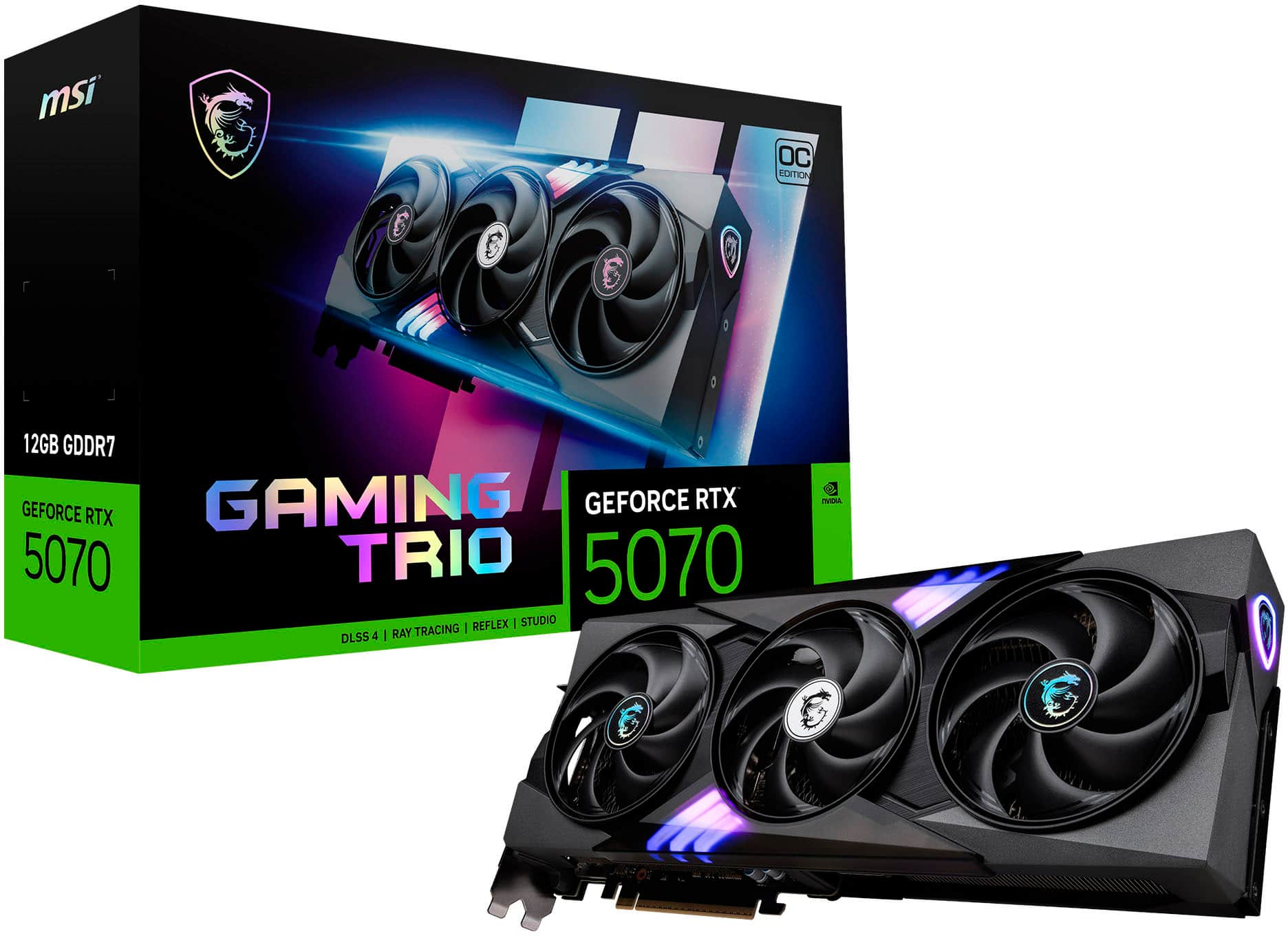
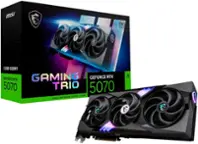
    A powerful black graphics card with 12GB GDDR7, PCIe Gen 5, and advanced cooling for gaming.

    A powerful black graphics card with 12GB GDDR7, PCIe Gen 5, and advanced cooling for gaming.

    What customers like

    • Easy installation and solid build quality
    • Quiet operation and energy efficiency
    • Exceptional gaming performance at 1440p and 4K
    • Efficient and advanced cooling keeps temperatures low
    • Great value and affordability for the performance
    (406)
    $879.99 Your price for this item is $879.99
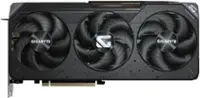
  2. 2

    About this product

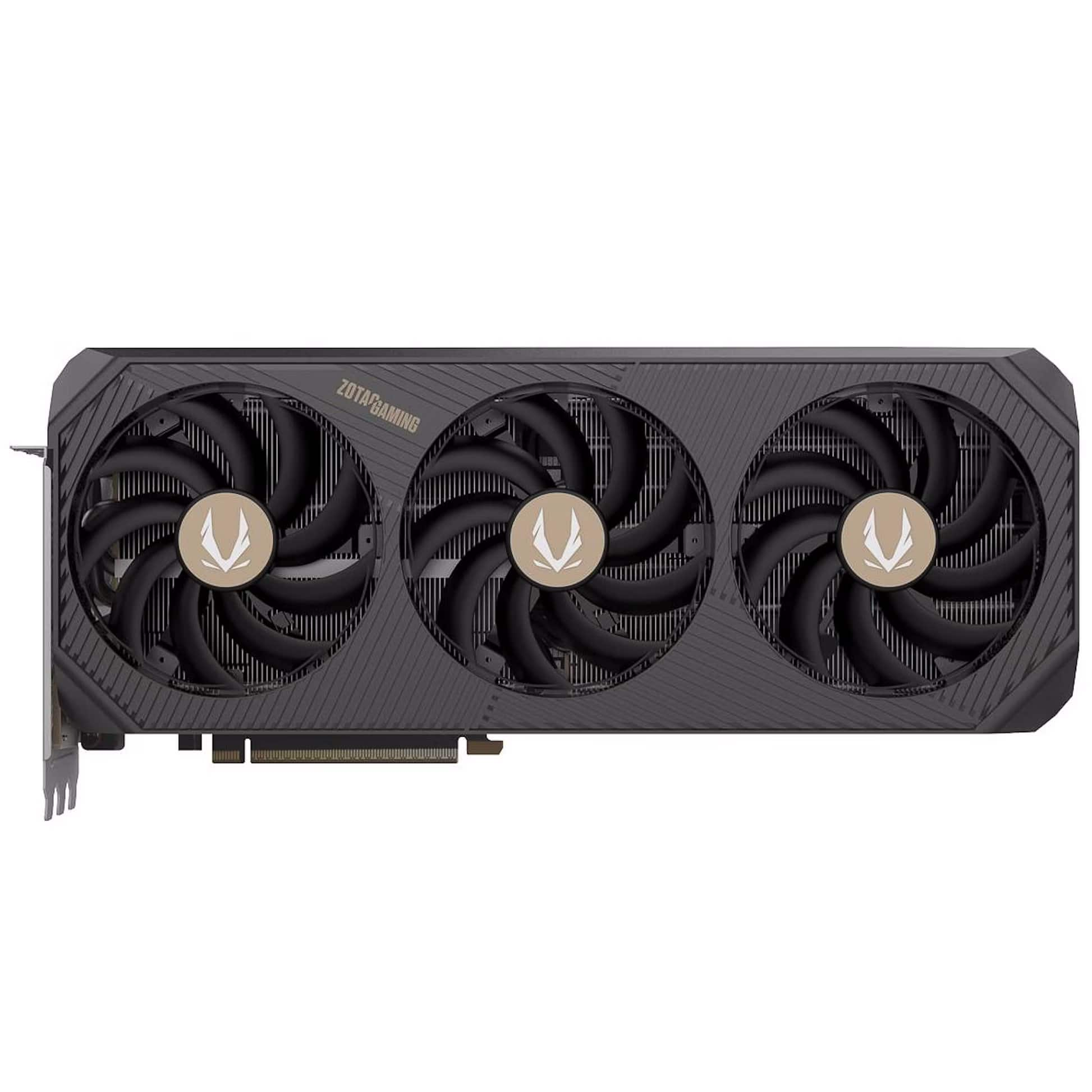
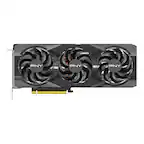
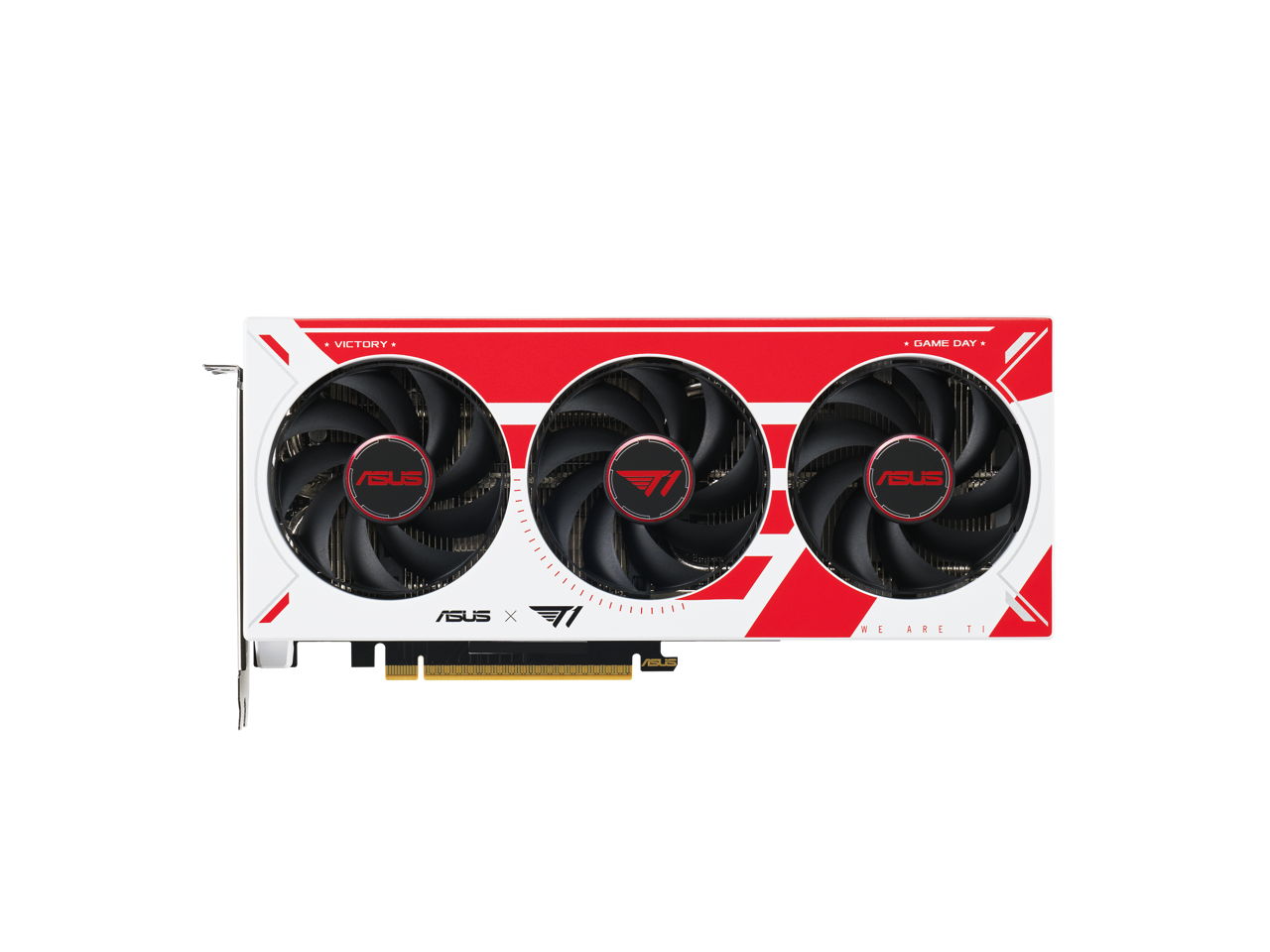
    A black graphics card with 32GB GDDR7 memory, factory overclocking, advanced cooling, RGB lighting, and 8K support.

    A black graphics card with 32GB GDDR7 memory, factory overclocking, advanced cooling, RGB lighting, and 8K support.

    (0)
    $7,899.99
    SAVE $1,980.00
    Your price for this item is $7,899.99
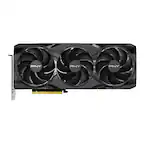
  3. 3

    About this product

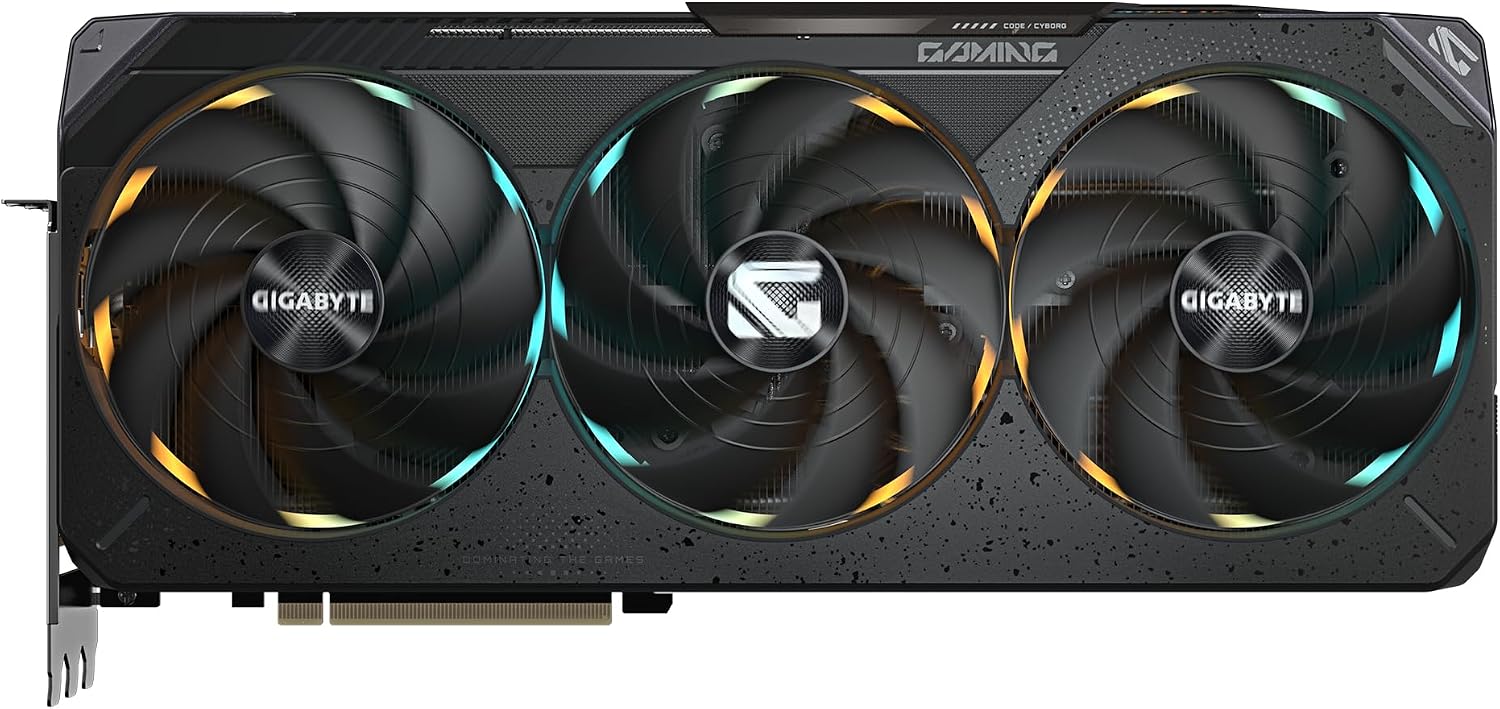
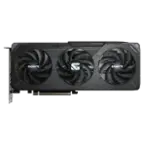
    A black graphics card with 32GB GDDR7, factory overclocking, 8K support, and advanced WINDFORCE cooling.

    A black graphics card with 32GB GDDR7, factory overclocking, 8K support, and advanced WINDFORCE cooling.

    (0)
    $7,899.99
    SAVE $1,980.00
    Your price for this item is $7,899.99
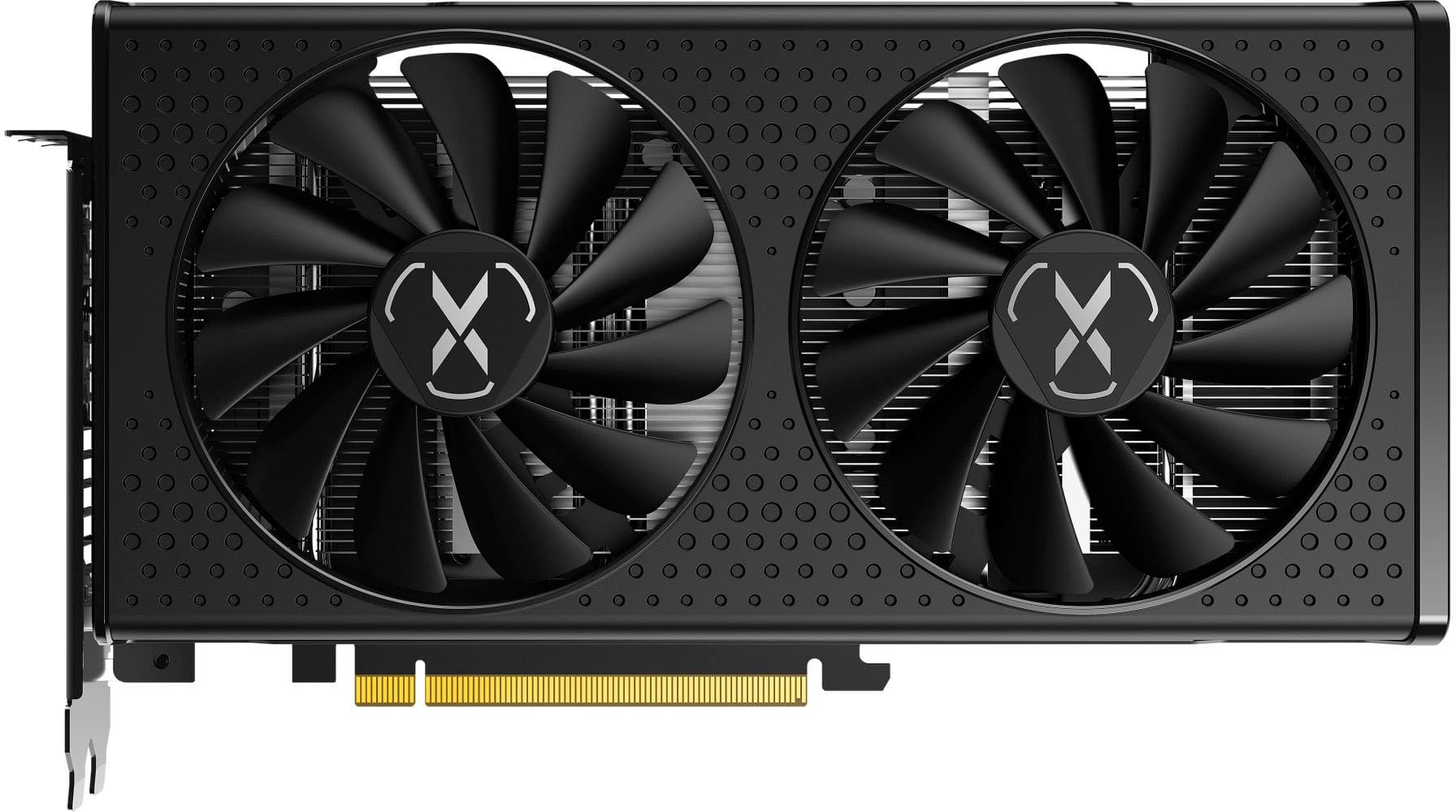
  4. 4

    About this product

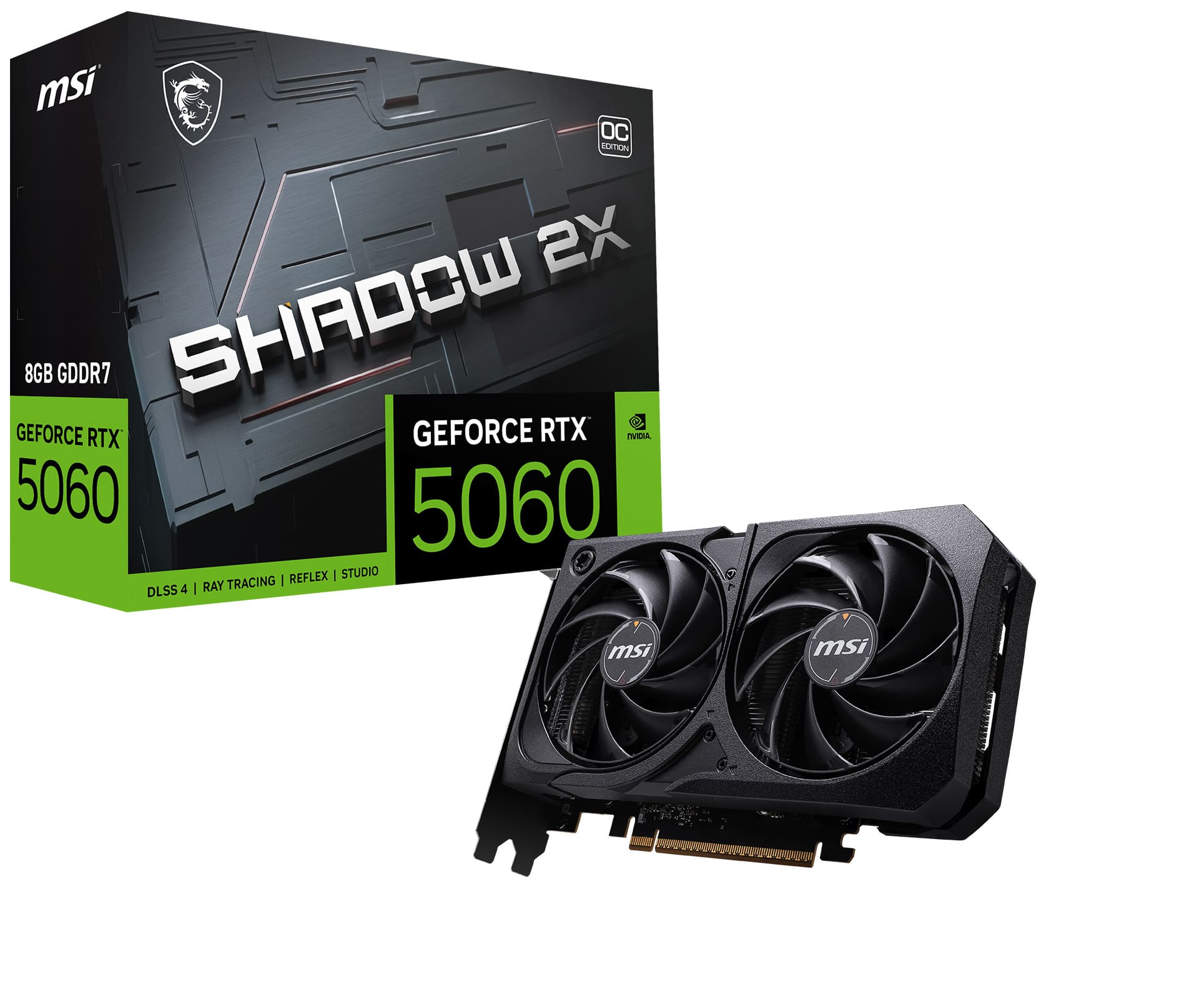
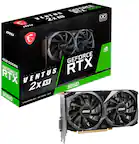
    A powerful black graphics card with 8GB GDDR6, PCI Express 5.0, and 8K resolution support.

    A powerful black graphics card with 8GB GDDR6, PCI Express 5.0, and 8K resolution support.

    (8)
    $459.99 Your price for this item is $459.99
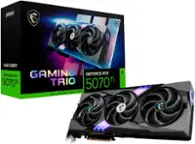
  5. 5

    About this product

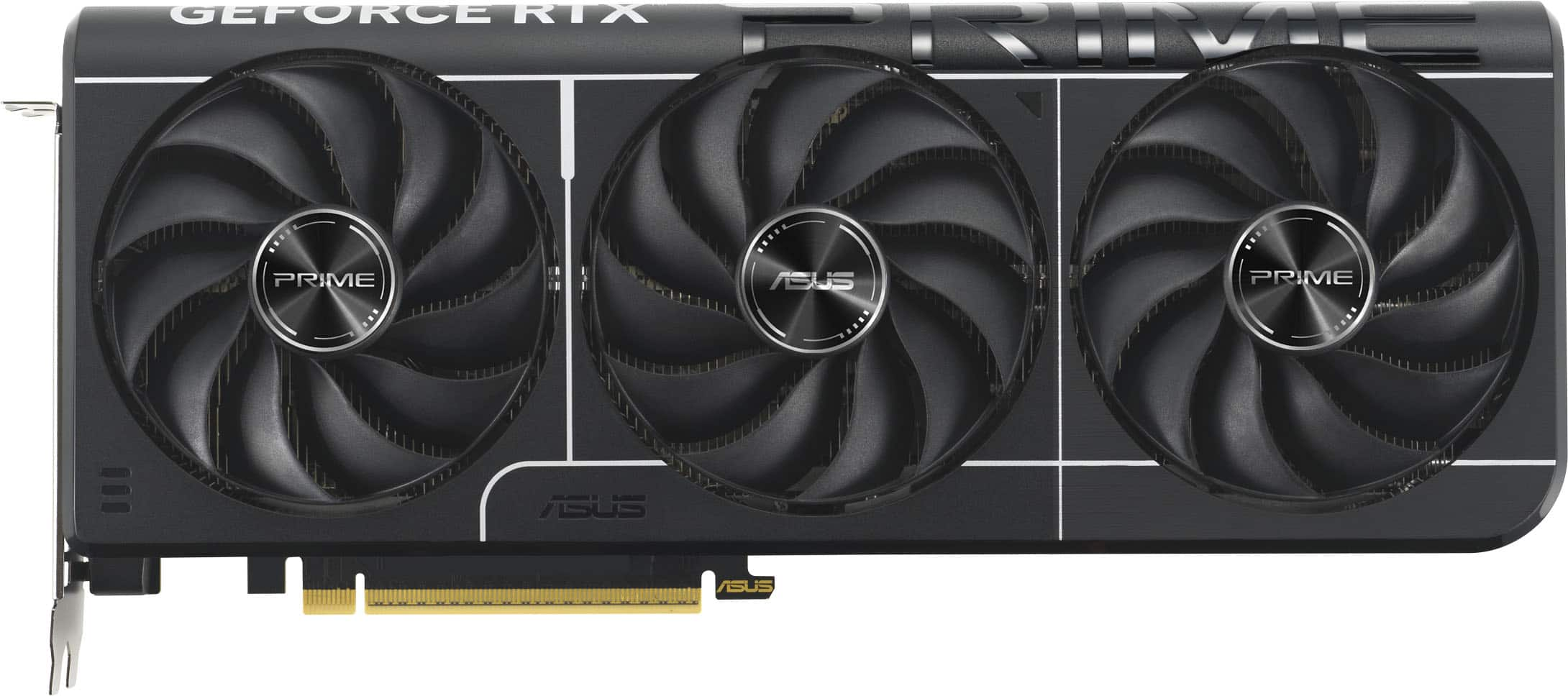
    A black 8GB GDDR7 graphics card with PCIe 5.0, triple-fan cooling, and 8K resolution support.

    A black 8GB GDDR7 graphics card with PCIe 5.0, triple-fan cooling, and 8K resolution support.

    What customers like

    • High performance and reliable
    • Good value for the price
    • Attractive modern design with RGB lighting
    • Smooth gaming experience at 1080p and 1440p
    • Effective cooling and quiet operation
    (35)
    $519.99 Your price for this item is $519.99
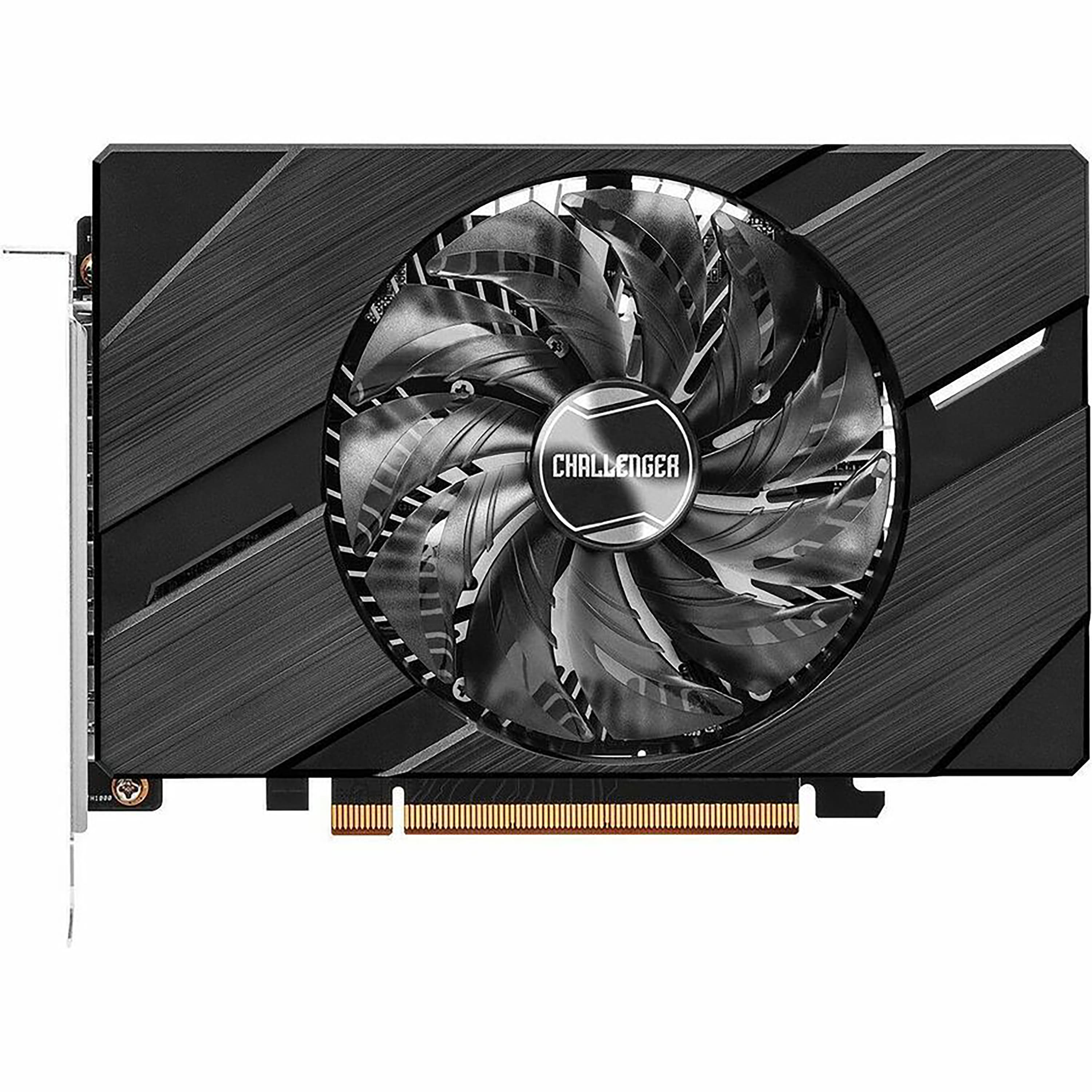
  6. 6

    About this product

    A high-performance black graphics card with 8GB GDDR6 memory, PCIe 4.0, and 8K resolution support.

    A high-performance black graphics card with 8GB GDDR6 memory, PCIe 4.0, and 8K resolution support.

    What customers like

    • Excellent value and affordability
    • High performance for 1080p and 2K gaming
    • Easy installation and compatibility with Windows and Linux
    • Quiet and cool operation
    • Smooth gameplay with high frame rates
    (153)
    $379.99 Your price for this item is $379.99
  7. 7

    About this product

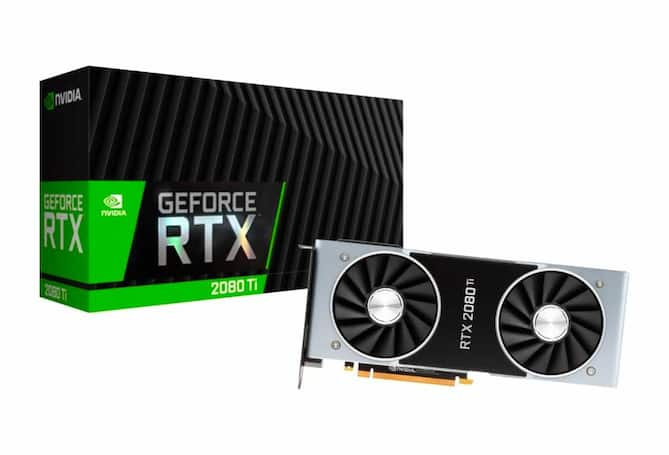
    A black PCIe 4.0 graphics card with 10GB GDDR6, AI upscaling, and ray tracing support.

    A black PCIe 4.0 graphics card with 10GB GDDR6, AI upscaling, and ray tracing support.

    (3)
    $307.49 Your price for this item is $307.49
  8. 8

    About this product

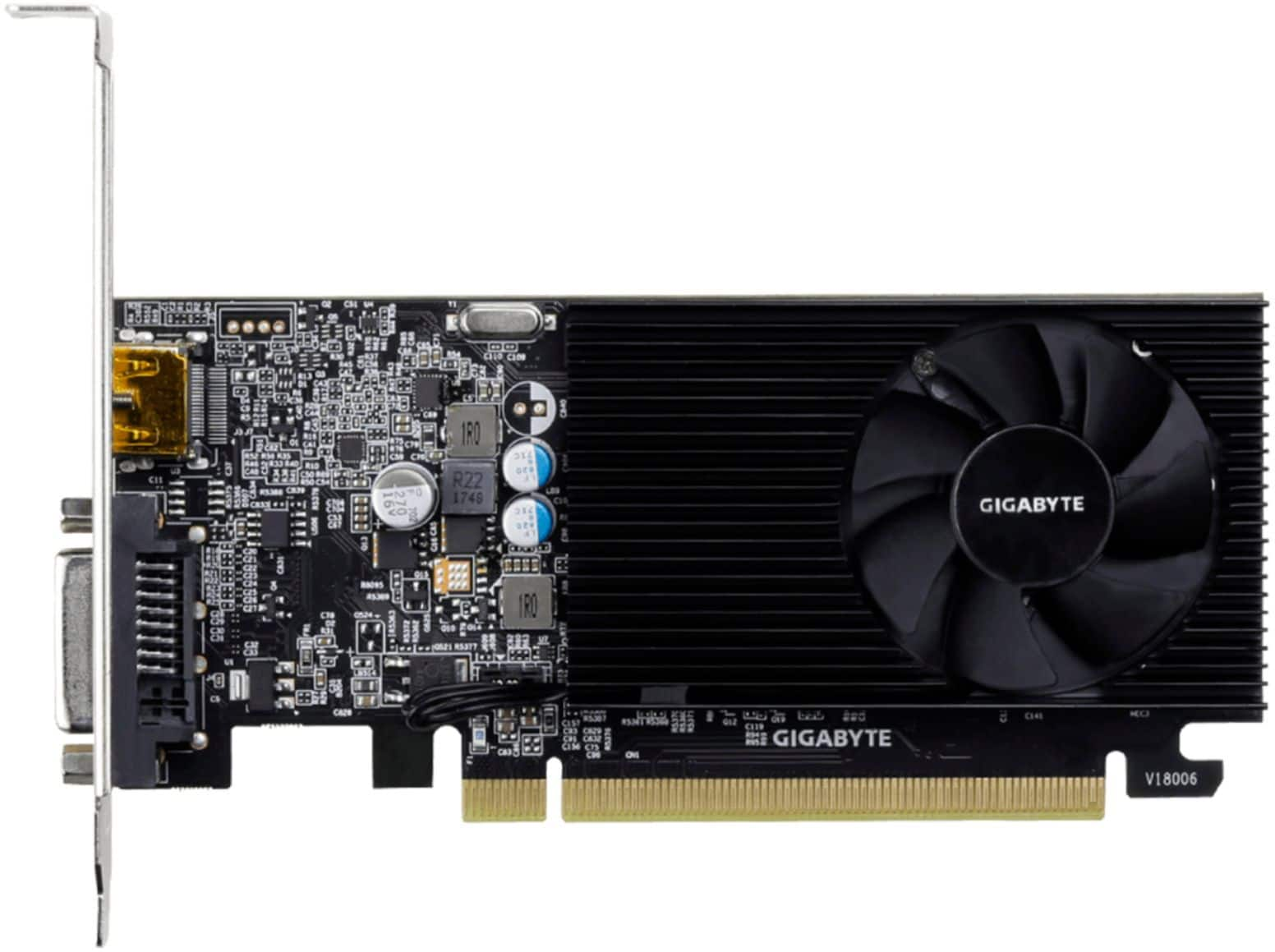
    A black PCIe 4.0 graphics card with 6GB GDDR6, AV1 hardware encode, and 8K resolution support.

    A black PCIe 4.0 graphics card with 6GB GDDR6, AV1 hardware encode, and 8K resolution support.

    (1)
    $199.09
    SAVE $2.40
    Your price for this item is $199.09

Top Rated Graphics Card For Warzone

A top-rated graphics card for Warzone pairs strong gaming performance with the resolution, refresh rate, and physical requirements of a particular PC setup. The graphics processor renders the terrain, buildings, lighting, and effects that fill each match, from distant rooftops to smoke drifting across a crowded street. For competitive play, consistently smooth frame delivery can matter more than turning every visual setting to its maximum. Average frames per second describe overall speed, while frame-time consistency and low-percentile frame rates help reveal the brief slowdowns that can make tracking an opponent feel uneven. At 1080p, a performance-focused graphics card can support responsive play without the heavier rendering demands of higher resolutions, although the processor and memory configuration may become important limits at high frame rates. At 1440p, the GPU takes on more work while providing a sharper view of buildings, equipment, and distant scenery. At 4K, substantially more pixels must be rendered each frame, making graphics processing power and video memory capacity especially relevant. There is no single frame-rate figure that applies to every Warzone setup: map locations, game updates, graphics settings, drivers, and the rest of the computer all affect results. A 144Hz display, for example, benefits from a system that can deliver frames consistently near its refresh rate, rather than briefly reaching a high number in a quiet area before slowing during a firefight. Higher-refresh displays place even greater demands on the entire system. Video memory holds resources such as textures and other rendering data, but capacity alone does not establish how fast a graphics card will perform. GPU architecture, memory bandwidth, and game optimization also contribute. Performance comparisons are most informative when they use the same resolution, similar visual settings, and comparable system hardware. For players moving between fast-paced matches and other demanding PC games, balanced performance across several workloads can be more useful than a standout result in one narrowly defined test.

Physical compatibility is just as important as rendering capability when considering a graphics card for Warzone. Desktop cards vary in length, height, and thickness, and a model that fits a roomy tower may crowd a compact case or conflict with a front-mounted radiator. Expansion-slot clearance, nearby cables, and the space needed around the power connection all affect installation. A card also needs a compatible motherboard expansion slot and adequate case ventilation. Power supply suitability depends on more than the wattage printed on its label; the complete system’s demands, the required connectors, and the manufacturer’s recommendations matter as well. Modular power supply cables are not universally interchangeable, even when the plugs appear similar. Display connections deserve attention, too, because the graphics card, monitor input, and cable must support the intended combination of resolution and refresh rate. Cooling assemblies commonly use aluminum fins, copper heat pipes or vapor chambers, and fans to move heat away from the graphics processor. These materials serve different roles in transferring and dispersing heat, while a backplate may add rigidity or contribute to cooling, depending on the design. A larger cooler can provide more surface area, but its effectiveness and noise level depend on the complete design rather than size alone. Fan behavior is particularly noticeable in a quiet room or when an open microphone sits near the computer. Clear airflow paths and routine dust removal help preserve cooling performance over time; cleaning should follow the manufacturer’s directions with the computer shut down and disconnected from power. Heavier cards may also require an appropriate support bracket to reduce strain and sag. These practical details influence everyday satisfaction long after installation. A graphics card that fits cleanly, stays within its intended operating conditions, and runs without distracting fan noise is better suited to extended gaming sessions than one selected solely for its headline specifications. Conventional desktop graphics cards generally are not drop-in upgrades for laptops, so the type of computer remains a fundamental compatibility consideration.

Warzone players also use their graphics cards in different ways, which makes feature selection more personal than a simple ranking suggests. Someone playing primarily for competitive responsiveness may favor stable performance at carefully chosen settings, while a player who enjoys detailed environments may place greater value on image quality at a higher resolution. Upscaling can render a game at a lower internal resolution and reconstruct the output image, potentially improving performance with image-quality trade-offs that vary by mode and implementation. Where supported, frame generation can add intermediate displayed frames, but it does not make the game’s underlying input response equivalent to an equally high native rendering rate. Those distinctions are useful when interpreting performance claims. Variable refresh rate support can help reduce visible tearing and uneven presentation when paired with a compatible monitor and an appropriate configuration. For players who record matches, share clips, or broadcast gameplay, a dedicated hardware video encoder can handle much of the encoding work separately from the CPU, although recording and streaming still use system resources. Encoder capabilities, streaming software support, and image quality at the intended broadcast settings all deserve consideration alongside in-game performance. A related selection of Top Rated Graphics Card For Streaming offers another perspective for setups used for both gaming and broadcasting. Reviews are most useful when they describe the resolution, case, noise expectations, and workload behind the rating; praise from a quiet single-player setup may not reflect the priorities of a competitive Warzone player. A graphics card can also be a thoughtful gift for a PC gamer, provided the recipient’s case dimensions, power supply, monitor, and existing components are known. For shared computers used for gaming, school projects, creative work, and video editing, broader application support may matter alongside match performance. Ultimately, a well-matched graphics card supports the way the computer is actually used, balancing smooth gameplay, clear visuals, reliable cooling, and compatibility without assuming that the most demanding settings are every player’s goal.

FAQs