High Refresh Rate Monitors For Smooth Performance
Experience seamless visuals and enhanced clarity with high refresh rate monitors built for smooth performance. Perfect for gaming, creative projects, and multitasking, these monitors are designed to deliver fluid motion and crisp detail during fast-paced action. Upgrade your setup and enjoy a more responsive viewing experience that keeps up with your demands. Discover the difference that high refresh rate technology can make in your daily computing activities.
Read More-
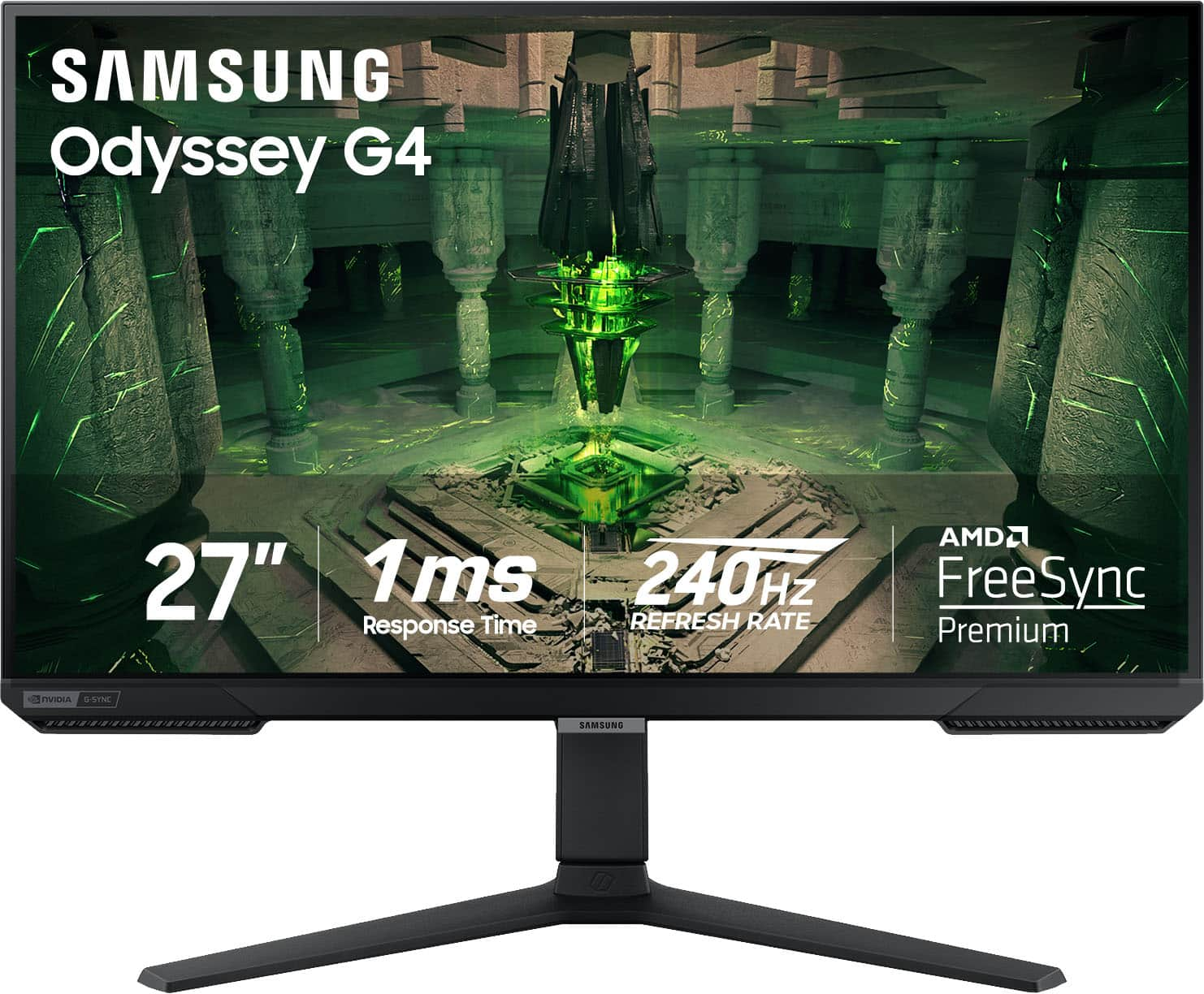
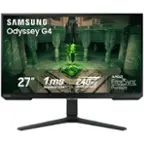
Samsung - 27” Odyssey FHD IPS 240Hz G-Sync Gaming Monitor - Black
SKU: J3ZYG23WJ2The best monitor ever used my son loves it. Easy to use the graphics are great. I love best buy....I works great I love it. Best screen ever.great quality...Best screen ever
See all Gaming MonitorsProduct Description
A black IPS gaming monitor featuring 240Hz refresh rate, 1ms response time, G-Sync, and HDR10 support.$199.99 Your price for this item is $199.99Save $100Was $299.99The previous price was $299.99 -
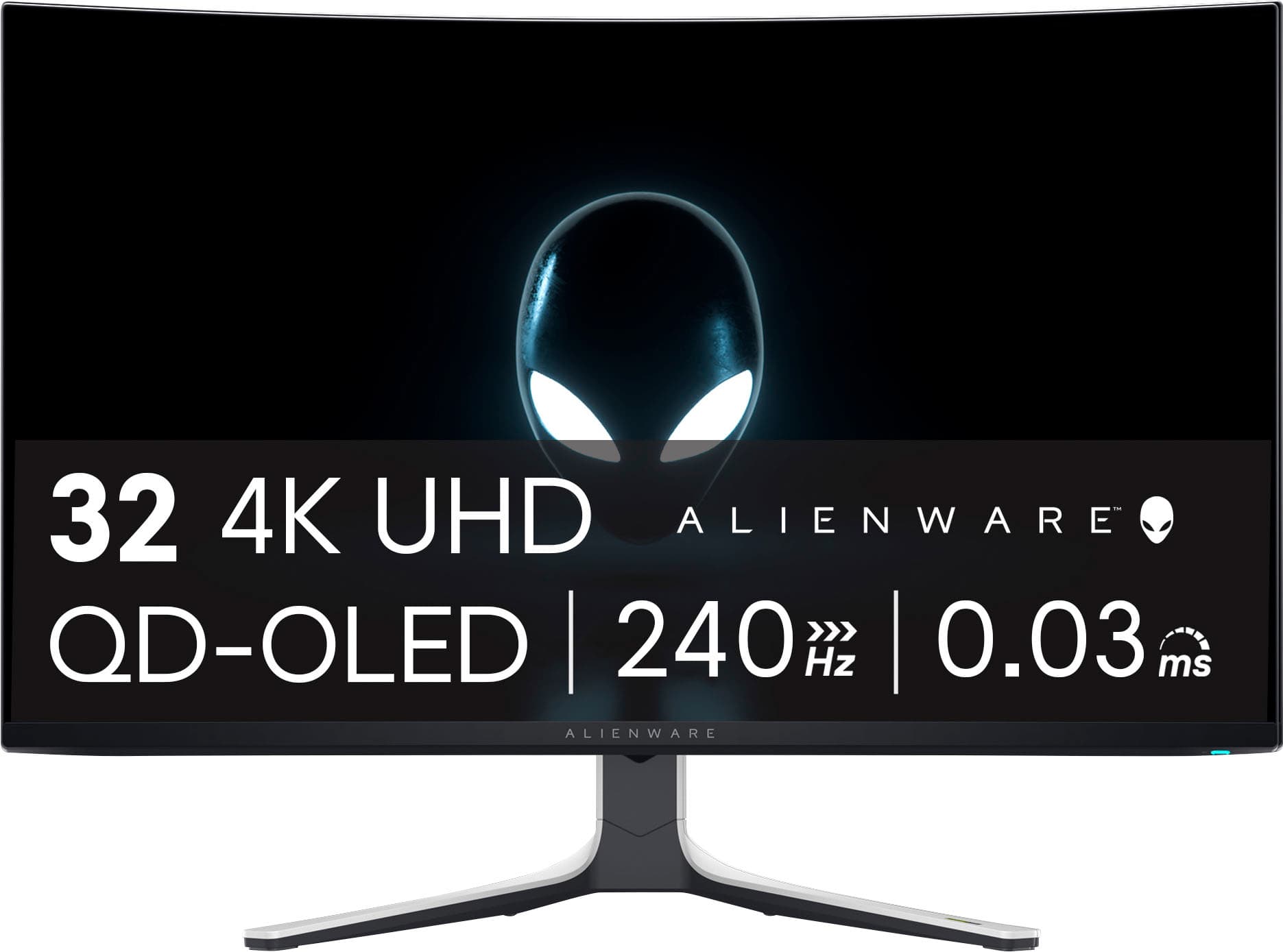
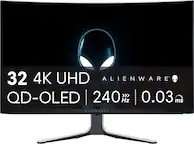
Alienware - AW3225QF 32" QD-OLED Curved 4K UHD 240Hz 0.03-ms G-SYNC Compatible Gaming Monitor with HDR (HDMI, DisplayPort. USB) - Lunar Light
SKU: J3K4L62597Best monitor for gaming. Love the oled display. Great image quality at 4k...Maybe the best choice in monitor...Love the look and how fast it is. Best on sale. Great monitor
See all Gaming MonitorsProduct Description
A curved QD-OLED gaming monitor in Lunar Light with 4K UHD, 240Hz refresh, and Dolby Vision HDR.$999.99 Your price for this item is $999.99 -
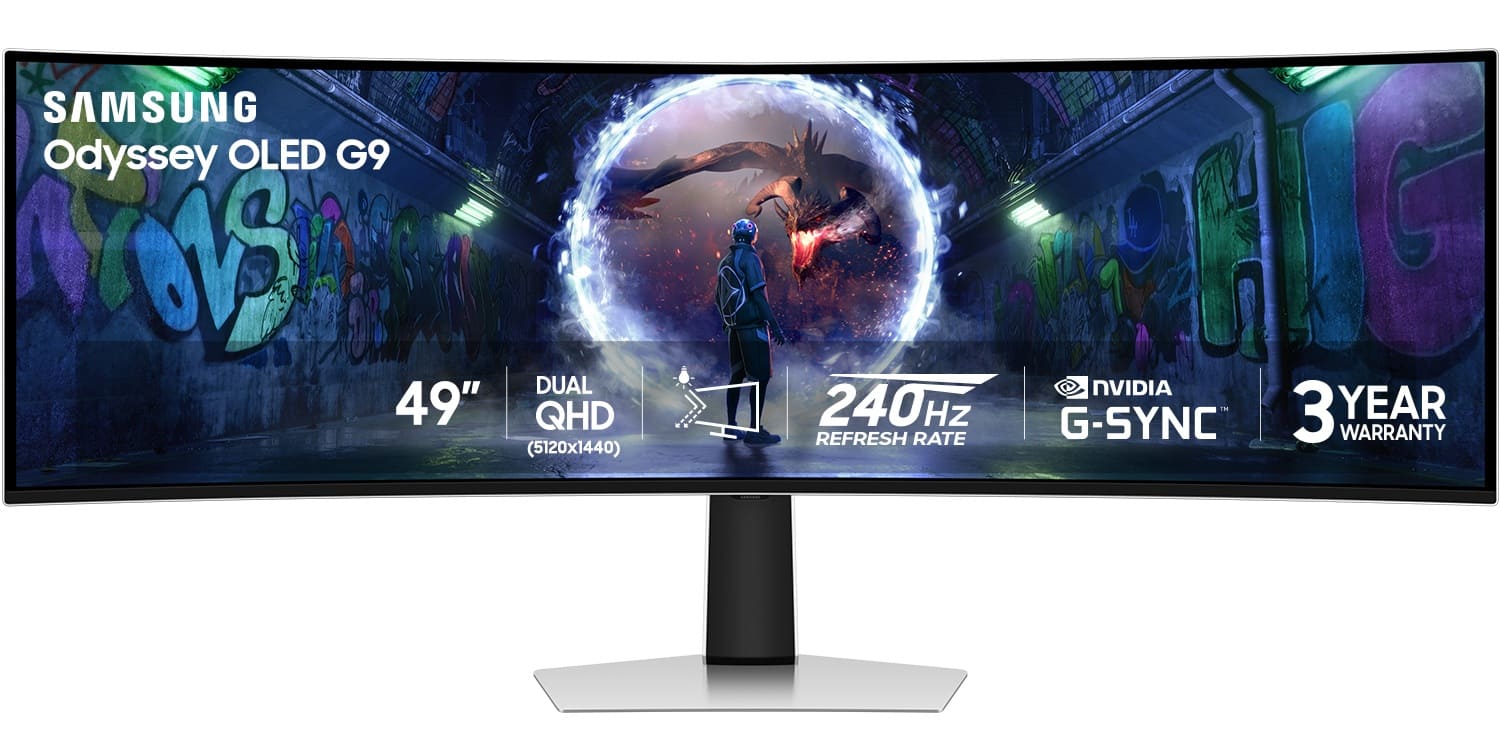
Samsung - 49" Odyssey OLED G9 (G93SD) Dual-QHD 240Hz 0.03ms G-Sync Compatible Curved Glare Free Gaming Monitor - Silver
SKU: J3ZYG2Z8Y3Best Monitor out there...Love this monitor, thanks to best buy did my card application and bought this beauty, big love to best...Best curved monitor...Love this curved monitor. Has a great picture and...
See all Gaming MonitorsProduct Description
A silver curved OLED gaming monitor with Dual-QHD resolution, 240Hz refresh rate, and G-Sync compatibility.$999.99 Your price for this item is $999.99Save $700Was $1,699.99The previous price was $1,699.99 -
Alienware - AW3425DW 34" QD-OLED UWQHD 240Hz 0.03ms FreeSync Premium Pro Curved Gaming Monitor with HDR (HDMI, DisplayPort, USB) - Interstellar Indigo
SKU: J3K4L63R43Best ultrawide monitor love the color and the hdr looks amazing...best monitor wver...I absolutely love this! you won’t regret it but this you will be heaven!!...love this sooo much it’s the best monitor...
See all Gaming MonitorsProduct Description
A curved black QD-OLED gaming monitor with 240Hz refresh rate, 0.03ms response, and HDR support.$699.99 Your price for this item is $699.99Save $100Was $799.99The previous price was $799.99 -
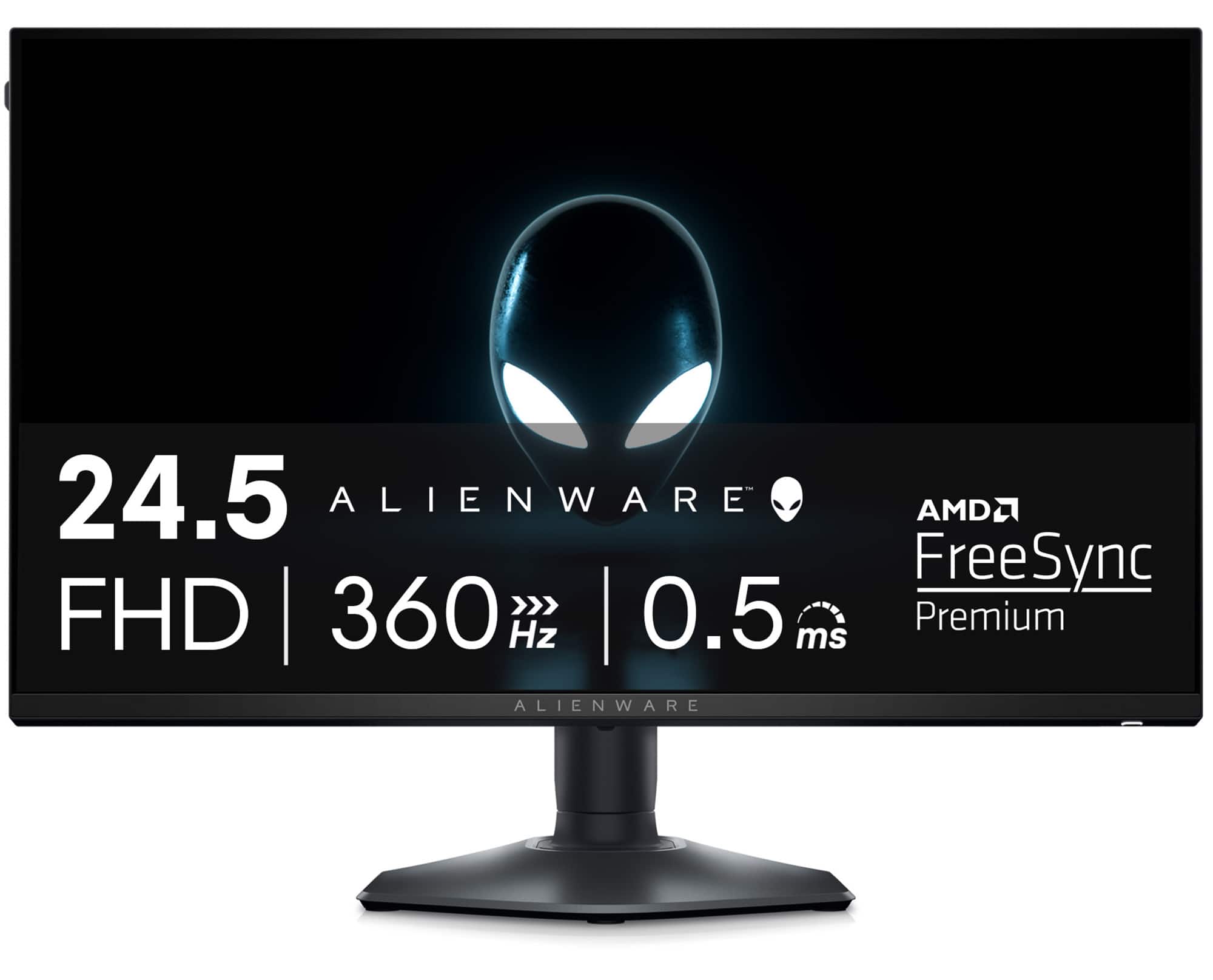
Alienware - AW2523HF 24.5" IPS LED FHD 360Hz .5-ms FreeSync Gaming Monitor with HDR (USB, HDMI) - Dark side of the Moon
SKU: J3K4L6JQG2See all Gaming MonitorsProduct Description
A lightning-fast black IPS gaming monitor with 360Hz refresh rate, 0.5ms response, HDR10, and FreeSync Premium.$465.45 Your price for this item is $465.45Save $33Was $499.00The previous price was $499.00 -
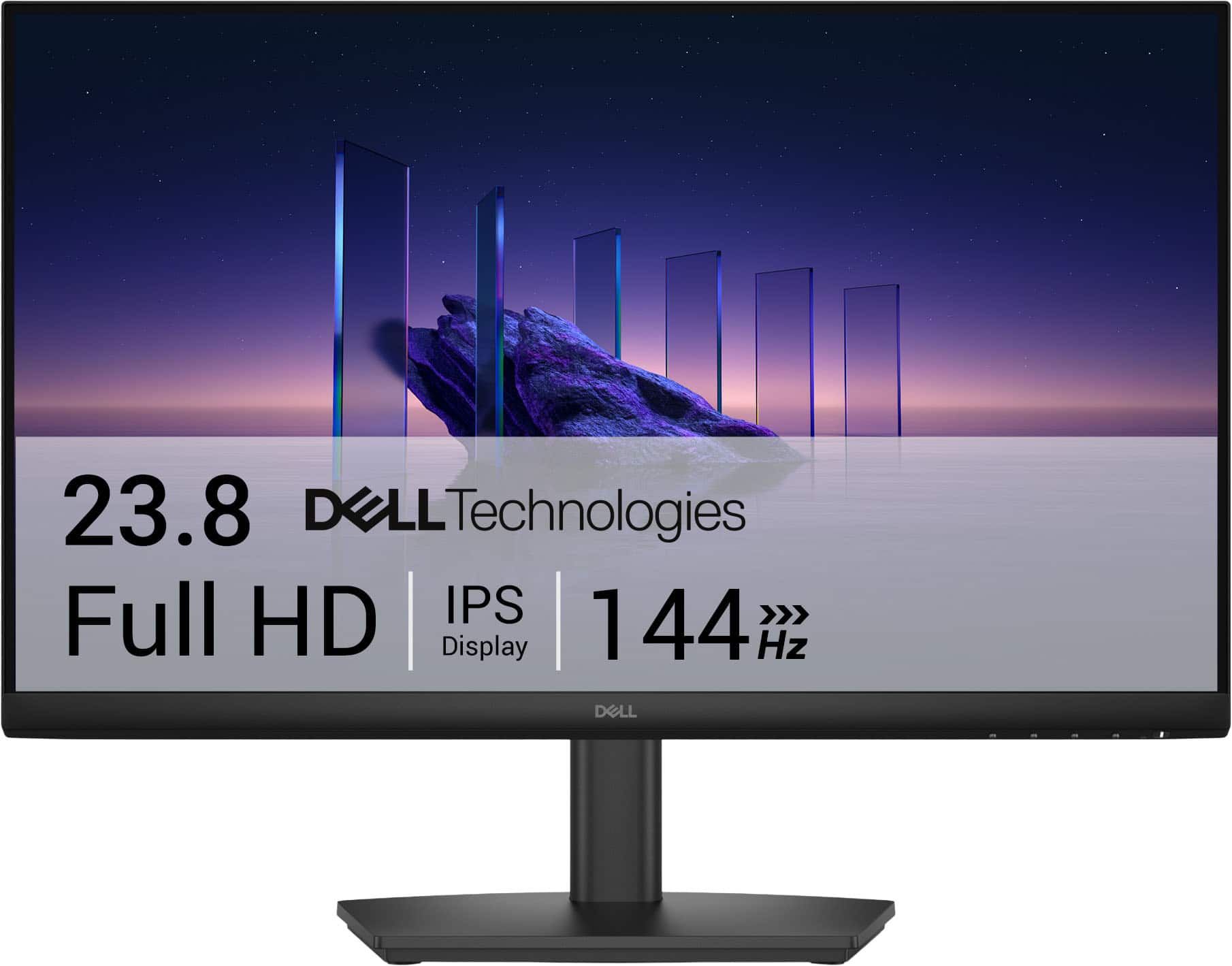
Dell - SE2426HS 24" IPS LCD FHD 144Hz FreeSync Height Adjustable Monitor (HDMI, USB) - Black
SKU: J3K4L6WZWZBest Graphic best price...The graphics is very great and perfect. With a great price. Best buy the best....Best Lcd...I am in love with this LCD and totally saturated with my purchase
See all All MonitorsProduct Description
A black IPS LCD monitor with 144Hz refresh rate, 1ms response time, and AMD FreeSync support.$89.99 Your price for this item is $89.99Save $30Was $119.99The previous price was $119.99 -
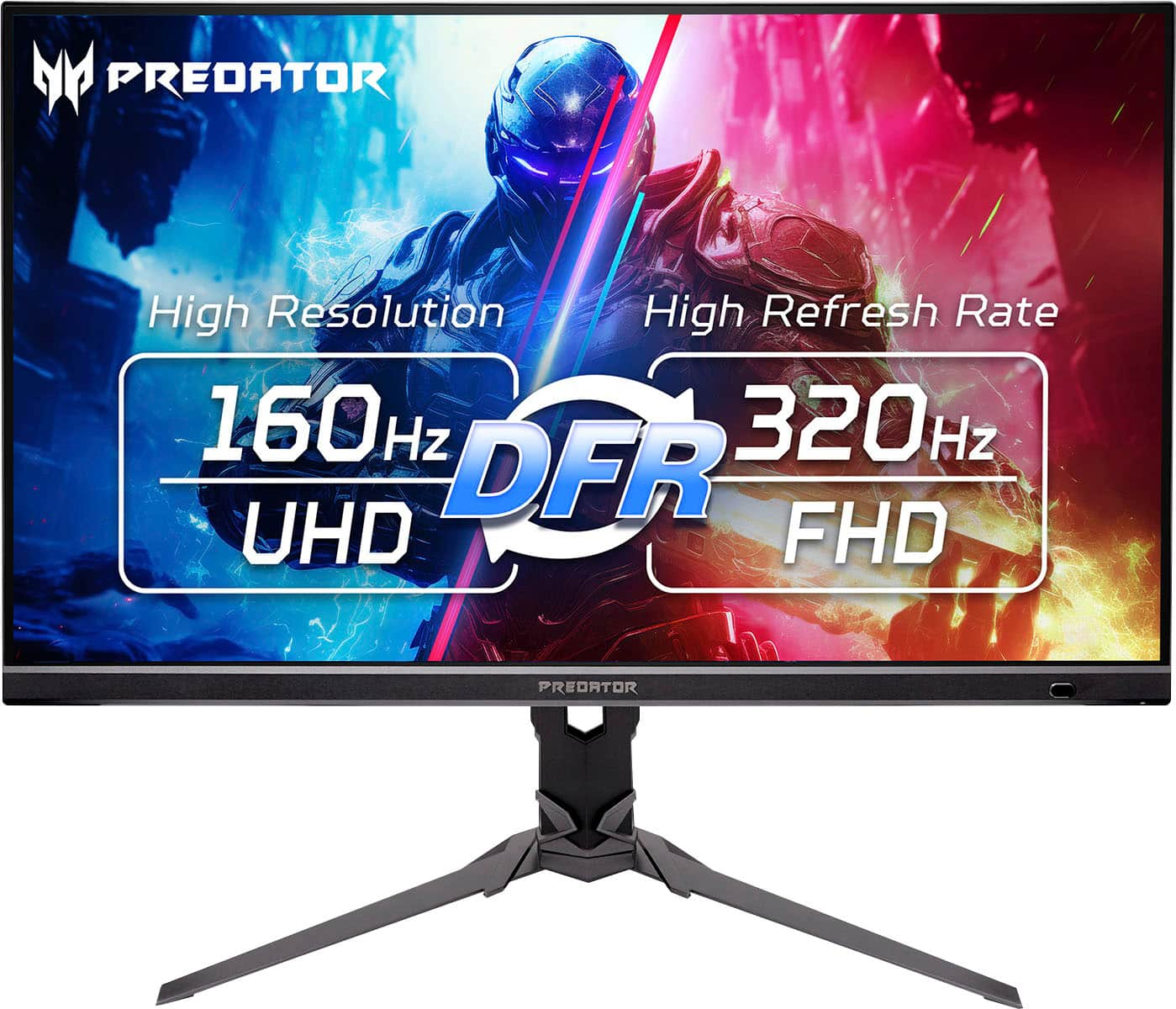
Acer - Predator XB273K 27" 4K UHD IPS Up to 320Hz Up to 0.5ms FreeSync Premium Gaming Monitor with HDR400 (DisplayPort, HDMI) - Black
SKU: JJ8V8HGQQ6See all Gaming MonitorsProduct Description
A black IPS gaming monitor delivering 4K UHD resolution, 320Hz refresh rate, and AMD FreeSync Premium support.$449.99 Your price for this item is $449.99 -
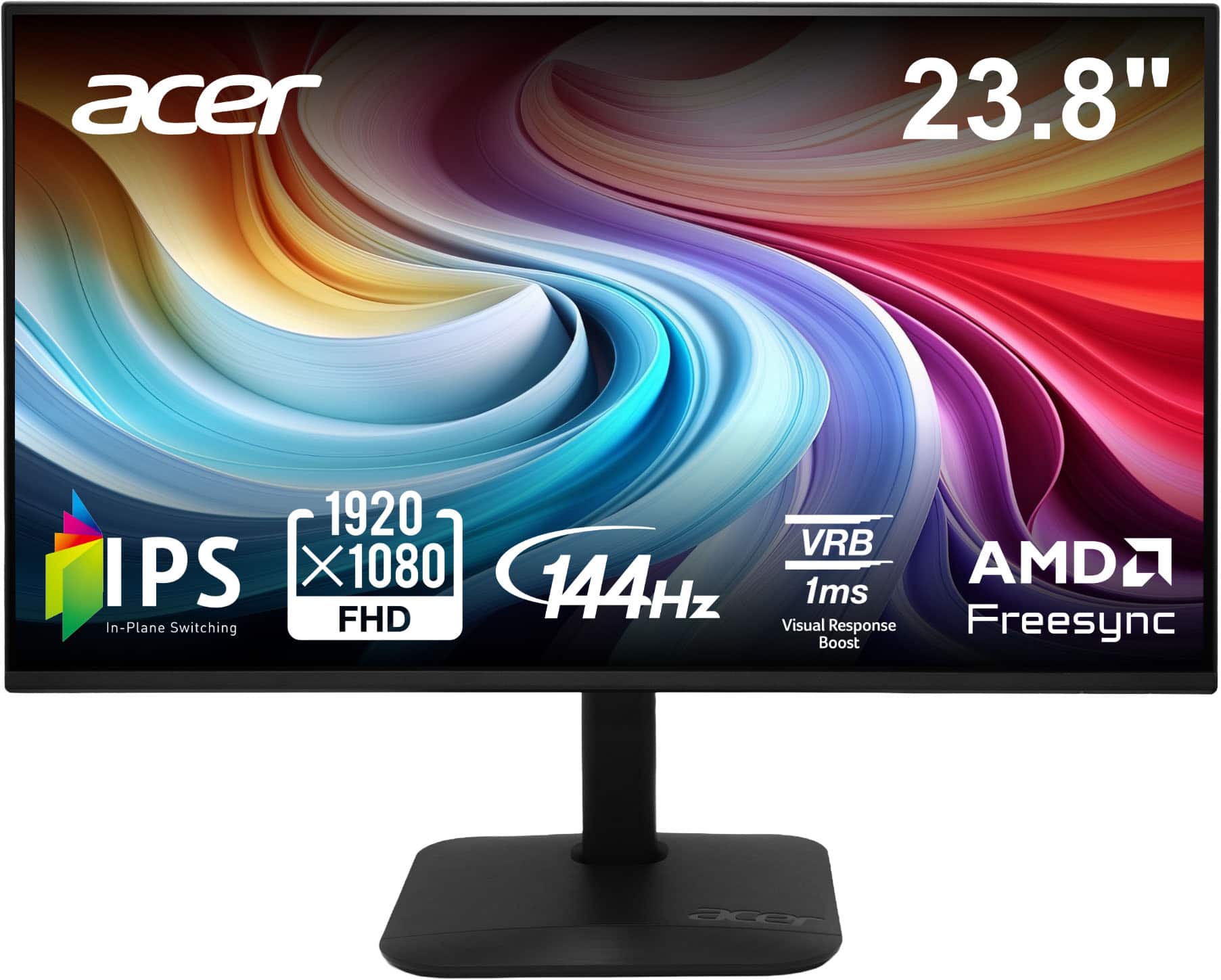
Acer - 23.8” IPS Full HD AMD FreeSync Monitor - Up to 144Hz, 1ms (HDMI, VGA) - Black
SKU: JJ8V8HL56FGreat functionality...VGA is hard to find nowadays, we love that these are still found at retail...I love this monitor.
See all All MonitorsProduct Description
A sleek black IPS LED monitor with Full HD resolution, 144Hz refresh rate, and AMD FreeSync support.$79.99 Your price for this item is $79.99Save $40Was $119.99The previous price was $119.99 -
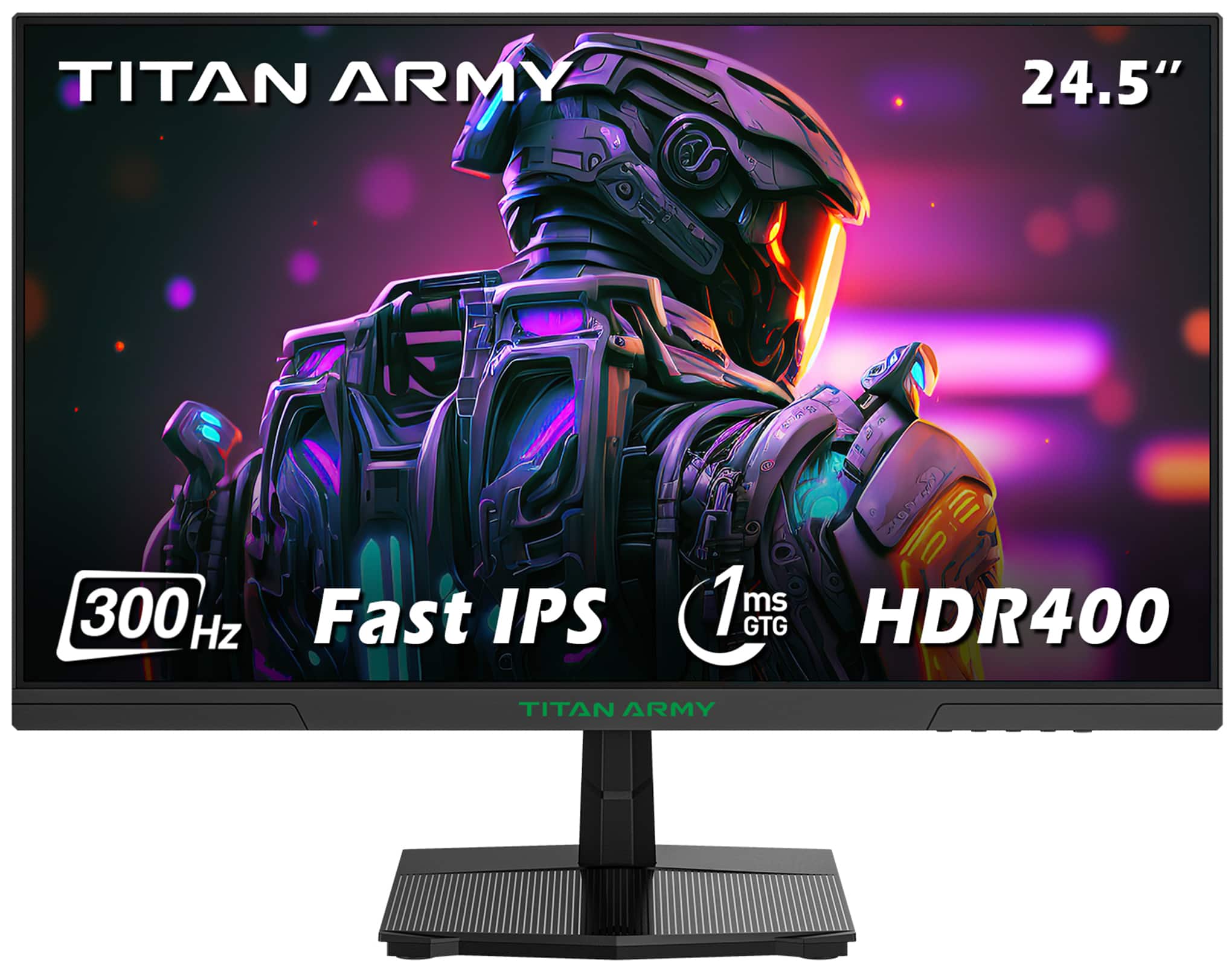
Titan-army - P2510HS 24.5 Inch 300Hz Gaming Monitor, Fast IPS 1ms GTG, 1080P FHD, FreeSync, 121% sRGB, HDR400, VESA Wall Mount - Black
SKU: CZT66RLVGQSee all Gaming MonitorsProduct Description
A black Fast IPS gaming monitor with 300Hz refresh rate, 1ms response, HDR400, and FreeSync support.$159.99 Your price for this item is $159.99 -
Dell - Pro Plus 34.1" IPS LED 100Hz Monitor (USB, HDMI) - Black, Silver, Dual Color
SKU: J3K4L633JFEasy to use, and has great maneuverability.
See all All MonitorsProduct Description
A dual-color ultrawide IPS LED monitor with 100Hz refresh rate, high resolution, and versatile connectivity options.$599.99 Your price for this item is $599.99Save $120Was $719.99The previous price was $719.99
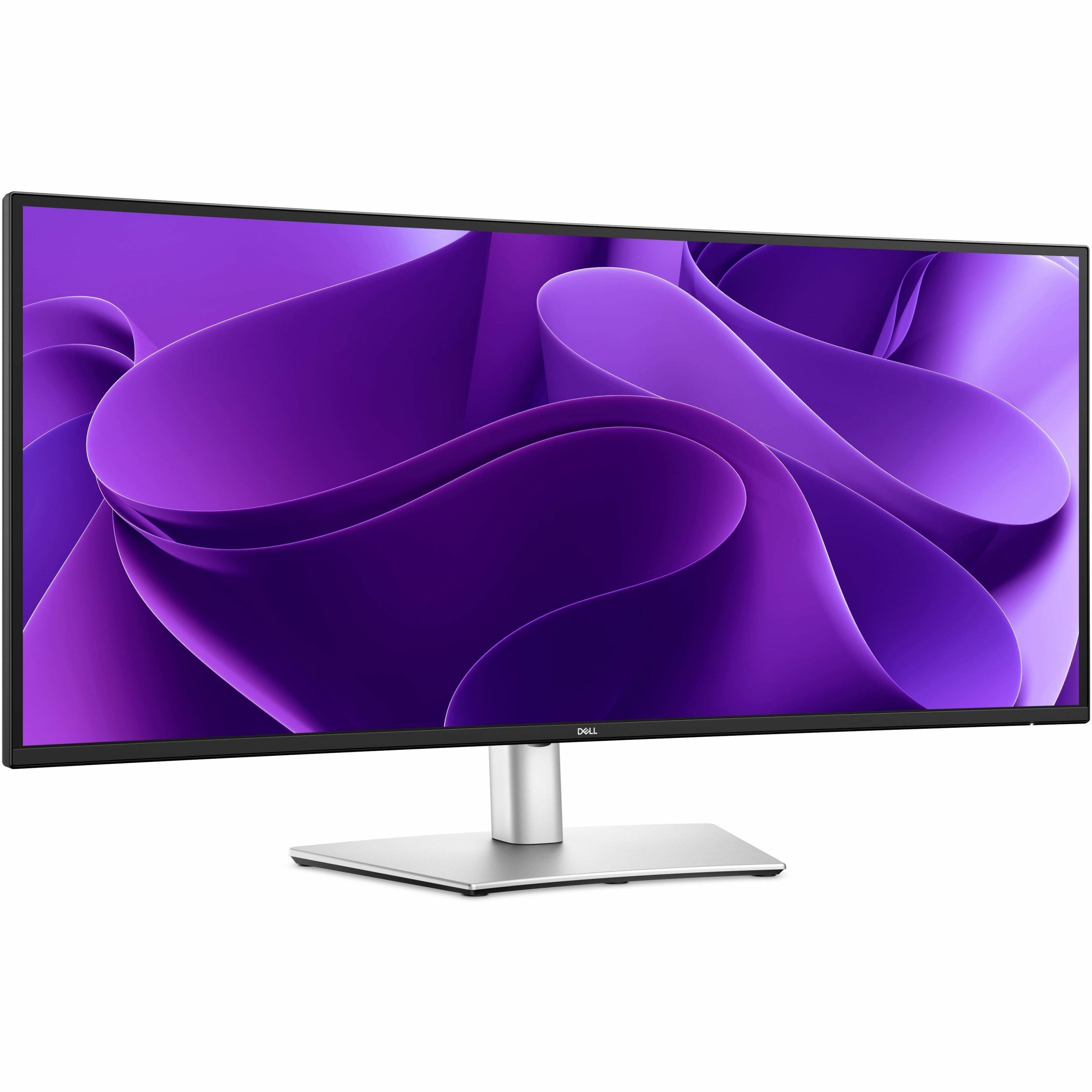
High refresh rate monitors are designed to make movement on screen look smoother, clearer and more immediate. A monitor’s refresh rate, measured in Hertz (Hz), indicates how many times per second it can draw a new image. A 60Hz display refreshes the picture 60 times per second, while a 144Hz, 165Hz, 180Hz or 240Hz monitor can present motion more frequently when paired with a system capable of delivering enough frames per second. The difference can be especially noticeable when turning quickly in a game, following a racing course, scrolling through a long webpage or dragging windows across the desktop. Fast-moving objects may appear less blurred, and controls can feel more responsive because the screen is updating more often. For many shoppers, the 144Hz to 180Hz range offers an appealing balance of fluid performance, broad compatibility and value for casual gaming, immersive single-player titles, schoolwork and everyday multitasking. A 240Hz monitor is well suited to competitive players who spend time in fast shooters, battle royale games or esports-style matches, where quick reactions and a clear view of moving targets matter. Higher refresh rates, including 360Hz and beyond, are intended for specialized setups and players who have powerful hardware, high frame rates and a strong preference for minimizing every possible delay. Refresh rate is only one part of the experience, however. A high-refresh display works best when the computer’s graphics card and processor can produce a matching frame rate. If a game runs at 90 frames per second on a 240Hz monitor, the panel still has room for smoother output, but it will not receive 240 distinct frames each second. Checking the graphics hardware, preferred games and typical settings before choosing a monitor can help create a more balanced setup.
Variable refresh rate (VRR) support is another important consideration for smooth performance. Technologies such as AMD FreeSync and NVIDIA G-SYNC help synchronize the monitor’s refresh cycle with the frame rate coming from the graphics card, which can reduce screen tearing and stuttering when performance rises and falls. VRR may have a larger effect on perceived smoothness than simply selecting the highest available refresh rate, especially in games with changing scenes, detailed environments or demanding visual effects. Look for a monitor that supports the connection standard available on the computer or game console, such as DisplayPort or HDMI, and check which ports support the desired resolution and refresh rate. Resolution also affects the experience: Full HD can make it easier for a midrange graphics card to reach high frame rates, while Quad HD offers sharper detail and is a popular fit for gaming and productivity. 4K displays provide even more clarity, although driving games at high refresh rates in 4K generally requires stronger hardware. Response time, measured in milliseconds, describes how quickly pixels can change from one color to another and can influence motion clarity. A low response time can help limit visible ghosting, but published figures may be based on different testing methods, so it is wise to consider response time alongside refresh rate, VRR support and real-world use. Panel type, brightness, contrast, viewing angles and color coverage matter as well. A fast IPS panel may appeal to shoppers who want responsive gameplay and accurate color, while other panel designs can prioritize contrast or deep blacks. Adaptive overdrive settings, backlight behavior and the ability to adjust the stand can also make a noticeable difference during long sessions. Height, tilt and swivel adjustments help position the screen comfortably, and a VESA mount option can be useful for a monitor arm or multi-display arrangement. Built-in speakers, headphone outputs, USB ports and cable-management features may add convenience, particularly for a desk used for gaming, remote work and entertainment.
These monitors can suit a wide range of people, from a PC gamer building a first performance-focused setup to a competitive player fine-tuning a familiar desk. They can also be a thoughtful gift for someone who spends cooler months exploring new games, streaming content, learning digital design or working from home. A student may appreciate smoother scrolling and a spacious display for research, creative projects and video calls, while a family member who enjoys racing, sports or action games may notice the benefit of fluid motion every time the scene accelerates. For a shared office or bedroom, consider screen size, available desk space and viewing distance before selecting a display. Smaller monitors can fit compact workstations and dual-screen layouts, while larger screens provide a more expansive view for immersive games and split-screen productivity. Curved designs may help bring the edges into the viewer’s field of vision, whereas flat screens can be easier to arrange side by side or use for design work where straight lines need to remain predictable. A matte finish can help reduce reflections near windows and lamps, and brightness adjustment is useful when the room changes from bright daytime conditions to a dim evening space. Gamers focused on first-person shooters can explore Monitor For FPS Gaming for displays aligned with fast action and responsive play. When comparing options, start with the games and applications you use most, then match the refresh rate to the frame rates your hardware can realistically produce. Confirm the required cables, check the monitor’s supported refresh rates at each resolution and leave room in the budget for a suitable graphics card, stand or mounting solution if needed. The right high refresh rate monitor can turn ordinary movement into a more natural, connected experience, whether that means tracking a vehicle through a sharp corner, lining up a precise in-game action, moving smoothly between workspaces or settling into an evening of entertainment.
Best Sellers
Related Pages
FAQ
A high refresh rate monitor is a display that can update the image on screen more times per second than standard monitors. Typically, these monitors have refresh rates of 120Hz, 144Hz, 165Hz, or even higher, resulting in smoother motion and improved visual clarity during fast-paced activities like gaming or video editing.
A higher refresh rate allows the monitor to display more frames per second, which reduces motion blur and screen tearing. This results in smoother gameplay and can give gamers a competitive edge by making fast movements appear clearer and more responsive.
Yes, to fully benefit from a high refresh rate monitor, your computer's graphics card must be capable of outputting frame rates that match or exceed the monitor's refresh rate. Additionally, using compatible cables such as DisplayPort or HDMI is important for achieving maximum performance.
While gamers benefit the most from high refresh rates due to smoother motion and reduced input lag, these monitors can also enhance experiences in video editing, animation, and general desktop use by providing smoother scrolling and transitions.
When choosing a high refresh rate monitor, consider factors such as panel type (IPS, TN, VA), response time, adaptive sync technologies (like G-SYNC or FreeSync), resolution, and connectivity options. These features contribute to overall image quality and performance.