Alienware - AW3225QF 32" QD-OLED Curved 4K UHD 240Hz 0.03-ms G-SYNC Compatible Gaming Monitor with HDR (HDMI, DisplayPort. USB) - Lunar Light
Customers are saying
Customers are satisfied with the AW3225QF monitor's picture quality, smooth refresh rates, and vibrant colors. The OLED quality and HDR performance also receive positive feedback. Some customers feel that built-in audio should be included, while others express concerns about the price. A few customers have noted the lack of an aux port.
Highlights
32" OLED Display with Quantum Dot Display Technology
Quantum Dot Display Technology with OLED enables a slim panel design and delivers a superior color performance with a higher peak luminance and greater color gamut range.
3840 x 2160 4K resolution
4K resolution (3840x2160) delivers incredible detail on advanced QD-OLED panel.
Infinite contrast ratio
1000000:1 contrast ratio ensures deep, inky blacks and stunning brights at peak luminance of 1000nits, all in the same scene.
DCI-P3 99% Color Coverage
DCI-P3 99% color coverage and Delta E < 2 accuracy for vivid, lifelike colors.
240Hz Refresh Rate
Up to 240Hz refresh rate enables excellent motion clarity.
0.03ms response time GtG (Gray to Gray)
Near-instantaneous 0.03 ms gray-to-gray min. response time virtually eliminates blurring and ghosting.
1700R curved screen
1700R curved screen for greater eye comfort and visual immersion.
NVIDIA G-SYNC Compatible and VESA AdaptiveSync
NVIDIA G-SYNC Compatible and VESA AdaptiveSync for tear-free, stutter-free visuals.
3-zone AlienFX lighting
3-zone AlienFX lighting evokes premium, customizable presence on desktop.
3-year Advanced Exchange Service
Three-year Advanced Exchange Service warranty that includes OLED burn-in coverage.
- Refresh Rate240HzMaximum Resolution3840 x 2160Response Time0.03 millisecondsSynchronization TechnologyG-SYNC Compatible (NVIDIA Adaptive Sync), VESA Adaptive-SyncScreen Size32 inches
Reviews
Rating 4.7 out of 5 stars with 915 reviews
- Picture Quality (356)
- OLED Quality (100)
- Refresh Rate (100)
- Color (71)
- HDR (49)
- Audio (12)
- Price (8)
- Connectivity (7)
- Ghosting (3)
Customer Images
The vast majority of our reviews come from verified purchases. Reviews from customers may include My Best Buy members, employees, and Tech Insider Network members (as tagged). Select reviewers may receive discounted products, promotional considerations or entries into drawings for honest, helpful reviews.

Compare similar products
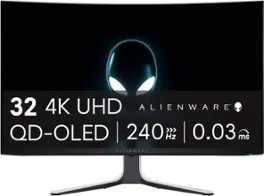
The world’s first 4K QD-OLED gaming monitor has arrived. The AW3225QF delivers ultimate visual fidelity with 4K resolution, Dolby Vision, a 240Hz refresh rate, and 0.03 ms minimum response time, plus superb color performance.
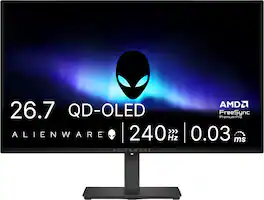
Alienware 27 240Hz QD-OLED Gaming Monitor. Take in superb QD-OLED visuals and fluid gameplay on the 27" flat panel monitor featuring a fast 240Hz refresh rate.

Alienware 34 240Hz QD-OLED Gaming Monitor - AW3425DW. Meet unmatched immersion with an ultrawide 34" QD-OLED, delivering greater speed and a striking new design.
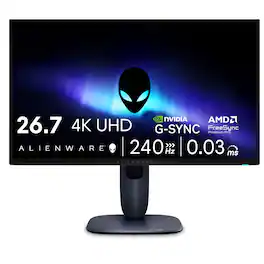
Meet our first 27" 4K QD-OLED Gaming Monitor. Experience ultimate visual fidelity and peak QD-OLED performance in a sleek 27" panel. Immerse yourself in new worlds with the world's highest pixel density in a QD-OLED monitor at 166 PPI* with 4K resolution, incredible color accuracy and Dolby Vision HDR.
| Pros for Alienware - AW3225QF 32" QD-OLED Curved 4K UHD 240Hz 0.03-ms G-SYNC Compatible Gaming Monitor with HDR (HDMI, DisplayPort. USB) - Lunar Light | |||
|---|---|---|---|
| OLED Quality, Refresh Rate, Picture Quality, Color, HDR | OLED Quality, Refresh Rate, Overall Performance, Stand Adjustability | Color Quality, Refresh Rate, HDR Performance | Color Quality, Refresh Rate, Resolution, Design |
| Cons for Alienware - AW3225QF 32" QD-OLED Curved 4K UHD 240Hz 0.03-ms G-SYNC Compatible Gaming Monitor with HDR (HDMI, DisplayPort. USB) - Lunar Light | |||
| Connectivity, Audio, Price, Ghosting | Brightness, Audio Output, USB Ports | Connectivity, Speakers | Connectivity |
Specs
Does it support a vesa mount?
Answered by YourDellTeamThis monitor comes with VESA mounting holes(100 mm x 100 mm - behind VESA Cover) that can be used to wall mount the monitor using VESA compatible wall mount kit (100 mm x 100 mm).
Does this not have a headphone jack for speakers? How would i get sound for a ps5? I cant plug in speakers to a playstation 5. My current dell monitor has a headphone jack Whats the solution to this issue of lack of headphone jack
Answered by YourDellTeamUnfortunately, this model monitor does not have a headphone jack for speakers. A couple of options could be; Connect the PS5 DualSense controller using the 3.5mm jack, Use an HDMI audio extractor, or Connect the PS5 using a bluetooth adapter and USB port.

Can this monitor do 240hz at 1440p in windows 11?
Answered by YourDellTeamYes, the Alienware AW3225QF 31.6" Quantum Dot OLED Curved Gaming Monitor can support 240Hz at 1440p (2560 x 1440 resolution) in Windows 11. This model is designed to run at 240Hz natively at its 1440p resolution, so you'll be able to fully experience the refresh rate in games and general use, provided your graphics card can output 240Hz at that resolution.
How do you prevent the monitor from getting oled burn?
Answered by YourDellTeamTo prevent OLED burn-in on your Alienware AW3225QF monitor, enable built-in features like Pixel Refresh, Panel Refresh, and Pixel Shift, reduce static content (e.g., hide taskbar/icons), and use sleep mode or dynamic wallpapers. Also, avoid prolonged high brightness and static HDR content
Does this Alienware monitor have speakers?
No, this monitor does not have built-in speakers.
This question and answer was generated by AI based on customer and product data.

Customers often buy these together
Computer Keyboards
![Sure, here is the corrected and grouped text from the image:
**Top Row:**
- ESC
- F1
- F2
- F3
- F4
- F5
- F6
- F7
- F8
- F9
- F10
- F11
- F12
- PRTSC
- DEL
**Number Row:**
- 1
- 2
- 3
- 4
- 5
- 6
- 7
- 8
- 9
- 0
- -
- =
- \
**Letter Row:**
- TAB
- Q
- W
- E
- R
- T
- Y
- U
- I
- O
- P
- [
- ]
- \
**Letter Row:**
- CAPS
- A
- S
- D
- F
- G
- H
- J
- K
- L
- ;
- '
**Letter Row:**
- SHIFT
- Z
- X
- C
- V
- B
- N
- M
- ,
- .
- /
**Function Row:**
-](https://pisces.bbystatic.com/image2/BestBuy_US/images/products/9be10b95-8e90-4a5d-b85f-cbc6a7d8e8df.png;maxHeight=232;maxWidth=233?format=webp)
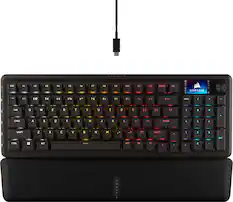
CORSAIR - VANGUARD 96 RGB Wired MLX Quantum Linear Mechanical Switch 96% Gaming Keyboard with FlashTap SOCD - Dual Tone
Top Deal$119.99The price was $179.99
![USC F1 F2 F3 F4 F5 F6 F7 F8 F9 F10 F11 F12 prt SC scr lk pause HH PE PM M5 1 ! 2 @ 3 # 4 $ 5 % 6 ^ 7 & 8 * 9 ( 0 ) - + ins home pg up num / MG tab Q W E R T Y U I O P [ { ] } \ del end pg dn 7 8 9 + EM caps A S D F G H J K L : - enter C 1 2 3 4 5 6 > M2 shift Z X C V B N M - / ? shift 1 2 3 M1 ctri alt alt fn ctrl 0 ins del enter](https://pisces.bbystatic.com/image2/BestBuy_US/images/products/db34a04d-e8cb-4a6c-b0e8-8cb5450ca606.jpg;maxHeight=232;maxWidth=233?format=webp)
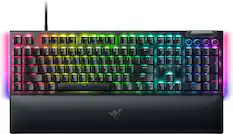
![esc ~ ! 1 tab caps lock shift ctrl F2 Fl # 2 3 Q W A S Z start opt L F3 $ 4 E D X alt cmd3 ) FS F4 A % 5 6 R T F G V C logi 44 HI & F9 FID FB F7 F6 * ) - - & 0 8 9 7 O P U I Y K L H J > < N M 1 B PM + = { [ : I ; ? I alt cmd D 2 4 300 3 1 F12 . * page I insert home up clear backspace 8 9 + 7 page A pg up end down home } I delete ] / 6 4 5 4 enter 2 3 enter 1 dn Pg end shift = 0 del ins etrl fn opt](https://pisces.bbystatic.com/image2/BestBuy_US/images/products/6539/6539505_sd.jpg;maxHeight=232;maxWidth=233?format=webp)


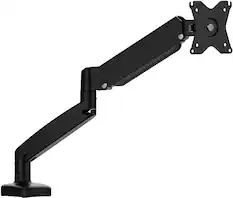
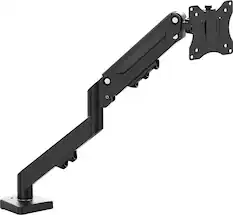
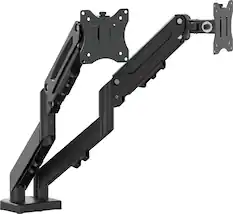
Monitor Stands

More recommended items
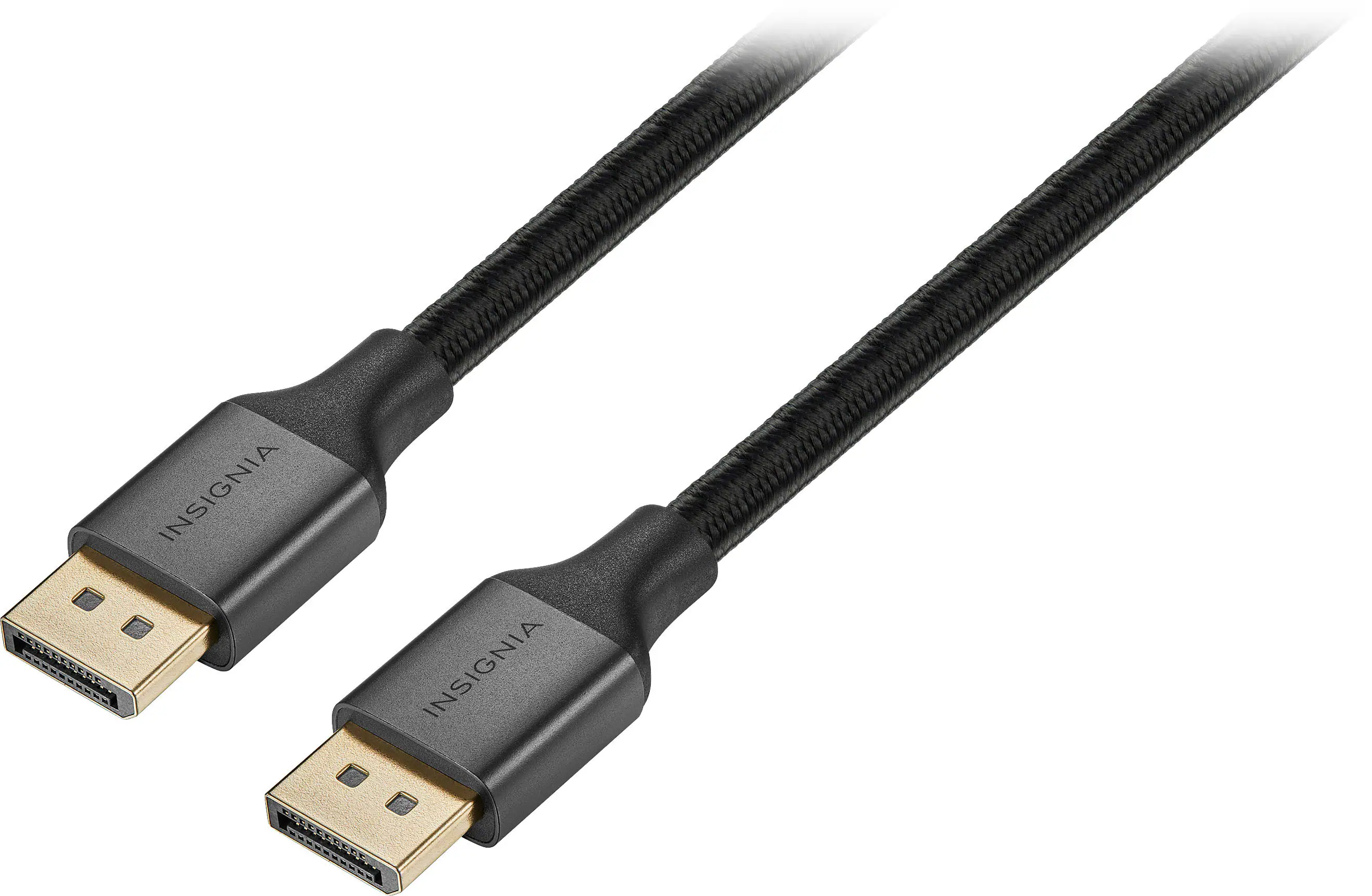 Monitor and Video Cables
 Computer Speakers
 Laptop Docking Stations
 Mice
Mice Cables and Adapters
 Mouse Pads
 PC Gaming Headsets
More to consider
 Top Deal$799.99The price was $999.99
 Top Deal$699.99The price was $799.99
 Top Deal$899.99The price was $1,299.99
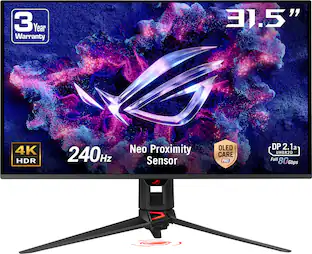 $1,035.99The price was $1,299.99
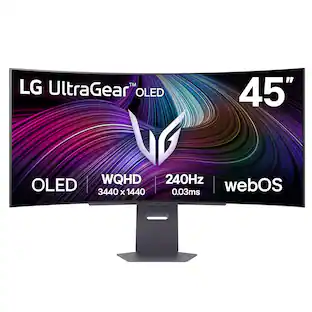 $999.99The price was $1,699.99
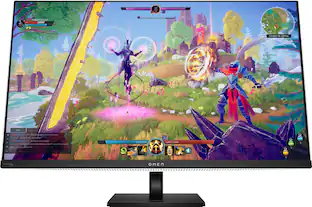 $699.99The price was $1,299.99
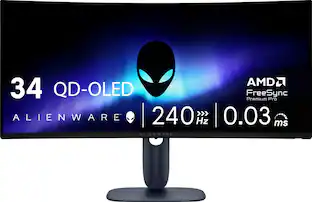

Explore tech essentials Sponsored
 $59.99The price was $99.99
 Top Deal$219.99The price was $349.99

Discover related products
 $249.00The price was $275.00
 $1,377.99The price was $1,409.33






Keep exploring
 $899.00The price was $934.64
 $199.99The price was $218.99
 $617.05The price was $626.66