Razer - BlackWidow V4 Pro Full Size Wired Mechanical Green Clicky Switch Gaming Keyboard with Chroma RGB Backlighting - Black
Customers are saying
Customers have good things to say about the mechanical keyboard's high-quality feel, responsive switches, and impressive RGB lighting effects. Users also frequently highlight the comfort provided by the included wrist rest and the convenience of the dedicated volume controls. While the product is highly regarded for its performance, some users find the price point a bit high and note that the software can be difficult to navigate. Additionally, a few customers expressed a desire for hot-swappable switches and improvements to the USB port design.
Color
BlackFeatures
Razer Green Mechanical Switches for precise execution with a clicky, tactile feel
With a 1.9mm actuation point requiring just 50g of force, experience the perfect pairing of pressure and response time—for precise inputs with satisfying, tactile feedback.
Immersive Underglow and Per-Key Lighting powered by Razer Chroma RGB
Featuring per-key lighting and a striking 3-side underglow when paired with the wrist rest, sync the keyboard with your battlestation and enjoy greater immersion for hundreds of integrated games.
Razer Command Dial and 8 Dedicated Macro Keys for maximum command at your fingertips
Assume greater control over your battlestation by assigning a custom function to the keyboard’s programmable dial. Game with greater command using a set of macro keys for essential keybinds.
Magnetic Plush Leatherette Wrist Rest with Underglow for extra gaming comfort and flair
Designed to provide secure support for long hours of play, the soft, cushioned wrist rest also features Razer Chroma RGB—which perfectly lines up with the keyboard’s underglow.
Doubleshot ABS Keycaps to withstand intense use
Using a doubleshot molding process to ensure the labelling never wears off, the keycaps also have extra-thick walls which make them extremely tough to withstand intense gaming.
Multi-Function Roller and 4 Media Keys for convenient control
Pause, play, skip and tweak everything from brightness to volume—the ultimate convenience as you enjoy your entertainment.
Razer Snap Tap
Enjoy truly responsive in-game movement via Razer Synapse 4 by prioritizing the latest input between a pair of assigned keys; Snap Tap is OFF by default and can be toggled ON/OFF in Razer Synapse.
Specifications
- Lighting TypeRGBForm FactorFull-sizeKeyboard TechnologyMechanicalKey Switch BehaviorClicky, TactileConnection TypeWired
Reviews
Rating 4.6 out of 5 stars with 561 reviews
- Keyboard Quality (176)
- RGB Lighting (94)
- Wrist Rest (53)
- Key Feel (46)
- Comfort (28)
- Price (15)
- Software (5)
- Switches (4)
- Size (3)
- USB Port (3)
Customer Images
The vast majority of our reviews come from verified purchases. Reviews from customers may include My Best Buy members, employees, and Tech Insider Network members (as tagged). Select reviewers may receive discounted products, promotional considerations or entries into drawings for honest, helpful reviews.


Compare similar products

Empower your play with a centerpiece that elevates your entire setup. Enter the next phase of battlestation evolution with the ultimate mechanical gaming keyboard. Take full command with a set of features designed for advanced control, and enhance your immersion with full-blown Razer Chroma RGB.
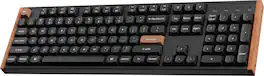
Transform your gaming and typing experience with the Keychron K10 HE. Combining classic mechanical feel with cutting-edge magnetic technology, it offers exceptional performance in a sleek design—enhanced by elegant natural rosewood accents. A fully customizable 100% layout wireless keyboard with magnetic switches — a breakthrough in switch technology, which instead of physical contacts, uses magnetic sensors to measure actuation depth, putting you in total control over the response of each and every switch.

Run your battlestation at optimal capacity with the perfect control hub for your PC setup. Packed with macro and media keys, gain access to advanced commands and shortcuts, as you turn up the immersion with a highly evolved mechanical keyboard that goes all out with Razer Chroma RGB.
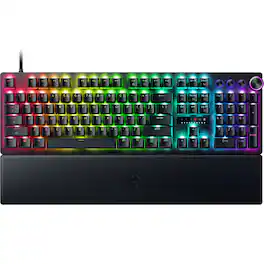
Blitz through the competition with our fastest, most responsive analog optical keyboard—designed with and made for pros. Supercharged with 8000 Hz HyperPolling, Razer™ Snap Tap, Rapid Trigger Mode, and adjustable actuation, play like the world’s best with hardware that meets their highest demands.
| Pros for Razer - BlackWidow V4 Pro Full Size Wired Mechanical Green Clicky Switch Gaming Keyboard with Chroma RGB Backlighting - Black | |||
|---|---|---|---|
| Keyboard Quality, RGB Lighting, Wrist Rest, Key Feel, Comfort | Build Quality, Customization, Connectivity, Typing Experience, Noise Level | Keyboard Quality, RGB Lighting, Key Feel, Wrist Rest, Lighting | Build Quality, Customization, Key Feel, Responsiveness, Polling Rate |
| Cons for Razer - BlackWidow V4 Pro Full Size Wired Mechanical Green Clicky Switch Gaming Keyboard with Chroma RGB Backlighting - Black | |||
| Price, Software, Switches, Size, USB Port | Key Shape, Weight | Noise Level | Noise Level, Wrist Rest Comfort |
Specs
Customers often buy these together
Mice
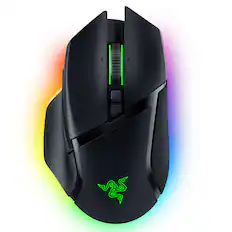
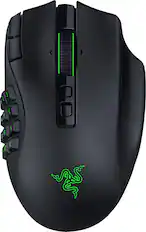
Razer - Basilisk V3 Pro Optical Gaming Mouse with HyperScroll Tilt Wheel - Wireless - Black
Top Deal$99.99The price was $159.99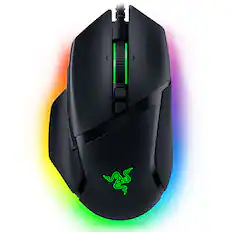
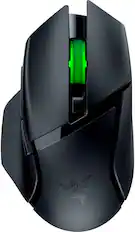
Razer - Basilisk V3 Optical Gaming Mouse with Chroma RBG Lighting - Wired - Black
$49.99The price was $69.99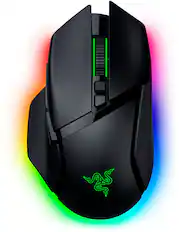
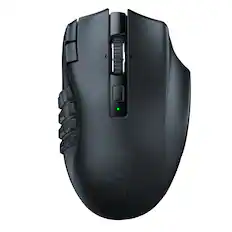
Razer - Basilisk V3 Pro 35K Optical Gaming Mouse with HyperScroll Tilt Wheel - Wireless - Black
$129.99The price was $159.99

Mouse Pads








More recommended items
 PC Gaming Headsets
 Computer Speakers
 Web Cameras
More to consider
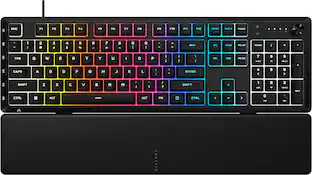
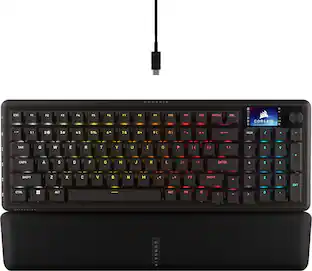
Razer BlackWidow V4 Full Size Wired Mechanical Green Clicky Switch Gaming Keyboard with Chroma RGB Backlighting
Top Deal$149.99The price was $179.99CORSAIR VANGUARD PRO 96 RGB Wired Magnetic Hall Effect MGX Linear 96% Gaming Keyboard with FlashTap SOCD + Rapid Trigger
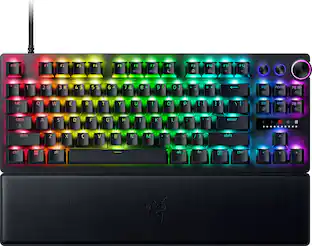
Top Deal$179.99The price was $229.99Razer Huntsman V3 Pro TKL Wired Analog Optical Linear Switch Gaming Keyboard with Snap Tap
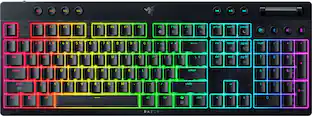
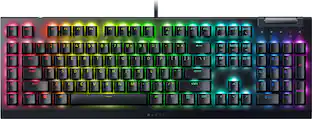
$157.99The price was $219.99Razer BlackWidow V4 X Full Size Wired Mechanical Green Clicky Switch Gaming Keyboard with Chroma RGB Backlighting
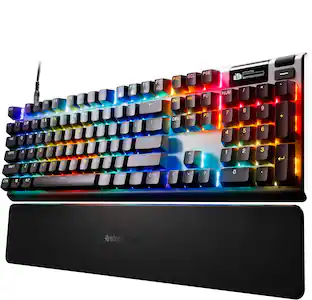
Clearance$103.99The price was $129.99CORSAIR GALLEON 100 SD Stream Deck-Integrated Mechanical Gaming Keyboard
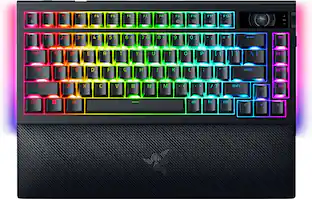
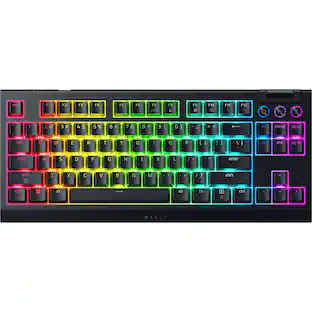
$299.99The price was $349.99Razer BlackWidow V4 TKL HyperSpeed Wireless Mechanical Orange Switch Gaming Keyboard with Hot-Swappable Design
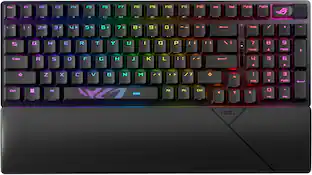
Top Deal$129.99The price was $179.99ASUS ROG Strix Scope II 96 96% Wireless Mechanical Gaming Keyboard with Hot-Swappable ROG NX Snow Switches
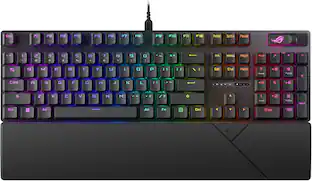
$125.00The price was $179.99ASUS ROG Strix Scope II X Full-size Wired Mechanical RGB Gaming Keyboard with Hot-Swappable ROG NX Snow Switches
$109.99The price was $129.99CORSAIR VANGUARD 96 RGB Wired MLX Quantum Linear Mechanical Switch 96% Gaming Keyboard with FlashTap SOCD
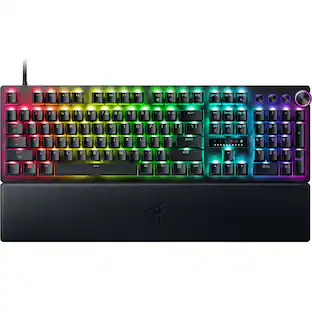
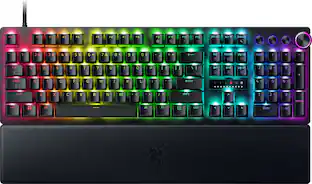
Top Deal$139.99The price was $179.99Razer Huntsman V3 Pro Full Size Wired Analog Optical Linear Switch Gaming Keyboard with Snap Tap
$219.99The price was $249.99


Explore tech essentials Sponsored
CORSAIR GALLEON 100 SD Stream Deck-Integrated Mechanical Gaming Keyboard
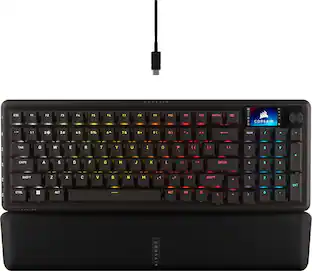
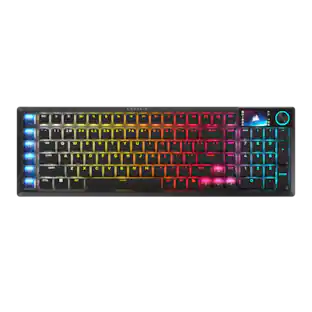
$299.99The price was $349.99CORSAIR VANGUARD PRO 96 RGB Wired Magnetic Hall Effect MGX Linear 96% Gaming Keyboard with FlashTap SOCD + Rapid Trigger
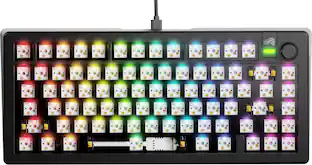
Top Deal$179.99The price was $229.99Glorious GMMK 3 PRO 75% Barebones Wired Mechanical Linear Switch Gaming Keyboard with Hot-swappable Switches
Clearance$96.99The price was $239.99
Discover related products
Acer USB C Docking Station With 2 HDMI, 9-IN-1 Docking Hub with USB A&C 3.0, SD/Micro SD, 100W Charging
$40.99The price was $47.99Arozzi Alzare Neo Pro Gas Spring Heavy Duty Single Monitor Arm – Supports Large & Ultra-Wide Screens –
$79.99The price was $89.99






Keep exploring
Womier VK68 65% Mechanical Keyboard, Wired Backlit Mini Gaming Keyboard for PC Laptop Windows
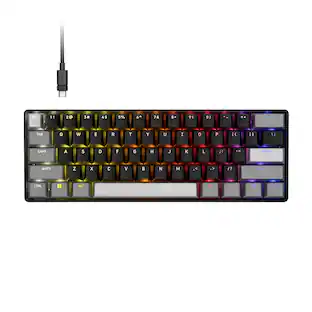
$23.99The price was $25.99GravaStar Mercury V60 Pro Special Edition 60% Wired Hall Effect Gaming Keyboard
$199.95The price was $299.95