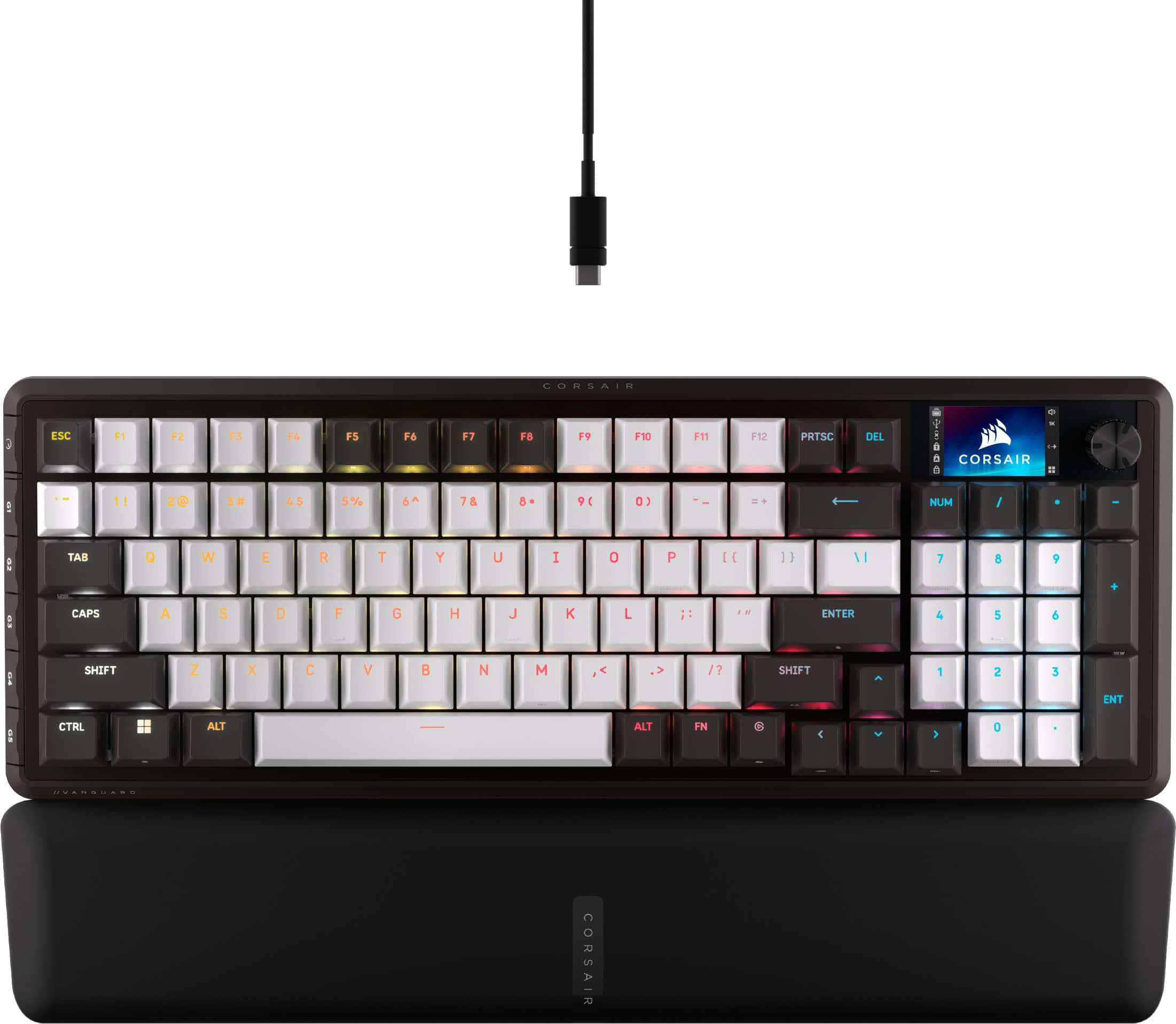
CORSAIR - VANGUARD 96 RGB Wired MLX Quantum Linear Mechanical Switch 96% Gaming Keyboard with FlashTap SOCD - Dual Tone
Customers are saying
Customers are delighted by the VANGUARD 96 RGB keyboard's exceptional build quality and comfortable feel. Many appreciate the pleasant noise level, customizable responsiveness, and vibrant RGB lighting. Some customers have noted the software incompatibility and port placement as areas for potential improvement.
96% keyboard that keeps it 100:
The optimized 96% layout means you’ll have full keyboard with arrow keys, a tenkey pad, an LCD screen, rotary dial, and 6 programmable G-keys, but in a super-compact frame that’s roughly the size of a TKL keyboard.
Vibrant full-color LCD screen:
The keyboard of the future is here! Personalize your keyboard on a whole new level with a luminous integrated 1.9” LCD screen you can use to display custom animations, images, system specs, and more.
Maximize every millisecond:
Utilize ultra-responsive 8,000Hz hyper-polling to eradicate input lag. Get the fastest response times for your in-game actions and stream commands.
Elgato Virtual Stream Deck integration:
Map Stream Deck functions directly to the VANGUARD 96’s programmable G-keys and utilize Virtual Stream Deck to create clickable shortcuts. Unlock a world of newfound productivity and enhanced in-game performance.
FlashTap SOCD:
With CORSAIR FlashTap SOCD handling, choose how the keyboard should resolve accidental SOCD inputs so you can Move Like You Mean It.
Wobble-free CORSAIR MLX switches:
Wobble-free CORSAIR MLX keyswitches feature pre-lubricated stems and Fresnel lensing for stunning RGB lighting. Refined for top-tier responsiveness and rated for 80 million keypresses.
Hotswap support for 3-pin and 5-pin switches:
The versatile VANGUARD 96 allows you to hotswap in your choice of compatible 3-pin and 5-pin mechanical keyswitches.
Quad-layer sound dampening:
4 layers of sound dampening foam help keep unwanted keyboard noise to a minimum, so you’re better able to enjoy your satisfying keypress acoustics.
6 Dedicated G-keys:
Set up in-game actions, productivity macros, or common key combinations for quick access on the 6 low-profile G-keys.
Customizable via CORSAIR Web Hub:
Enjoy lightweight, powerful customization with no additional software installation via CORSAIR Web Hub. Set up macros, map buttons, and more.
- Lighting TypeRGBForm Factor96%Keyboard TechnologyMechanicalKey Switch BehaviorLinearConnection TypeWired
Reviews
Rating 4.7 out of 5 stars with 354 reviews
- Build Quality (75)
- Feel (34)
- Noise Level (31)
- RGB Lighting (16)
- Size (16)
- Software (8)
- Key Sensitivity (6)
- Port Placement (3)
Customer Images
The vast majority of our reviews come from verified purchases. Reviews from customers may include My Best Buy members, employees, and Tech Insider Network members (as tagged). Select reviewers may receive discounted products, promotional considerations or entries into drawings for honest, helpful reviews.

Compare similar products

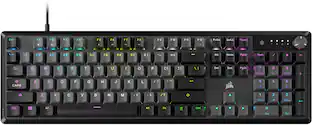
CORSAIR’s VANGUARD 96 pulls off the astonishing feat of shrinking a full keyboard with arrow keys, a tenkey pad, an LCD screen, rotary dial, and 6 programmable G-keys into a super-compact frame. Featuring wobble-free pre-lubricated CORSAIR MLX switches, it’s also hotswappable, supporting compatible 3-pin and 5-pin switches. The stunning LCD screen takes keyboard personalization to the next level with animations, stats, and game integration support. Quadlayer sound dampening provides satisfying keypress acoustics, and 8,000Hz hyper-polling delivers lightning-fast inputs. VANGUARD 96 also features Elgato Virtual Stream Deck integration, FlashTap SOCD handling, and easy customization via our web-based utility, CORSAIR Web Hub.

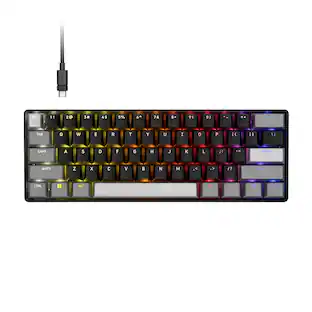
Power up your performance with CLIPPER PRO MINI 60’s enhanced Hall Effect tech. MGX HYPERDRIVE CORE magnetic switches unlock Rapid Trigger and next-generation Hall Effect features: Multi Action, Tap Lock, and Smart Tap so players can dominate the competition with game-changing speed and precision. Combined with 8,000Hz hyper-polling for near-instantaneous inputs and FlashTap SOCD for enhanced movement techniques, this supercompact 60% layout delivers a pro-level advantage in a small footprint. This incredibly water and dust-resistant mechanical keyboard is IP57-rated, built to withstand the toughest grind. Connect via USB-C to USB-A cable for enhanced control on PC, Mac, or console
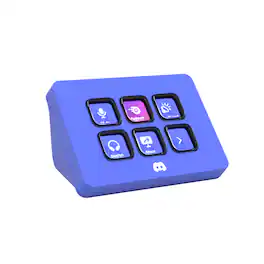
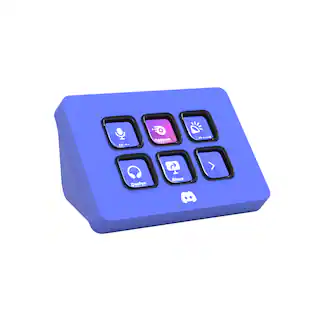
Meet the Elgato Stream Deck Mini – Discord Edition, the ultimate companion for Discord power users. With six fully customizable LCD keys and preloaded Discord actions, you can mute, deafen, screen share, and switch chats in a single tap. Wrapped in Discord’s iconic blurple and bundled with a free 1-month Discord Nitro voucher, this Stream Deck Mini goes beyond voice and chat. Whether you’re in-game, live streaming, or just hanging with friends, it lets you move fast, stay organized, and express yourself with ease. Plug it in, power up, and take control—because it’s your deck, your rules.

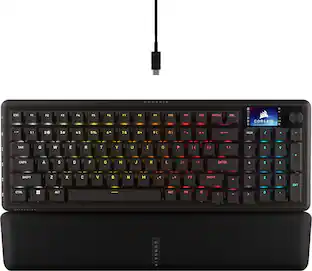
CORSAIR’s VANGUARD PRO 96 is a high-performance mechanical keyboard that continues CORSAIR’s game-changing legacy of innovation. Built for competitive players featuring magnetic MGX Hyperdrive Hall Effect switches and 8,000Hz hyper-polling for an edge in responsiveness. The optimized 96% form factor packs arrow keys, a numpad, an LCD screen, 6 G-keys, and a rotary dial into a footprint comparable to a TKL. It’s also hotswappable, enhancing compatible magnetic switches with quad-layer sound dampening for satisfying acoustics. VANGUARD PRO 96 features Elgato Stream Deck integration, FlashTap SOCD handling, Rapid Trigger, dual-actuation points, and customization via our lightweight web-based utility, CORSAIR Web Hub.
| Pros for CORSAIR - VANGUARD 96 RGB Wired MLX Quantum Linear Mechanical Switch 96% Gaming Keyboard with FlashTap SOCD - Dual Tone | |||
|---|---|---|---|
| Build Quality, Feel, Noise Level, RGB Lighting, Size | Build Quality, Typing Experience, RGB Lighting, Portability, Form Factor | Overall Performance, Ease of Use, Color | Build Quality, Noise Level, Typing Experience, Feel, RGB Lighting |
| Cons for CORSAIR - VANGUARD 96 RGB Wired MLX Quantum Linear Mechanical Switch 96% Gaming Keyboard with FlashTap SOCD - Dual Tone | |||
| Software, Key Sensitivity, Port Placement | Key Layout | There were no cons for this product— | Software Compatibility |
Specs
Package deals that include this item

Customers often buy these together
Mice
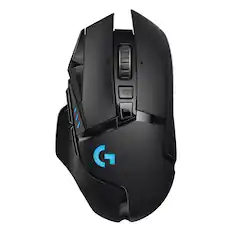
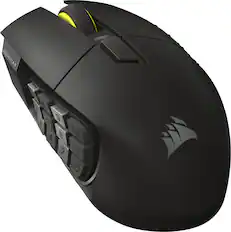
Logitech - G502 HERO Wired Optical Gaming Mouse with RGB Lighting - Wired - Black
$37.99The price was $69.99
Mouse Pads

CORSAIR - MM300 PRO Gaming Mouse Pad with Premium Spill-Proof Cloth - Extended - Black
Top Deal$19.99The price was $29.99
CORSAIR - MM Anti-fray Cloth Gaming Mouse Pad - Medium - Black
$9.99The price was $12.99






More recommended items
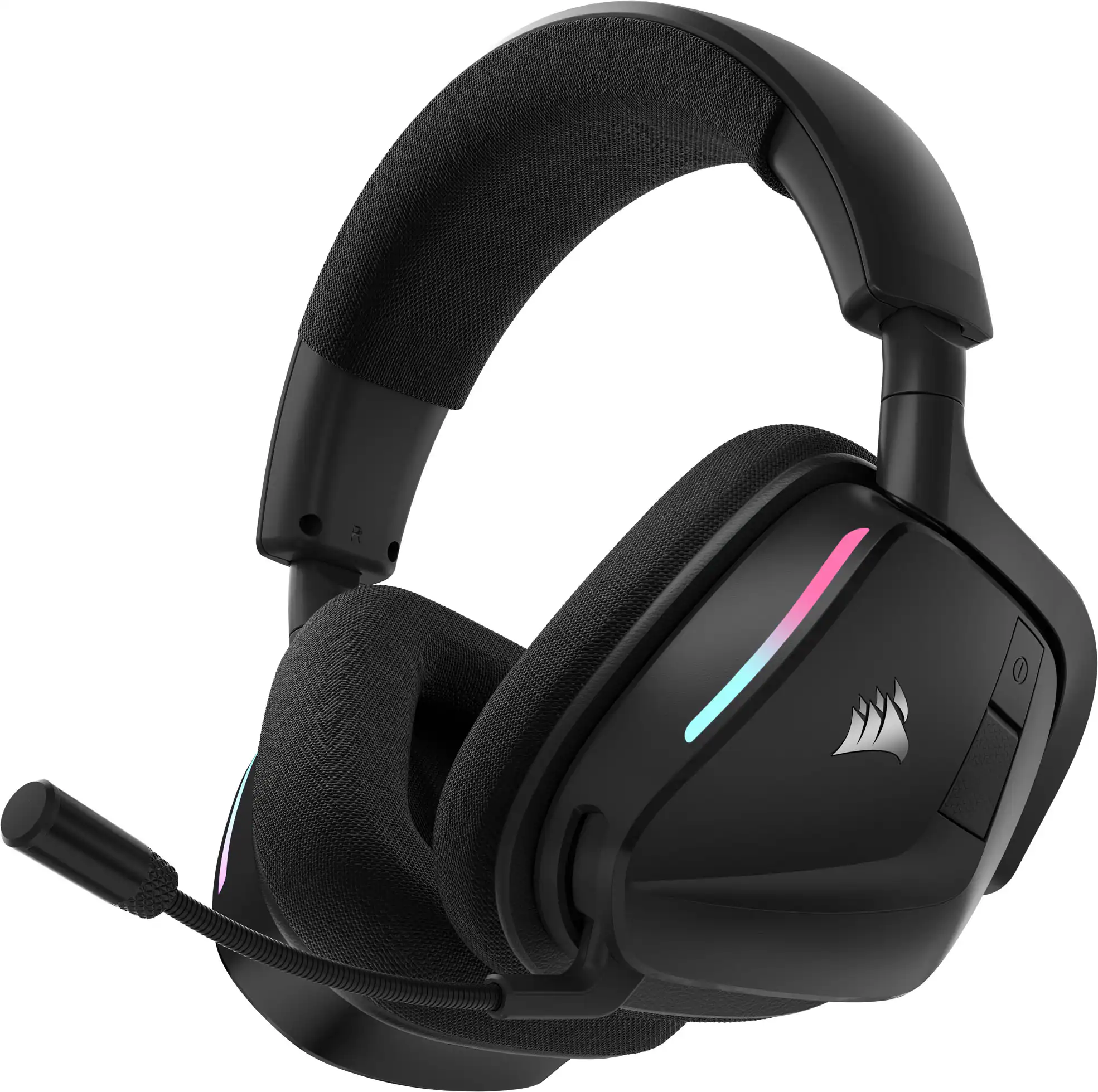 PC Gaming Headsets
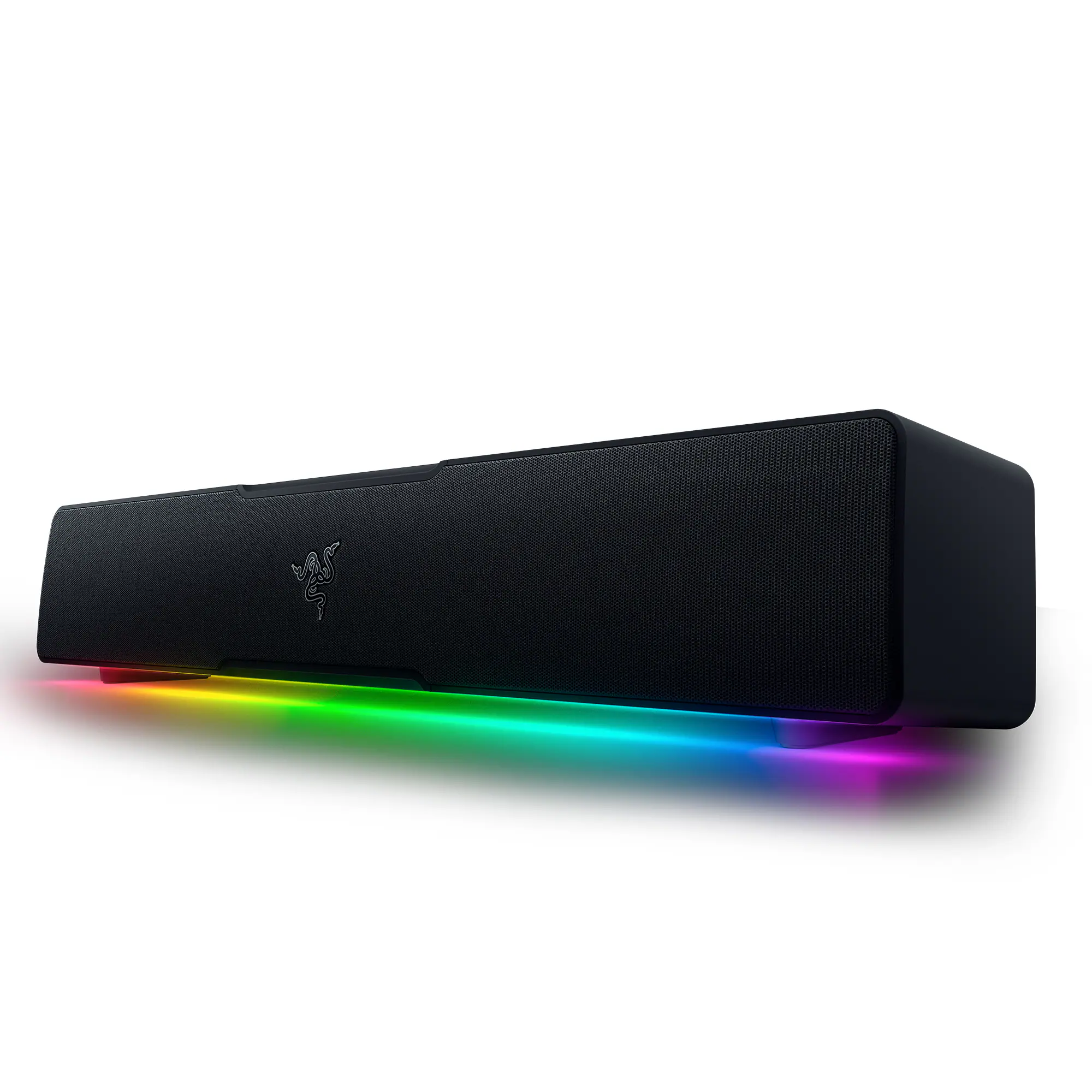 Computer Speakers
More to consider
 Top Deal$179.99The price was $229.99
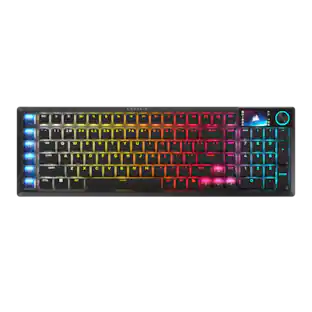 Top Deal$189.99The price was $259.99
 $149.99The price was $179.99
 $129.99The price was $169.99
 $115.99The price was $139.99
 Top Deal$159.99The price was $179.99


Explore tech essentials Sponsored
 $179.99The price was $219.99
 $139.99The price was $199.99
 $159.99The price was $219.99
Discover related products
 $249.99The price was $279.99
 $139.99The price was $179.99







Keep exploring
 $199.95The price was $209.95
 $69.99The price was $99.99
 $37.99The price was $58.99
 $55.99The price was $62.99
 $195.99The price was $283.49