Samsung - 27” Odyssey FHD IPS 240Hz G-Sync Gaming Monitor - Black
Customers are saying
Customers are positive about the monitor's overall performance, noting that it runs games very smoothly and offers an excellent refresh rate and resolution. Users also appreciate the ideal screen size, the competitive price point, and the straightforward setup process. While the display quality is highly regarded, some customers have noted the absence of built-in speakers and expressed minor concerns regarding the stability of the included stand. Additionally, a small number of users reported isolated issues with ghosting or dead pixels.
Highlights
240 refresh rate & 1ms response time
Speed through scenes. 240Hz refresh rate eliminates lag for exhilarating gameplay with ultra-smooth action. Jump on enemies right when you see them with a 1ms response time and blur-free frames.
FHD resolution & IPS panel
Escape into reality-defying realism. You can see games like never before. IPS panel delivers clear colors and a wide 178º viewing angle for clarity from any viewpoint.
Nvidia G-Sync compatible
Effortlessly smooth gameplay. G-Sync compatibility keeps the GPU and panel synced up to eliminate choppiness, screen-lag, and image tears. Fast-action and complex game scenes are stable and stutter-free with AMD FreeSync Premium for your competitive edge.
Ultrawide Game View
Keep your eye on the win. Adjust your screen to 21:9 to discover hidden areas in game scenes with Ultrawide Game View. Now when you play soccer games, see more of the pitch right up to the goalposts.
And in driving games, get a natural and encompassing view of the road ahead.
Ergonomic stand
Reach the height of winning. Swivel, tilt, and adjust your monitor until all enemies are in perfect view. Your display can be moved freely so you can find total gaming comfort.
Auto Source Switch+
Power on for instant play. With Auto Source Switch+, your monitor detects when connected devices are turned on and instantly switches to the new source signal. This helps you get to your game action faster without flipping through multiple input sources.
- Refresh Rate240HzMaximum Resolution1920 x 1080Response Time1 millisecondsPanel TypeIPSSynchronization TechnologyFreeSync Premium (AMD Adaptive Sync), G-SYNC Compatible (NVIDIA Adaptive Sync)
Reviews
Rating 4.8 out of 5 stars with 3685 reviews
- Overall Performance (1451)
- Refresh Rate (669)
- Screen Size (495)
- Price (160)
- Resolution (118)
- Speakers (61)
- Ghosting (12)
- Lag (11)
- Stand (9)
- Dead Pixel (8)
Customer Images
The vast majority of our reviews come from verified purchases. Reviews from customers may include My Best Buy members, employees, and Tech Insider Network members (as tagged). Select reviewers may receive discounted products, promotional considerations or entries into drawings for honest, helpful reviews.

Compare similar products

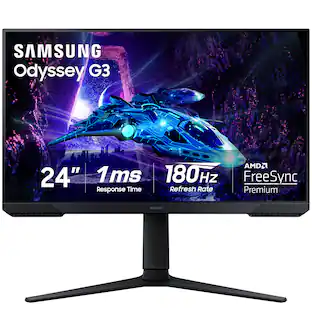
When it comes to gaming performance, the slightest disadvantage can be the difference between winning and losing a match. With a 240Hz refresh rate, lightning fast 1ms (GTG) response time and full adaptive G-Sync compatibility and FreeSync Premium support, you can be sure that the Odyssey G4 won’t let you down on the battlefield.
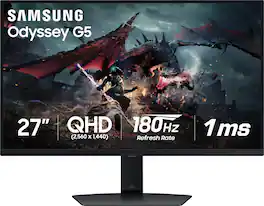
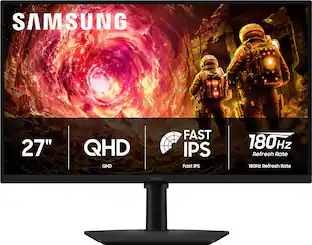
Samsung's Odyssey G50D Gaming Monitor with QHD resolution features incredibly detailed, pin-sharp images. The fast IPS panel delivers clear, vibrant colors and a 178° viewing angle, while the 180Hz refresh rate and 1ms response time (GtG) eliminates lag and enables frames with minimal blur for ultra-smooth gaming action. VESA DisplayHDR 400 offers more clarity, providing dynamic contrast with deeper blacks and brighter whites. AMD FreeSync keeps the monitor and graphics card refresh rate in sync for a seamless experience. Features an ergonomic stand that makes it easy to swivel, tilt, and adjust the height of the monitor, plus Eye Saver mode, which enables more focused gaming with less eye strain, for total comfort even when playing for extended periods of time.
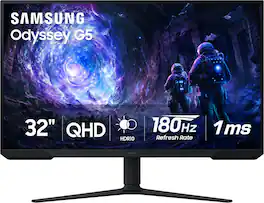
Samsung’s 32” Odyssey G5 G51F Gaming Monitor boasts incredibly detailed, pin-sharp images with QHD resolution (2560x1440). HDR10 provides brighter highlights, improved contrast and color accuracy, making every scene feel more vivid and realistic. 180Hz Refresh Rate and near-instant 1ms Response Time (MPRT) captures all your moves with reduced lag for ultra-smooth gameplay. AMD FreeSync Premium Pro reduces choppiness, screen lag, and image tears. Black Equalizer allows you to adjust dark areas in games, so you can locate opponents hiding in the deepest shadows. Virtual Aim Point allows you to hit your marks with next-level accuracy, giving you the optimal aim with crosshairs on the screen. Auto Source Switch+ instantly switches to a new source signal when connected devices are turned on, without having to use multiple inputs. Ergonomic stand makes it simple to tilt and adjust the monitor for total gaming comfort.
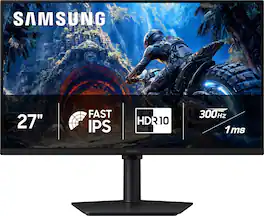
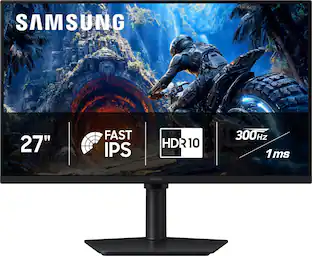
Samsung’s 27" Odyssey G4 Gaming Monitor offers brilliant lifelike visuals for exhilarating, engaging gameplay. Fast IPS panel with a 178° wide viewing angle accurately delivers clear, crisp hues that remain consistent from multiple viewpoints. HDR10 provides brighter highlights and nuanced shadows for added depth and more realistic scenes. 300Hz Refresh Rate and 1ms response time (GtG) enables ultra-smooth gaming precision with minimized screen lag, while AMD FreeSync Premium reduces choppiness and image tearing. Black Equalizer enhances visibility in dark scenes, making it easier to view fine details, while Virtual Aim Point provides elevated precision and accuracy. Height-adjustable Ergonomic Stand pivots, tilts, and swivels for the perfect view.
| Pros for Samsung - 27” Odyssey FHD IPS 240Hz G-Sync Gaming Monitor - Black | |||
|---|---|---|---|
| Overall Performance, Refresh Rate, Screen Size, Resolution, Price | Overall Performance, Refresh Rate, Resolution, Size | Overall Performance, Screen Size, Refresh Rate, Resolution | There were no pros for this product— |
| Cons for Samsung - 27” Odyssey FHD IPS 240Hz G-Sync Gaming Monitor - Black | |||
| Speakers, Ghosting, Lag, Stand, Dead Pixel | Speakers, Connectivity, Stand Stability | Speakers, Connectivity, HDR Performance, Black Levels | There were no cons for this product— |
Specs
Customers often buy these together
Computer Keyboards
![Sure, here is the corrected and grouped text from the image:
**Top Row:**
- ESC
- F1
- F2
- F3
- F4
- F5
- F6
- F7
- F8
- F9
- F10
- F11
- F12
- PRTSC
- DEL
**Number Row:**
- 1
- 2
- 3
- 4
- 5
- 6
- 7
- 8
- 9
- 0
- -
- =
- \
**Letter Row:**
- TAB
- Q
- W
- E
- R
- T
- Y
- U
- I
- O
- P
- [
- ]
- \
**Letter Row:**
- CAPS
- A
- S
- D
- F
- G
- H
- J
- K
- L
- ;
- '
**Letter Row:**
- SHIFT
- Z
- X
- C
- V
- B
- N
- M
- ,
- .
- /
**Function Row:**
-](https://pisces.bbystatic.com/image2/BestBuy_US/images/products/9be10b95-8e90-4a5d-b85f-cbc6a7d8e8df.png;maxHeight=232;maxWidth=233?format=webp)
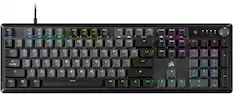
CORSAIR - VANGUARD 96 RGB Wired MLX Quantum Linear Mechanical Switch 96% Gaming Keyboard with FlashTap SOCD - Dual Tone
Top Deal$119.99The price was $179.99
![esc 1 ! 2 @ 3 # 4 $ 5 % 6 ^ 7 & 8 * 9 ( 0 ) - = + tab Q W E R T Y U I O P [ { ] } | caps A S D F G H J K L ; : " enter shift Z X C V B N M , < > ? shift ctrl alt fn ctrl](https://pisces.bbystatic.com/image2/BestBuy_US/images/products/f4530ec5-6fbf-4ff0-a67d-1967e6381b1c.jpg;maxHeight=232;maxWidth=233?format=webp)
![Sure, here is the corrected and grouped text:
```
ESC F1 F2 F3 F4 F5 F6 F7 F8 F9 F10 F11 F12 1 2 3 logitech - - 1 2 # $ 4 % 5 6 & 7 8 9 0 - - back insert home page up num lock clear / . tab Q W E R T Y U I O P { [ } ] / delete end page down 7 home 8 A 9 P9 up + caps lock A S D F G H J K L : ; a enter 4 5 6 shift Z X C V B N M < > ? shift 1 end 2 3 pg dn enter ctrl fn start alt opt alt crnd x alt cmd x fn ctrl alt opt 0 ins del 1 logitech
```](https://pisces.bbystatic.com/image2/BestBuy_US/images/products/5761/5761911_sd.jpg;maxHeight=232;maxWidth=233?format=webp)
![esc 1 2 @ 3 # 4 $ 5 % 6 ^ 7 & 8 * 9 ( 0 ) tab Q W E R T Y U I O P [ { ] } | caps A S D F G H J K L ; : enter shift Z X C V B N M , < > / shift fn alt fn alt ctrl](https://pisces.bbystatic.com/image2/BestBuy_US/images/products/ad39e66a-5716-4815-8df0-f9a57fb9dcb0.jpg;maxHeight=232;maxWidth=233?format=webp)
Monitor Stands

More recommended items
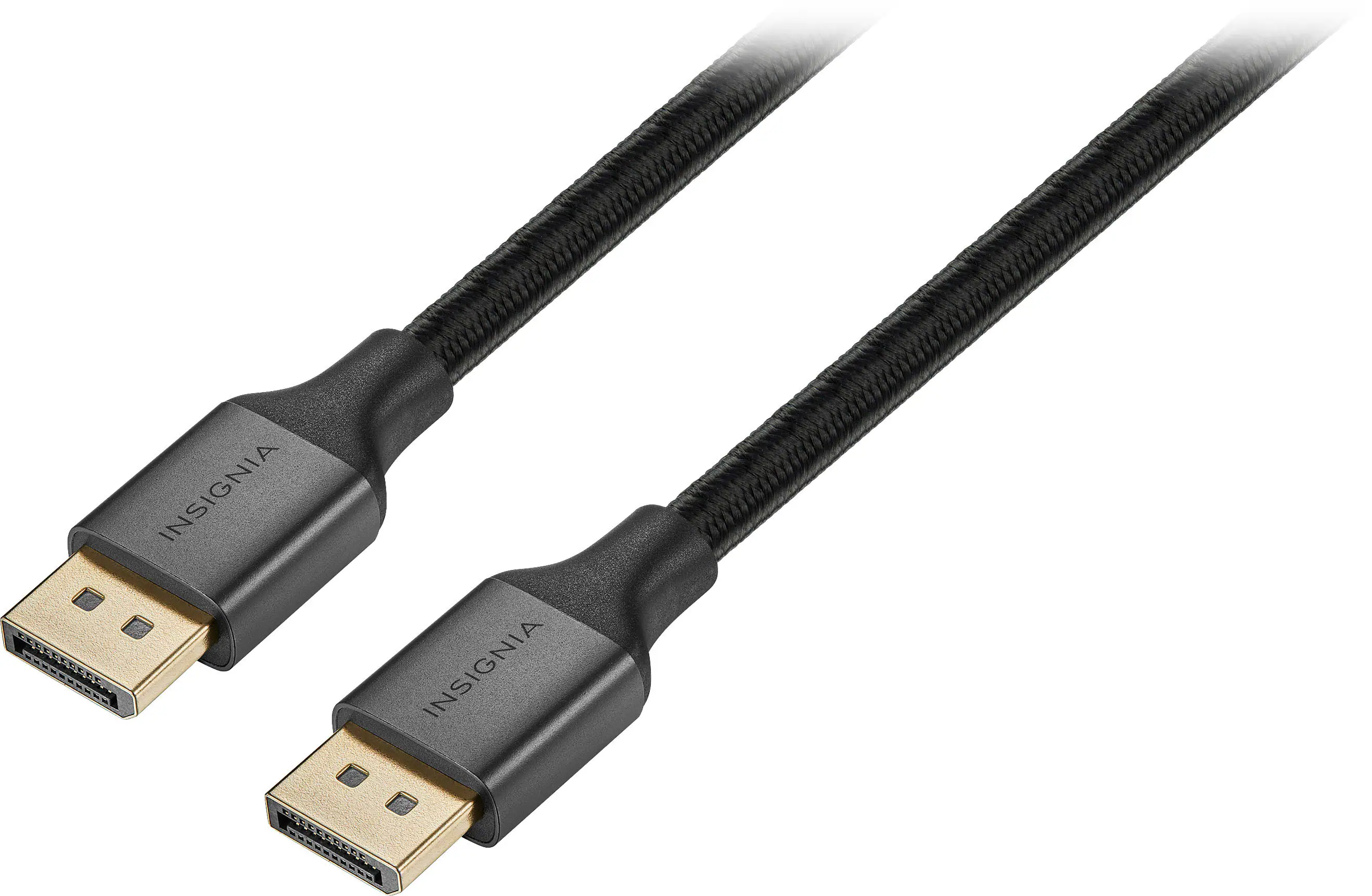 Monitor and Video Cables
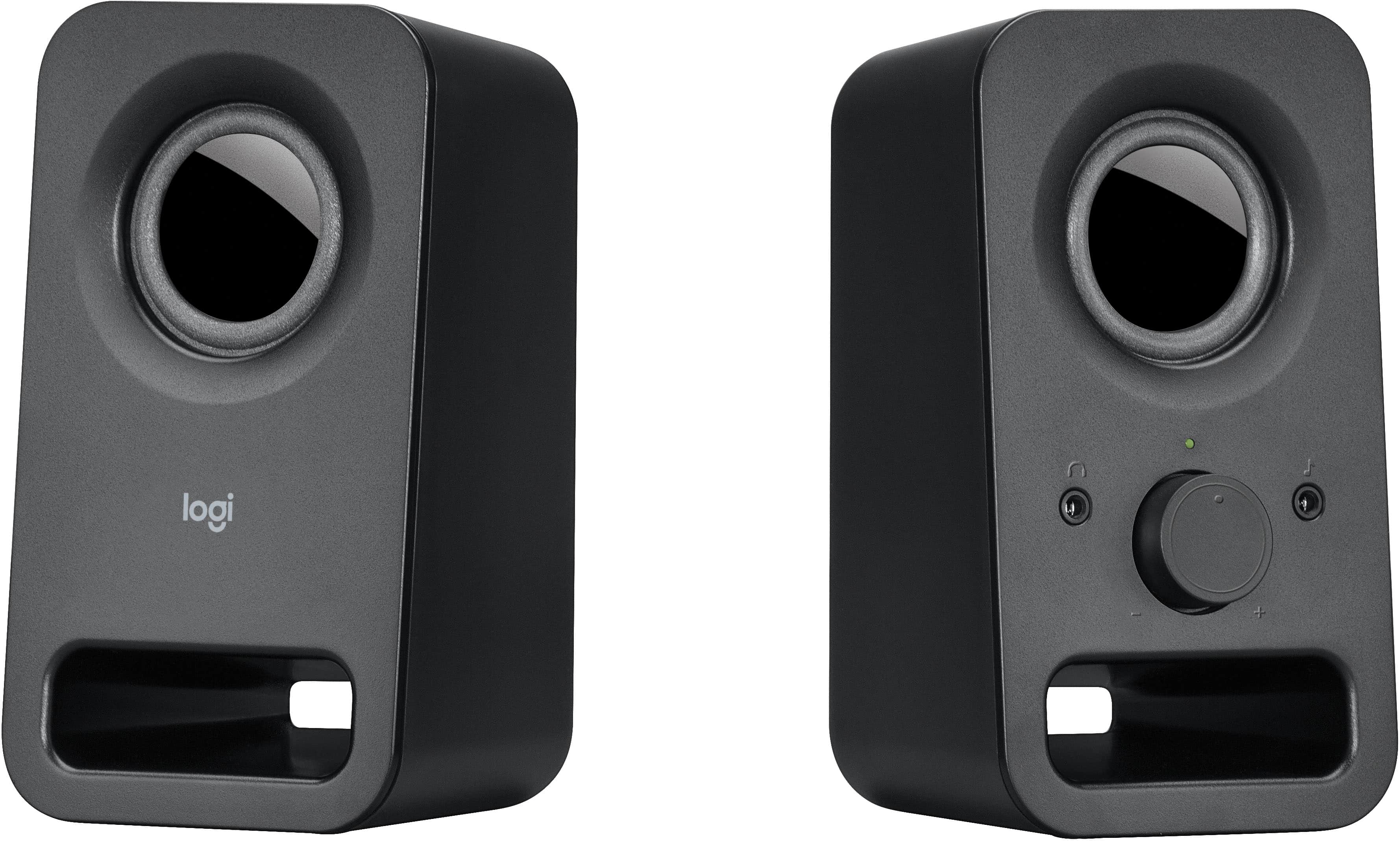 Computer Speakers
 Laptop Docking Stations
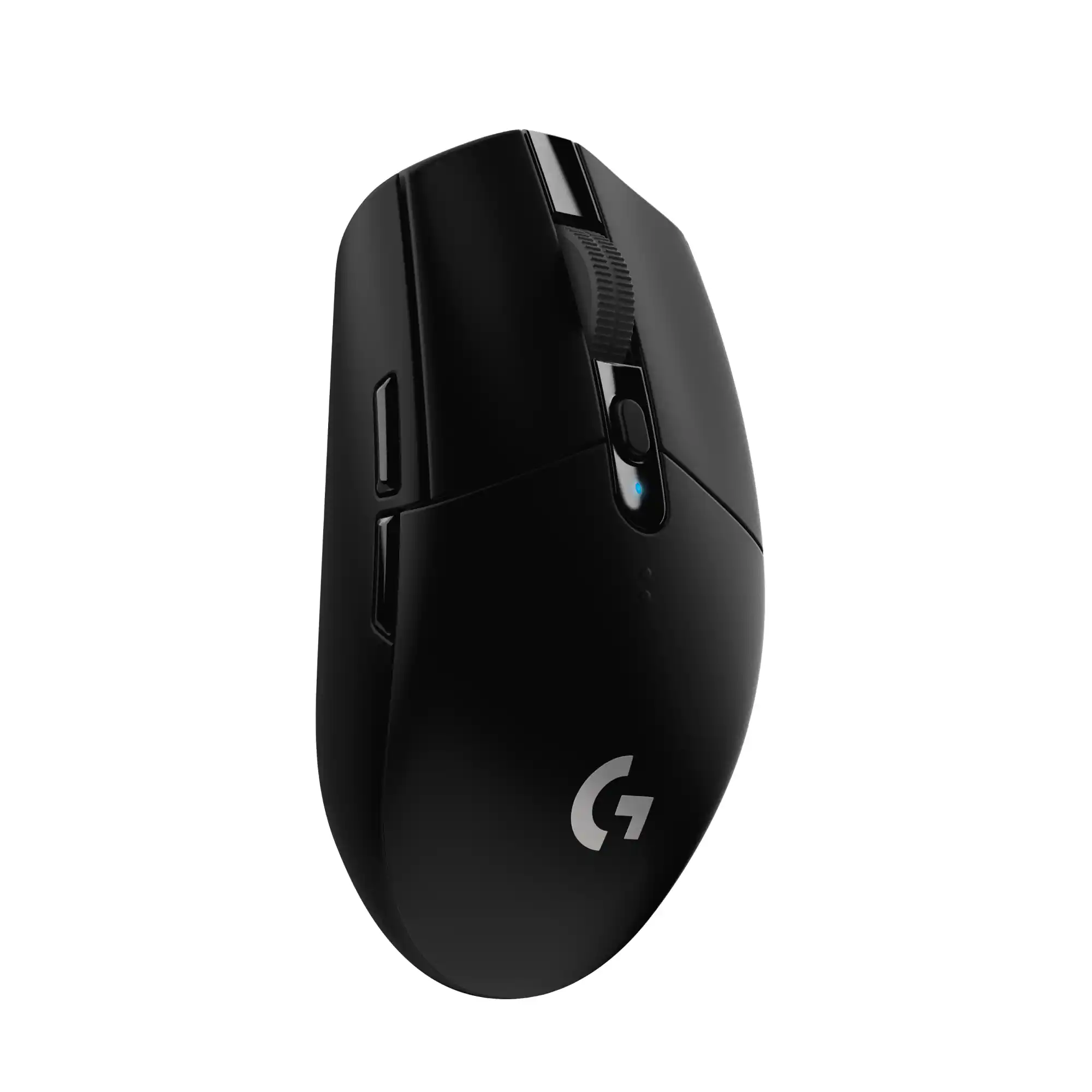 Mice
Mice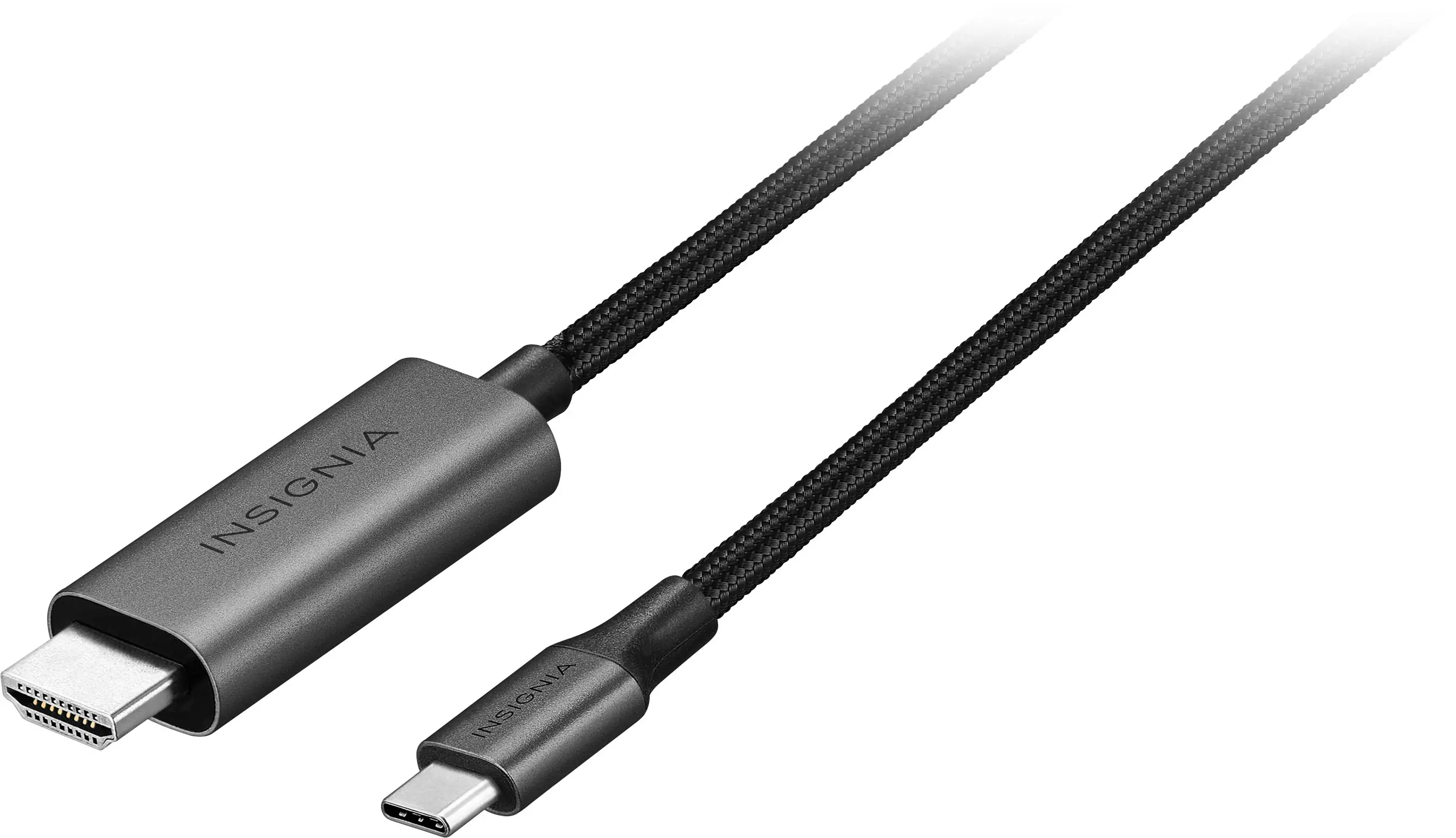 Cables and Adapters
 Web Cameras
 Mouse Pads
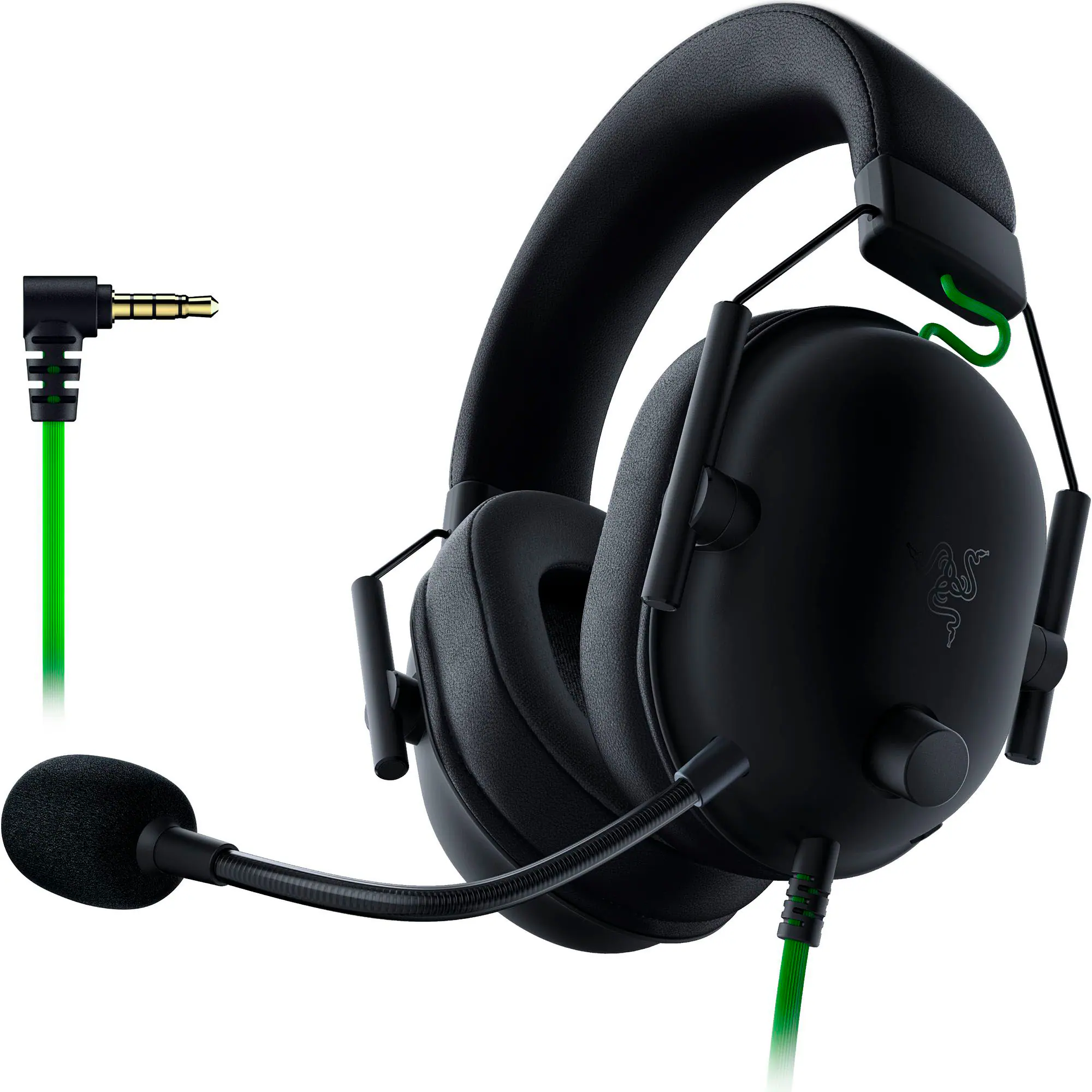 PC Gaming Headsets
More to consider
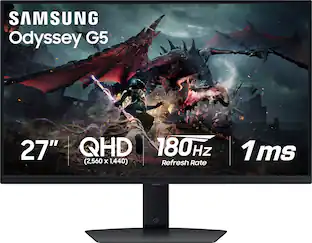 Clearance$209.99The price was $349.99
 Top Deal$199.99The price was $329.99
 Top Deal$149.99The price was $199.99
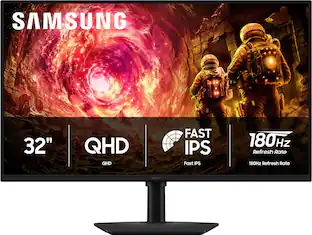 Top Deal$219.99The price was $349.99
 Top Deal$329.99The price was $499.99

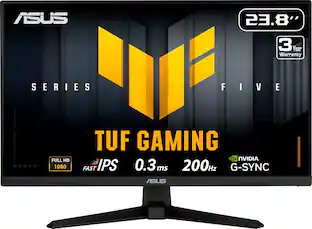
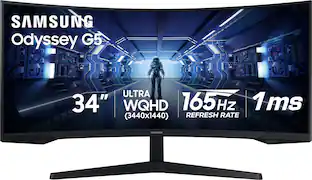
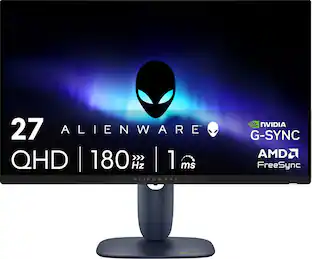
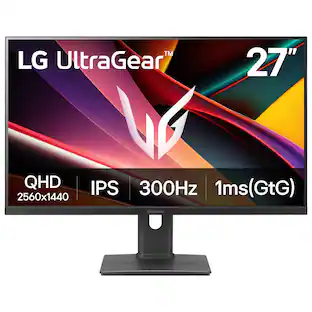
Explore tech essentials Sponsored
 $1,534.99The price was $1,924.99
 Top Deal$1,179.99The price was $1,349.99
- Top Deal$219.99The price was $349.99
 Top Deal$1,859.99The price was $1,999.99
Discover related products
 $351.99The price was $369.99
 $999.99The price was $1,049.99







Keep exploring
 $439.99The price was $549.99
 $899.00The price was $934.64
 $957.16The price was $979.32
 $1,499.99The price was $2,101.91
 $617.05The price was $626.66