Samsung - 27” Odyssey G50D QHD IPS 180Hz 1ms AMD FreeSync and G-Sync Compatible Gaming Monitor with HDR 400 (DisplayPort, HDMI) - Black
Customers are saying
Customers value the overall performance of this monitor, frequently praising its high-quality picture and display. Users also appreciate the excellent resolution and high refresh rate, which contribute to a smooth visual experience. While the display quality is highly regarded, some users noted that the stand could be more stable and expressed a desire for built-in speakers. Additionally, a few customers reported minor difficulties with the automatic input connectivity feature.
Screen Size
27"Highlights
QHD Resolution & Fast IPS Panel
For a gaming world more lifelike than you could ever imagine, QHD resolution packs in 1.7 times the pixel density of Full HD and boasts detailed, pin-sharp images.
Fast IPS panel delivers clear colors and a wide 178° viewing angle for clarity from any viewpoint. With more pixels and greater depth, games feel closer to reality than ever before.
180Hz Refresh Rate & 1ms Response Time (GtG)
Speed through scenes. 180Hz refresh rate eliminates lag for exhilarating gameplay with ultrasmooth action. A 1ms¹ response time (GtG) enables frames with minimal blur, allowing you to jump on enemies the second you see them
VESA DisplayHDR 400
Reveal the whole picture. VESA DisplayHDR 400 delivers more contrast, with deeper blacks and brighter whites, to help you uncover hidden enemies lurking in the shadows. Even in dark scenes, every detail shines with clarity.
AMD FreeSync
You'll never miss a step with this superfluid entertainment experience. AMD Radeon FreeSync keeps your monitor and graphics card refresh rate in sync to reduce image tearing. Watch movies and play games without interruptions. Even fast scenes look seamless and smooth.
Ergonomic Stand
Reach new heights as you keep on winning with a monitor that swivels, tilts, and adjusts until all your enemies are in perfect view. Achieve total gaming comfort with a display that can be freely moved to accommodate the way you play
Eye Saver Mode & Less Screen Flickering
Play for even longer. Eye Saver Mode minimizes blue light to help keep your eyes relaxed and comfortable when gaming for extended periods.
The Odyssey G5 reduces irritating, tiring screen flicker, resulting in less distraction and eye strain, which enables you to stay focused for longer stretches at a time.
¹ 1ms" means one millisecond, which is the range of avg. response time between 1.00ms to 1.99ms truncated to whole number. Based on GtG measured under internal test conditions. Results may vary by content and monitor settings (requires ‘Extreme mode' setting).
GtG (Gray to Gray) measures the time taken for a monitor pixel to change from one gray value to another.
- Refresh Rate180HzMaximum Resolution2560 x 1440Response Time1 millisecondsPanel TypeIPSSynchronization TechnologyFreeSync (AMD Adaptive Sync), G-SYNC Compatible (NVIDIA Adaptive Sync)
Reviews
Rating 4.8 out of 5 stars with 871 reviews
- Overall Performance (345)
- Refresh Rate (81)
- Resolution (40)
- Speakers (7)
- Connectivity (6)
- Stand Stability (3)
Customer Images
The vast majority of our reviews come from verified purchases. Reviews from customers may include My Best Buy members, employees, and Tech Insider Network members (as tagged). Select reviewers may receive discounted products, promotional considerations or entries into drawings for honest, helpful reviews.

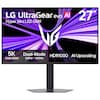
Compare similar products
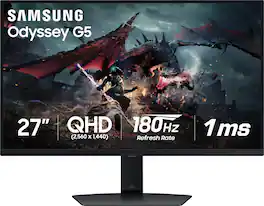
Samsung's Odyssey G50D Gaming Monitor with QHD resolution features incredibly detailed, pin-sharp images. The fast IPS panel delivers clear, vibrant colors and a 178° viewing angle, while the 180Hz refresh rate and 1ms response time (GtG) eliminates lag and enables frames with minimal blur for ultra-smooth gaming action. VESA DisplayHDR 400 offers more clarity, providing dynamic contrast with deeper blacks and brighter whites. AMD FreeSync keeps the monitor and graphics card refresh rate in sync for a seamless experience. Features an ergonomic stand that makes it easy to swivel, tilt, and adjust the height of the monitor, plus Eye Saver mode, which enables more focused gaming with less eye strain, for total comfort even when playing for extended periods of time.
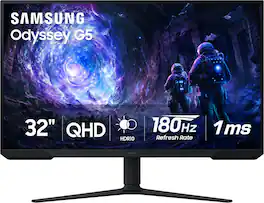
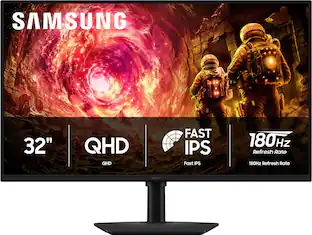
Samsung’s 32” Odyssey G5 G51F Gaming Monitor boasts incredibly detailed, pin-sharp images with QHD resolution (2560x1440). HDR10 provides brighter highlights, improved contrast and color accuracy, making every scene feel more vivid and realistic. 180Hz Refresh Rate and near-instant 1ms Response Time (MPRT) captures all your moves with reduced lag for ultra-smooth gameplay. AMD FreeSync Premium Pro reduces choppiness, screen lag, and image tears. Black Equalizer allows you to adjust dark areas in games, so you can locate opponents hiding in the deepest shadows. Virtual Aim Point allows you to hit your marks with next-level accuracy, giving you the optimal aim with crosshairs on the screen. Auto Source Switch+ instantly switches to a new source signal when connected devices are turned on, without having to use multiple inputs. Ergonomic stand makes it simple to tilt and adjust the monitor for total gaming comfort.
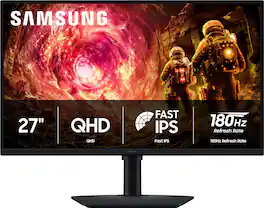
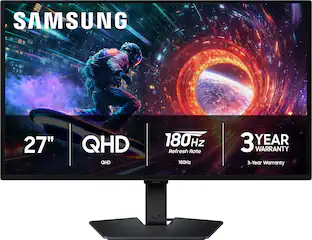
Samsung’s 27" Odyssey G5 QHD Gaming Monitor delivers brilliant visuals for exhilarating gameplay that’s more immersive than ever before. QHD resolution (2560 x 1440), with more than 1.7 times the pixel density of Full HD, boasts incredibly detailed, pin-sharp images. The fast IPS panel, with its 178º viewing angle, provides an engaging gaming experience by consistently delivering crisp, clear hues from various viewpoints. 180Hz Refresh Rate and 1ms response time (GtG) allow ultimate speed for ultra-smooth gaming precision, while G-Sync compatibility syncs the GPU and panel to reduce choppiness, screen lag, and image tearing. Scenes feel more realistic with HDR10, which provides brighter highlights and nuanced shadows for added depth. Black Equalizer improves visibility in the deepest shadows, while Virtual Aim Point increases the accuracy of the player’s aim when the action peaks. Auto Source Switch+ allows instantaneous switching between connected devices without having to flip through multiple inputs. Maintain winning streaks in total comfort with the height-adjustable Ergonomic Stand that easily pivots, tilts, and swivels for the perfect view.

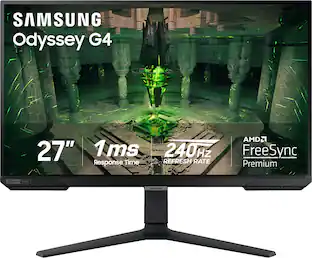
When it comes to gaming performance, the slightest disadvantage can be the difference between winning and losing a match. With a 240Hz refresh rate, lightning fast 1ms (GTG) response time and full adaptive G-Sync compatibility and FreeSync Premium support, you can be sure that the Odyssey G4 won’t let you down on the battlefield.
| Pros for Samsung - 27” Odyssey G50D QHD IPS 180Hz 1ms AMD FreeSync and G-Sync Compatible Gaming Monitor with HDR 400 (DisplayPort, HDMI) - Black | |||
|---|---|---|---|
| Overall Performance, Refresh Rate, Resolution | Overall Performance, Screen Size, Refresh Rate, Resolution | Overall Performance, Refresh Rate, Resolution, Design | Overall Performance, Refresh Rate, Screen Size, Resolution, Price |
| Cons for Samsung - 27” Odyssey G50D QHD IPS 180Hz 1ms AMD FreeSync and G-Sync Compatible Gaming Monitor with HDR 400 (DisplayPort, HDMI) - Black | |||
| Speakers, Connectivity, Stand Stability | Speakers, Connectivity, Black Levels, HDR Performance | Connectivity, Audio Port, Button Placement, Color Accuracy | Speakers, Ghosting, Lag, Stand, Dead Pixel |
Specs
Customers often buy these together
Computer Keyboards
![Sure, here is the corrected and grouped text from the image:
**Top Row:**
- ESC
- F1
- F2
- F3
- F4
- F5
- F6
- F7
- F8
- F9
- F10
- F11
- F12
- PRTSC
- DEL
**Number Row:**
- 1
- 2
- 3
- 4
- 5
- 6
- 7
- 8
- 9
- 0
- -
- =
- \
**Letter Row:**
- TAB
- Q
- W
- E
- R
- T
- Y
- U
- I
- O
- P
- [
- ]
- \
**Letter Row:**
- CAPS
- A
- S
- D
- F
- G
- H
- J
- K
- L
- ;
- '
**Letter Row:**
- SHIFT
- Z
- X
- C
- V
- B
- N
- M
- ,
- .
- /
**Function Row:**
-](https://pisces.bbystatic.com/image2/BestBuy_US/images/products/9be10b95-8e90-4a5d-b85f-cbc6a7d8e8df.png;maxHeight=232;maxWidth=233?format=webp)
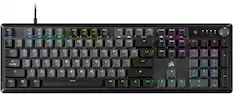
CORSAIR - VANGUARD 96 RGB Wired MLX Quantum Linear Mechanical Switch 96% Gaming Keyboard with FlashTap SOCD - Dual Tone
Top Deal$119.99The price was $179.99


![esc 1 ! 2 @ 3 # 4 $ 5 % 6 ^ 7 & 8 * 9 ( 0 ) - = | F1 F2 F3 F4 F5 F6 F7 F8 F9 F10 F11 F12 tab Q W E R T Y U I O P [ ] { } | caps A S D F G H J K L : : enter shift Z X C V B N M , < > ? shift ctrl alt fn ctrl](https://pisces.bbystatic.com/image2/BestBuy_US/images/products/bc5bce35-ca08-45da-bcc3-8d6fb215154b.jpg;maxHeight=232;maxWidth=233?format=webp)
![esc ~ ! 1 tab caps lock shift ctrl F2 Fl # 2 3 Q W A S Z start opt L F3 $ 4 E D X alt cmd3 ) FS F4 A % 5 6 R T F G V C logi 44 HI & F9 FID FB F7 F6 * ) - - & 0 8 9 7 O P U I Y K L H J > < N M 1 B PM + = { [ : I ; ? I alt cmd D 2 4 300 3 1 F12 . * page I insert home up clear backspace 8 9 + 7 page A pg up end down home } I delete ] / 6 4 5 4 enter 2 3 enter 1 dn Pg end shift = 0 del ins etrl fn opt](https://pisces.bbystatic.com/image2/BestBuy_US/images/products/6539/6539505_sd.jpg;maxHeight=232;maxWidth=233?format=webp)
![Sure, here is the corrected and grouped text:
```
ESC F1 F2 F3 F4 F5 F6 F7 F8 F9 F10 F11 F12 1 2 3 logitech - - 1 2 # $ 4 % 5 6 & 7 8 9 0 - - back insert home page up num lock clear / . tab Q W E R T Y U I O P { [ } ] / delete end page down 7 home 8 A 9 P9 up + caps lock A S D F G H J K L : ; a enter 4 5 6 shift Z X C V B N M < > ? shift 1 end 2 3 pg dn enter ctrl fn start alt opt alt crnd x alt cmd x fn ctrl alt opt 0 ins del 1 logitech
```](https://pisces.bbystatic.com/image2/BestBuy_US/images/products/5761/5761911_sd.jpg;maxHeight=232;maxWidth=233?format=webp)
Monitor Stands

More recommended items
 Monitor and Video Cables
 Computer Speakers
 Laptop Docking Stations
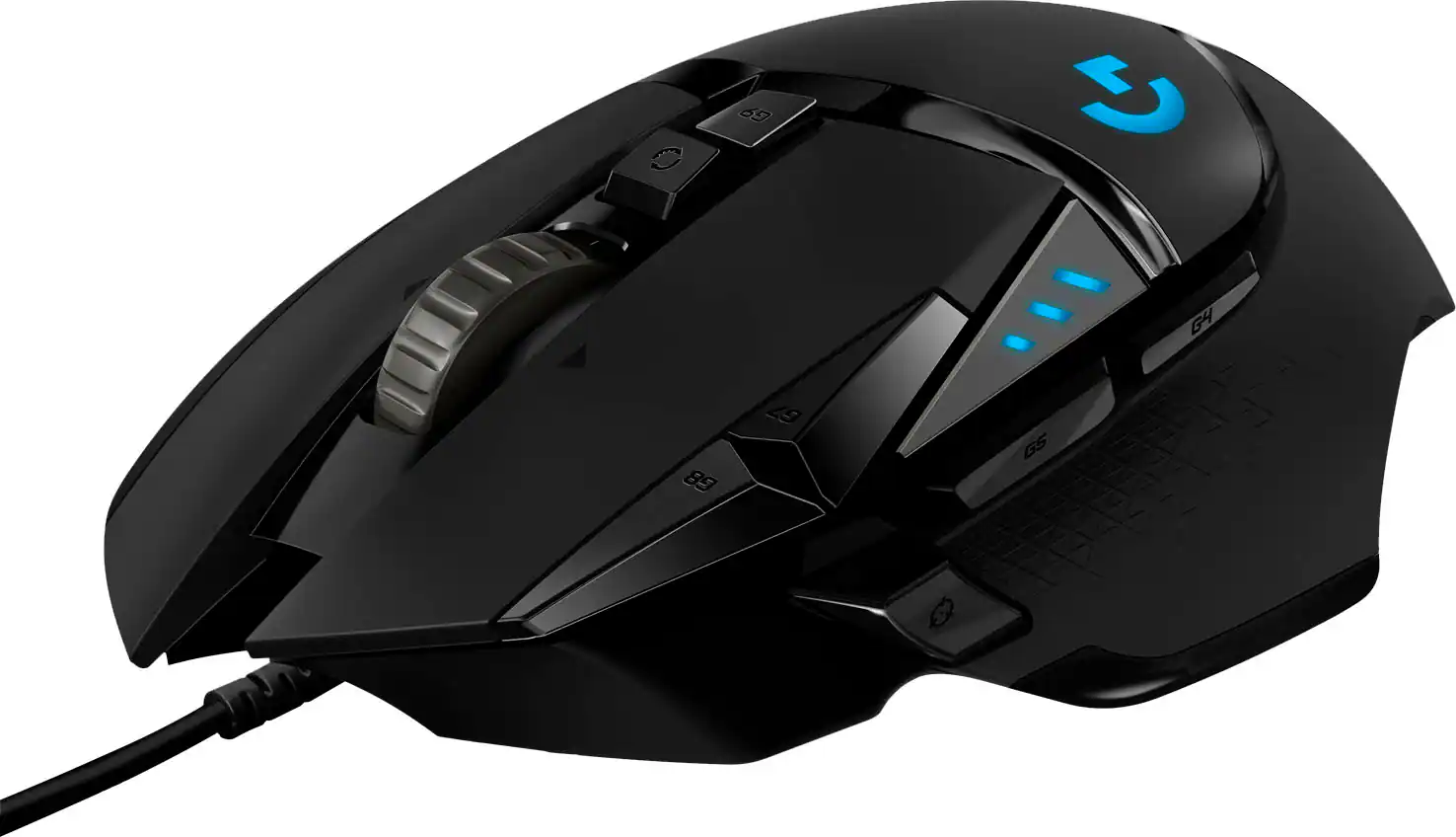 Mice
Mice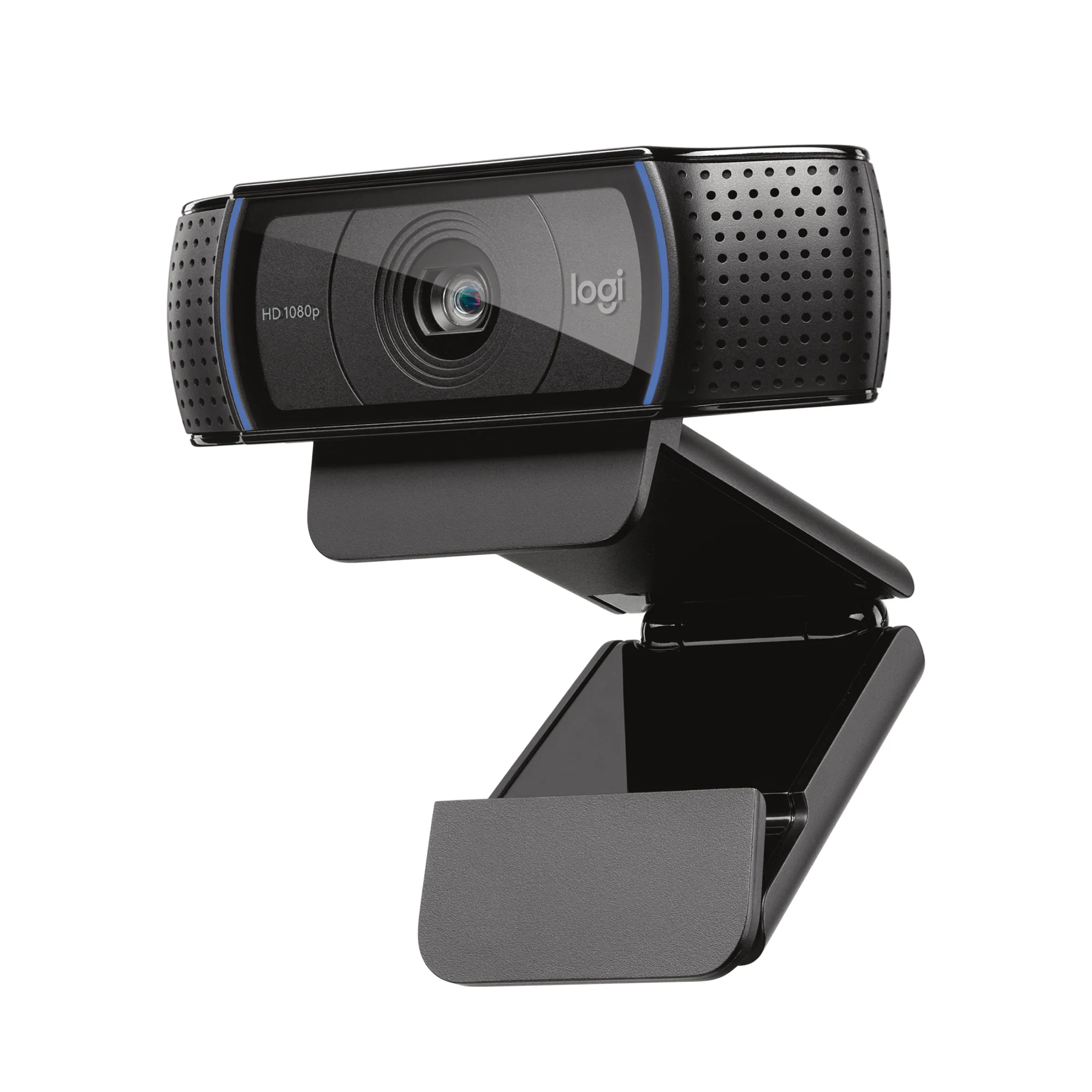 Web Cameras
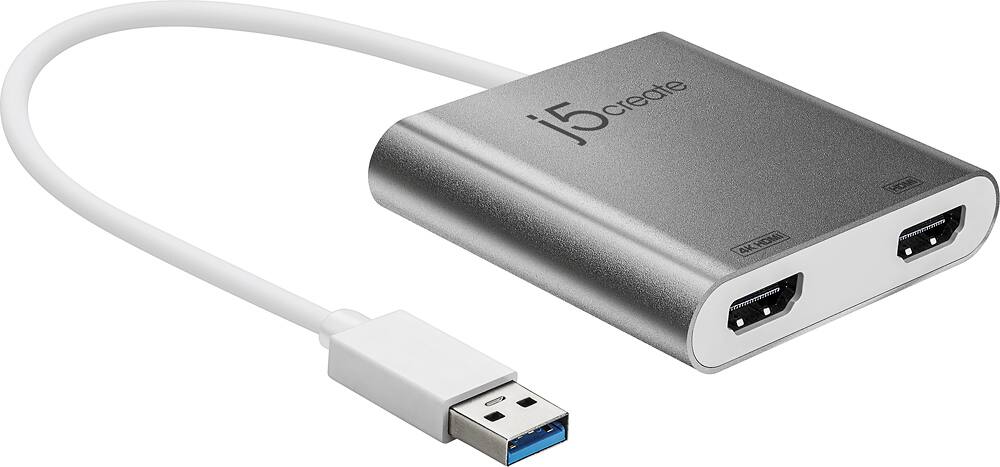 Cables and Adapters
 Mouse Pads
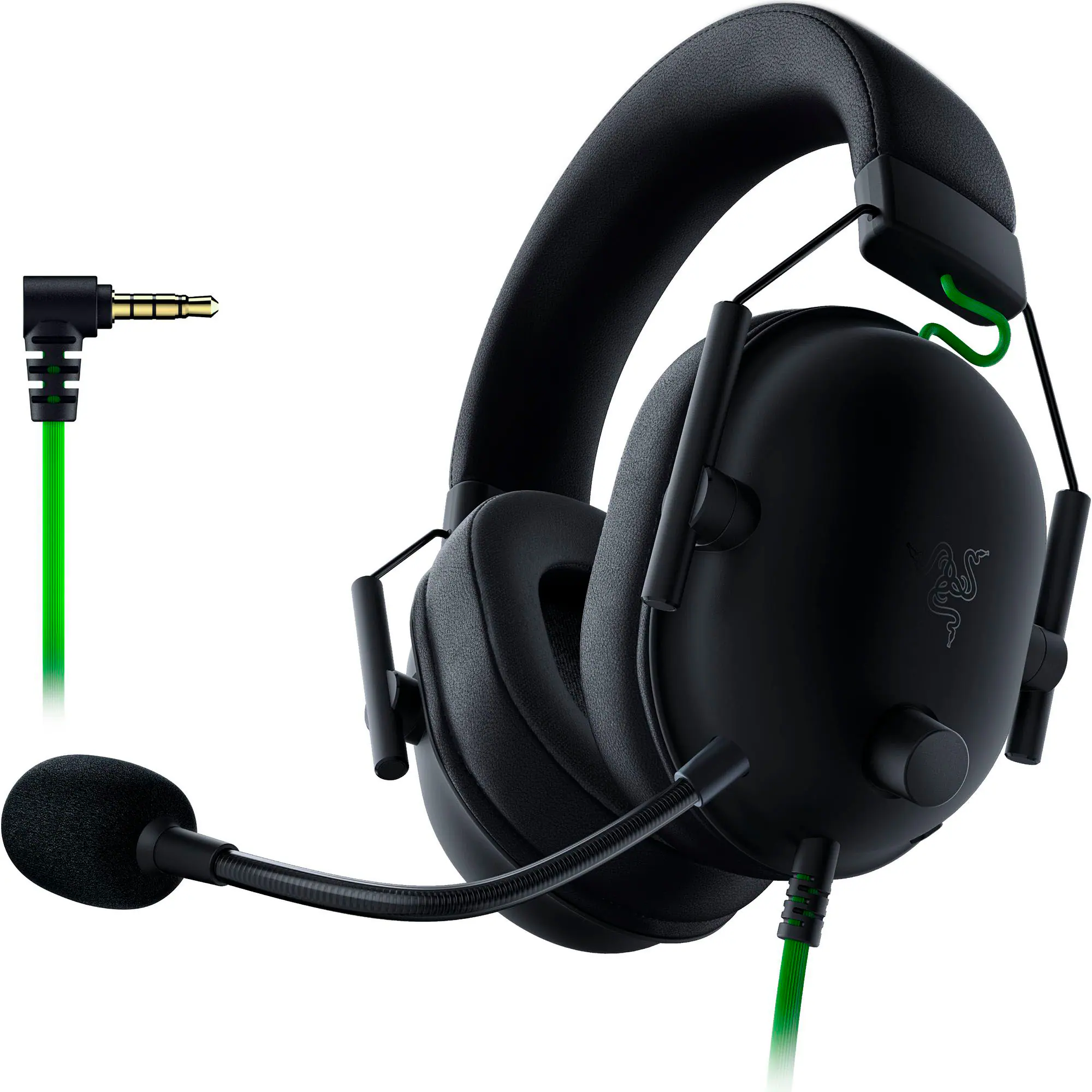 PC Gaming Headsets
More to consider
 Top Deal$199.99The price was $329.99
 Top Deal$219.99The price was $349.99
 $189.99The price was $299.99
 Flash Deal$219.99The price was $269.99
 $349.99The price was $499.99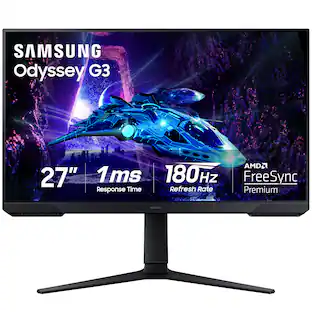
Samsung - Odyssey G30D 27" LED FHD AMD FreeSync Premium 180Hz 1ms Gaming Monitor (DisplayPort, HDMI)
$154.99The price was $229.99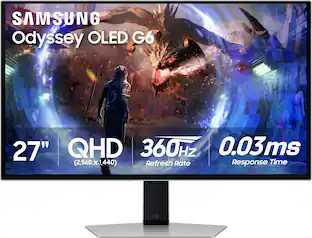 $649.99The price was $899.99
 Top Deal$149.99The price was $199.99
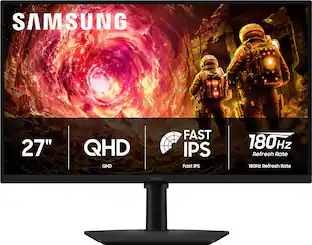

Explore tech essentials Sponsored
 Top Deal$1,179.99The price was $1,349.99
 Top Deal$119.99The price was $179.99
 Top Deal$239.99The price was $299.99

Discover related products
 $1,279.99The price was $2,799.99
Acer - 5 in 1 USB C Hub with 4K HDMI, 100W Power Delivery, 3 USB A Data Ports, USB C to HDMI Adapter
$15.99The price was $16.99 $11.99The price was $12.99





Keep exploring
 $199.99The price was $218.99
 $1,499.99The price was $2,101.91
 $431.99The price was $453.31