MacBook Pro Memory Cards
-
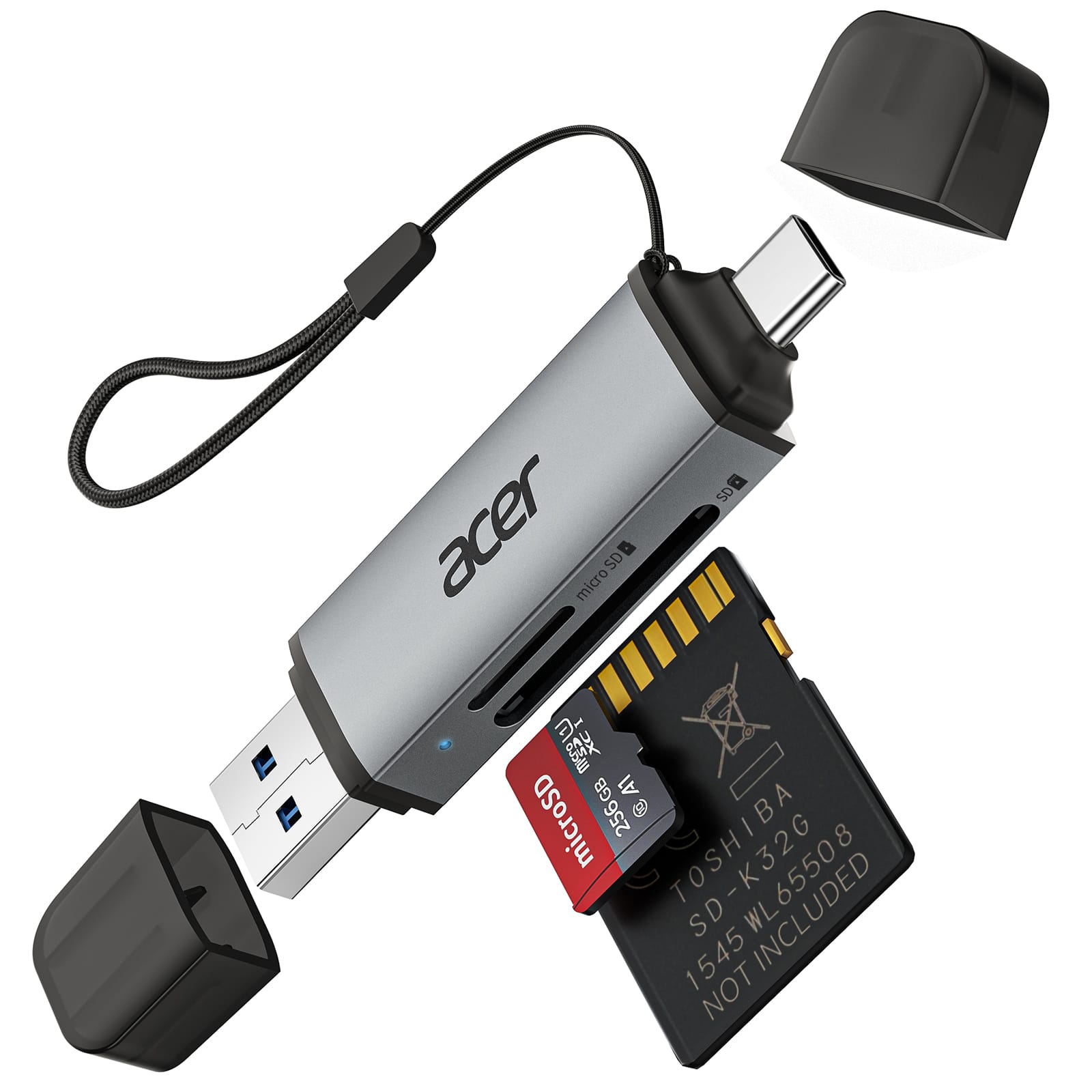
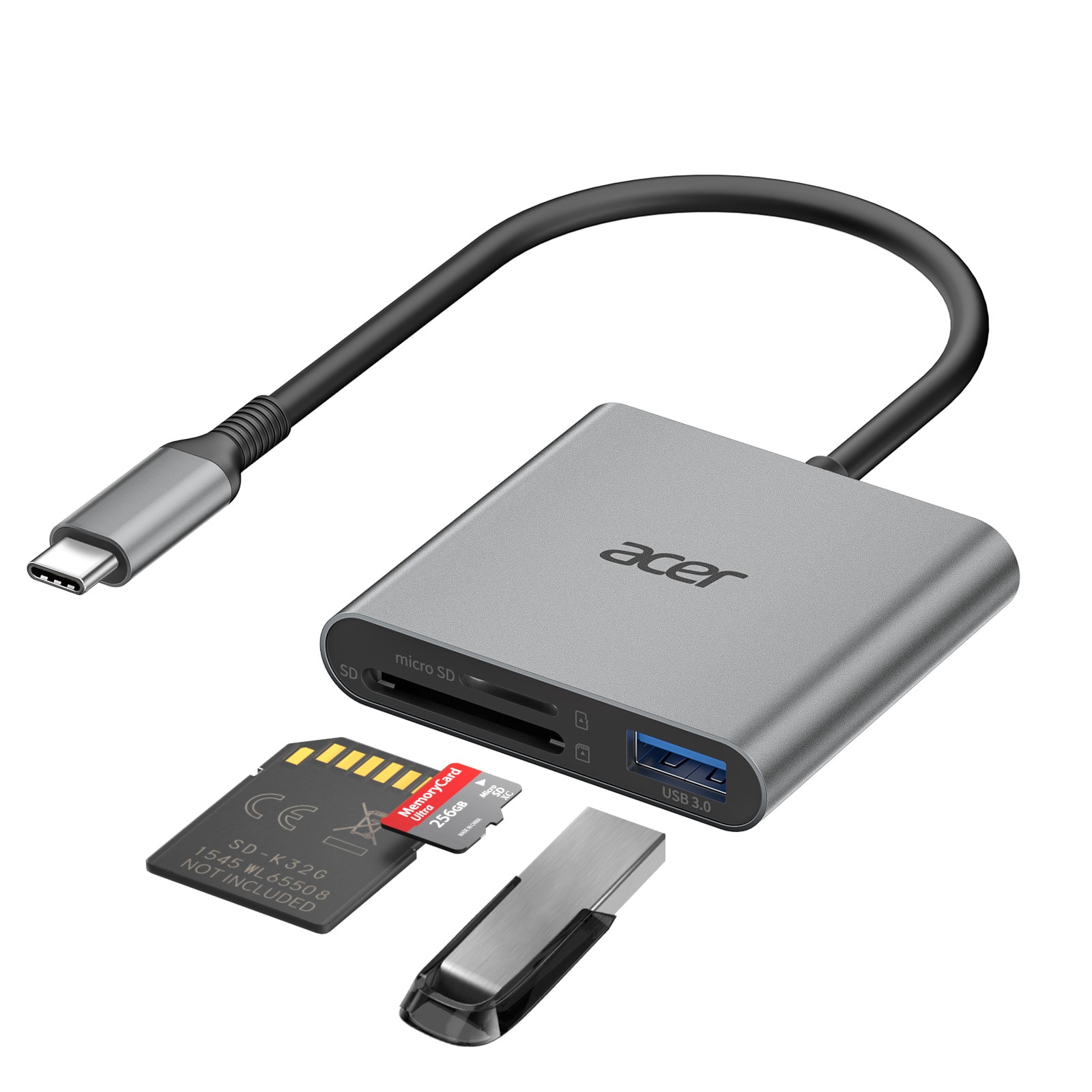
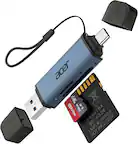
Acer - SD Card Reader USB C, Dual Slots USB 3.0 Type C to Micro SD Card Adapter, Memory Card Reader - Gray
SKU: JJ8V8H3JVGBest SD Card Reader...Easy to use and is great for memory card reading, etc....Love it....Great find and value for the price.
See all Memory Card Readers & AdaptersProduct Description
A gray dual-slot USB-C and USB 3.0 adapter enabling fast, plug-and-play SD and MicroSD transfers.Your price for this item is $11.99Save $2The previous price was $13.99 -
Acer - SD Card Reader USB C, Dual Slots Type C to Memory Card Reader, Aluminum Micro SD Card Camera Adapter - Gray
SKU: JJ8V8H3L38Love this SD card reader!...We run trail cameras year round and this has been a great addition to our backpack!...Acer SD card works great. I love the dual slot....This has been a great product since...
See all Memory Card Readers & AdaptersProduct Description
A gray aluminum USB-C card reader with dual slots, supporting MicroSD, SDHC, and SDXC cards.Your price for this item is $14.99 -
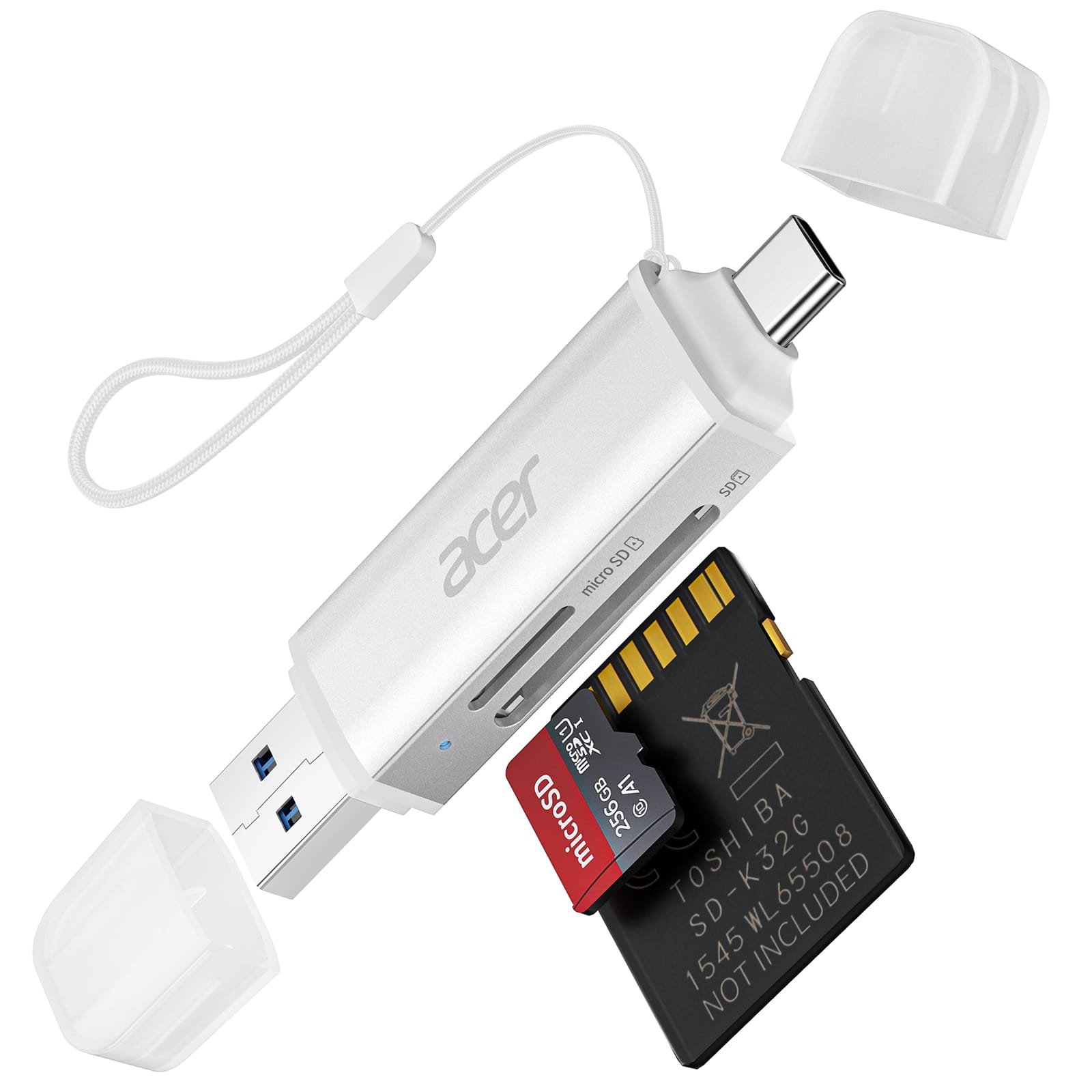
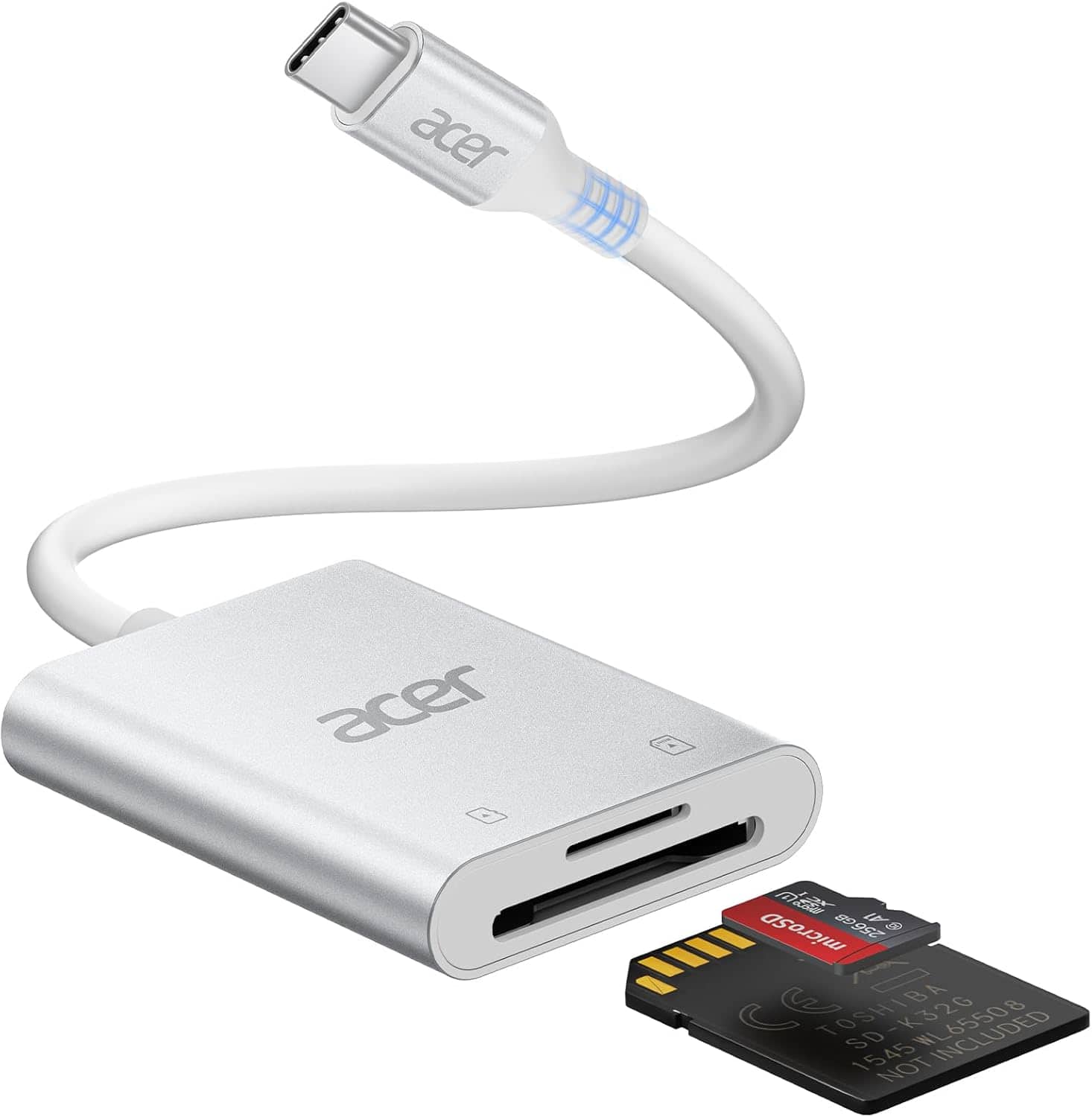
Acer - SD Card Reader USB C, Dual Slots USB 3.0 Type C to Micro SD Card Adapter, Memory Card Reader - Silver
SKU: JJ8V8H3LXVi needed this card reader for a long time, it just works great....the best purchase of 2025...The best in the market
See all Memory Card Readers & AdaptersProduct Description
A silver dual-slot USB-C card reader offering plug-and-play access for MicroSD, SDHC, and SDXC cards.Your price for this item is $13.99Save $1The previous price was $14.99 -
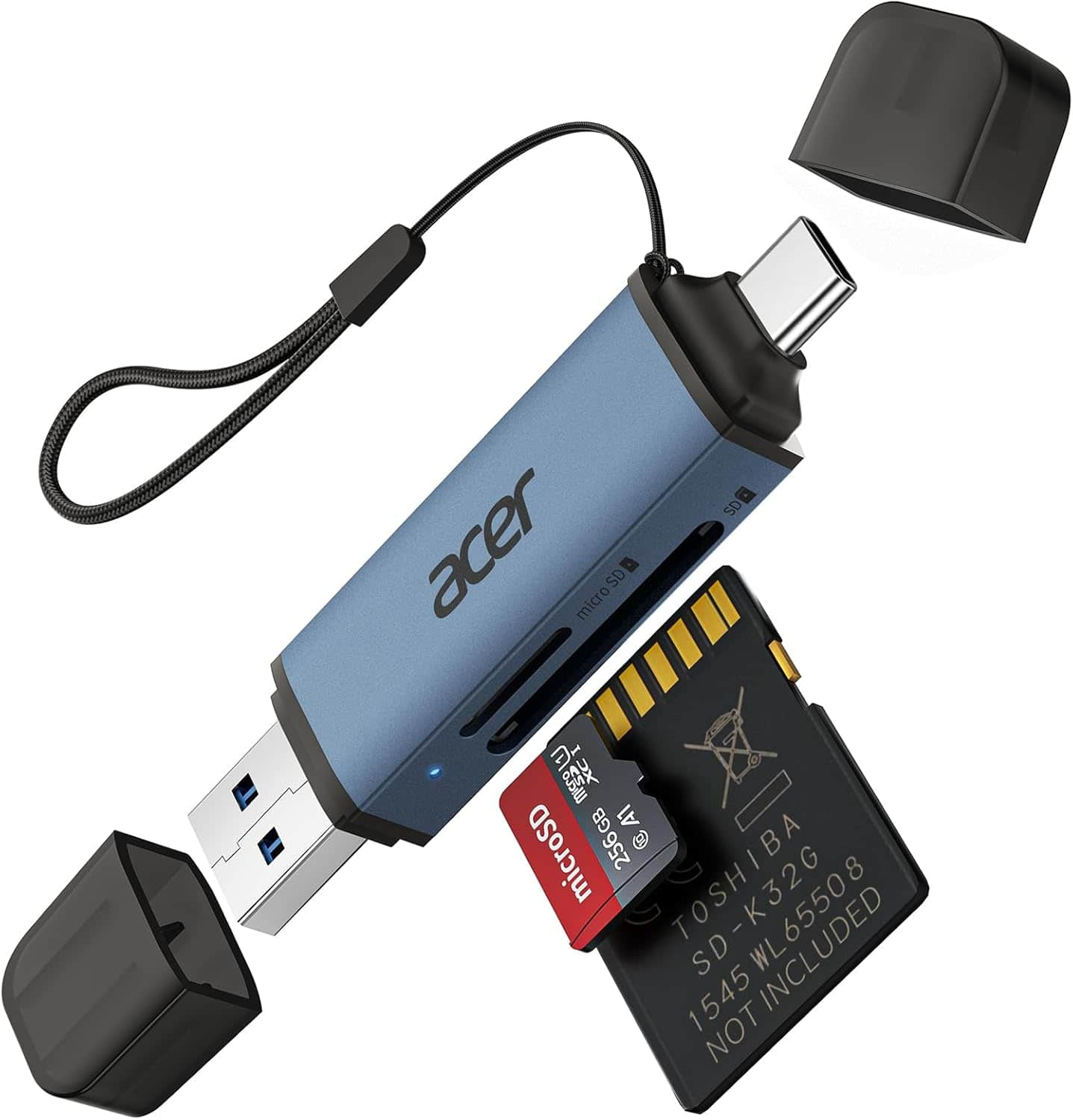
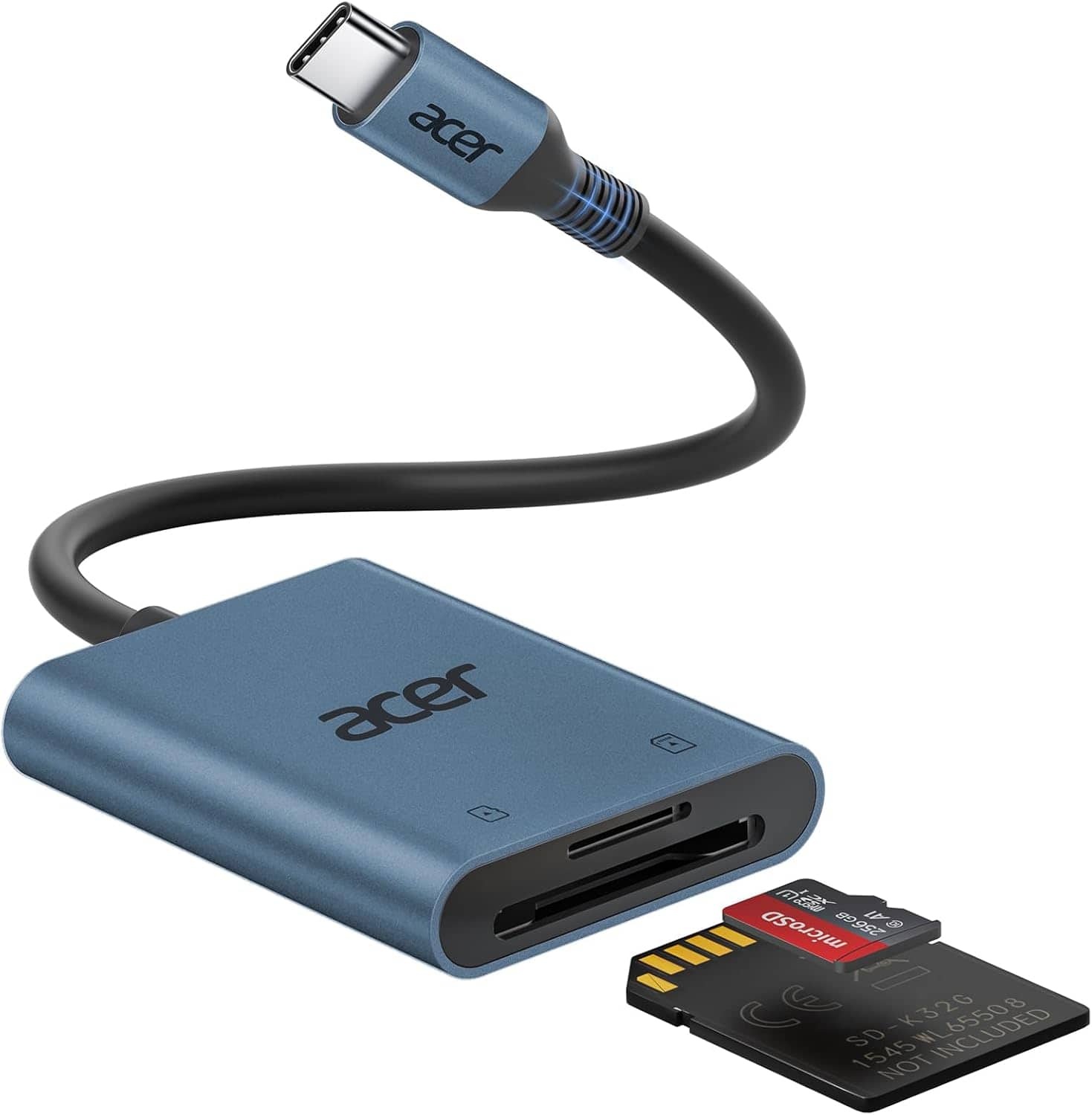
Acer - SD Card Reader USB C, Dual Slots USB 3.0 Type C to Micro SD Card Adapter, Memory Card Reader - Blue
SKU: JJ8V8HGKL6See all Memory Card Readers & AdaptersProduct Description
A blue dual-slot USB-C and USB 3.0 adapter for MicroSD, SDHC, and SDXC memory cards.Your price for this item is $13.99Save $1The previous price was $14.99 -
Acer - SD Card Reader USB C, 3 in 1 Memory Card Reader with Dual Slots & USB 3.0, Micro SD Card Adapter - Gray
SKU: JJ8V8H3L8SHunters love it...I so appreciate Best Buy’s good products that we can trust.Thank you!!!
See all Memory Card Readers & AdaptersProduct Description
A gray 3-in-1 USB-C memory card reader with dual slots and USB 3.0 plug-and-play support.Your price for this item is $15.99Save $2The previous price was $17.99 -
Acer - SD Card Reader USB C, Dual Slots Type C to Memory Card Reader, Aluminum Micro SD Card Camera Adapter - Blue
SKU: JJ8V8QV338Great device
See all Memory Card Readers & AdaptersProduct Description
An aluminum blue USB-C card reader with dual slots, compatible with MicroSD, SDHC, and SDXC cards.Your price for this item is $14.99 -
Acer - SD Card Reader USB C, Dual Slots Type C to Memory Card Reader, Aluminum Micro SD Card Camera Adapter - SLIVER
SKU: JJ8V8HLYX6See all Memory Card Readers & AdaptersProduct Description
A silver aluminum USB-C card reader with dual slots, supporting MicroSD, SDHC, and SDXC cards.Your price for this item is $15.99Save $10The previous price was $25.99 -
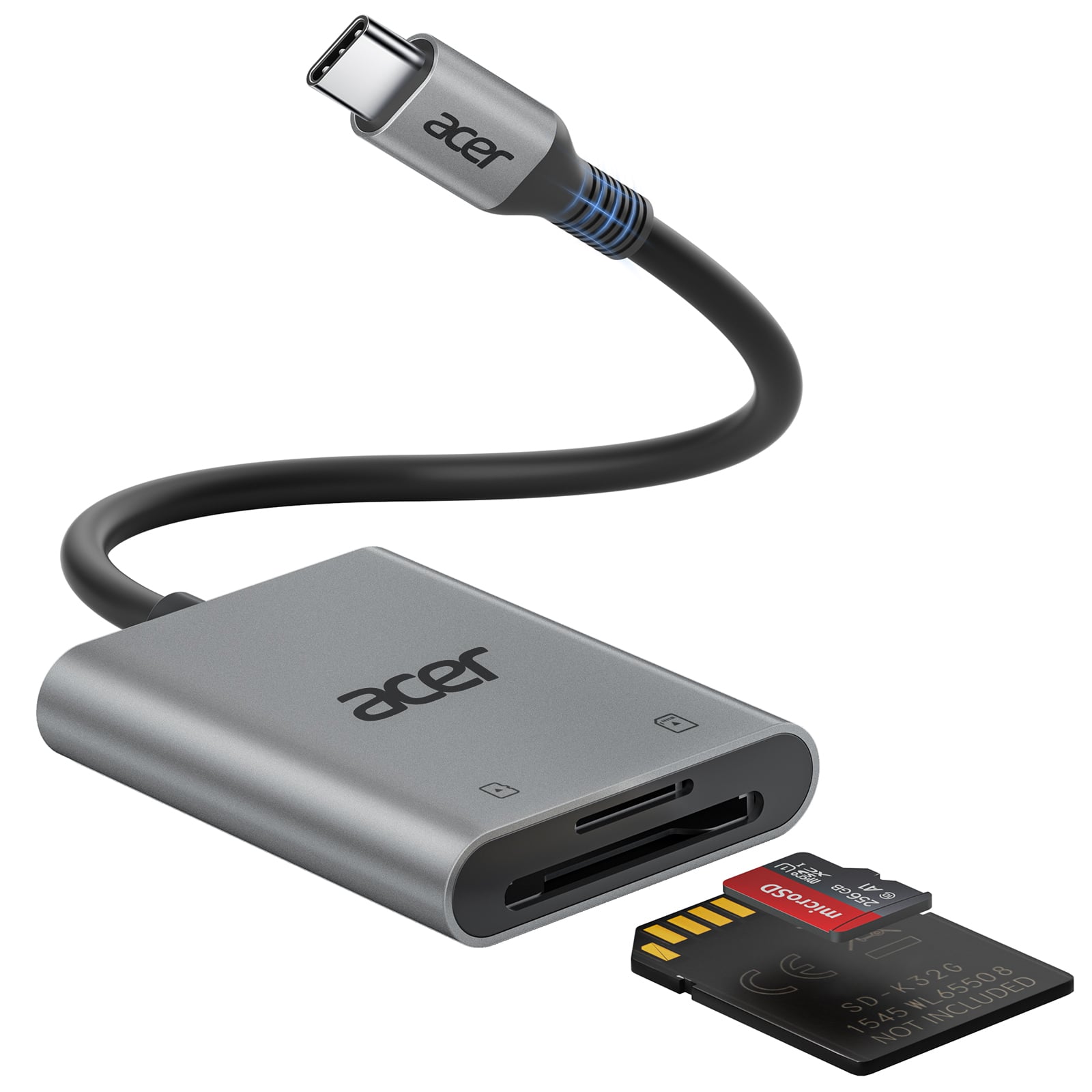
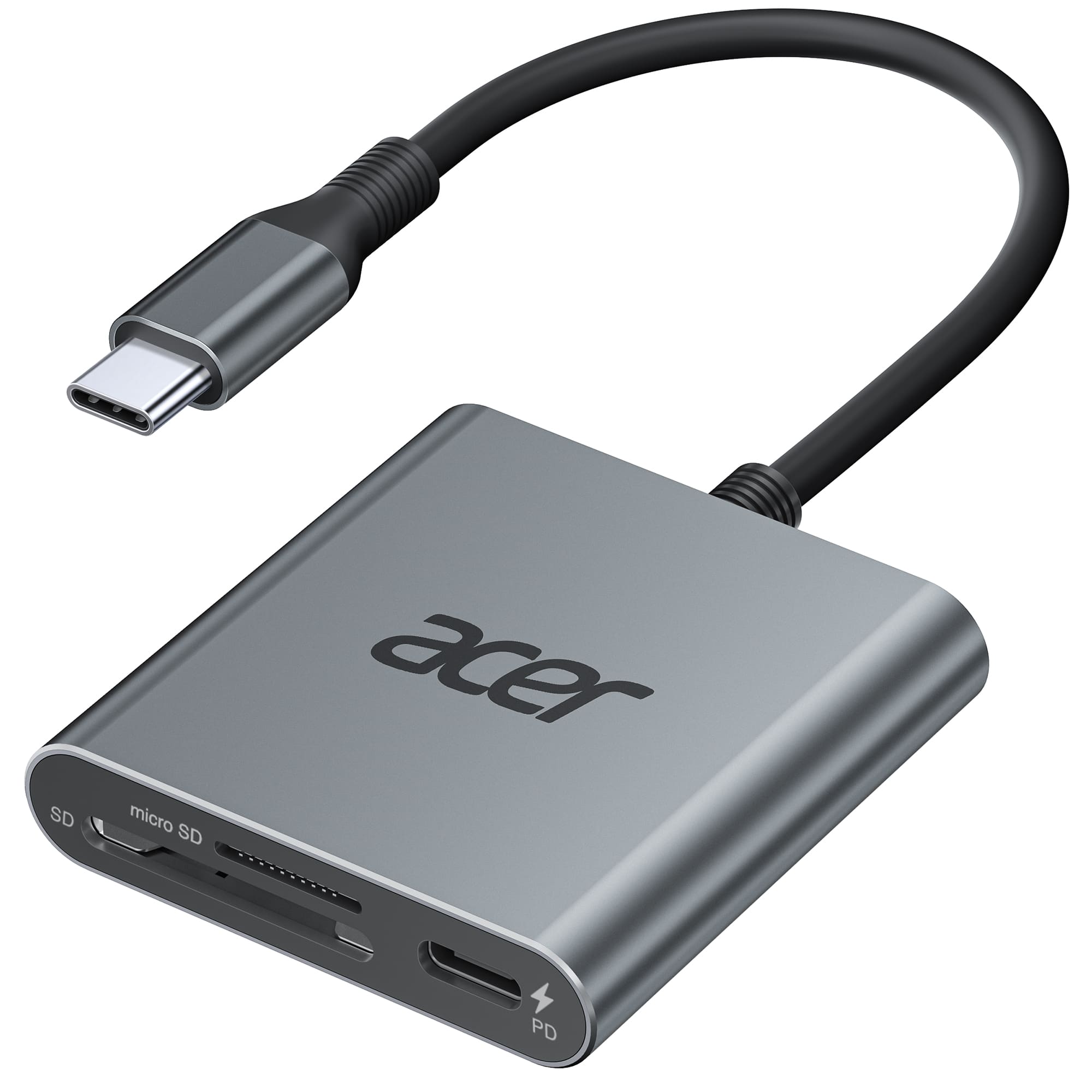
Acer - SD 4.0 & UHS-II Micro SD Card Reader, Type C Memory Card Adapter with 100W PD Port for iPhone 17/16, Laptop, MacBook - Gray
SKU: JJ8V8H243KOK at best...GREAT BRAND/GREAT PRODUCT
See all Memory Card Readers & AdaptersProduct Description
A gray USB-C memory card adapter with dual slots, UHS-II support, and 100W PD port compatibility.Your price for this item is $23.99
Best Sellers
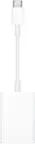

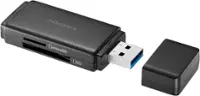
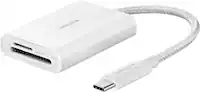
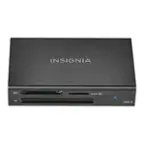

Related Pages





FAQ
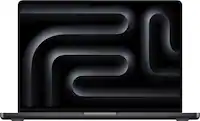
MacBook Pro models with an SDXC card slot are compatible with SD, SDHC, and SDXC memory cards. For other models, you can use external card readers to access a wide variety of memory card types.
Yes, you can use a memory card to store files, photos, videos, and documents, effectively expanding your available storage. However, the memory card will function as external storage rather than internal drive space.
If your MacBook Pro does not have a built-in SD card slot, you will need a compatible USB or Thunderbolt card reader or adapter to use memory cards.
Before physically removing the memory card, always eject it through Finder or by dragging it to the Trash to prevent data loss or corruption.
While MacBook Pro works with most major memory card brands, it’s recommended to choose reputable brands known for reliability and performance, such as SanDisk, Lexar, and Samsung.