Memory Cards For Mac
-
Samsung - Pro Ultimate and Reader 512GB microSDXC Memory Card
SKU: J3ZYG298C9Best thing for when your on the go...The best always
See all microSDXCProduct Description
A high-speed blue microSDXC card offering 512GB storage and up to 200MB/s read speeds.Your price for this item is $203.99 -
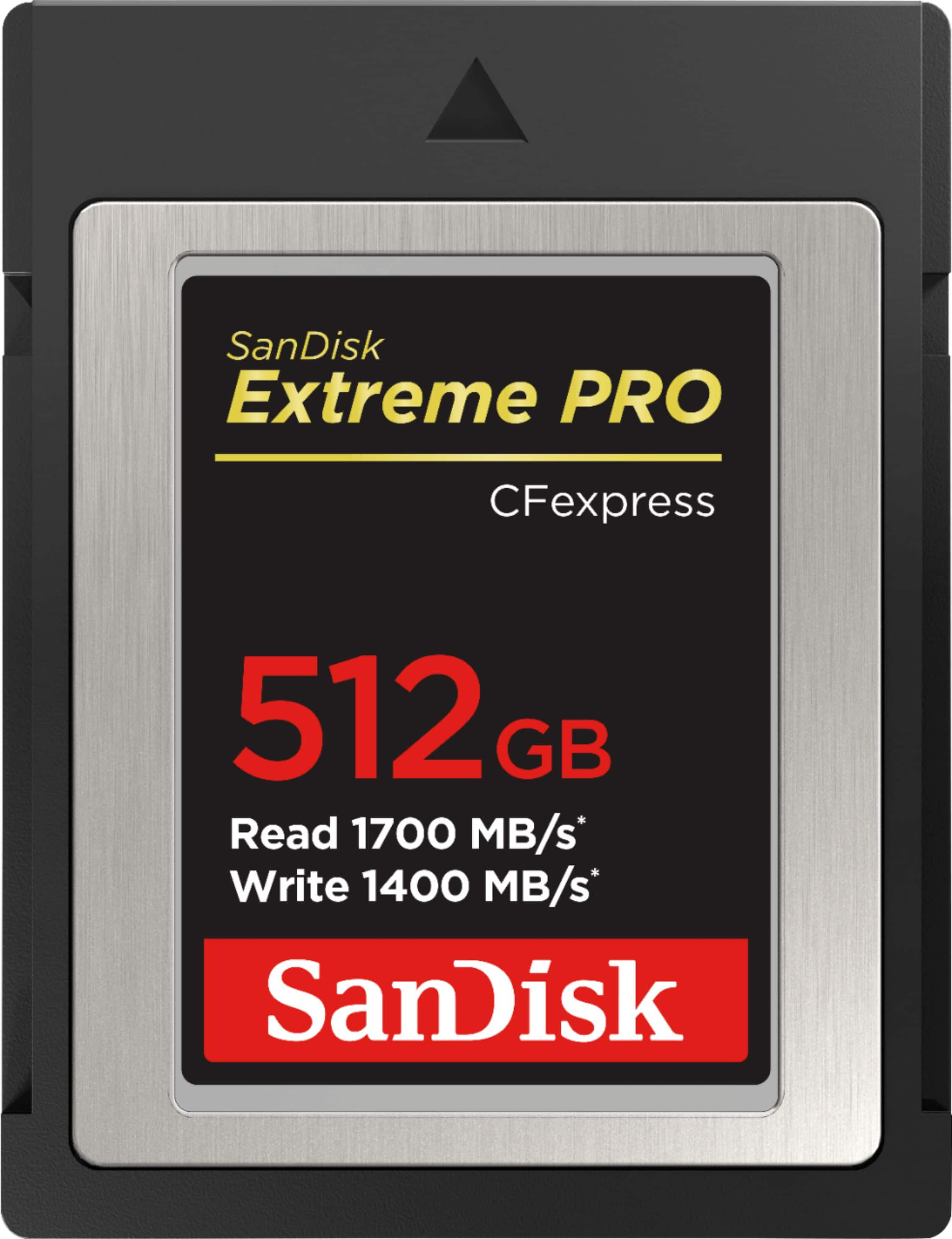
SANDISK - 512GB Extreme PRO CFexpress Type-B Memory Card
SKU: JXJ62C9RYTSee all CFexpress Type BProduct Description
A black 512GB CFexpress Type B memory card with 1,700MB/s speeds, 8K support, and recovery software.Your price for this item is $399.99Save $250The previous price was $649.99

Best Sellers


Related Pages




FAQ
Many Macs support SD cards through a built-in card slot, while other card types can be used with a compatible USB card reader or adapter. Check your Mac model and the card format before purchasing.
You may need one if your Mac does not have a built-in SD card slot or if your card uses a different format. USB and USB-C card readers can connect compatible memory cards to your Mac.
Open Disk Utility on your Mac, select the memory card, choose Erase, and select a compatible format. ExFAT is a common choice for sharing files between Macs and Windows PCs.
Insert the card into your Mac or a connected card reader, then open Finder, Photos, or another compatible application. You can copy files directly to a folder or import them into your photo library.
Yes. A memory card formatted with a file system supported by both platforms, such as exFAT, can be used to transfer files between Mac and Windows computers.