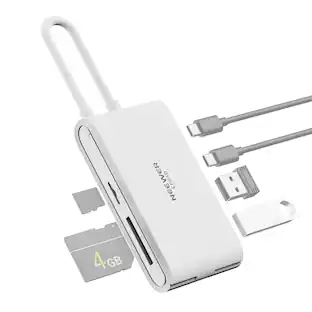
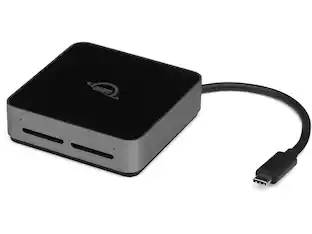
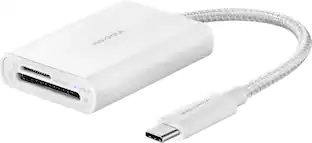
Apple - USB-C to SD Card Reader - White
Customers are saying
Customers highly value the ease of use and overall performance of this card reader, noting that it functions reliably and loads files quickly. Users also appreciate its compact size and seamless compatibility with devices like iPads and USB-C enabled hardware. While some feel the pricing could be more competitive, the device is generally praised for its consistent connectivity and lack of overheating issues.
Memory card compatibility
You can use it with UHS-II SD cards, and it is backward compatible with other SD cards.
USB Type-C interface
Offers blazing fast transfer speeds.
Apple, the Apple logo and iTunes are trademarks of Apple Computer, Inc., registered in the U.S. and other countries. iPod is a trademark of Apple Computer, Inc.
iPad is a trademark of Apple Inc., registered in the U.S. and other countries
- BrandAppleModel NumberMW653AM/A / MUFG2AM/AProduct NameUSB-C to SD Card ReaderColorWhiteComputer ConnectivityMacPlug and Play OperationYes
Reviews
Rating 4.8 out of 5 stars with 1491 reviews
- Ease of use (564)
- Compatibility (219)
- Overall Performance (195)
- USB-C (72)
- Size (38)
- Price (65)
- Heat (4)
- Connectivity (3)
- Ports (3)
Customer Images
The vast majority of our reviews come from verified purchases. Reviews from customers may include My Best Buy members, employees, and Tech Insider Network members (as tagged). Select reviewers may receive discounted products, promotional considerations or entries into drawings for honest, helpful reviews.
Compare similar products

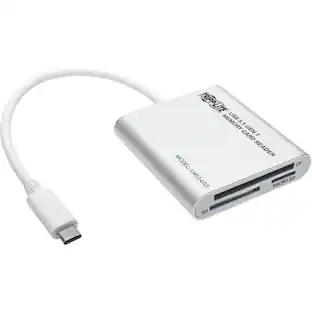
The USB-C to SD Card Reader transfers high-resolution photos and videos at UHS-II speeds to your Mac, 11-inch iPad Pro, or 12.9-inch iPad Pro (3rd generation). Designed so it won't block your other ports, it works with UHS-II SD cards and is backward compatible with other SD cards and adapters.

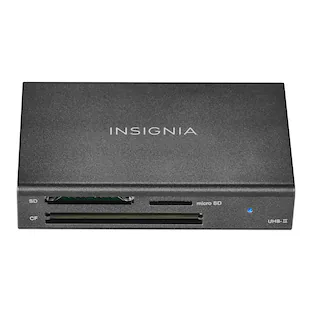
If you’re filming or taking photos, don’t run out of memory in the middle of a shoot. Transfer and back up files with the Insignia USB-C-to-SD/microSD Dual-Slot Card Reader. Simply connect the USB-C connector to your computer, tablet, or other device to quickly transfer data. It’s compatible with a variety of SD and microSD cards to keep your creativity flowing without having to pause and delete unwanted files. A blue LED shows the card reader is receiving power or reading/writing data. And its compact design and attached braided 1.67-inch cable mean you can easily fit it in a pocket or purse. Never let a full memory card stop you again.

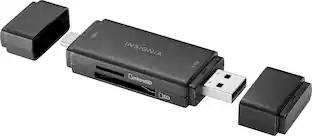
Whether you’re filming or taking photos, don’t run out of memory in the middle of a shoot. Transfer and back up files with the Insignia NS-CRSAC1, USB-C/USB 3.0 to SD and microSD Memory Card Reader. Simply plug in the card reader to your computer, tablet or other device to quickly transfer data. It’s backward compatible with USB 2.0 device and wide variety of SD and microSD cards to keep your creativity flowing without having to pause and delete unwanted files. Its compact design and protective cap mean you can easily fit it in a pocket or bag and not have to worry about damaging your connector. Never let a full memory card stop you again.

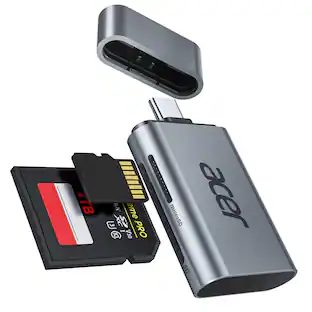
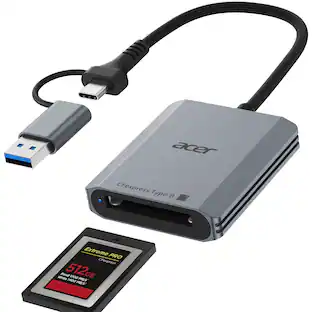
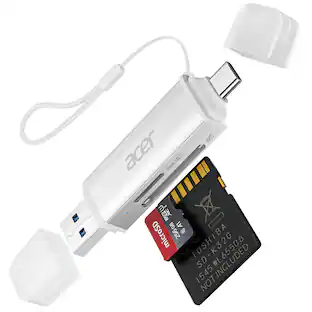
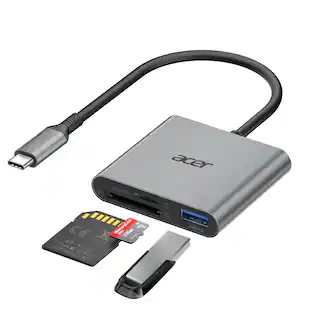
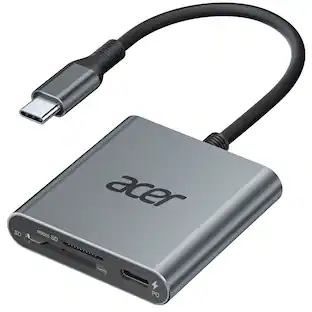
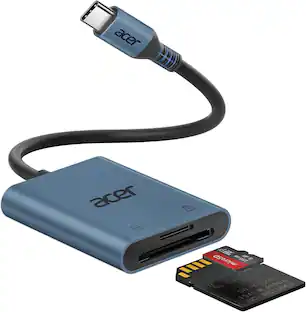
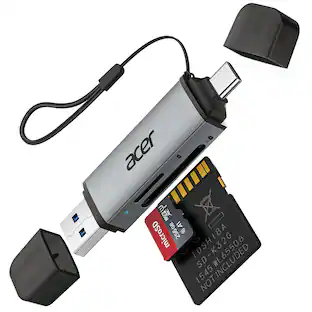
Acer SD Card Reader USB C, 3 in 1 Memory Card Reader with Dual Slots & USB 3.0, Micro SD Card Adapter for iPhone 17/16/15 Compatible with Camera, Android, MacBook Pro/Air, Laptop
| Pros for Apple - USB-C to SD Card Reader - White | |||
|---|---|---|---|
| Ease of use, Compatibility, Overall Performance, Size, USB-C | Ease of use, Overall Performance, Compatibility, Size, Speed | Ease of use, Overall Performance, Compatibility, Size, Connectivity | Overall Performance, Data Transfer Speed, Ease of Use |
| Cons for Apple - USB-C to SD Card Reader - White | |||
| Price, Heat, Connectivity, Ports | SD Card Reader | There were no cons for this product— | There were no cons for this product— |
Specs
Customers often buy these together
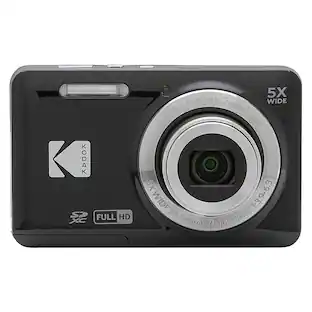
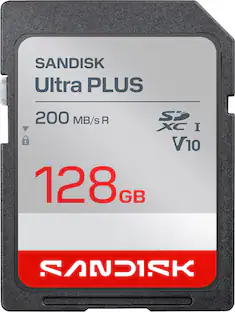
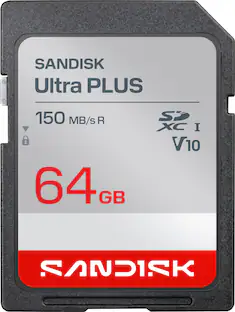
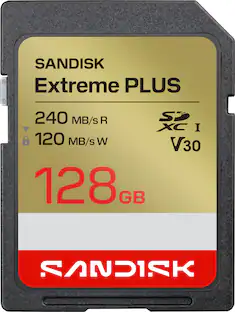
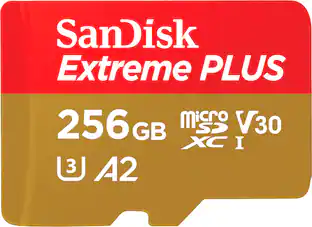
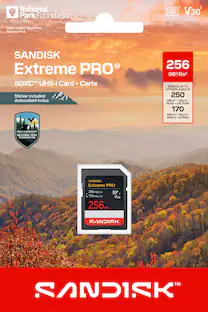
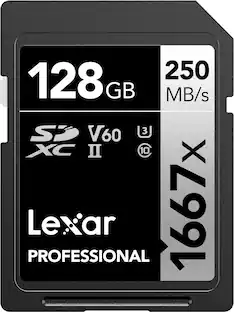
Customers ultimately bought
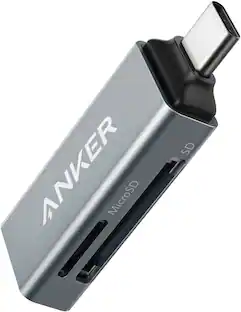 $9.99The price was $17.99
 $13.99The price was $14.99
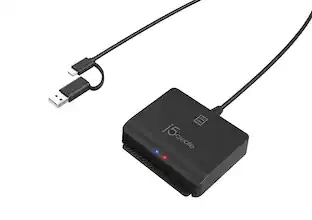
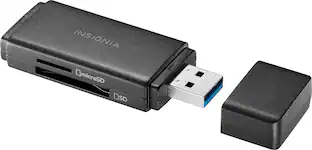
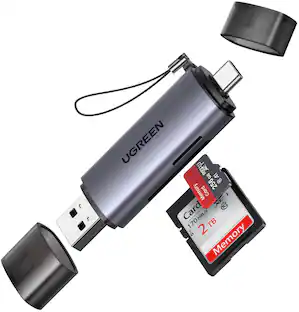
Capture the moments Sponsored
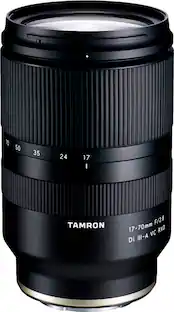 Top Deal$599.99The price was $699.99
 $9.99The price was $13.99

Discover related products
 $49.99The price was $69.99
 $215.99The price was $229.90



Keep exploring
 $51.09The price was $66.67