Labor Day Appliances SaleEnds 9/16. Limited quantities. No rainchecks.Shop now

Main Content

Labor Day Appliances SaleEnds 9/16. Limited quantities. No rainchecks.Shop now

Main Content
Categories & Filters

SD Card Reader For MacBook Pro

Finding the right SD card reader for MacBook Pro makes it easy to transfer photos, videos, and important files between your devices. Designed to work seamlessly with your MacBook Pro, these SD card readers offer a reliable solution for managing your digital content. Whether you're a photographer, student, or professional on the go, explore a variety of options that fit your workflow and help you stay productive. Discover the ideal SD card reader for MacBook Pro to keep your data moving smoothly and efficiently.

Read More
Results
Main Results
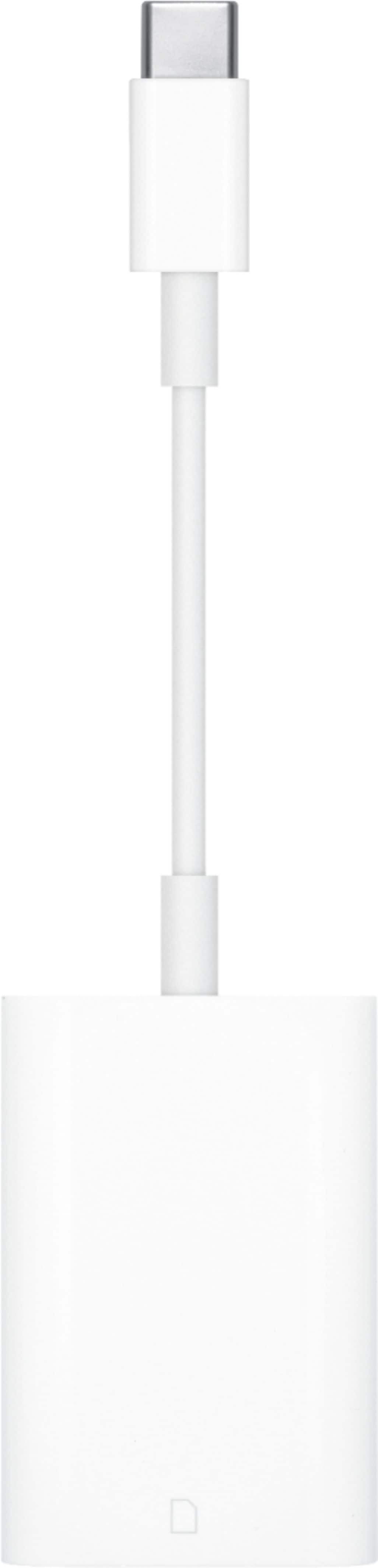
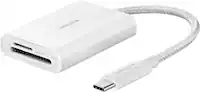
  1. Apple - USB-C to SD Card Reader - White

    SKU: JJGCQ3SP72

    Love Best Buy...Love this products in Best Buy.

    Product Description

    A white USB-C card reader that quickly transfers high-resolution photos and videos from UHS-II SD cards.
    See all Memory Card Readers & Adapters
    Your price for this item is $39.00
  2. j5create - USB-C Multi-Port Hub with Power Delivery for Mac, PC and More - White

    SKU: J36445RLFR

    I love Best Buy....Thanks Best Buy associates for the recommendation....Great product easy purchase thank you best buy.. would buy again

    Product Description

    A white USB-C hub offering 4K HDMI, SD card slots, USB 3.1 ports, and 60W power delivery.
    See all Docking Stations
    Your price for this item is $39.99
  3. Aluratek - USB Type-C Multimedia Hub and Card Reader with HDMI - Silver

    SKU: J3L2HX944F

    Product Description

    A silver USB-C multimedia hub and card reader with HDMI and high-speed USB 3.1 Gen 1 ports.
    See all USB Hubs
    Your price for this item is $19.99
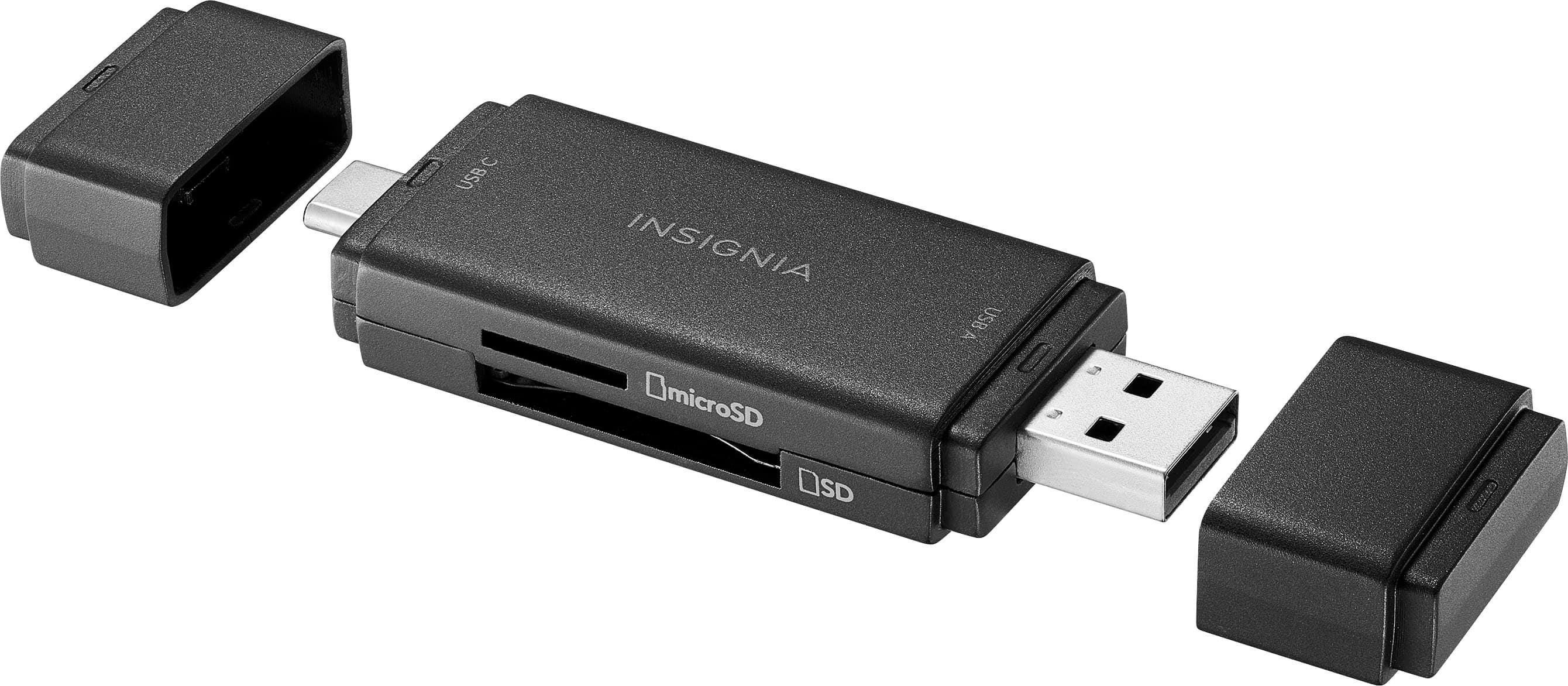
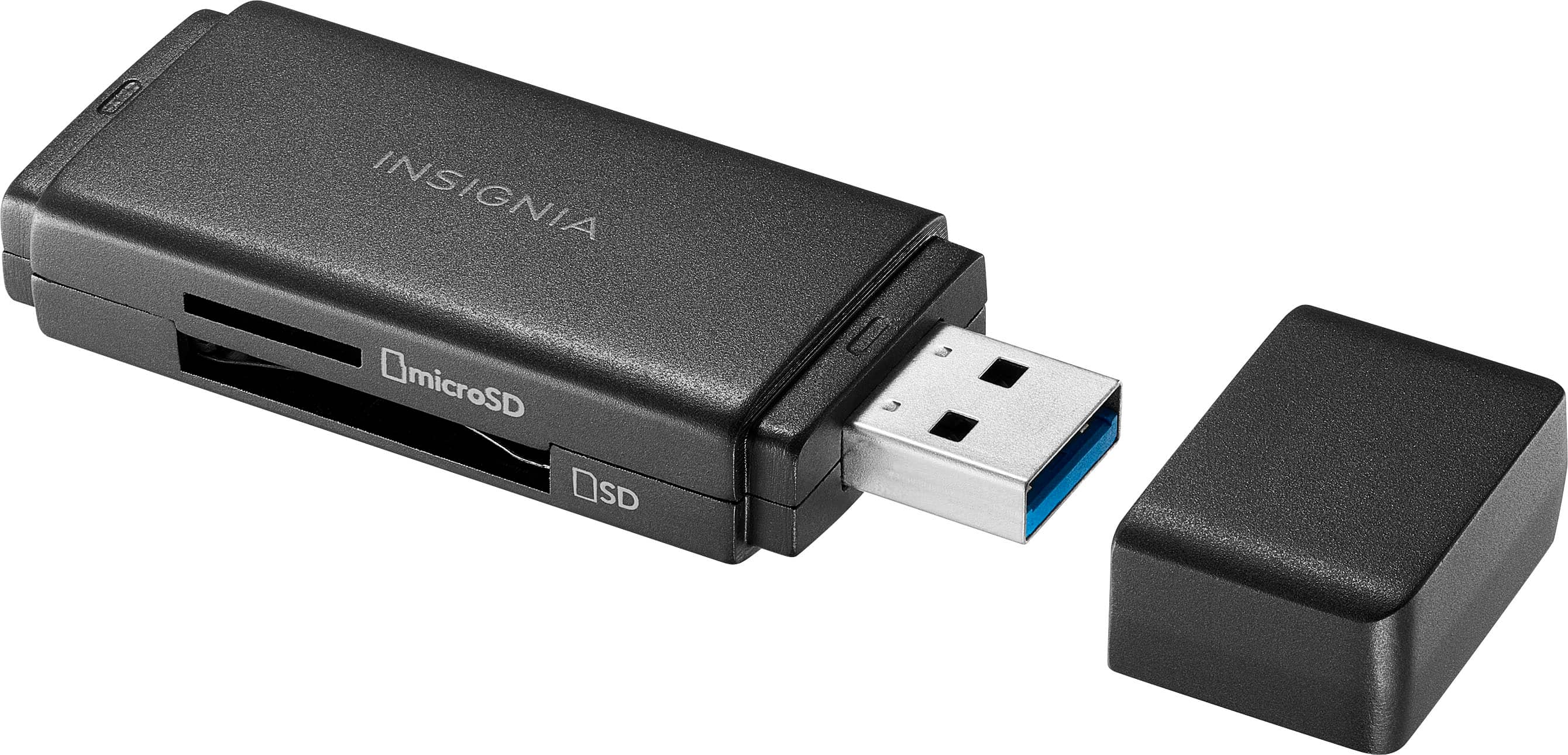
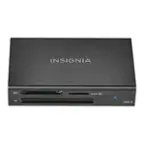
  4. Insignia™ - USB-C/USB 3.0 to SD and microSD Memory Card Reader - Black

    SKU: J2FPJKS8QW

    I love Best Buy!...Great customer service, I also bought two IPads this day along with cases and I could not be happier...Love it...Best Buy recount

    Product Description

    A compact black card reader enabling fast SD and microSD transfers via USB-C or USB 3.0.
    See all Memory Card Readers & Adapters
    Your price for this item is $24.99
  5. Insignia™ - USB 3.0 SD and microSD Memory Card Reader - Black

    SKU: J2FPJKS8QJ

    Great product, easy to use,worked as advertised and as always great customer service from Best Buy....Great...Best connector memry card to TV and one of cheap and great

    Product Description

    A compact black USB 3.0 card reader for fast SD and microSD file transfers and backups.
    See all Memory Card Readers & Adapters
    Your price for this item is $19.99
  6. Insignia™ - USB-C-to-SD/microSD Dual-Slot Card Reader - White

    SKU: J2FPJKS3W9

    Works great! Easy to use and buying thru best buy was easy also....Best thing I’ve bought to transfer my photos...Works great

    Product Description

    A compact white USB-C card reader with dual SD/microSD slots and a blue LED indicator.
    See all Memory Card Readers & Adapters
    Your price for this item is $27.99
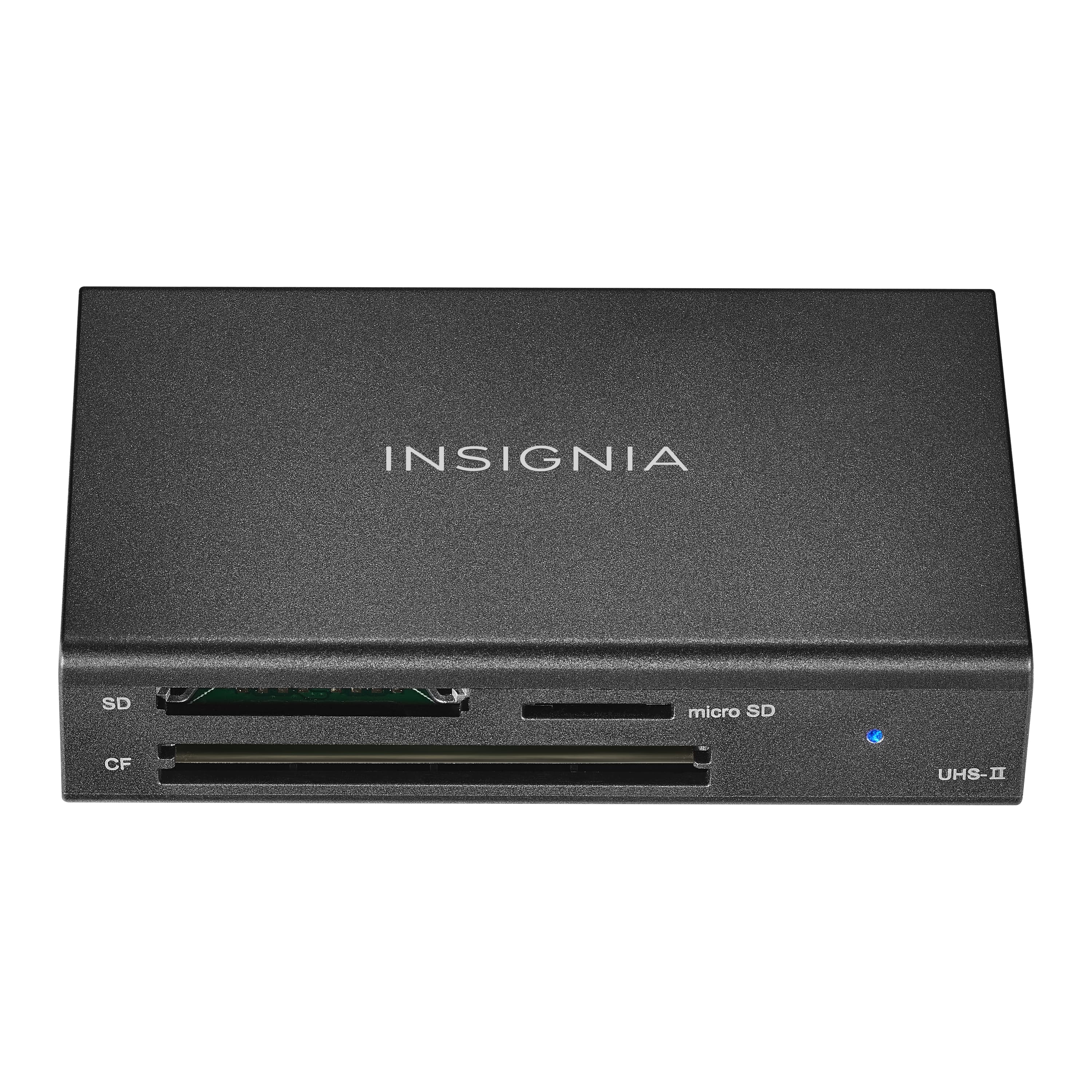
  7. Insignia™ - USB-C to SD, microSD and CompactFlash Memory Card Reader - Black

    SKU: J2FPJK97HL

    Great employees...I love shopping at Best Buy....Great group....Best buy best place for camera needs...Works great. Best Buy is the best place to buy items for a camera, especially in my area.

    Product Description

    A black USB-C memory card reader supporting SD, microSD, and CompactFlash cards with included USB cable.
    See all Memory Card Readers & Adapters
    Your price for this item is $39.99
  8. j5create - USB-C Dual 4K HDMI Docking Station with 15W Wireless Charging - Space Gray

    SKU: J36445RPTT

    Best Dock ever...Great Dock

    Product Description

    A versatile space grey aluminum dock with dual 4K HDMI, USB ports, and 15W wireless charging.
    See all Docking Stations
    Your price for this item is $119.99
    Save $10
    The previous price was $129.99
  9. Hyper - HyperDrive Dual 10 Port USB-C Hub, 4K HDMI, Ethernet, 1 USB-C, 2 USB-A, microSD/SD, travel dock for M1/M2/M3 MacBook - Gray

    SKU: J3L45JH79S

    Best travel USB-C Hub!...It works great. Love the ease of use and power supply for travel....Works great for technophiles!!!...Works great for me and I love it.

    Product Description

    A versatile gray USB-C hub offering dual 4K HDMI, Ethernet, USB-A/C, and SD card connectivity.
    See all USB Hubs
    Your price for this item is $159.99
    Save $40
    The previous price was $199.99
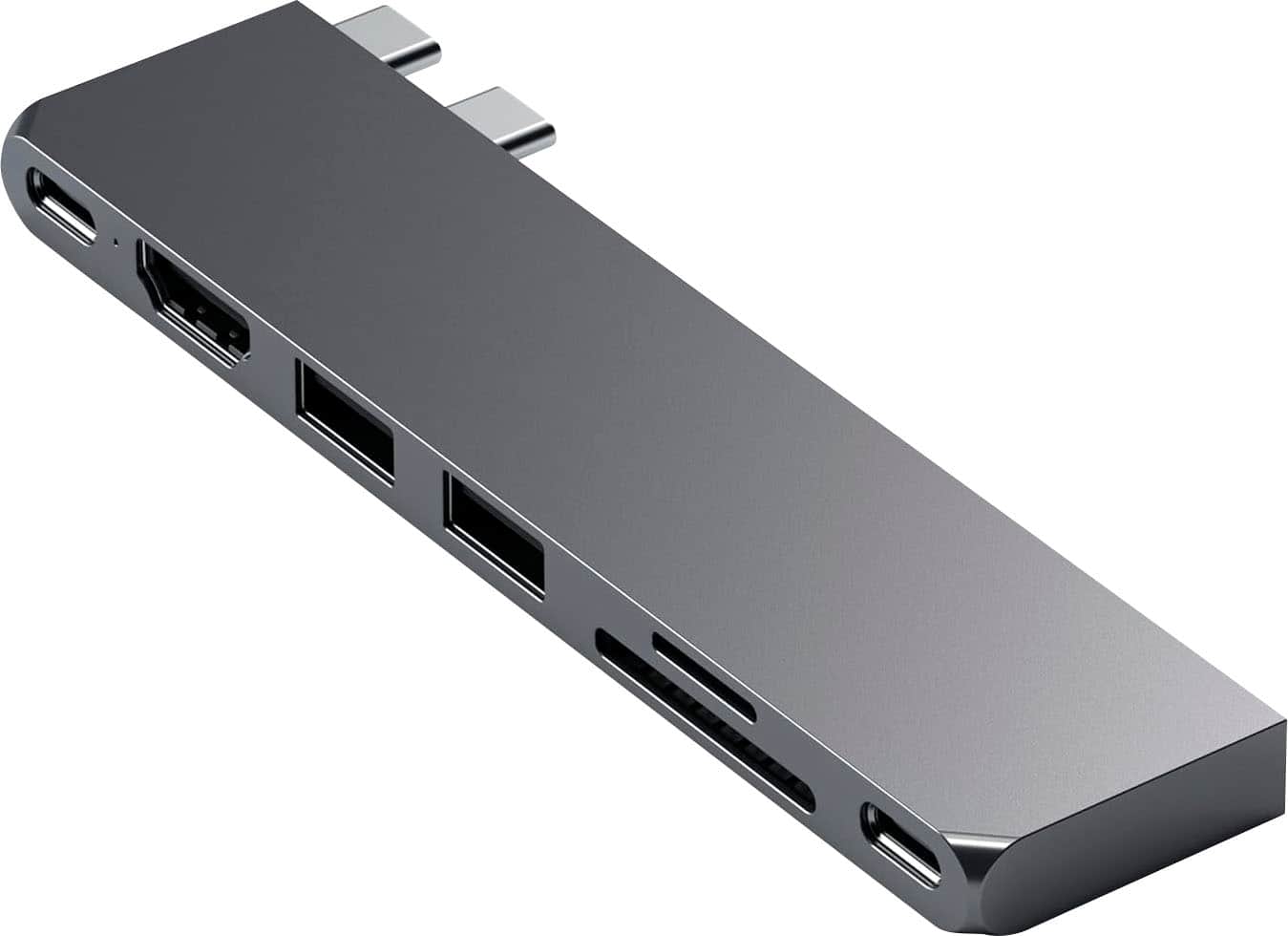
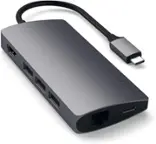
  10. Satechi - PRO Hub Slim USB-C Hub 7-in-1 w/ USB 4 Port, 4K HDMI, USB3.2 Gen 2, SD/TF Card Reader, and 100W USB C PD for Mac - Space Gray

    SKU: J3GWC4CJVS

    point blank one of the best investments...best thing ive purchased for my macbook EVER, i love this thing to DEATH...The item itself has a great design and ergonomic attachment set up....Best Buy made...

    Product Description

    A sleek aluminum hub in space gray offering USB4, 4K HDMI, SD card slots, and fast charging.
    See all Docking Stations
    Your price for this item is $79.99

An SD card reader for MacBook Pro provides a simple way to move photos, videos, documents and other files from removable memory cards to a laptop. It can be especially useful for photographers, videographers, students, travelers, content creators and anyone who regularly works with cameras, drones, audio recorders or other devices that save files to an SD card. Before choosing a reader, check the year and size of your MacBook Pro, along with the ports available on the computer. Many 14-inch and 16-inch MacBook Pro models from 2021 and later include a built-in SDXC card slot, as do many MacBook Pro models from 2011 through 2015. In those cases, an external reader may be useful when you want faster transfers, a second card slot or a more convenient setup at a desk. MacBook Pro models from 2016 through 2020 generally rely on USB-C and may require an external reader for SD card access. A compatible reader can also be helpful when the built-in slot is difficult to reach because the laptop is connected to a monitor, dock or other accessories. For additional options, browse the MacBook Memory Card Reader selection to compare formats, connections and features. Most modern readers are designed for plug-and-play use with macOS, allowing a card to appear in Finder once it is inserted. Even so, it is worth confirming that the reader uses the same connection available on your MacBook Pro. USB-C readers connect directly to USB-C or Thunderbolt ports, while some models use a detachable cable or include an adapter for added flexibility. A short, built-in connector keeps a travel kit compact, whereas a longer cable can make it easier to position the reader beside a laptop, camera bag or desktop workstation.

Transfer speed is one of the most important considerations, particularly when working with large RAW photo libraries, high-resolution video or a full card from a day of shooting. Basic SD readers can be perfectly suitable for occasional document transfers, school assignments or sharing a handful of pictures, while faster readers can save meaningful time when moving hundreds of files. Look for support that matches the memory cards you already own. UHS-I cards are common and offer dependable performance for everyday photography and video, while UHS-II cards use an additional row of contacts and can deliver significantly faster read speeds with a compatible reader and computer connection. A UHS-II reader can generally accept UHS-I cards as well, but the transfer rate will be limited by the slower card. The same principle applies to the computer port, cable and storage drive receiving the files. A reader advertised with high maximum speeds cannot reach that rate if the memory card, cable or destination drive has a lower performance rating. SDHC and SDXC support is also important because SDXC cards are available in larger capacities and are widely used for modern cameras and video equipment. If your devices use smaller microSD cards, consider a reader with a dedicated microSD slot or an included full-size adapter. A reader with both SD and microSD slots can be convenient for people who move files from action cameras, drones, handheld gaming systems and smartphones as well as cameras. Some models include multiple slots for different card formats, and dual-slot designs may allow two cards to be accessed at the same time. That can be helpful for professionals who offload cards from more than one camera, organize a backup while traveling or compare files without repeatedly swapping media. Check the specifications carefully, however, because not every dual-slot reader supports simultaneous transfers; some require you to use one card at a time.

The best choice often depends on where and how the reader will be used. A compact single-slot model can slip into a camera pouch, laptop sleeve or backpack pocket and is well suited to travel, school, family events and casual photography. A sturdier reader with a separate cable may feel more comfortable for a permanent desk setup, especially when a MacBook Pro is connected to an external display or positioned on a stand. A multi-card reader or USB hub can make sense for a creative workstation where a user needs to transfer files while connecting other accessories, but added ports may increase the size of the device and require more room around the laptop. Consider build quality, cable storage, port placement and whether the reader sits securely on a desk rather than hanging from the side of the computer. For photographers, dependable sustained performance and UHS-II compatibility may matter more than the smallest possible design. For a student or family member who occasionally imports pictures, broad compatibility and straightforward operation may be more valuable than peak speed. An SD card reader can also make a thoughtful gift for someone beginning photography, preparing for a trip or building a home video setup, since it helps bridge the gap between a camera and a MacBook Pro without requiring complicated software. It is useful during outdoor adventures, school projects, family gatherings and the cooler months when people often sort vacation images, preserve event footage or organize digital files indoors. To protect data, eject the card from macOS before removing it, avoid disconnecting the reader during a transfer and keep important files backed up in more than one location. With the right port, card-format support and speed rating, an external reader can turn the process of moving media into a quick, familiar part of an everyday MacBook Pro workflow.

FAQ

When choosing an SD card reader for your MacBook Pro, consider compatibility with macOS, connection type (such as USB-C or Thunderbolt), supported card formats (SD, microSD, etc.), transfer speeds, and whether it offers plug-and-play functionality without needing additional drivers.

Yes, you can use an SD card reader with both older and newer MacBook Pro models. However, newer models may require a USB-C or Thunderbolt connection, while older models may have standard USB-A ports. Adapters are available if your card reader's connector doesn't match your laptop's ports.

Most SD card readers designed for MacBook Pro are plug-and-play and do not require any special software or drivers. They are typically recognized automatically by macOS, allowing you to access files on your SD cards immediately.

Yes, many multi-card readers are compatible with MacBook Pro. These devices can read various memory card formats such as SD, microSD, CompactFlash, and more. Make sure the reader supports macOS and has the appropriate connection type for your laptop.

To safely eject an SD card from a reader on your MacBook Pro, drag the card's icon to the Trash or right-click the icon and select 'Eject.' Wait until the icon disappears from your desktop before physically removing the card to prevent data corruption.