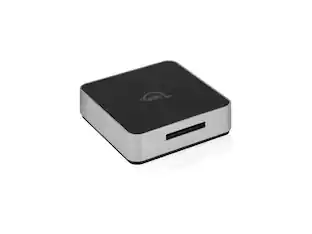
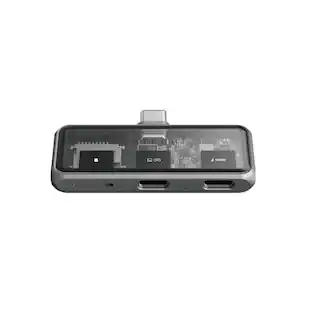
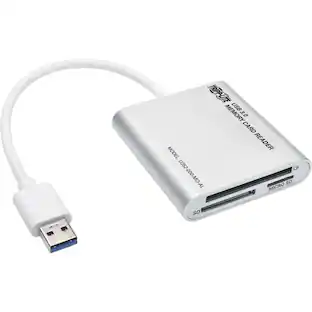
Acer - SD Card Reader, USB A 3.0 to Micro Memory Card Reader, Aluminum Dual Slot SD to USB Adapter for Computer, PC
Customers are saying
Customers are enthusiastic about the build quality of this product. Users appreciate that it does not feel flimsy and holds up well to the rigors of daily use.
Features
HIGH-SPEED DATA TRANSFER
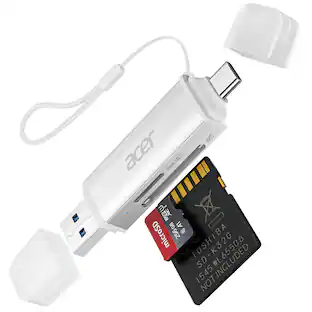
The USB SD Card Reader's USB-A 3.0 interface delivers blazing 5Gbps speed for quick photo, video, and file transfers from your SD or Micro SD cards to laptop or PC. Backward compatible with USB 2.0/1.1 for universal use.(Note:Thick cases may prevent full insertion)
READ & WRITE SIMULTANEOUSLY
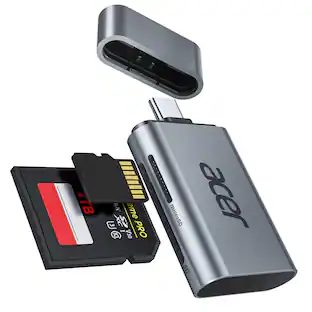
Dual slots allow reading and writing on SD and Micro SD cards at the same time, eliminating constant swapping. The Micro SD Card Reader USB is perfect for busy photographers, videographers, and content creators.(Note: Not compatible with “Lightning” and "USB C" port devices)
COMPACT & WIRED DESIGN
Slim aluminum body is lightweight yet durable, fitting easily into your pocket or camera bag. The corded of SD Card Reader for Computer design does not block other ports on your device. Perfect for travel, remote work, or on-location filming.(Note: "SD" card and "Micro SD" card not included)
PLUG & PLAY
The SD Card Reader for PC requires no drivers, just connect and it is compatible with Windows, macOS, Chrome OS and Linux devices to achieve data transmission.(Note: SD Slot does not support Type A/B/C Cards, MS, CF and XQD cards)
BROAD DEVICE COMPATIBILITY
The USB to SD Card Adapter works with SD, SDXC, SDHC, MMC, RS-MMC, Micro SDXC, Micro SD, Micro SDHC and UHS-I cards.Also compatible with computers, PC, laptops and other USB-A devices.(Note: only reads and transfers data from the SD and TF card, not directly connect to the camera)
Specifications
- BrandAcerModel NumberACER-UC209-BBYProduct NameAcer SD Card Reader, USB A 3.0 to Micro Memory Card Reader, Aluminum Dual Slot SD to USB Adapter for Computer, PCWarranty - Parts1 yearProduct Width3.6 inchesProduct Height0.47 inches
Reviews
Rating 4.6 out of 5 stars with 8 reviews
- Build Quality (3)
Customer Images
The vast majority of our reviews come from verified purchases. Reviews from customers may include My Best Buy members, employees, and Tech Insider Network members (as tagged). Select reviewers may receive discounted products, promotional considerations or entries into drawings for honest, helpful reviews.

Compare similar products
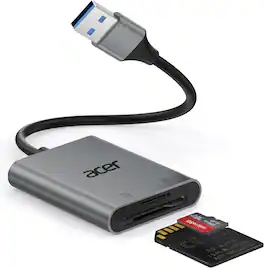
The USB SD Card Reader's USB-A 3.0 interface delivers blazing 5Gbps speed for quick photo, video, and file transfers from your SD or Micro SD cards to laptop or PC. Backward compatible with USB 2.0/1.1 for universal use.
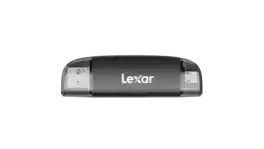

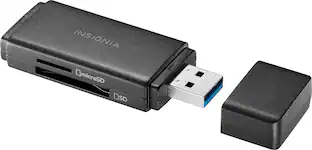
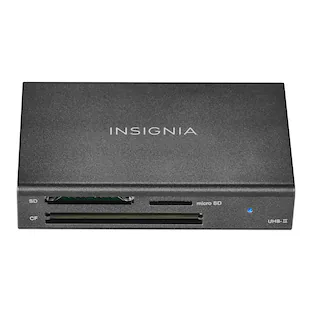
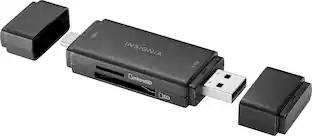
Whether you’re filming or taking photos, don’t run out of memory in the middle of a shoot. Transfer and back up files with the Insignia NS-CRSA1, USB 3.0 to SD and microSD Memory Card Reader. Simply plug in the card reader to your computer, tablet or other device with USB-A female connector to quickly transfer data. It’s backward compatible with USB 2.0 device and wide variety of SD and microSD cards to keep your creativity flowing without having to pause and delete unwanted files. Its compact design and protective cap mean you can easily fit it in a pocket or bag and not have to worry about damaging your connector. Never let a full memory card stop you again.

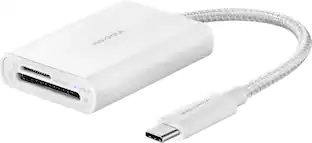
If you’re filming or taking photos, don’t run out of memory in the middle of a shoot. Transfer and back up files with the Insignia USB-C-to-SD/microSD Dual-Slot Card Reader. Simply connect the USB-C connector to your computer, tablet, or other device to quickly transfer data. It’s compatible with a variety of SD and microSD cards to keep your creativity flowing without having to pause and delete unwanted files. A blue LED shows the card reader is receiving power or reading/writing data. And its compact design and attached braided 1.67-inch cable mean you can easily fit it in a pocket or purse. Never let a full memory card stop you again.
| Pros for Acer - SD Card Reader, USB A 3.0 to Micro Memory Card Reader, Aluminum Dual Slot SD to USB Adapter for Computer, PC | |||
|---|---|---|---|
| Build Quality | Overall Performance, Transfer Speed | Ease of use, Overall Performance, Compatibility, Size, Price | Ease of use, Overall Performance, Compatibility, Size, Speed |
| Cons for Acer - SD Card Reader, USB A 3.0 to Micro Memory Card Reader, Aluminum Dual Slot SD to USB Adapter for Computer, PC | |||
| There were no cons for this product— | There were no cons for this product— | There were no cons for this product— | SD Card Reader |
Specs
Questions & Answers
Does it work with iPhone 14
Answered by TeamAcerNo. The iPhone 14 uses a lightning cable and this SD Card Reader connects via USB A.
How long is the cord on this Card Reader? Acer - SD Card Reader, USB A 3.0 to Micro Memory Card Reader, Aluminum Dual Slot SD to USB Adapter for Computer, PC

Customers often buy these together
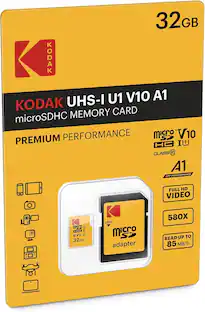
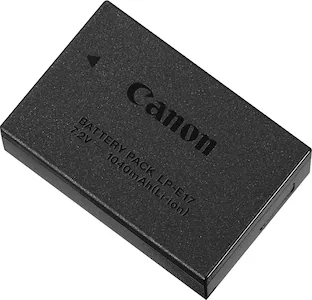
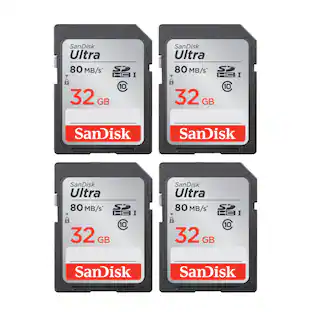
Kodak 32GB Premium Performance UHS-I U1 microSDHC Memory Card with SD Adapter
$17.46The price was $24.99

More to consider
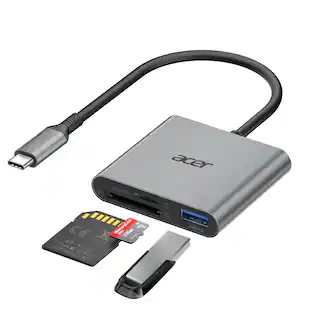
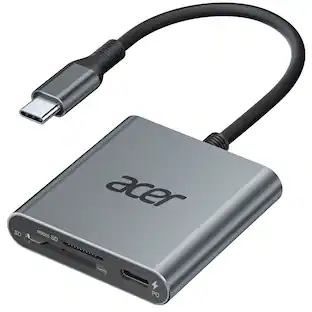
Acer SD Card Reader USB C, 3 in 1 Memory Card Reader with Dual Slots & USB 3.0, Micro SD Card Adapter
$17.99The price was $18.99
Capture the moments Sponsored

Keep exploring
Lexar microSDXC Express Card Reader - UHS-II - USB 3.2 - Gen 2 - LRW540U-RNHNG
$78.40The price was $82.11Acer SD Card Reader USB C, 3 in 1 Memory Card Reader with Dual Slots & USB 3.0, Micro SD Card Adapter
$17.99The price was $18.99