Touch Screen Monitor For Photo Editing
Achieve precise control and enhanced creativity with a touch screen monitor for photo editing. Designed to support detailed adjustments and intuitive navigation, these monitors offer an interactive experience that can streamline your workflow. Whether you’re retouching images or fine-tuning colors, a touch screen monitor for photo editing helps bring your vision to life with greater ease and flexibility. Explore options that cater to both professionals and hobbyists looking to elevate their editing setup.
Read More-
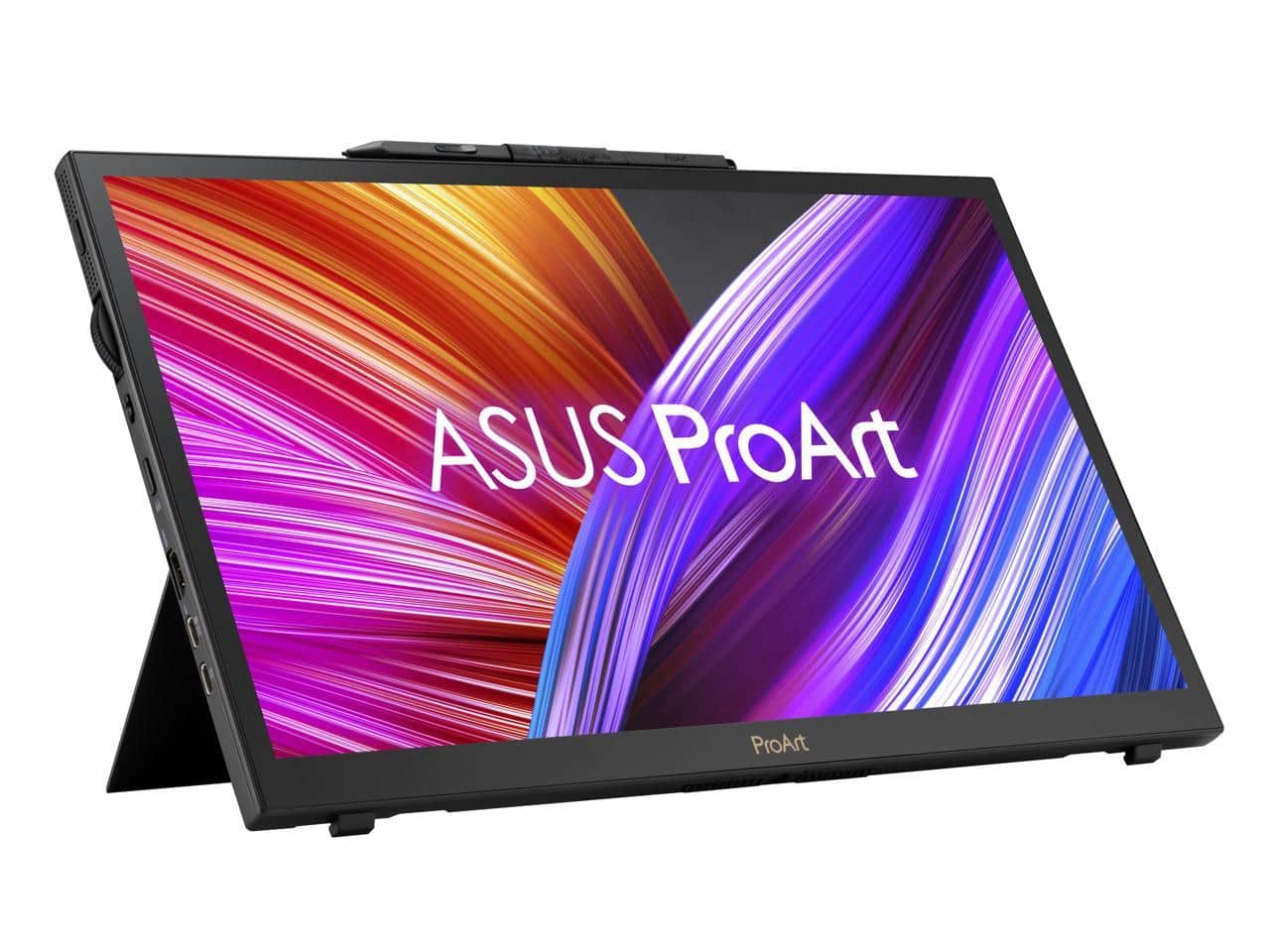
ASUS - ProArt Display PA169CDV 15.6" 4K Touchscreen Monitor - Black
SKU: JJG7VTXVSPSee all All MonitorsProduct Description
A 15.6-inch black 4K IPS touchscreen monitor with HDR10, 10-bit color, and versatile connectivity.$649.00 Your price for this item is $649.00Save $42Was $691.61The previous price was $691.61 -
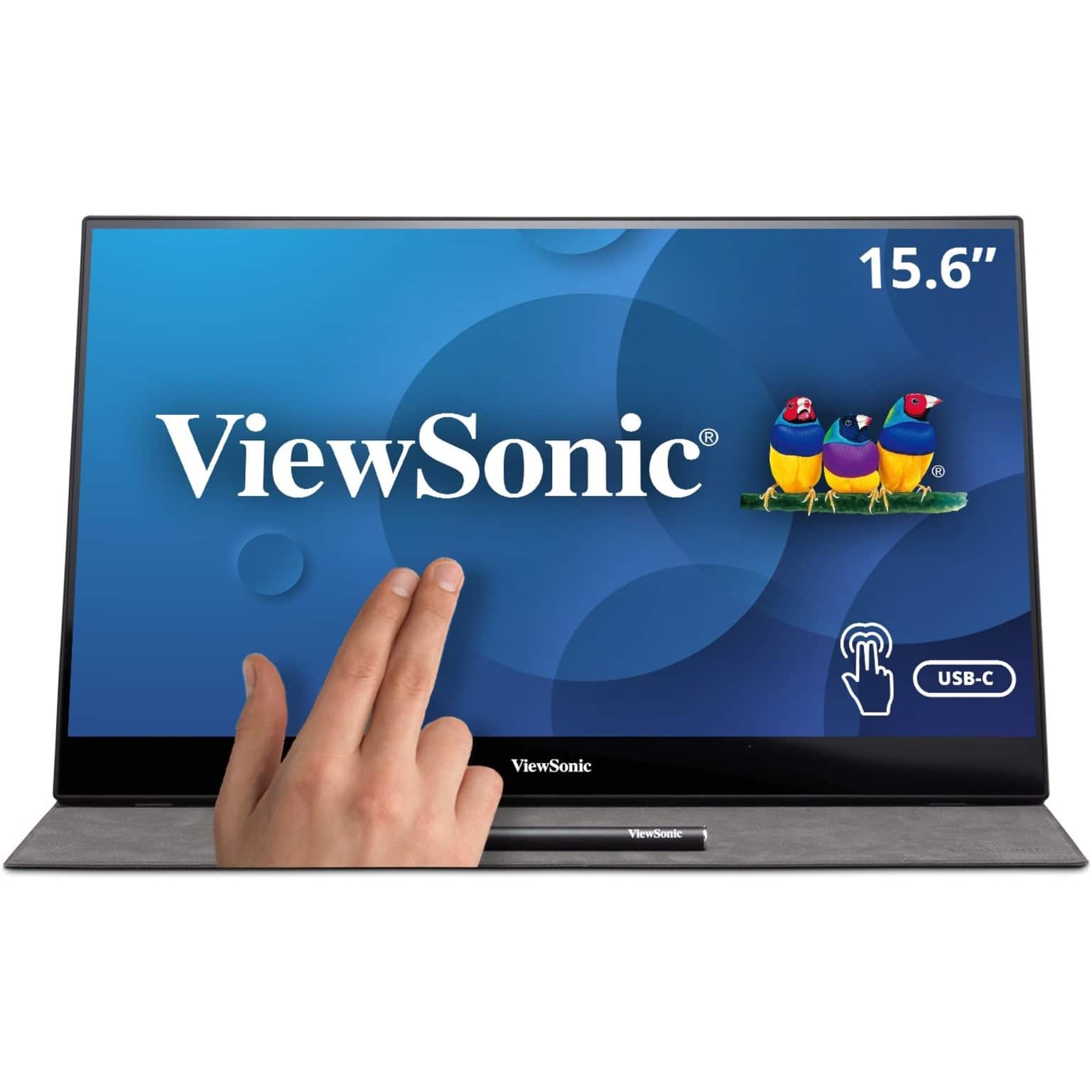
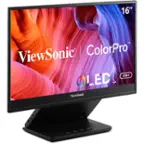
ViewSonic - TD1655 15.6" LCD FHD Touch Screen Monitor (USB-C, Mini HDMI) - Black
SKU: J37H88FSLCto use my TD1655 out in the field, at this the use is at home, working in the living room which is great...Great Job! on the cable design....The Touch works great you can use your finger or the Pen that...
See all Portable MonitorsProduct Description
A portable black IPS touchscreen monitor with FHD 1080p resolution, USB-C connectivity, and included stylus.$299.99 Your price for this item is $299.99 -
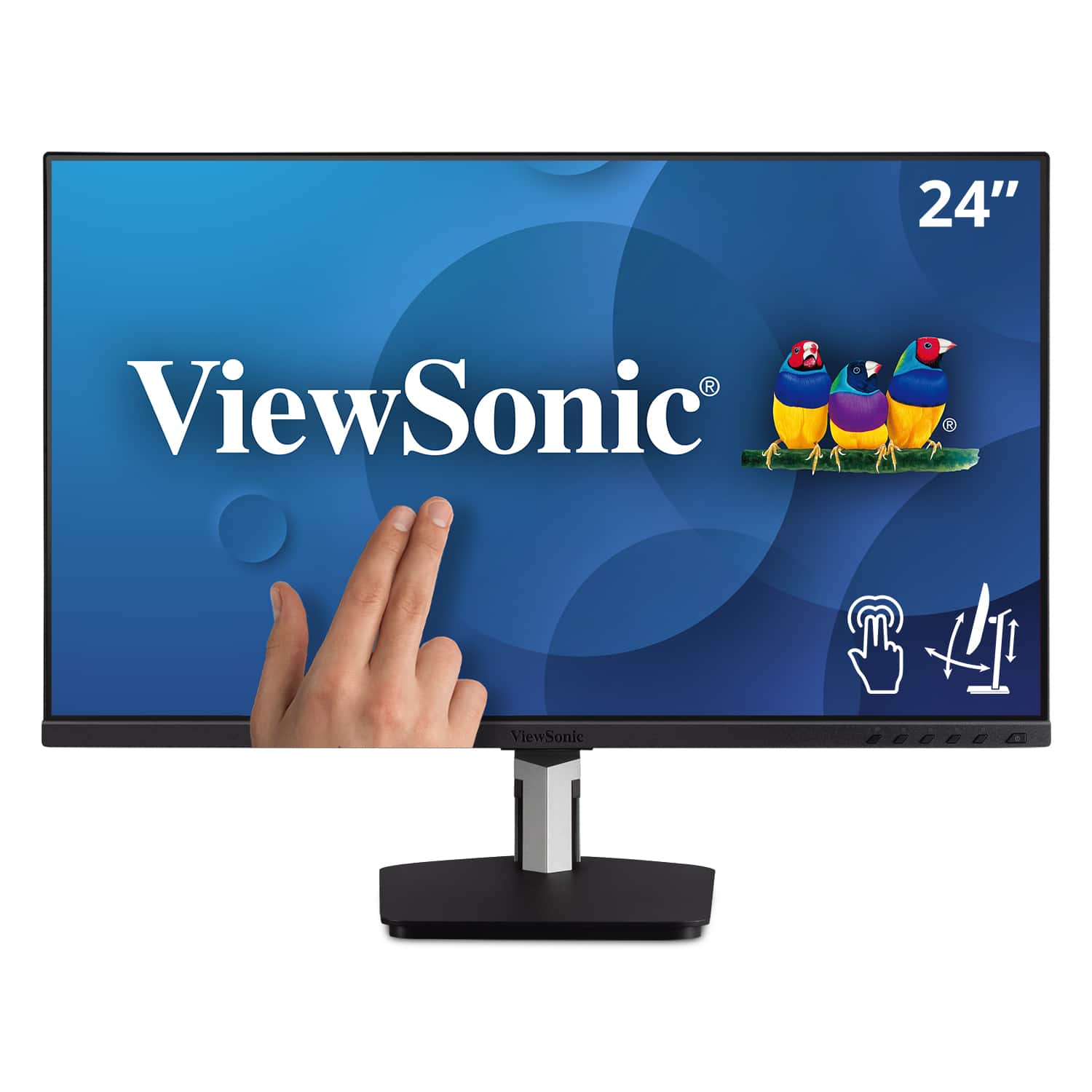
ViewSonic - TD2455 24" IPS LED FHD Touch Screen Monitor (DisplayPort, HDMI, USB) - Black
SKU: J37H88FGFPSee all All MonitorsProduct Description
A black IPS LED monitor with 10-point touchscreen, ergonomic dual-hinge, and versatile connectivity options.$399.99 Your price for this item is $399.99 -
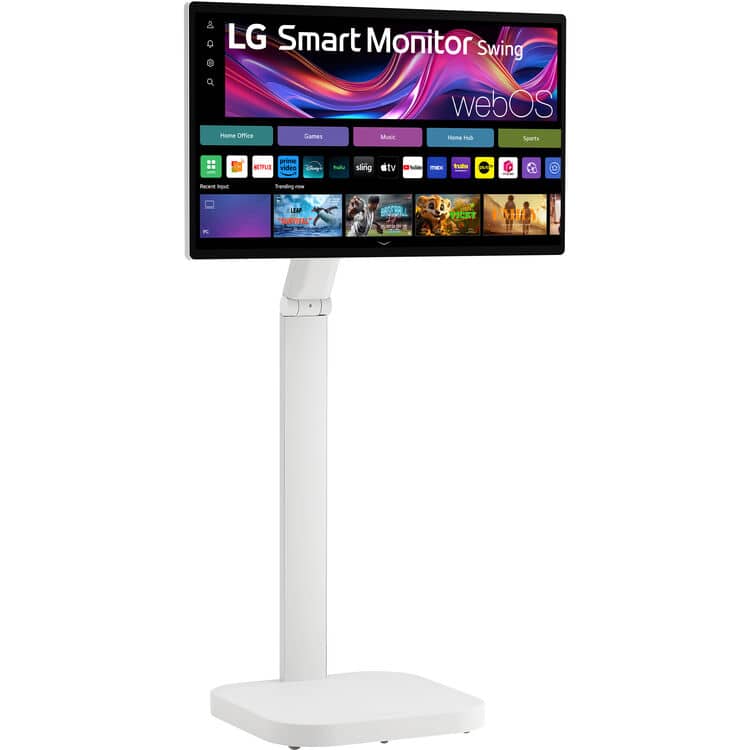
LG - Smart Monitor Swing 32U889SA-W 32-Inch 4K UHD (3840x2160) IPS Touchscreen on a Fully Adjustable Wheeled Base HDR10,
SKU: JJ8VPZWWP5Love it. Cooking in Kitchen and LG TV when I need to look at it for cooking. Awesome.
See all All MonitorsProduct Description
A 32-inch 4K UHD IPS touchscreen monitor with HDR10, adjustable wheeled base, and auto-portrait mode.$799.99 Your price for this item is $799.99Save $200Was $999.99The previous price was $999.99 -
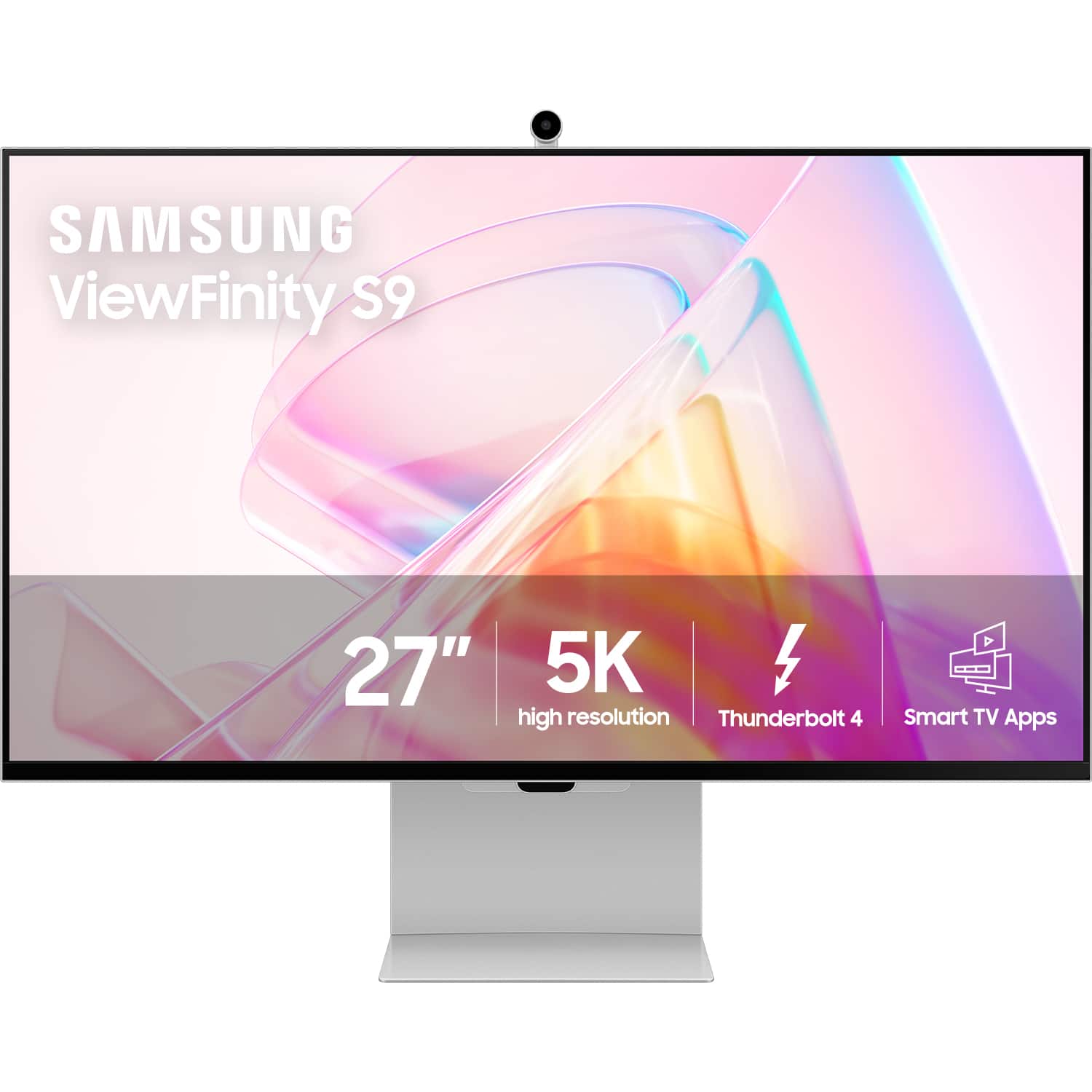
Samsung - 27" ViewFinity S9 5K IPS Smart Monitor with Matte Display, Thunderbolt 4 and SlimFit Camera - Silver
SKU: J3ZYG29QVV[This review was collected as part of a promotion.] love the colors of my screen very natural and real...This is a great looking monitor, but it loses signal for no reason....I called Samsung and Best...
See all All MonitorsProduct Description
A silver IPS smart monitor with 5K resolution, matte display, Thunderbolt 4, and modular 4K camera.$1,599.99 Your price for this item is $1,599.99 -
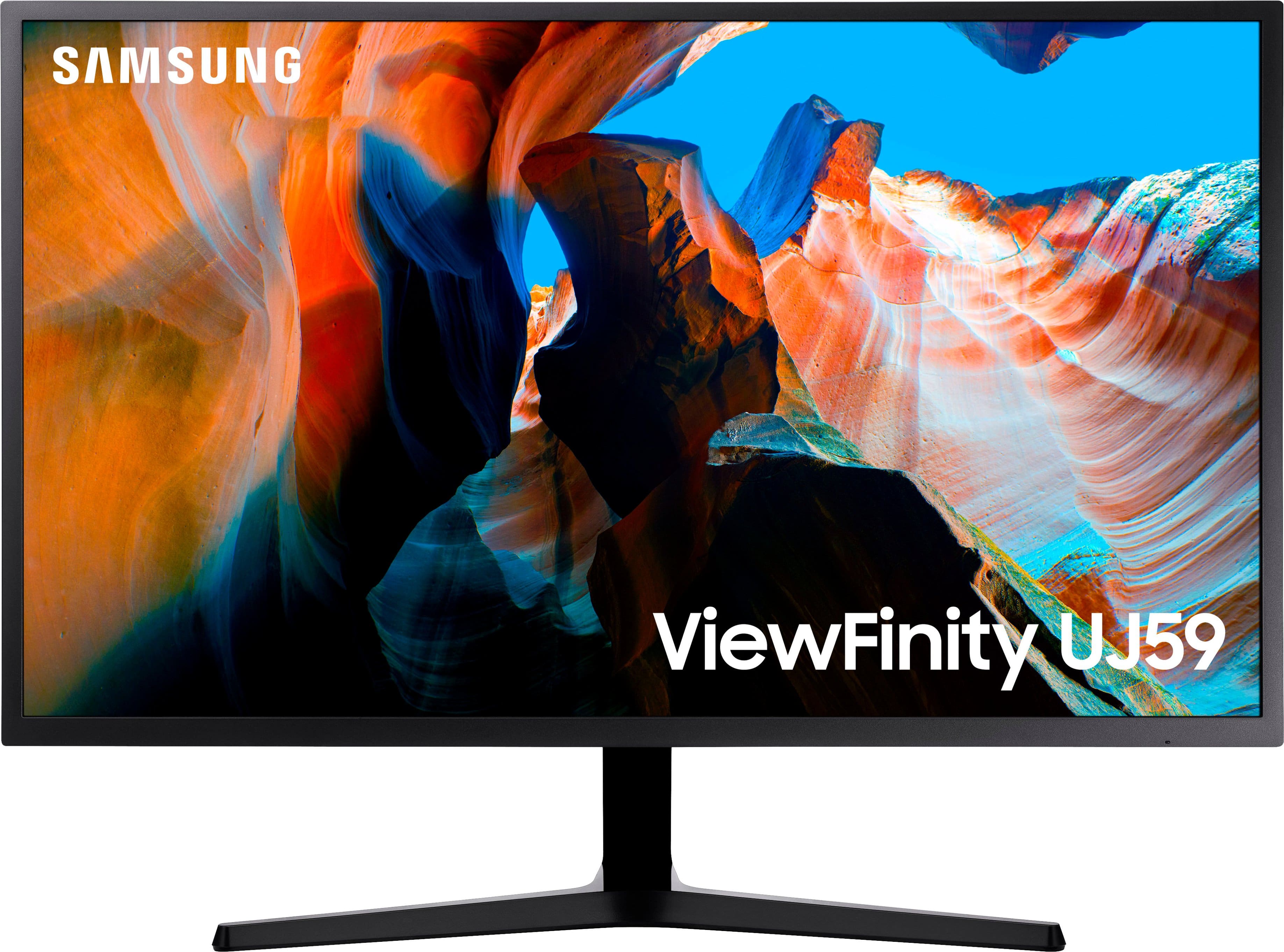
Samsung - 32" ViewFinity UJ59 4K UHD LED VA Monitor with AMD FreeSync, 4ms, 60Hz, HDMI/DisplayPort - Dark Gray/Blue
SKU: J3ZYGC34HLGreat Monitor...This monitor is so great that I went back to Best Buy and got a 2nd one for my wife....I love the picture and color quality....It's really I love it. Best Monitor I used ever.
See all All MonitorsProduct Description
A dark gray and blue UHD monitor with 4K resolution, AMD FreeSync, and vivid color accuracy.$279.99 Your price for this item is $279.99Save $60Was $339.99The previous price was $339.99 -
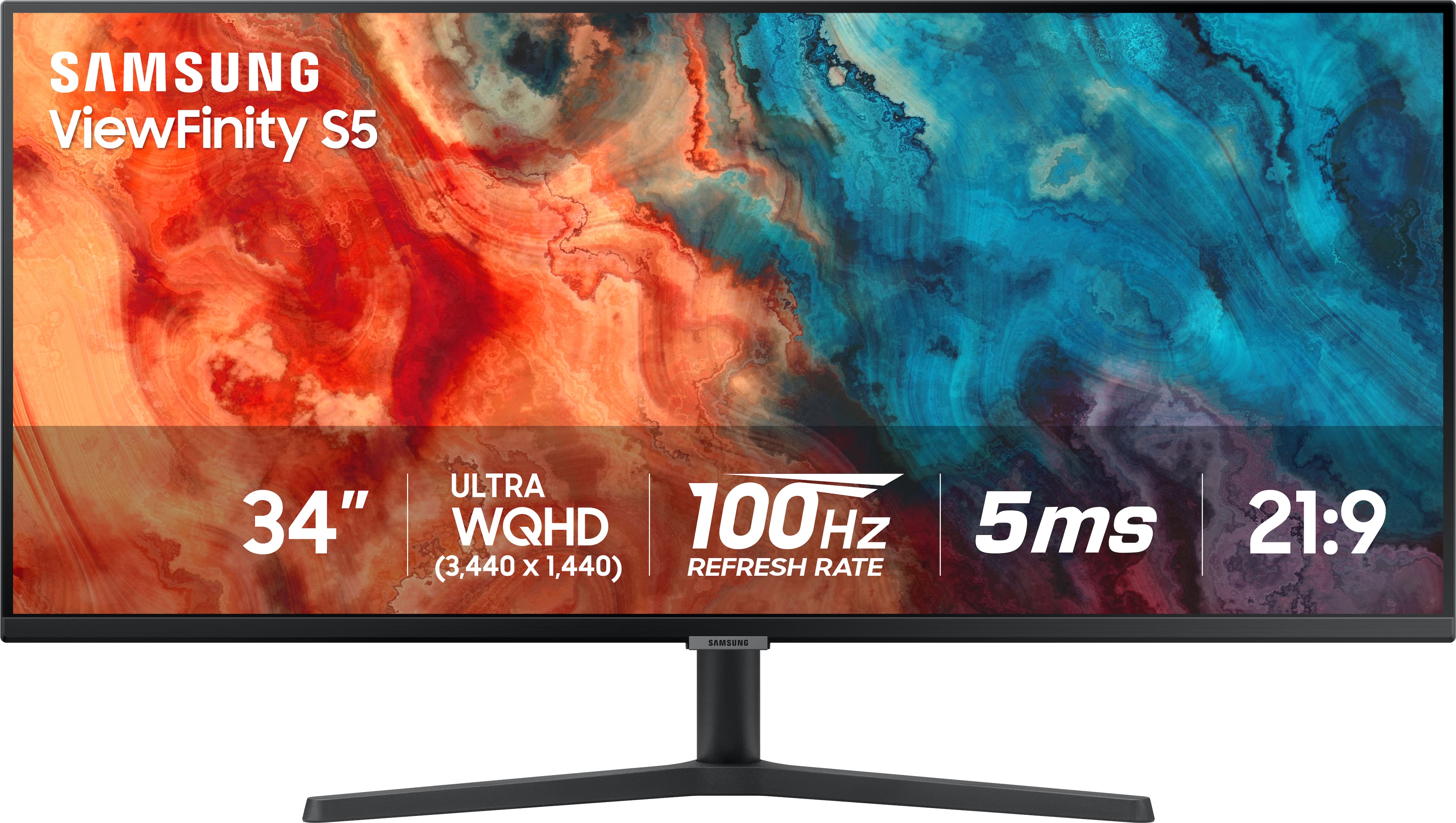
Samsung - 34” ViewFinity S5 Ultrawide QHD 100Hz AMD FreeSync Monitor with HDR10 (DisplayPort, HDMI) - Black
SKU: J3ZYG2PYZ8Best value wide monitor...Love this monitor for multitasking. Great value for the price!...I love it...Wow so beautiful I love it It’s work so good thank you Best Buy
See all All MonitorsProduct Description
An ultrawide black LED monitor with QHD resolution, 100Hz refresh rate, HDR10, and AMD FreeSync support.$309.00 Your price for this item is $309.00Save $20Was $329.99The previous price was $329.99 -
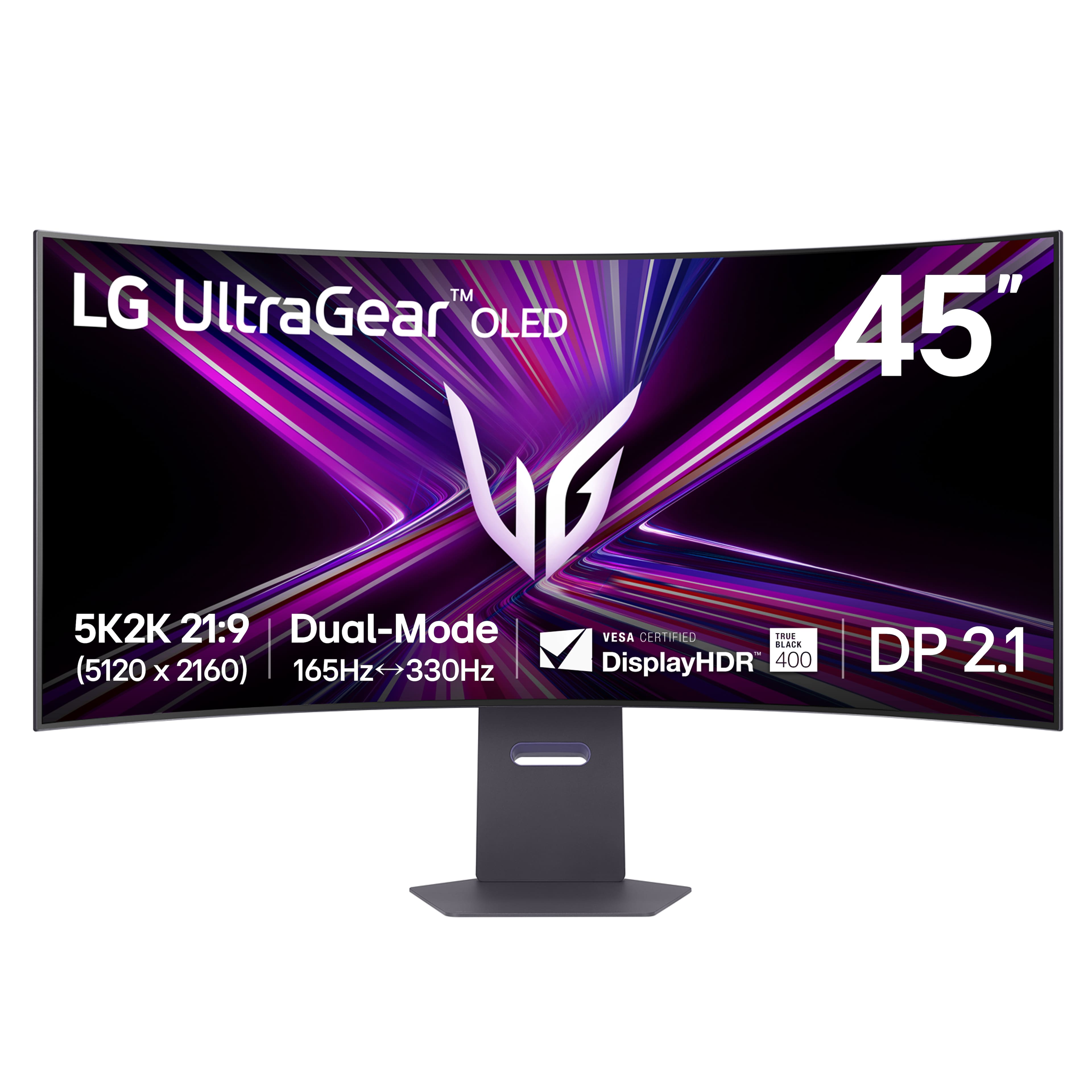
LG - UltraGear 45" OLED Dual Mode (5K2K WUHD 165Hz, WFHD 330Hz) 0.03ms G-Sync/FreeSync Premium Pro Gaming Monitor - Black
SKU: JJ8VPZWPY9Best office upgrade...Great OLED monitor
See all Curved Gaming MonitorsProduct Description
An ultrawide black OLED gaming monitor with 5K2K resolution, 165Hz refresh rate, and G-Sync/FreeSync support.$1,769.99 Your price for this item is $1,769.99Save $230Was $1,999.99The previous price was $1,999.99 -
LG - 27" IPS FHD 120Hz Monitor with HDR10 (HDMI) - Black
SKU: JJ8VPZKPZ6Great value...Great value great price great product thank team best buy...Great monitor for gaming and Best Buy helped me pick the rite one
See all All MonitorsProduct Description
A black IPS monitor with 120Hz refresh rate, HDR10 support, and ultra-slim bezels for vibrant visuals.$109.99 Your price for this item is $109.99Save $140Was $249.99The previous price was $249.99 -
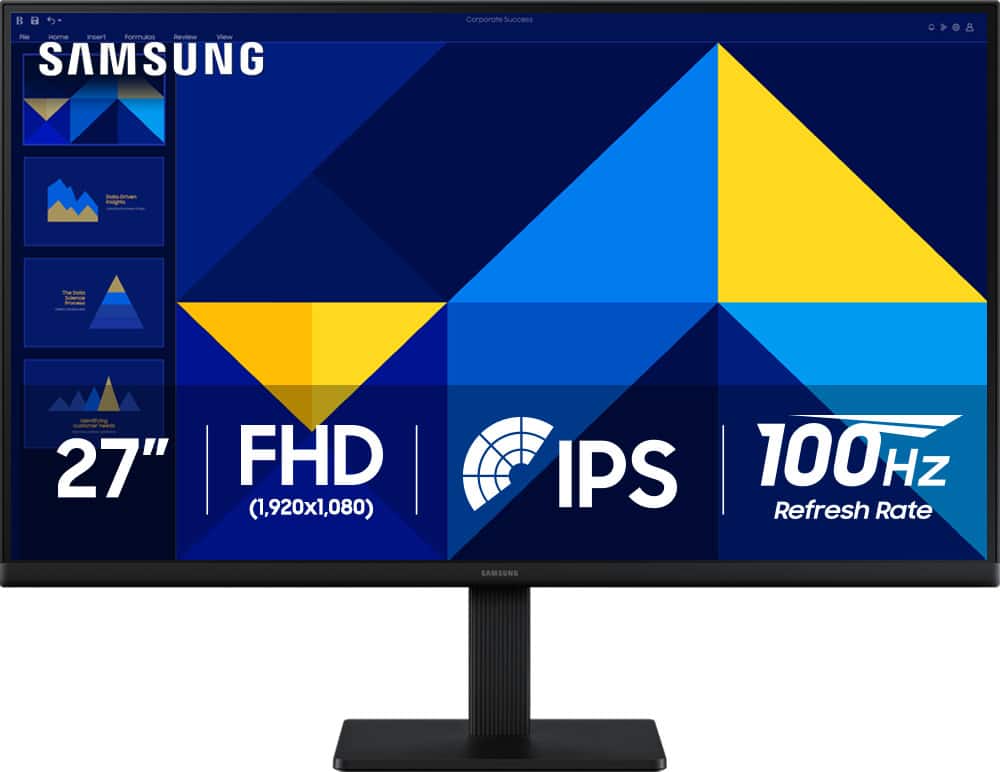
Samsung - 27" S3 (S30GD) IPS LED FHD 100Hz Monitor (HDMI, D-sub) - Black
SKU: J3ZYG24Z2TIts great...Great picture with the hz on it run smooth and have a great balance on things...Great monitor!
See all All MonitorsProduct Description
A sleek black IPS LED monitor offering vibrant FHD visuals, 100Hz refresh rate, and eye comfort features.$129.99 Your price for this item is $129.99Save $20Was $149.99The previous price was $149.99
A touch screen monitor for photo editing brings a more hands-on feel to a workflow that can otherwise involve a mouse, keyboard and a series of tiny adjustments. Instead of moving a cursor across a large image, photographers and designers can tap a tool, drag a slider, pan across a close-up or pinch to inspect fine details directly on the display. This can be especially useful when making localized edits to skin tones, removing distractions from a landscape or refining the edges of a product image. When comparing displays, begin with the qualities that matter for accurate image work: resolution, panel type, color coverage, brightness consistency and viewing angles. A 4K UHD display can show more detail in high-resolution photographs and provides extra room for editing panels without making the image feel cramped. IPS-style panels are often valued for consistent color and clarity across the screen, while a wide color gamut can help reveal a broader range of shades in photographs intended for print, online portfolios or professional delivery. Look for specifications that identify coverage of familiar color spaces such as sRGB, Adobe RGB or DCI-P3, keeping in mind that a larger gamut is most useful when your camera files, editing software and final destination support it. Factory calibration can provide a helpful starting point, but photographers who need dependable color matching may also use a compatible colorimeter and calibration software. This is particularly worthwhile when an image needs to look similar on a second monitor, in a printed album or on a client’s display. A matte or low-reflection finish can make it easier to judge subtle tones near a window or under changing indoor lighting, while a bright, even backlight helps maintain a comfortable view during long editing sessions.
Touch performance adds another layer of consideration. A responsive capacitive screen should recognize taps and gestures smoothly, with enough precision for selecting masks, moving adjustment points and navigating menus without repeated corrections. Some editing setups also support an active pen or stylus, which can make brushwork feel closer to drawing on paper. Pressure sensitivity, tilt recognition and palm rejection can be valuable for retouching, dodging and burning, although support may depend on the monitor, computer, operating system and creative application. A touch display that tilts, folds or adjusts in height can make a meaningful difference as well. Sitting upright is useful for sorting files and working through a catalog, while a lower angle can feel more natural when using a stylus for detailed retouching. Consider the screen size in relation to your desk: a larger panel offers generous space for a full image and editing controls, while a smaller display may fit better in a compact office, dorm room or shared workspace. A stable stand, VESA compatibility, cable management and an anti-glare surface can help the setup remain practical day after day. Check the available connections before buying, including HDMI, DisplayPort, USB-C and USB hub support, and confirm whether a single USB-C cable can carry video, touch data and power for your computer. Compatibility is important because touch functionality is not always available through every connection, and some computers may require additional drivers or cables. It is also helpful to verify the monitor’s native resolution, refresh rate and supported operating systems against the computer used for photo editing. A touch screen monitor can serve as the main display for a desktop workstation, complement a laptop during travel or provide a flexible second screen for keeping a photo library, reference image or editing controls visible.
These displays can suit many kinds of creators, from someone organizing family photographs to a working photographer preparing wedding galleries, portraits, travel images or online listings. They can also be a thoughtful gift for a college art student, a hobbyist building a home studio or a relative who enjoys turning everyday snapshots into printed books and wall art. Before choosing one as a gift, it helps to know whether the recipient uses a Windows PC, Mac computer or another compatible device, as well as whether they prefer finger touch, stylus input or a traditional mouse-and-keyboard setup. A photographer who spends cooler months indoors sorting a growing library may appreciate the faster navigation and larger workspace, while a digital artist may value the ability to sketch, paint and retouch on the same surface. For people working in brighter rooms, compare brightness controls and reflection handling; for evening editing, look for comfortable dimming and an adjustable stand that supports a relaxed posture. Keep in mind that touch capability alone does not guarantee professional color accuracy. The strongest choice balances a responsive interactive surface with dependable color specifications, uniform illumination, useful resolution and the practical connections needed by the rest of the system. It is also worth considering how the monitor will be used beyond still photography: touch controls can be convenient for browsing reference material, reviewing slideshows, editing video thumbnails or presenting a portfolio to a client seated nearby. Creators exploring adjacent workflows may also find useful options in Touch Screen Monitor for Digital Art Design. Whether placed in a dedicated studio or on a dining table that becomes a workspace during the cooler months, the right display can make photo editing feel more direct and immersive while helping users see, adjust and share their images with greater confidence.
Best Sellers
Related Pages
FAQ
When choosing a touch screen monitor for photo editing, consider features such as high color accuracy, wide color gamut coverage (like sRGB or Adobe RGB), high resolution (such as 4K), adjustable stands for ergonomic use, and multi-touch capabilities for intuitive editing.
Touch screen monitors can be used with computers running popular photo editing software like Adobe Photoshop, Lightroom, and Corel PaintShop Pro. For touch gestures and direct input, check the monitor, operating system, drivers, and software requirements before you buy.
A touch screen monitor allows for more intuitive control over edits, such as zooming, rotating, or making brush strokes directly on the image. This hands-on approach can speed up workflow and provide greater precision in detailed edits.
You need a compatible computer and video connection, and touch features often require USB-C or a separate USB upstream connection to send touch data. Some monitors may also require drivers or calibration software depending on the operating system.
Many touch screen monitors support stylus input, which can offer increased precision compared to finger touches. If you plan to do detailed retouching or drawing, look for models that are compatible with active styluses or have built-in pen support.