Touch Screen Monitor For Video Editing
Elevate your creative workflow with a touch screen monitor for video editing, designed to bring precision and efficiency to every project. Whether you're trimming footage, adjusting color, or fine-tuning effects, these monitors offer intuitive control and seamless navigation for editors at any skill level. Discover a range of options that blend responsive touch technology with vibrant displays, helping you achieve your vision with ease. Find the perfect touch screen monitor for video editing to enhance your setup and streamline your editing process.
Read More-
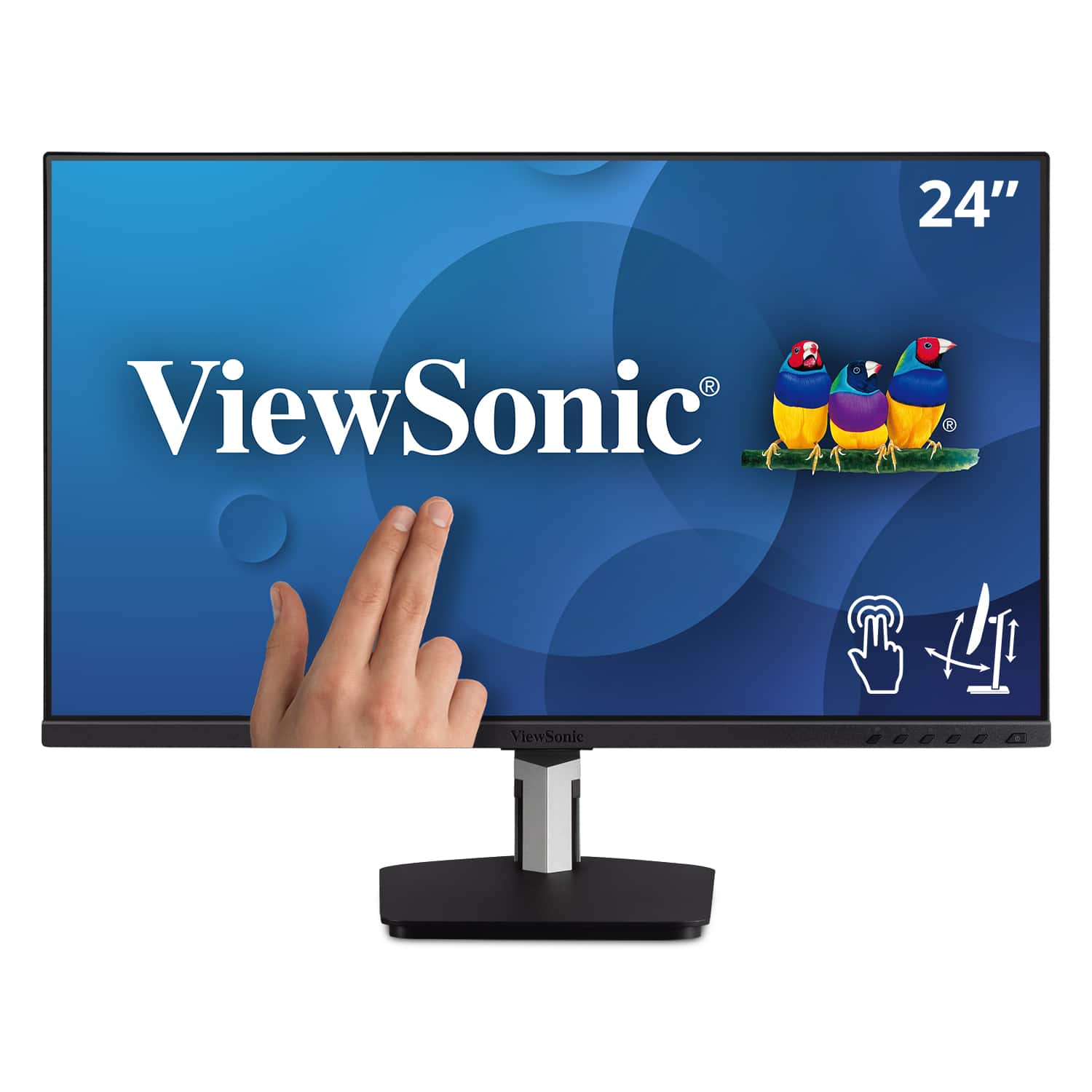
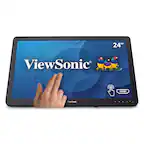
ViewSonic - TD2455 24" IPS LED FHD Touch Screen Monitor (DisplayPort, HDMI, USB) - Black
SKU: J37H88FGFPI love the new monitor, its beautiful display, and the less clutter resulting from fewer wires needed
See all All MonitorsProduct Description
A black IPS LED monitor with 10-point touchscreen, ergonomic dual-hinge, and versatile connectivity options.$399.99 Your price for this item is $399.99 -
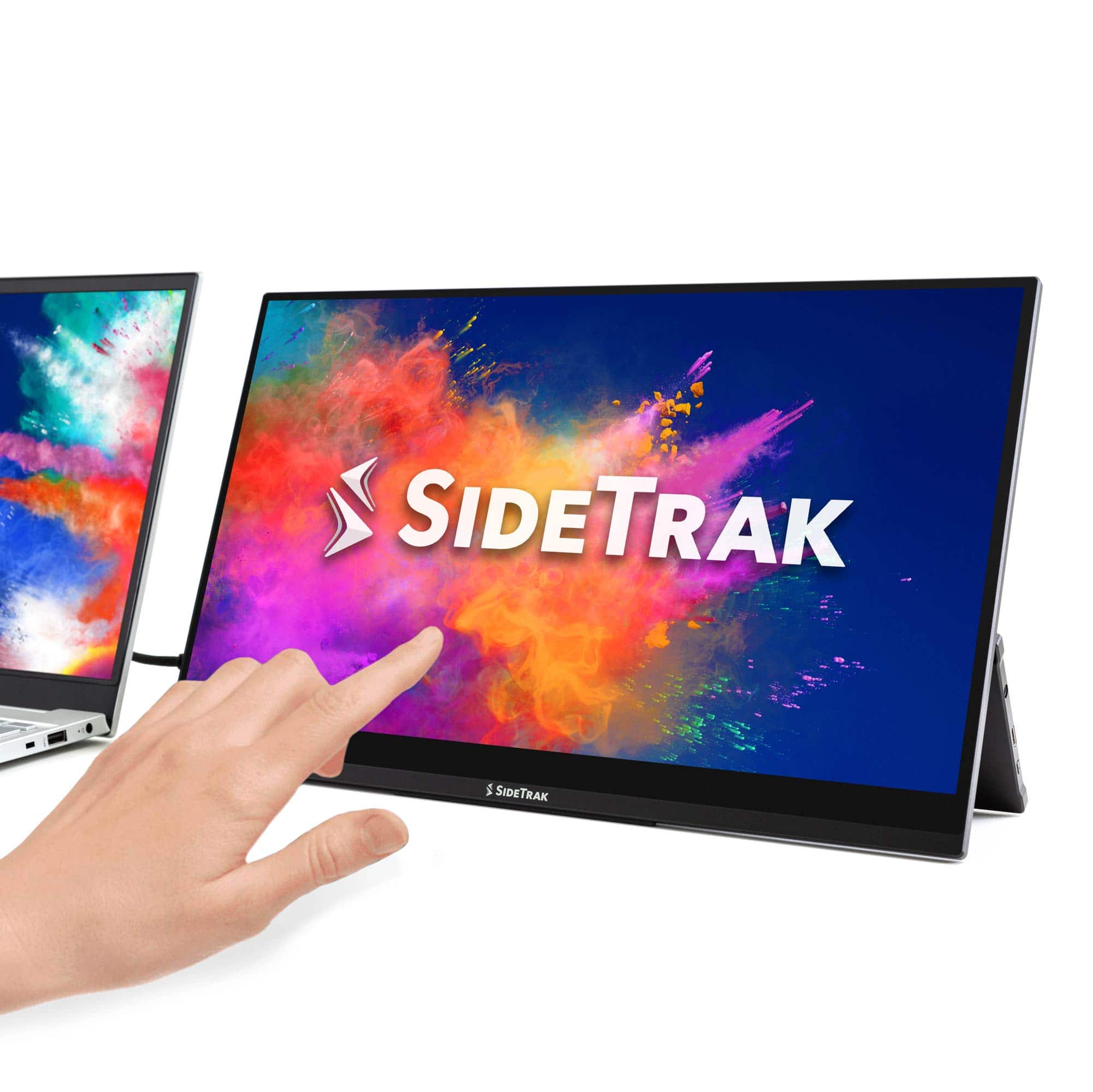
SideTrak - Solo Pro Touchscreen 15.8" Portable Monitor – - Black
SKU: J3G4TZ9C2TSee all Portable MonitorsProduct Description
A portable black IPS touchscreen monitor with Full HD resolution, HDR mode, and USB-C or HDMI connectivity.$289.99 Your price for this item is $289.99 -
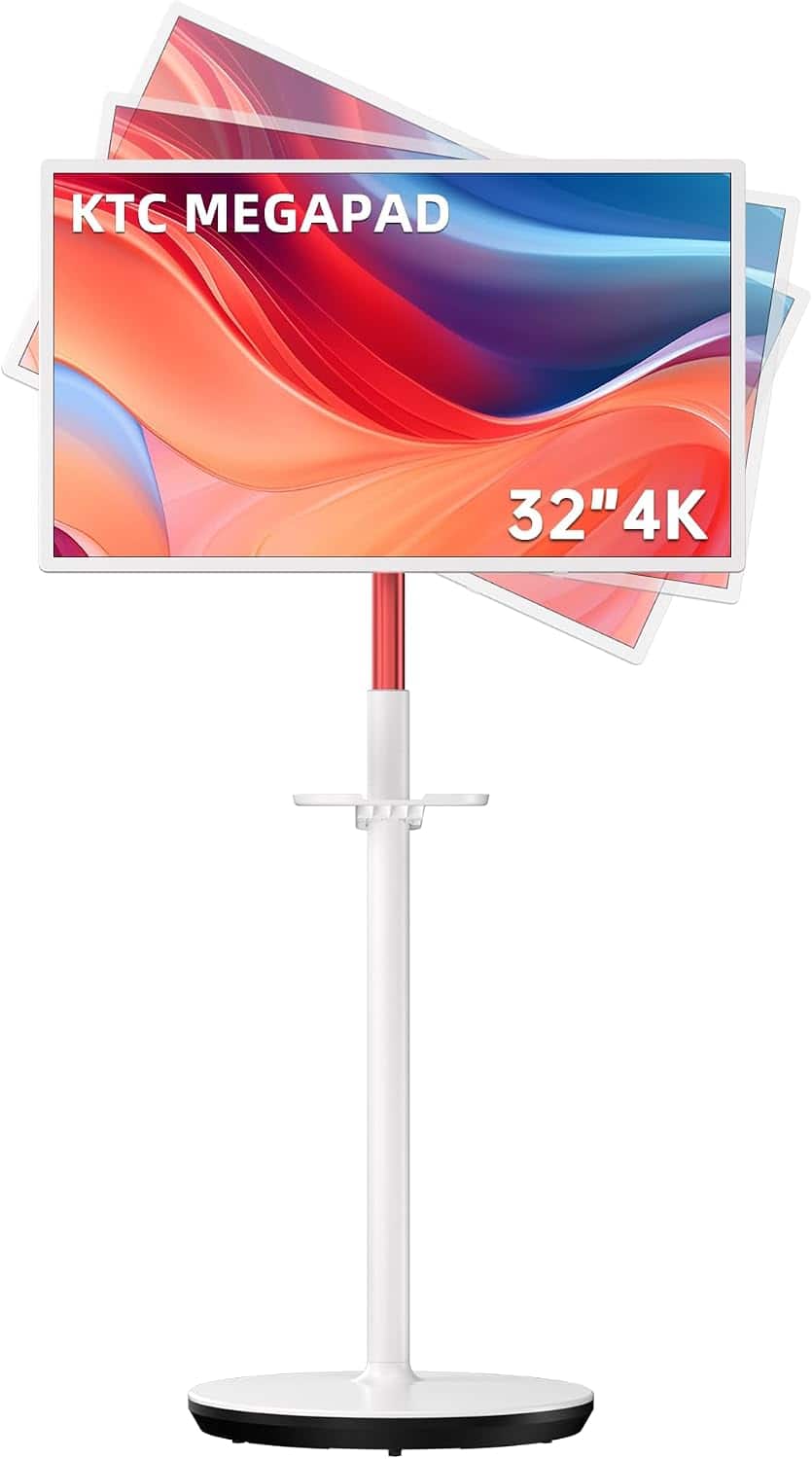
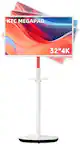
KTC - 32" 4K UHD Smart Touchscreen Portable Monitor w/ Full Swivel Rotation, 128 GB Storage, Google EDLA Certified, Android 13 - White
SKU: CZYCLR3F9ZLove the portable tablet it's Convenient to use all over the house even in backyard or deck show a clear...It’s very convenient and it’s great for events and showing new clients how to use our website...
See all Gaming MonitorsProduct Description
A white 32-inch 4K UHD touchscreen monitor with Android 13, full swivel rotation, and anti-blue light.$729.99 Your price for this item is $729.99Save $170Was $899.99The previous price was $899.99 -
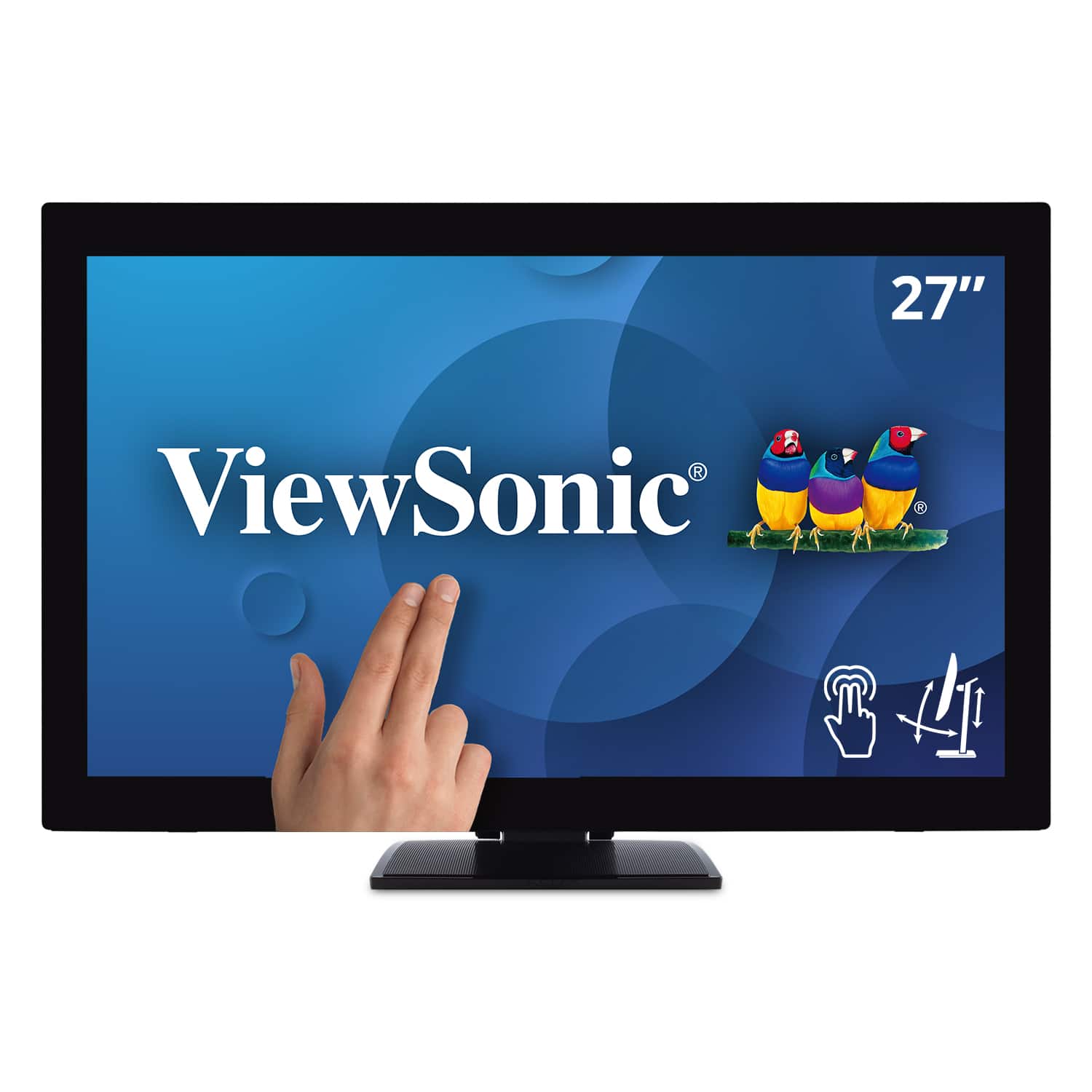
ViewSonic - TD2760 27" LED FHD Touch Screen Monitor (HDMI, VGA) - Black
SKU: J37H88FXS7See all All MonitorsProduct Description
A black LED touch screen monitor with Full HD resolution, IPS panel, and multiple connectivity options.$539.99 Your price for this item is $539.99Save $52Was $592.02The previous price was $592.02 -
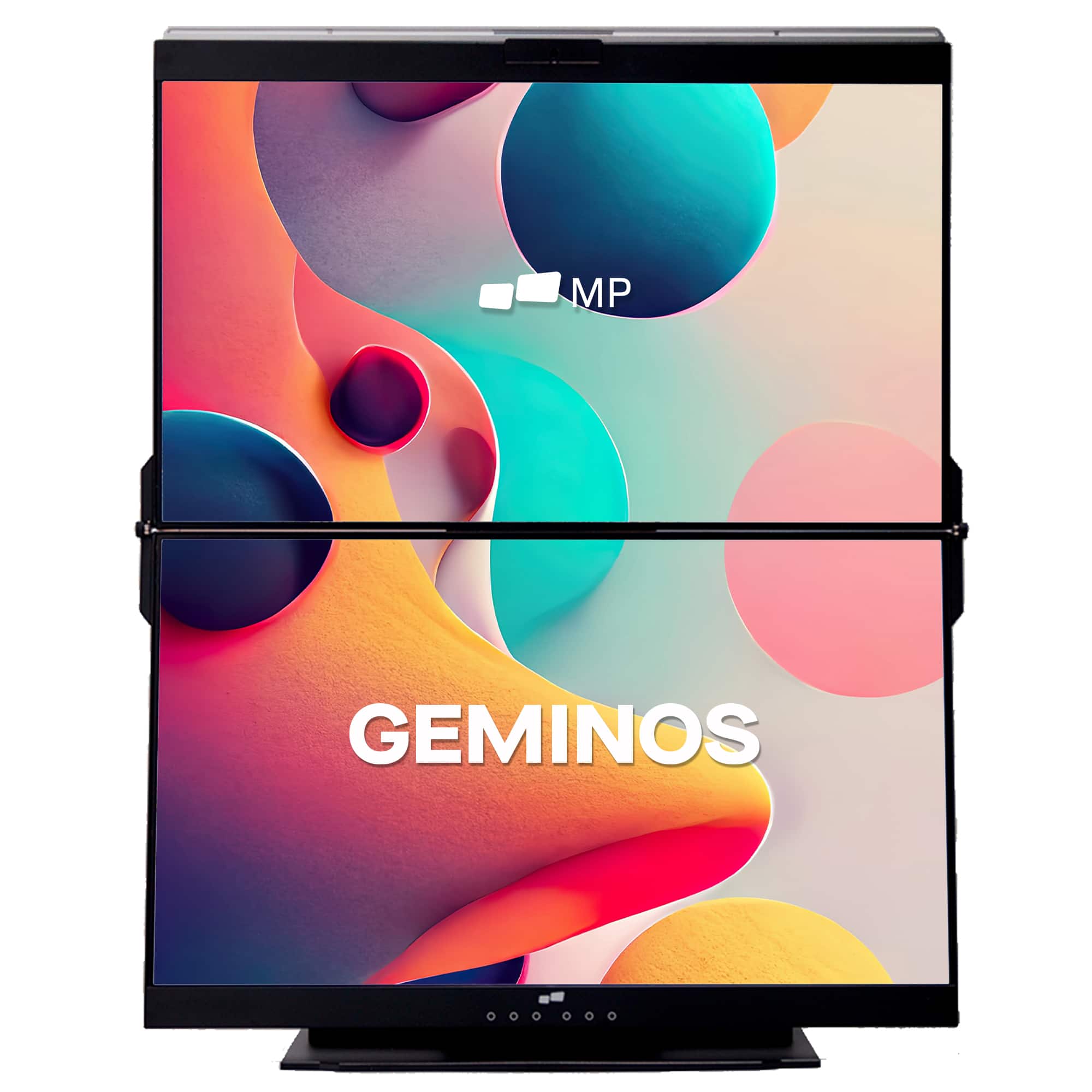
Mobile Pixels - Geminos X 1440p 24-In. Dual-Screen Desktop Monitor - Black
SKU: J3R8Q2TQ7HGreat product.
See all Portable MonitorsProduct Description
A black dual-screen desktop monitor with 24-inch 1440p IPS displays, touch-enabled bottom screen, and built-in webcam.$769.99 Your price for this item is $769.99Save $130Was $899.99The previous price was $899.99 -
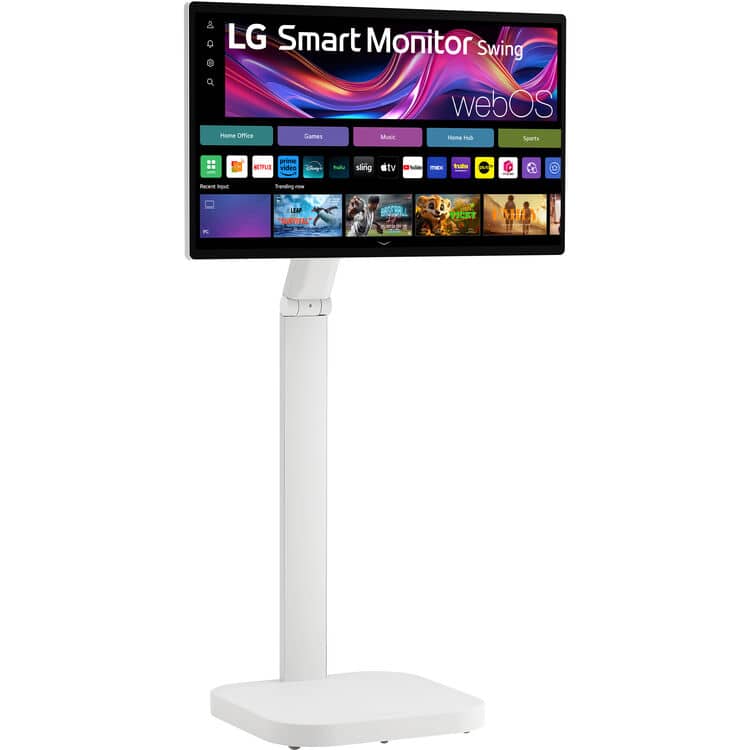
LG - Smart Monitor Swing 32U889SA-W 32-Inch 4K UHD (3840x2160) IPS Touchscreen on a Fully Adjustable Wheeled Base HDR10,
SKU: JJ8VPZWWP5Love it. Cooking in Kitchen and LG TV when I need to look at it for cooking. Awesome.
See all All MonitorsProduct Description
A 32-inch 4K UHD IPS touchscreen monitor with HDR10, adjustable wheeled base, and auto-portrait mode.$807.79 Your price for this item is $807.79Save $192Was $999.99The previous price was $999.99 -
ViewSonic - TD1656-2K 16” IPS LCD WQXGA Touchscreen Portable Monitor (USB-C) - Black
SKU: J37H88VHF4See all Portable MonitorsProduct Description
A portable black IPS touchscreen monitor with 2K resolution, USB-C connectivity, and an adjustable smart cover.$395.22 Your price for this item is $395.22Save $12Was $407.95The previous price was $407.95 -
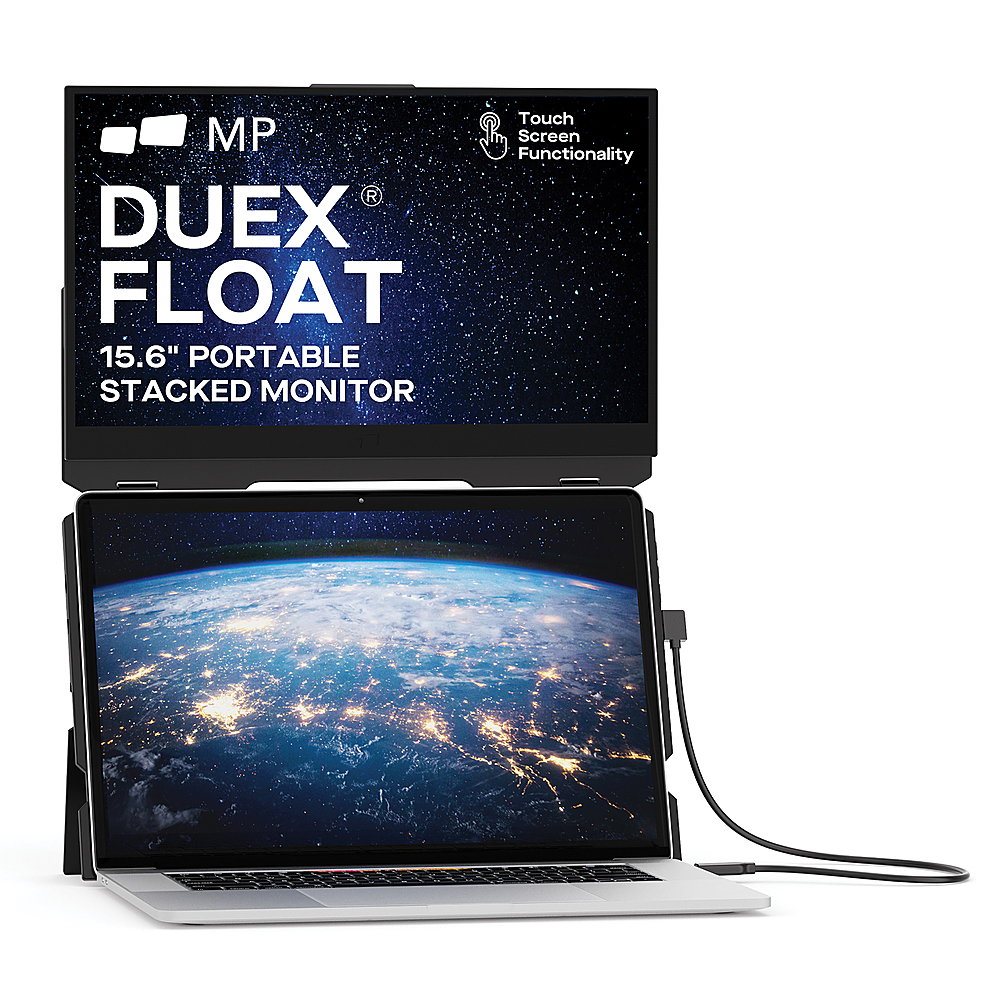
Mobile Pixels - DUEX Float 15.6" LCD Monitor - Black
SKU: J3R8Q2TQC6Great concept, well executed, and I don't think there's anything else quite like it...Great concept. Build quality feels really solid. Easy to set up....I especially love that it's a freestanding setup.......
See all All MonitorsProduct Description
A portable black LCD touchscreen monitor with 1080p resolution, integrated speakers, and ergonomic stacked design.$299.99 Your price for this item is $299.99 -
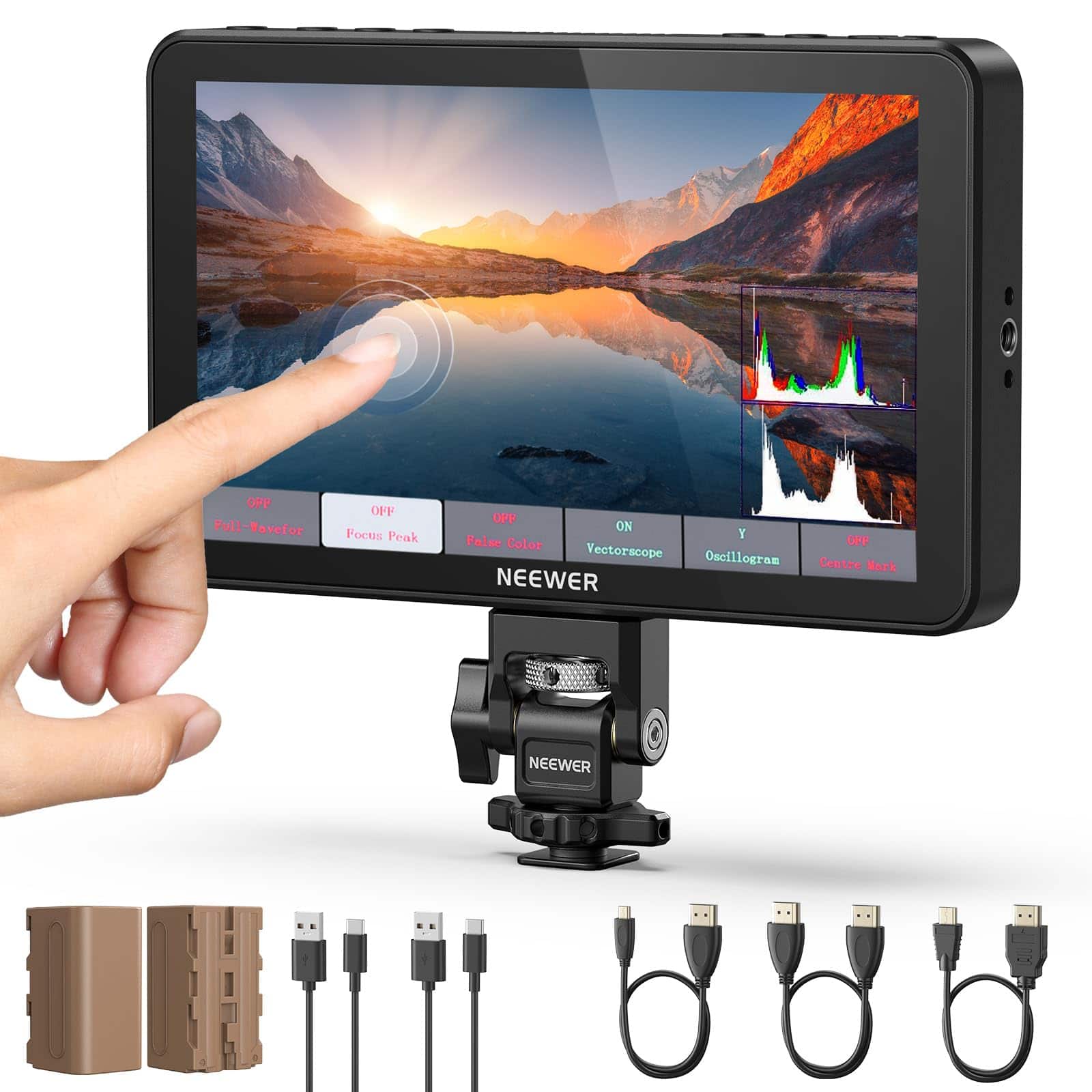
Neewer - 7" 2000nit Field Monitor for Camera - HD 1080p Touchscreen with 4K HDMI, 3D LUT & Cold Shoe Mount - Black
SKU: CZWCCR98FKSee all Portable MonitorsProduct Description
A black 7" HD touchscreen field monitor with 2000nit brightness, 4K HDMI, 3D LUT, and cold shoe mount.$337.99 Your price for this item is $337.99 -
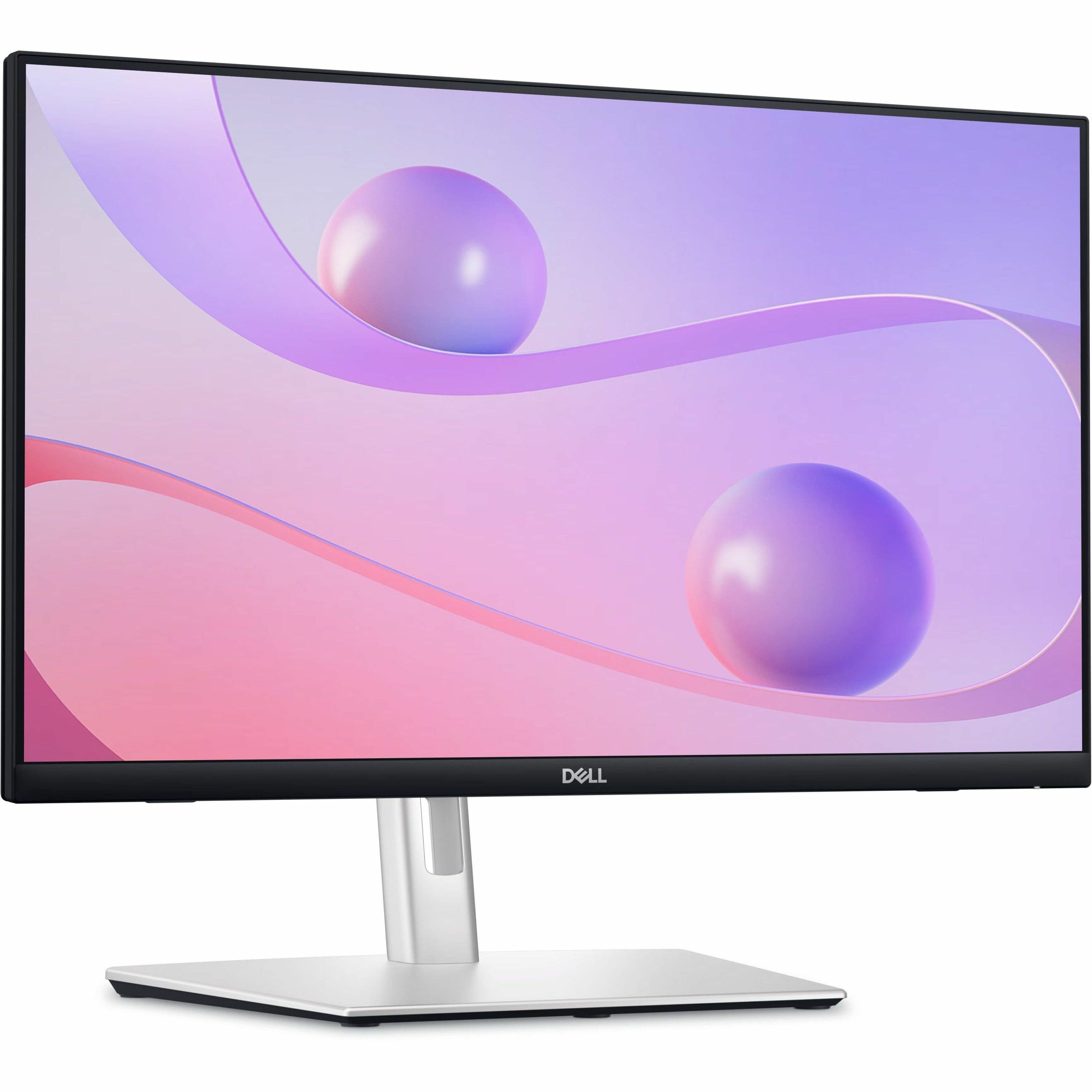
Dell - 23.8" IPS LED FHD 60Hz Monitor (USB, HDMI) - Black
SKU: J3K4L6C5V2See all All MonitorsProduct Description
A black IPS LED monitor featuring 10-point touch, USB-C hub connectivity, and integrated cable management.$389.99 Your price for this item is $389.99Save $50Was $439.99The previous price was $439.99
- 1
- 2
- ...
- 9
A touch screen monitor for video editing brings a more hands-on feel to the editing process, giving creators another way to navigate timelines, organize media and adjust controls. Instead of relying entirely on a mouse or trackpad, editors can drag clips into place, scrub through footage, move audio sliders and open bins with direct touch gestures. This can feel especially natural when reviewing a rough cut, trimming a series of short clips or sorting through a large collection of footage from a family gathering, travel project, wedding, school event or social media campaign. A larger desktop display provides room for a timeline, preview window, color tools and file browser to remain visible together, while a portable touch monitor can add workspace to a laptop without taking over a small desk. Portable models are useful for editors who work between a home office, studio, classroom or coworking space, and many can be stored in a bag when the desk needs to serve another purpose. A touch monitor can also be helpful for photographers, streamers, educators, content creators and small business owners who edit promotional videos alongside other creative tasks. When shopping, start by considering the size and placement that suit your workflow. A compact screen may be easier to carry and position beside a laptop, while a larger display can make detailed trimming, caption placement and side-by-side comparisons more comfortable. Resolution matters as well: a 4K UHD display can show fine detail in high-resolution footage and give editing panels more room, while a Full HD screen may be a practical choice for lighter projects or a secondary workspace. Screen size, viewing distance and desk depth all affect comfort, so a display that looks impressive on paper should still fit naturally into the room and leave space for a keyboard, control surface or other accessories.
Color performance deserves particular attention when a monitor will be used for video editing. Look for specifications describing color gamut coverage, such as sRGB or DCI-P3, along with viewing angles, brightness and contrast. A wide color gamut can help display a broader range of tones, but accurate results also depend on calibration, the editing application and the way the finished video will be viewed. Factory calibration, built-in picture modes and support for hardware calibration can be useful features for creators who need a dependable starting point. HDR support may add depth to compatible footage, although editors should confirm that the monitor’s brightness and local contrast capabilities are appropriate for the type of HDR work they plan to do. A matte or low-reflection screen can make it easier to see dark scenes when sunlight reaches the room, while a glossy panel may provide a vivid appearance in controlled lighting. Touch functionality is another area where specifications can differ. Multi-touch support allows pinch-to-zoom, scrolling and other gestures, but the experience depends on the operating system, drivers and editing software. Windows computers generally offer broader native touch support, while some macOS setups may treat touch input more like a mouse or require additional software. Before purchasing, check that the monitor’s touch features work with the computer, cable arrangement and applications in use. A display may need both a video connection and a separate USB connection for touch data, while USB-C models can sometimes carry video, touch information and power through one cable when the computer and monitor support the required standards. HDMI and DisplayPort are common choices for desktop systems, and USB-C with power delivery can simplify a laptop setup, though power limits vary. Confirm the needed cable types, port availability and whether the computer can supply enough power before planning a single-cable workspace.
The best setup also depends on the kind of editing being done and the environment where it will happen. A fixed desktop monitor with an adjustable stand can suit a dedicated editing station, especially when long sessions call for height, tilt and swivel adjustments. A portable touch display may be a better fit for someone who edits during travel, moves between rooms or wants a second screen that can be packed away during the cooler months when a home office may serve several purposes. Some creators use the touch panel as the main preview and timeline display, while others keep the primary monitor focused on color work and use the touch screen for bins, effects controls, captions or reference material. Touch is convenient, but it does not replace the precision of a mouse, keyboard shortcuts or a dedicated editing controller for every task. Many editors find the most comfortable arrangement combines touch gestures for browsing and navigation with traditional controls for frame-accurate cuts and detailed adjustments. Also consider refresh rate, response time and viewing comfort, particularly when reviewing fast-moving footage or spending several hours at the workstation. Built-in speakers, headphone output, a USB hub, a VESA mount and an integrated stand can reduce desk clutter and make the monitor easier to adapt as the workspace changes. A touch screen monitor can be a thoughtful gift for a student learning filmmaking, a parent preserving family memories, a gamer creating gameplay videos or a friend building a freelance content business. It can also complement audio-focused creative work; editors who record voiceovers, podcasts or music may appreciate a second screen for arranging files and managing software, with related options available through Touch Screen Monitor for Music Production. As projects grow from short clips to longer productions, choosing a display with suitable color support, comfortable ergonomics, reliable connectivity and software compatibility can make the editing area feel less crowded and the creative process more fluid.
Best Sellers
Related Pages
FAQ
When choosing a touch screen monitor for video editing, consider features like high color accuracy, wide color gamut support, fast response times, multi-touch capability, and adjustable stands for ergonomic comfort. Look for monitors with IPS panels and high resolution to ensure precise editing and vibrant visuals.
A touch screen monitor allows you to interact directly with your timeline and editing tools using gestures such as pinch-to-zoom, swipe, and drag-and-drop. This can speed up tasks like trimming clips, adjusting effects, and navigating complex timelines, making the editing process more intuitive and efficient.
Most modern touch screen monitors are compatible with popular video editing software such as Adobe Premiere Pro, DaVinci Resolve, and Final Cut Pro. However, the level of touch functionality may vary depending on the software's support for touch input.
Many touch screen monitors support stylus input, which can provide greater precision when making detailed edits or working with keyframes. Check if the monitor is compatible with active or passive styluses for optimal performance in your editing workflow.
For video editing setups, it's important to have connectivity options like HDMI, DisplayPort, USB-C, and USB hubs. These allow you to connect multiple devices such as laptops, desktops, external drives, and peripherals seamlessly while maintaining fast data transfer speeds.