Touch Screen Monitor For Digital Art Design
Elevate your creative workflow with a touch screen monitor for digital art design. Perfect for artists, designers, and creative professionals, these innovative displays offer intuitive interaction and seamless control for your projects. Whether you’re sketching, painting, or editing photos, a touch screen monitor for digital art design provides a responsive and immersive experience that helps bring your ideas to life. Explore options that fit your style and workspace to unlock new possibilities in digital creativity.
Read More-
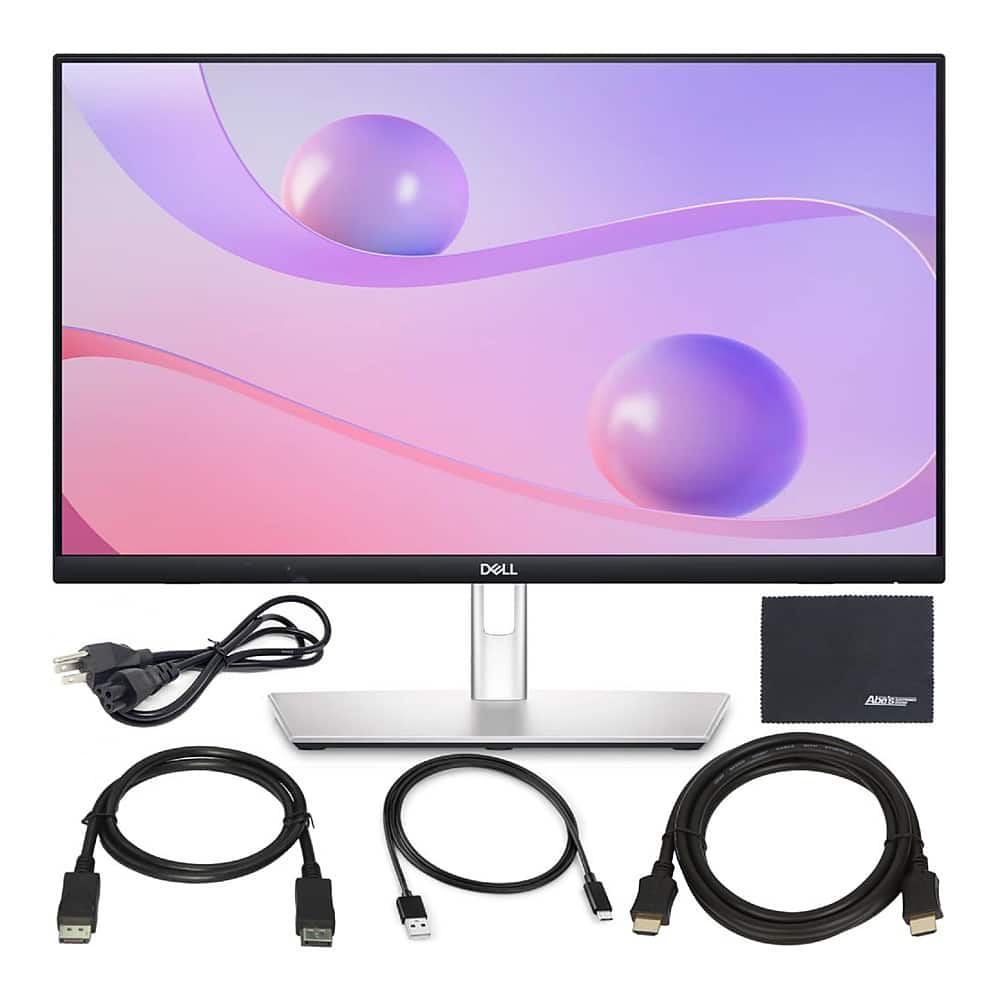
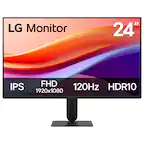
Bundle - Dell - 24 P2424HT 23.8" Touch Monitor with Articulating Stand, ZoomSpeed HDMI Cable + AOM Cleaning Cloth - Black/Silver
SKU: JX5P8QRV6TSee all All MonitorsProduct Description
A black and silver Full HD IPS touchscreen monitor with articulating stand, USB-C hub, and low-blue-light technology.$449.00 Your price for this item is $449.00 -
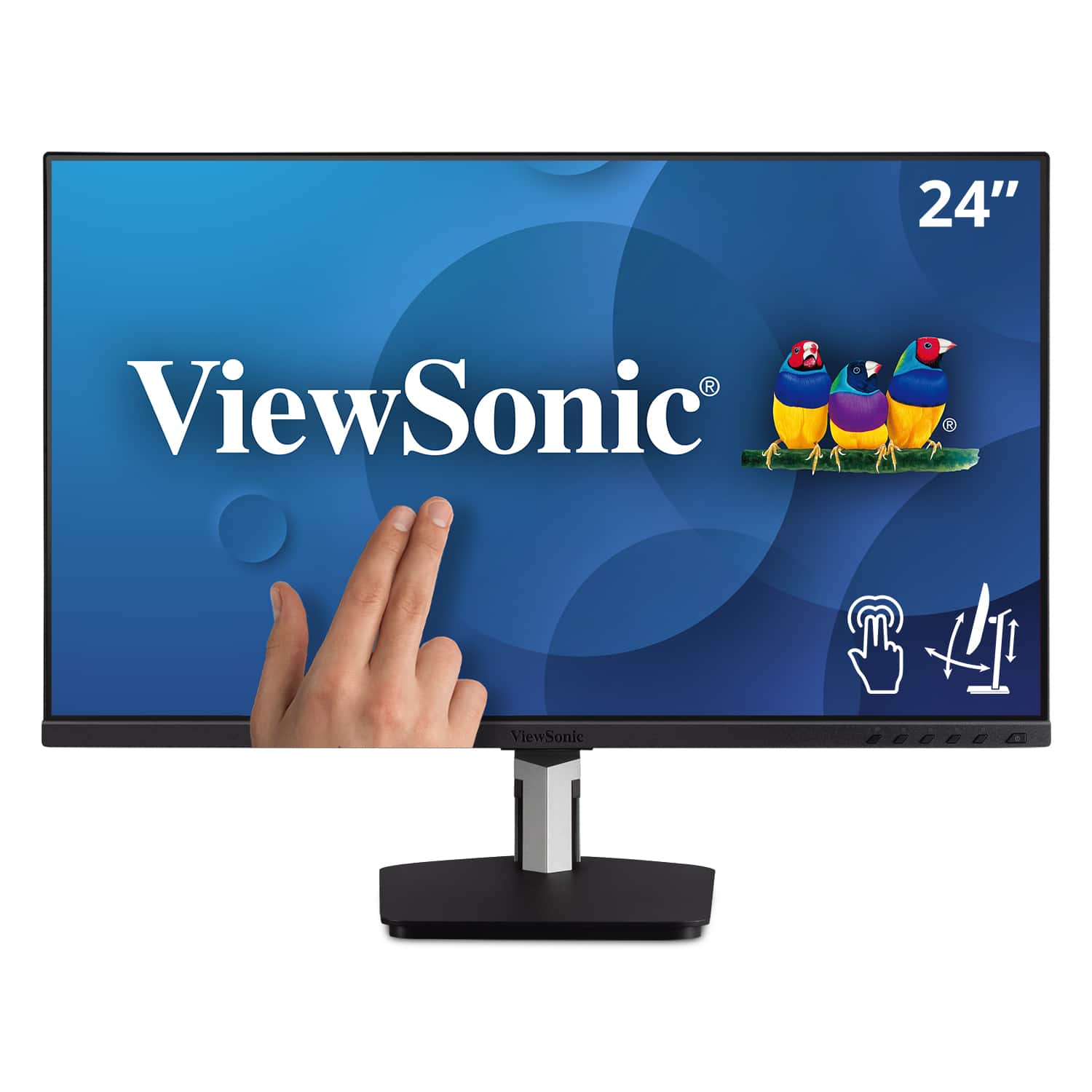
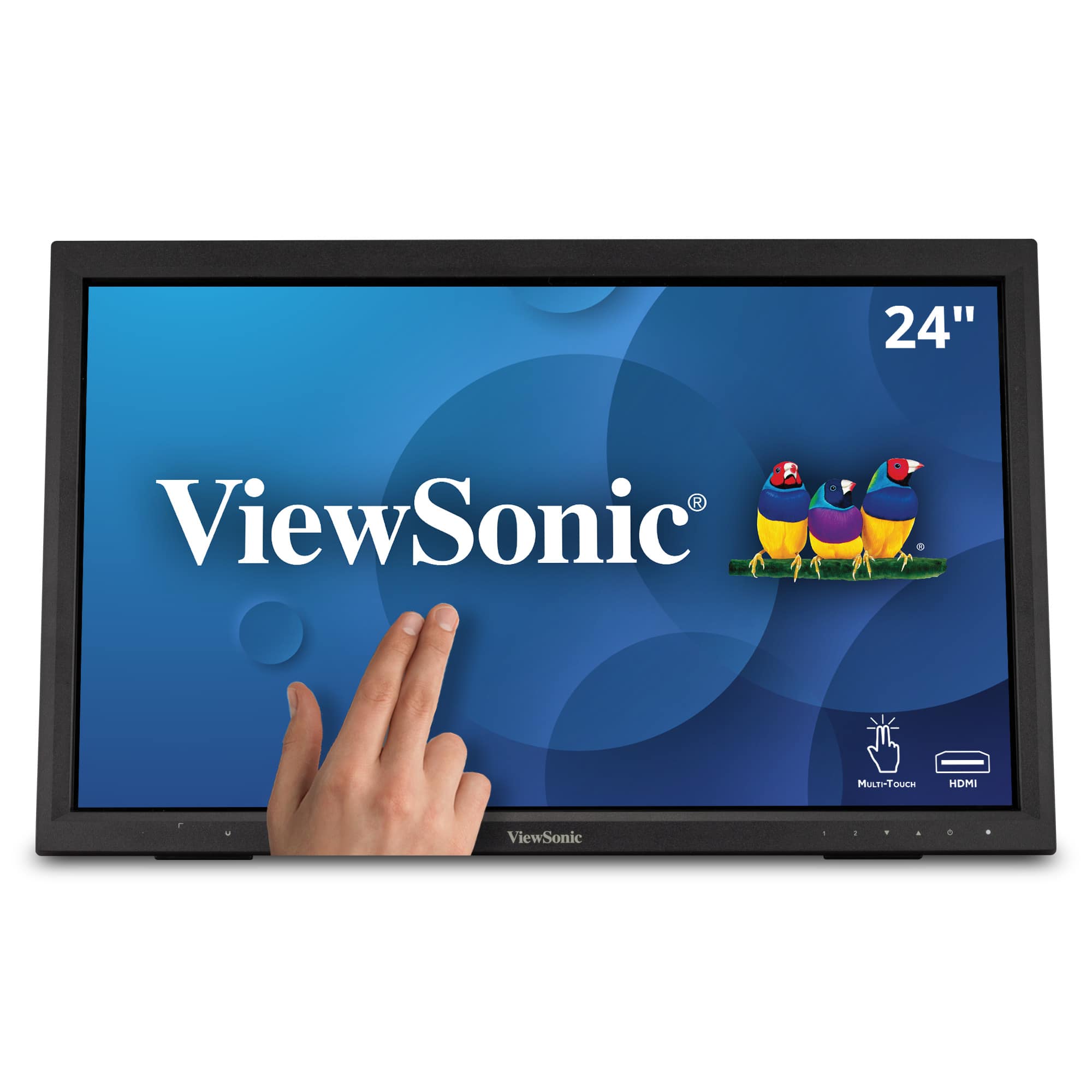
ViewSonic - TD2455 24" IPS LED FHD Touch Screen Monitor (DisplayPort, HDMI, USB) - Black
SKU: J37H88FGFPSee all All MonitorsProduct Description
A black IPS LED monitor with 10-point touchscreen, ergonomic dual-hinge, and versatile connectivity options.$399.99 Your price for this item is $399.99 -
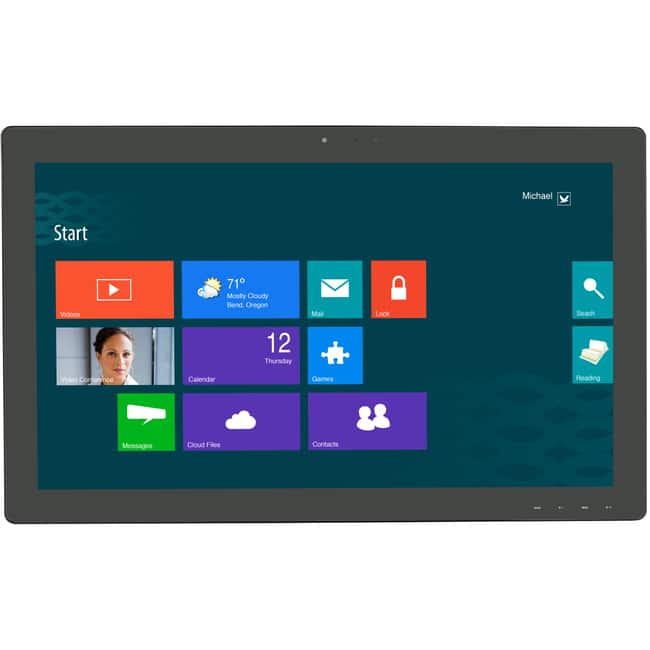
Planar - Helium PCT2785 27" Class Webcam LCD Touchscreen Monitor - 16:9 - 12 ms - 27" Viewable - Projected Capacitive - Black
SKU: J3GZRR7YR6See all All MonitorsProduct Description
A black LED touchscreen monitor with Full HD resolution, HDMI connectivity, and a built-in HD webcam.$545.61 Your price for this item is $545.61 -
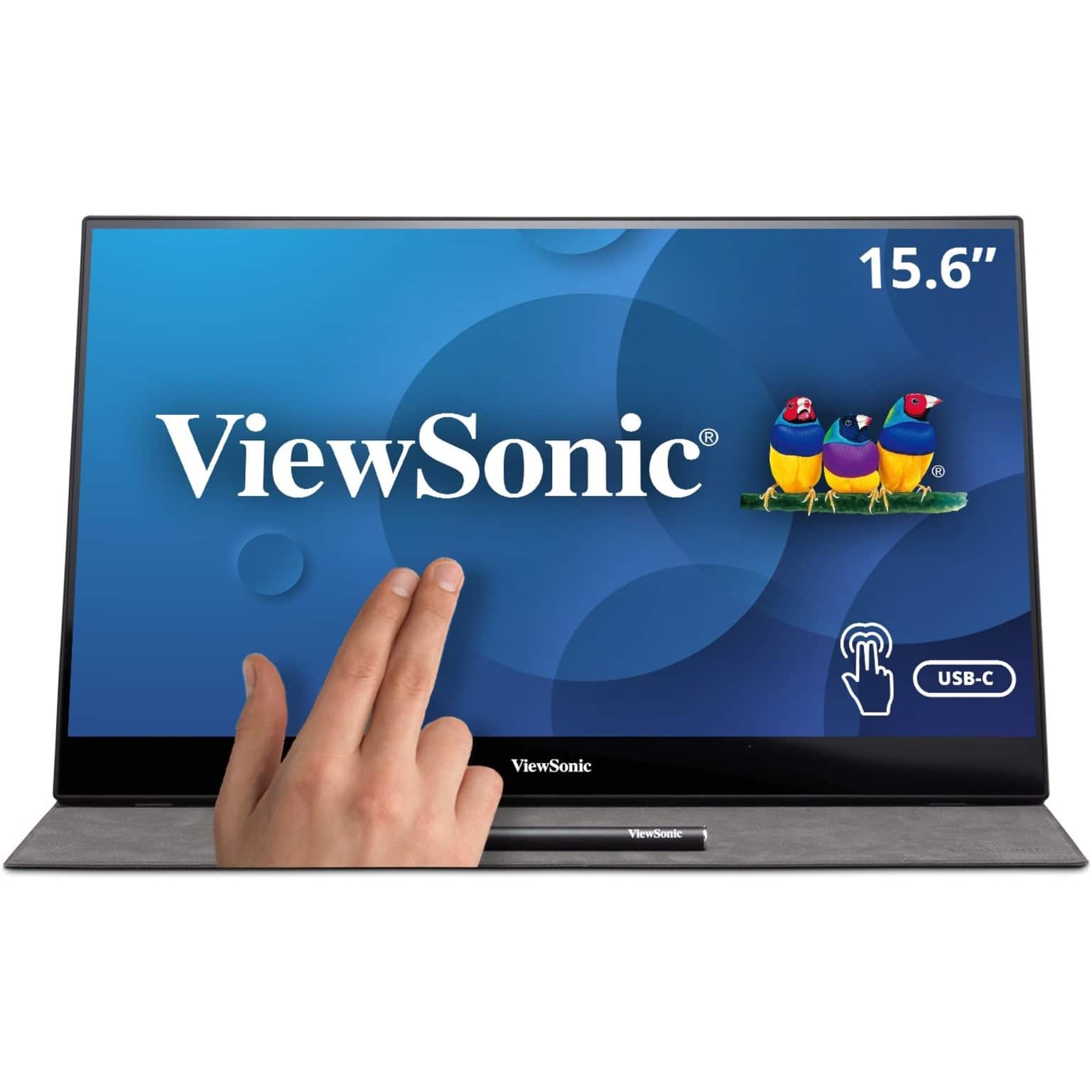
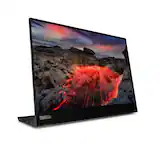
ViewSonic - TD1655 15.6" LCD FHD Touch Screen Monitor (USB-C, Mini HDMI) - Black
SKU: J37H88FSLCto use my TD1655 out in the field, at this the use is at home, working in the living room which is great...The Touch works great you can use your finger or the Pen that too is included....Great Job! on...
See all Portable MonitorsProduct Description
A portable black IPS touchscreen monitor with FHD 1080p resolution, USB-C connectivity, and included stylus.$299.99 Your price for this item is $299.99 -
ViewSonic - TD2423D 24" LCD FHD Touch Screen Monitor (HDMI, VGA, USB and, DisplayPort) - Black
SKU: J37H88FWTPSee all All MonitorsProduct Description
A black LED touch screen monitor with Full HD resolution, 10-point IR touch, and versatile connectivity options.$309.99 Your price for this item is $309.99 -
ViewSonic - TD1656-2K 16” IPS LCD WQXGA Touchscreen Portable Monitor (USB-C) - Black
SKU: J37H88VHF4See all All MonitorsProduct Description
A portable black IPS touchscreen monitor with 2K resolution, USB-C connectivity, and an adjustable smart cover.$379.99 Your price for this item is $379.99Save $15Was $395.22The previous price was $395.22 -
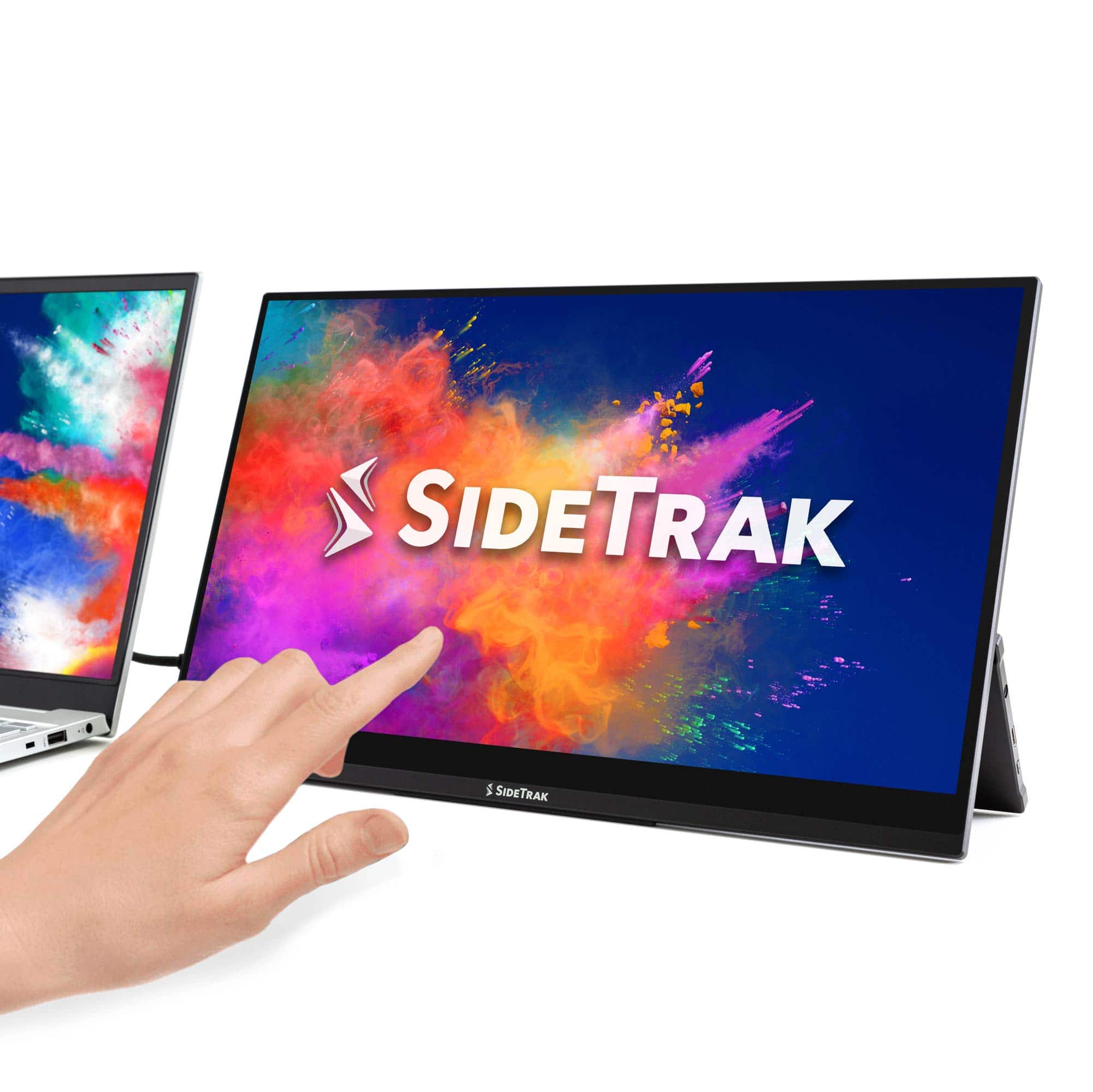
SideTrak - Solo Pro Touchscreen 15.8" Portable Monitor – - Black
SKU: J3G4TZ9C2TLove it!!...The best buy I have made so far this year. Making my working at home situation bearable....Love it!...Love the touch screen, clarity of the screen, portability, and light weight.
See all Portable MonitorsProduct Description
A portable black IPS touchscreen monitor with Full HD resolution, HDR mode, and USB-C or HDMI connectivity.$289.99 Your price for this item is $289.99 -
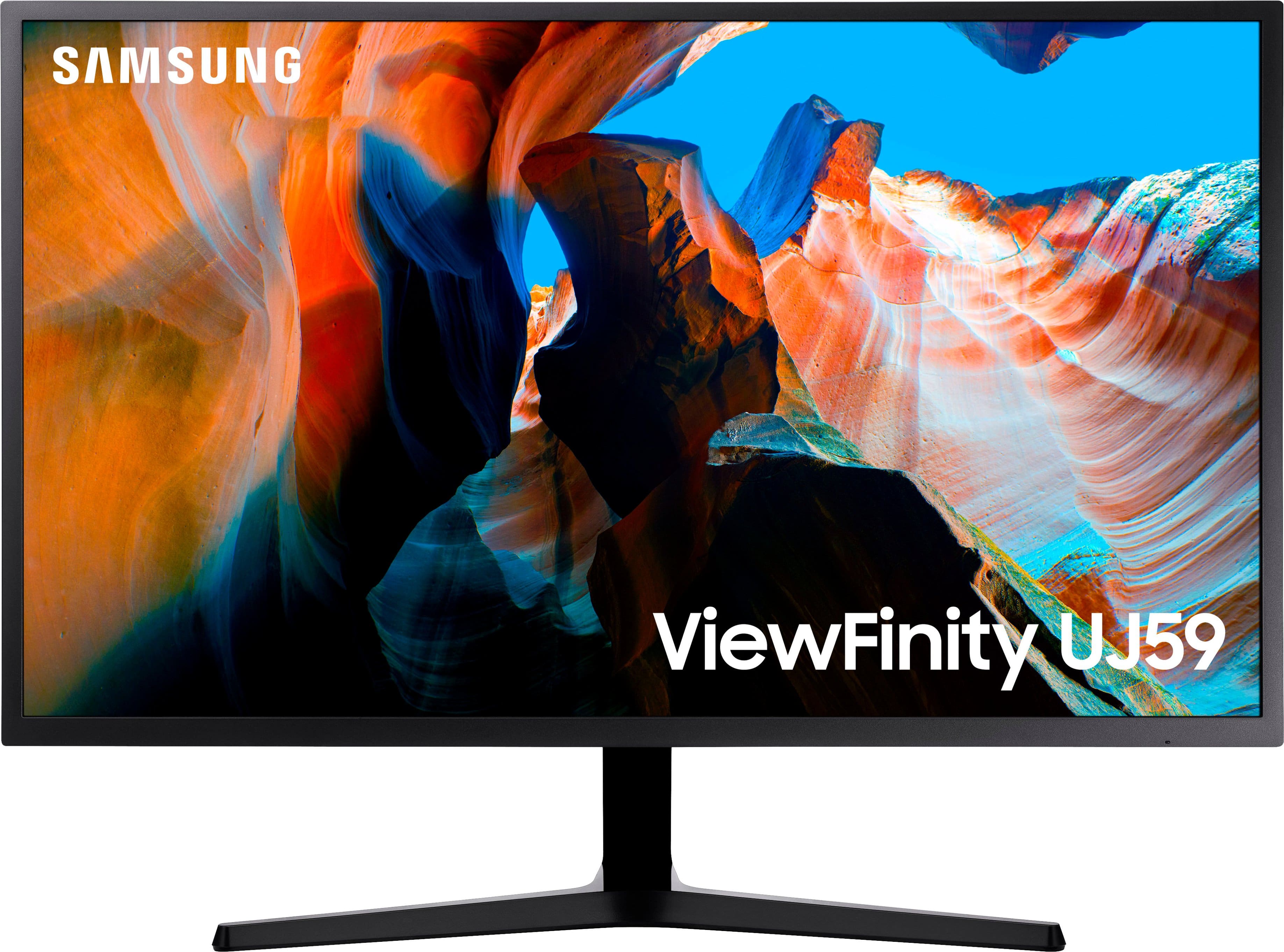
Samsung - 32" ViewFinity UJ59 4K UHD LED VA Monitor with AMD FreeSync, 4ms, 60Hz, HDMI/DisplayPort - Dark Gray/Blue
SKU: J3ZYGC34HLGreat Monitor...This monitor is so great that I went back to Best Buy and got a 2nd one for my wife....I love the picture and color quality....It's really I love it. Best Monitor I used ever.
See all All MonitorsProduct Description
A dark gray and blue UHD monitor with 4K resolution, AMD FreeSync, and vivid color accuracy.$279.99 Your price for this item is $279.99Save $60Was $339.99The previous price was $339.99 -
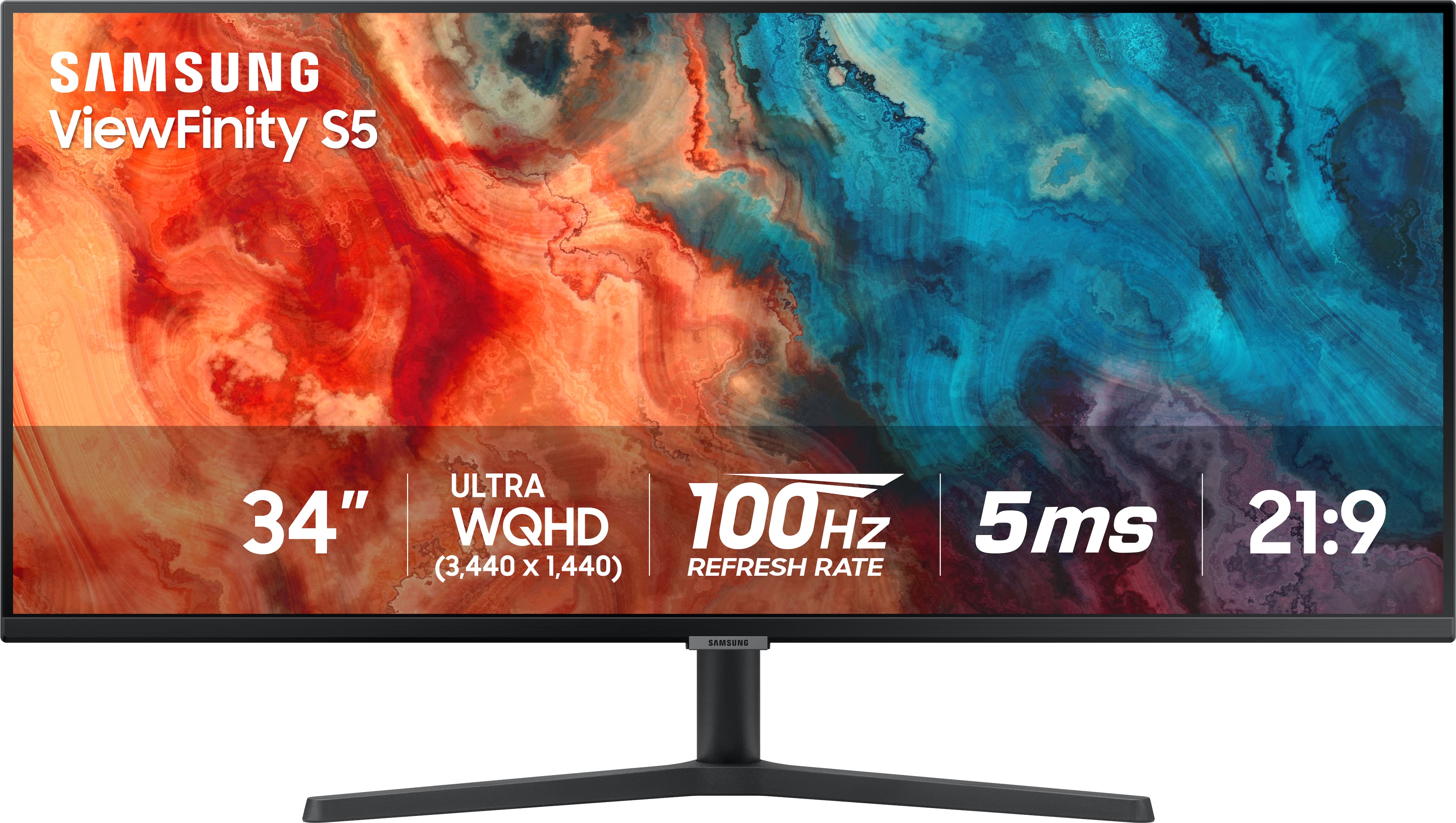
Samsung - 34” ViewFinity S5 Ultrawide QHD 100Hz AMD FreeSync Monitor with HDR10 (DisplayPort, HDMI) - Black
SKU: J3ZYG2PYZ8Best value wide monitor...Love this monitor for multitasking. Great value for the price!...I love it...Wow so beautiful I love it It’s work so good thank you Best Buy
See all All MonitorsProduct Description
An ultrawide black LED monitor with QHD resolution, 100Hz refresh rate, HDR10, and AMD FreeSync support.$309.00 Your price for this item is $309.00Save $20Was $329.99The previous price was $329.99 -
HP - 27" IPS LED FHD 100Hz Monitor with Adjustable Height (HDMI, VGA) - Silver & Black
SKU: JJGLF5GC29Monitor -Best purchase...I love it! The size is great and the clarity is excellent....Great Monitor...Great monitor. l love that it can adjust up and down that it can tilt....Best for gaming and for work!...
See all All MonitorsProduct Description
A sleek silver and black IPS LED monitor with FHD resolution, 100Hz refresh rate, and adjustable height.$149.99 Your price for this item is $149.99Save $80Was $229.99The previous price was $229.99
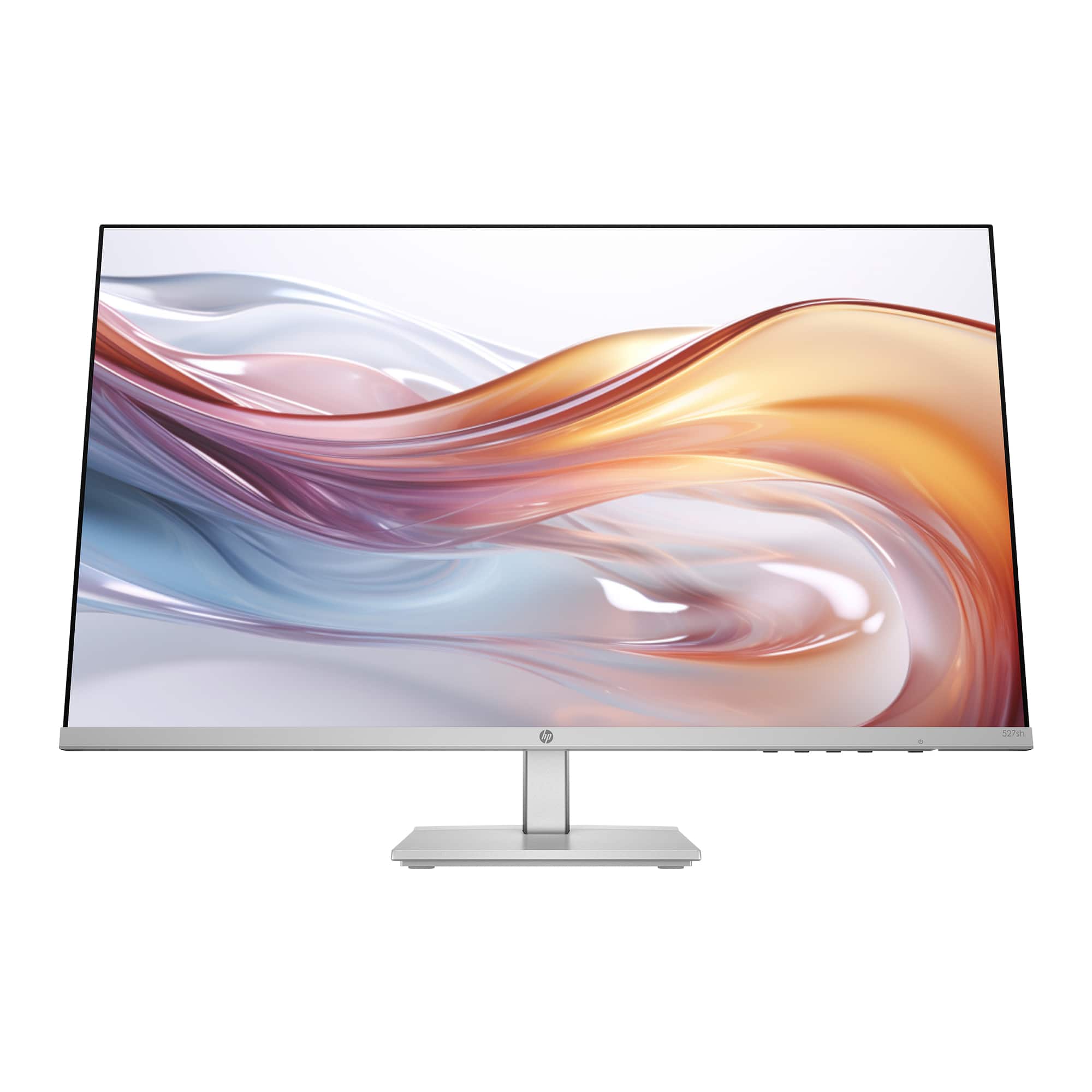
A touch screen monitor for digital art design brings your workspace closer to the way you sketch, paint, and arrange ideas by hand. Instead of navigating every action with a mouse, you can use supported touch gestures to enlarge a detail, rotate a canvas, or move between tools while keeping your attention on the artwork. For illustrators, graphic designers, photographers, and animation students, that direct interaction can make a digital workspace feel more approachable. The important distinction is that touch support and drawing support are not the same feature. A general-purpose touch screen monitor may recognize fingers and basic capacitive styluses without supporting the pressure-sensitive input needed for expressive brushwork. A pen-enabled monitor or dedicated drawing display can offer more precise input, but only some also include finger touch. The best touch screen monitor for digital art design is one that combines the input features your work requires with suitable image quality, comfortable positioning, and compatibility with your computer and creative software. For someone painting portraits, pressure sensitivity and reliable palm rejection may matter more than a large screen. For someone arranging typography, editing photographs, or presenting design concepts, generous workspace and responsive gesture controls may take priority. Picture an illustrator zooming in to refine a small highlight, then pulling back to judge the balance of an entire composition: both detailed control and a clear overall view have a place in that workflow. These displays can also suit architecture students marking up concepts, hobbyists developing digital lettering skills, and creative professionals reviewing visual work with clients. Most touch screen monitors are peripherals rather than standalone computers, so they generally rely on a connected computer to run design applications. Keeping that distinction in mind helps set a realistic budget for the complete setup, including any compatible pen, adjustable support, connection adapters, or software you may need.
Display quality shapes both the drawing experience and the confidence you have in the finished image. Screen size determines how much room you have for your canvas, reference images, layers, and tool panels, while resolution affects the detail you can see. A larger, high-resolution screen can make intricate line work and side-by-side references easier to manage, although application scaling also matters: tiny icons can interrupt the flow even on a beautifully sharp display. For color-sensitive work, look beyond vivid-looking colors to documented color accuracy, gamut coverage, and calibration options. Coverage of sRGB is relevant to much web-bound artwork, while broader color spaces may be useful for supported print or video workflows. Wide gamut coverage alone does not guarantee accurate color; calibration, profiles, software settings, and the intended output all play a role. Consistent viewing angles are helpful when the screen sits at a drawing tilt rather than upright. Surface finish deserves attention, too. A matte treatment can soften distracting reflections, while some artists prefer the appearance of a smoother, glossier surface; the right balance depends partly on your room lighting and preference for pen feel. If you draw directly on the display, evaluate the compatible pen system alongside the screen specifications. Pressure response influences how naturally a stroke changes from delicate to bold, and supported tilt recognition can add shading control with compatible brushes. A high advertised pressure-level count is not a complete measure of drawing quality. Initial activation force, tracking accuracy, low-speed line stability, and the distance between the pen tip and the apparent mark can be just as noticeable during careful work. Palm rejection and controls for disabling touch while drawing can help prevent accidental marks. A higher refresh rate may make supported interactions look smoother, but overall pen responsiveness also depends on the computer, drivers, application, and brush settings. For artists who move between still graphics and motion projects, the Touch Screen Monitor For Video Editing collection offers another relevant selection to explore alongside the requirements of a digital art workspace.
Comfort and connection details often determine whether a monitor becomes a favorite creative tool or an awkward addition to the desk. An adjustable stand that holds the display securely at a low drawing angle can support a more relaxed working position, while an upright position may be better for reviewing layouts or handling everyday computer tasks. A screen that wobbles beneath each pen stroke can be distracting, so stand stability matters as much as its adjustment range. Consider the space needed for your keyboard, shortcut controller, and drawing arm, not just the monitor’s footprint. A larger display provides room to spread out, but it also asks you to reach farther; a compact model may be easier to reposition or carry between a home desk and a shared studio. Portable touch displays can appeal to students and designers who work in different locations, though their power requirements, protective accessories, and stand options deserve a close look. Before choosing a monitor, confirm how video, touch input, and pen data reach your computer. Some setups use separate video and USB connections, while others support a compatible single-cable connection; a USB-C connector alone does not establish that every necessary function is supported. Operating-system compatibility is equally important because touch gestures, pen features, and driver requirements vary. Check support for your specific computer and creative applications rather than assuming every feature will work across platforms. For a gift recipient, those practical details are more useful than choosing by screen size alone. A digital art student might appreciate a space-saving display with dependable pen support, while an established illustrator may value color control and a stand suited to extended drawing sessions. During the cooler months, a comfortable creative corner can be an inviting place to develop a portfolio, turn travel sketches into finished illustrations, or design personalized gifts. Choosing around the recipient’s actual tools and habits helps make the monitor a thoughtful addition—one that supports everything from a quick color study to the patient, precise work of a finished composition.
Best Sellers
Related Pages
FAQ
When choosing a touch screen monitor for digital art design, consider features such as high color accuracy, wide viewing angles, responsive multi-touch capabilities, compatibility with styluses or pens, and adjustable stands for ergonomic use.
Most modern touch screen monitors can be used with popular digital art software like Adobe Photoshop, Illustrator, Corel Painter, and others. Touch, pen, and pressure-sensitivity features can vary by monitor, operating system, drivers, and app, so check the product specifications and system requirements.
Some touch screen monitors and pen displays designed for digital art support stylus or pen input, with features like pressure sensitivity or palm rejection. Check the product specifications to confirm compatibility with active or passive styluses.
Key connectivity options can include HDMI, DisplayPort, USB-C, USB for touch input, and sometimes Thunderbolt. These connections help support video output and, when applicable, touch or pen functionality with compatible computers and devices commonly used by digital artists.
Higher screen resolutions provide greater detail and clarity, which is essential for precise digital artwork. A higher resolution allows you to see finer details in your work and improves the overall visual experience.