Touch-Screen Monitor For Gaming
-
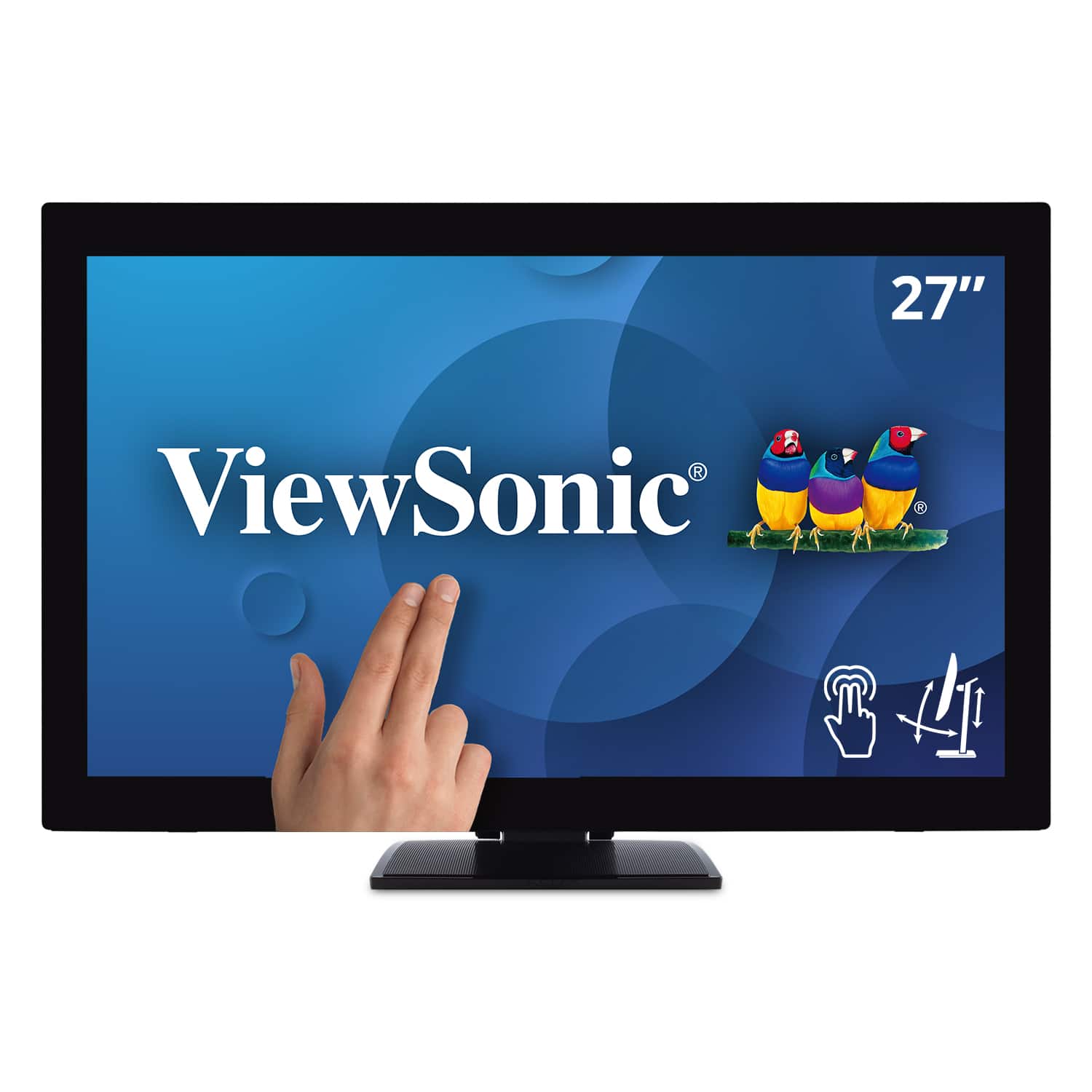
ViewSonic - TD2760 27" LED FHD Touch Screen Monitor (HDMI, VGA) - Black
SKU: J37H88FXS7See all All MonitorsProduct Description
A black LED touch screen monitor with Full HD resolution, IPS panel, and multiple connectivity options.Your price for this item is $539.99Save $52The previous price was $592.02 -
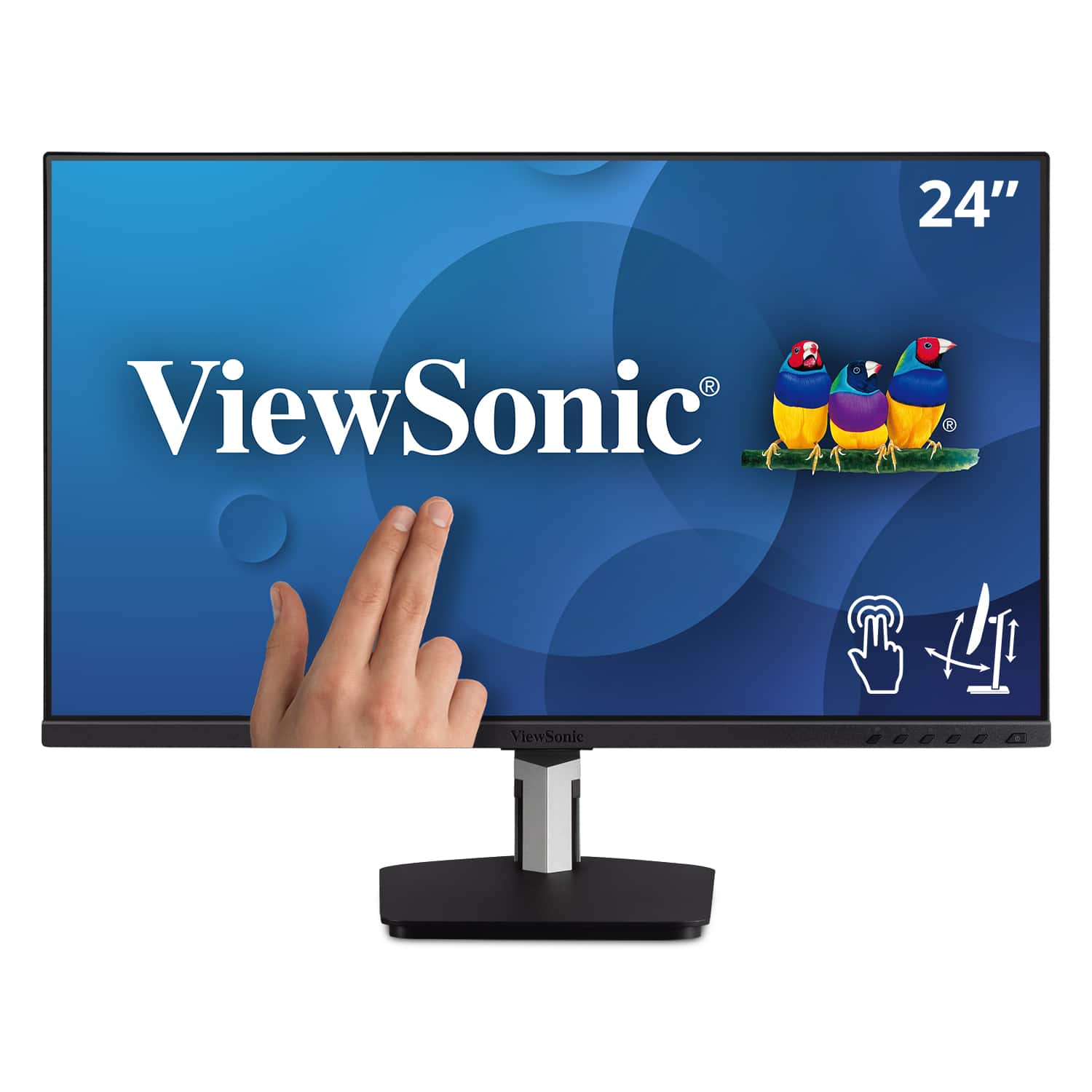
ViewSonic - TD2455 24" IPS LED FHD Touch Screen Monitor (DisplayPort, HDMI, USB) - Black
SKU: J37H88FGFPI love the new monitor, its beautiful display, and the less clutter resulting from fewer wires needed
See all All MonitorsProduct Description
A black IPS LED monitor with 10-point touchscreen, ergonomic dual-hinge, and versatile connectivity options.Your price for this item is $399.99 -
ViewSonic - TD1656-2K 16” IPS LCD WQXGA Touchscreen Portable Monitor (USB-C) - Black
SKU: J37H88VHF4See all Portable MonitorsProduct Description
A portable black IPS touchscreen monitor with 2K resolution, USB-C connectivity, and an adjustable smart cover.Your price for this item is $395.22Save $12The previous price was $407.95 -
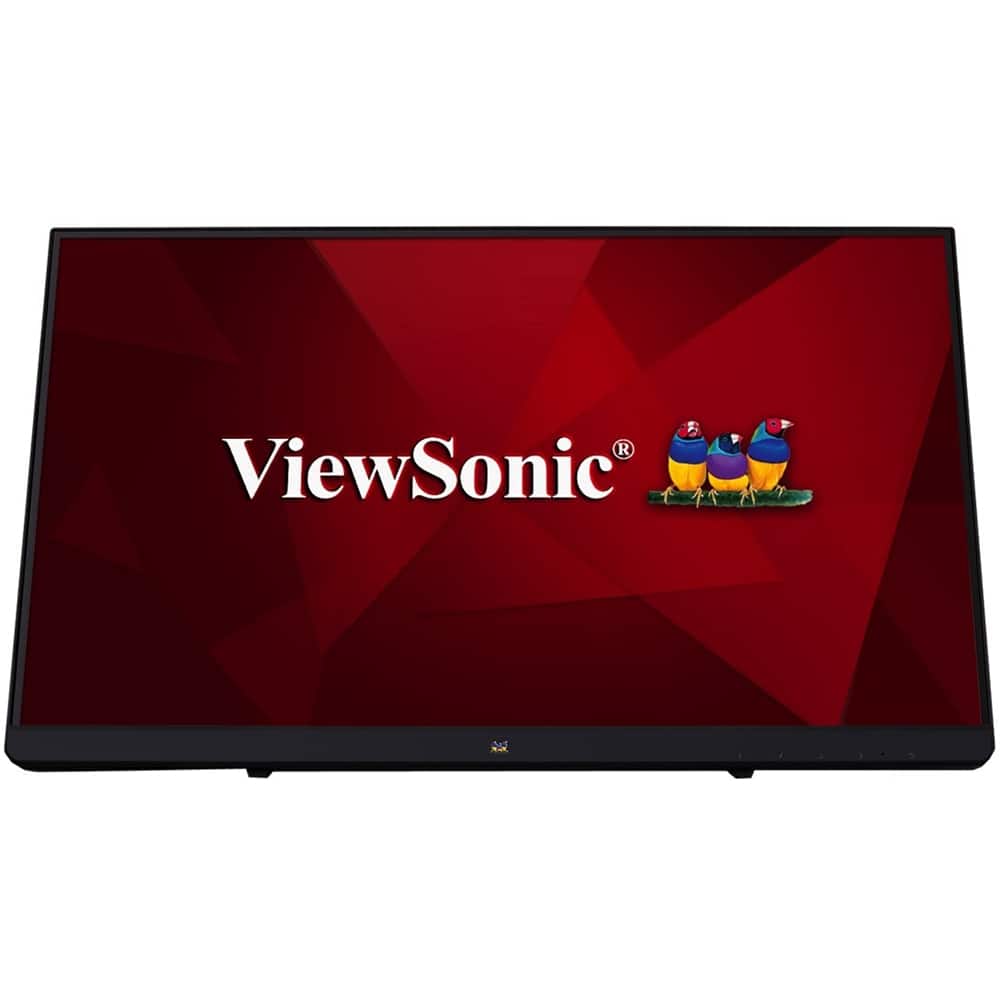
ViewSonic - TD2230 22" IPS LED FHD Touch Screen Monitor (HDMI and DisplayPort) - Black
SKU: J37H8YJ54WSee all All MonitorsProduct Description
An ultra-responsive black IPS LED touch screen monitor with Full HD resolution, antiglare display, and integrated speakers.Your price for this item is $309.90

Best Sellers






Related Pages


FAQ
When choosing a touch-screen monitor for gaming, look for a high refresh rate, low response time, multi-touch support, and compatibility with your gaming setup. Features like adaptive sync technology and vibrant color accuracy can also enhance your gaming experience.
Many touch-screen monitors can connect to gaming consoles via HDMI or DisplayPort. However, touch functionality is generally supported only when connected to a compatible PC, as most consoles do not natively support touch input.
Absolutely! Touch-screen monitors are versatile and can be used for gaming, creative work, browsing, and productivity tasks like drawing or note-taking, making them a great addition to any setup.
Yes, many touch-screen monitors support multi-touch gestures, allowing you to use multiple fingers for in-game controls, zooming, or other interactive features, provided the game and your operating system support these gestures.
A quality touch-screen monitor with a high refresh rate and low input lag can deliver excellent gaming performance. However, for competitive gaming, some players may prefer traditional monitors with even lower response times and no touch layer.