Touch Screen Monitor For Interactive Classroom Learning
-
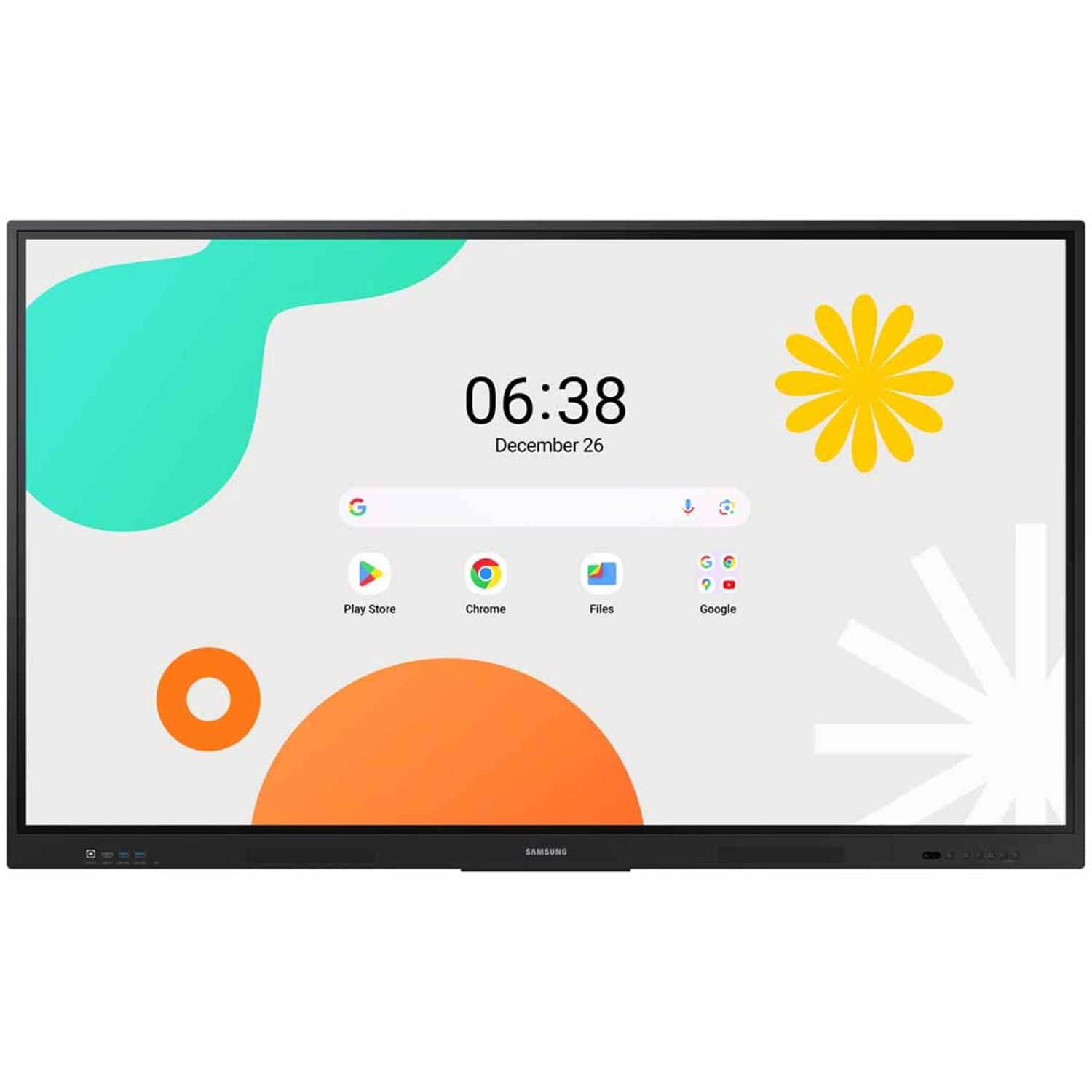
Samsung - 86 inch All-in-One Digital Android Based Interactive Display - Black
SKU: J3TV4RR7L4See all Digital SignageProduct Description
An interactive black display with Android OS, AI processing, and real-time collaboration tools for engaging learning.Your price for this item is $3,550.00 -
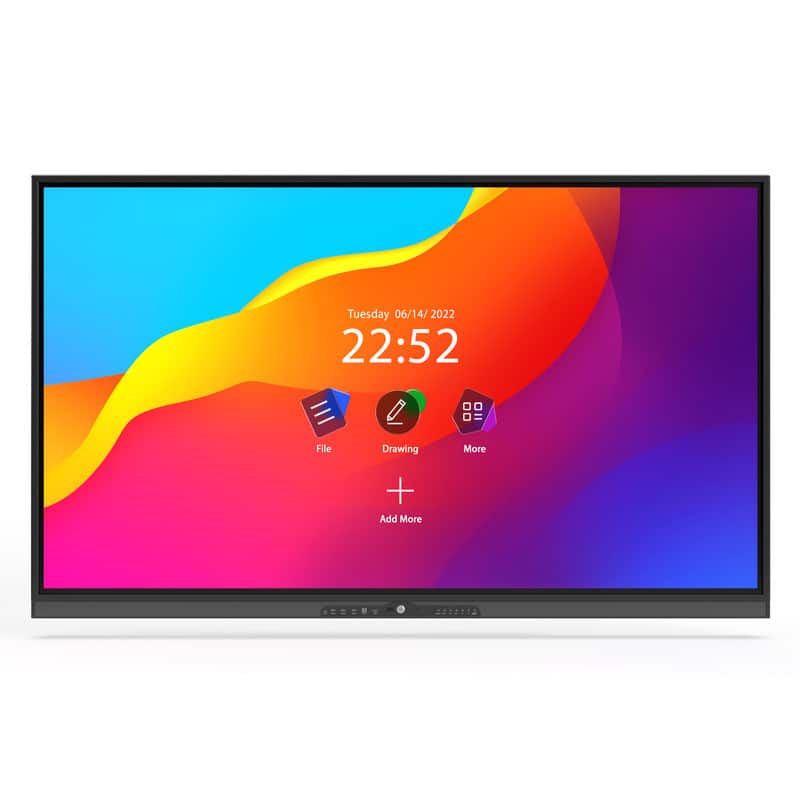
Kproduct4u - Ultra Slim IR (Infrared) Interactive Flat Panel Display 65"
SKU: J3GWJJS6W7See all Digital SignageProduct Description
An ultra-slim 65-inch 4K LED interactive display with advanced touch technology, Android 9.0, and multi-user collaboration.Your price for this item is $1,499.99 -
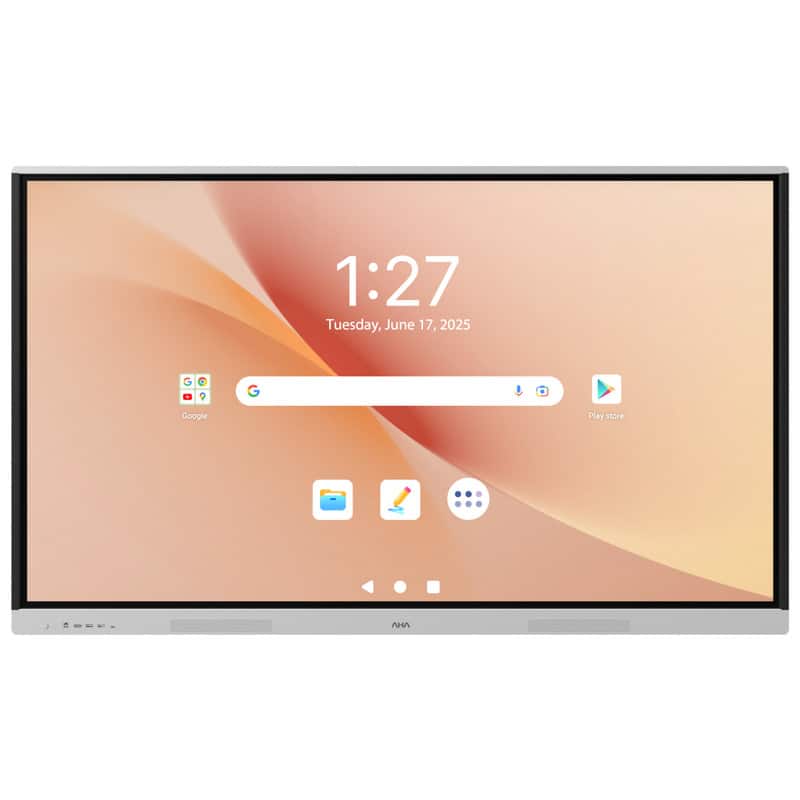
Kproduct4u - Interactive Flat Panel Display Hybrid 5000 75"
SKU: J3GWJJS622See all Digital SignageProduct Description
An advanced QLED interactive display with 4K resolution, Android OS, AI features, and natural writing technology.Your price for this item is $2,889.00 -
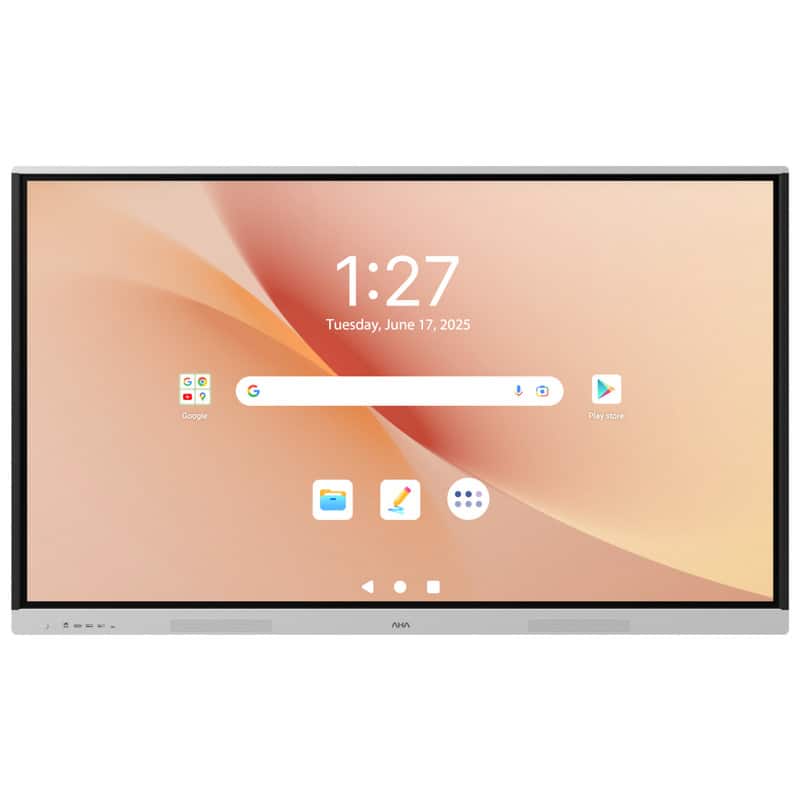
Kproduct4u - Interactive Flat Panel Display Hybrid 5000 86"
SKU: J3GWJJS62PSee all Digital SignageProduct Description
An advanced 86-inch QLED interactive display with 4K resolution, AI features, and seamless Google app integration.Your price for this item is $3,889.00 -
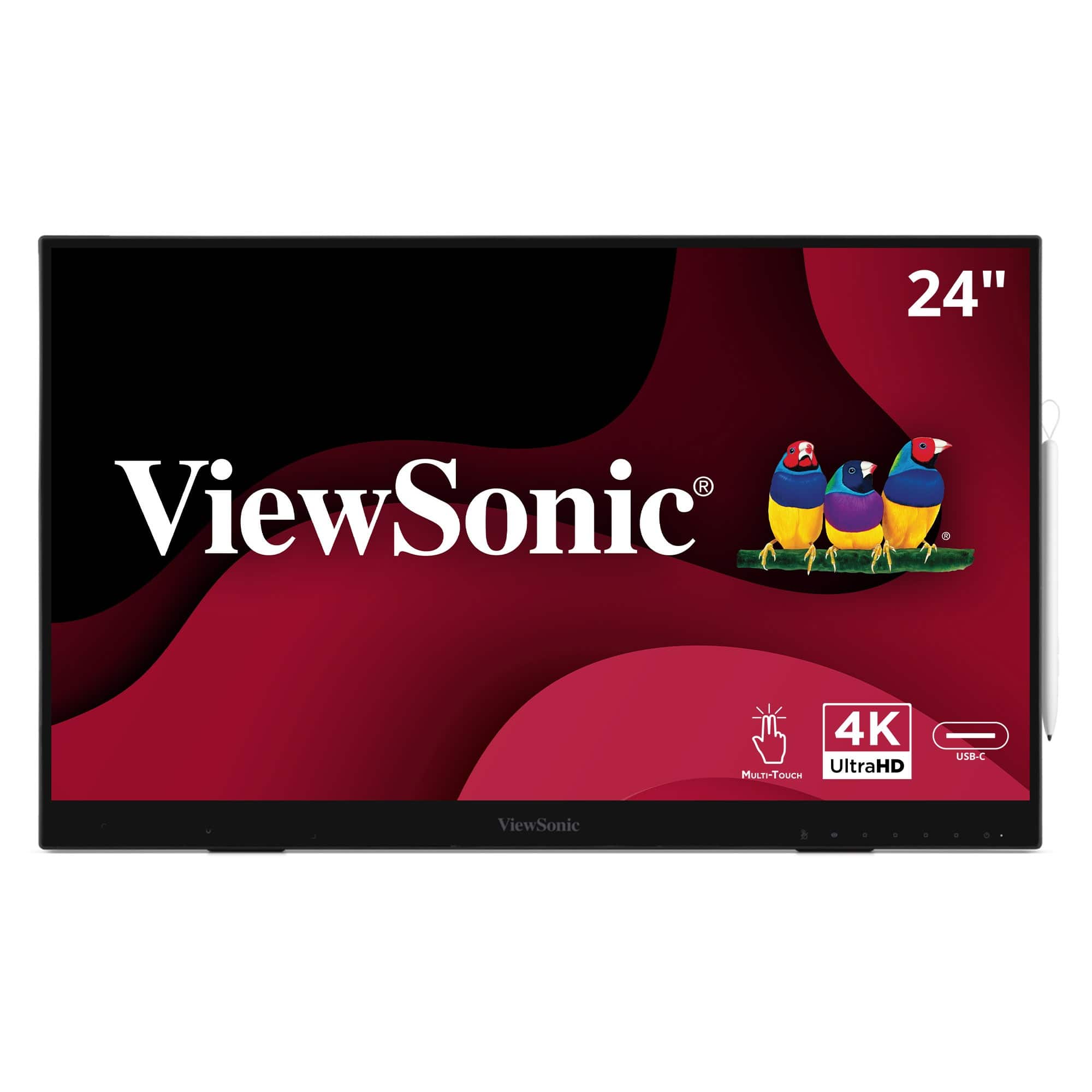
ViewSonic - ID2456-4K 24" 4K UHD Touch Display Tablet with PCAP 10 Point Touch, Active Stylus, Built-in Kickstand - Black
SKU: J37H8G77X9See all All MonitorsProduct Description
A sleek black 24" 4K UHD touch display with active stylus, built-in kickstand, and USB-C connectivity.Your price for this item is $841.39Save $7The previous price was $849.00 -
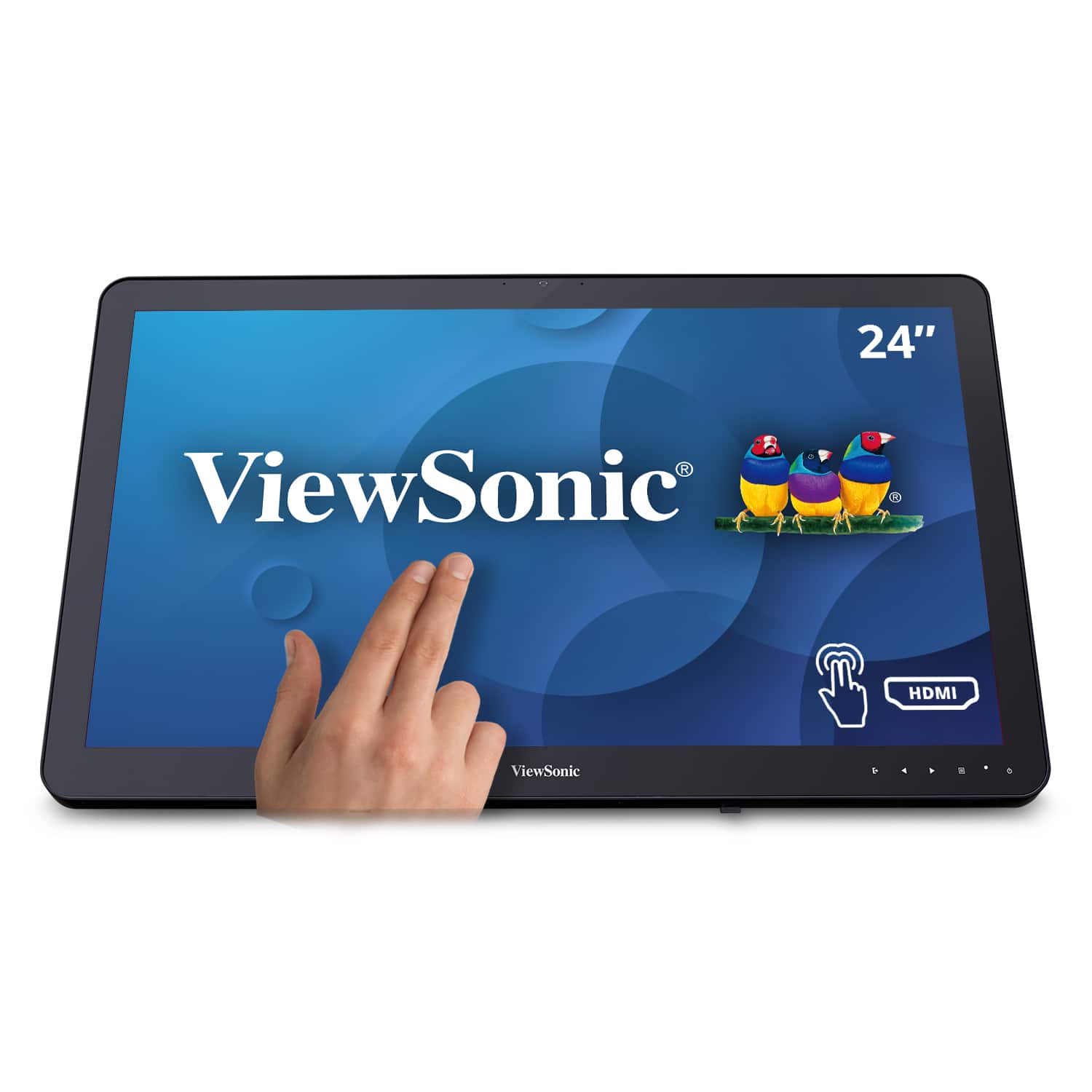
ViewSonic - TD2430 24" LED FHD Touch Screen Monitor (HDMI and DisplayPort) - Black
SKU: J37H8YC3JSSee all All MonitorsProduct Description
A black LED touch screen monitor with 10-point capacitive technology, FHD resolution, and integrated speakers.Your price for this item is $339.99Save $11The previous price was $351.68 -
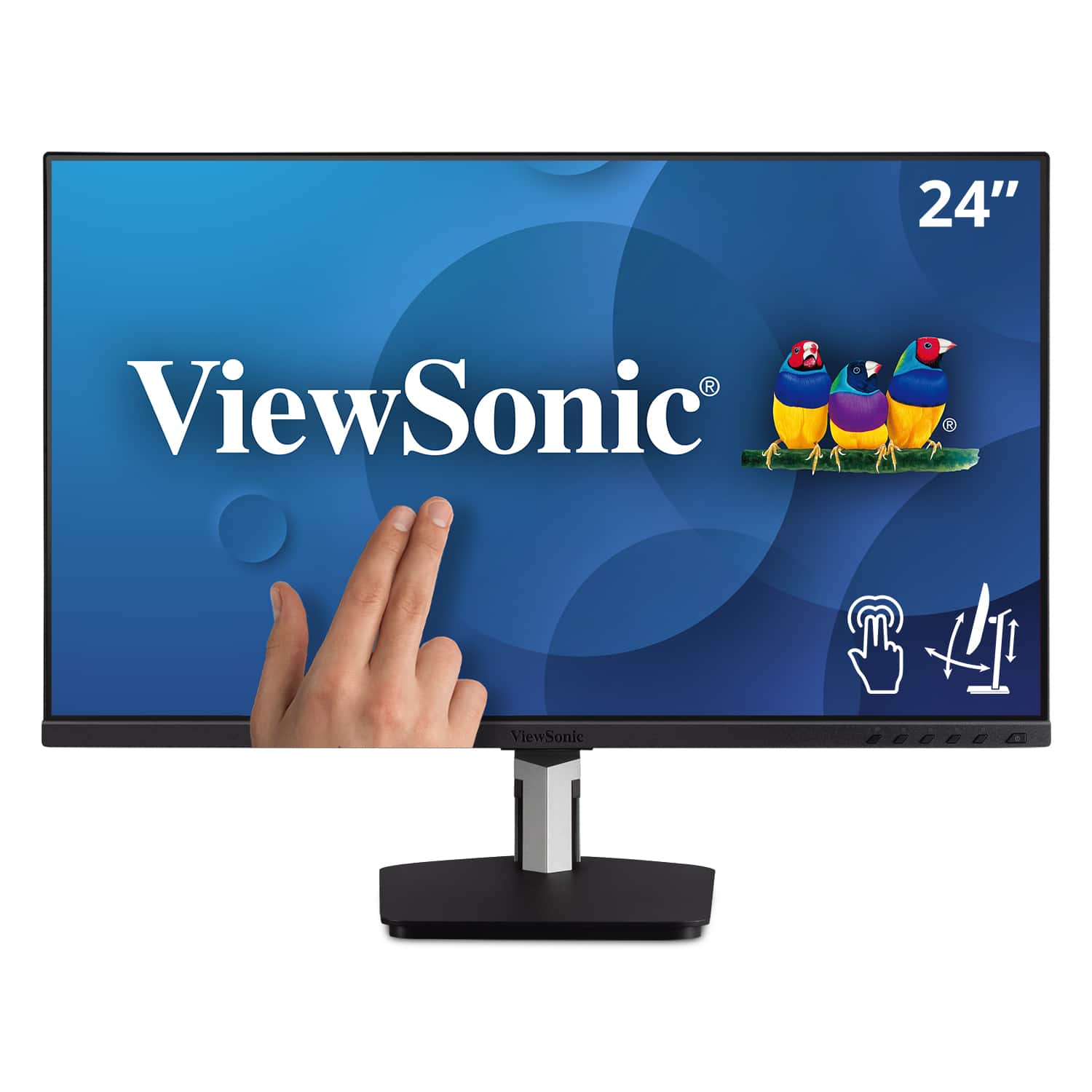
ViewSonic - TD2455 24" IPS LED FHD Touch Screen Monitor (DisplayPort, HDMI, USB) - Black
SKU: J37H88FGFPSee all All MonitorsProduct Description
A black IPS LED monitor with 10-point touchscreen, ergonomic dual-hinge, and versatile connectivity options.Your price for this item is $399.99 -
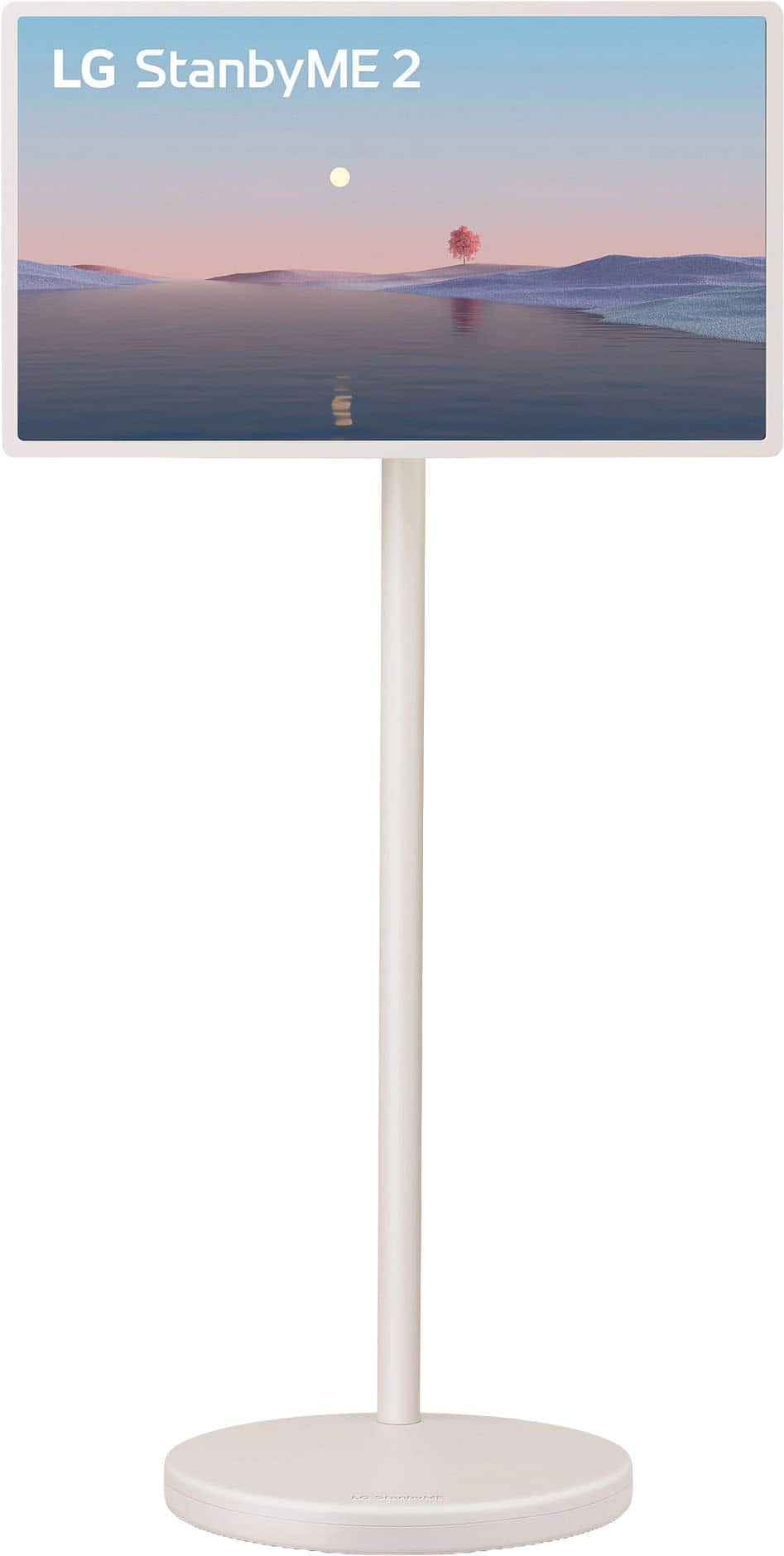
LG - StanbyME 2 - 27” Class LED QHD Smart webOS Portable and Detachable Touch Screen with Full Swivel Rotation (2025)
SKU: JJ8VPZWVLFLove this...I’m in love with this tablet tv , best purchase I made all year...Best portable TV!!!...Love the LG Stanby Me 2 device! Ease of use and portability is amazing.
See all Portable TVsProduct Description
A portable QHD LED touchscreen with full swivel rotation, detachable design, and up to 4-hour battery life.Your price for this item is $699.99Save $300The previous price was $999.99 -
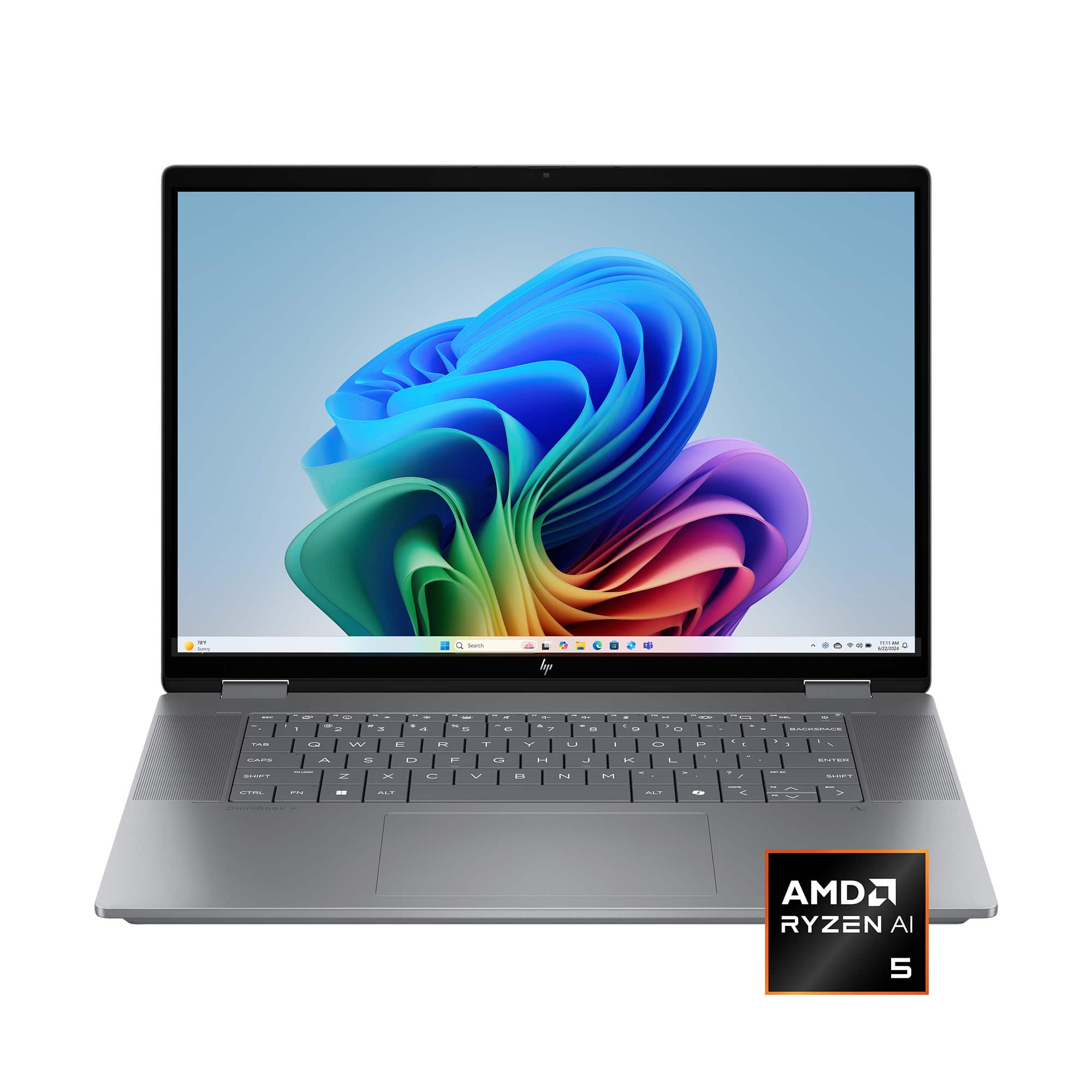
HP - OmniBook X Flip 2-in-1 - 16" 2K Touch-Screen Laptop - AMD Ryzen AI 5 340 (2025) - 16GB Memory - 512GB SSD - Copilot+ PC - Meteor Silver
SKU: JJGQJRKGWGLove the battery life and flexibility to tablet-type device (flip screen)....So far this has been a great product. No complaints....Great buy
See all Windows LaptopsProduct Description
A versatile silver 2-in-1 laptop featuring a 16" 2K touch display, AMD Ryzen AI 5, and 16GB memory.Your price for this item is $829.00Save $11The previous price was $840.00 -
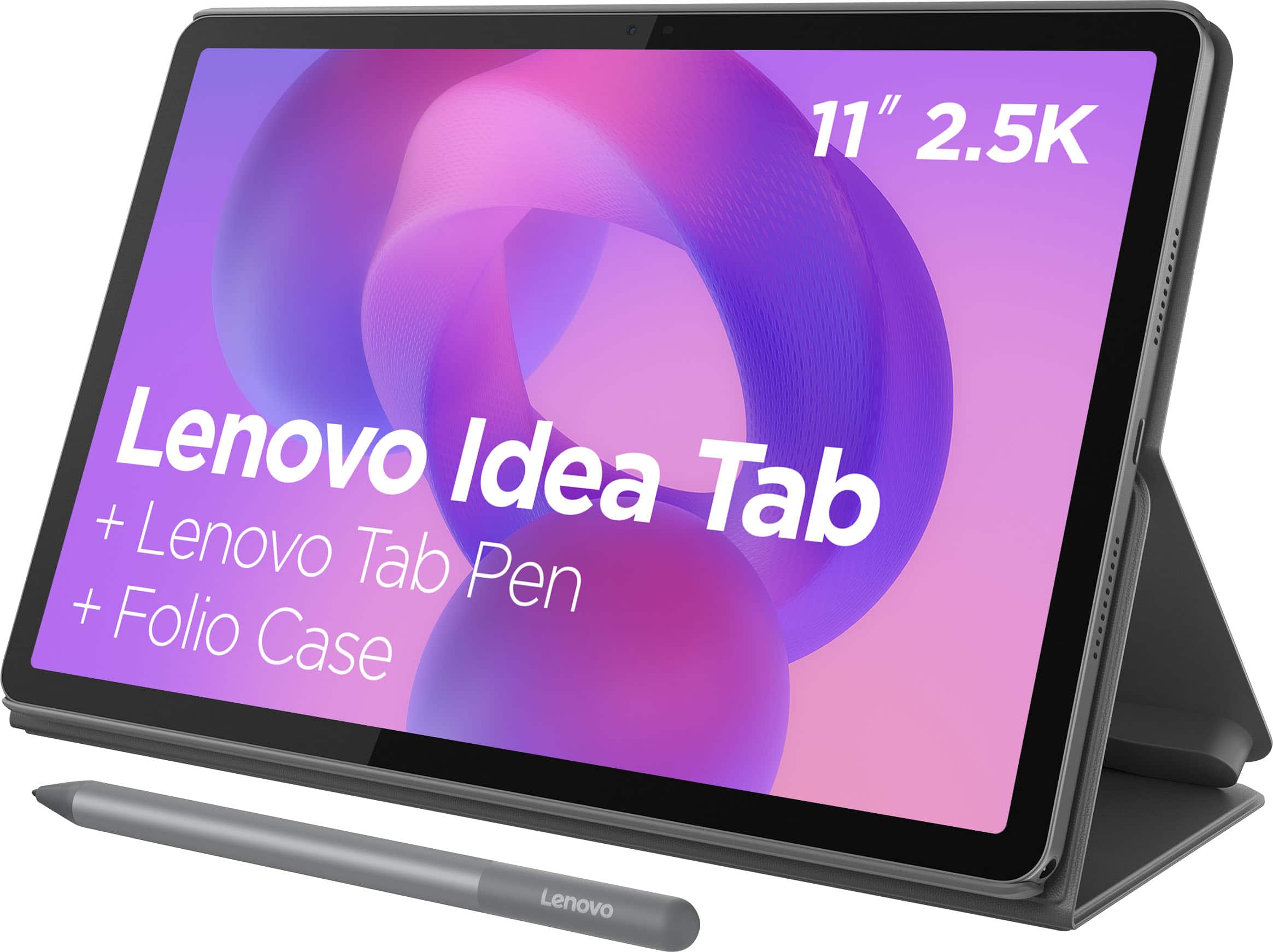
Lenovo - Idea Tab - 11" 2.5K Tablet - 8GB RAM - 128GB UFS - with Tab Pen and Folio Case - Luna Grey
SKU: JJGH3S2LRSGreat product...Best purchase ever, highly recommended to buy this product....Lenovo - Idea Tab - 11" 2.5K Tablet - 8GB RAM - 128GB, great products with reasonable price! Love it
See all All TabletsProduct Description
A Luna Grey tablet with 11" 2.5K display, 128GB storage, Tab Pen, and quad Dolby Atmos speakers.Your price for this item is $209.99Save $90The previous price was $299.99
Best Sellers




Related Pages




FAQ
When choosing a touch screen monitor for classroom use, consider features such as multi-touch capability, compatibility with educational software, durable construction, easy connectivity options (like HDMI or USB-C), and anti-glare screens to reduce eye strain.
Touch screen monitors allow students to interact directly with lessons and activities, fostering hands-on learning and collaboration. This interactive approach can help improve focus, participation, and retention of information.
Compatibility varies by model, but many touch screen monitors can connect to classroom laptops, desktops, or other devices through common ports such as HDMI, DisplayPort, USB-A, or USB-C. Check the monitor specifications for supported operating systems and touch functionality before choosing one.
Many touch screen monitors support multi-touch functionality, allowing several students to interact with the display simultaneously. This is ideal for group projects and collaborative learning activities.
Regularly cleaning the screen with a soft, lint-free cloth and using appropriate cleaning solutions helps maintain clarity and responsiveness. It's also important to keep software updated to ensure optimal performance.