Touch Screen Monitors For Windows 10
-
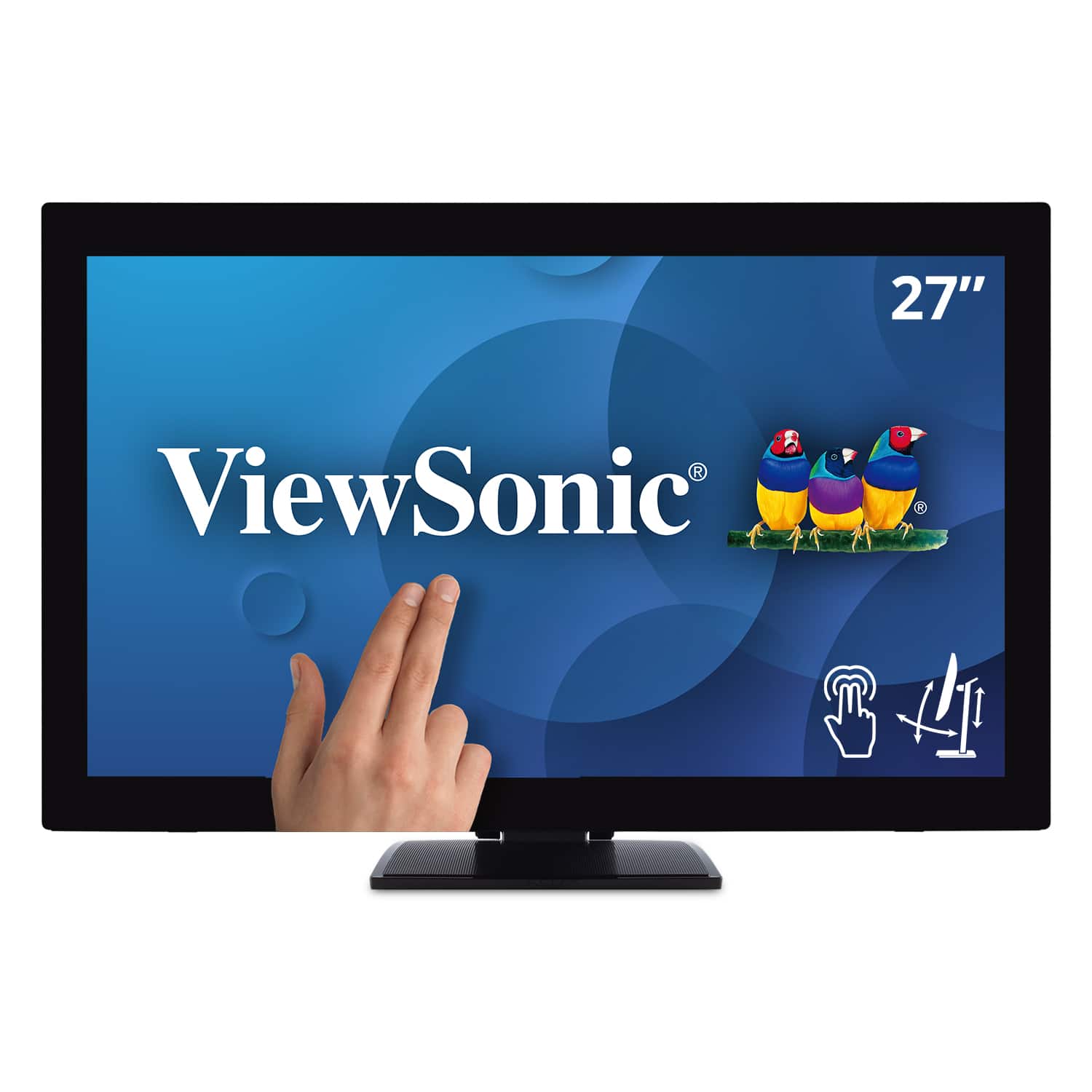
ViewSonic - TD2760 27" LED FHD Touch Screen Monitor (HDMI, VGA) - Black
SKU: J37H88FXS7See all All MonitorsProduct Description
A black LED touch screen monitor with Full HD resolution, IPS panel, and multiple connectivity options.Your price for this item is $539.99 -
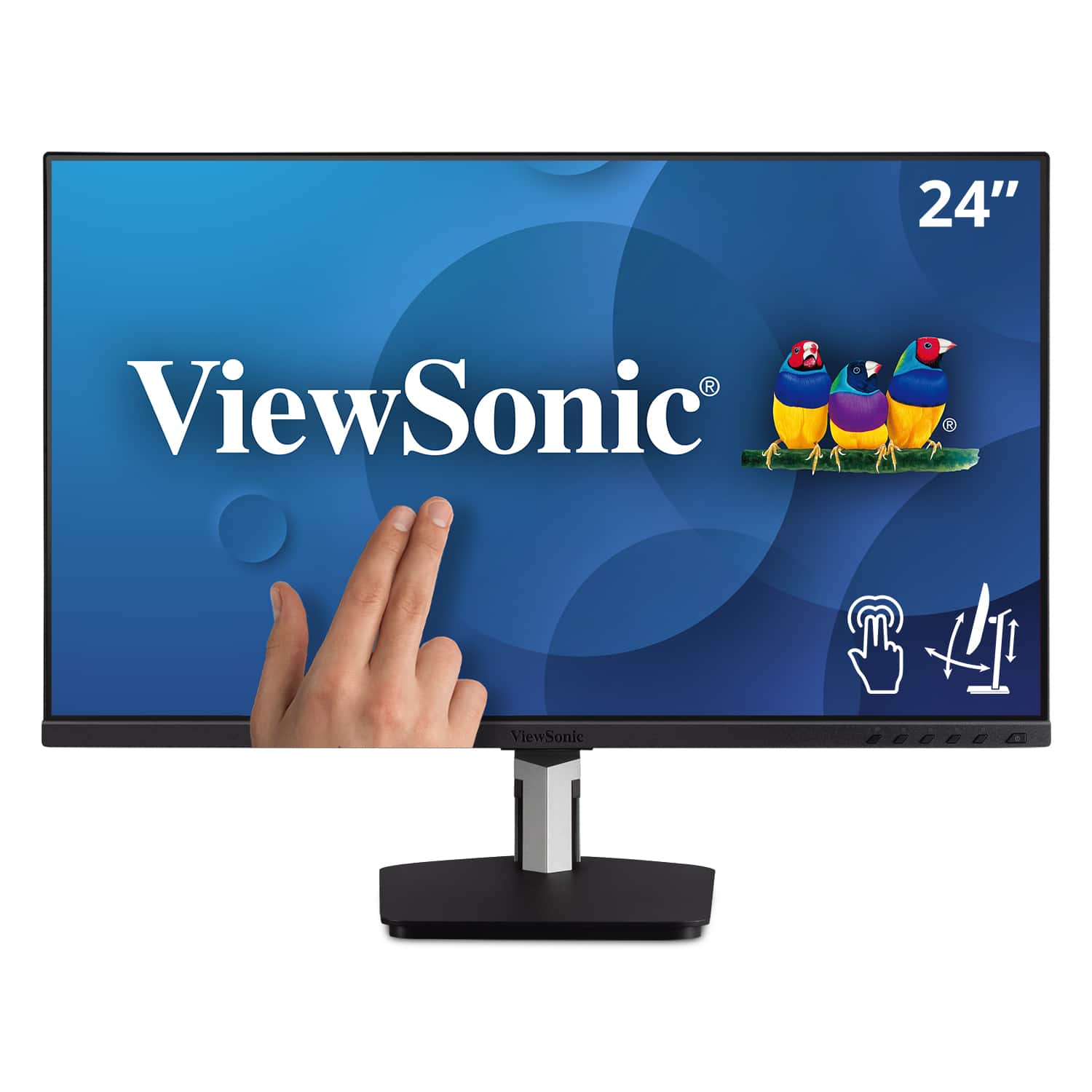
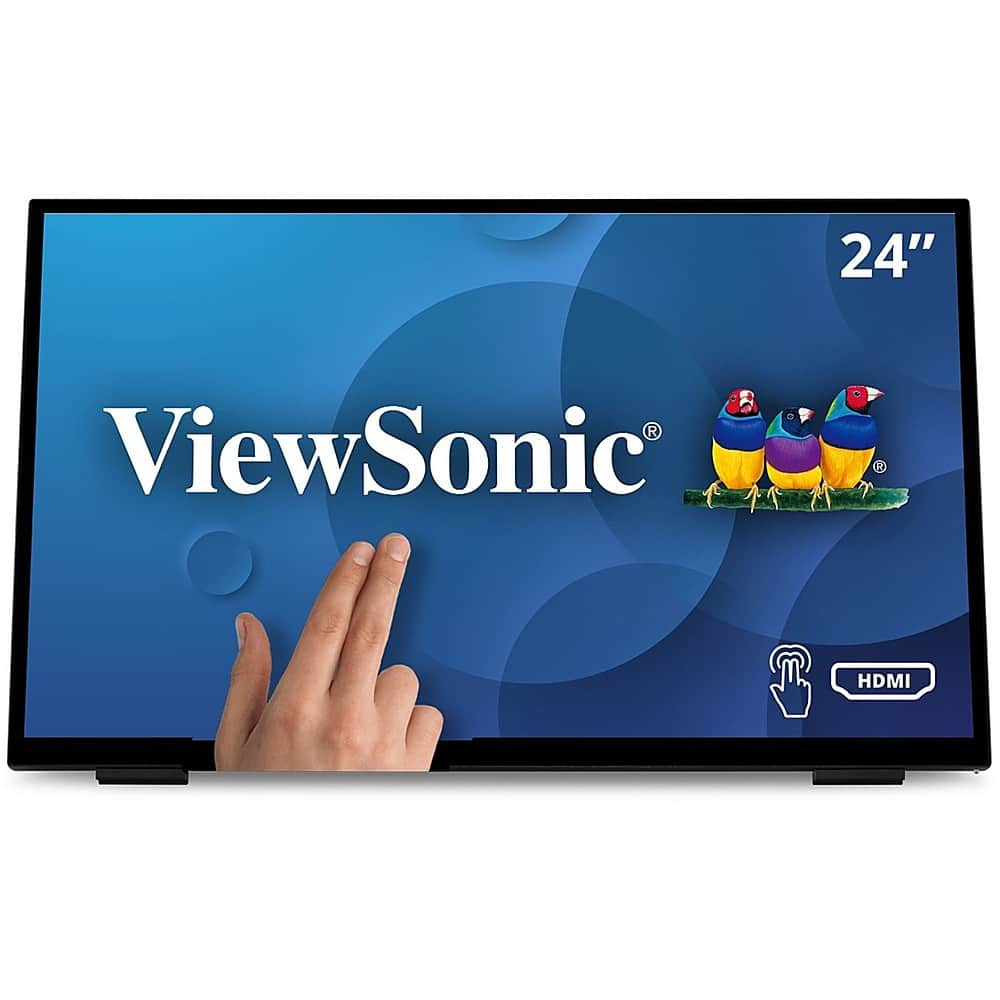
ViewSonic - TD2455 24" IPS LED FHD Touch Screen Monitor (DisplayPort, HDMI, USB) - Black
SKU: J37H88FGFPSee all All MonitorsProduct Description
A black IPS LED monitor with 10-point touchscreen, ergonomic dual-hinge, and versatile connectivity options.Your price for this item is $399.99 -
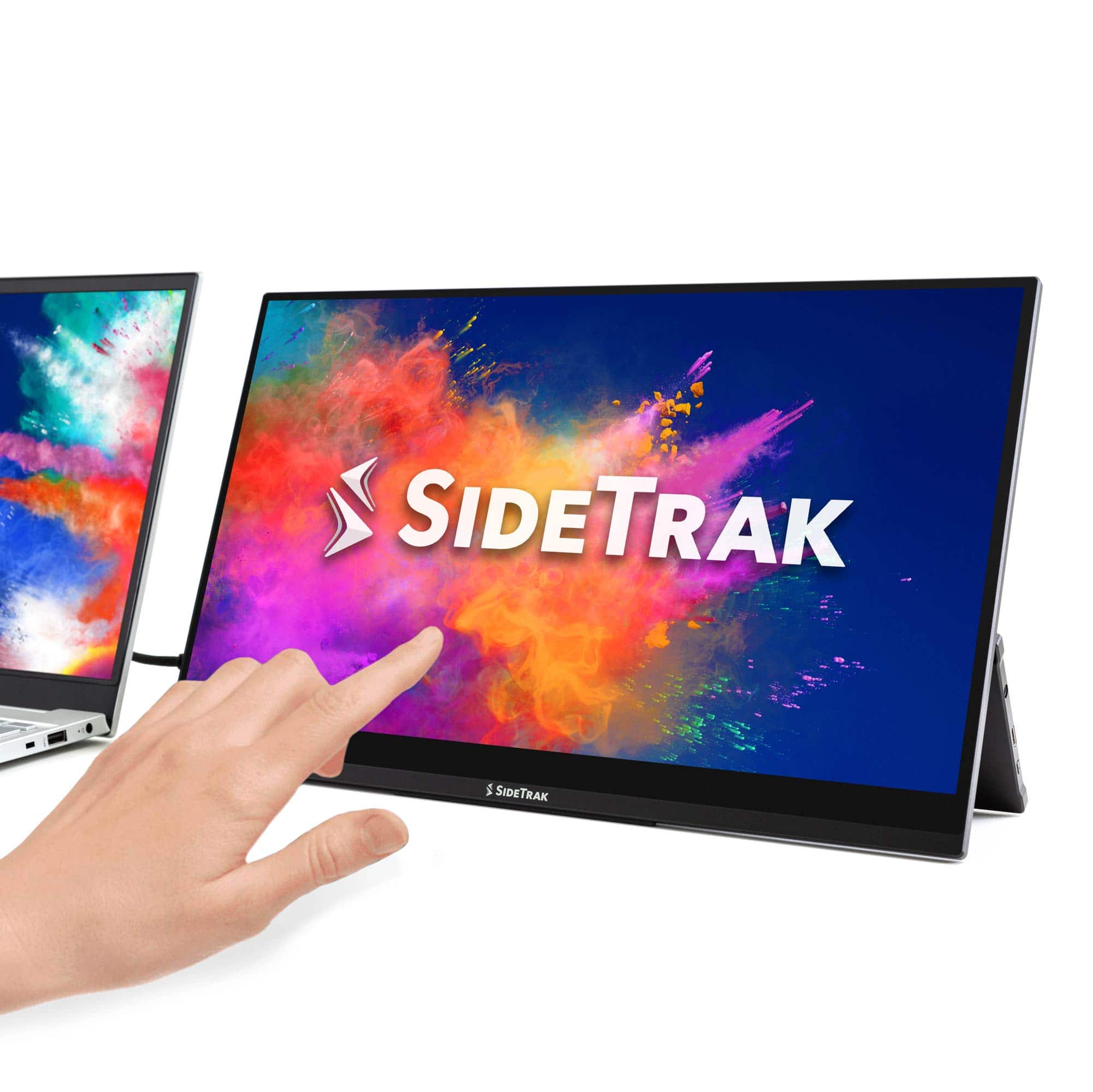
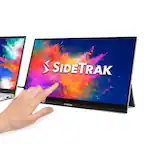
SideTrak - Solo Pro Touchscreen 15.8" Portable Monitor – - Black
SKU: J3G4TZ9C2TThe best buy I have made so far this year. Making my working at home situation bearable....Love the touch screen, clarity of the screen, portability, and light weight....Love it!!...Love it!
See all Portable MonitorsProduct Description
A portable black IPS touchscreen monitor with Full HD resolution, HDR mode, and USB-C or HDMI connectivity.Your price for this item is $289.99 -
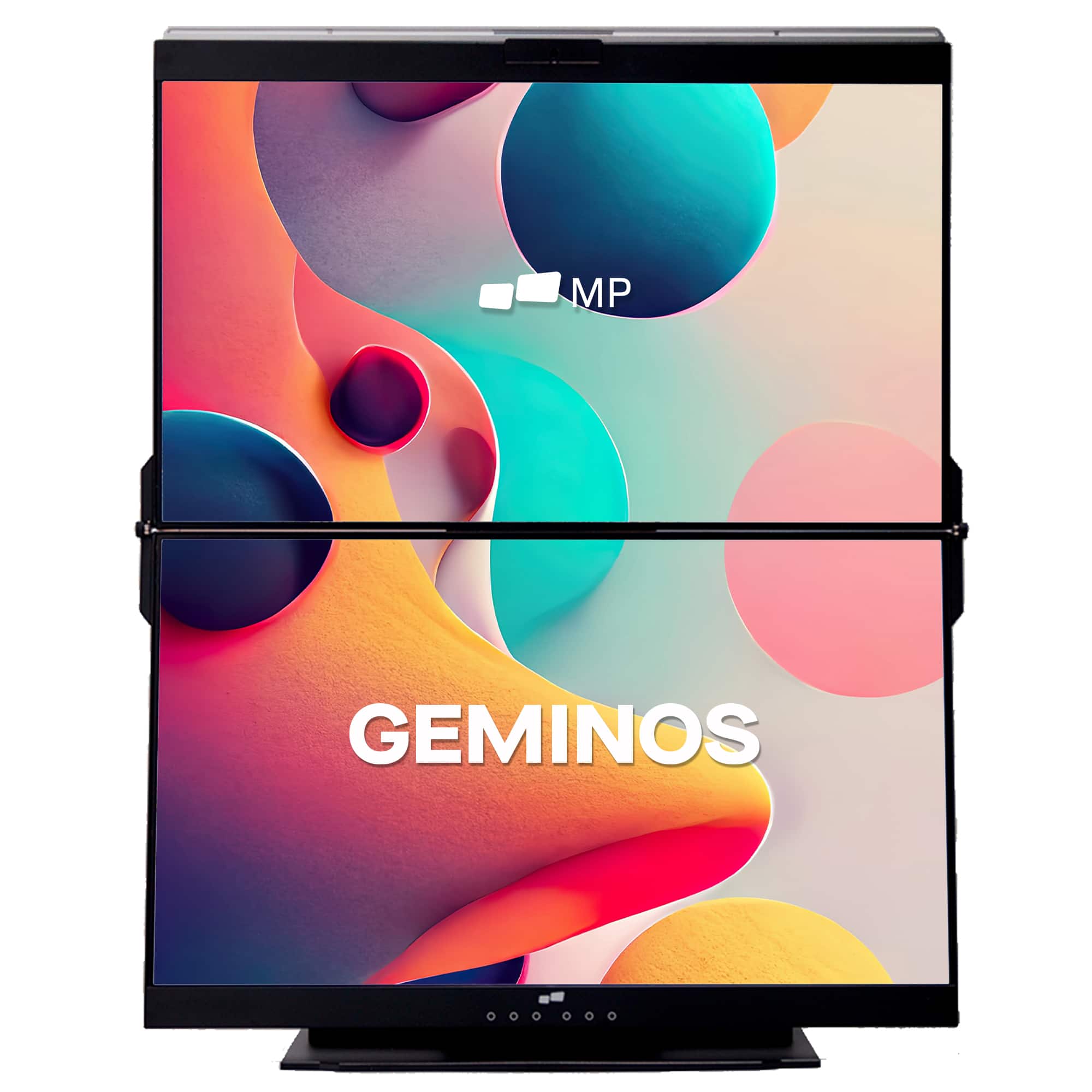
Mobile Pixels - Geminos X 1440p 24-In. Dual-Screen Desktop Monitor - Black
SKU: J3R8Q2TQ7HIt's great! Needed to go vertical. PERFECT!...Great monitor , poor cables...I really like the monitor itself and how great the screen looks.
See all Portable MonitorsProduct Description
A black dual-screen desktop monitor with 24-inch 1440p IPS displays, touch-enabled bottom screen, and built-in webcam.Your price for this item is $769.99Save $130The previous price was $899.99 -
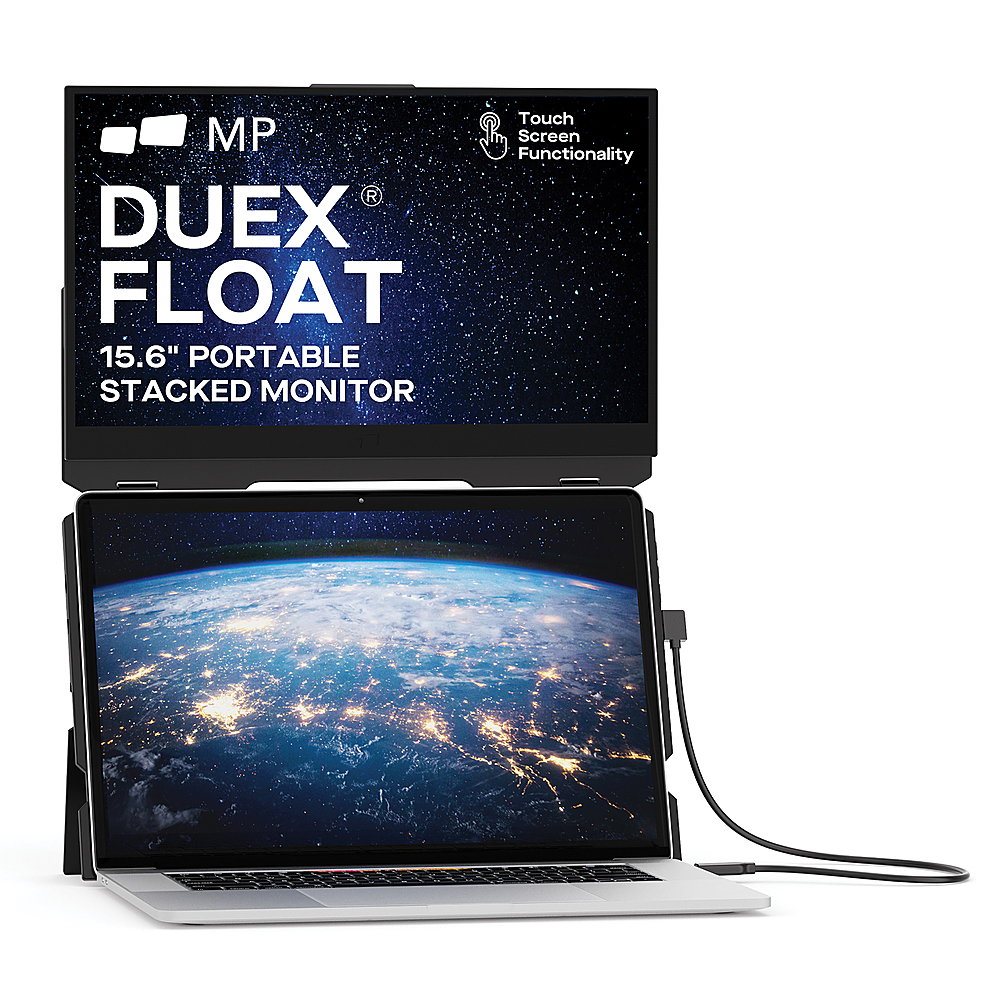
Mobile Pixels - DUEX Float 15.6" LCD Monitor - Black
SKU: J3R8Q2TQC6See all All MonitorsProduct Description
A portable black LCD touchscreen monitor with 1080p resolution, integrated speakers, and ergonomic stacked design.Your price for this item is $299.99 -
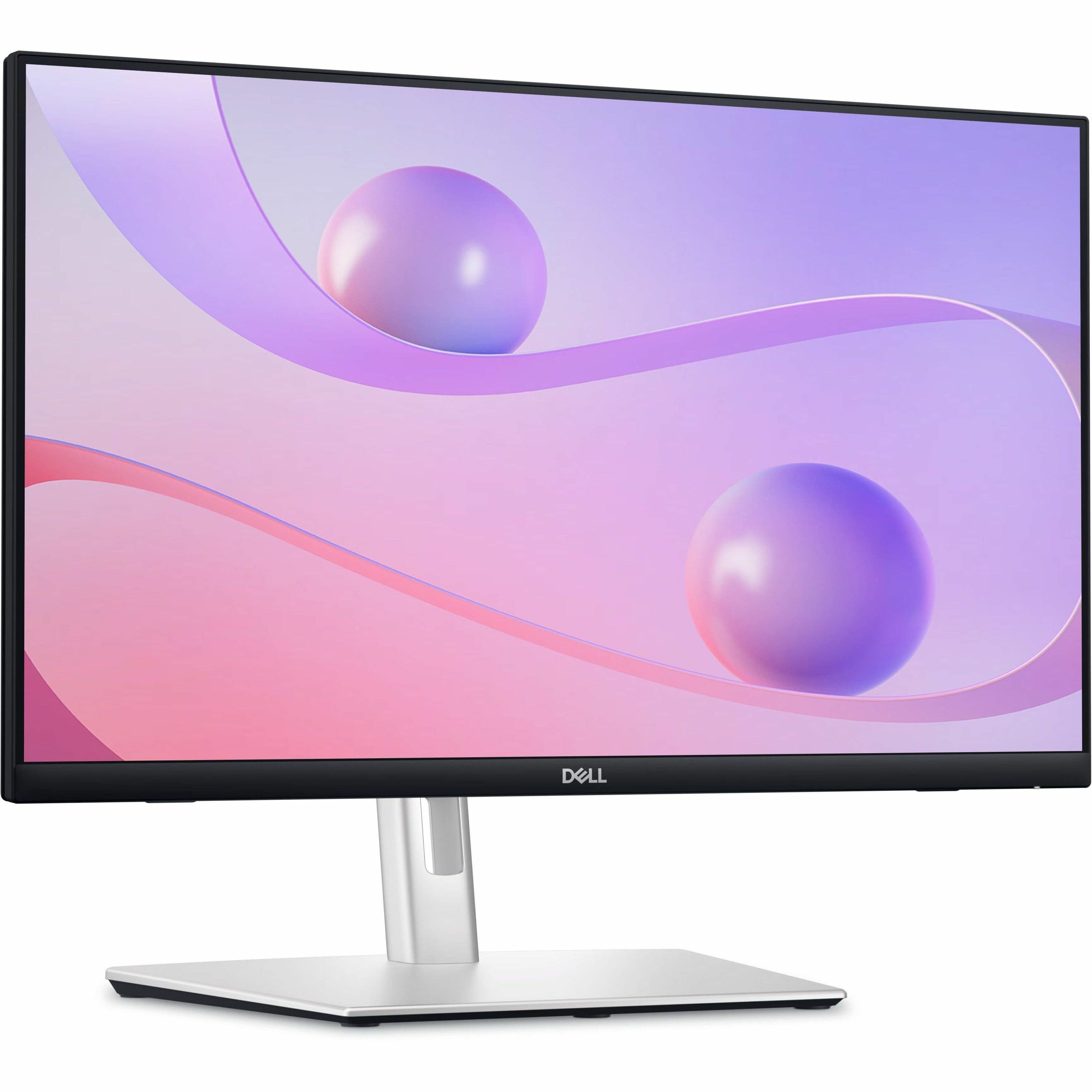
Dell - 23.8" IPS LED FHD 60Hz Monitor (USB, HDMI) - Black
SKU: J3K4L6C5V2See all All MonitorsProduct Description
A black IPS LED monitor featuring 10-point touch, USB-C hub connectivity, and integrated cable management.Your price for this item is $349.99Save $90The previous price was $439.99 -
ViewSonic - TD2465 Touchscreen LCD Monitor - Black
SKU: J37H88V2QPSee all All MonitorsProduct Description
A black LED touchscreen monitor with 10-point PCAP technology, glove and wet touch support, and integrated speakers.Your price for this item is $369.99 -
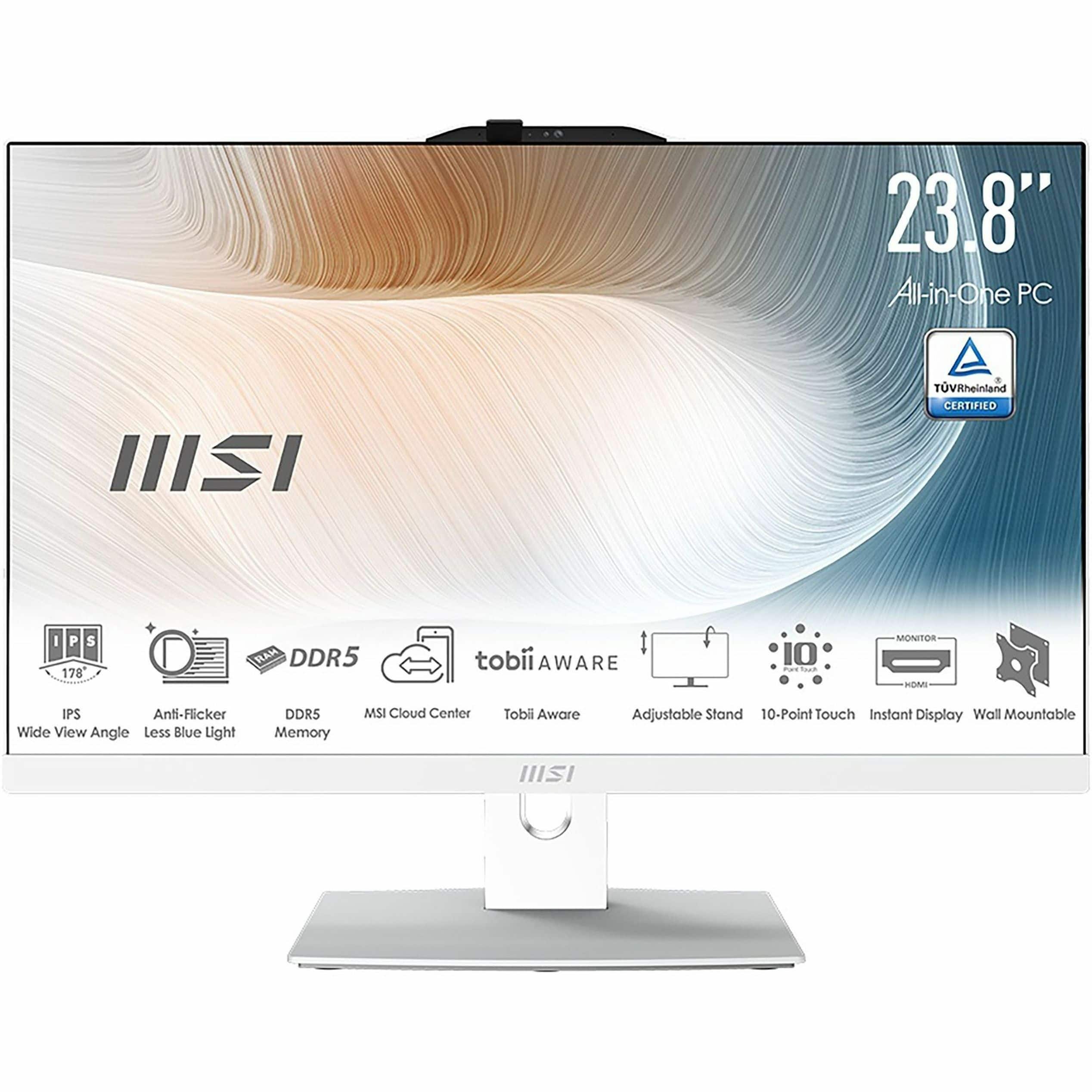
MSI - Modern AM242TP 1M 23.8" Touch-Screen All-In-One - Intel Core 7 - 32 GB Memory - 1 TB SSD - White
SKU: J3P7TXSWJ7See all Touchscreen All-in-One ComputersProduct Description
A sleek white all-in-one PC featuring a 23.8" touchscreen, Intel Core 7, 32GB RAM, and 1TB SSD.Your price for this item is $1,249.99Save $150The previous price was $1,399.99 -
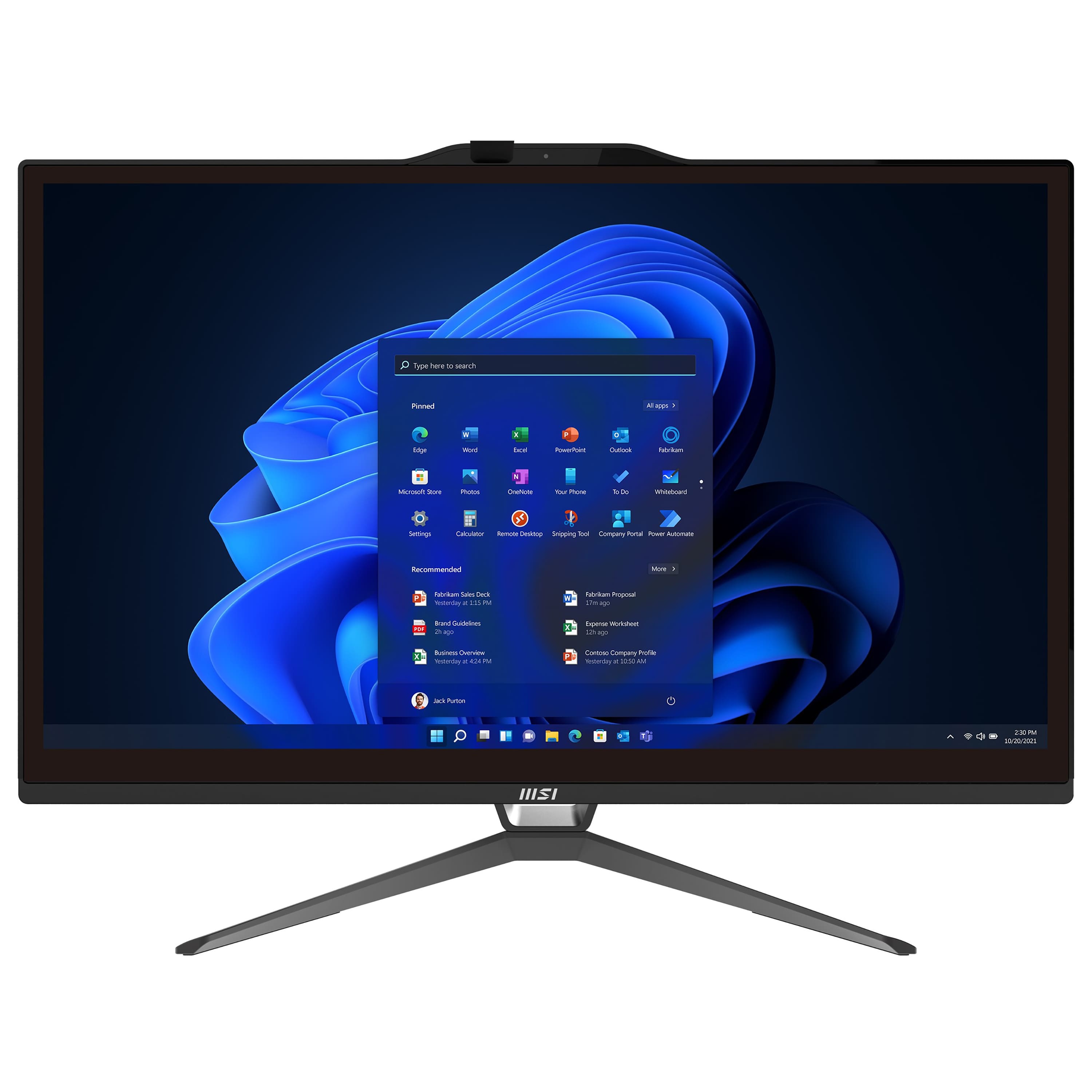
MSI - PRO AP222T 13M 21.5" Full HD Touch-Screen All-in-One - Intel Core i3 13100 - 8GB Memory - 512GB SSD - Black
SKU: J3P7TXLW79See all Touchscreen All-in-One ComputersProduct Description
A sleek black all-in-one PC featuring a 21.5" Full HD touch display, Intel Core i3, and 512GB SSD.Your price for this item is $1,099.00Save $63The previous price was $1,162.32 -
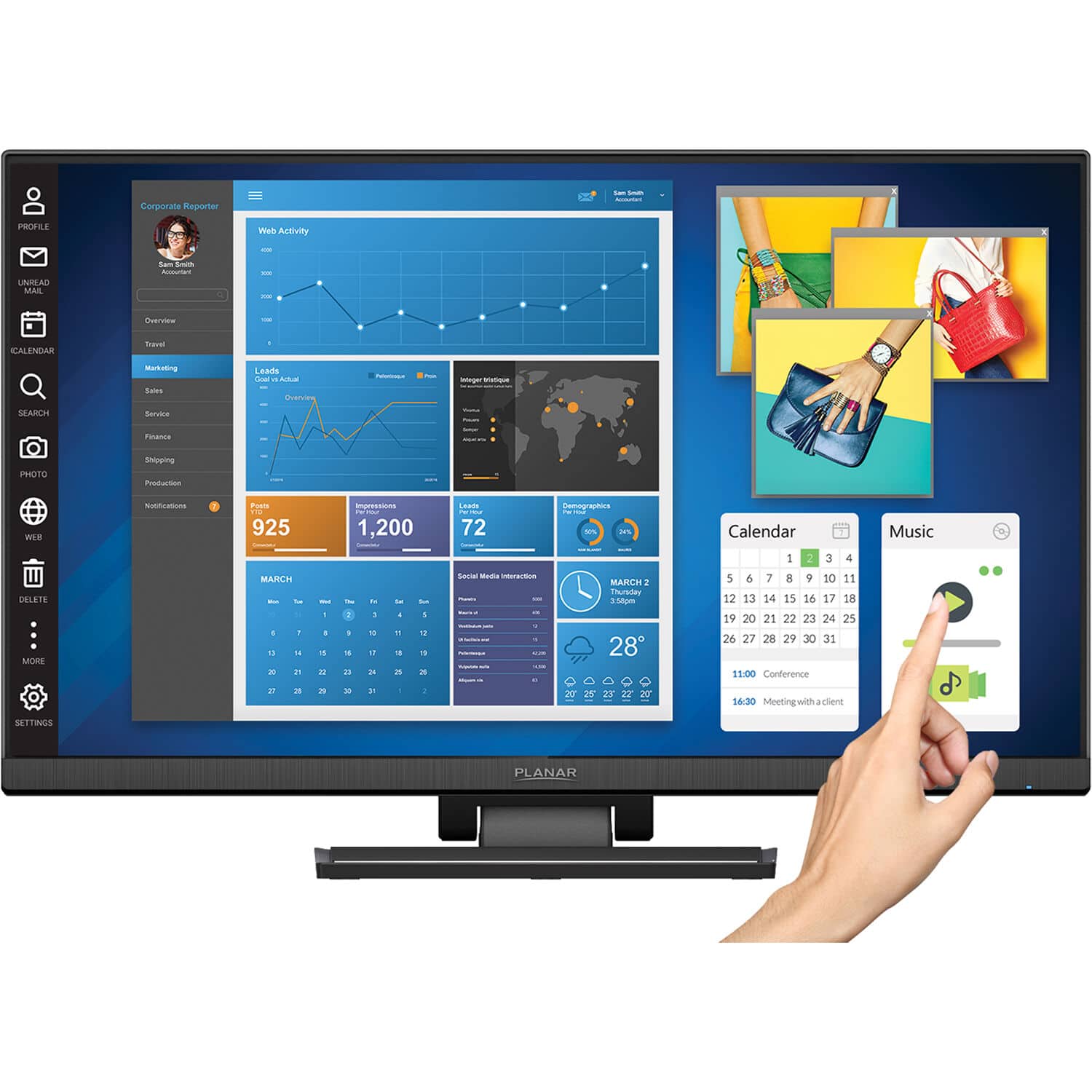
Planar - Helium PCT2435 24" Full HD LCD Touch Screen Monitor (Analog, HDMI, USB Cable) - Black
SKU: J3GZR64GV8See all All MonitorsProduct Description
A black IPS LCD touch screen monitor with Full HD resolution, integrated speakers, and USB 3.0 hub.Your price for this item is $369.49
Best Sellers





Related Pages



FAQ
Most touch screen monitors are fully compatible with all versions of Windows 10. However, it's always a good idea to check the monitor's specifications and ensure that the latest drivers are available for optimal performance.
Windows 10 natively supports most touch screen monitors through Plug and Play functionality. In some cases, installing manufacturer-specific drivers can enhance performance and enable additional features.
Yes, touch screen monitors can be used as secondary displays with Windows 10. Simply connect the monitor via HDMI, DisplayPort, or USB-C, and configure your display settings in Windows to extend or duplicate your desktop.
Yes, Windows 10 supports multi-touch gestures such as pinch-to-zoom, swipe, and tap on compatible touch screen monitors. The number of supported gestures may depend on the monitor's hardware capabilities.
Some touch screen monitors support stylus or digital pen input, which can be useful for drawing or taking notes in Windows 10. Check the product specifications to see if stylus support is included.