Windows 8 Touch-Screen Monitor
-
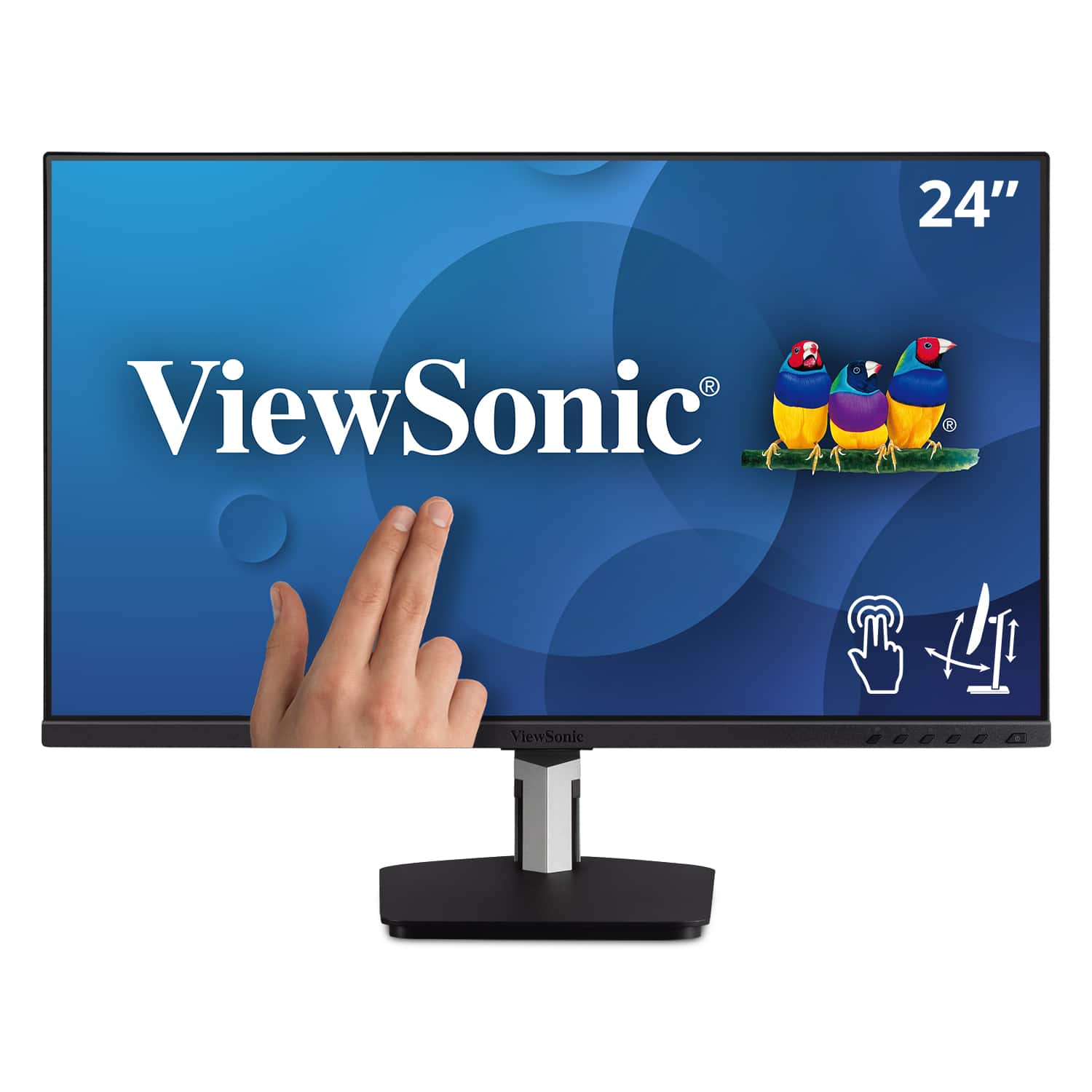
ViewSonic - TD2455 24" IPS LED FHD Touch Screen Monitor (DisplayPort, HDMI, USB) - Black
SKU: J37H88FGFPSee all All MonitorsProduct Description
A black IPS LED monitor with 10-point touchscreen, ergonomic dual-hinge, and versatile connectivity options.Your price for this item is $399.99 -
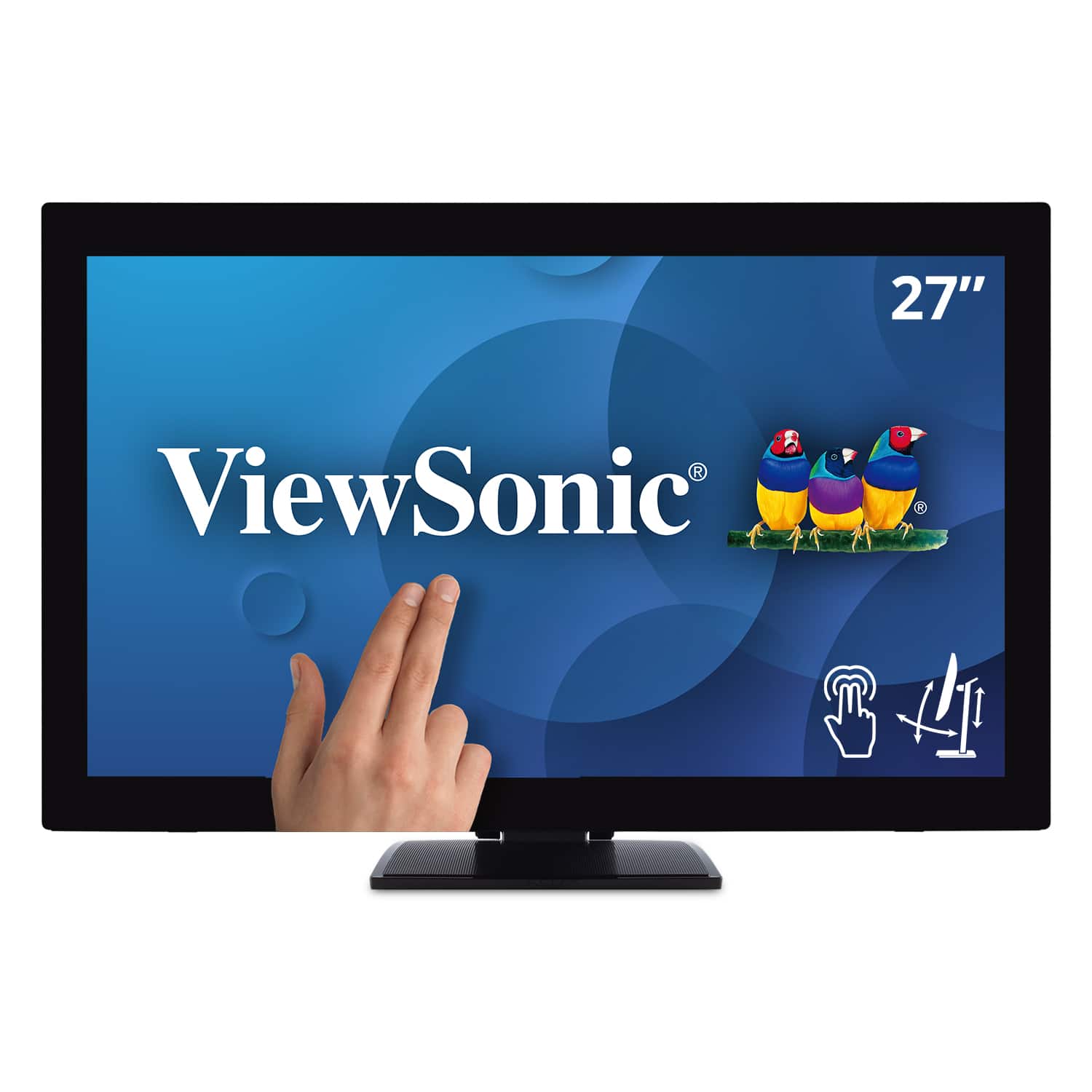
ViewSonic - TD2760 27" LED FHD Touch Screen Monitor (HDMI, VGA) - Black
SKU: J37H88FXS7See all All MonitorsProduct Description
A black LED touch screen monitor with Full HD resolution, IPS panel, and multiple connectivity options.Your price for this item is $539.99 -
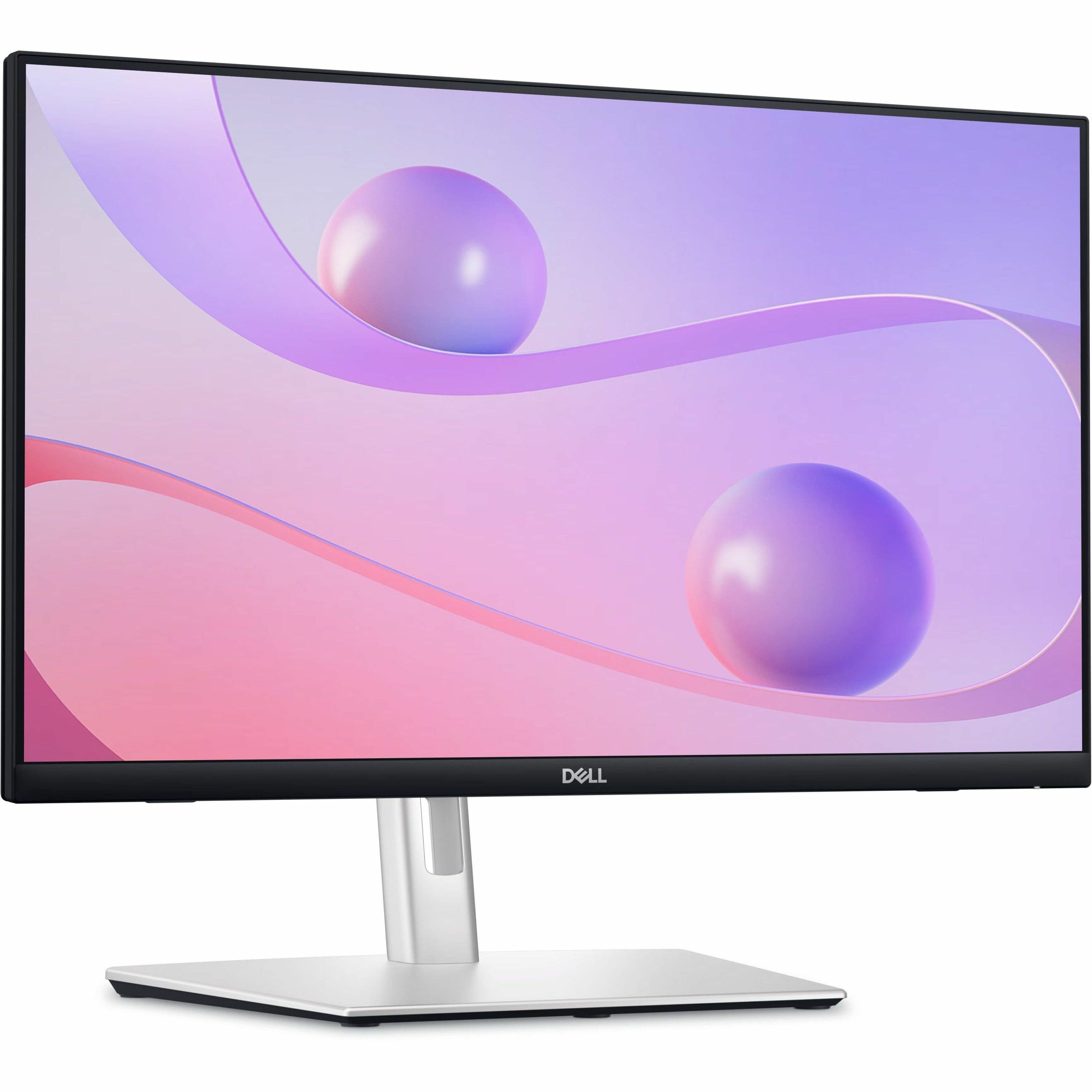
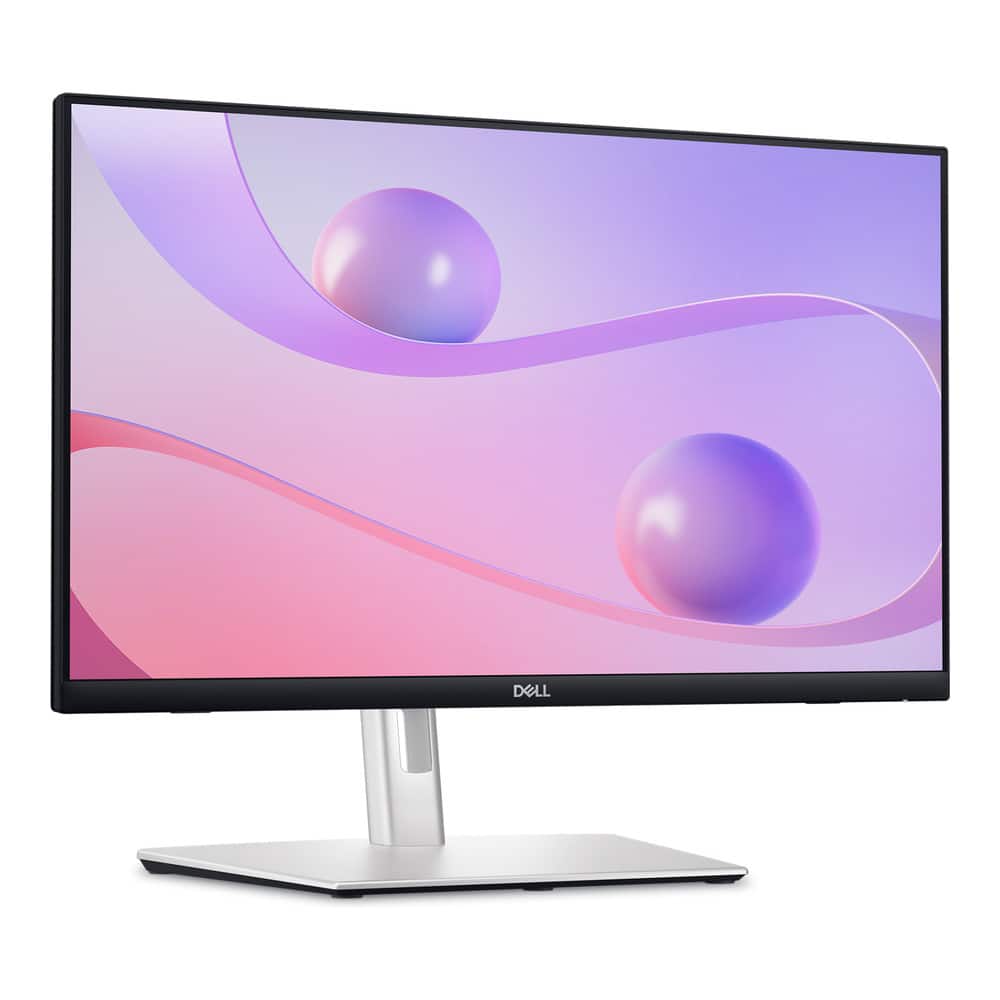
Dell - 23.8" IPS LED FHD 60Hz Monitor (USB, HDMI) - Black
SKU: J3K4L6C5V2See all All MonitorsProduct Description
A black IPS LED monitor featuring 10-point touch, USB-C hub connectivity, and integrated cable management.Your price for this item is $329.00Save $110The previous price was $439.99 -
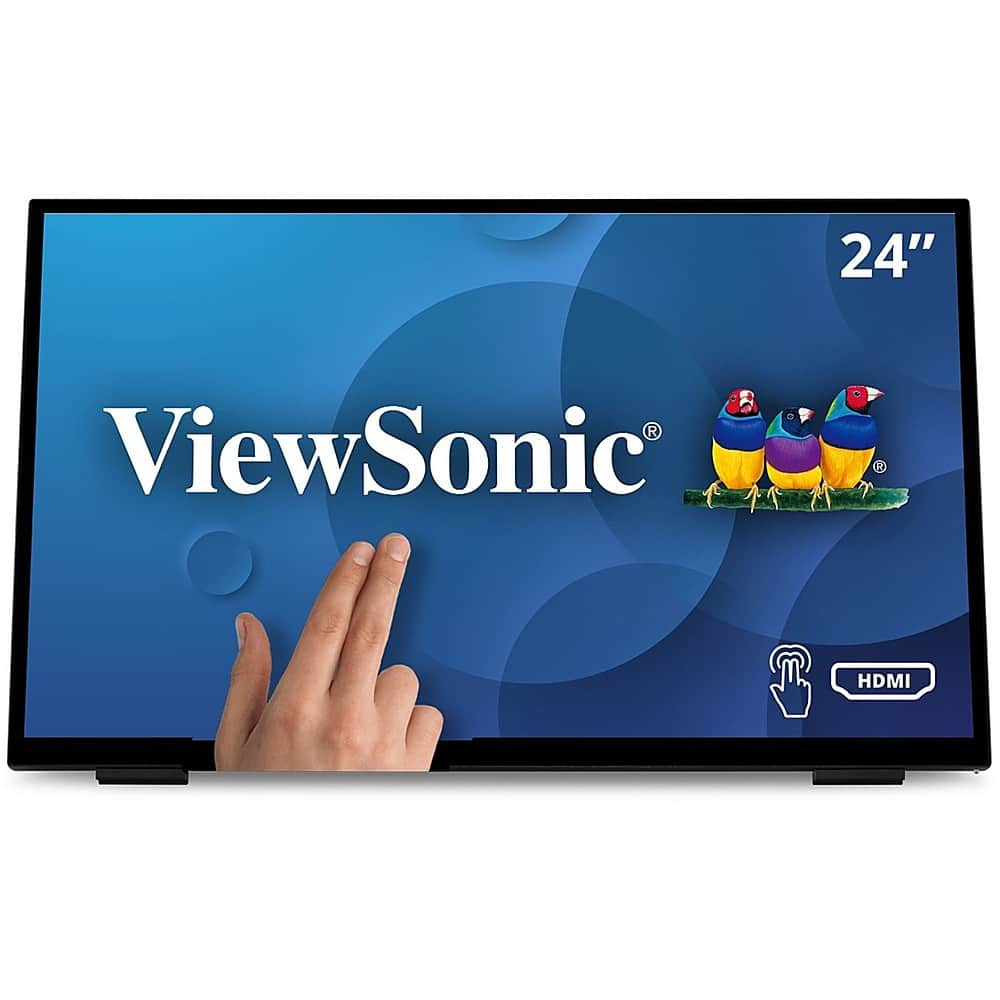
ViewSonic - TD2465 Touchscreen LCD Monitor - Black
SKU: J37H88V2QPSee all All MonitorsProduct Description
A black LED touchscreen monitor with 10-point PCAP technology, glove and wet touch support, and integrated speakers.Your price for this item is $369.99 -
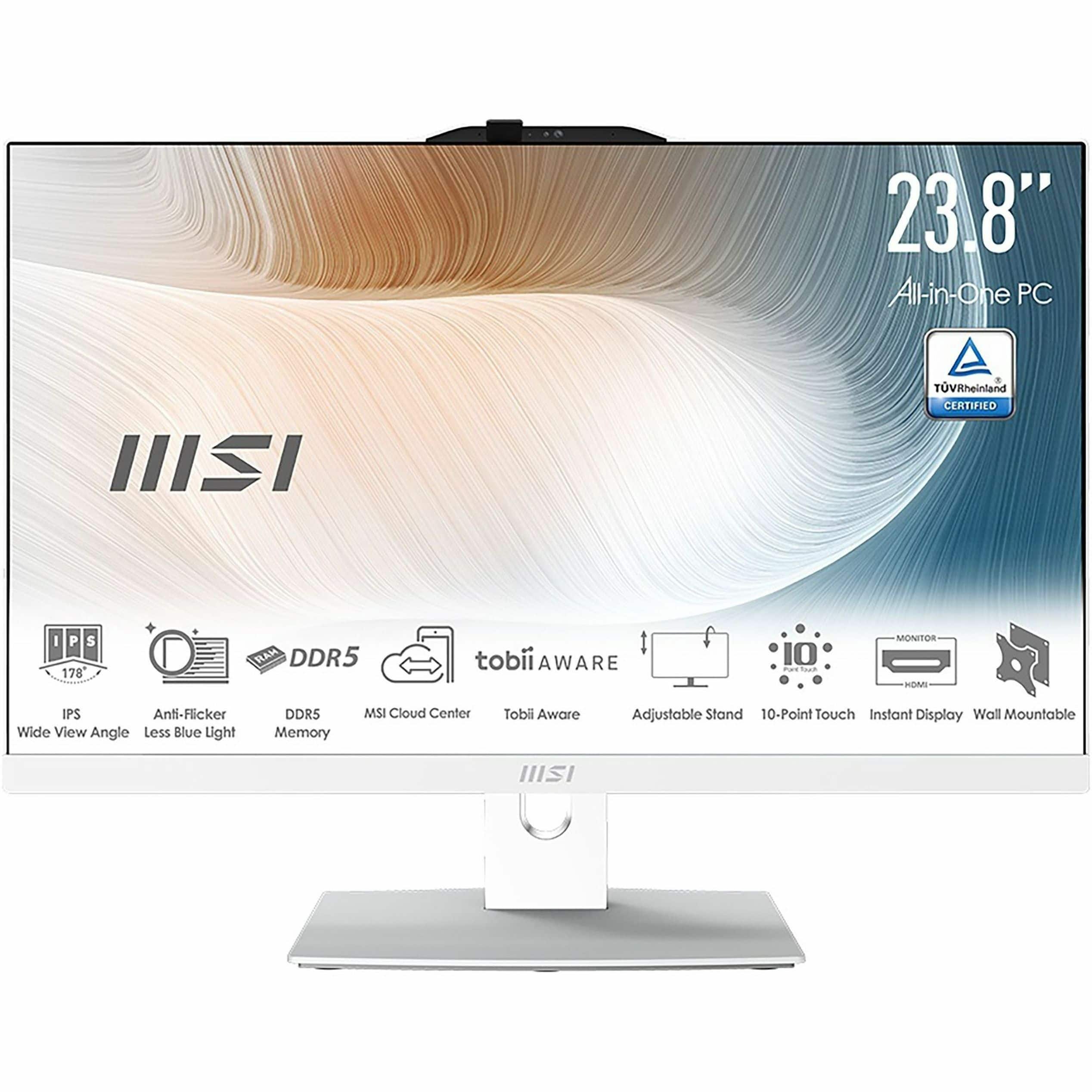
MSI - Modern AM242TP 1M 23.8" Touch-Screen All-In-One - Intel Core 7 - 32 GB Memory - 1 TB SSD - White
SKU: J3P7TXSWJ7See all Touchscreen All-in-One ComputersProduct Description
A sleek white all-in-one PC featuring a 23.8" touchscreen, Intel Core 7, 32GB RAM, and 1TB SSD.Your price for this item is $1,249.99Save $150The previous price was $1,399.99 -
Bundle - Dell - 24 P2424HT 23.8" Multi-Touch Monitor W/ Articulating Stand and Cables - Black/Silver
SKU: JX5P8QRV6TSee all All MonitorsProduct Description
A black and silver Full HD IPS touchscreen monitor with articulating stand, USB-C hub, and low-blue-light technology.Your price for this item is $449.00 -
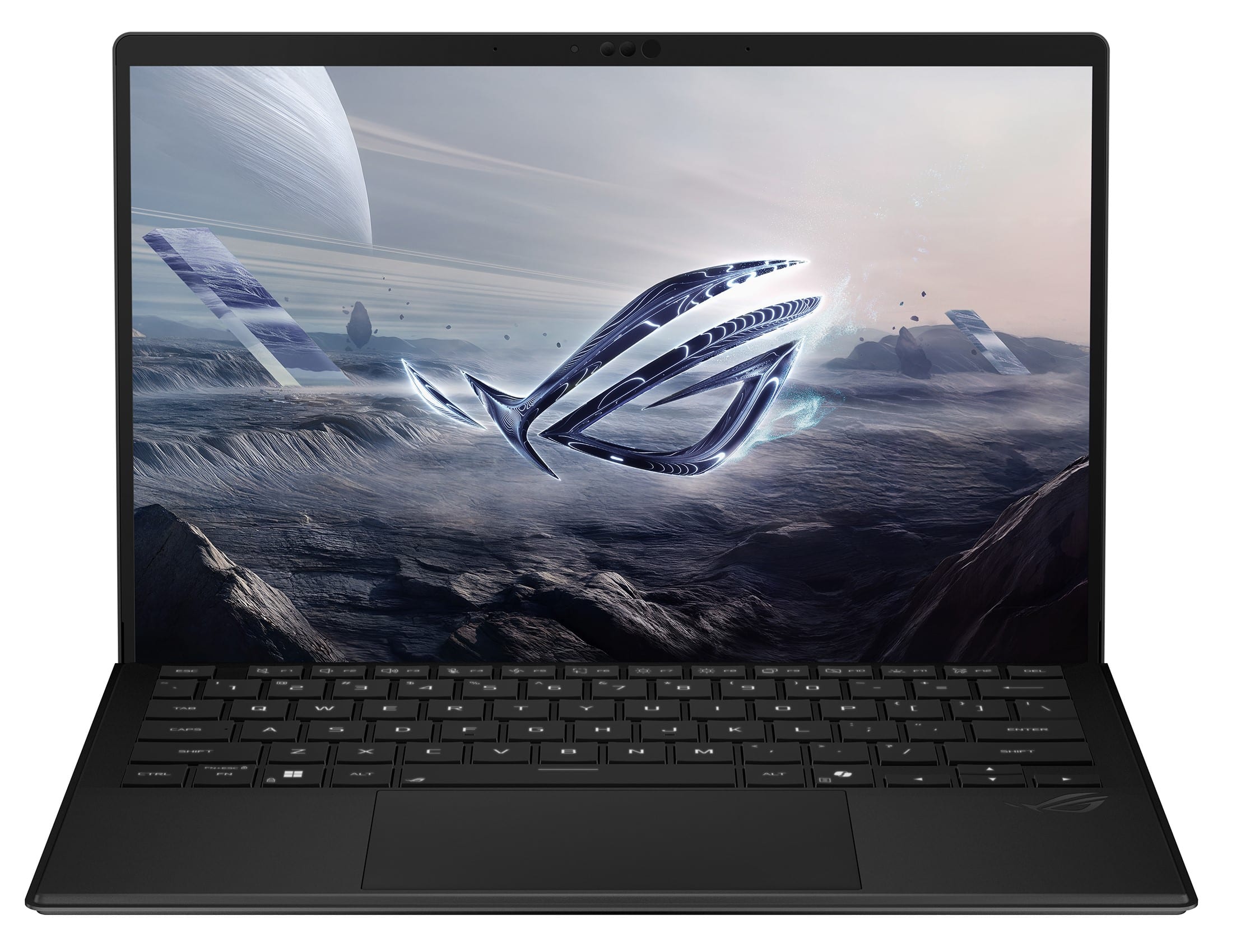
ASUS - ROG Flow Z13 13.4" 2.5K 180Hz Touch-Screen Gaming Laptop - Copilot+ PC - AMD Ryzen AI Max+ 395 - 128GB RAM - 1TB SSD - Off Black
SKU: JJGGLHC84RI love this little machine. Very Powerful, Great Battery Life, Tons of Ram....best laptop ive ever owned...Great Machine!
See all Windows LaptopsProduct Description
An ultra-portable off black 2-in-1 gaming laptop with 128GB RAM, 1TB SSD, and 2.5K touchscreen.Your price for this item is $3,299.99 -
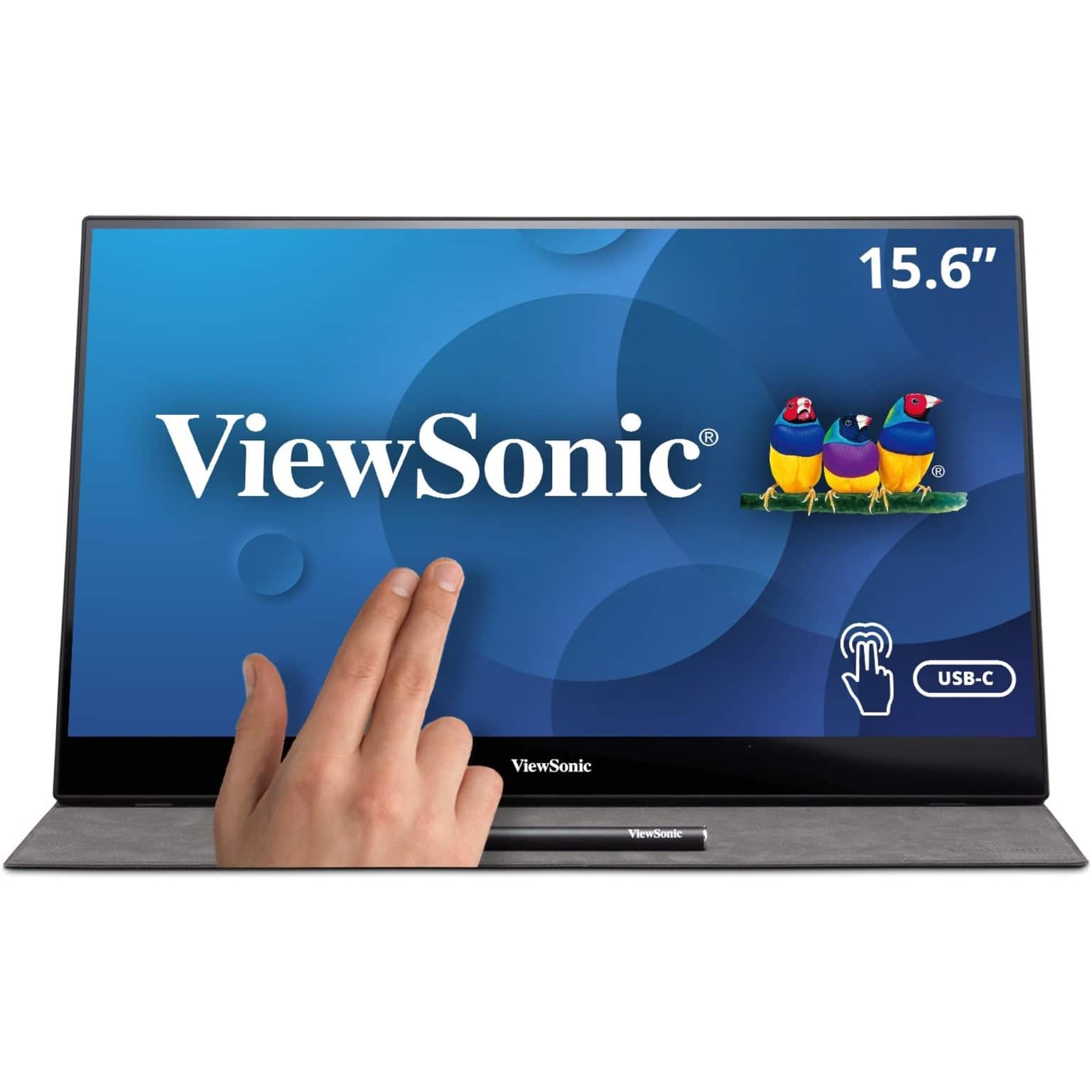
ViewSonic - TD1655 15.6" LCD FHD Touch Screen Monitor (USB-C, Mini HDMI) - Black
SKU: J37H88FSLCSee all Portable MonitorsProduct Description
A portable black IPS touchscreen monitor with FHD 1080p resolution, USB-C connectivity, and included stylus.Your price for this item is $299.99 -
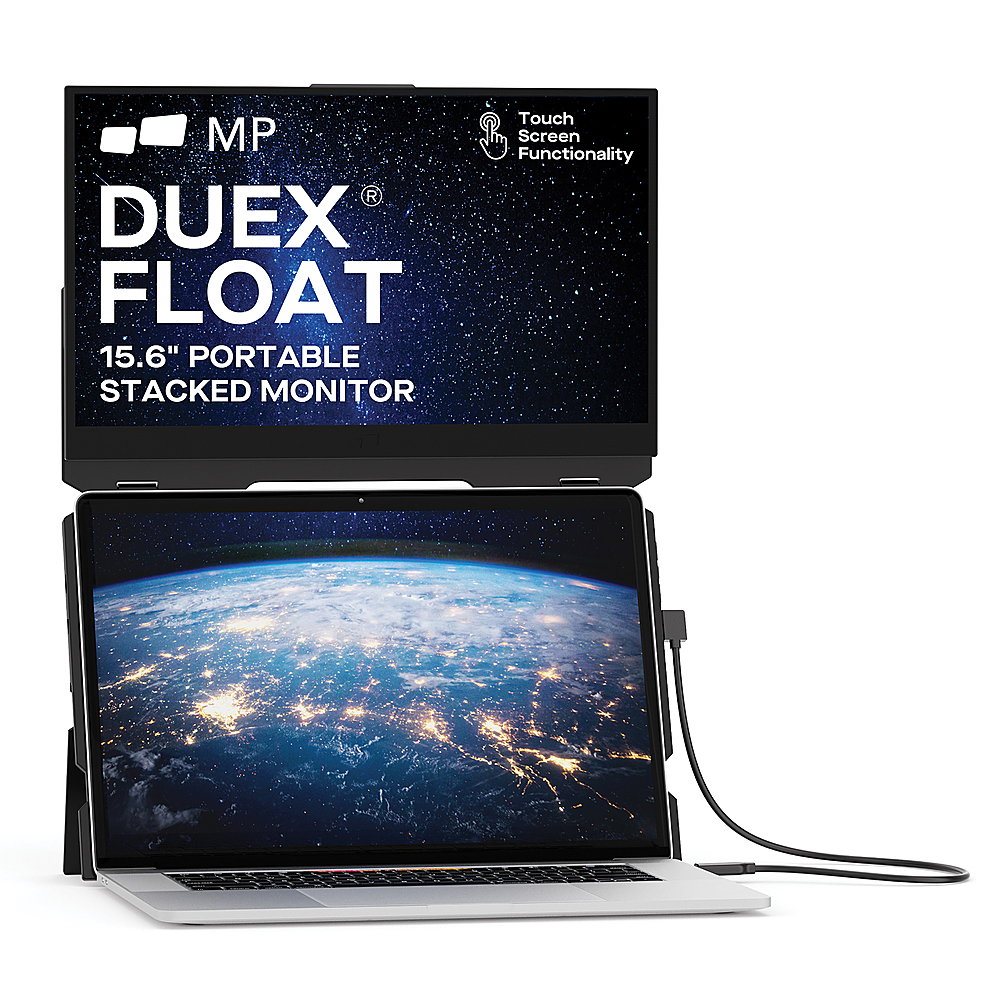
Mobile Pixels - DUEX Float 15.6" LCD Monitor - Black
SKU: J3R8Q2TQC6See all All MonitorsProduct Description
A portable black LCD touchscreen monitor with 1080p resolution, integrated speakers, and ergonomic stacked design.Your price for this item is $299.99 -
Planar - Helium PCT2785 27" Class Webcam LCD Touchscreen Monitor - 16:9 - 12 ms - 27" Viewable - Projected Capacitive - Black
SKU: J3GZRR7YR6See all All MonitorsProduct Description
A black LED touchscreen monitor with Full HD resolution, HDMI connectivity, and a built-in HD webcam.Your price for this item is $545.61
Best Sellers





Related Pages





FAQ
Yes, most Windows 8 touch-screen monitors are compatible with other operating systems like Windows 10, Windows 11, and some versions of macOS and Linux. However, touch functionality may vary depending on driver support and the specific OS.
Windows 8 touch-screen monitors commonly feature HDMI, DisplayPort, VGA, and USB connections. The USB connection is often required for touch functionality, while HDMI or DisplayPort handle video signals.
Some Windows 8 touch-screen monitors support stylus input, but compatibility depends on the model and the type of touch technology used. Check the product specifications to see if stylus support is included.
Yes, most Windows 8 touch-screen monitors support multi-touch gestures, allowing you to use features like pinch-to-zoom, swipe, and rotate, which are integrated into the Windows 8 operating system.
Setting up a Windows 8 touch-screen monitor is straightforward. Typically, you connect the monitor to your computer using the appropriate video cable and a USB cable for touch input, then install any necessary drivers if prompted.