Windows 8 Computer Monitors
-
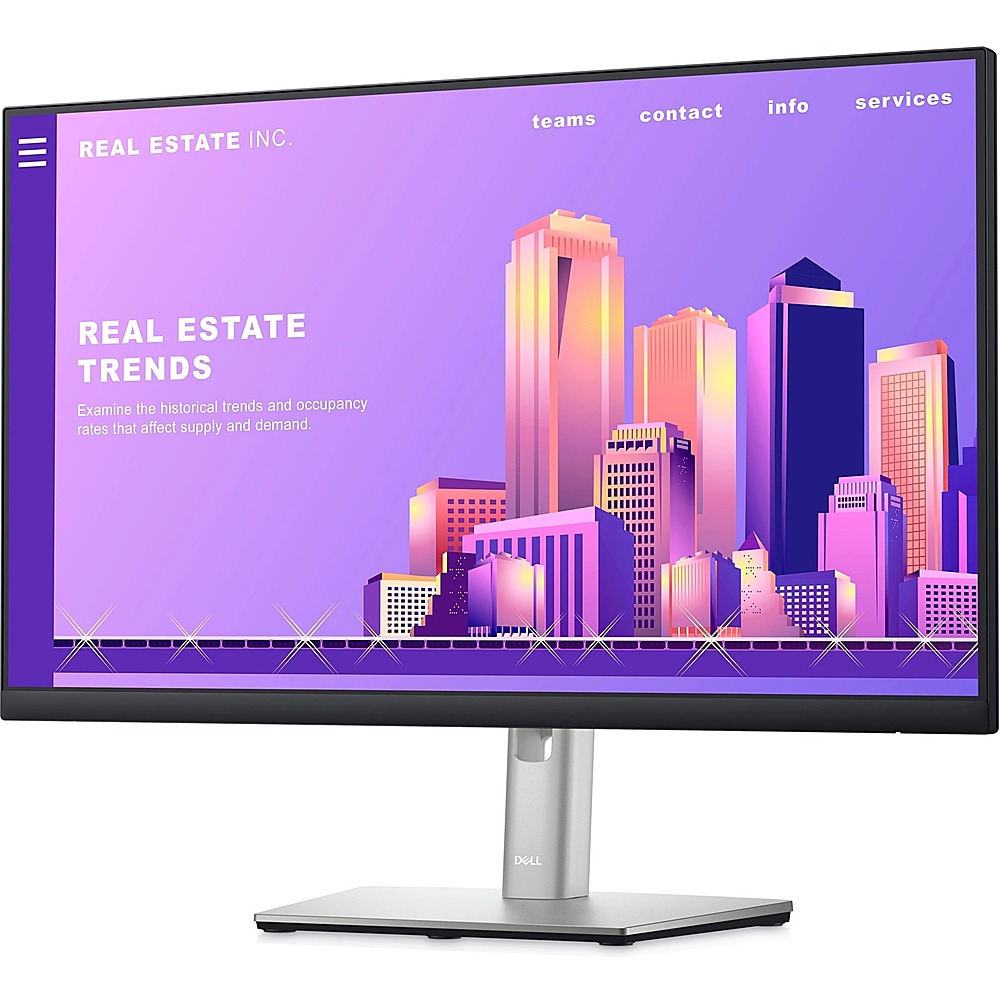
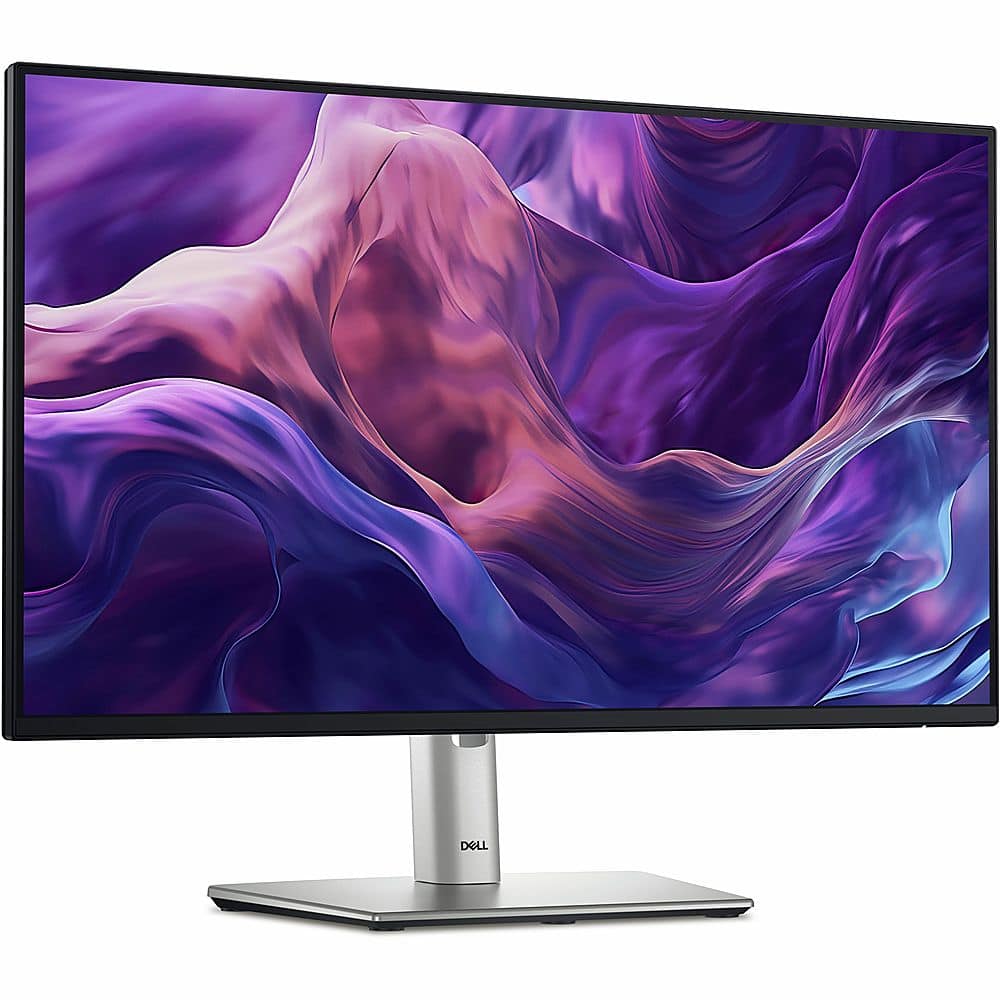
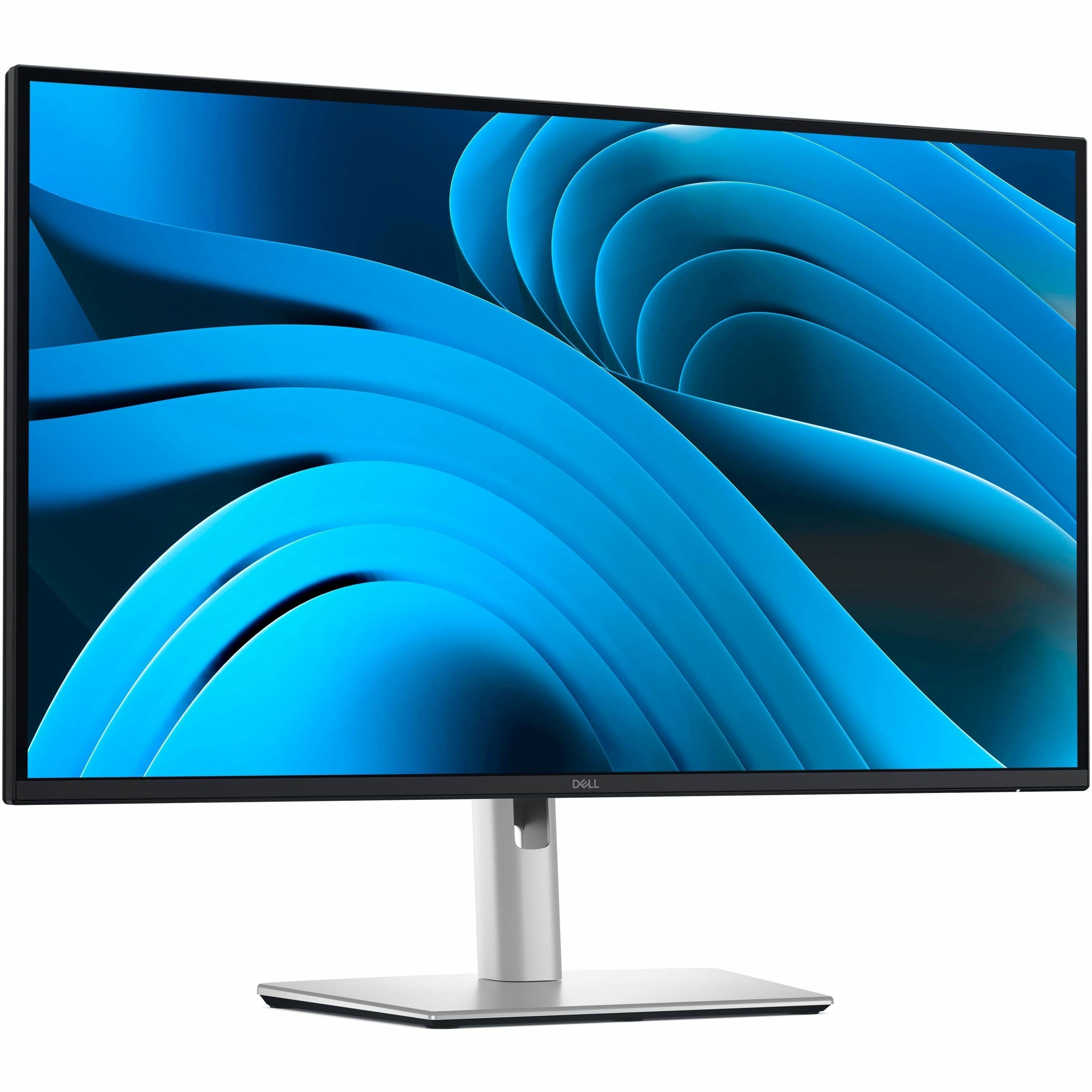
Dell - 23.8" LCD FHD Monitor (DisplayPort,USB, HDMI) - Black/Silver
SKU: J3K4L9VS4PSee all All MonitorsProduct Description
A sleek black and silver FHD monitor with IPS panel, ComfortView Plus, and adjustable stand height.Your price for this item is $219.89 -
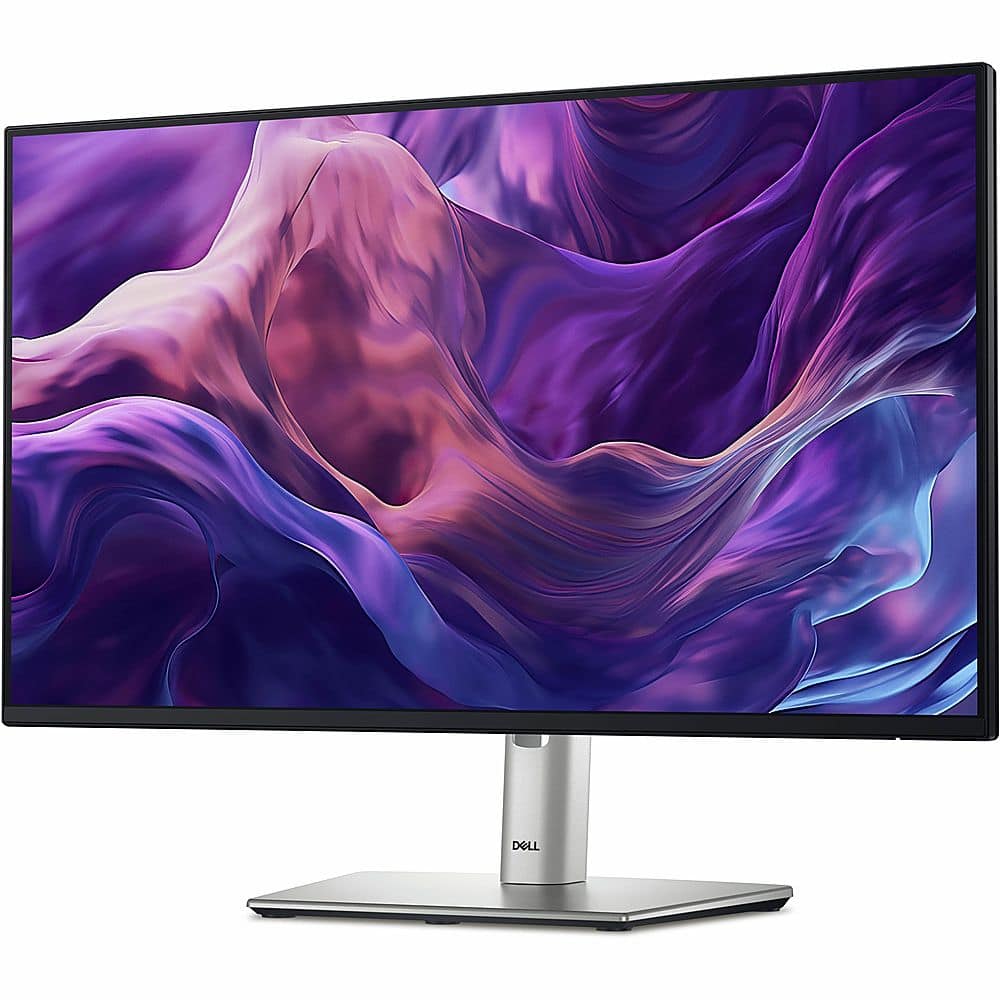
Dell - 23.8" IPS LED FHD 100Hz Monitor (VGA, USB, HDMI) - Black, Silver, Multicolor
SKU: J3K4L62V5YSee all All MonitorsProduct Description
A sleek black and silver IPS LED monitor offering FHD resolution, 100Hz refresh rate, and versatile connectivity.Your price for this item is $182.99 -
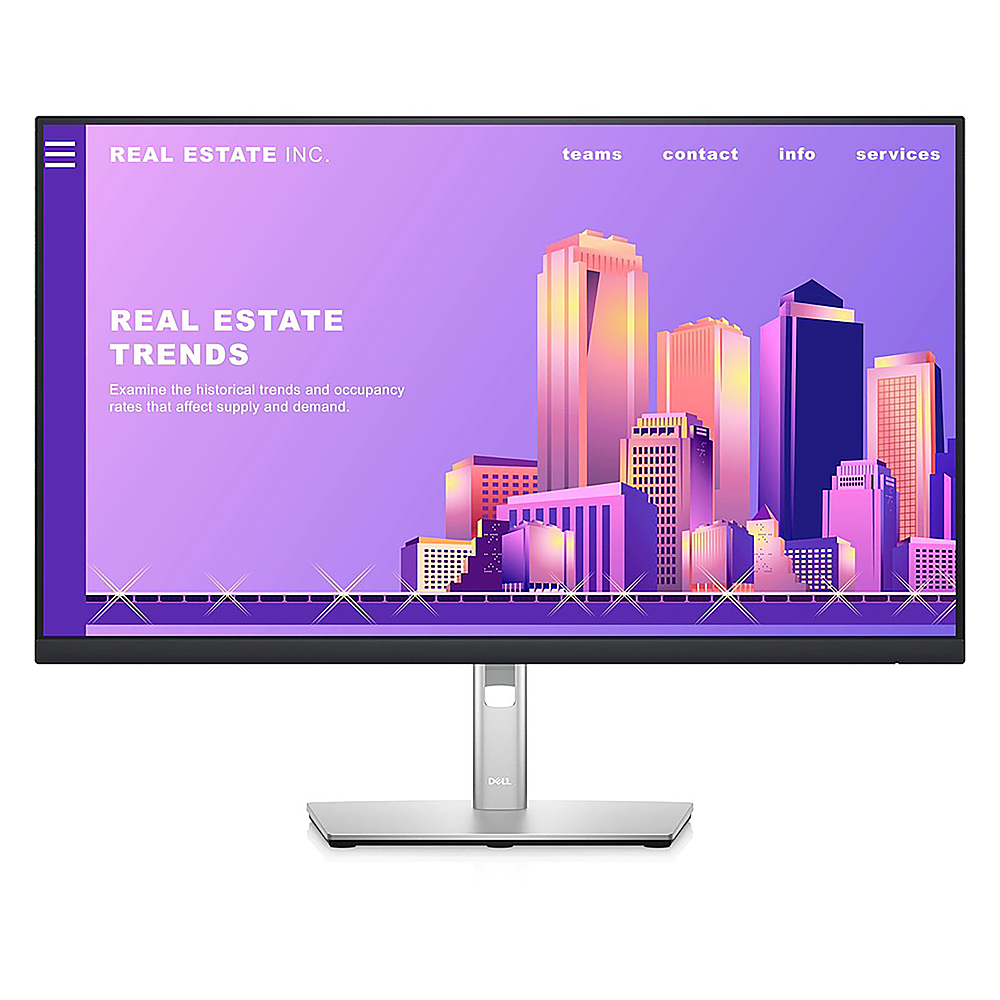
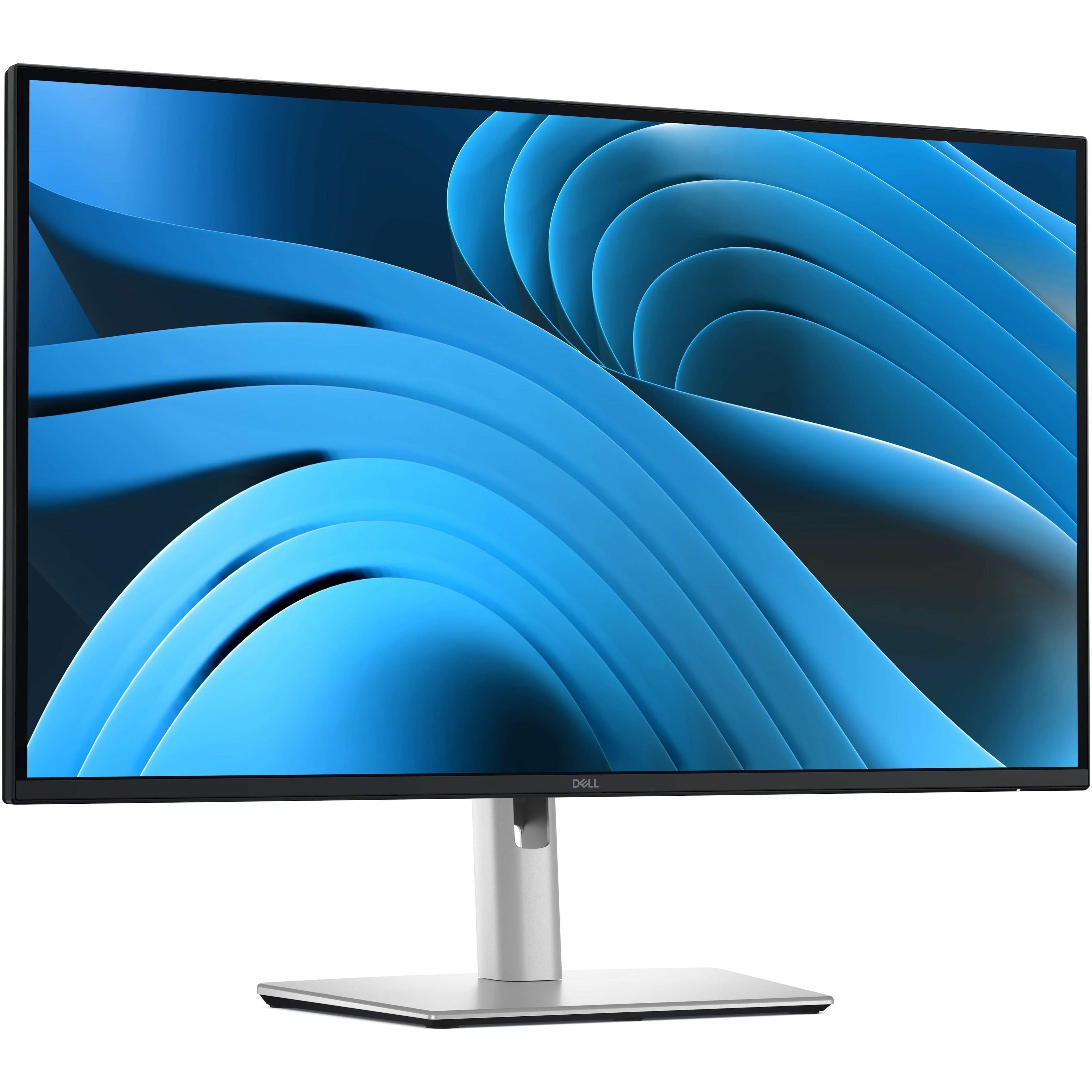
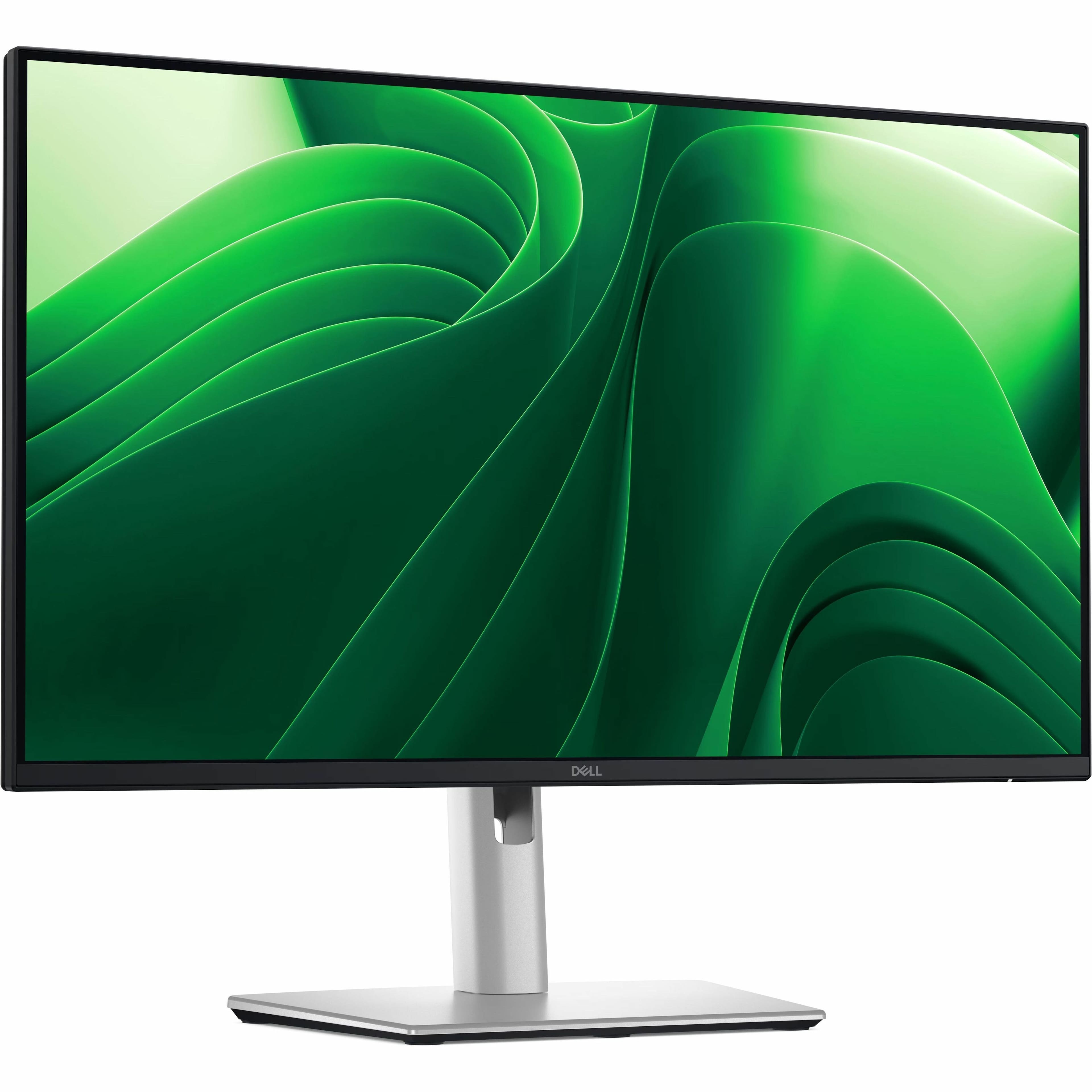
Dell - 27" LCD FHD Monitor (DisplayPort, USB, HDMI) - Black/Silver
SKU: J3K4L9VSF5See all All MonitorsProduct Description
A sleek black and silver IPS monitor with FHD resolution, ultrathin bezels, and adjustable stand height.Your price for this item is $299.00 -
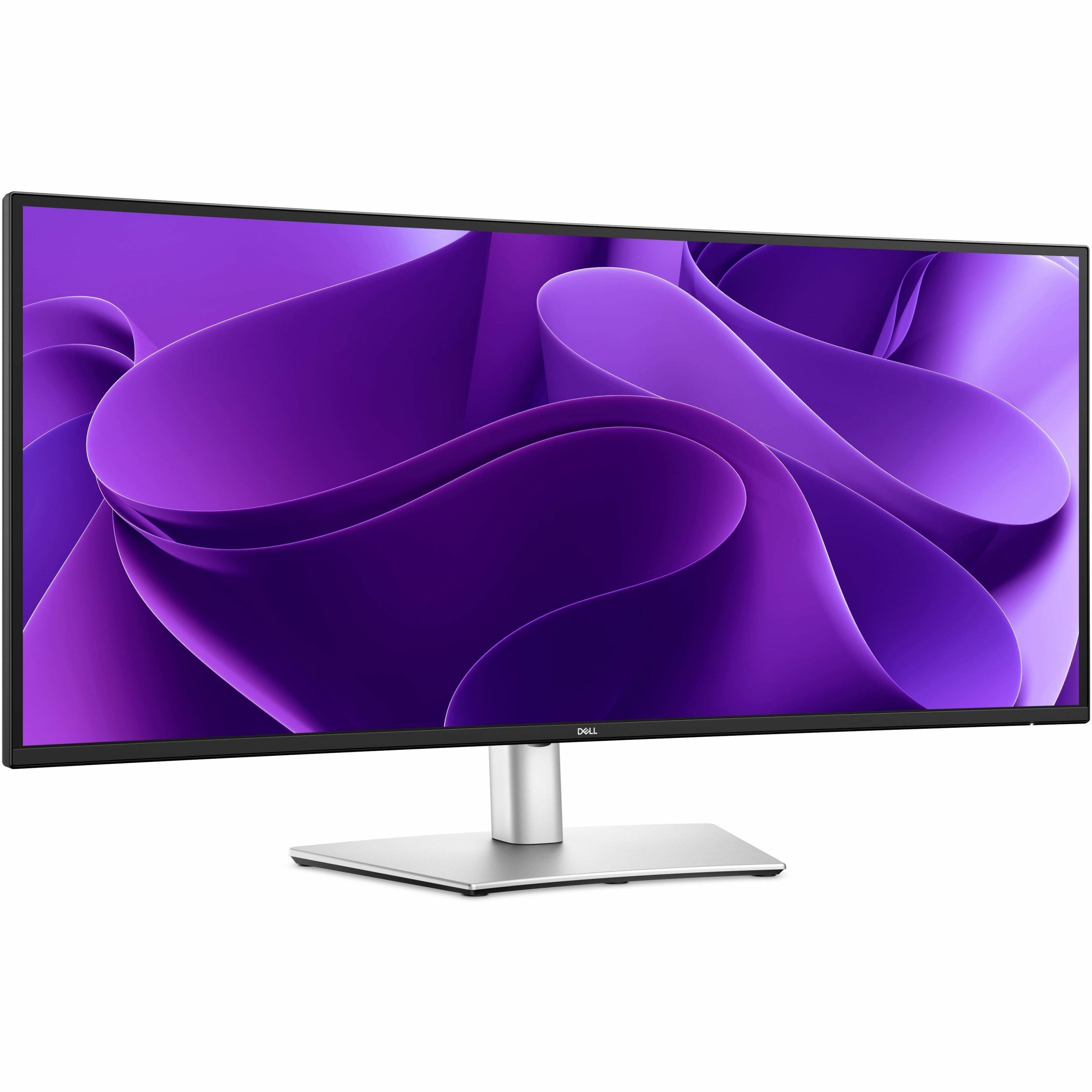
Dell - Pro Plus 34.1" IPS LED 100Hz Monitor (USB, HDMI) - Black, Silver, Dual Color
SKU: J3K4L633JFgreat product, its sharp with a clear view. just wide enough and tall enough for spreadsheets among other
See all All MonitorsProduct Description
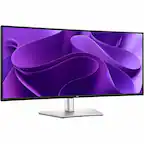
A dual-color ultrawide IPS LED monitor with 100Hz refresh rate, high resolution, and versatile connectivity options.Your price for this item is $599.99Save $70The previous price was $669.99 -
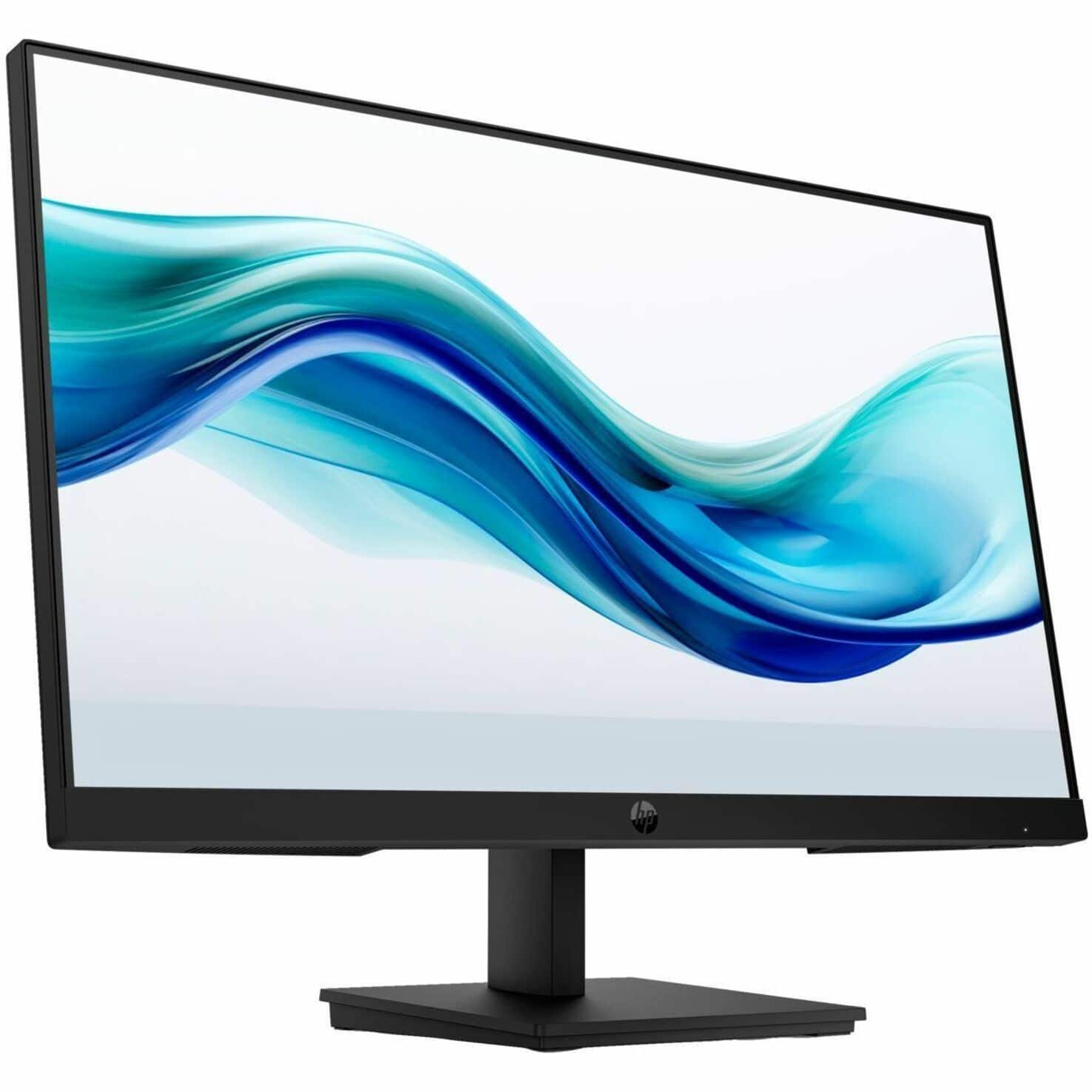
HP - 23.8" IPS LCD FHD 100Hz Monitor (VGA, HDMI) - Black
SKU: JJGS9W5W5KOverall, it's an excellent value for the price and delivers great performance for everyday productivity
See all All MonitorsProduct Description
A sleek black IPS LCD monitor with FHD resolution, 100Hz refresh rate, and low-blue light technology.Your price for this item is $95.99Save $14The previous price was $109.99 -
Dell - Pro Plus 27" IPS LED 100Hz Monitor (USB, HDMI) - Black, Silver, Dual Color
SKU: J3K4L63377See all All MonitorsProduct Description
A dual-color IPS LED monitor with 100Hz refresh rate, QHD resolution, and advanced eye comfort features.Your price for this item is $349.99 -
Dell - 23.8" IPS LED FHD 100Hz Monitor (USB, HDMI) - Black, Silver, Multicolor
SKU: J3K4L62VFRSee all All MonitorsProduct Description
A sleek black and silver IPS LED monitor with FHD resolution, 100Hz refresh rate, and USB-C hub connectivity.Your price for this item is $312.28 -
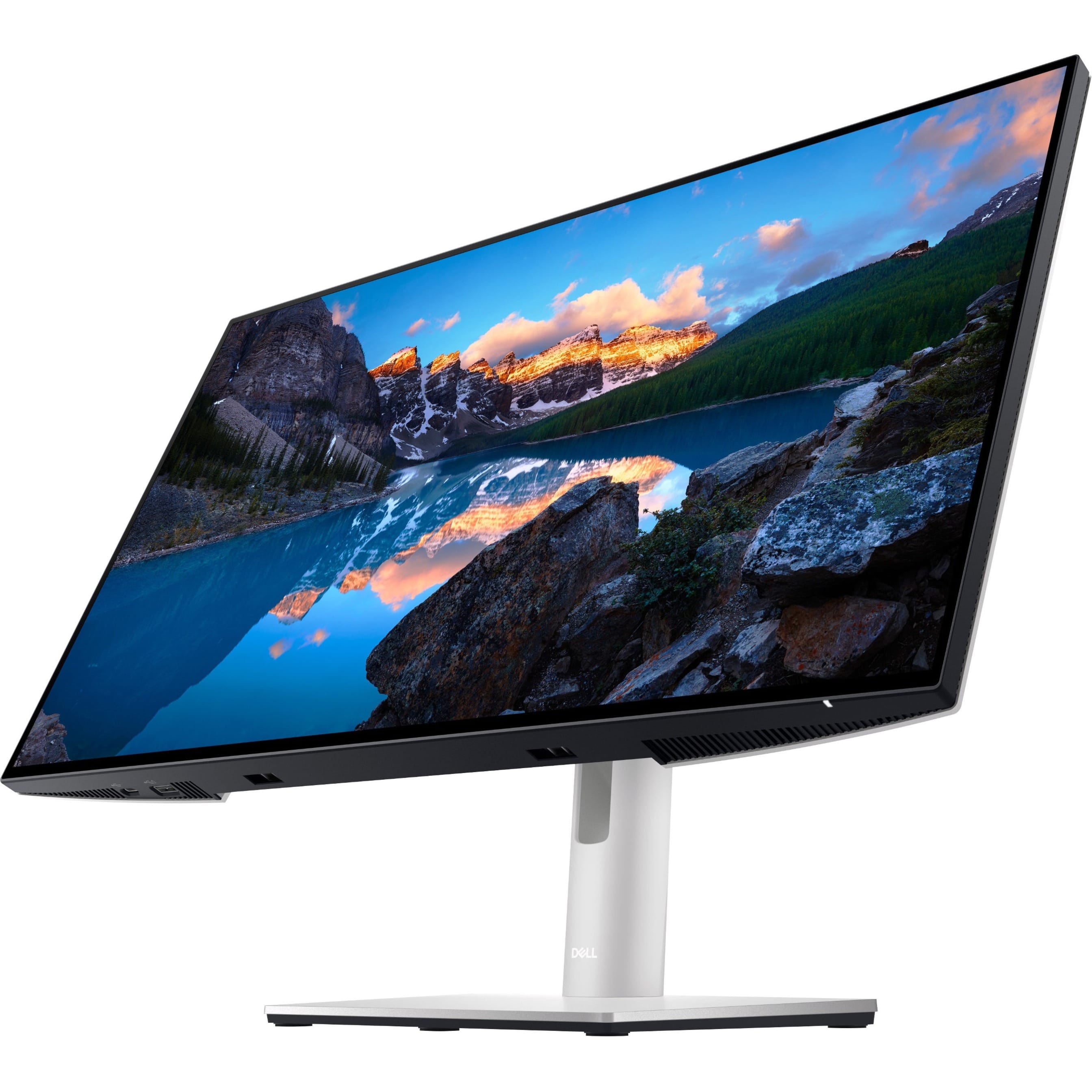
Dell - UltraSharp 23.8" LCD Monitor (DisplayPort, USB, HDMI) - Black
SKU: J3K4L9V72WSee all All MonitorsProduct Description
A black IPS LCD monitor with 1920 x 1080 resolution, 60Hz refresh rate, and adjustable stand height.Your price for this item is $399.99 -
Dell - Pro Plus 27" IPS LED 100Hz Monitor (USB, HDMI) - Black, Silver, Dual Color
SKU: J3K4L6337TSee all All MonitorsProduct Description
A dual-color IPS LED monitor with 100Hz refresh rate, QHD resolution, and enhanced eye comfort features.Your price for this item is $379.99 -
Dell - Pro Plus 23.8" IPS LED 100Hz Monitor (USB, HDMI) - Black
SKU: J3K4L63XVKSee all All MonitorsProduct Description
A black IPS LED monitor with 100Hz refresh rate, QHD resolution, and multiple USB and HDMI ports.Your price for this item is $349.99Save $138The previous price was $488.91
Best Sellers





Related Pages






FAQ
Yes, most Windows 8 computer monitors use standard HDMI, DisplayPort, DVI, or VGA connections, making them compatible with a wide range of operating systems, including Windows 10, Windows 11, macOS, and various Linux distributions.
Most modern monitors are plug-and-play with Windows 8 and do not require special drivers. However, some advanced features like color calibration or USB hubs may benefit from installing the manufacturer's drivers or software.
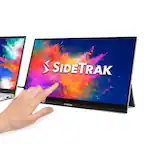
Yes, Windows 8 was designed with touch functionality in mind. Touch screen monitors compatible with Windows 8 will allow you to take full advantage of the operating system’s touch features, such as swipe gestures and on-screen keyboards.
Windows 8 compatible monitors typically offer a range of connectivity options, including HDMI, DisplayPort, DVI, and VGA. Some models may also include USB ports, audio outputs, and built-in speakers for added convenience.
Yes, Windows 8 supports multi-monitor setups. You can connect two or more monitors to your computer, extend your desktop, or mirror your display, depending on your needs and your computer’s graphics capabilities.