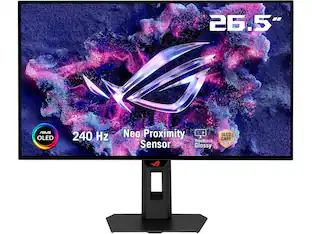
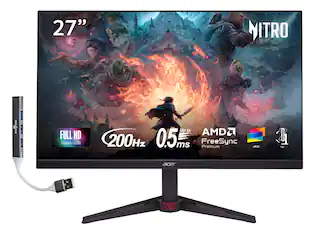
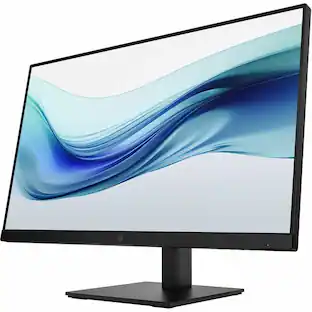
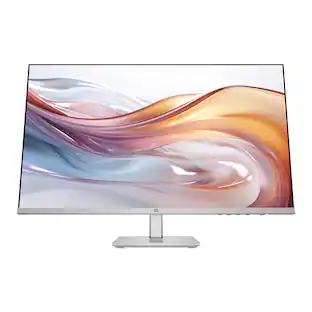
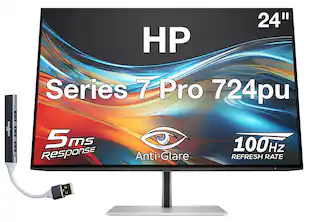
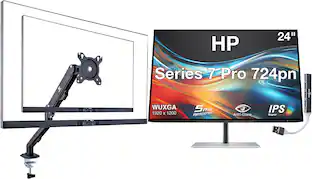
HP - 724pn 24" Class WUXGA LCD Monitor - 16:10 - 24" Viewable - In-plane Switching (IPS) Technology - 1920 x 1200 - 16.7 - Black
About this product
HP 724pn 24" Class WUXGA LCD Monitor - 16:10 - 24" Viewable - In-plane Switching (IPS) Technology - 1920 x 1200 - 16.7 Million Colors - 350 Nit - 5 ms - 100 Hz Refresh Rate - Swivel, Height, Pivot, Tilt - HDMI - DisplayPort - USB Hub
Screen Size
15.6"Highlights
Visually impactful
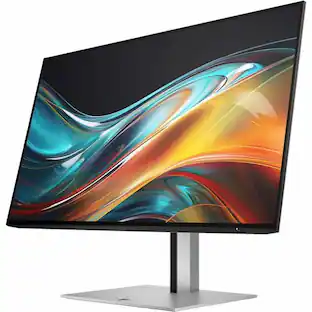
Capture your vision better than you ever imagined with the HP Series 7 Pro 24" WUXGA Monitor. Do more with the 16:10 aspect ratio and WUXGA resolution that displays more of your work at once. And, trust what you see on screen with superb color accuracy right out of the box, a smooth refresh rate, and enhanced color contrast. Do it all with the ultrathin 4-sided micro-edge frame and builtin ergonomics.
Discover what you can do with more
See your work take on a whole new dimension on a large, smooth screen with vibrant, accurate colors right out of the box. See every detail pop thanks to the deeper shadows and brighter highlights of 1500:1 contrast ratio. Enjoy 99% sRBG and 85% Display P3 color gamuts with factory color calibration for remarkable, real-life color accuracy that stays consistent from screen to screen. This 16:10 screen with WUXGA resolution gives you 11%
Minimalist design, maximalist function
This beautifully crafted, premium design heightens your work life and highlights your desk space thanks to its razor-thin profile and streamlined connectivity. Enjoy the sleek, 4-sided micro-edge frame and an elegant, ultra-thin design that looks great on any desk. Plus, maximize your productivity by doubling your screens with seamless daisy-chaining.
Comfort at every turn. Swivel. And tilt.
Stay fresh and comfortable with the monitor that helps you get more done throughout your day. Make screentime comfortable with 100 Hz refresh rates for responsive, seamless scrolling and smooth video playback, while you enhance your focus with built-in HP Eye Ease that reduces blue light output while keeping color accuracy true-to-life. Customize your comfort with four-way ergonomic adjustability-complete with a 150 mm height-adjust
Featuring | 16:10 WUXGA Resolution
Get 11% more screen with WUXGA (1920x1200) resolution and 16:10 aspect ratio.
- Refresh Rate144HzMaximum Resolution1920 x 1080Panel TypeIPSSynchronization TechnologyNot ApplicableScreen Size15.6 inches
Reviews
This product doesn't have any reviews yet.


Compare similar products

HP 724pn 24" Class WUXGA LCD Monitor - 16:10 - 24" Viewable - In-plane Switching (IPS) Technology - 1920 x 1200 - 16.7 Million Colors - 350 Nit - 5 ms - 100 Hz Refresh Rate - Swivel, Height, Pivot, Tilt - HDMI - DisplayPort - USB Hub
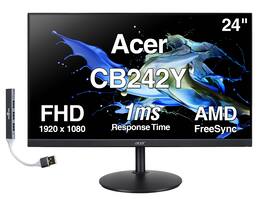
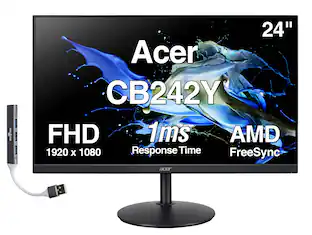
The Acer CB242Y 24″ monitor features a 24-inch flat IPS display with a 16:9 aspect ratio, 1920×1080 Full HD resolution, 1ms (GTG) response time, 75Hz refresh rate, and AMD FreeSync support for smoother visuals. It offers a 1000:1 contrast ratio, 250 nits brightness, 0.275 mm pixel pitch, and supports 16.7 million colors with 99% sRGB coverage, delivering wide 178° horizontal and vertical viewing angles and an anti-glare screen surface. The monitor comes in black, includes built-in speakers, and supports VESA 100×100 mm mounting along with tilt adjustment for ergonomic use. Connectivity options include 1× HDMI, 1× VGA, 1× DisplayPort, and an audio jack. It measures 21.3 × 9.2 × 19.6 inches and weighs 9.45 lb with the stand. Additionally, the package includes a Dockztorm USB Hub (special edition portable data hub) offering high-speed data transfer rates of up to 5Gbps.
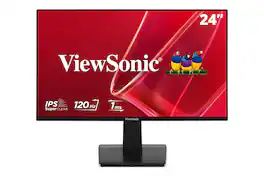
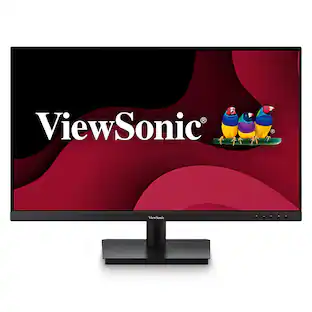
With flexible connectivity, wide-angle viewing, and amazing screen performance, the ViewSonic® VA2448-MH delivers solid multimedia features and a sleek design at a great value. Featuring frameless IPS panel technology, the VA2448-MH delivers stunning brightness and contrast. A minimalistic design, edge-to-edge screen, and frameless bezel make this an ideal monitor for nearly seamless multi-screen setups. Whether for working at the office, or enjoying entertainment at home, the VA2448-MH features an HDMI port and an included HDMI cable for flexible connectivity to PCs, laptops and gaming consoles. A three-year limited warranty, along with one of the industry’s best pixel performance policies, makes the VA2448-MH a great overall value choice.

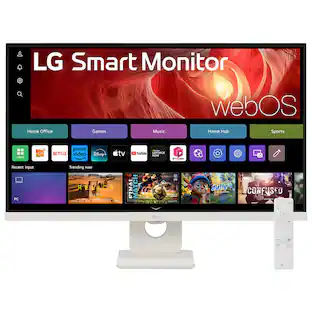
Smart Display. Serious Performance. Seamless Entertainment. Upgrade your desktop with the 27-inch LG UHD 4K Smart Monitor. The UHD (3840 x 2160) IPS display with up to 90% DCI-P3 color coverage and HDR support brings sharp detail and brilliant color to everything from spreadsheets to content streaming, video calls and cloud gaming. With built-in webOS24 and a dedicated remote, you get easy, instant access to your favorite streaming platforms like Netflix, Prime Video, Disney+, and more—plus 300+ free LG Channels. Game directly in the cloud with NVIDIA GeForce NOW, Amazon Luna, or Blacknut¹—no console or PC required. Need to get stuff done? The Switch app makes multitasking easy. Divide the screen into up to six sections, customize layouts, or launch video calls with a hotkey—all while switching effortlessly between your PC and the built-in smart features². Built-in stereo speakers deliver bold, immersive sound. The ergonomic stand tilt adjusts to your ideal viewing angle, while USB Type-C with 65W power delivery, two HDMI ports, and two USB inputs make it easy to connect everything you need. Whether you're working, creating, or kicking back—this monitor does it all.
| Pros for HP - 724pn 24" Class WUXGA LCD Monitor - 16:10 - 24" Viewable - In-plane Switching (IPS) Technology - 1920 x 1200 - 16.7 - Black | |||
|---|---|---|---|
| There were no pros for this product— | There were no pros for this product— | There were no pros for this product— | Overall Performance, Design, Refresh Rate, Size |
| Cons for HP - 724pn 24" Class WUXGA LCD Monitor - 16:10 - 24" Viewable - In-plane Switching (IPS) Technology - 1920 x 1200 - 16.7 - Black | |||
| There were no cons for this product— | There were no cons for this product— | There were no cons for this product— | Connectivity |
Specs
Be the first to ask a question.
We’ll try to get your question answered within 24 hours by a Best Buy customer or brand representative.
Customers often buy these together
Monitor and Video Cables

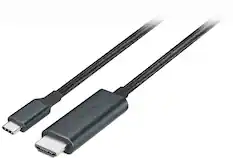

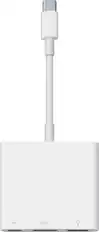
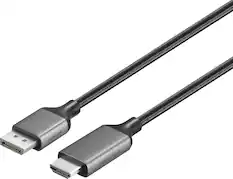
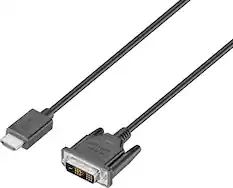
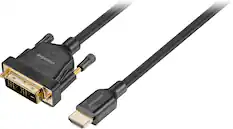
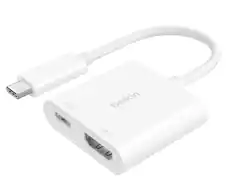
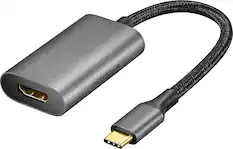
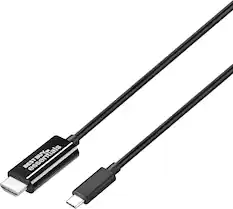
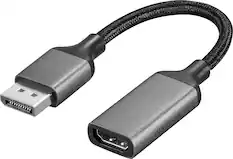
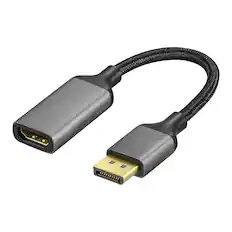
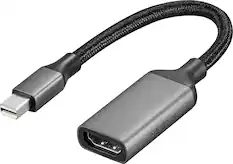
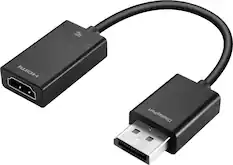
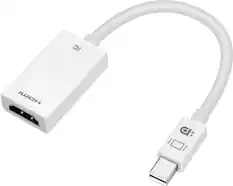
Cables and Adapters
More to consider
 $69.99The price was $159.99
 $124.99The price was $139.99
Explore tech essentials Sponsored
 $199.99The price was $299.99
 Top Deal$79.99The price was $119.99


Keep exploring
 $824.99The price was $979.32
 $899.00The price was $934.64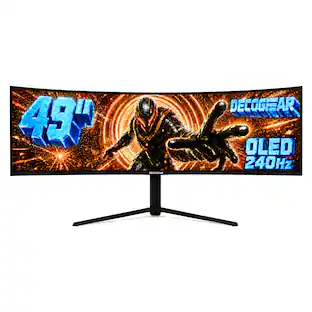
Deco Gear - 49" QD-OLED 240Hz Curved Super Ultrawide Gaming Monitor 5K DQHD 0.03 ms HDR400 90W USB-C
$759.99The price was $1,539.99 $1,499.99The price was $2,101.91