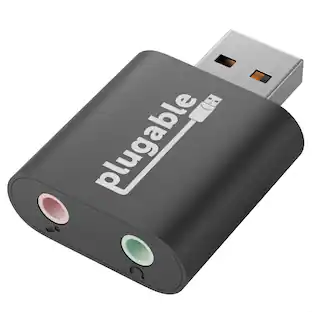
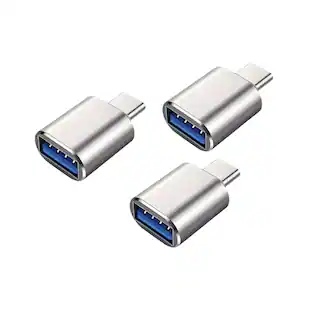
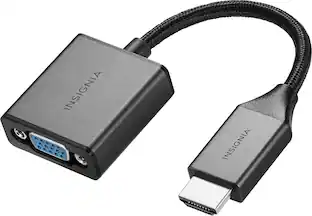
Insignia™ - VGA to HDMI Adapter - White
Customers are saying
Customers are enthusiastic about the VGA to HDMI Adapter, highlighting its ease of use, overall performance, and compatibility. Many find it works as expected and offers great quality for the price. However, a few customers reported issues with resolution support.
Features
VGA to HDMI
Mirror or extend your computer’s display by connecting from your computer’s VGA port to an HDMI-enabled device.
System requirements
HDMI connection works with TVs, projectors, display monitors and more.
Integrated audio
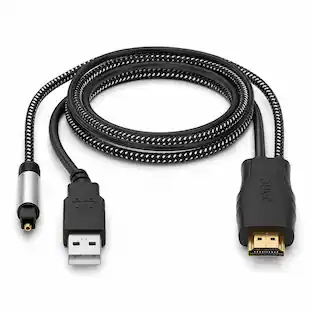
Connect the attached USB cable to send audio and video from your computer to the display.
High-quality video
Provides high-quality resolution up to 1920 × 1080 at 60 Hz.
No-hassle setup
Plug-and-play design requires no additional software.
Brought to you by Best Buy
Insignia brings you affordable, dependable products with all the features you need.
Specifications
- Connector Type (End 1)VGAGender (End 1)MaleConnector Type (End 2)HDMI Type AGender (End 2)MaleJacket MaterialPVC
Reviews
Rating 4.4 out of 5 stars with 815 reviews
- Overall Performance (158)
- Ease of use (150)
- Compatibility (88)
- HDMI (39)
- Price (27)
- Resolution (5)
Customer Images
The vast majority of our reviews come from verified purchases. Reviews from customers may include My Best Buy members, employees, and Tech Insider Network members (as tagged). Select reviewers may receive discounted products, promotional considerations or entries into drawings for honest, helpful reviews.
Compare similar products

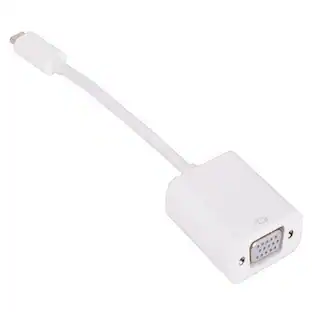
The Insignia VGA to HDMI Adapter mirrors the display from a VGA computer or laptop to any HDMI-enabled monitor, TV, Projector. Or extend your existing display to a second monitor, making it easier to organize programs and windows for day-to-day use at work or while browsing. This adapter supports resolutions up to 1920 × 1080 at 60 Hz for high-quality video, and an attached USB cable lets you hook up your audio and enables video output. Its hassle-free setup requires no additional software. This product can’t support HDMI to VGA output. To enable the adaptor correct setting up, the VGA port need to be connected your PC or laptop, a HDMI cable (not included) is required to connect the monitor, TV, projector, and the USB cable need to be connected with USB port of computer.

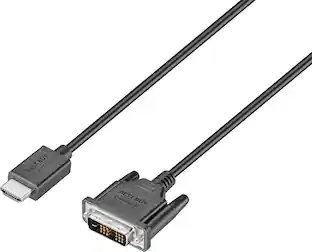
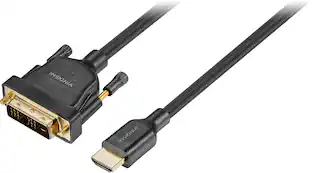
The Best Buy essentials 6’ HDMI-to-DVI-D Monitor Cable mirrors or extends your computer’s desktop. Simply connect the cable from your computer’s single-link DVI-I or DVI-D port to a HDMI-enabled display. Compatible with monitors, TVs, projectors and more, resolutions from your computer’s single-link DVI-I or DVI-D port up to 1920 × 1200 grant you optimal high-quality images that leave everyone impressed. Nickle-plated connectors with PVC molding make this cable corrosion resistant and give it long-lasting use. Providing flexible placement options, a 6 ft. cable gives you the ideal length to reach your devices. And the cable is backed by Best Buy, so you can have confidence in your computer’s setup.
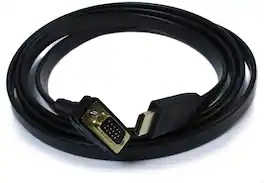
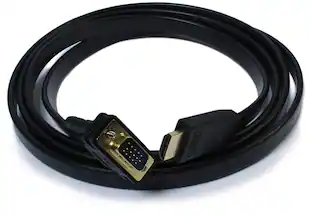
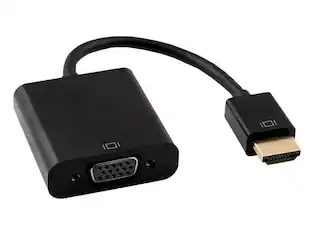
The Plugable Active HDMI to VGA cable provides a much needed link to the past. Do you find yourself with older monitors and projectors that only have a VGA input, but your fancy new computer is missing a VGA output? This cable can solve the problem without needing a large adapter or converter. Provides a simple solution for connecting your older monitors to newer computers. Compatibility Please note the Plugable active HDMI to VGA adapter cable is not a bi-directional adapter, you can only connect an HDMI output to a VGA input. VGA does not support audio transmission; only the HDMI video signal will be converted. The maximum supported resolution of the cable is 1920 x 1080 (60Hz). Does not support playback of HDCP-protected content such as Blu-ray discs. The Plugable HDMI to VGA adapter requires a powered HDMI port, as well as a display device that outputs valid EDID configuration data. Cable utilizes the CH7101A chipset. Some devices do not provide enough power over the HDMI port to support this HDMI to VGA cable. Not recommended for use with the Raspberry Pi, Apple TV, Roku1/2/3, Blu-ray players, or Playstation 3/4. Please see additional compatibility information at http://plugable.com/products/hdmi-vga Apple Compatibility Different Mac models vary substantially in the amount of power supplied to the HDMI port. The MacBook Pro 13" (mid-2014) and Mac Mini (mid-2011) have been tested and confirmed working. Use with other Mac models is not recommended. In the Box HDMI to VGA cable

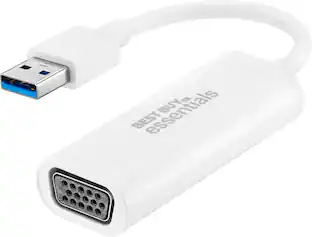
This Best Buy essentials USB to VGA Adapter can help you mirror or extend your display, granting you a setup that shows videos, presentations, games and more on a better screen. It supports Full HD resolution to mirror the display from a computer without losing image quality. Plug-and-play technology on Windows computers makes the connection simple. Just connect to a VGA-enabled monitor and you’ll be ready to work or play. This adapter is also USB 2.0 backwards compatible, giving you the option to use it with an older computer. And it’s backed by Best Buy, so you can trust it to upgrade your computer setup.
| Pros for Insignia™ - VGA to HDMI Adapter - White | |||
|---|---|---|---|
| Overall Performance, Ease of use, Compatibility, HDMI, Price | Overall Performance, Compatibility, HDMI, Price, Ease of use | There were no pros for this product— | Ease of use, Compatibility, Price, Performance, Picture Quality |
| Cons for Insignia™ - VGA to HDMI Adapter - White | |||
| Resolution | Resolution, Lag | There were no cons for this product— | There were no cons for this product— |
Specs
Questions & Answers
this porudct does not provide same resulation as hdmi why?
Answered by InsigniaCustomerSupportThis adapter supports resolutions up to 1920 × 1080 at 60 Hz for high-quality video.
How good is the sound quality? I'm looking to hook up my PC with a jukebox program to my TV with the sound going back to a receiver.
Answered by InsigniaCustomerSupportHi Glenn! The Insignia™ VGA to HDMI Adapter (NS-PCAVH) includes an attached USB cable that allows it to transmit audio along with video12. This means you can connect your PC to your TV and send the sound back to your receiver through the HDMI connection. The adapter supports resolutions up to 1920 × 1080 at 60 Hz, ensuring good video quality as well. However, keep in mind that the sound quality will also depend on the capabilities of your receiver and the quality of your audio files. If you have high-quality audio files and a good receiver, you should get satisfactory sound quality for your jukebox program. Jeth | Insignia Support. https://www.bestbuy.com/site/insignia-vga-to-hdmi-adapter-white/6418344.p?skuId=6418344

Would I be able to hook this up to a graphics card to a computer monitor or the tower to play games???
Answered by InsigniaCustomerSupportIf your computer/graphics card has a VGA port and your monitor has an HDMI input, this adapter should work.
Can I use this adapter to connect my computer to a projector?
Yes, the HDMI connection on this adapter works with TVs, projectors, display monitors, and more.
This question and answer was generated by AI based on customer and product data.How does this adapter handle audio output?
You can connect the attached USB cable to send audio and video from your computer to the display.
This question and answer was generated by AI based on customer and product data.

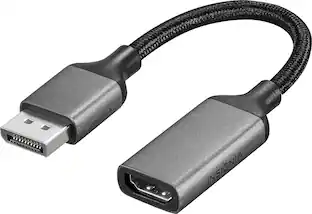
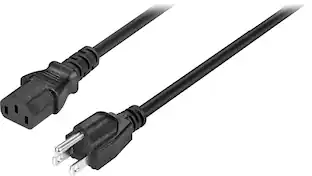
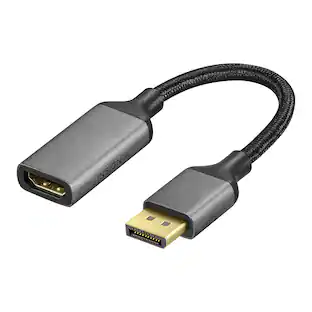
Customers often buy these together
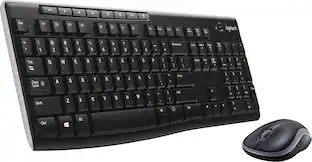 $26.99The price was $29.99

More to consider
Explore tech essentials Sponsored
 Techtober Deal$44.99The price was $49.99
 Techtober Deal$49.99The price was $59.99
 Techtober Deal$29.99The price was $36.99

Discover related products










Keep exploring
 $10.99The price was $12.99