Insignia™ - USB-C to HDMI Adapter - Black
Customers are saying
Customers are impressed with the USB-C to HDMI Adapter's ease of use, compatibility, and quality. Many appreciate the HDMI adapter for solving connectivity issues, while others find its size ideal. However, some customers wish it had more ports and found the cable length to be rather short.
Features
USB-C to HDMI conversion
Extends or mirrors most USB-C devices (with DP Alt Mode) to an HDMI-enabled display for a better viewing experience.
Up to 4K resolution at 60 Hz
Supports resolutions up to 3840 × 2160 for true-to-life images.
Plug-and-play technology
Requires no additional software for an effortless connection.
System requirements
Works with Windows 10 (32 bit & 64 bit), macOS 10.2 through 11.4, and Chrome OS 67 through 90.
Compact design
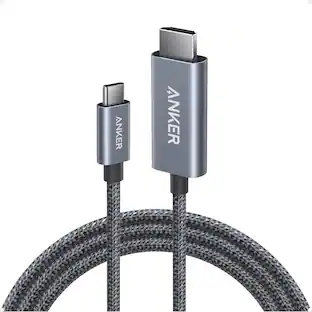
Short, braided cable provides flexible connection options.
Brought to you by Best Buy
Insignia brings you affordable, dependable products with all the features you need.
Specifications
- Cable Length0.32 feetConnector Type (End 1)USB-CGender (End 1)MaleConnector Type (End 2)HDMI Type AGender (End 2)Female
Reviews
Rating 4.7 out of 5 stars with 1145 reviews
- Ease of use (229)
- Compatibility (146)
- Quality (135)
- HDMI (112)
- Connectivity (42)
- Ports (5)
- Cable Length (4)
Customer Images
The vast majority of our reviews come from verified purchases. Reviews from customers may include My Best Buy members, employees, and Tech Insider Network members (as tagged). Select reviewers may receive discounted products, promotional considerations or entries into drawings for honest, helpful reviews.
Compare similar products

This USB-C to HDMI adapter converts a USB-C output (with DP alt mode) to an HDMI input, letting you connect your computer to an HDMI-enabled TV, monitor or projector. Resolutions up to 4K Ultra HD deliver outstanding presentations or movie showings with crystal clear video quality. Plus, the compact design makes it easy to carry.

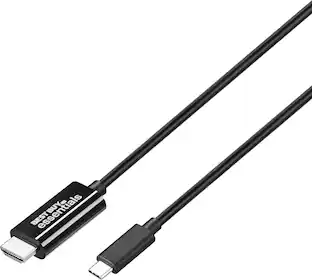
The Insignia 6' USB-C to HDMI Cable extends and mirrors the screen of your USB-C laptop, tablet, smartphone and more to an HDMI-capable display. Compatible with Windows 10, macOS 10.12 and Chrome OS, the 6 ft. cable transmits reliable video and audio signals. In addition, it supports resolutions of up to 4K, allowing you to watch movies, videos and more with a quality image that will further impress your viewers.

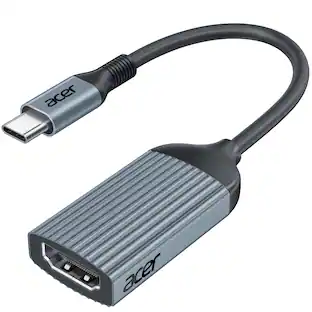
Acer USB C to HDMI Cable for Home Office 6.6FT (4K@60Hz), High-Speed Type C to HDMI 2.0 Braided Cord, Thunderbolt 4/3 Compatible with MacBook, iPhone 16/15 Pro/Max, iMac, iPad Pro, Galaxy S24, Surface
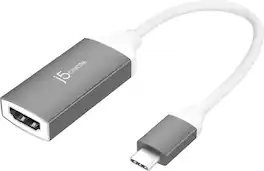
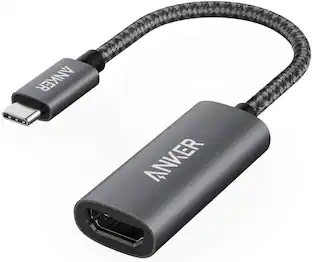
The adapter enables you to output high-definition HDMI 4K video through a USB-C port. Offers a cost-effective USB-C HDMI 4K connection and is Works with Chromebook Certified guaranteeing compatibility with Chromebook devices. Our USB-C display adapter allow you to connect your Chromebook, MacBook, Windows laptop, Android device, or iPad with a USB-C port to an external monitor, HDTV, projector, or other display devices using a HDMI input.
| Pros for Insignia™ - USB-C to HDMI Adapter - Black | |||
|---|---|---|---|
| Ease of use, Compatibility, HDMI, Connectivity, Quality | Overall Performance, HDMI, Compatibility, Ease of use, Cable Length | Connectivity, Build Quality, Performance | Overall Performance, Ease of use, HDMI, Compatibility, Price |
| Cons for Insignia™ - USB-C to HDMI Adapter - Black | |||
| Cable Length, Ports | There were no cons for this product— | There were no cons for this product— | Cable Length, Heat, Battery Life |
Specs
Questions & Answers
I need to know what hdmi-C cord is compatible with a Samsung Galaxy A14 5G
Answered by InsigniaCustomerSupportThank you for your inquiry! The Insignia™ USB-C to HDMI Adapter - Black is compatible with the Samsung Galaxy A14 5G, allowing you to connect your phone to an HDMI-equipped display. To use it, simply connect the USB-C end of the adapter to the USB-C port on your Samsung Galaxy A14 5G. Then, connect an HDMI cable to the HDMI port on the adapter, and plug the other end of the HDMI cable into your HDMI-equipped display, such as a TV or monitor. This setup will enable you to mirror or extend your phone's display to a larger screen, providing a convenient way to view content from your phone on a bigger display. Keith | Insignia Support https://www.bestbuy.com/site/insignia-usb-c-to-hdmi-adapter-black/6473497.p?skuId=6473497
Is this a 48Gbps USB C to HDMI 2.1 Adapter? Does this work for gaming at 8k? No where in specifications does it say if this is HDMI 2.1.
Answered by InsigniaCustomerSupportHi Clark! The Insignia™ USB-C to HDMI Adapter (Model: NS-PA3CHD) supports resolutions up to 4K Ultra HD. It does not support HDMI 2.1 or 48Gbps bandwidth, which are required for gaming at 8K. For more product information, feel free to ask. |Angelica| Insignia Products|

I have a phone with a C Port and want to use Dish Anywhere to pull up a move and display it on my Insignia TV which as both HDMI ports and USB. I would like to know if this will work and also charge my phone at the same time.
Answered by InsigniaCustomerSupportHello Deb. If your phone supports MHL, connect it to the HDMI MHL adapter and attach an HDMI cable, and then connect to your TV. Don't worry about your phone or tablet battery running out of juice, because this kind of adapter has a charging port so your device can charge while you watch. Mary II Insignia Products Customer Support
What is the use of this, if this not complement the USB-C without DP alt Mode as the USB-A to VGA Insignia used to sell? For this idea I'd rather just buy a USB-C to HDMI cable and connect it directly...
Answered by InsigniaCustomerSupportHi Santiago, Your computer doesn’t have to have an HDMI port to connect to an extra display. This USB-C to HDMI adapter converts a USB-C output (with DP alt mode) to an HDMI input, letting you connect your computer to an HDMI-enabled TV, monitor or projector. Insignia Support, Merjorie www.insigniaproducts.com/support
What type of conversion does this Insignia adapter provide?
This Insignia adapter provides USB-C to HDMI conversion.
This question and answer was generated by AI based on customer and product data.

Customers often buy these together
Logitech MK270 Full-size Wireless Membrane Keyboard and Mouse Bundle for PC
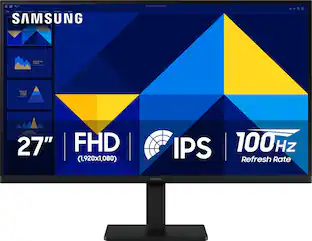
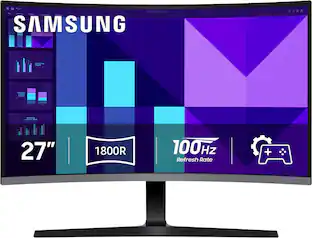
Holiday Deal$19.99The price was $29.99Samsung 27" S39GD Series Curved FHD 100Hz Monitor with Built-in Speakers
Holiday Deal$129.99The price was $199.99
More to consider
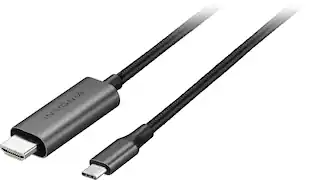
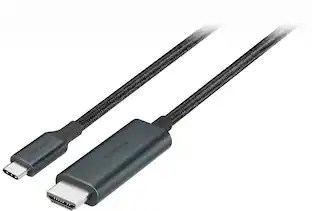
Acer USB C to HDMI Cable for Home Office 6.6FT (4K@60Hz), High-Speed Type C to HDMI 2.0 Braided Cord
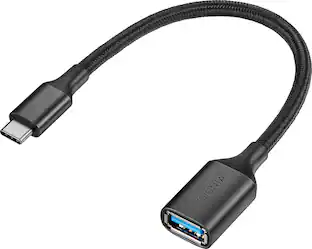
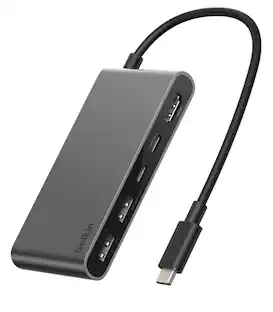
Holiday Deal$10.99The price was $13.99Belkin 5-Port Hub w/ 4K HDMI Display with 60Hz, 100W PD, Data Transfer 5Gbps, USB-C Multiport Adapter
Holiday Deal$22.49The price was $24.99

Explore tech essentials Sponsored



Discover related products
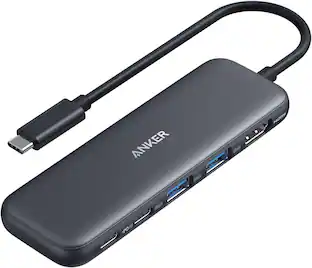
Acer USB C Docking Station With 2 HDMI, 9-IN-1 Docking Hub with USB A&C 3.0, SD/Micro SD, 100W Charging
$42.99The price was $47.99