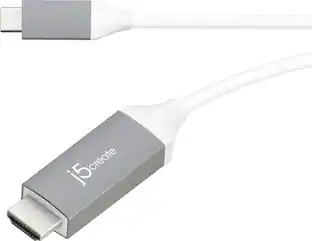
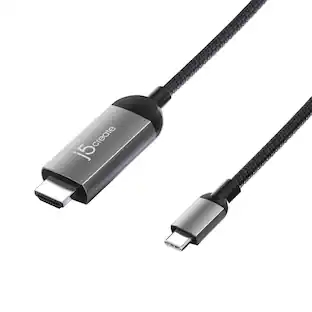
j5create - USB-C to 4K HDMI Adapter - Space Gray/White
Customers are saying
Customers love the overall performance and ease of use of this sleek adapter, which users find highly reliable for their daily needs. Many appreciate its seamless HDMI connectivity and broad compatibility with various laptops, making it a great value for the price. While the device is praised for its convenient size, some users have noted that it can become quite warm during operation and may impact battery life. Additionally, a few customers expressed a preference for a longer cable to improve overall flexibility.
Color
Space Gray/WhiteSupports 4K Video Resolutions
Connect your device to a 4K TV or monitor and enjoy high-quality video and sound.
HDMI Certification
Compliant with HDMI 2.1 specifications.
HDMI 2.0 compatible
For use with your existing devices.
Universal Compatibility
Compatible with a variety of laptops, tablets, and phones that support DisplayPort Alternate Mode over USB-C.
No Need for Software Installation
No driver installation required, utilizes DP alt mode instead.
- Connector Type (End 1)USB-CGender (End 1)MaleConnector Type (End 2)HDMI Type AGender (End 2)Female
Reviews
Rating 4.6 out of 5 stars with 1503 reviews
- Ease of use (321)
- Overall Performance (321)
- HDMI (211)
- Compatibility (190)
- Price (74)
- Heat (19)
- Battery Life (5)
- Cable Length (5)
Customer Images
The vast majority of our reviews come from verified purchases. Reviews from customers may include My Best Buy members, employees, and Tech Insider Network members (as tagged). Select reviewers may receive discounted products, promotional considerations or entries into drawings for honest, helpful reviews.
Compare similar products
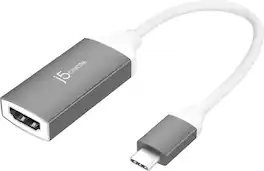
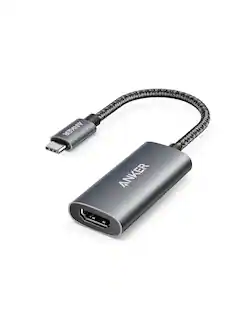
The adapter enables you to output high-definition HDMI 4K video through a USB-C port. Offers a cost-effective USB-C HDMI 4K connection and is Works with Chromebook Certified guaranteeing compatibility with Chromebook devices. Our USB-C display adapter allow you to connect your Chromebook, MacBook, Windows laptop, Android device, or iPad with a USB-C port to an external monitor, HDTV, projector, or other display devices using a HDMI input.

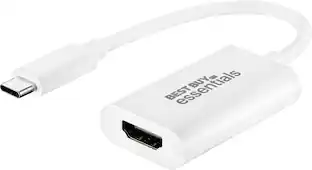
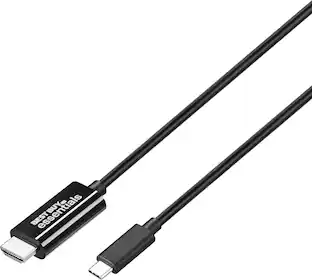
It’s just an adapter—unless you’re settling for a small, single monitor. This Best Buy essentials USB-C to HDMI Adapter can help you mirror or extend your display, granting you a setup that shows videos, presentations, games and more on a better screen. It supports 4K resolution to mirror the display from a computer or gaming console without losing image quality. Plug-and-play technology makes the connection simple. Just connect to an HDMI-enabled monitor and you’ll be ready to work or play. And it’s backed by Best Buy, so you can trust it to upgrade your computer setup.

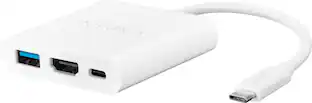
This USB-C to HDMI adapter converts a USB-C output (with DP alt mode) to an HDMI input, letting you connect your computer to an HDMI-enabled TV, monitor or projector. Resolutions up to 4K Ultra HD deliver outstanding presentations or movie showings with crystal clear video quality. Plus, the compact design makes it easy to carry.

Put your display on the big screen with the USB-C to 4K HDMI Cable. This cable gives you the ability to connect your USB-C equipped desktop or laptop to an external monitor, HDTV, projector, or other display device with an HDMI input. This plug-and-play cable is capable of transmitting video signals up to 4K @ 60 Hz.
| Pros for j5create - USB-C to 4K HDMI Adapter - Space Gray/White | |||
|---|---|---|---|
| Ease of use, Overall Performance, HDMI, Compatibility, Price | Overall Performance, Compatibility, Ease of use, Price, HDMI | Ease of use, Compatibility, Quality, HDMI, Connectivity | Quality, Compatibility, Ease of use, HDMI, Cable Length |
| Cons for j5create - USB-C to 4K HDMI Adapter - Space Gray/White | |||
| Battery Life, Cable Length, Heat | Cord Length | Cable Length, Ports | Battery Life, Connectivity, Charging, Lag, Resolution |
Specs
Customers often buy these together
 $179.00The price was $199.99


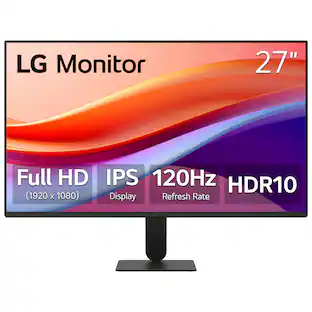
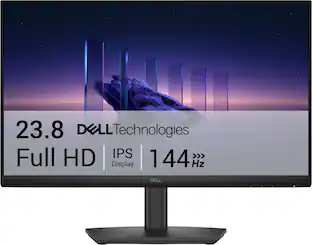
Customers ultimately bought

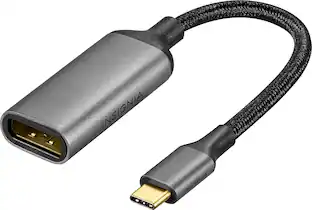




Explore tech essentials Sponsored



Discover related products
 $17.95The price was $21.45








Keep exploring
 $12.99The price was $13.99
 $8.99The price was $12.99