Kiosk Touch Monitors
-
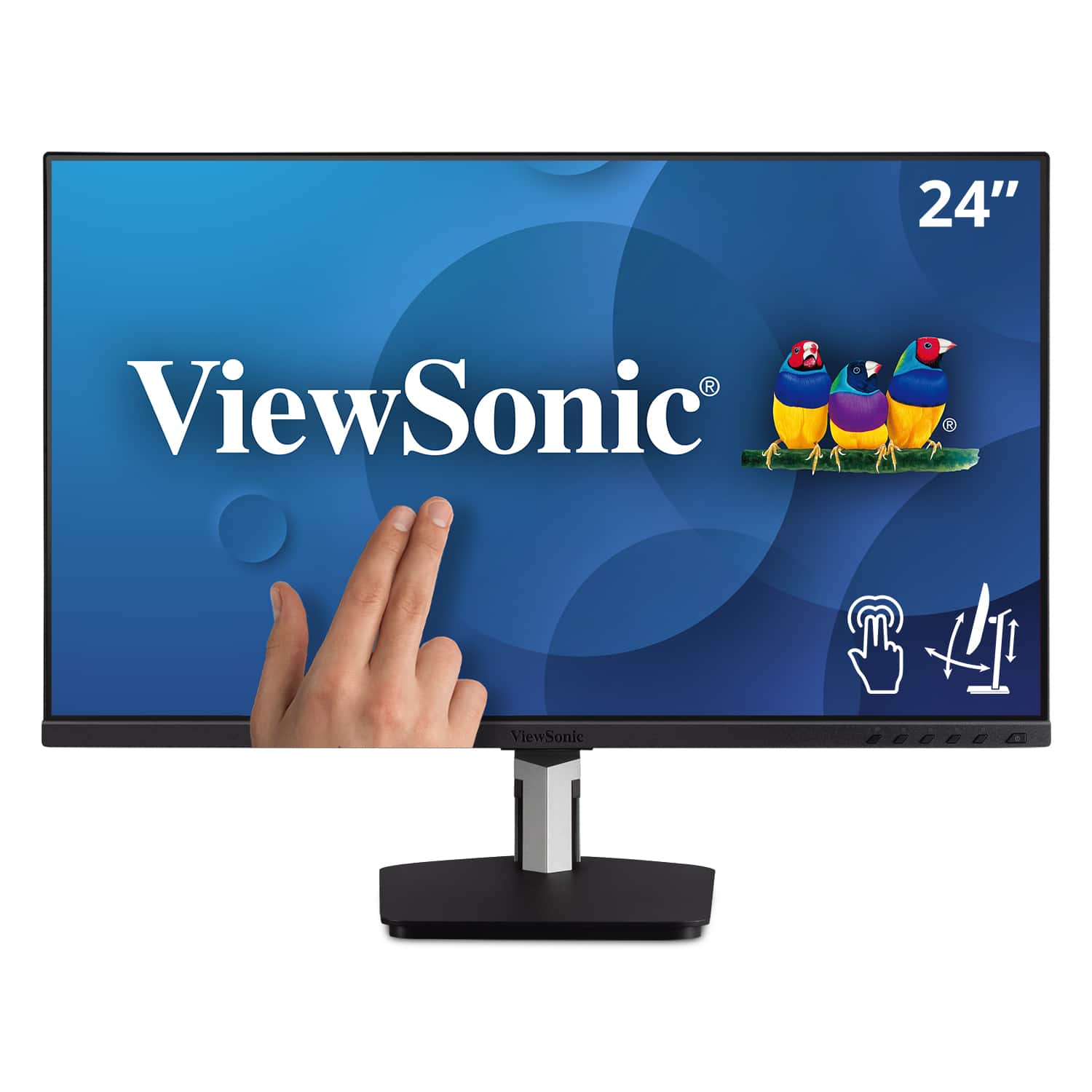
ViewSonic - TD2455 24" IPS LED FHD Touch Screen Monitor (DisplayPort, HDMI, USB) - Black
SKU: J37H88FGFPSee all All MonitorsProduct Description
A black IPS LED monitor with 10-point touchscreen, ergonomic dual-hinge, and versatile connectivity options.Your price for this item is $399.99 -
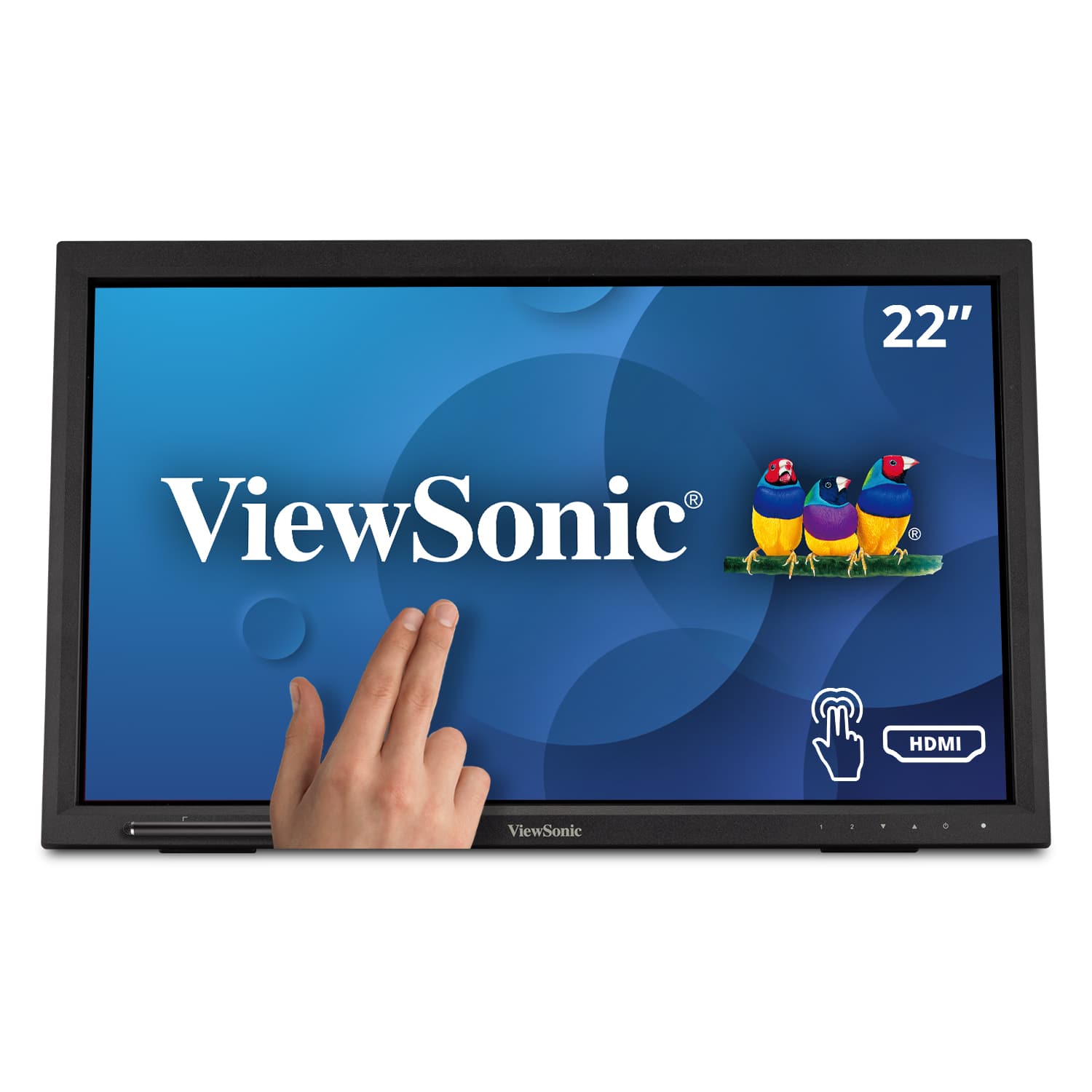
ViewSonic - TD2230 22" IPS LED FHD Touch Screen Monitor (HDMI and DisplayPort) - Black
SKU: J37H8YJ54WSee all All MonitorsProduct Description
An ultra-responsive black IPS LED touch screen monitor with Full HD resolution, antiglare display, and integrated speakers.Your price for this item is $299.99 -
ViewSonic - TD3207 32" LCD FHD Touch-Screen Monitor (HDMI, DisplayPort) - Black
SKU: J37H88FHWHSee all All MonitorsProduct Description
A black 32" FHD touch-screen monitor with 10-point PCAP technology, tough glass, and versatile connectivity.Your price for this item is $1,029.99 -
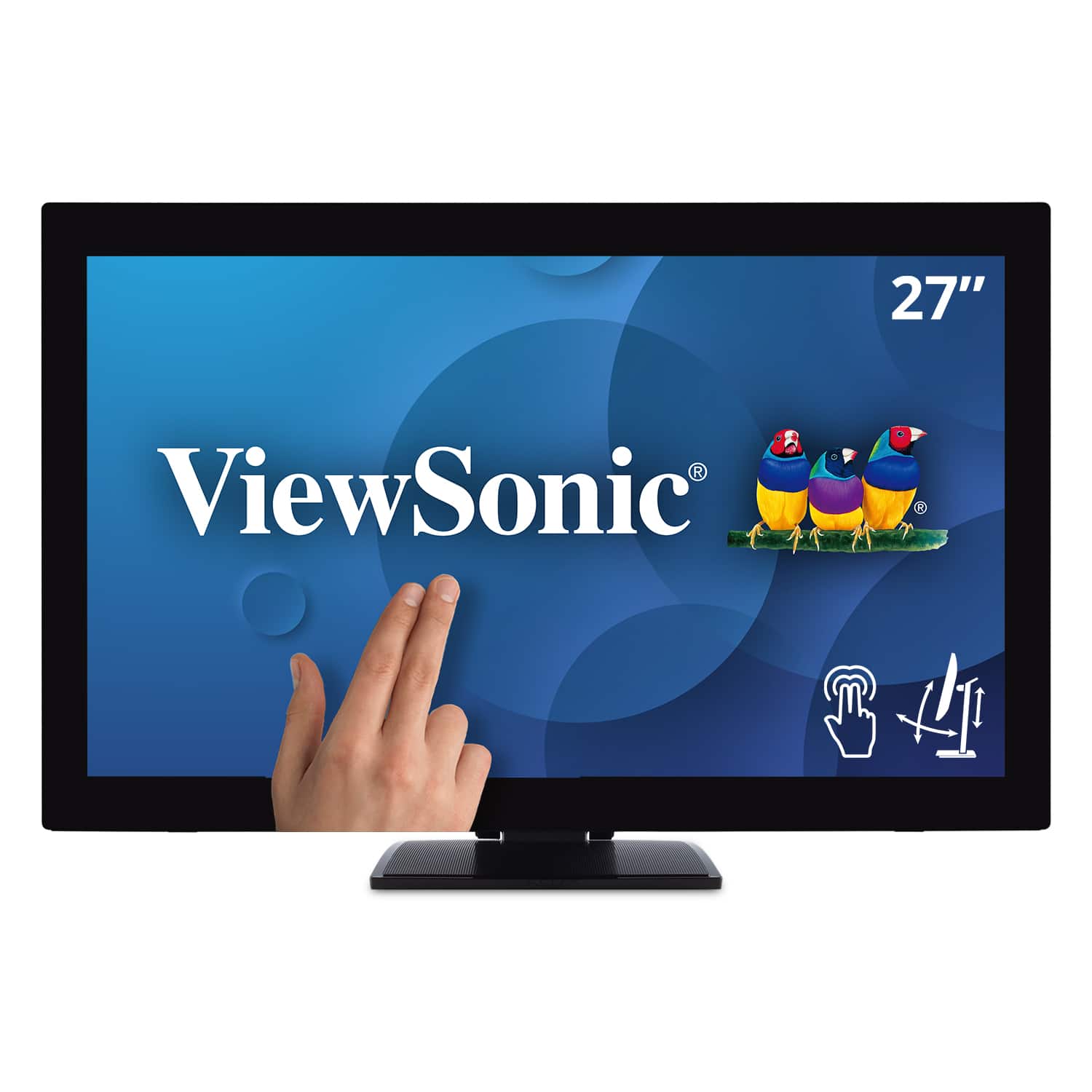
ViewSonic - TD2760 27" LED FHD Touch Screen Monitor (HDMI, VGA) - Black
SKU: J37H88FXS7See all All MonitorsProduct Description
A black LED touch screen monitor with Full HD resolution, IPS panel, and multiple connectivity options.Your price for this item is $539.99 -
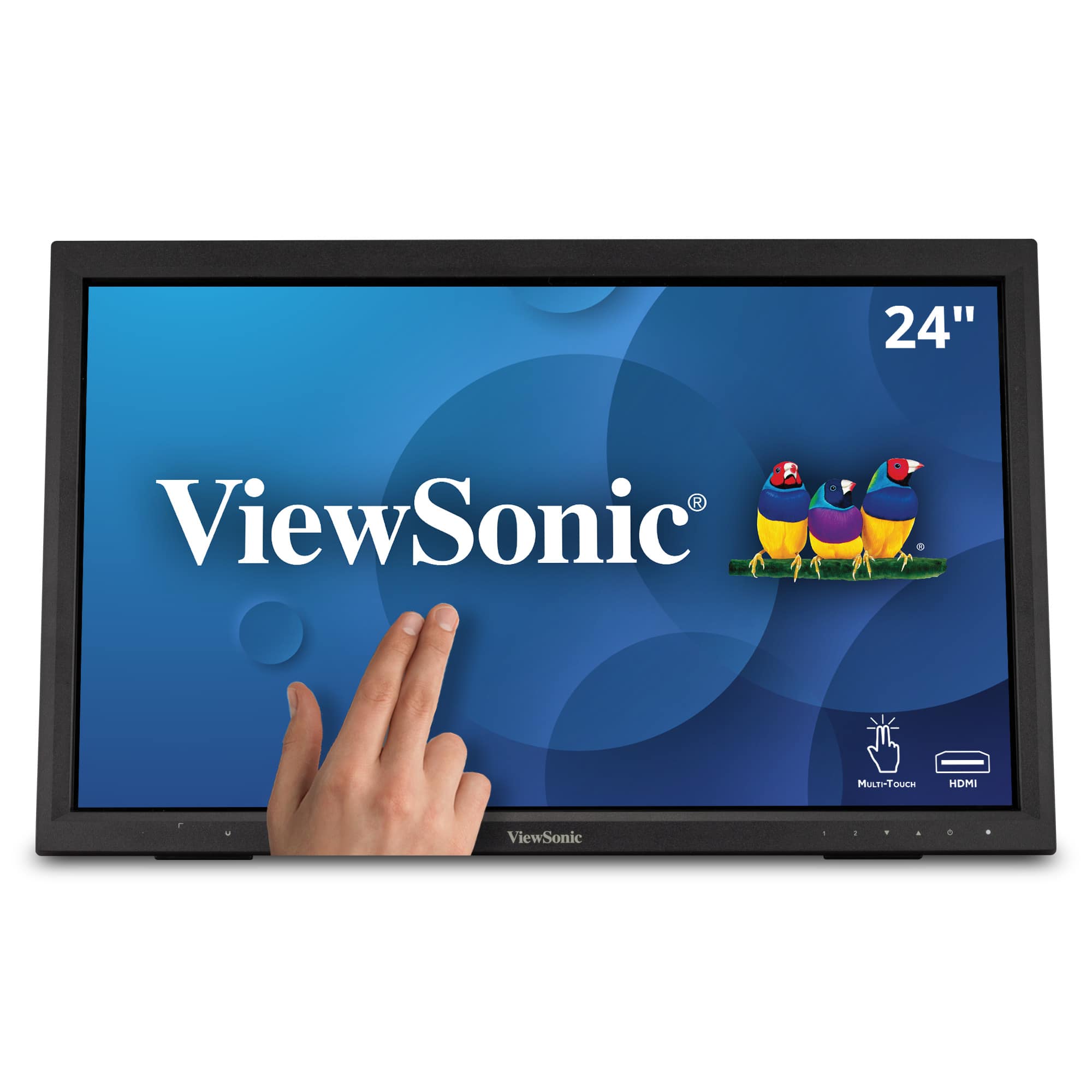
ViewSonic - TD2423D 24" LCD FHD Touch Screen Monitor (HDMI, VGA, USB and, DisplayPort) - Black
SKU: J37H88FWTPSee all All MonitorsProduct Description
A black LED touch screen monitor with Full HD resolution, 10-point IR touch, and versatile connectivity options.Your price for this item is $309.99 -
ViewSonic - TD2223 22" LCD FHD Touch Screen Monitor (HDMI, VGA, DVI and USB) - Black
SKU: J37H88F6Z5See all All MonitorsProduct Description
A black Full HD touch screen monitor with 10-point IR touch, HDMI, VGA, DVI, and USB connectivity.Your price for this item is $279.99

Best Sellers







Related Pages



FAQ
When choosing a kiosk touch monitor, consider factors such as touch technology (capacitive or resistive), durability, brightness for visibility in various lighting conditions, compatibility with your kiosk system, and mounting options. Some monitors also offer anti-glare coatings and advanced connectivity options like HDMI, USB, or serial ports.
Many kiosk touch monitors are designed to be compatible with multiple operating systems, including Windows and Mac. Always check the product specifications to ensure compatibility with your specific system before purchasing.
Yes, kiosk touch monitors are specifically designed for public and commercial environments. They typically feature rugged construction, vandal-resistant screens, and are built to withstand frequent use in settings like retail stores, airports, and information centers.
Many modern kiosk touch monitors support multi-touch functionality, allowing users to perform gestures such as pinch-to-zoom and two-finger scrolling. Check the product details to confirm the number of touch points supported by each monitor.
Kiosk touch monitors often offer versatile mounting options, including VESA mounts for wall or stand installation, panel mounting for integration into kiosks, and desktop stands. Review the product specifications to determine which mounting solutions are included or compatible with the monitor.