Main Content
Categories & Filters

Touch Screen Monitor For Point Of Sale Terminal System

Enhance your business operations with a touch screen monitor for point of sale terminal system, designed to streamline transactions and improve customer service. Whether you’re upgrading your retail checkout or setting up a new restaurant counter, these monitors offer a modern solution for efficient and intuitive sales processing. Explore a variety of sizes and configurations to find the perfect fit for your unique point of sale environment. Discover how a touch screen monitor for point of sale terminal system can help create a seamless experience for both staff and customers.

Read More
Results
Main Results
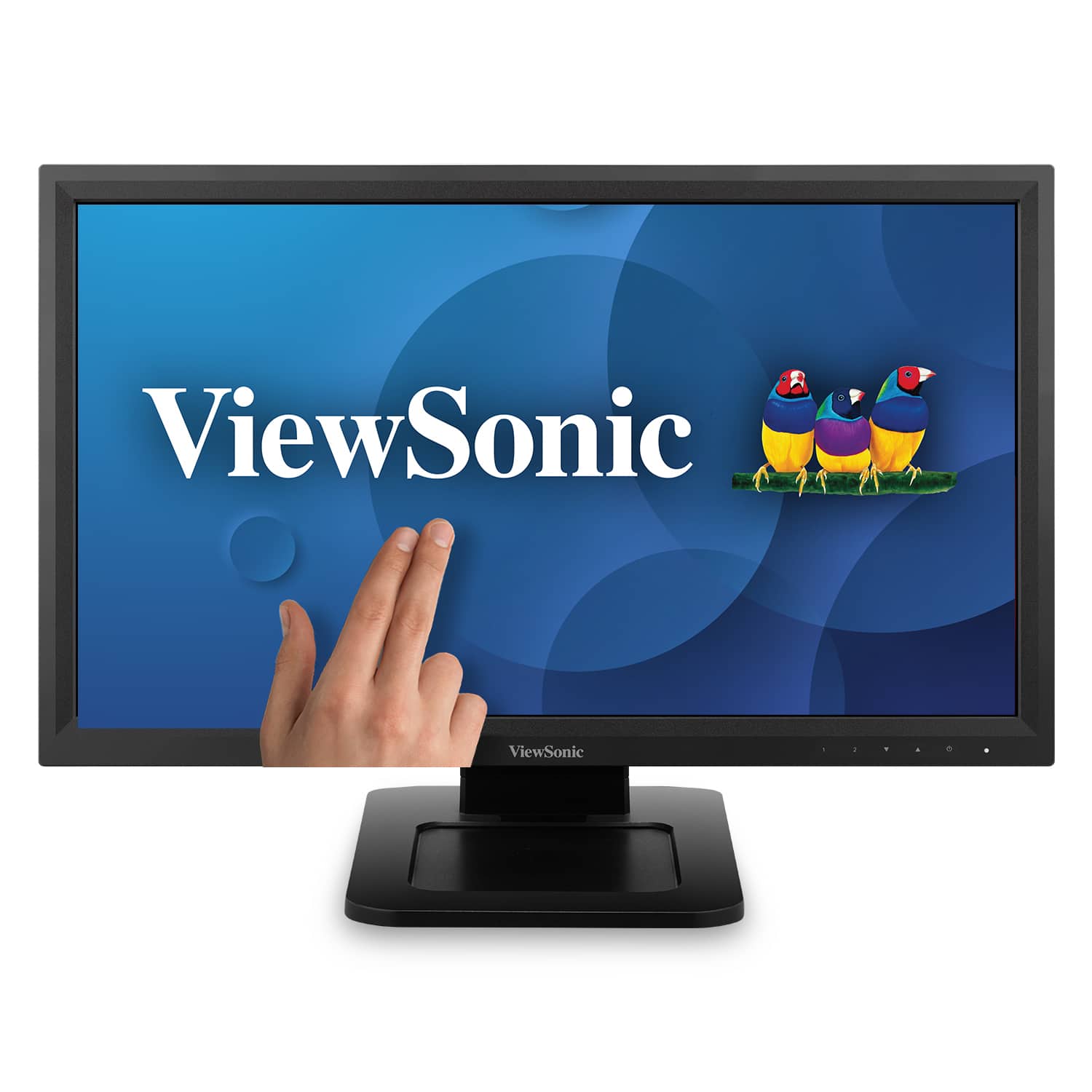
  1. ViewSonic - TD2211 22" LCD FHD Touch-Screen Monitor (VGA, HDMI, DVI, USB) - Black

    SKU: J37H88VSK6

    Product Description

    A black LED touchscreen monitor with Full HD resolution, multiple connectivity options, and integrated speakers.
    See all All Monitors
    Your price for this item is $329.99
    Save $11
    The previous price was $341.56
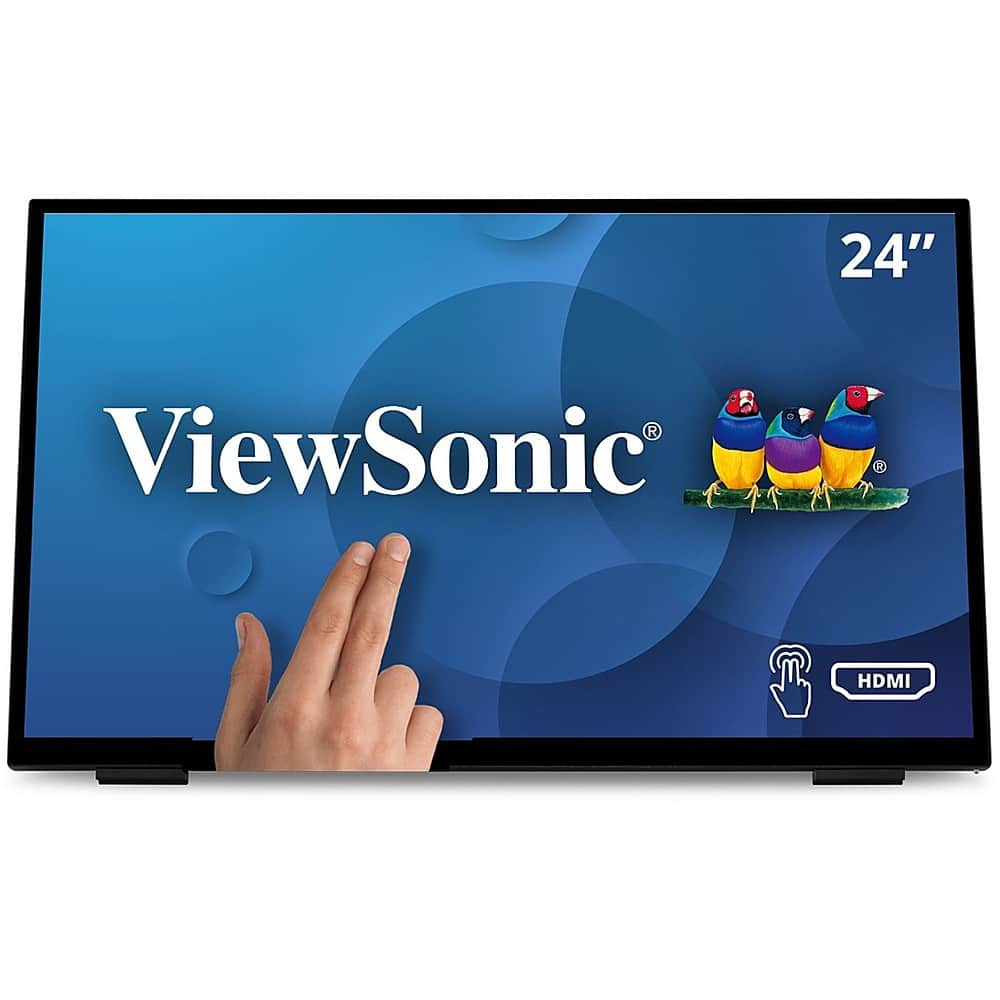
  2. ViewSonic - TD2465 Touchscreen LCD Monitor - Black

    SKU: J37H88V2QP

    Product Description

    A black LED touchscreen monitor with 10-point PCAP technology, glove and wet touch support, and integrated speakers.
    See all All Monitors
    Your price for this item is $369.99
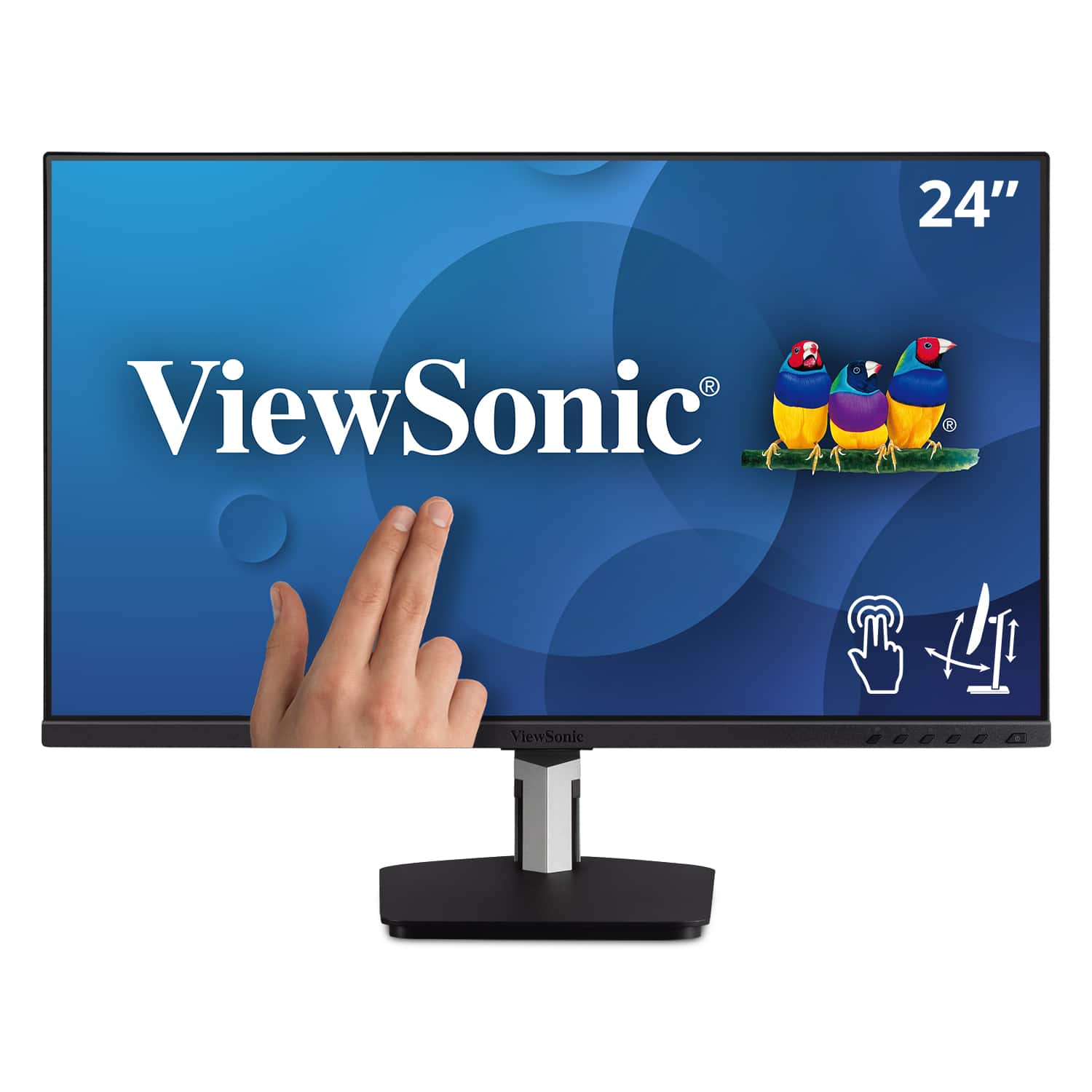
  3. ViewSonic - TD2455 24" IPS LED FHD Touch Screen Monitor (DisplayPort, HDMI, USB) - Black

    SKU: J37H88FGFP

    Product Description

    A black IPS LED monitor with 10-point touchscreen, ergonomic dual-hinge, and versatile connectivity options.
    See all All Monitors
    Your price for this item is $399.99
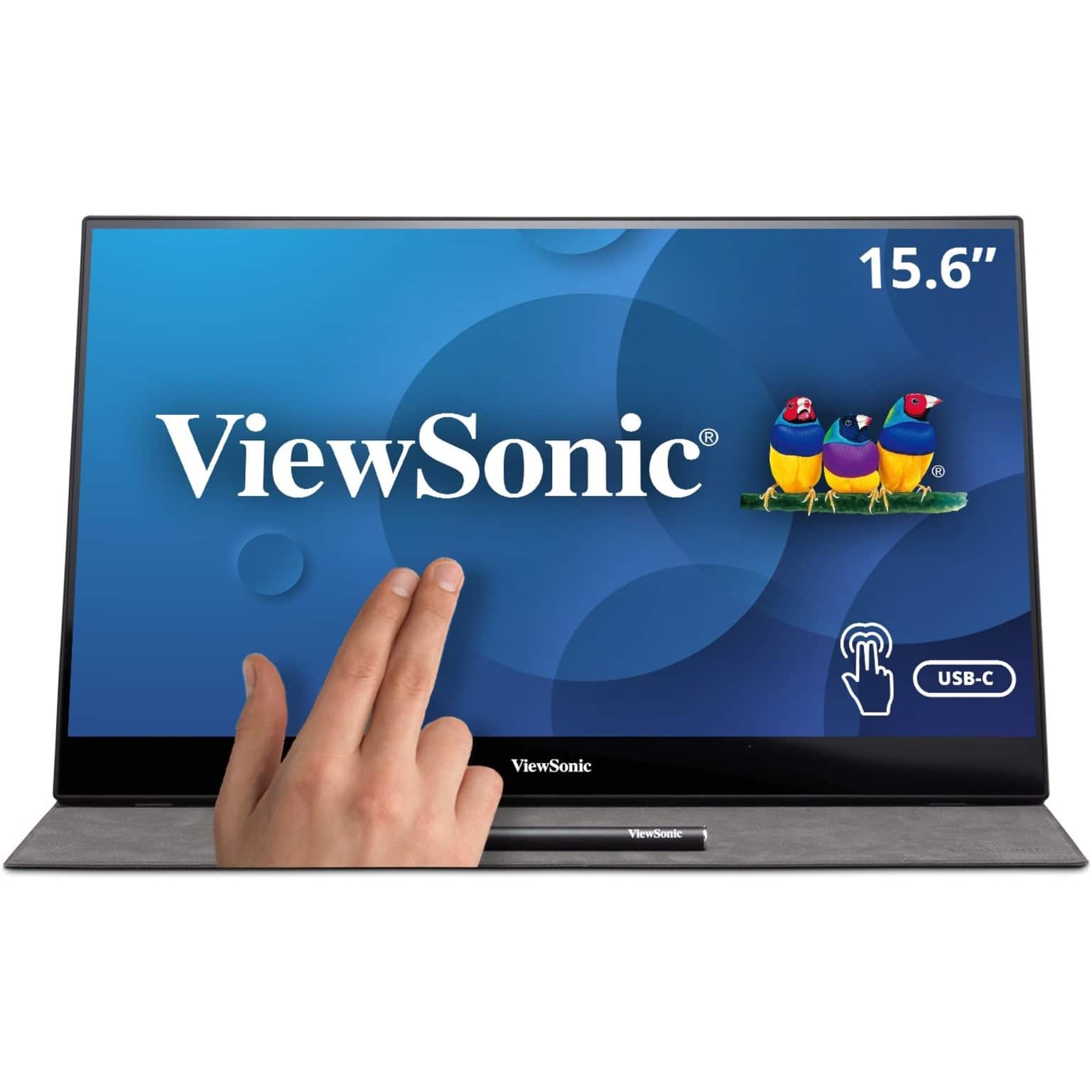
  4. ViewSonic - TD1655 15.6" LCD FHD Touch Screen Monitor (USB-C, Mini HDMI) - Black

    SKU: J37H88FSLC

    Product Description

    A portable black IPS touchscreen monitor with FHD 1080p resolution, USB-C connectivity, and included stylus.
    See all Portable Monitors
    Your price for this item is $299.99
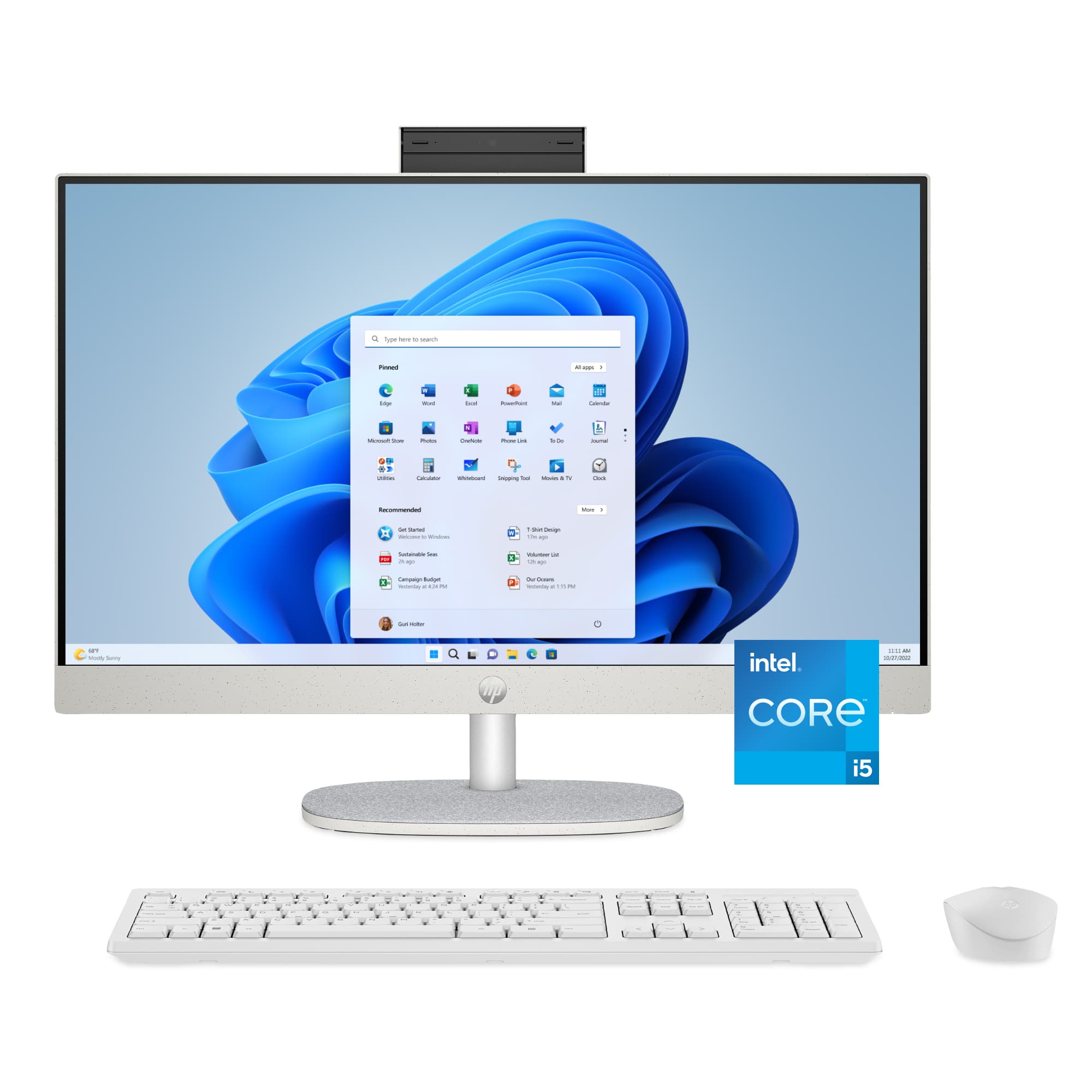
  5. HP - 23.8" Full HD Touch-Screen All-in-One with Adjustable Height - Intel Core i5 1334U 2023 - 8GB Memory - 512GB SSD - Shell White

    SKU: JJGQJRTR2Q

    I absolutely love my computer! Best Buy made the whole purchasing process easy....Best computer ever super fast love it the color sparks...Best computer

    Product Description

    A sleek shell white all-in-one PC with touch screen, Intel Core i5, 8GB RAM, and 512GB SSD.
    See all Touchscreen All-in-One Computers
    Your price for this item is $799.99
    Save $290
    The previous price was $1,089.99
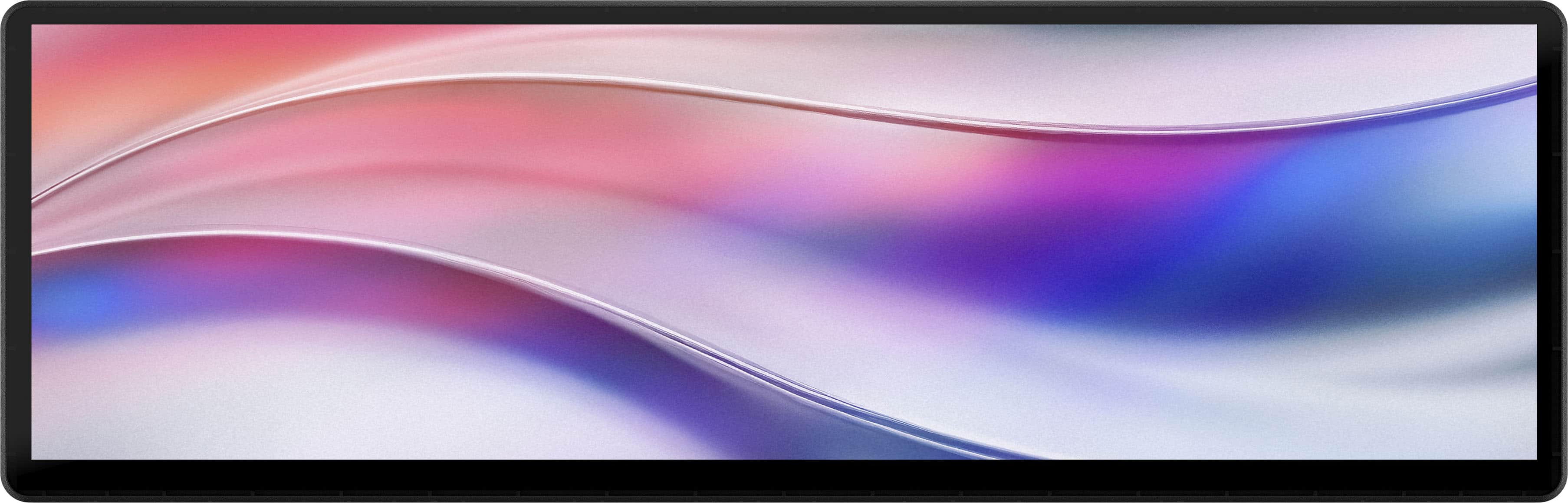
  6. CORSAIR - Xeneon Edge 14.5" LCD 60HZ Touchscreen Versatile Screen - Black

    SKU: J39TSCHLZ9

    Great Fetures...A very usful privet monitor I love it its a game changer...Great addition fot enthusiats...I absokutely love this screen from the functionaly to the quality it is absolutely a great addition...

    Product Description

    A versatile black LCD touchscreen monitor with 2560x720 resolution, 60Hz refresh rate, and multiple mounting options.
    See all All Monitors
    Your price for this item is $249.99
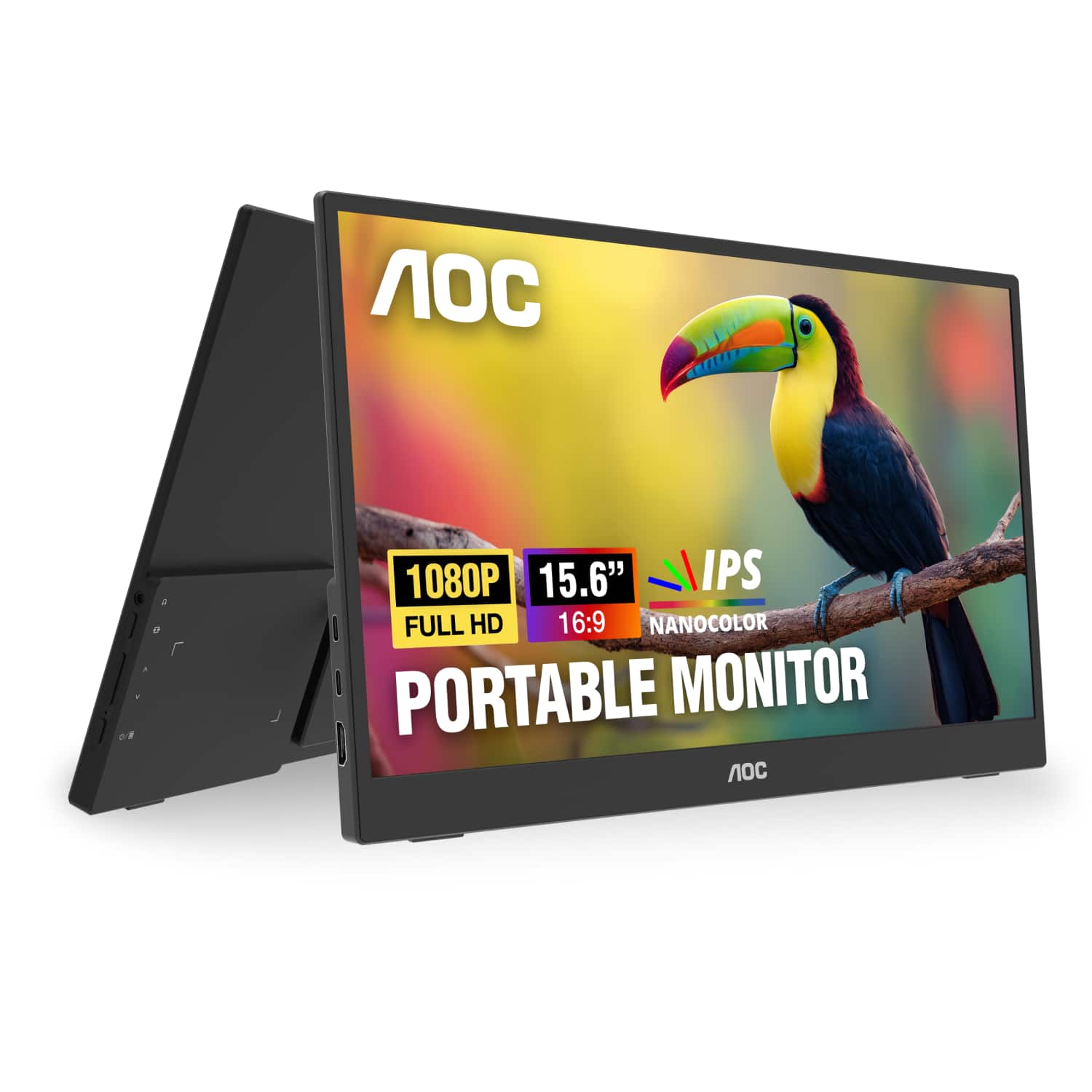
  7. AOC - 16T35 15.6" IPS Panel Portable Monitor, LED, FHD (1920x1080), USB-C - Black

    SKU: JX9GSKPQTL

    Best $70 I have spent in a long time....Very functional, easy to use and I love how it expands my workspace and workflow....Great for on the go!...Love the resolution and portablility of the monitor....

    Product Description

    A slim black portable monitor with 15.6" FHD IPS display, 0.5ms response, and dual USB-C ports.
    See all All Monitors
    Your price for this item is $74.99
    Save $15
    The previous price was $89.99
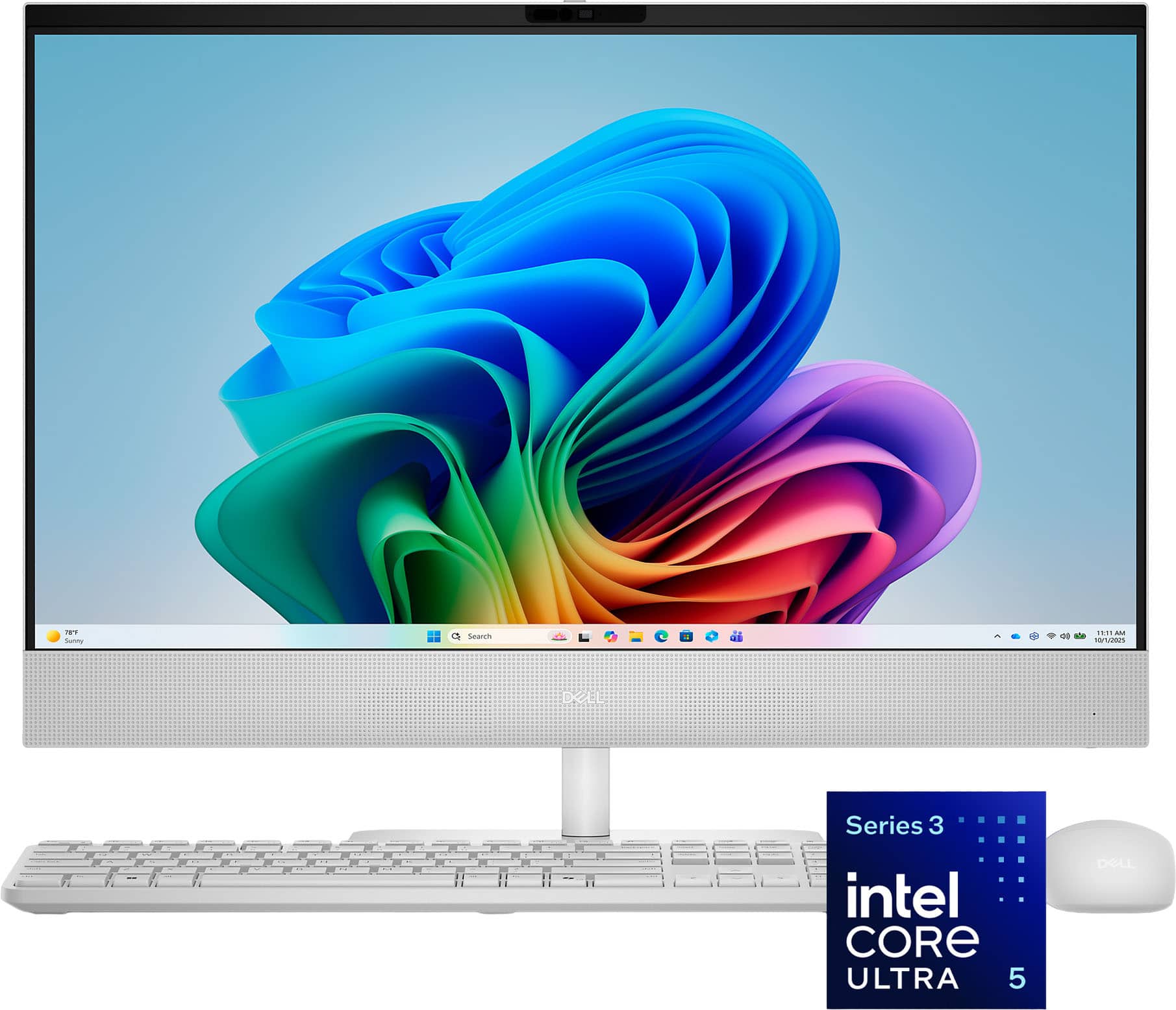
  8. Dell - 24" 2K IPS Touchscreen All-in-One - Intel Core Ultra 5 Series 3 322 2026 - 16GB Memory - 512GB Storage - Copilot+ PC - Light Ash

    SKU: J3K4L6QQGZ

    Great computer … love I...Great computer love ❤️ it’s easy to install and easy to work… it’s a larger enough screen and all in...Best desk comptor i have ever bought....I recommand anyone to check this...

    Product Description

    A sleek light ash touchscreen PC with Intel Core Ultra 5, 16GB RAM, 512GB SSD, and Wi-Fi 7.
    See all Touchscreen All-in-One Computers
    Your price for this item is $1,019.99
    Save $390
    The previous price was $1,409.99
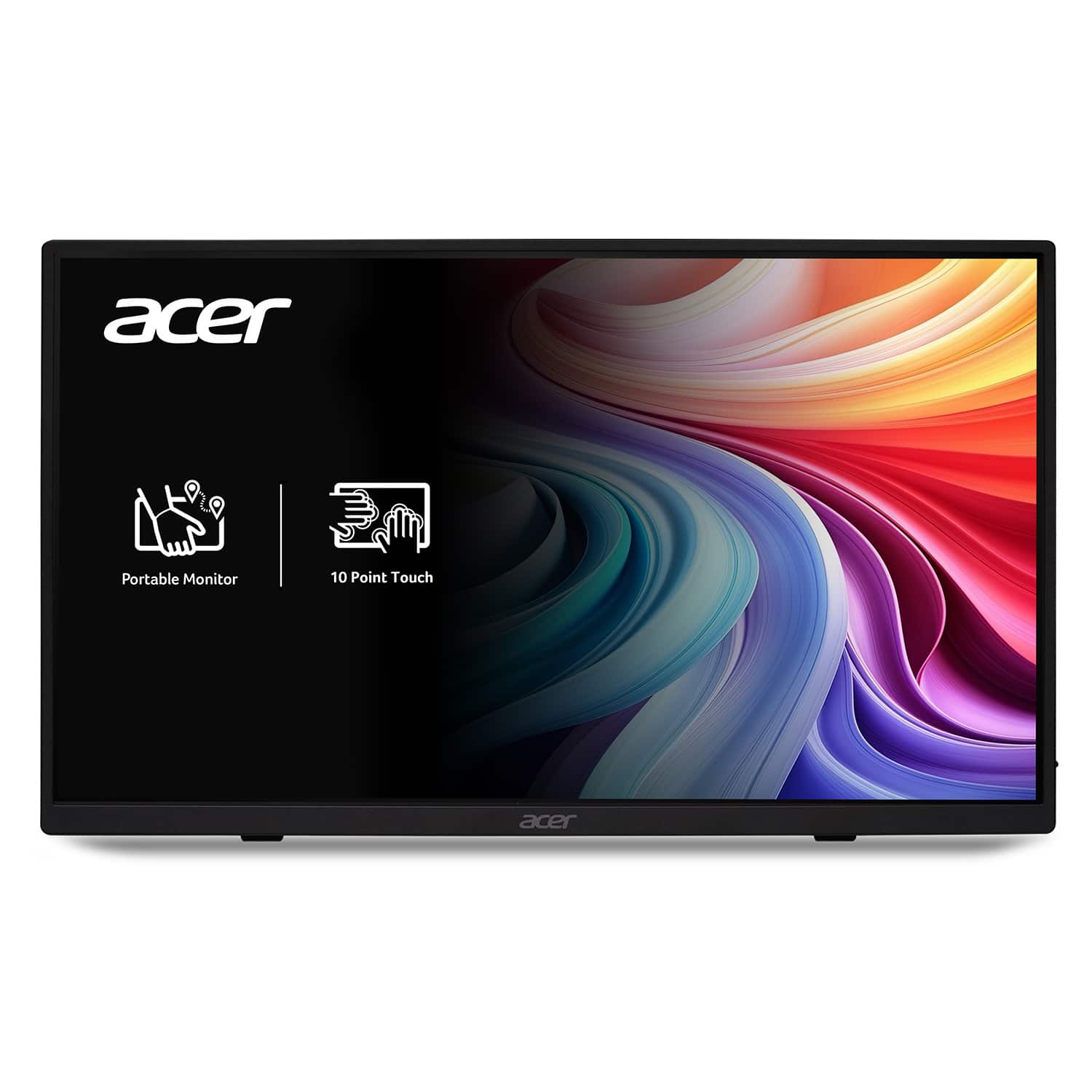
  9. Acer - 15.6" LCD FHD 60Hz Adaptive Sync IPS Portable Touch Monitor (USB Type-C, Mini HDMI & Micro USB) - Black

    SKU: JJ8V8HX2VP

    I love this monitor! I use it for my textbooks and have never been failed!...I love how portable it is!...It truly is a best buy...The touch screen capability also works great and comes in handy when...

    Product Description

    A portable black IPS touch monitor with Full HD resolution, Adaptive Sync, and versatile USB Type-C connectivity.
    See all All Monitors
    Your price for this item is $169.99
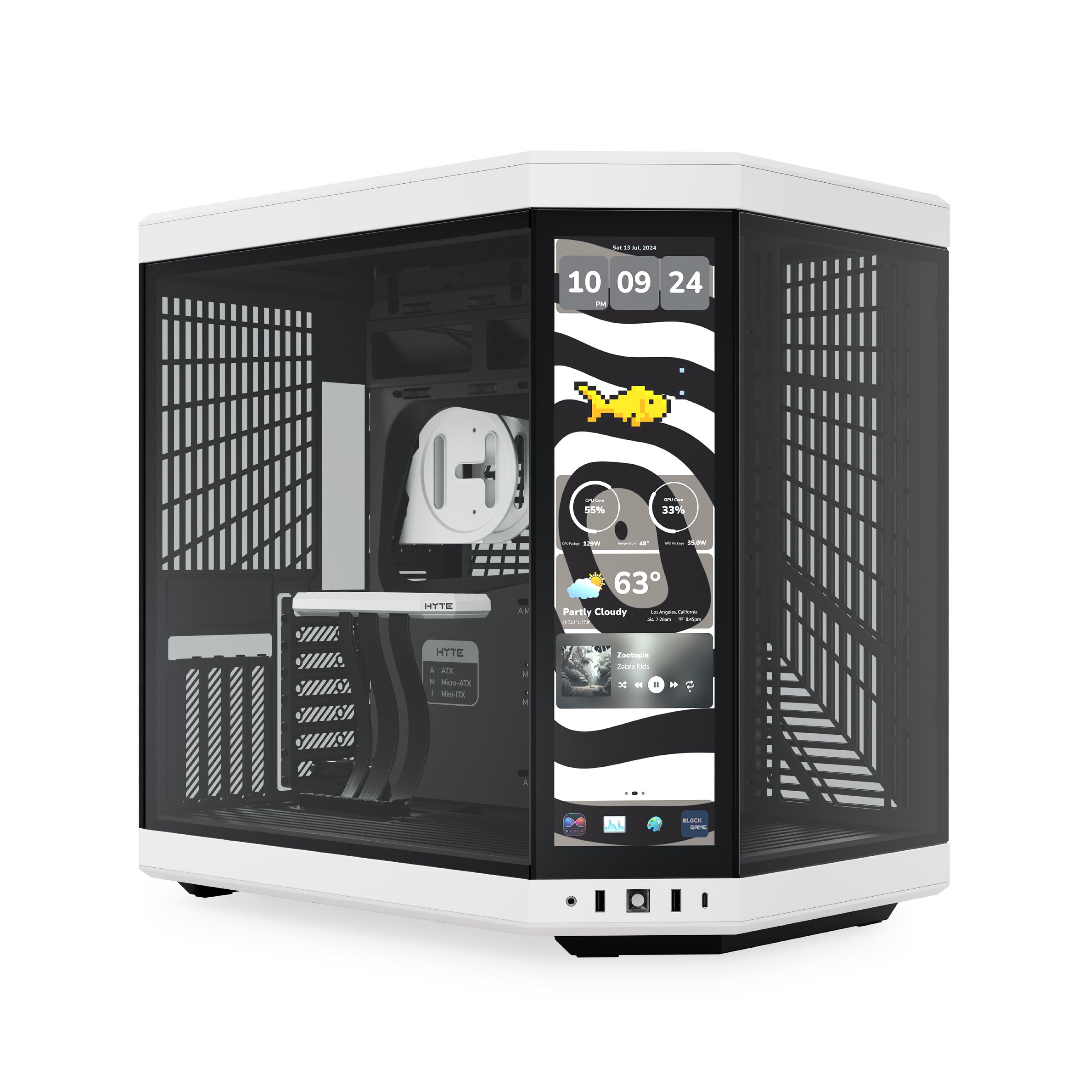
  10. HYTE - Y70 Touch Infinite Mid Tower Aesthetic Gaming PC Case with 2.5K IPS Touchscreen and Riser Cable - Panda

    SKU: J3R75JY248

    Great Y70 case...Best case I’ve ever had I would recommend to buy an rgb and fan control hub for the case because it won

    Product Description

    A modern dual-chamber ATX case in Panda color with integrated 2.5K IPS touchscreen and tempered glass.
    See all Computer Cases
    Your price for this item is $399.99
A touch screen monitor for a point of sale terminal system gives cashiers, servers and customers a direct way to interact with sales software without relying on a separate mouse or keyboard. On a busy retail counter, that can make each transaction feel more natural: an employee taps a product category, selects options, applies a discount and accepts payment while keeping the checkout area organized. In a café or restaurant, a touch display can help staff enter custom orders accurately, send requests to the kitchen and move between tables or tabs with fewer interruptions. Salons, ticket counters, clinics, markets, repair shops and other service businesses can also use these displays as the main interface for scheduling, inventory, reservations or customer check-in. When comparing monitors for a POS terminal, start with the software and computer that will run the system. Confirm that the operating system supports touch input and that the monitor has the video and USB connections required by the terminal, such as HDMI, VGA or another compatible display connection paired with a USB touch connection. A monitor may show the computer screen through a video cable, but the touch function often needs its own data connection, so checking the full connection layout before installation helps prevent surprises at the counter. It is also worth confirming the supported resolution, driver requirements, mounting pattern and available power connections. A 15-inch to 17-inch display is a familiar size for many checkout stations because it provides enough room for buttons, menus and transaction details without taking over the entire workspace. Smaller displays can suit compact counters or mobile service areas, while a larger screen may be helpful when employees need to view detailed inventory, appointment schedules or several order panels at once. For businesses with a customer-facing checkout, a second display can show itemized purchases, loyalty information, tipping prompts or payment instructions while the employee works from the primary screen.

Touch technology has a noticeable effect on how a POS display feels during a full day of use. Projected capacitive, often called PCAP, responds with the light tap and smooth scrolling familiar from a phone or tablet. It is well suited to clean indoor counters where employees use bare fingers and need quick multi-touch gestures or crisp image quality. Resistive touch screens respond to pressure, making them useful in settings where staff may wear gloves, use a stylus or work around occasional moisture. The best choice depends on the environment and the way employees actually interact with the terminal. A bakery counter, food truck or garden center may place different demands on a display than a boutique or office reception desk, particularly when hands are damp, dusty or covered by work gloves. Commercial use also calls for a sturdier design than a typical home monitor. Look for a stable stand or a compatible mounting option that keeps the screen from shifting when it is tapped repeatedly. A metal base, adjustable tilt and a broad footprint can help the display remain steady on a busy counter, while a VESA-compatible mount can free up workspace and position the screen at a comfortable viewing angle. Front-bezel protection is another useful consideration. IP54 or IP65 front ratings can offer added resistance to dust, splashes, grease and routine wipe-downs, though ratings vary by model and do not make a monitor completely waterproof. A sealed or protected front surface is especially practical in food service, hospitality and retail environments where staff clean the counter throughout the day. Plan to use a soft, compatible cleaning cloth and follow the manufacturer’s care instructions rather than spraying liquid directly onto the screen. Brightness, contrast and viewing angles matter as well. A checkout near a sunny window may benefit from a brighter panel and an anti-glare surface, while a dimmer indoor counter may place greater emphasis on low eye strain and clear text. Consider how often the display will be touched, how many employees will share it and whether the screen needs to remain readable from the customer side of the counter.

The physical layout of a POS station can be just as important as the specifications on the box. Measure the counter before choosing a display, allowing room for a receipt printer, barcode scanner, cash drawer, payment terminal and cable routing. A screen that fits neatly beside the other equipment can keep lines moving and reduce the small frustrations that build up over a long shift. Tilt the panel so employees can reach the upper corners without stretching, and place it where customers can see transaction details without blocking the cashier’s view. If the system will be used for self-service check-in or customer ordering, a larger touch area and a secure mounting solution may be more valuable than a compact footprint. Businesses that want more room for dashboards, reports or detailed menus can also explore a Large Touch-Screen Monitor, provided the computer and software can support the added size and resolution. Think about the pace and setting of daily work: a small shop may prioritize simple installation and a dependable stand, while a busy restaurant may need a durable front surface, quick touch response and easy cleaning between shifts. A growing business should also consider whether the monitor can remain useful if the POS computer, software or counter arrangement changes. Compatibility with common operating systems, standard connections and flexible mounting can make future upgrades easier. These displays are generally purchased for business use rather than as traditional gifts, but they can be a thoughtful practical upgrade for someone opening a shop, managing a family business or setting up a seasonal sales booth. A well-matched touch monitor can make a checkout station feel less cluttered, help new employees learn the interface faster and give customers a clearer view of their purchases. During the warmer season and into the cooler months, retailers, event vendors and service providers may move between indoor counters, pop-up spaces and high-traffic sales areas, making dependable construction and straightforward connectivity especially valuable. Reviewing screen size, touch type, durability, ports, mounting options and POS compatibility together can help create a reliable terminal that feels responsive from the first transaction to the last.

FAQ

When choosing a touch screen monitor for a POS terminal, consider features such as multi-touch capability, compatibility with your POS software, durability for high-traffic environments, adjustable stands or mounting options, and connectivity ports like USB, HDMI, or VGA.

Most modern touch screen monitors are designed to be compatible with a wide range of POS systems. However, it's important to check the operating system requirements and ensure the monitor supports the necessary drivers for seamless integration.

To clean a touch screen monitor, use a soft microfiber cloth slightly dampened with water or a screen-safe cleaner. Avoid harsh chemicals and never spray liquid directly onto the screen. Regular cleaning helps maintain responsiveness and clarity.

Many POS touch screens support both finger and stylus input. Some models are also designed to work with gloved hands, which is useful in food service or medical environments. Check the product specifications for compatibility.

Touch screen monitors for POS systems typically offer various connectivity options such as USB for touch input, HDMI or VGA for video output, and sometimes serial ports. This allows easy integration with different types of POS terminals and peripherals.