Touch-Screen Monitor With Mac
-
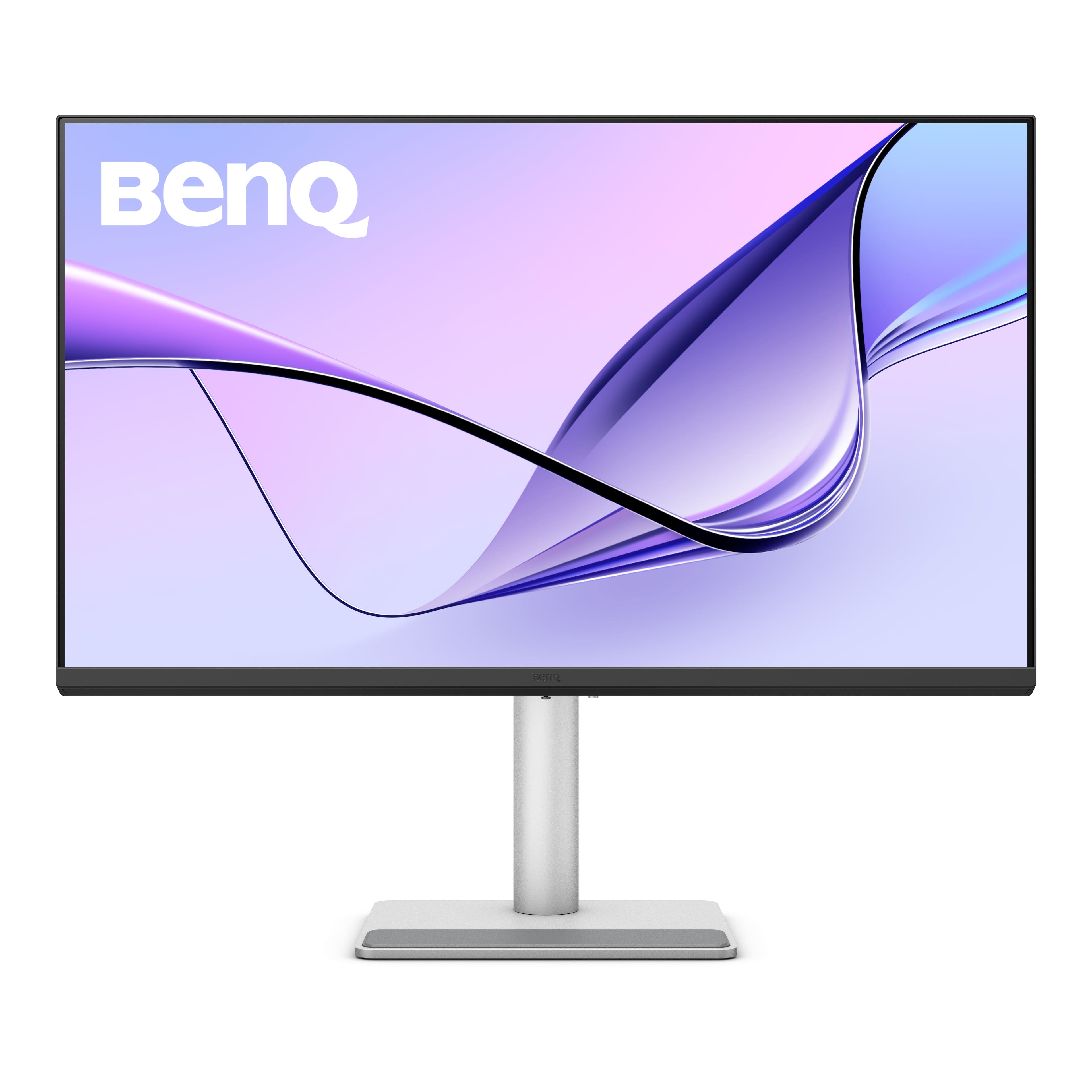
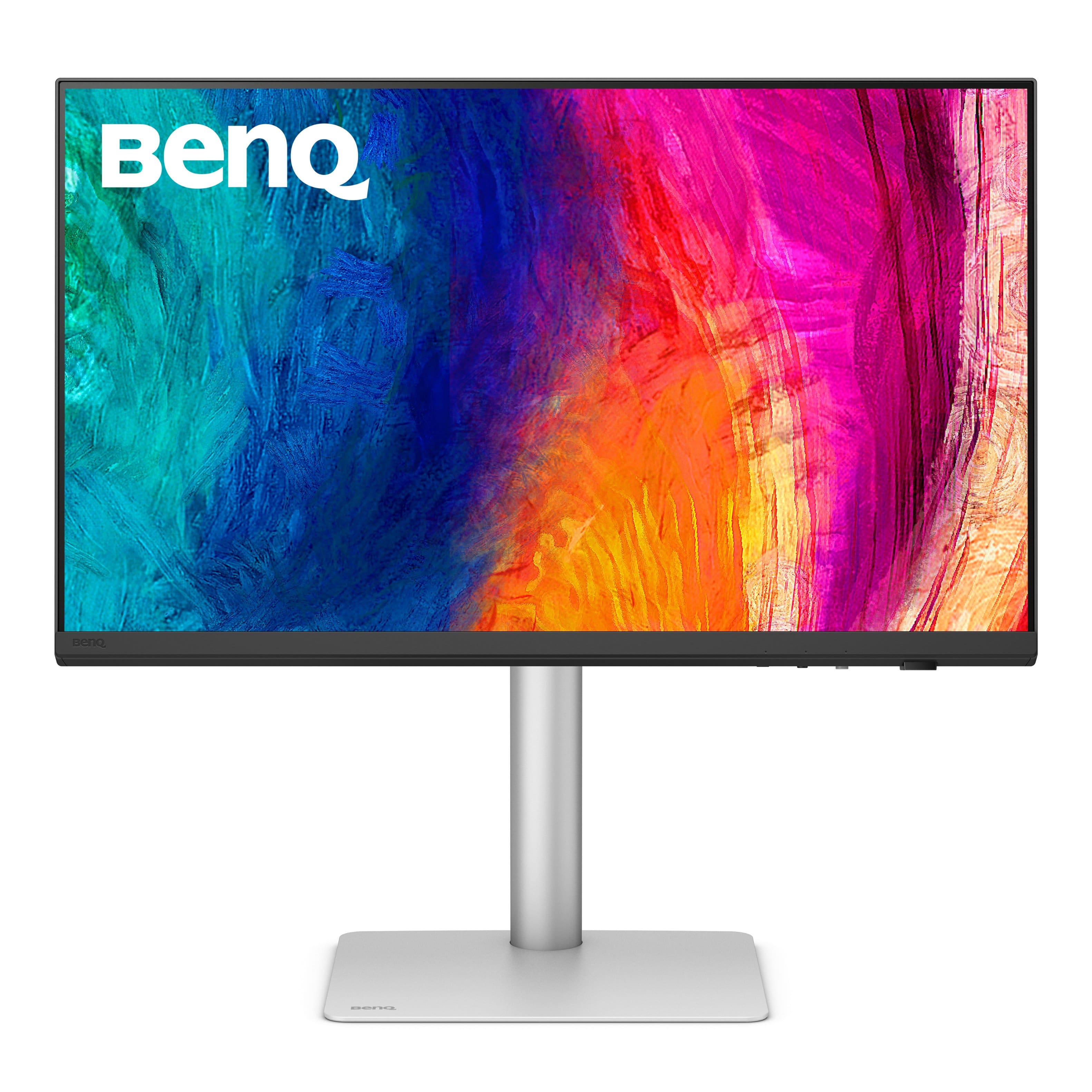
BenQ - MA320U 31.5" IPS LED 4K UHD Nano Matte Monitor for MacBook Pro and MacBook Air (HDMI/USB-C 90W) - Gray
SKU: J39QZT58XQVery cool monitor I could not be more impressed with a product like this price was right best purchase
See all All MonitorsProduct Description
A gray IPS LED monitor featuring 4K UHD resolution, dual USB-C ports, HDR, and integrated speakers.Your price for this item is $649.99Save $80The previous price was $729.99 -
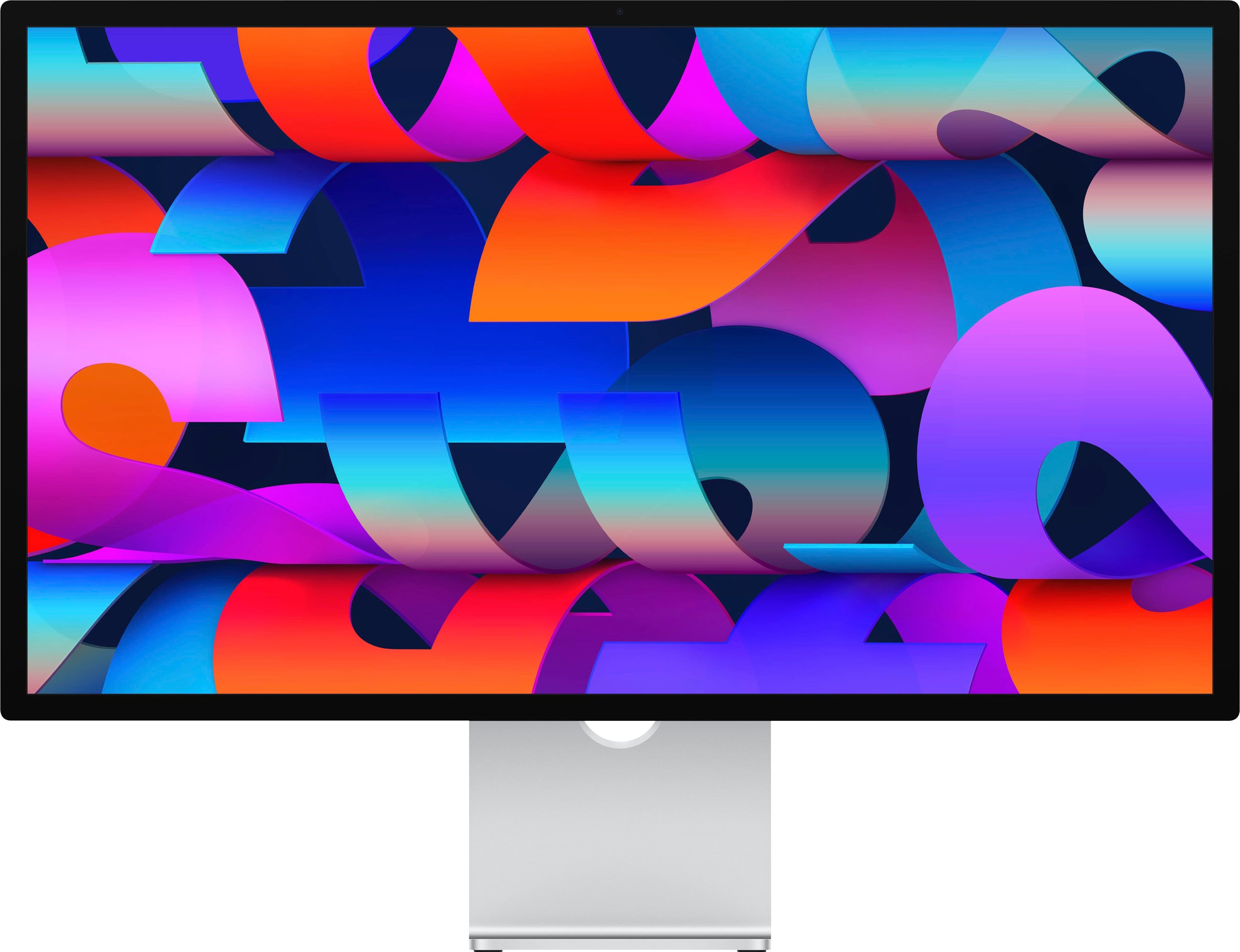
Apple - Studio Display - Standard glass - Tilt-adjustable stand - Silver
SKU: JJGCQLL4HFBest Monitor...And it looks great on the desk....Best screen by far. I read reviews and product is aligned with all online feedback
See all All MonitorsProduct Description
A silver 27-inch 5K Retina display featuring a 12MP webcam, advanced speakers, and Thunderbolt connectivity.Your price for this item is $1,599.99 -
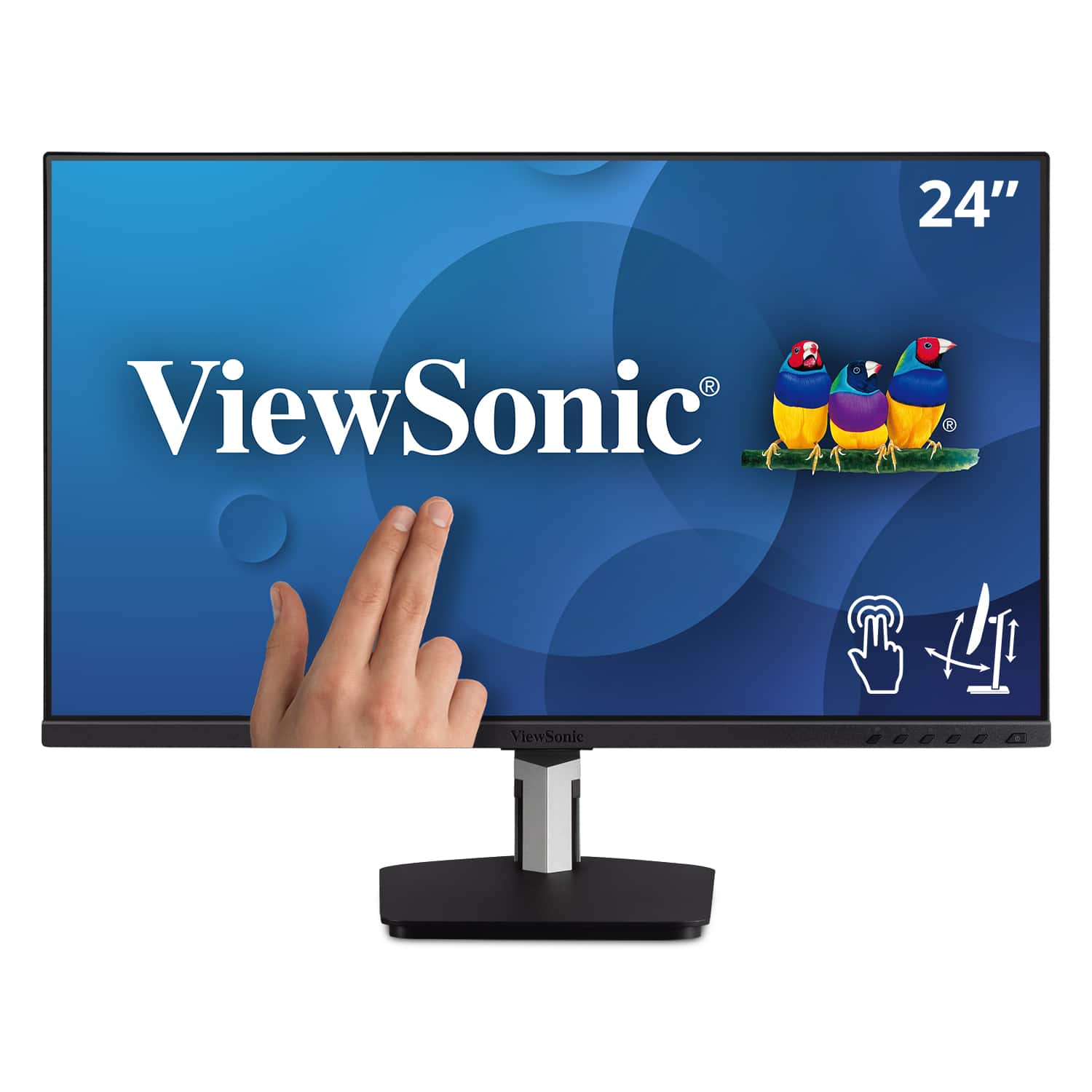
ViewSonic - TD2455 24" IPS LED FHD Touch Screen Monitor (DisplayPort, HDMI, USB) - Black
SKU: J37H88FGFPI love the new monitor, its beautiful display, and the less clutter resulting from fewer wires needed
See all All MonitorsProduct Description
A black IPS LED monitor with 10-point touchscreen, ergonomic dual-hinge, and versatile connectivity options.Your price for this item is $399.99 -
Apple - Studio Display - Standard glass - Tilt- and height-adjustable stand - Silver
SKU: JJGCQLL4JKTHE Best display! The picture quality is amazing. Apple product never disapoint....So far I love this monitor. ...— the new A19 chip, USB ports, and two Thunderbolt 5 ports for daisy chaining make it...
See all All MonitorsProduct Description
A silver 5K Retina display with tilt and height adjustment, built-in webcam, speakers, and Thunderbolt ports.Your price for this item is $1,999.99 -
Apple - Studio Display - Standard glass - VESA mount adapter - Silver
SKU: JJGCQLL5G3Ilive in a rural area and it is a inconvenience to have to ship the unit back so Best Buy can ship me
See all All MonitorsProduct Description
A silver 27-inch 5K Retina display with built-in webcam, advanced speakers, and VESA mount compatibility.Your price for this item is $1,599.99 -
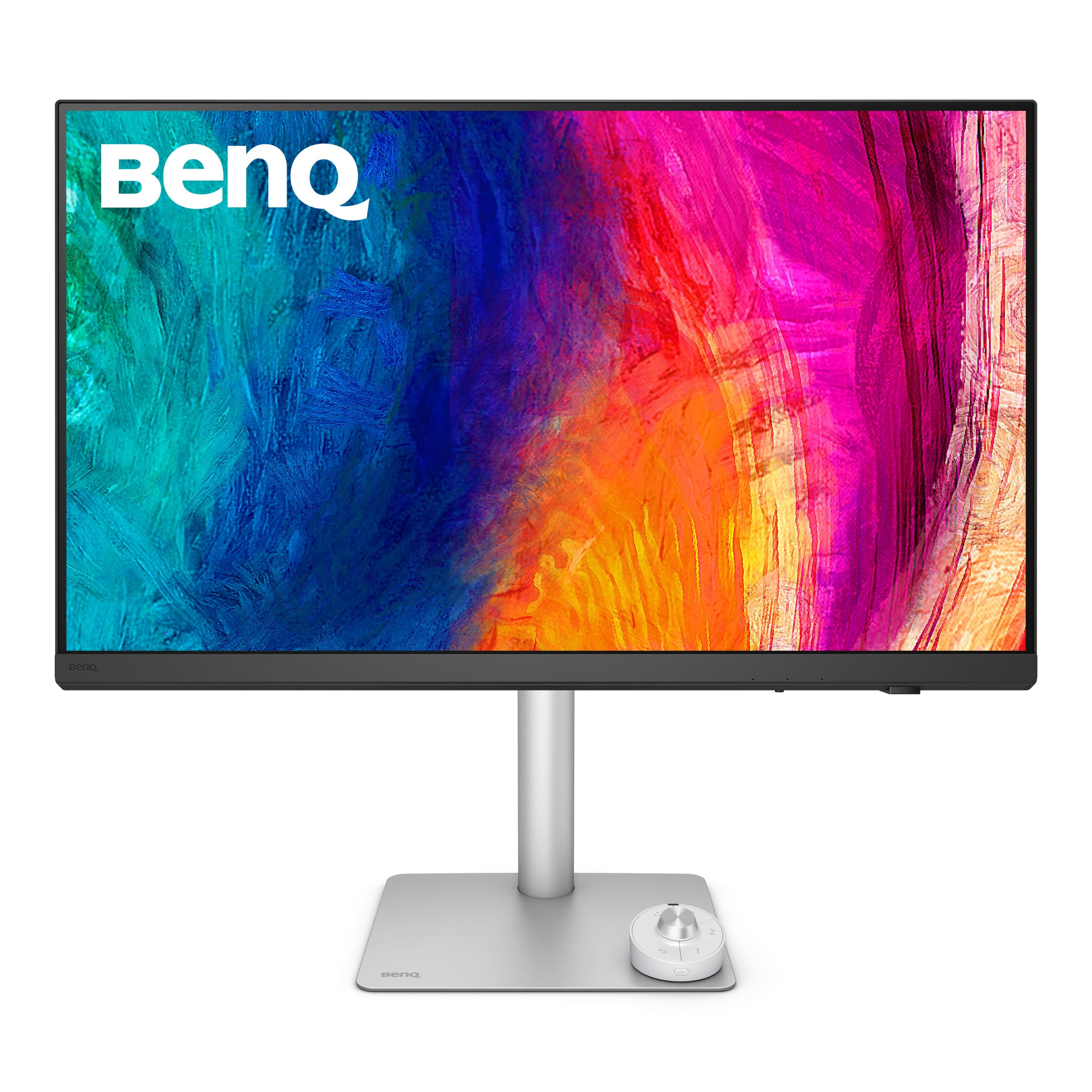
BenQ - PD3226G 31.5" IPS LED 4K 144Hz Mac Compatibile Monitor (HDMI/DP/Thunderbolt 4 90W) - White
SKU: J39QZT58XJSee all All MonitorsProduct Description
A white IPS LED monitor offering 4K UHD resolution, 144Hz refresh rate, and Thunderbolt 4 connectivity.Your price for this item is $899.99Save $100The previous price was $999.99 -
Apple - Studio Display - Nano-texture glass - Tilt- and height-adjustable stand - Silver
SKU: JJGCQLL559High quality, great definition, superior functionality and seamless compatibility with macbook pro
See all All MonitorsProduct Description
A silver 27-inch 5K Retina display with nano-texture glass, built-in webcam, speakers, and adjustable stand.Your price for this item is $2,299.99 -
BenQ - PD2730S 27" IPS LED 5K Mac Compatible Monitor (HDMI/Thunderbolt 4 90W/DP) - White
SKU: J39QZT58RWSee all All MonitorsProduct Description
A white IPS LED monitor featuring a 5K resolution, 98% P3 color, and Thunderbolt 4 connectivity.Your price for this item is $1,228.45 -
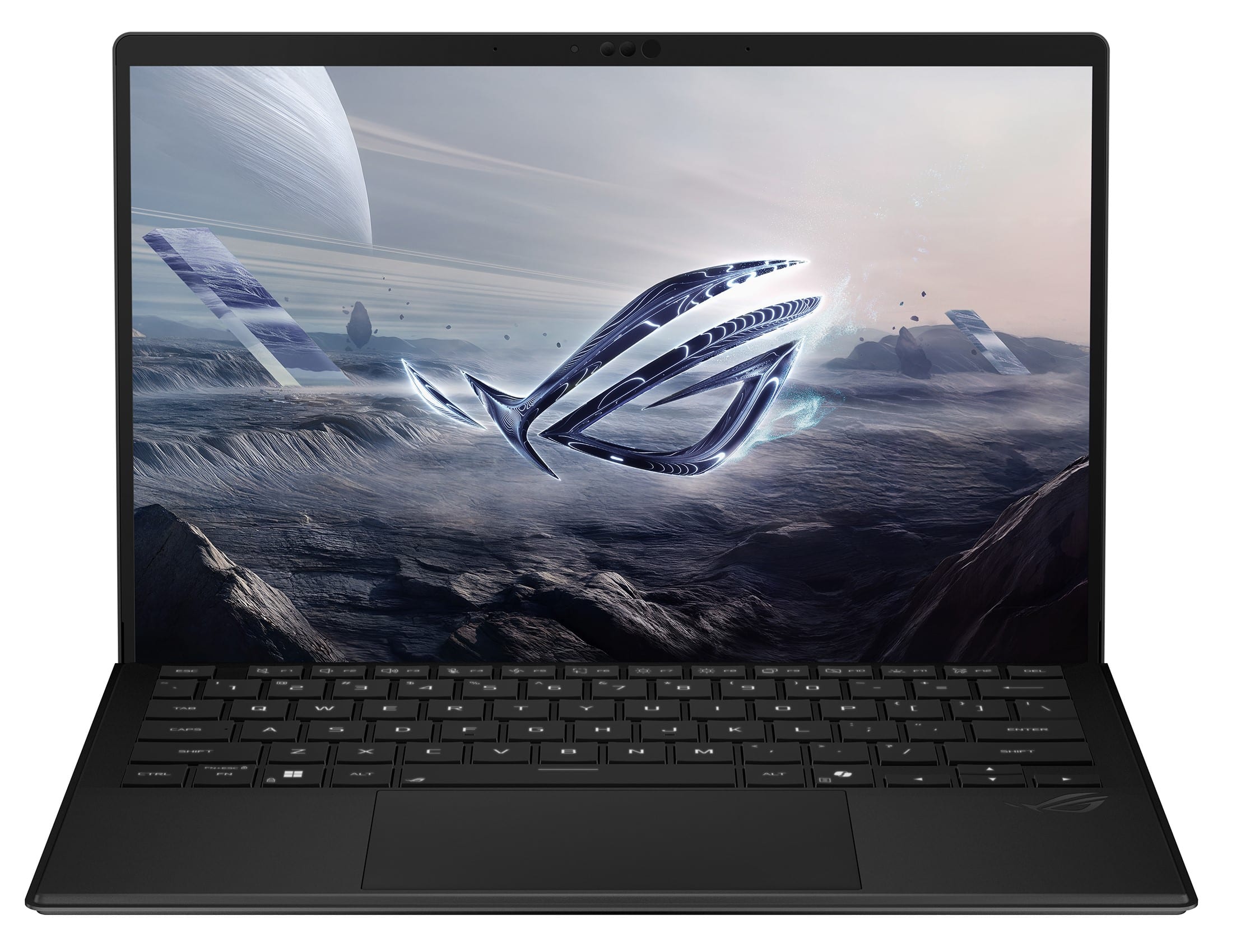
ASUS - ROG Flow Z13 13.4" 2.5K 180Hz Touch-Screen Gaming Laptop - Copilot+ PC - AMD Ryzen AI Max+ 395 - 128GB RAM - 1TB SSD - Off Black
SKU: JJGGLHC84RGreat Machine!...I love this little machine. Very Powerful, Great Battery Life, Tons of Ram....It is not the best in anything, however, it is really good in doing everything.
See all Windows LaptopsProduct Description
An ultra-portable off black 2-in-1 gaming laptop with 128GB RAM, 1TB SSD, and 2.5K touchscreen.Your price for this item is $3,299.99 -
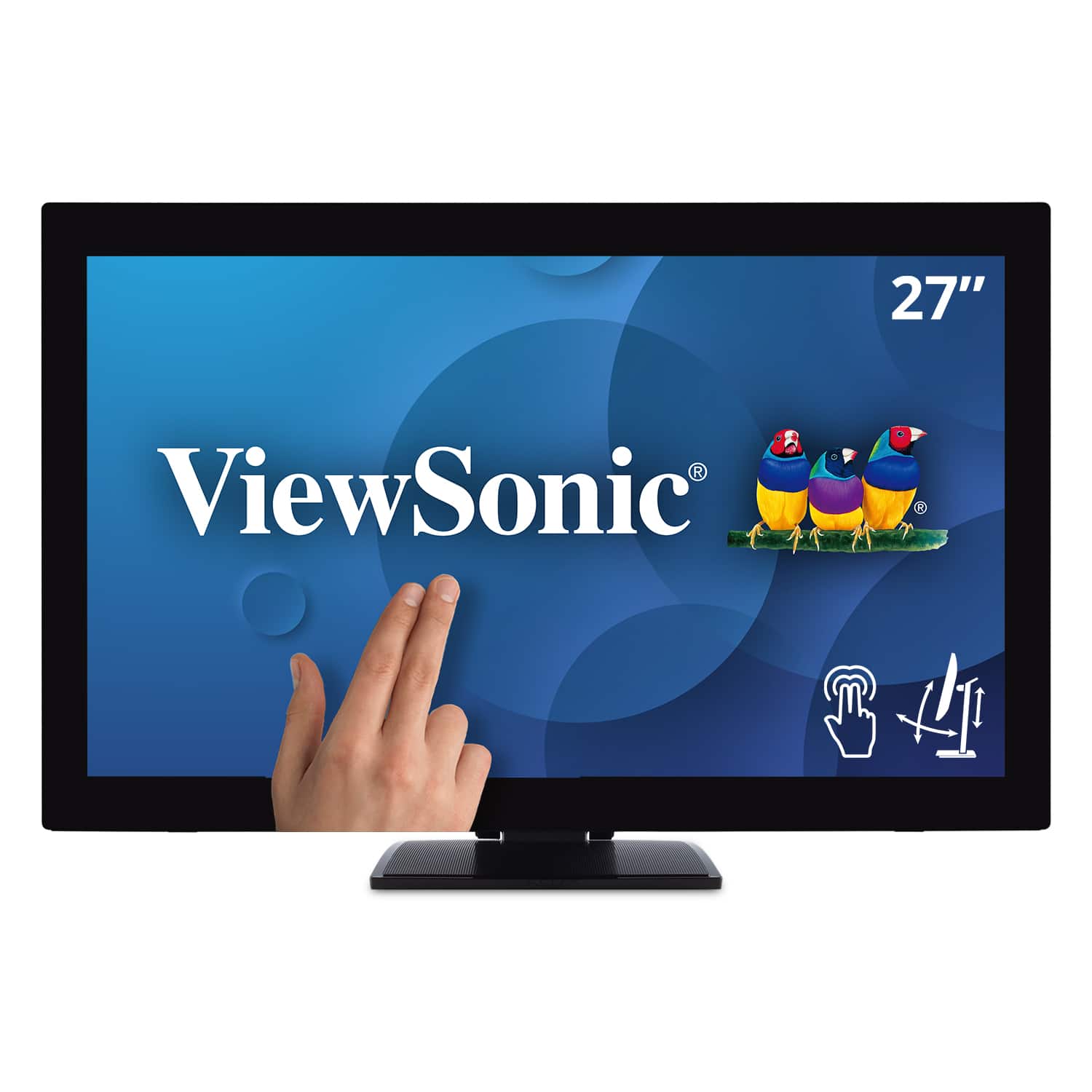
ViewSonic - TD2760 27" LED FHD Touch Screen Monitor (HDMI, VGA) - Black
SKU: J37H88FXS7See all All MonitorsProduct Description
A black LED touch screen monitor with Full HD resolution, IPS panel, and multiple connectivity options.Your price for this item is $539.99Save $52The previous price was $592.02
Best Sellers





Related Pages


FAQ
Yes, many touch-screen monitors are compatible with Mac computers. However, compatibility can depend on the monitor’s connection type and the macOS version. Always check the product specifications for Mac compatibility before purchasing.
Some touch-screen monitors may require additional drivers or software for full touch functionality on a Mac. It is recommended to check the manufacturer’s website for available Mac drivers and installation instructions.
Basic touch features such as tap and swipe are often supported, but advanced gestures like pinch-to-zoom may have limited functionality depending on the monitor and macOS support. Check the product details for gesture compatibility.
Most touch-screen monitors connect to Mac computers using HDMI, USB-C, or DisplayPort. Touch input typically requires a USB connection in addition to the video cable. Confirm your Mac’s available ports and the monitor’s connection options before setup.
Yes, touch-screen monitors can be used as secondary displays with Mac computers. Once connected, you can extend or mirror your desktop, and use the touch features supported by your monitor and macOS.