Touch Screen Monitors For Work From Home
-
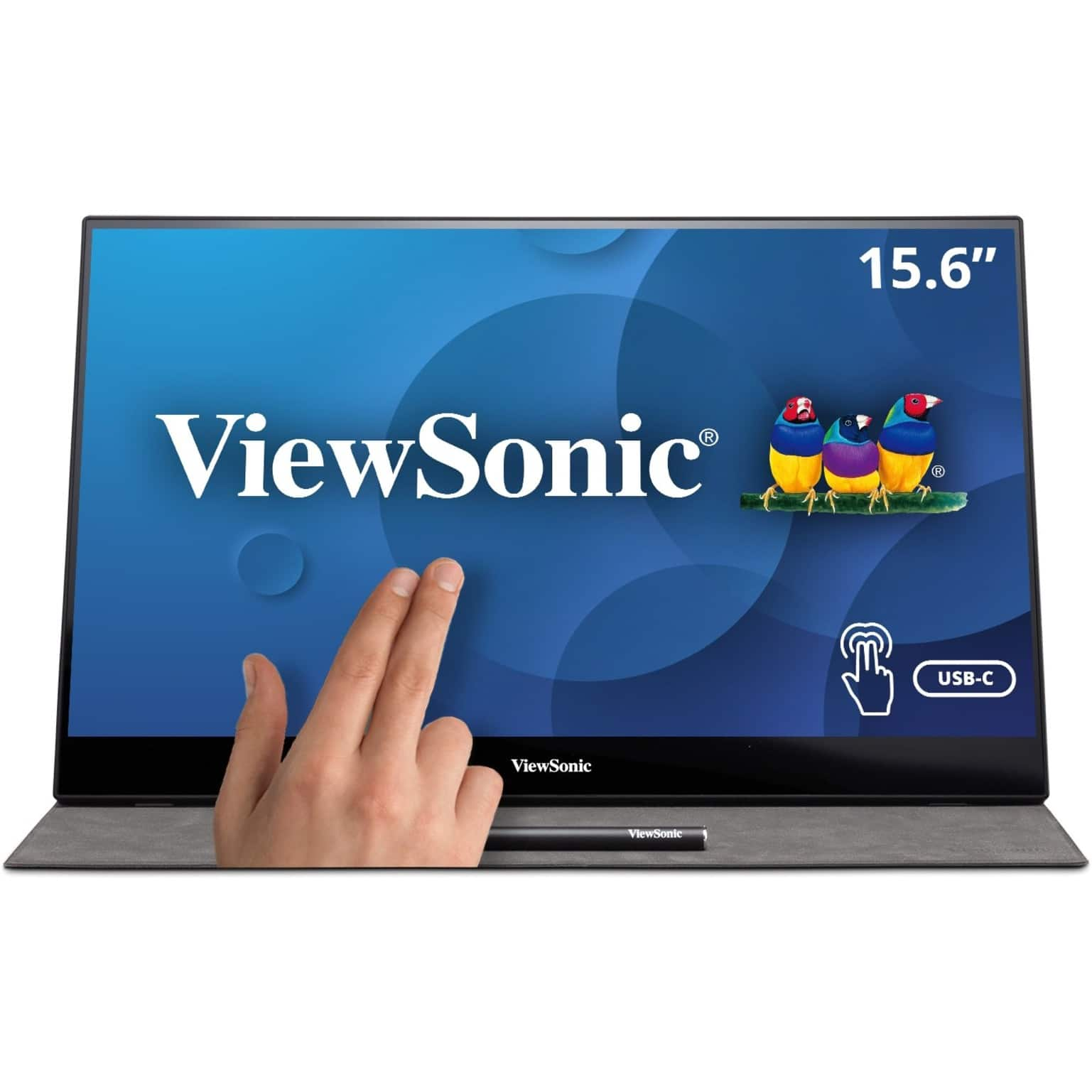
ViewSonic - TD1655 15.6" LCD FHD Touch Screen Monitor (USB-C, Mini HDMI) - Black
SKU: J37H88FSLCSee all Portable MonitorsProduct Description
A portable black IPS touchscreen monitor with FHD 1080p resolution, USB-C connectivity, and included stylus.Your price for this item is $299.99 -
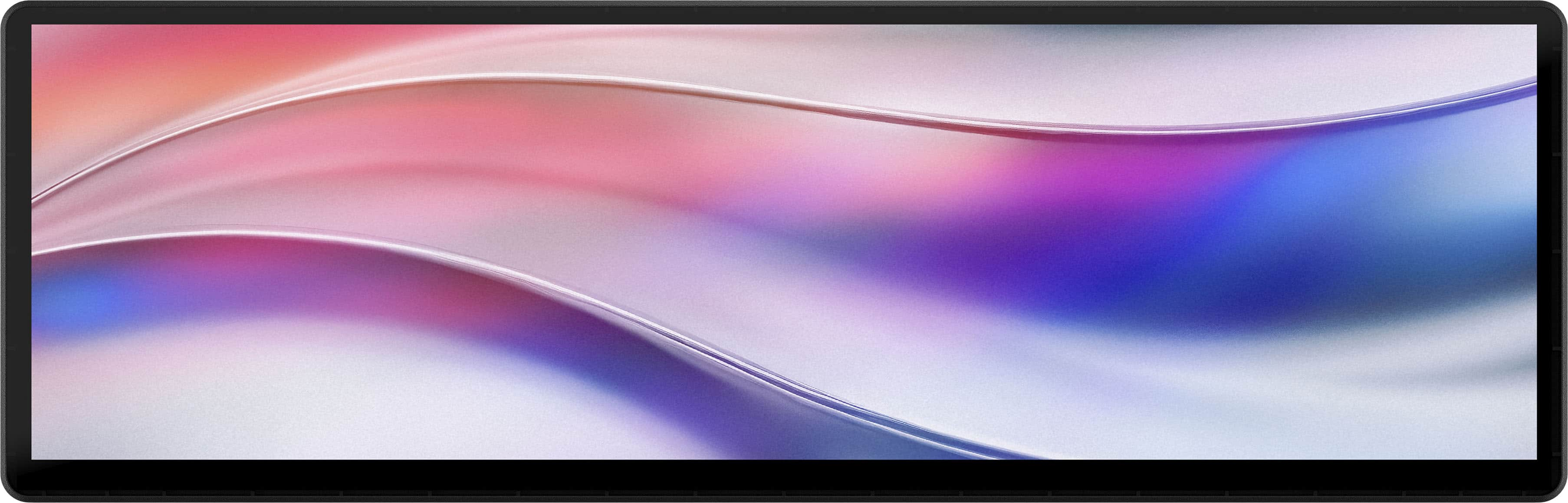
CORSAIR - Xeneon Edge 14.5" LCD 60HZ Touchscreen Versatile Screen - Black
SKU: J39TSCHLZ9Love it! Great for Streaming...Love how it can be mounted or I can use the stand....Works great with Icue and I have had no issues with crashes....Great...love the produce, but can you add a CS2 score-board...
See all All MonitorsProduct Description
A versatile black LCD touchscreen monitor with 2560x720 resolution, 60Hz refresh rate, and multiple mounting options.Your price for this item is $249.99 -
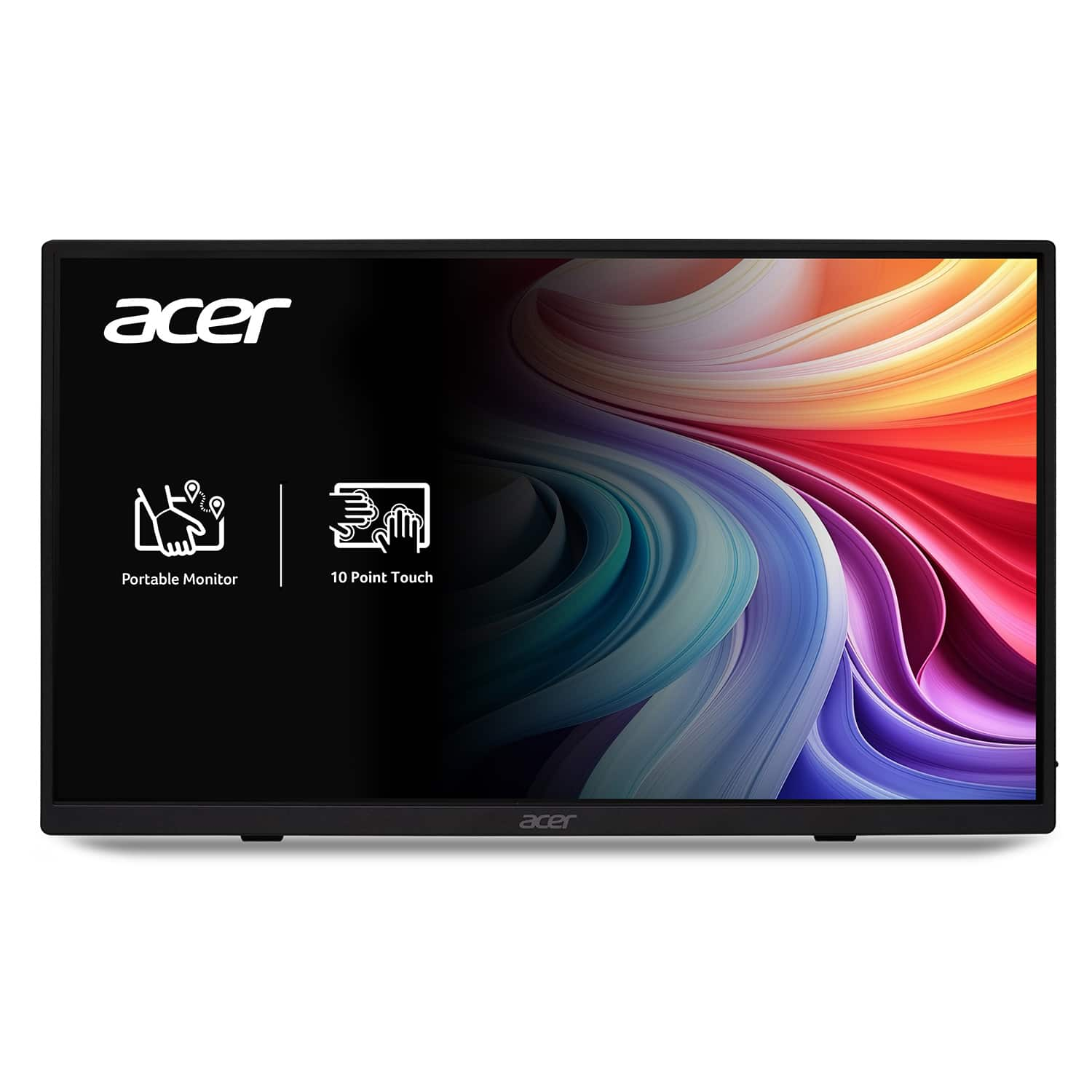
Acer - 15.6" LCD FHD 60Hz Adaptive Sync IPS Portable Touch Monitor (USB Type-C, Mini HDMI & Micro USB) - Black
SKU: JJ8V8HX2VPBest thing i ever used and its versatility is great helps me monitor my gens and has helped during my...I love this monitor! I use it for my textbooks and have never been failed!...I love how portable...
See all All MonitorsProduct Description
A portable black IPS touch monitor with Full HD resolution, Adaptive Sync, and versatile USB Type-C connectivity.Your price for this item is $169.99 -
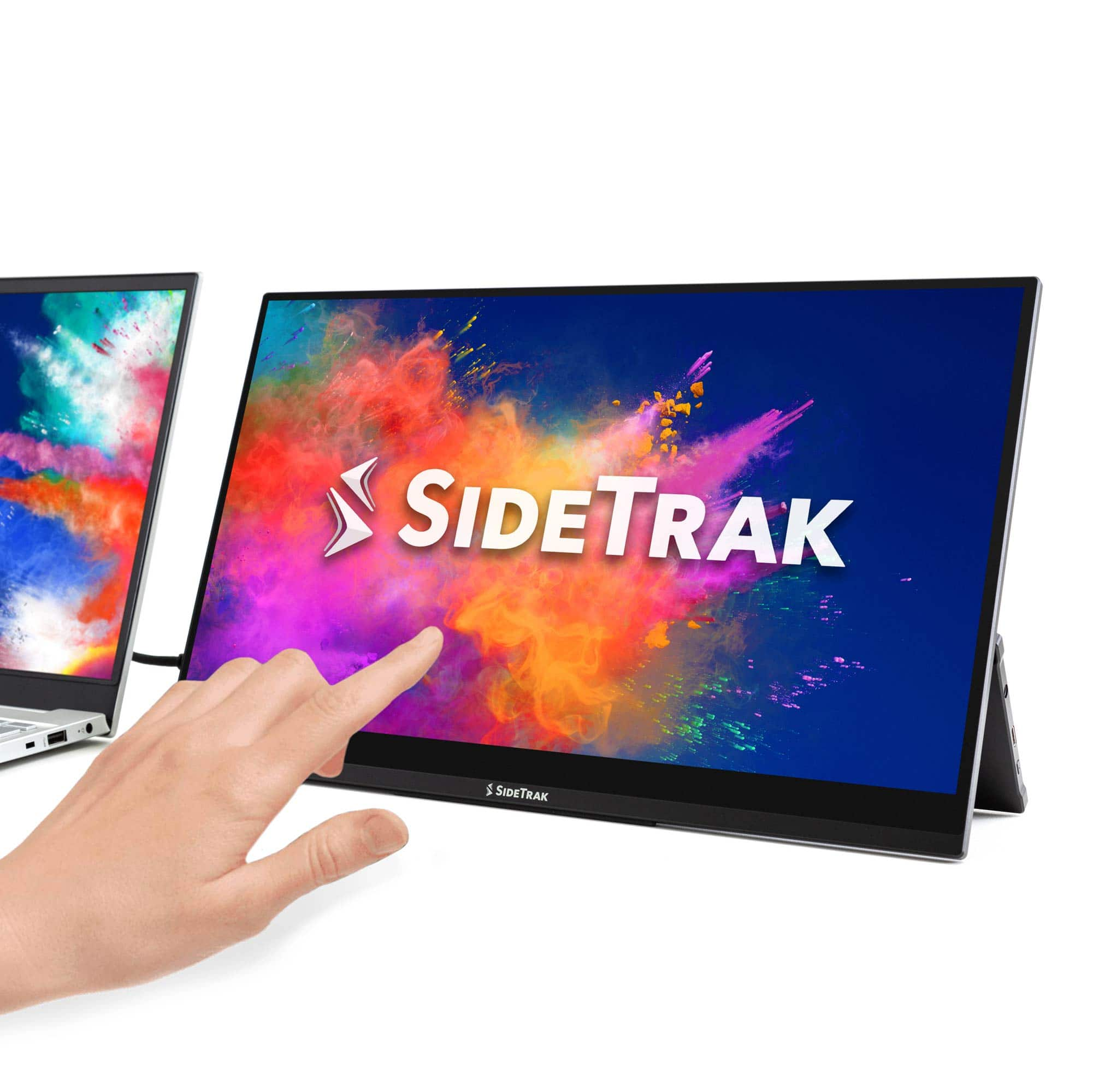
SideTrak - Solo Pro Touchscreen 15.8" Portable Monitor – - Black
SKU: J3G4TZ9C2TThe best buy I have made so far this year. Making my working at home situation bearable....Love the touch screen, clarity of the screen, portability, and light weight....Love it!!...Love it!
See all Portable MonitorsProduct Description
A portable black IPS touchscreen monitor with Full HD resolution, HDR mode, and USB-C or HDMI connectivity.Your price for this item is $289.99 -
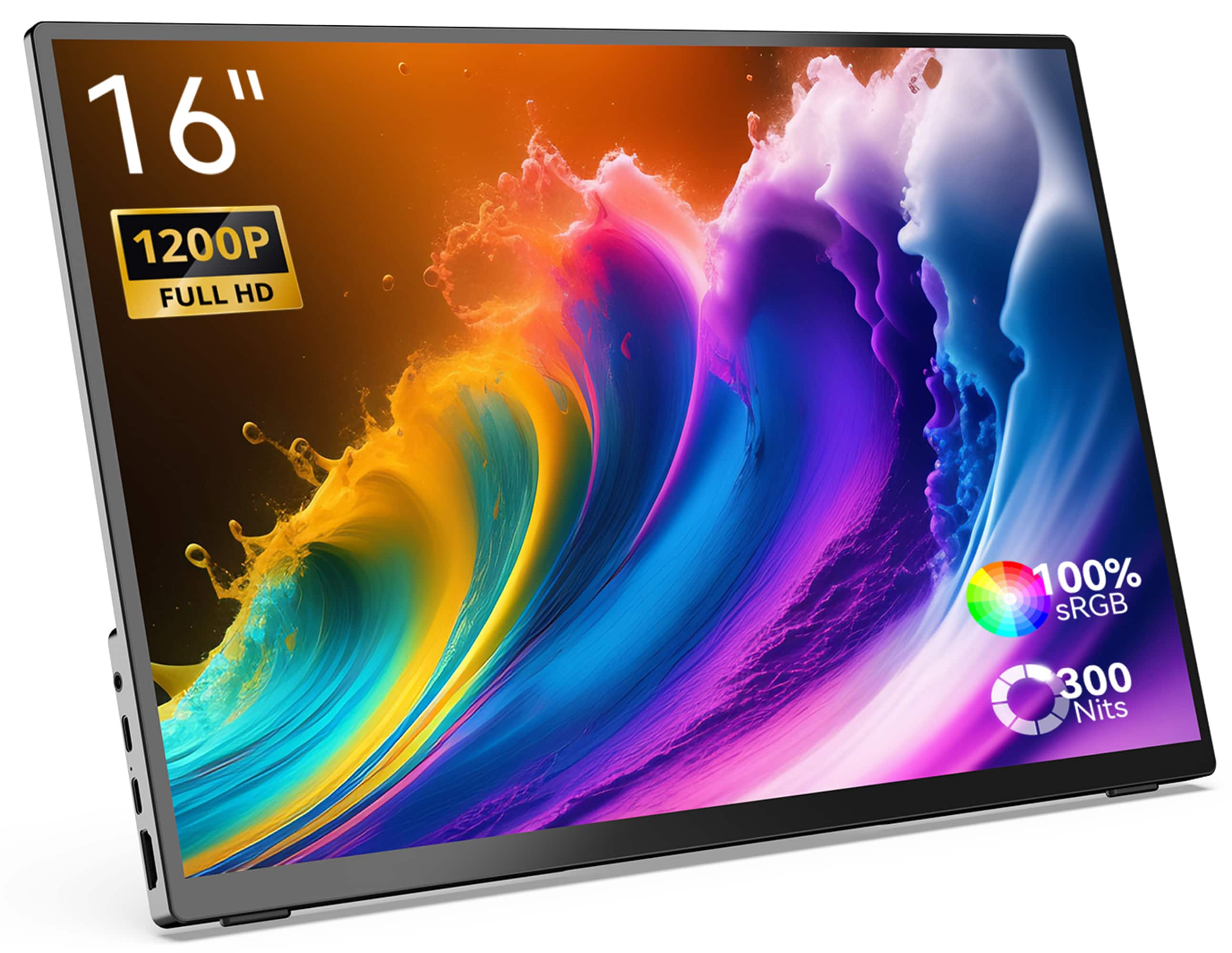
MINIX - 16" Portable Monitor, 1200P FHD IPS Screen, 100% sRGB, HDMI, Laptop Monitor Compatible with PC, Mac, Phone, Xbox, Switch - SF16T (Touch Edition)
SKU: CGCLX97G5VBest on the go touch screen...Great product for windows computer, I recommend this to everyone
See all Portable MonitorsProduct Description
A lightweight aluminum portable monitor with 16" 1200P FHD IPS touch screen and 100% sRGB color.Your price for this item is $199.99Save $200The previous price was $399.99 -
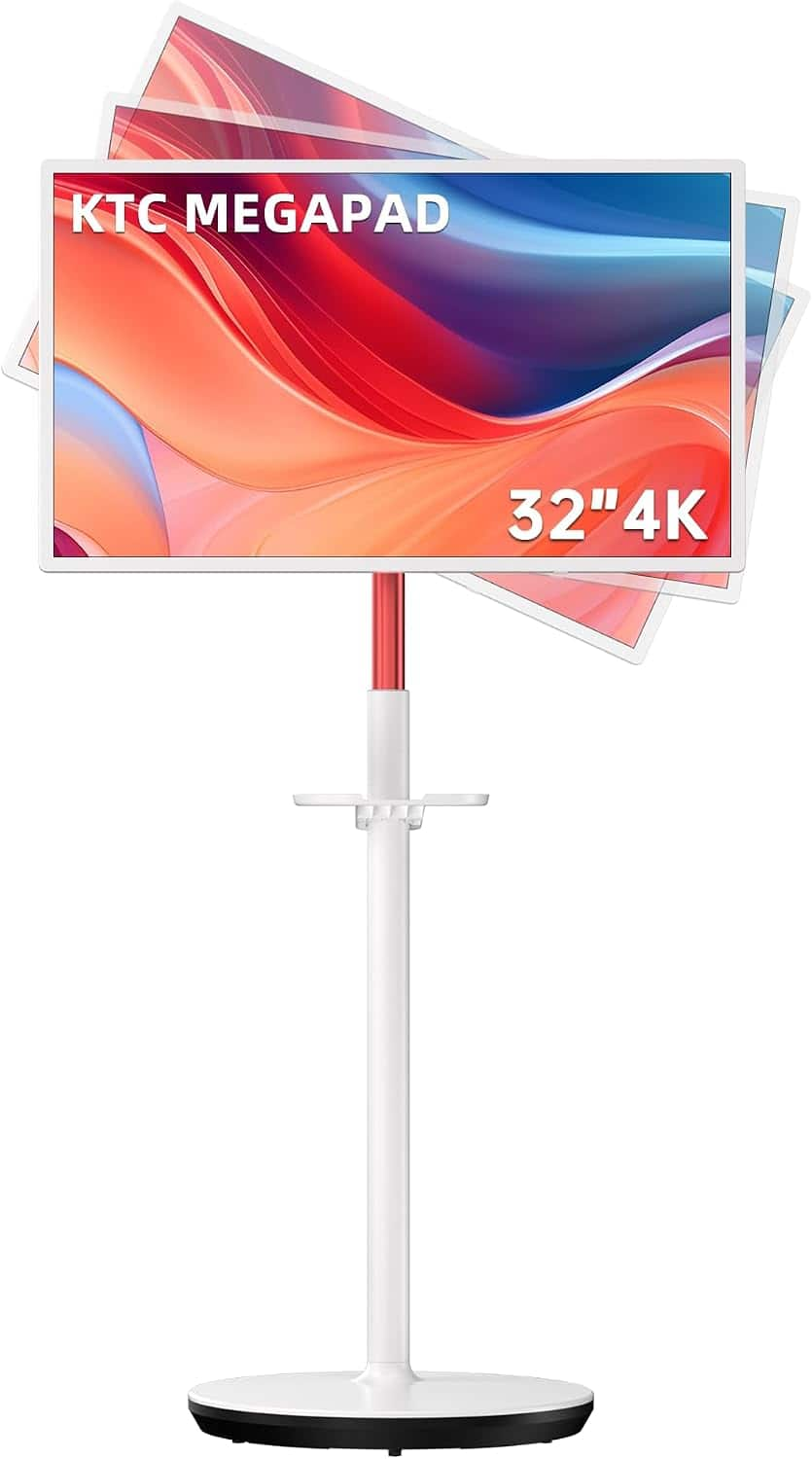
KTC - 32" 4K UHD Smart Touchscreen Portable Monitor w/ Full Swivel Rotation, 128 GB Storage, Google EDLA Certified, Android 13 - White
SKU: CZYCLR3F9ZLove the portable tablet it's Convenient to use all over the house even in backyard or deck show a clear...It’s very convenient and it’s great for events and showing new clients how to use our website...
See all Gaming MonitorsProduct Description
A white 32-inch 4K UHD touchscreen monitor with Android 13, full swivel rotation, and anti-blue light.Your price for this item is $729.99Save $10The previous price was $739.99 -
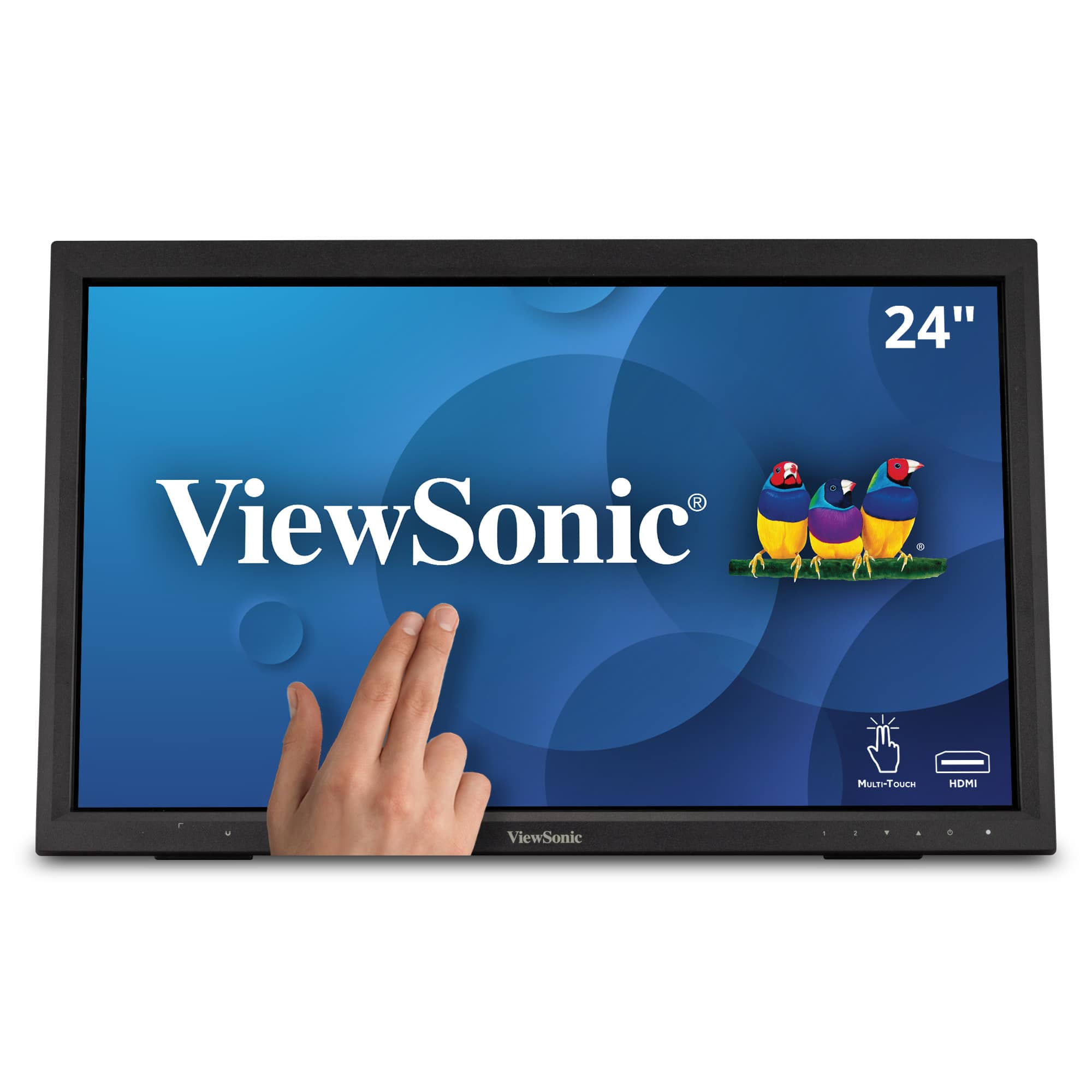
ViewSonic - TD2423D 24" LCD FHD Touch Screen Monitor (HDMI, VGA, USB and, DisplayPort) - Black
SKU: J37H88FWTPIt is durable, looks great, and it's sensitive to touch....It looks great in our booth and the sales team loves it!
See all All MonitorsProduct Description
A black LED touch screen monitor with Full HD resolution, 10-point IR touch, and versatile connectivity options.Your price for this item is $309.99 -
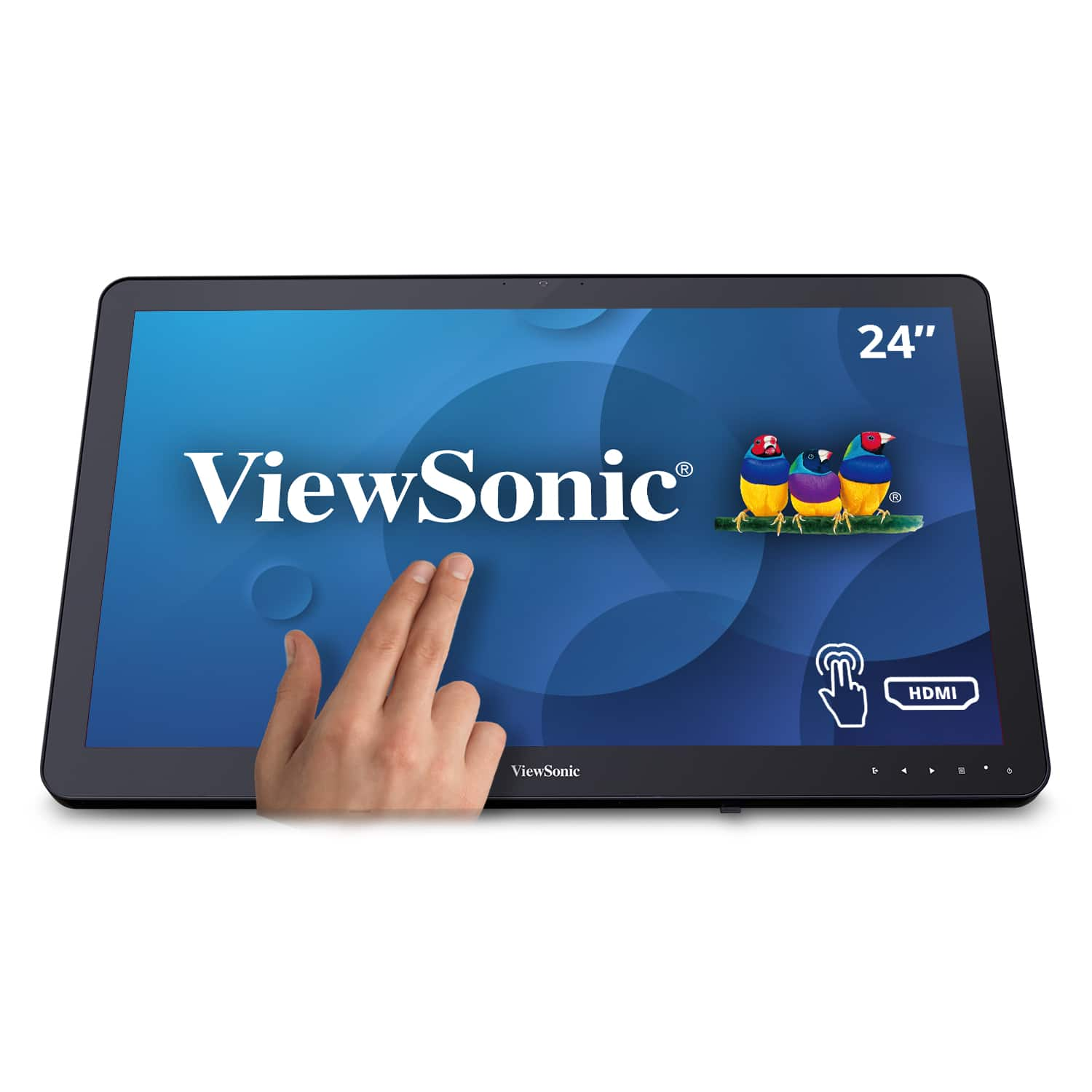
ViewSonic - TD2430 24" LED FHD Touch Screen Monitor (HDMI and DisplayPort) - Black
SKU: J37H8YC3JSSee all All MonitorsProduct Description
A black LED touch screen monitor with 10-point capacitive technology, FHD resolution, and integrated speakers.Your price for this item is $339.99Save $11The previous price was $351.68 -
Lenovo - ThinkCenter 23.8" Tiny-In-One 24 Gen 5 IPS LED FHD Multi-Touch Monitor (HDMI, USB, DisplayPort) - Black
SKU: JJG8CK2LFWSee all All MonitorsProduct Description
A black IPS LED FHD multi-touch monitor with built-in webcam, speakers, HDMI, USB, and DisplayPort connectivity.Your price for this item is $309.99Save $20The previous price was $329.99 -
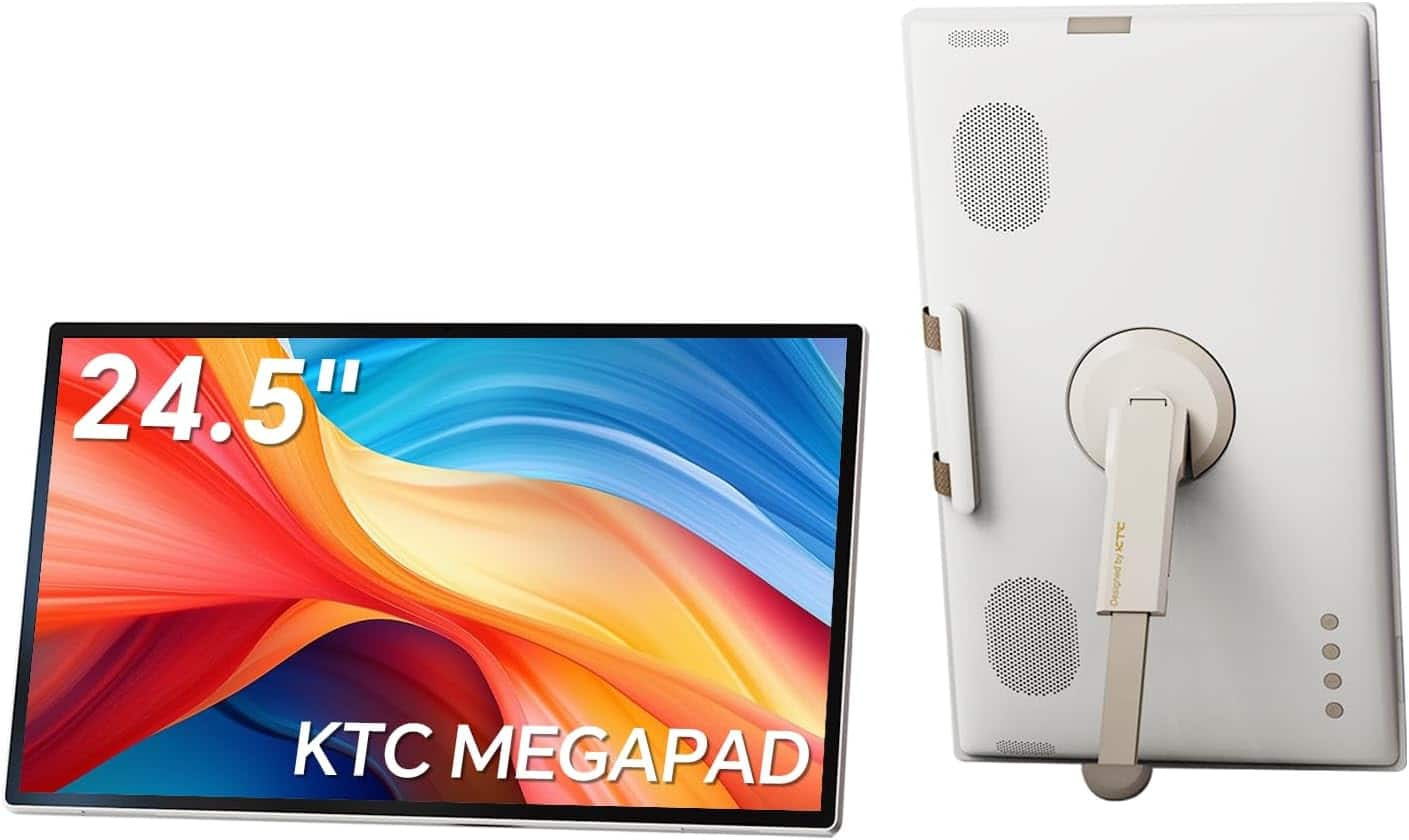
KTC - A25Q5 MEGAPAD 25" Monitor, Portable Android Smart Touchscreen TV, 1080p, Google EDLA Built-in Battery, Camera & Remote - White
SKU: CZYCLR87WFGreat portable smart display!...Setup was quick, and streaming apps work great. Highly recommended!
See all Gaming MonitorsProduct Description
A portable white touchscreen monitor with Full HD display, Android 14, built-in battery, and 8MP camera.Your price for this item is $449.99Save $150The previous price was $599.99

Best Sellers

Related Pages



FAQ
Touch screen monitors offer intuitive navigation, faster workflow, and enhanced productivity by allowing you to interact directly with your applications. They can make multitasking easier and are especially useful for creative tasks, presentations, and collaborative work.
Many touch screen monitors can be used as displays with Windows and Mac computers, but touch functionality and advanced gestures may vary by model and operating system and may work best with Windows. Always check the monitor's specifications for compatibility details.
Many touch screen monitors support stylus or digital pen input, which is ideal for drawing, note-taking, or precise editing. However, compatibility varies by model, so it's important to confirm if the monitor supports active or passive styluses.
Most touch screen monitors are plug-and-play and will work automatically when connected to your computer. However, some models may require specific drivers or software for advanced features. It's recommended to install any provided software for optimal performance.
To maintain clarity and responsiveness, regularly clean your touch screen monitor using a microfiber cloth slightly dampened with water or a screen-safe cleaner. Avoid harsh chemicals and never spray liquid directly onto the screen.