Techtober SaleEnds Sunday. Limited quantities. No rainchecks.Shop now

Main Content
Skip to contentGo to Product Search

Techtober SaleEnds Sunday. Limited quantities. No rainchecks.Shop now

Main Content
Categories & Filters

Touch Screen Monitor For Livestreaming

Elevate your livestreaming setup with a touch screen monitor for livestreaming, designed to enhance your workflow and bring interactive control to your creative space. Whether you’re broadcasting games, hosting webinars, or producing live events, these monitors offer a seamless way to manage your stream and engage with your audience. Discover a range of options that can help make real-time adjustments effortless, so you can focus on delivering high-quality content every time you go live.

Read More
Results
Main Results
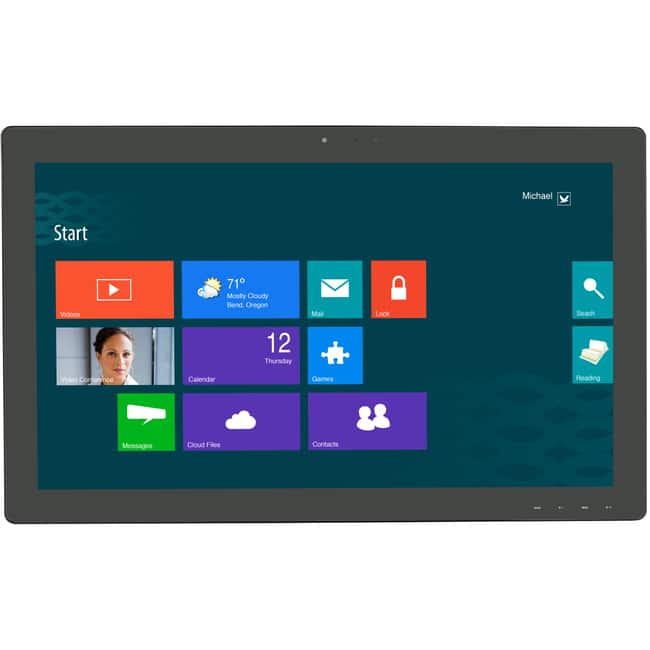
  1. Planar - Helium PCT2785 27" Class Webcam LCD Touchscreen Monitor - 16:9 - 12 ms - 27" Viewable - Projected Capacitive - Black

    SKU: J3GZRR7YR6

    Product Description

    A black LED touchscreen monitor with Full HD resolution, HDMI connectivity, and a built-in HD webcam.
    See all All Monitors
    Your price for this item is $545.36
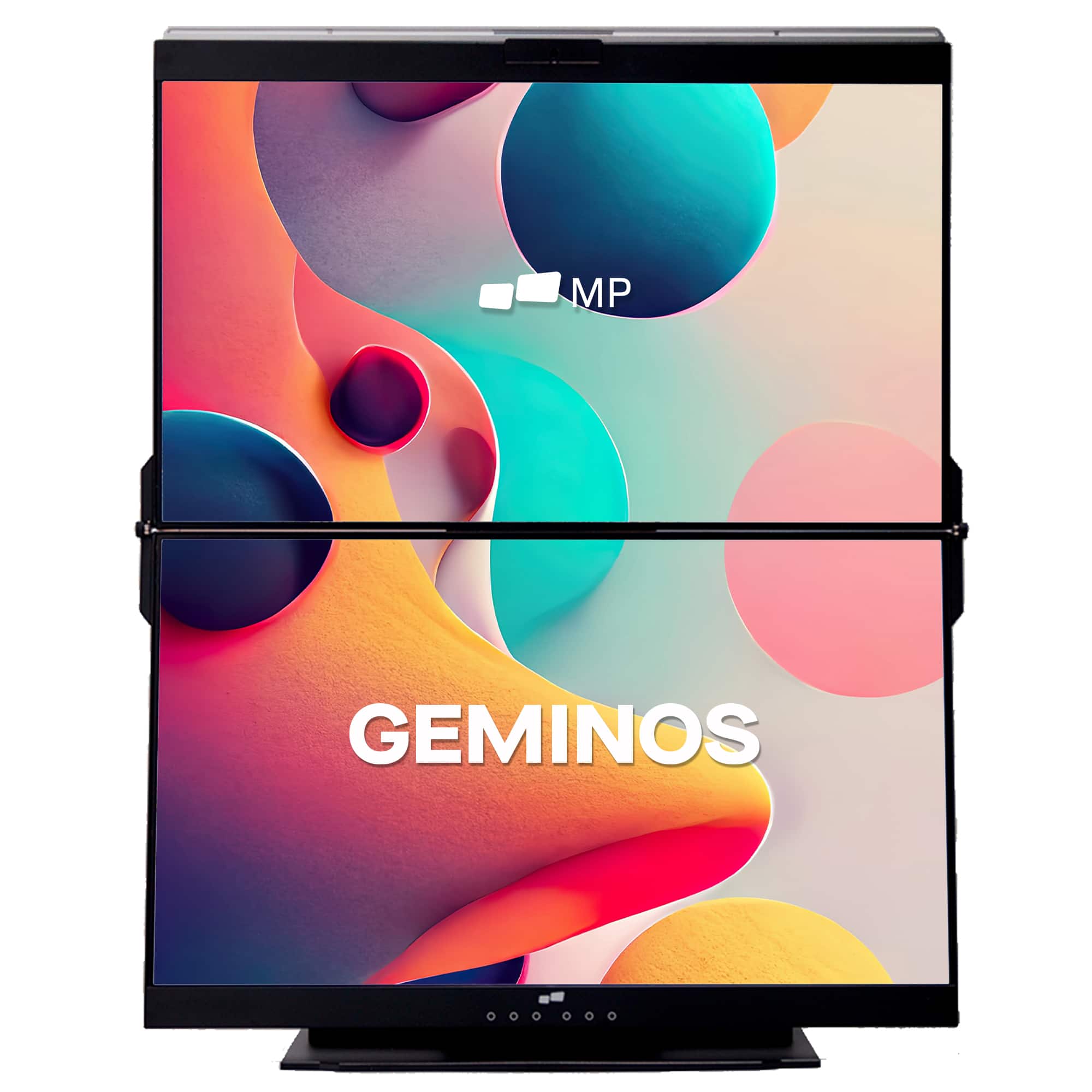
  2. Mobile Pixels - Geminos X 1440p 24-In. Dual-Screen Desktop Monitor - Black

    SKU: J3R8Q2TQ7H

    Love the dual screen, helps with work....I love my stacked monitor's and tge resolution is beautiful....I love that I can trade on one acreen and game on the other.

    Product Description

    A black dual-screen desktop monitor with 24-inch 1440p IPS displays, touch-enabled bottom screen, and built-in webcam.
    See all Portable Monitors
    Your price for this item is $769.99
    Save $130
    The previous price was $899.99
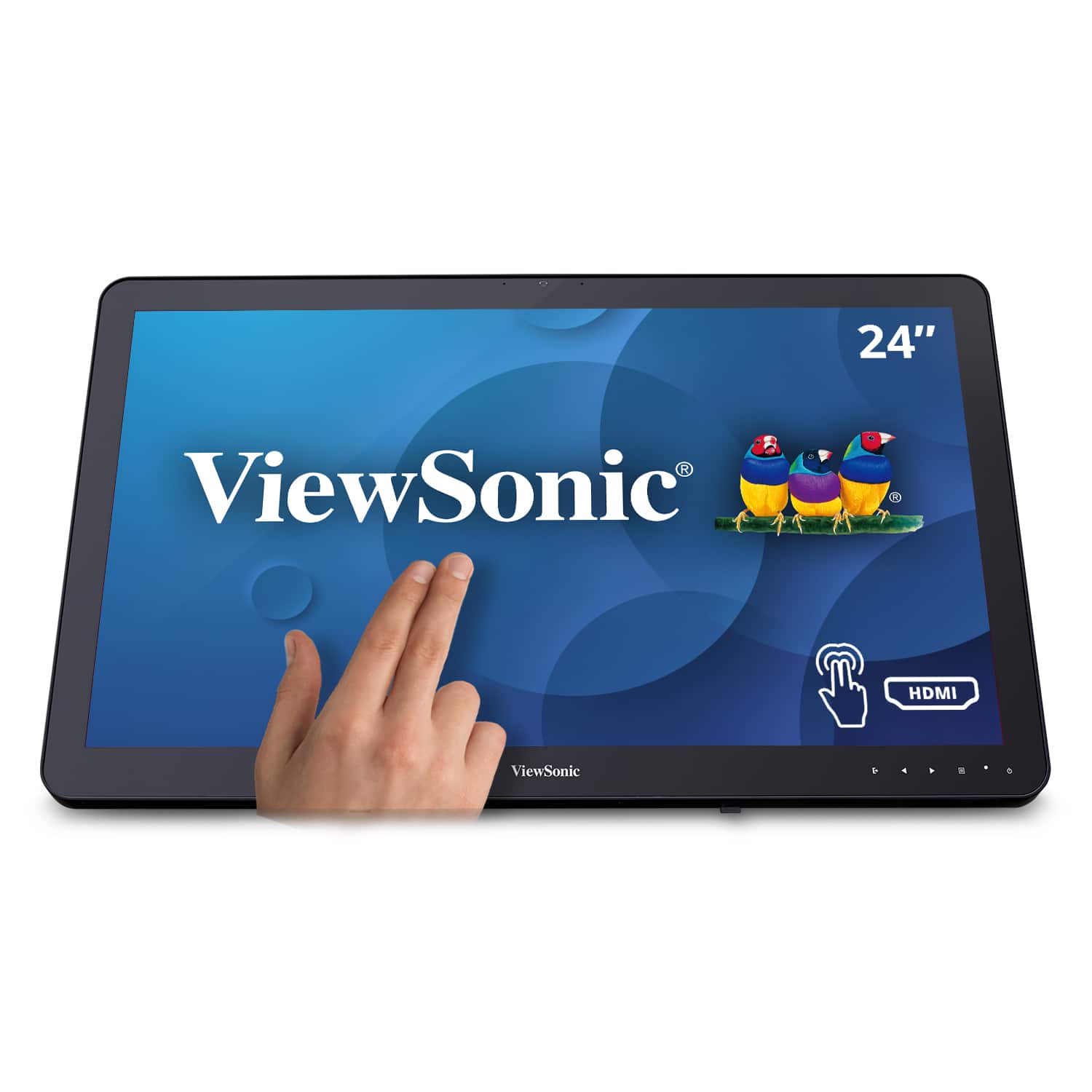
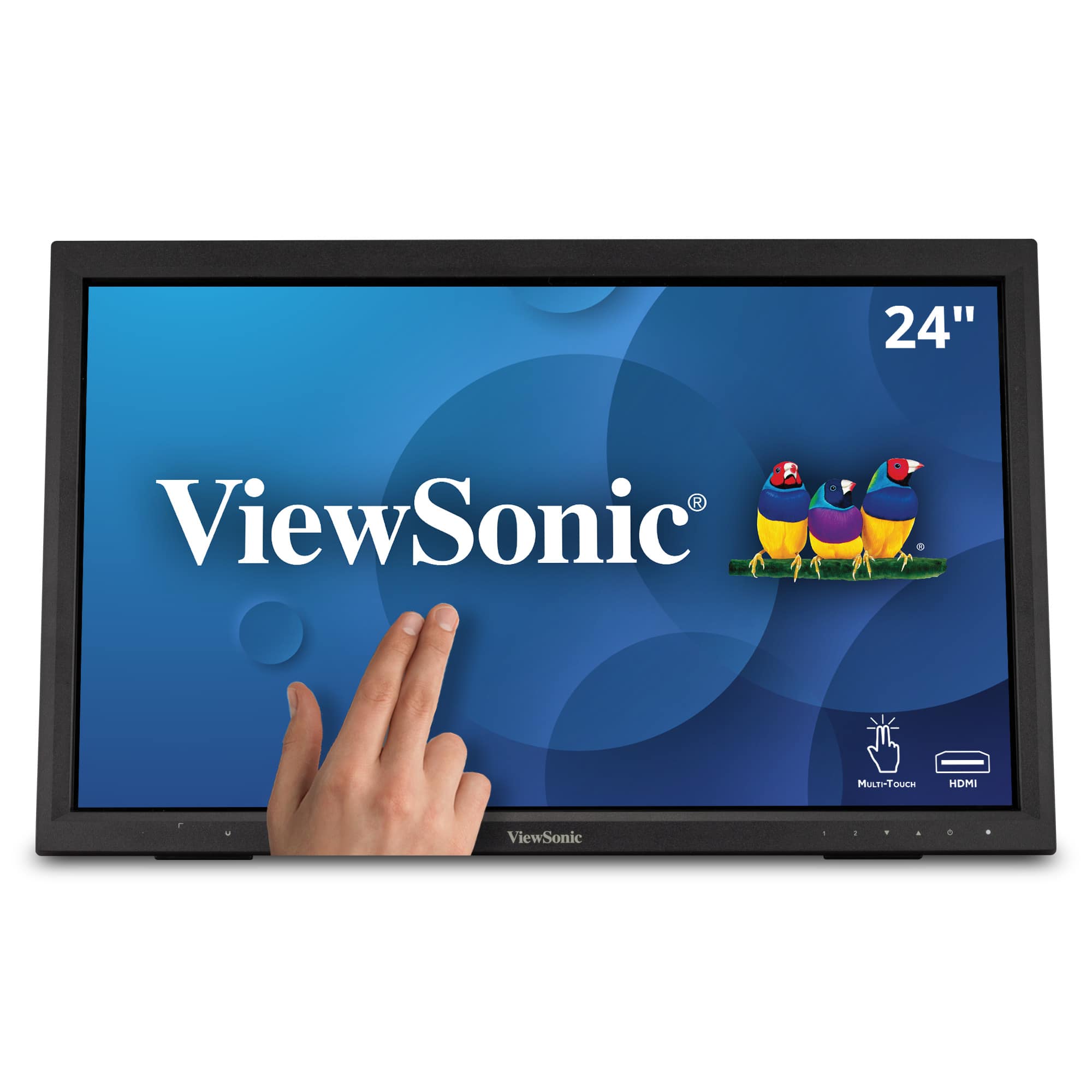
  3. ViewSonic - TD2430 24" LED FHD Touch Screen Monitor (HDMI and DisplayPort) - Black

    SKU: J37H8YC3JS

    Product Description

    A black LED touch screen monitor with 10-point capacitive technology, FHD resolution, and integrated speakers.
    See all All Monitors
    Your price for this item is $339.99
    Save $11
    The previous price was $351.68
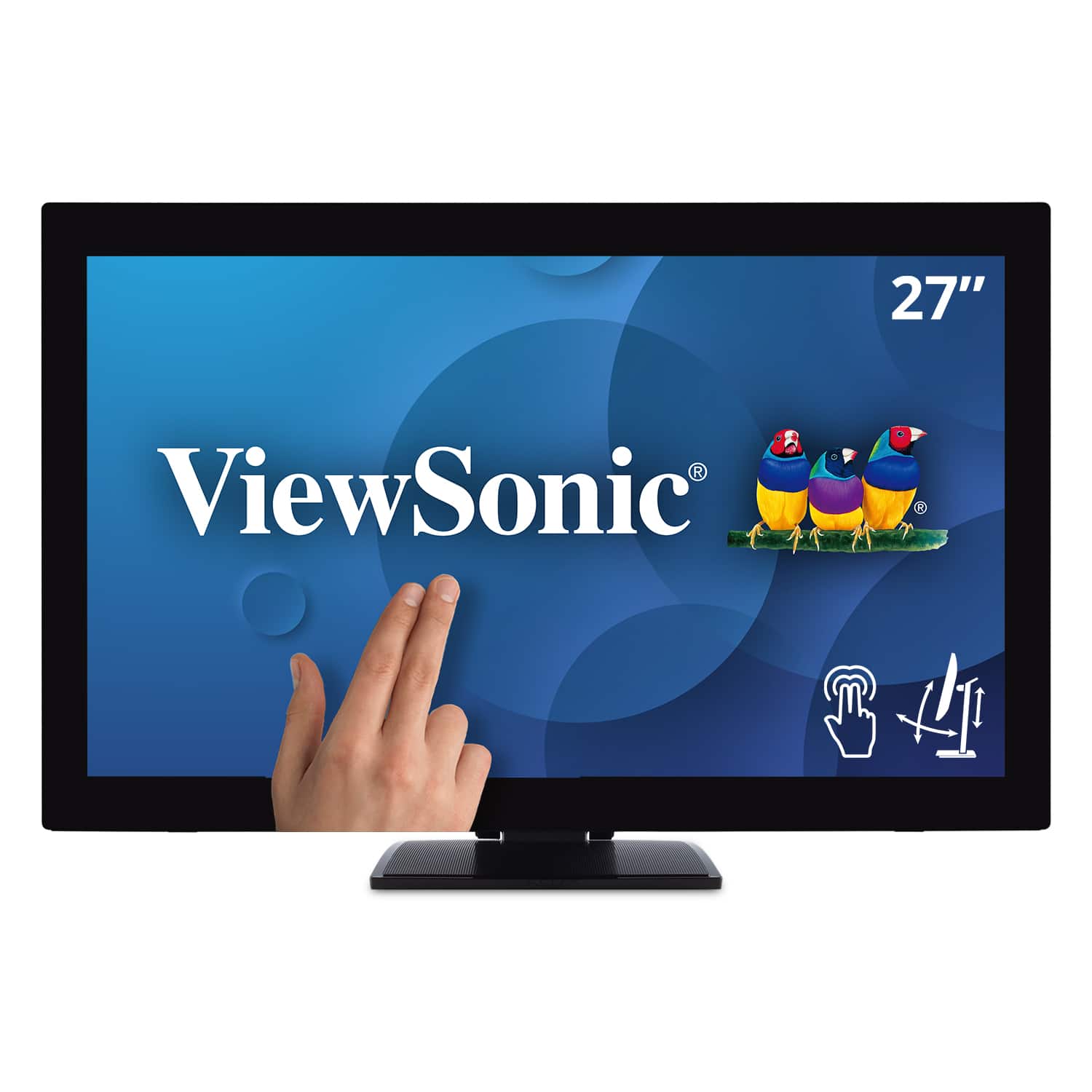
  4. ViewSonic - TD2760 27" LED FHD Touch Screen Monitor (HDMI, VGA) - Black

    SKU: J37H88FXS7

    Product Description

    A black LED touch screen monitor with Full HD resolution, IPS panel, and multiple connectivity options.
    See all All Monitors
    Your price for this item is $539.99
  5. ViewSonic - TD2423D 24" LCD FHD Touch Screen Monitor (HDMI, VGA, USB and, DisplayPort) - Black

    SKU: J37H88FWTP

    Product Description

    A black LED touch screen monitor with Full HD resolution, 10-point IR touch, and versatile connectivity options.
    See all All Monitors
    Your price for this item is $309.99
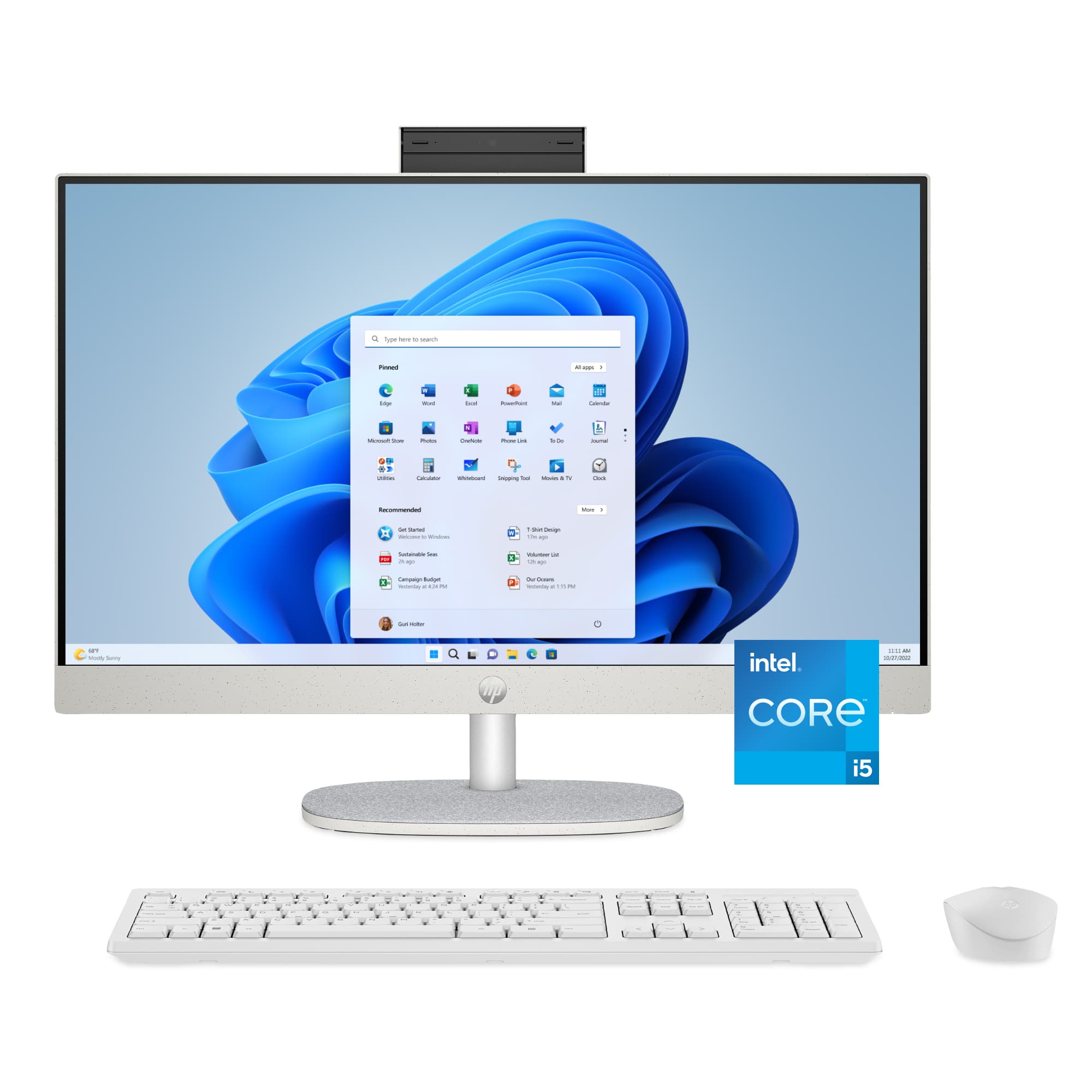
  6. HP - 23.8" Full HD Touch-Screen All-in-One with Adjustable Height - Intel Core i5 1334U 2023 - 8GB Memory - 512GB SSD - Shell White

    SKU: JJGQJRTR2Q

    Love my new touchscreen HP, the geek scad dud such a great job....Best Buy is the best store to buy electronics......Best computer...Best computer ever super fast love it the color sparks

    Product Description

    A sleek shell white all-in-one PC with touch screen, Intel Core i5, 8GB RAM, and 512GB SSD.
    See all Touchscreen All-in-One Computers
    Your price for this item is $819.99
    Save $270
    The previous price was $1,089.99
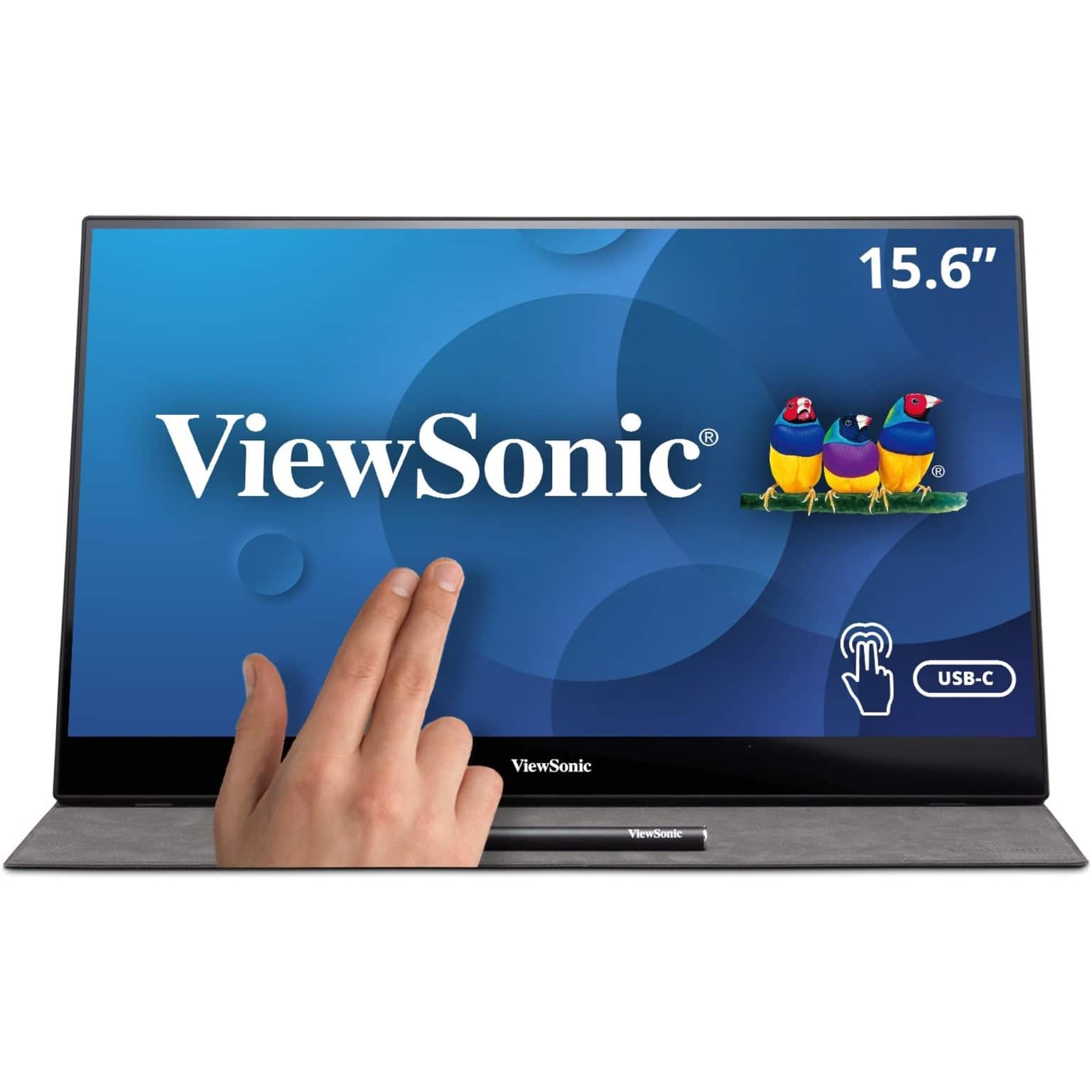
  7. ViewSonic - TD1655 15.6" LCD FHD Touch Screen Monitor (USB-C, Mini HDMI) - Black

    SKU: J37H88FSLC

    Product Description

    A portable black IPS touchscreen monitor with FHD 1080p resolution, USB-C connectivity, and included stylus.
    See all Portable Monitors
    Your price for this item is $299.99
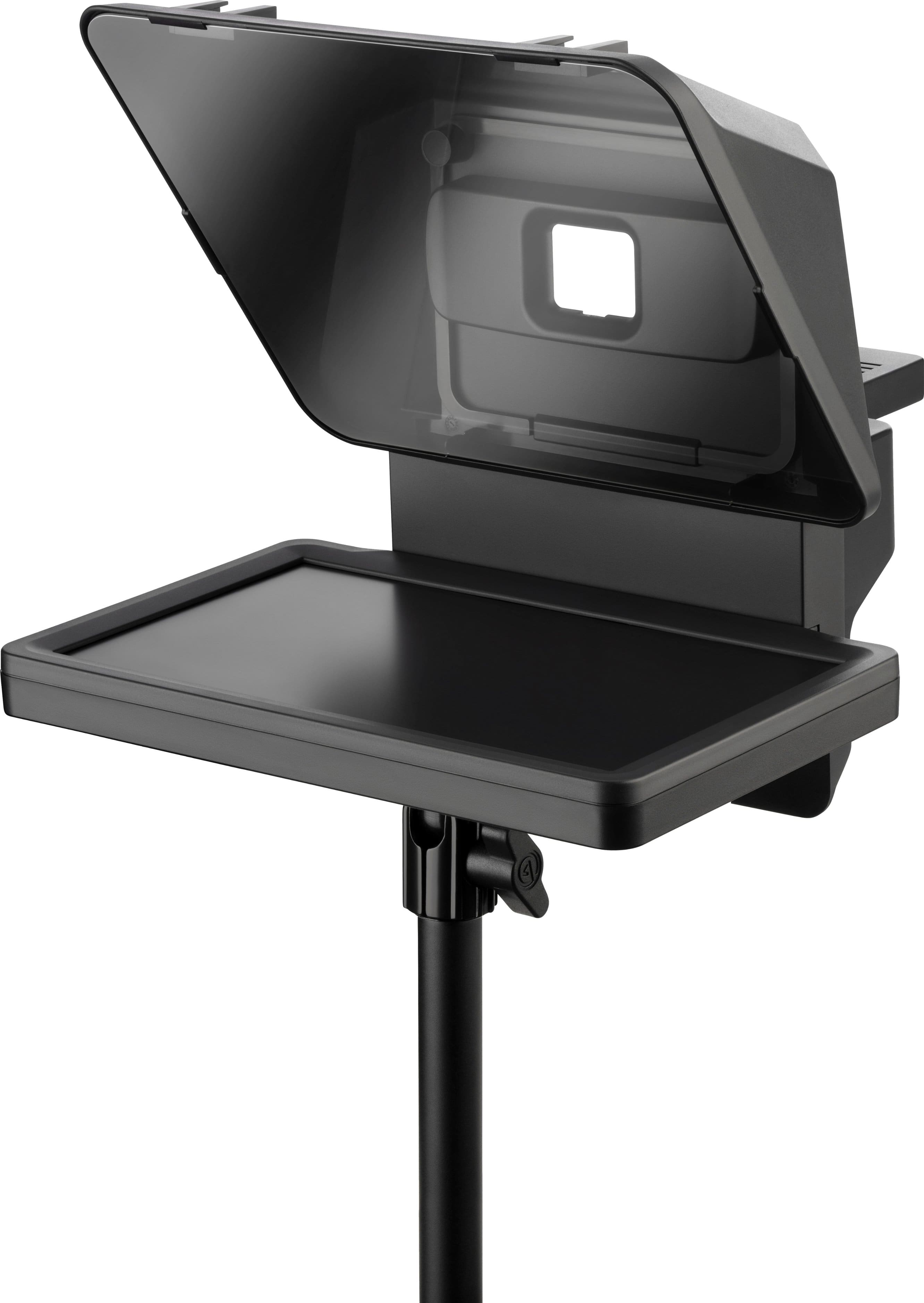
  8. Elgato - Prompter - All-in-One Teleprompter with Built-in Screen - Black

    SKU: J39QHTJ459

    Love the slider feature to block lens when not In Use.Highly recommend and was onSale!...Works great - lots of compliments on image from coworkers on zoom calls!...Best product, all right and work! Very...

    Product Description

    An all-in-one black teleprompter with a built-in screen, compatible with most cameras and webcams.
    See all Capture Cards & Devices
    Your price for this item is $219.99
    Save $80
    The previous price was $299.99
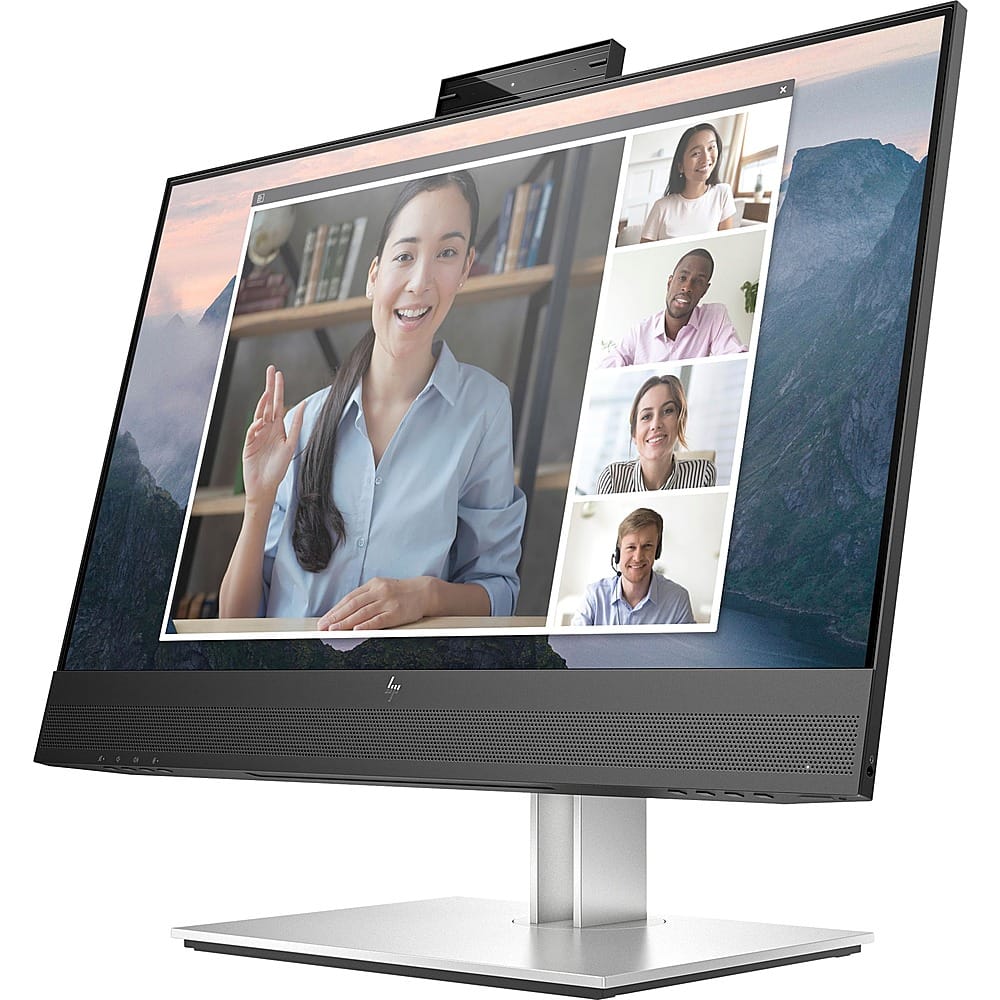
  9. HP - E24mv G4 FHD Conferencing Monitor 23.8 LCD FHD - Black/Silver

    SKU: JJ8V39YY5J

    Works great. Love the size and clarity. Would recommend....Great Monitor...Nice crisp display and I love the built in mic and speakers. I use for work and home seamlessly.

    Product Description

    A sleek black and silver conferencing monitor featuring a 23.8" FHD IPS display, pop-up webcam, and speakers.
    See all All Monitors
    Your price for this item is $319.99
  10. CORSAIR - Xeneon Edge 14.5" LCD 60HZ Touchscreen Versatile Screen - Black

    SKU: J39TSCHLZ9

    Love it! Great for Streaming...Love how it can be mounted or I can use the stand....Works great with Icue and I have had no issues with crashes....Great...love the produce, but can you add a CS2 score-board...

    Product Description

    A versatile black LCD touchscreen monitor with 2560x720 resolution, 60Hz refresh rate, and multiple mounting options.
    See all All Monitors
    Your price for this item is $199.99
    Save $50
    The previous price was $249.99
A touch screen monitor for livestreaming can make a live production feel more immediate, organized and responsive. Instead of reaching for a mouse or keyboard while speaking to an audience, creators can tap to open a scene, adjust a control, check a comment or move between production tools. Depending on the setup, a touch display may serve as a compact on-camera monitor, a control screen for streaming software, an extra display for chat and notes, or part of an all-in-one switching system. Small displays are useful when space and portability matter, such as when filming cooking demonstrations, product presentations, interviews or outdoor events. Mounted near a camera, a compact monitor can help a presenter frame a shot, review the picture and keep essential information within view without turning away from the lens. Larger touch screen monitors are better suited to a desk, studio or event table where a creator needs room for a preview window, comment feed, audio meters, alerts and scene controls at the same time. Some models connect to a computer through USB-C, while others may use HDMI, DisplayPort or additional video inputs. Before choosing one, check that its connections match the computer, camera, capture device or switcher already in use. A monitor with video pass-through, multiple inputs or built-in switching features can simplify a multi-camera workflow, while a straightforward display may be the better fit for someone who only needs more room for streaming software.

Screen size, resolution and touch response all affect the experience. A compact monitor is easy to place beside a camera or carry between locations, but a larger screen can make small controls, chat messages and timeline details easier to read during a long broadcast. Full HD resolution is often practical for a dedicated control display, while a higher-resolution screen can provide sharper text and more detailed video previews when the computer and source equipment support it. Look for a responsive capacitive touch surface that recognizes taps and swipes without requiring repeated pressure. Low input lag is especially helpful when switching scenes, adjusting a live layout or responding to an on-screen control where a delayed command can interrupt the rhythm of a broadcast. Brightness and viewing angle also deserve attention. A display used near a window, under studio lights or at a live venue needs enough brightness to remain legible, while a wide viewing angle helps when more than one person is watching the production screen. A height-adjustable stand, VESA compatibility, a tilt range or a portable kickstand can make the difference between a comfortable setup and one that leaves the operator leaning across a desk. Consider power requirements as well: USB-powered monitors can be convenient for mobile streaming, but a dedicated power adapter may provide steadier operation for extended sessions. Built-in speakers, a headphone jack and an audio output can be useful, although serious audio work is usually handled through a separate interface or mixer. For creators who also prepare recorded content, a related Touch Screen Monitor For Video Editing may offer helpful screen space and touch control for trimming clips, arranging a timeline and reviewing finished footage.

These monitors suit a wide range of streamers, from someone building a first home setup to an experienced producer managing several video sources. A gaming creator may use one display for the game and another touch screen for chat, alerts and scene changes. A teacher, fitness instructor or musician can keep notes, timing cues and audience comments close at hand while maintaining eye contact with viewers. Small businesses can use a touchscreen display for product demonstrations, virtual appointments, training sessions and social media broadcasts, particularly when a polished presentation matters but a full production crew is not practical. A larger monitor may also be a thoughtful gift for a budding creator, college student, podcaster or family member who spends cooler months recording from a home office. It can add useful flexibility without requiring an entirely new computer, especially when the recipient already has a camera, microphone and streaming application. For a gift or upgrade, pay attention to the recipient’s habits: a frequent traveler may value a lightweight USB-C display, while a studio-based creator may prefer a larger panel with a sturdy stand and several video inputs. It is also worth confirming operating system support, touch functionality over the intended connection and compatibility with the creator’s streaming software. Some computers transmit video over USB-C but do not support touch data through every port, and some cameras or capture devices may require an adapter. Cable length and placement matter too; a short connection can limit where the display sits, while a tidy cable path helps keep a crowded production desk safe and uncluttered. With the right combination of size, connectivity, brightness and mounting flexibility, a touch screen monitor can become a natural part of the broadcast space: a quick tap changes the scene, a glance keeps the chat moving and the creator stays focused on the people watching.

FAQ

When choosing a touch screen monitor for livestreaming, consider features such as multi-touch capability, high resolution, fast response time, wide viewing angles, and compatibility with your streaming setup. Additional features like adjustable stands and built-in speakers can also enhance your livestreaming experience.

Most modern touch screen monitors are compatible with popular livestreaming software like OBS Studio, Streamlabs, and XSplit. They function as standard displays and allow you to interact directly with your streaming controls for easier scene switching and real-time adjustments.

Yes, touch screen monitors can be used as secondary displays in a multi-monitor setup. This allows you to dedicate the touch screen to specific tasks such as chat management, scene transitions, or monitoring stream analytics while keeping your main content on another screen.

Touch screen monitors typically require both a video connection (such as HDMI or DisplayPort) and a USB connection to enable touch functionality. Make sure your computer has the appropriate ports or use compatible adapters if needed.

A touch screen monitor streamlines the livestreaming workflow by allowing direct interaction with software interfaces. This can speed up tasks like switching scenes, managing overlays, and responding to chat without needing a mouse or keyboard, resulting in smoother and more engaging streams.