Live Stream Cameras For Studio Recording
Live stream cameras for studio recording are essential tools for creators looking to elevate their content and engage audiences with professional-quality video. Whether you're producing podcasts, hosting virtual events, or broadcasting performances, the right camera can make all the difference in your studio setup. Explore a wide selection of live stream cameras for studio recording designed to help you achieve clear visuals and seamless streaming, no matter your production needs. Find the perfect match to enhance your creative projects and take your live broadcasts to the next level.
Read More-
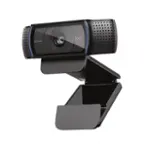
Logitech - C920s Pro 1080 Video Conferencing, Streaming, and Gaming Webcam with Privacy Shutter - Black
SKU: J7H7ZYXLLLGreat camera. Very easy to hook up...Always a good place to shop love best buy...Love IT !!...use it for my zoom class works great HD 1080p not the best but works fine for me
See all WebcamsProduct Description
A black webcam with Full HD 1080p video, dual microphones, autofocus, and a privacy shutter for security.$59.99 Your price for this item is $59.99Save $10Was $69.99The previous price was $69.99 -
Logitech - C922 Pro Stream 1080 Video Streaming, Recording and Video Calling - Black
SKU: J7H7ZYCF44Great product and I love the curbside process by Best Buys.....Best Webcam...webcam is great and I love it....Best Buy recommended it and I looked at all of my choices and agreed this was the best one...
See all WebcamsProduct Description
A black streaming webcam offering 1080p video, autofocus, dual microphones, and easy plug-and-play setup.$109.99 Your price for this item is $109.99Save $10Was $119.99The previous price was $119.99 -
Logitech - 4K Pro 4096 x 2160 Webcam with Noise-Canceling Mic - Black
SKU: J7H7ZY35Y8This webcam is the best I've owned....Love the quality of the picture and the speaker works great on picking up too. Highly recommend....Best of the best!...Best Purchase...I love it and the price is...
See all WebcamsProduct Description
A black webcam delivering 4K UHD video, noise-canceling mic, autofocus, and Windows Hello compatibility.$169.99 Your price for this item is $169.99 -
Logitech - Pro Webcam Full HD 1080 for Laptops with Ultra Wide Angle - Black
SKU: J7H7ZYCHJ4im in love with this product, one of the best cameras from this brand...I love this camera I been streaming for awhile now and I got to say this is probably the best
See all WebcamsProduct Description
A black webcam delivering ultra-wide 90° field of view, Full HD 1080p video, and built-in microphone.$99.99 Your price for this item is $99.99 -
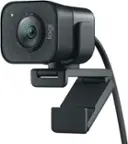
Logitech - StreamCam Plus 1080 Webcam for Live Streaming and Content Creation - Graphite
SKU: J7H7ZYXZ2PGreat picture...Absolutely love, use it everyday. Works great with streaming...Great canm...Best webcam i have ever used. Setup is easy. Software is user-friendly. Definitely worth the money
See all WebcamsProduct Description
A graphite webcam delivering smooth 1080p HD video at 60 fps with autofocus and built-in microphone.$150.97 Your price for this item is $150.97Save $19Was $169.99The previous price was $169.99 -
Aluratek - 4K Ultra HD Live Broadcast Webcam - Black and Brushed Silver
SKU: J3L2HX9FQ3See all WebcamsProduct Description
A black and brushed silver webcam delivering 4K Ultra HD video, dual microphones, and auto low light correction.$49.99 Your price for this item is $49.99Save $30Was $79.99The previous price was $79.99 -
Canon - PowerShot G7 X Mark III 20.1-Megapixel Digital Camera - Black
SKU: J7C86S93T6I fudging love this camera with all my heart I love traveling and this is perfect for my travelFits...I absolutely love this camera....SO MUCH LOVE FOR CANON G7x...Love it
See all Point & Shoot CamerasProduct Description
A compact black camera with a 20.1MP sensor, 4K video, tilting touch LCD, and fast autofocus.$1,463.89 Your price for this item is $1,463.89 -
Insta360 - Link 2 PTZ 4K Webcam for Conferencing, Gaming & Streaming, 1/2" Sensor, AI Tracking, works w/ Zoom, Teams, Twitch & more - Black
SKU: J39VLTZFXPBest Webcam!...Great image quality, and in my opinion, outshines some pretty high-end Logitech webcams....Absolutley love it!...This is the best investment I have ever made, I love the noise canceling...
See all WebcamsProduct Description
An AI-powered 4K UHD webcam in black with autofocus, built-in microphone, and seamless Windows/macOS compatibility.$199.99 Your price for this item is $199.99 -
AVerMedia - Live Streamer CAM 313 1920 x 1080 Webcam
SKU: J33LS6KZHGGreat Camera...This is a great Camera. Good Quality Video and adequate voice Quality....Works great out of the box....The lens cover, a necessity, is a great feature to have.
See all WebcamsProduct Description
A Full HD black webcam with dual microphones, 360-degree swivel, privacy shutter, and plug-and-play setup.$59.99 Your price for this item is $59.99 -
Elgato - Facecam MK.2 Full HD 1080p60 Webcam for Video Conferencing, Gaming, and Streaming - Black
SKU: J39QHTJZKCLove!...I absolutely LOVE this camera. Made everything on my stream so much more vibrant....Love the quality 10/10 it’s amazing lighting and doesn’t blur out and it has great focus
See all WebcamsProduct Description
A black Full HD 1080p60 webcam delivering uncompressed, low-latency video with HDR and DSLR-style controls.$139.99 Your price for this item is $139.99
- 1
- 2
- ...
- 20
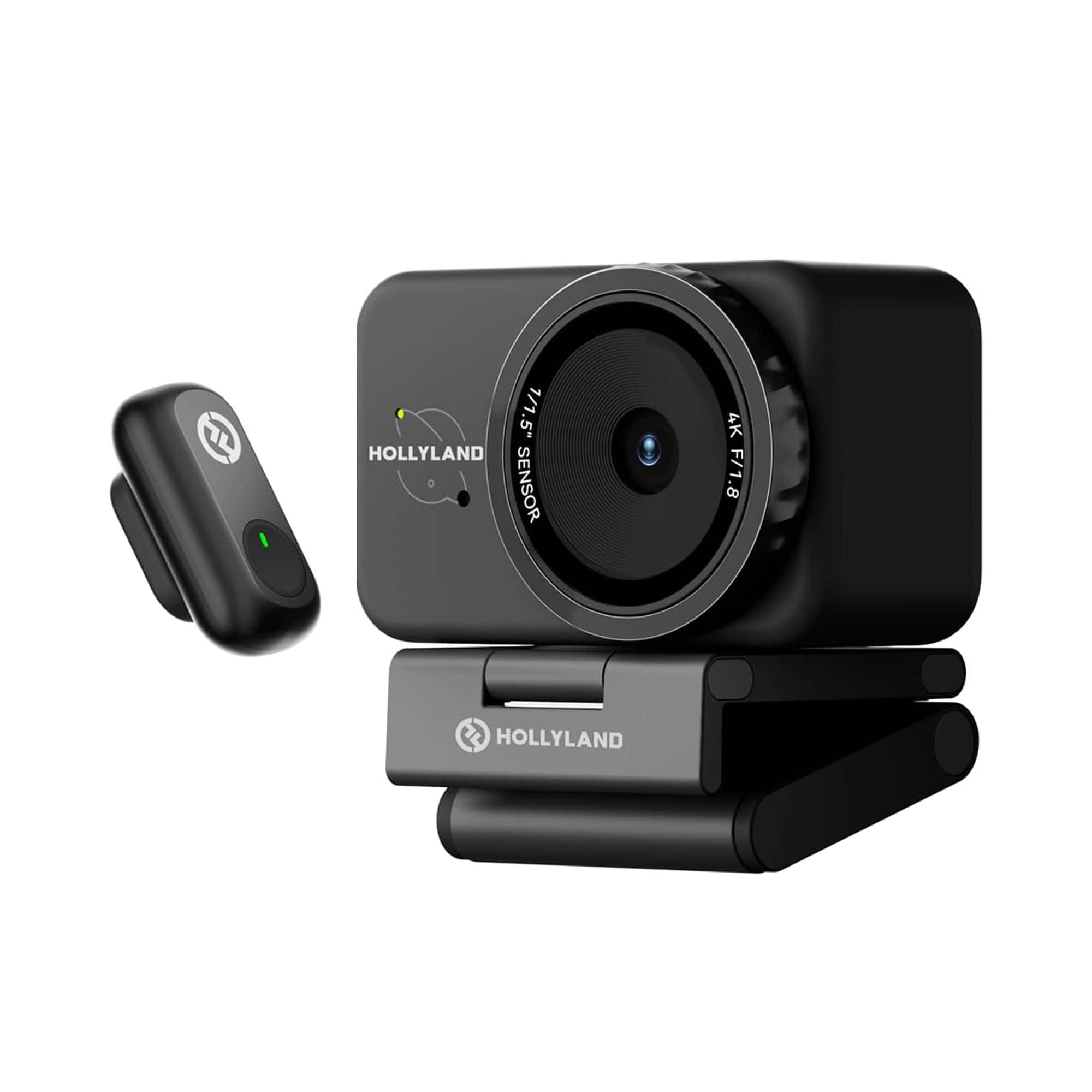
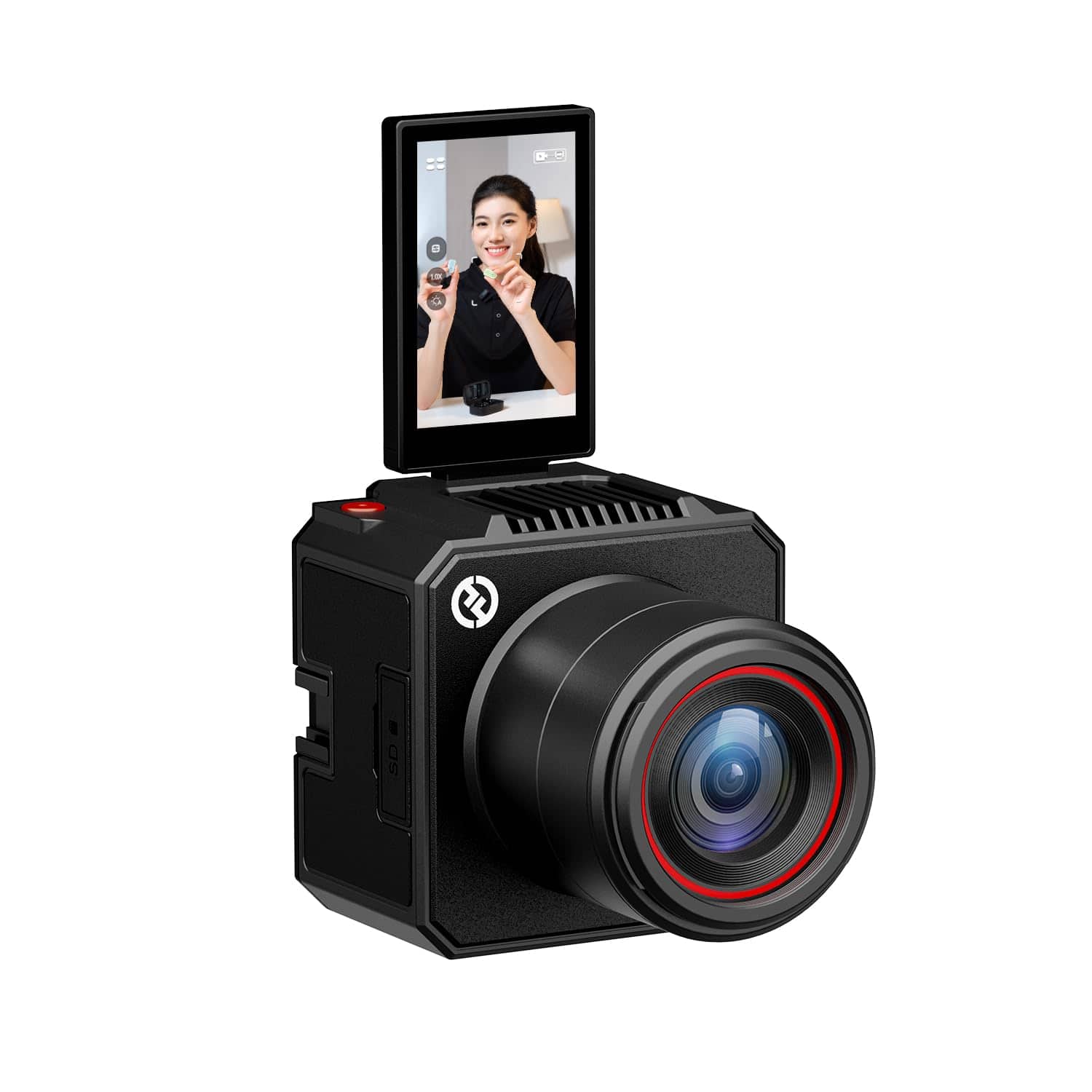
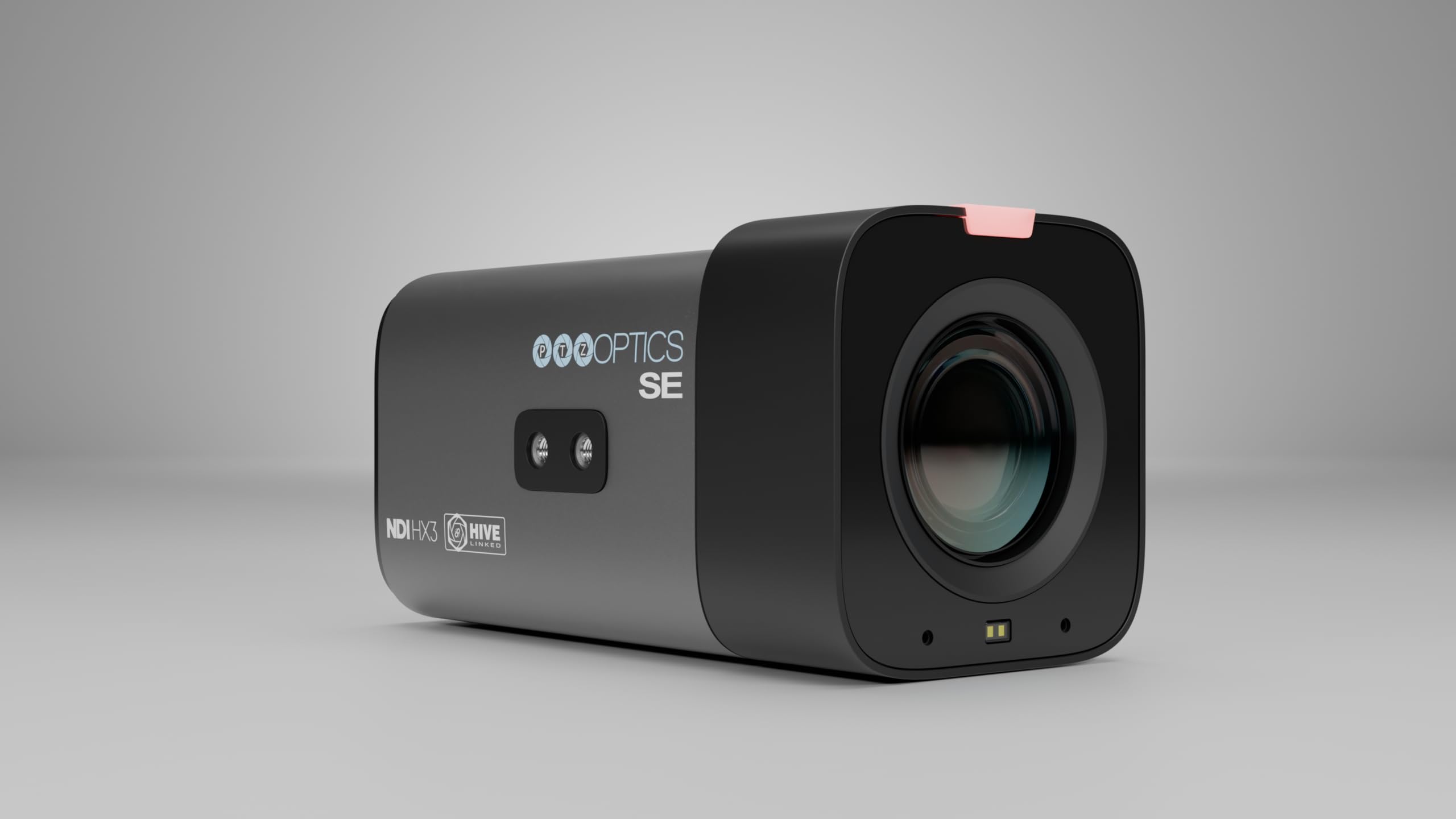
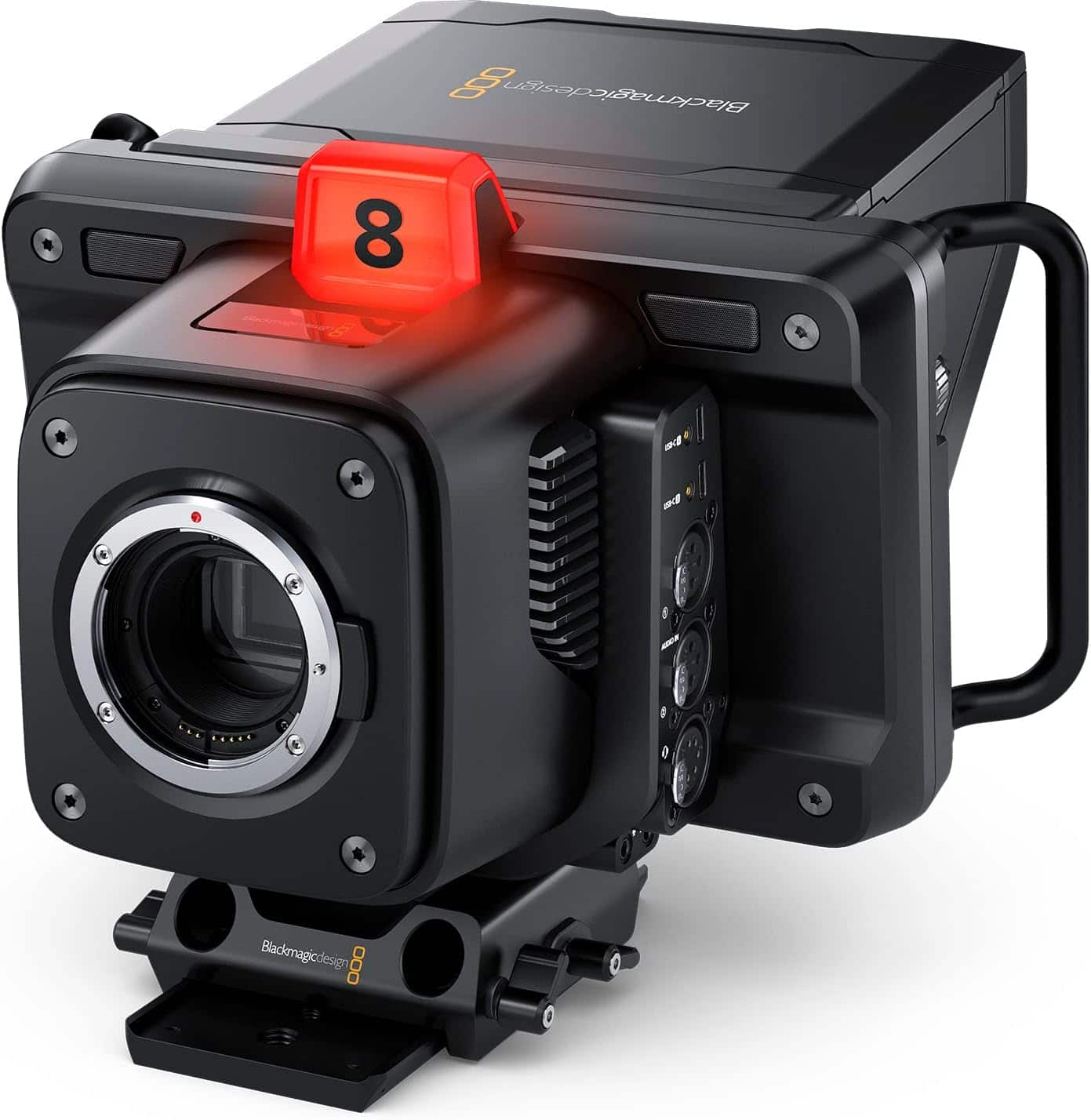
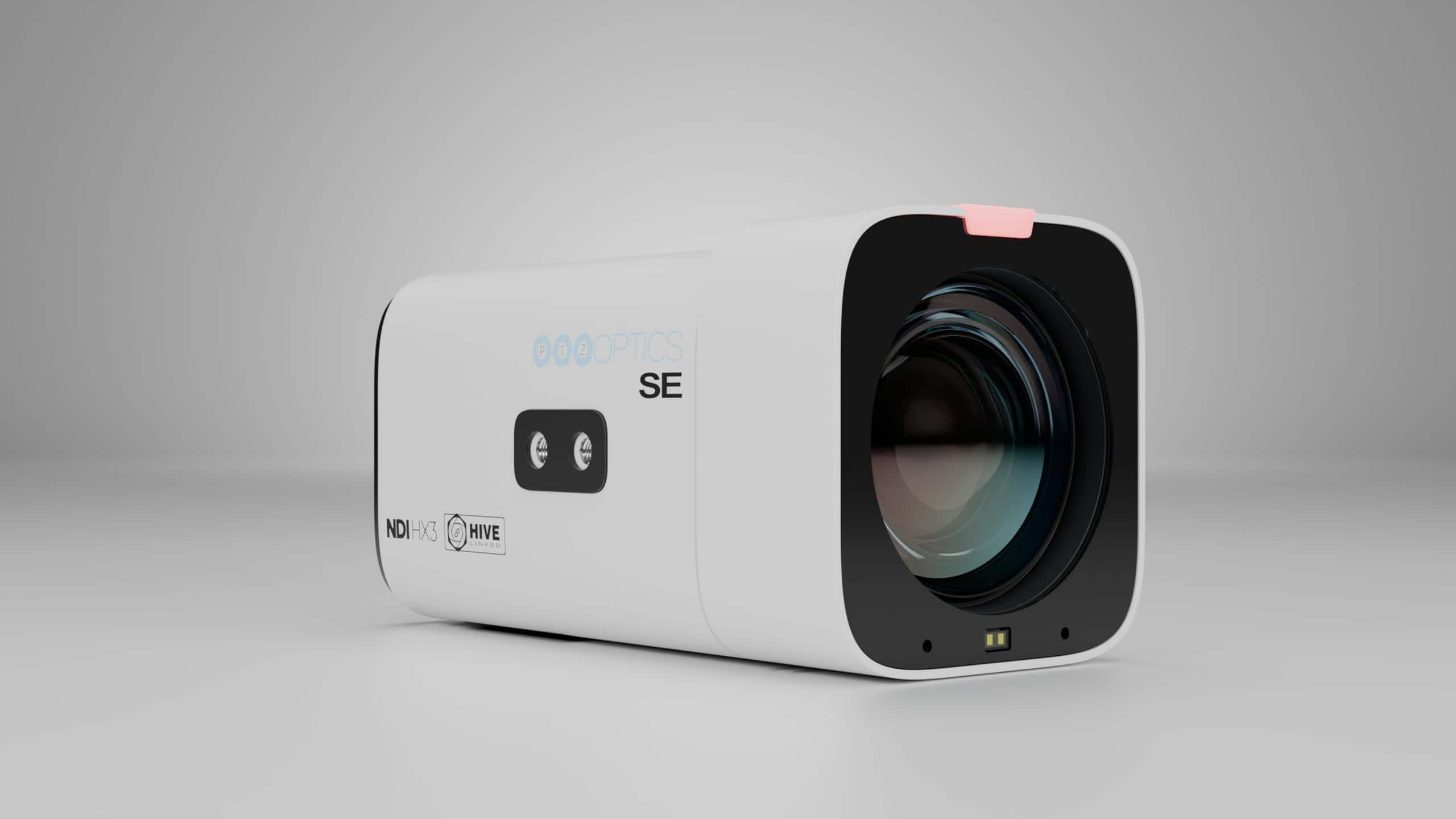
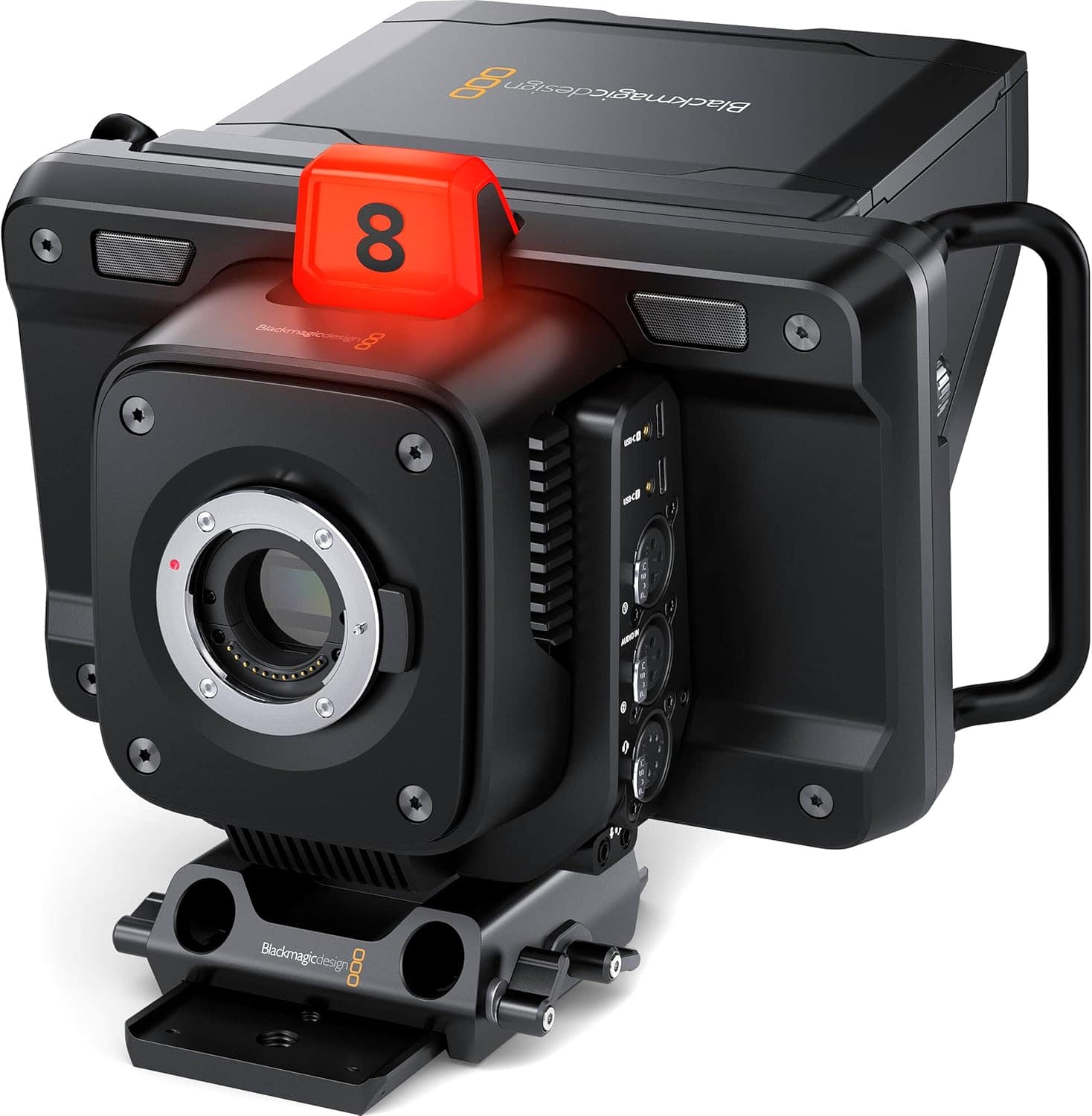
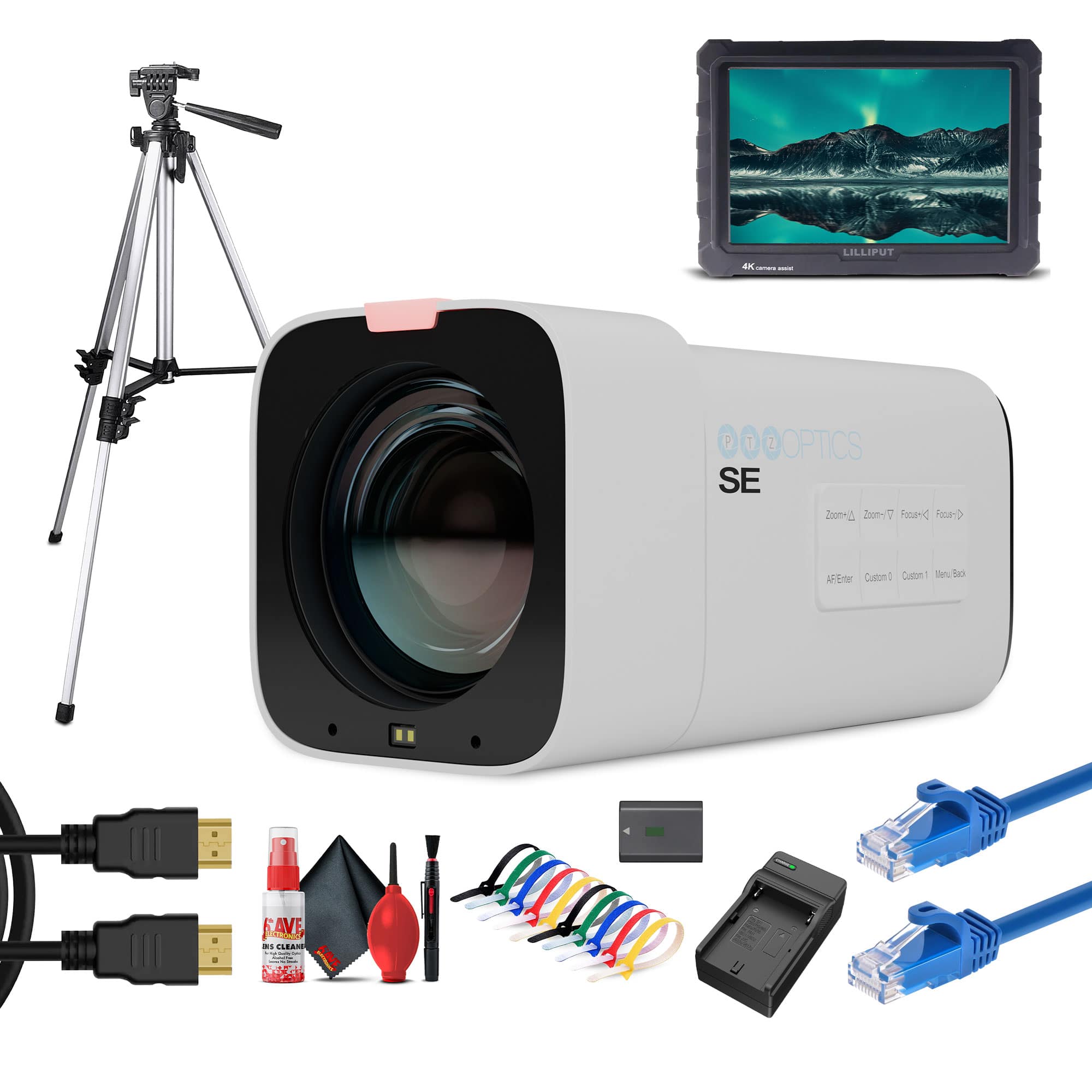
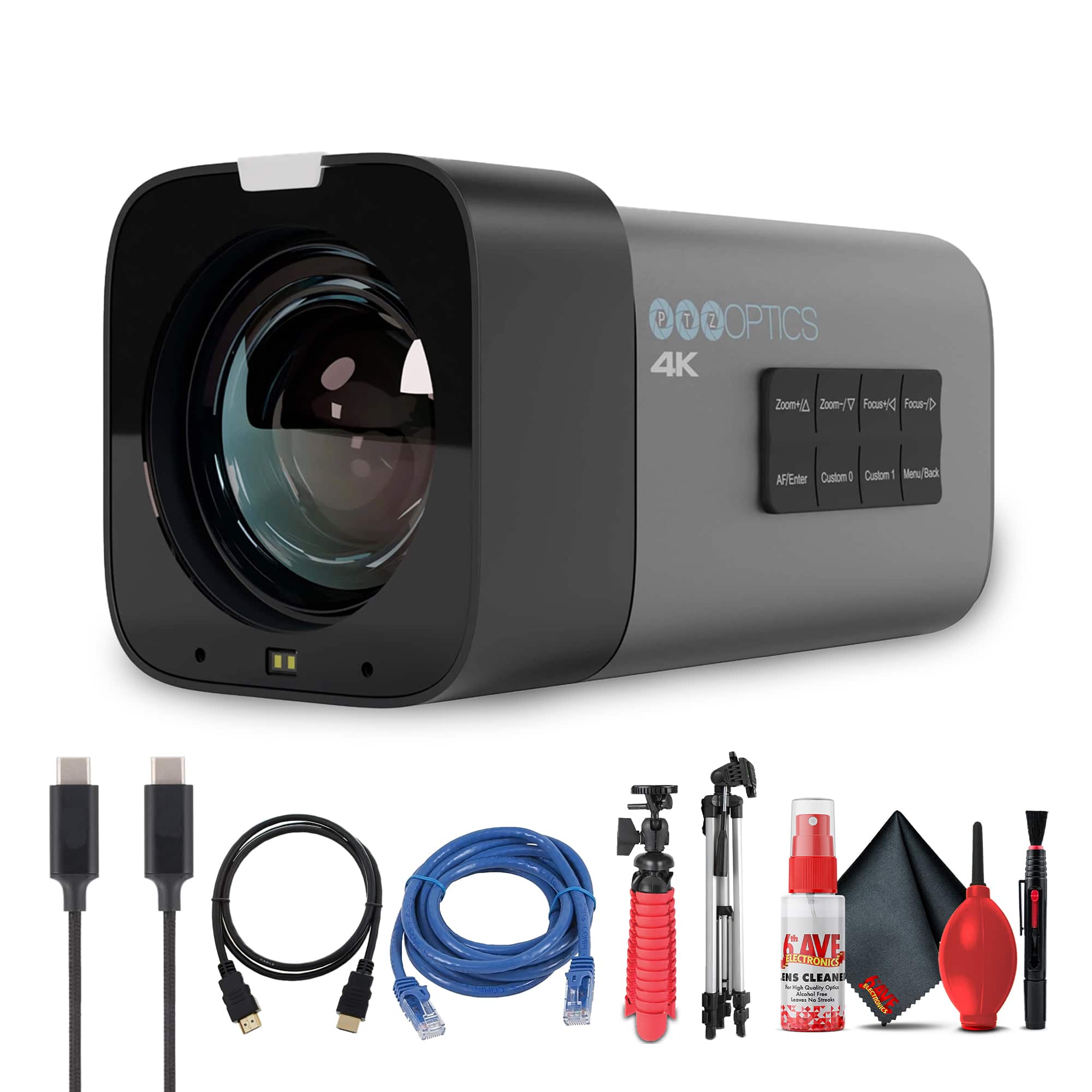
Live stream cameras for studio recording are designed to make video look polished, consistent and engaging, whether the set is a spare bedroom, a dedicated production room or a compact office corner. Unlike a casual mobile device, a studio camera can provide a more flattering perspective, dependable focus and the flexibility to stay connected during long recording sessions. These cameras are useful for livestreamers, educators, musicians, podcasters, worship services, coaches, interview hosts and small businesses that want a professional on-screen presence. They can also be a thoughtful gift for a new content creator, a student building a media portfolio or anyone turning a hobby into a regular broadcast. A camera with a larger sensor may produce softer background blur and clearer detail in subdued lighting, while interchangeable-lens models let creators choose a wide view for a desk setup, a standard perspective for a presenter or a tighter composition for interviews. Dedicated studio cameras are often built for extended operation and may include broadcast-friendly connections, tally indicators or controls that are easy to reach while recording. Mirrorless-style cameras can offer a cinematic look and strong low-light performance, but they may require an appropriate lens, external power and careful heat management during lengthy streams. Compact webcams are convenient for simple plug-and-play setups, while pan-tilt-zoom cameras can be especially helpful when one person needs to operate the production, move between presenters or cover a larger room without physically adjusting the camera.
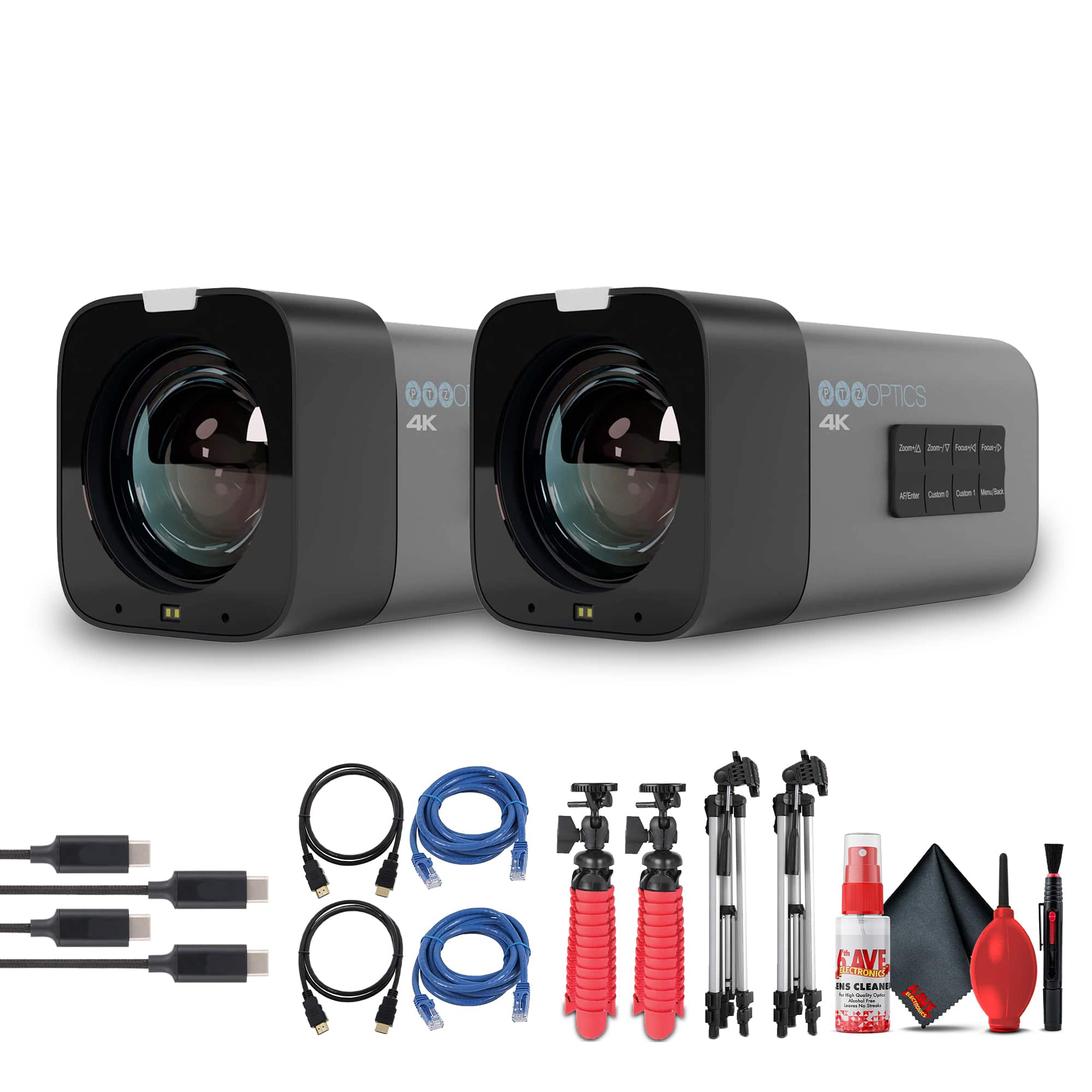
The best choice depends on the room, the type of content and the way the camera will connect to a computer or production system. A fixed talking-head setup may benefit from a camera with reliable autofocus, a wide field of view and easy USB connectivity. A podcast or interview studio may call for multiple camera angles, clean HDMI output and a capture device that sends an uncompressed video feed to streaming software. Ethernet-connected cameras, including models that support network video protocols, can simplify longer cable runs and make it easier to manage cameras mounted across a studio. PTZ functionality adds remote movement, zoom and framing, which is useful for classrooms, houses of worship, business presentations and active demonstrations. Optical zoom generally preserves more detail than heavy digital enlargement, so it is worth considering how far the camera will sit from the subject. Resolution is another part of the decision, but it should be balanced with the computer, internet connection and software being used; a high-resolution sensor does not automatically guarantee a better broadcast if the room is poorly lit or the network struggles with large video files. A clean HDMI signal can be valuable for creators who want more control over their image, while direct USB connectivity may be preferable when simplicity matters most. Check compatibility with the computer, capture hardware, mounting accessories and streaming applications before choosing a camera, and consider whether the setup needs one camera today or room to expand into a multi-camera production later. The camera is only one part of the image. Soft, even LED lighting can reduce harsh shadows and help the sensor capture natural skin tones, while thoughtful placement keeps windows, bright lamps and reflective surfaces from distracting viewers. A small amount of preparation—such as positioning the key light slightly above eye level and keeping the background tidy—can make a modest studio feel remarkably finished.
Long recording sessions place practical demands on a camera, particularly when a stream runs through a class, gaming session, rehearsal or late-fall community event. Continuous AC power or a compatible dummy battery can prevent interruptions caused by a depleted battery, and ventilation around the camera helps manage heat. Some interchangeable-lens cameras may need breaks or careful settings to avoid overheating, while cameras designed for studio use are often better suited to hours of operation. Audio deserves equal attention: viewers are more likely to forgive an ordinary background than muffled voices, so leave room in the budget for a quality microphone and a way to monitor sound. A stable tripod, wall mount or desk arm keeps framing consistent, and a remote control can be helpful when the camera is positioned out of reach. Creators who travel between a home studio and a classroom may prefer a compact camera that is easy to pack, while a permanent production space can take advantage of dedicated power, wired networking and several matched angles. As the weather warms, a reliable studio setup can support outdoor-to-indoor broadcasts, seasonal demonstrations and community programming; during cooler months, it can become a comfortable space for workshops, gaming streams, music sessions and holiday projects without relying on unpredictable lighting. Shoppers comparing this category with Live Stream Cameras For Vloggers may find that studio recording cameras place greater emphasis on long-duration power, remote control, flexible connections and repeatable framing. Whether the goal is a clean single-camera presentation or a more ambitious production with several views, the right camera should fit the creator’s room, workflow and comfort level while leaving enough flexibility for the content to grow.
Best Sellers
Related Pages
FAQ
When choosing a live stream camera for studio recording, consider features such as high video resolution (at least 1080p or 4K), reliable autofocus, low-light performance, clean HDMI output, and compatibility with your streaming software. Additional features like external microphone inputs and flexible mounting options can also enhance your setup.
Yes, many DSLR and mirrorless cameras are suitable for live streaming in a studio environment. Ensure the camera supports clean HDMI output and continuous power supply to avoid interruptions during long sessions. You may also need a capture card to connect the camera to your computer.
Audio quality is crucial for professional studio recordings. While some cameras have built-in microphones, using an external microphone connected directly to the camera or through an audio interface will provide clearer and more professional sound.
Most live stream cameras are compatible with popular streaming platforms and software such as OBS Studio, Streamlabs, and XSplit. Some cameras come with their own proprietary software for added functionality, but third-party options often provide more flexibility.
Live stream cameras typically offer connectivity options such as USB, HDMI, Wi-Fi, or Ethernet. USB is common for plug-and-play setups, while HDMI provides higher video quality. Some advanced models support wireless streaming over Wi-Fi or direct network connections via Ethernet.