

Appliances Presidents’ Day SaleEnds 2/25. Limited quantities. No rainchecks.Shop now

Main Content

Wacom

Wacom graphics tablet

Wacom is your trusted partner for all things creative.

With over 30 years of experience understanding the creative process, Wacom seamlessly blends the natural control of traditional tools with digital technology to deliver durable, high-quality pen-based products for every creative level.


Shop Wacom

Smart styluses
Bamboo Ink interacts with the digitizer layer in the touch screen of Windows Ink-enabled 2-in-1 devices so you can easily make edits, create content and drive ideas forward.
Pen tablets
Ditch the mouse when creating and plug a pressure-sensitive Wacom digital pen tablet into your computer for improved precision and natural control.
Pen displays
Ideal for those who want to create directly on screen, all Wacom creative displays feature premier Pro Pen 2 technology and a realistic pen-on-paper feel.
Accessories
Enhance your creative experience with Wacom stands, mounts, pens, nibs, protective cases and more.
Laptop, graphics tablet

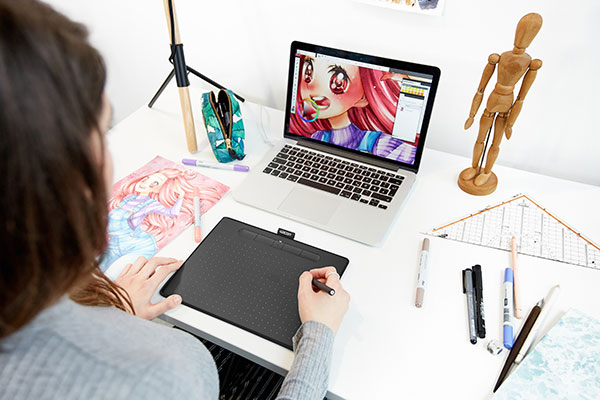
Wacom Intuos.

A classic creative pen tablet.

With a light, super-accurate pen and bonus creative software, the value-priced Intuos is built for drawing, sketching and photo editing. Three software titles are included upon registration: Corel Painter Essentials 7 (graphic drawing), Corel AfterShot 3 (photo editing), and Clip Studio Paint Pro two-year license (comic manga).

Shop Intuos graphics tablets

Compare Wacom graphics tablets

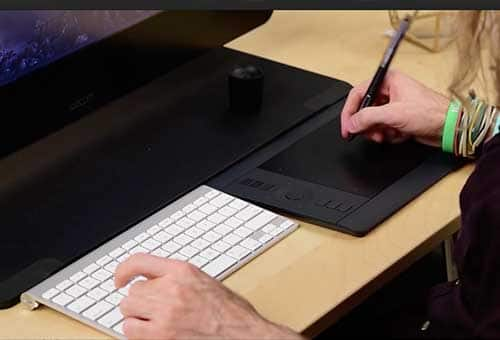
Monitor, graphics tablet

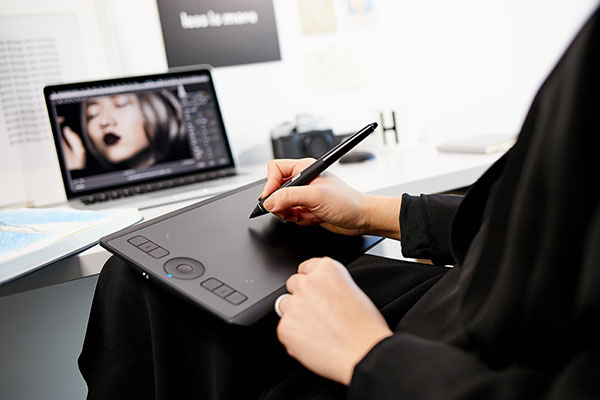
Wacom Intuos Pro.

The professional standard in creative pen tablets.

Intuos Pro is a premier digital pen tablet line that delivers the pressure-sensitivity, pen performance and productivity features most sought out by serious creatives and professionals. The Intuos Pro Paper Edition lets you capture editable versions of your pen-on-paper sketches through pressure sensitivity, so you can start on paper and transition to digital.

Shop Intuos Pro graphics tablets

Compare Wacom graphics tablets

Laptop, graphics tablet

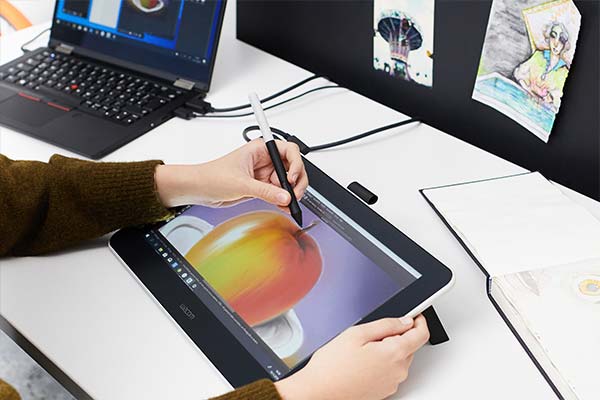
Wacom One.

A drawing tablet with a screen.

Used to working with pen and paper? Enter a whole new digital world with Wacom One’s digital canvas designed for drawing, editing and annotating for an experience that feels as natural as putting pen to paper. Connect this 13.3” full-color HD display to your Mac or PC (as well as certain Android devices) and use the battery-free digital pen to get started.

Shop Wacom One

Compare Wacom graphics tablets

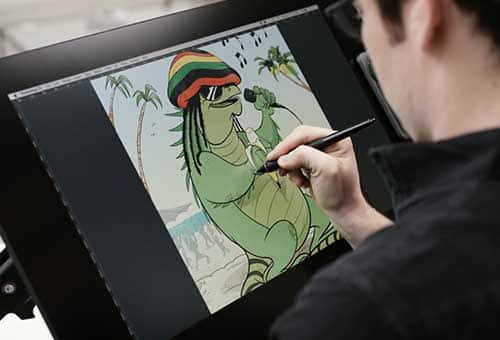
Graphics tablet

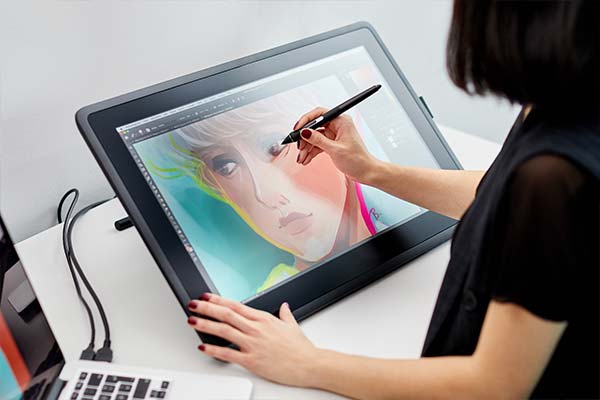
Wacom Cintiq.

A creative pen display that can take your work to the next level.

Perfect for advanced art hobbyists and students, Cintiq features advanced Pro Pen 2 technology, a beautiful HD resolution display and a slim scratch-resistant design.

Shop Cintiq pen displays

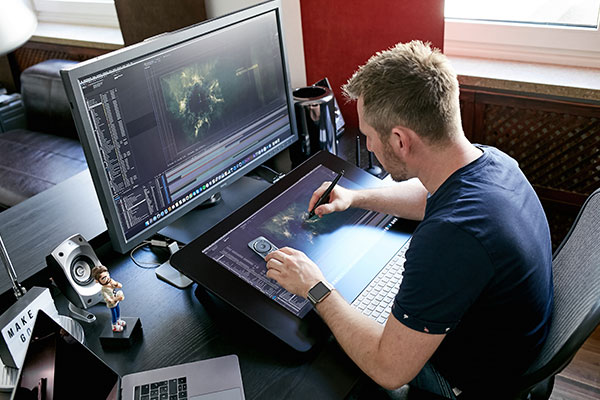
Graphics tablet, person

Wacom Cintiq Pro.

A full pro-level performance creative pen display.

Featuring the highest levels of pen accuracy, display resolution, color performance and ergonomic options for creative professionals, enterprises and dedicated creatives.

Shop Cintiq Pro pen displays

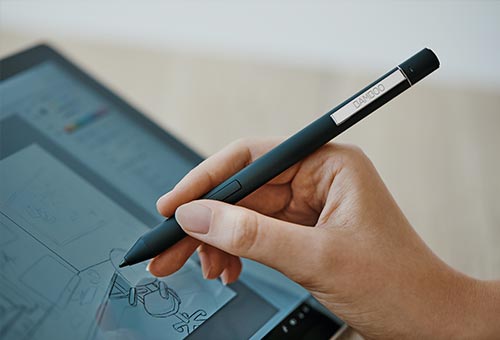
Stylus, tablet

Bamboo Ink.

A smart stylus optimized for Windows Ink.

Designed to work hassle-free and with most pen-enabled Windows devices and apps, you can capture ideas instantly, write, sketch, scribble and annotate freely. Available in two models, Bamboo Ink and Bamboo Ink Plus, this high-tech smart stylus is designed to ensure the most authentic writing experience for your pen-enabled device, so you can turn every stroke into a precise digital reflection of your ideas.

Shop Bamboo Ink styluses

Learn more about Wacom

Freelance Footwear Designer Chris Dixon

See the Wacom Intuos Pro in action

Travel Photographer Elia Locardi

See post-processing workflow with Wacom

All things Wacom.

Choosing the right Wacom tablet for you.

For over three decades, Wacom has designed innovative tools that allow artists to bring their whole range of skills to creating digital masterpieces on the computer. While the top-notch quality of Wacom graphics tablets and drawing tools is aimed at meeting the needs of professional artists, beginning digital artists and designers can also enjoy the ease and accessibility offered by many of these devices.

The Wacom Intuos line of drawing pads give you the perfect surface to sketch, color and refine hand-drawn digital art and design work. With multiple sizes to choose from in both the Wacom Intuos and Wacom Intuos Pro lines, you have the ability to meet your personal design needs and budget.

If you prefer to draw directly onto a screen and see the image take shape beneath your hand, you will want to look at the Wacom Cintiq and Wacom Cintiq Pro lineup. These Wacom drawing tablets, also called pen displays, will be a more sizeable investment than a digital drawing pad, but they can make you feel like you are working more traditionally, as you would in a sketchbook or on a canvas.

Getting the most out of your Wacom graphics tablet.

When making digital paintings, drawings and designs, it’s not just the quality of your drawing pad that matters, it’s also the stylus you use. Wacom styluses prioritize both performance and feel so that you can be comfortable creating for hours. In fact, a Wacom pen feels a lot like many traditional graphics pens.

The image editing and graphic design software you use for your work will also make a significant impact on the kinds of images you can make and how easy it is to manipulate the image elements you have created. When pairing your Wacom drawing tablet with a design program, make sure you read reviews and understand what you want to prioritize in your drawing software.

A Wacom tablet and pen could make a great gift for an artist friend, but the artist in your life might have a very specific wish list when it comes to what Wacom tablet to choose. So, make sure you do a little reconnaissance before putting in your order. If you are buying for yourself, don’t forget to see what Wacom tablet accessories you might also benefit from.