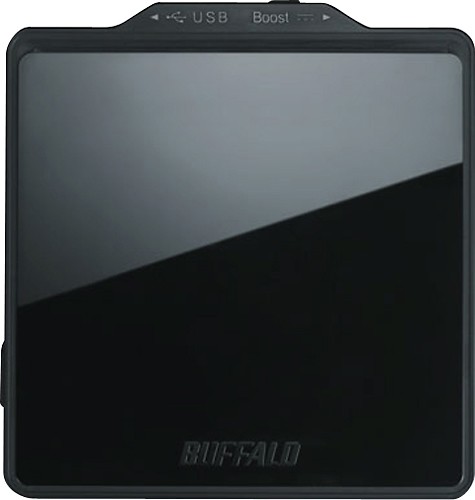
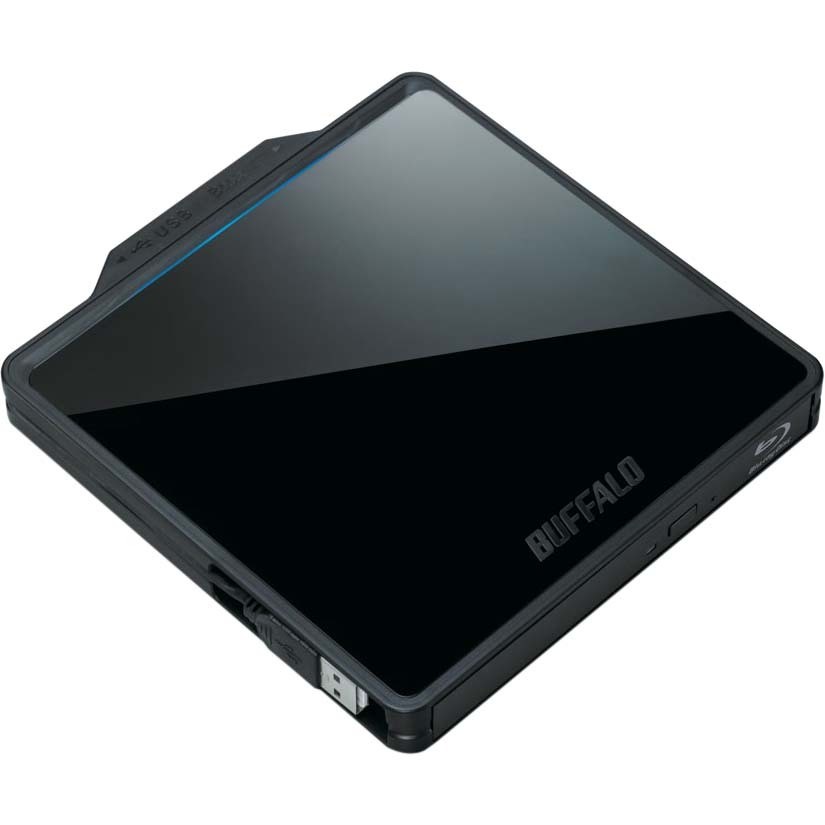
Buffalo - MediaStation 8x External USB 2.0 Blu-ray Disc Double-Layer DVD±RW/CD-RW Drive
This item is no longer available in new condition.
See similar items below.
Description
Features
Multiformat support
For BD-R/RE; BD-R/RE DL, TL and QL; BD-ROM, DVD R/R DL/RW, DVD-R/R DL/RW, DVD-RAM, DVD-ROM and CD-R/RW/ROM media.
Records up to 128GB of data on a single 4-layer Blu-ray Disc
Or up to 25GB on a single-layerBlu-ray Disc, so you can easily back up a large quantity of media and important data.
DVD upscaling support
Lets you convert standard-definition DVD video to near-HD quality for a thrilling entertainment experience.
Fast Blu-ray Disc write, rewrite and read speeds
6x maximum BD-R/R DL and 4x maximum BD-R TL/QL write speeds, 2x maximum BD-RE/RE DL rewrite speeds, 4x maximum BD-RE TL/QL rewrite speeds and 6x maximum BD-ROM read speeds for reliable operation.
6x maximum DVD R DL and DVD-R DL write speeds
8x maximum DVD R and DVD-R write speeds for rapid disc burning.
8x maximum DVD RW and 6x maximum DVD-RW rewrite speeds
To erase discs and write new data to them.
8x maximum DVD-ROM and 6x maximum DVD-ROM DL read speeds
Let you quickly access stored media and data.
5x maximum DVD-RAM write speed
Begin backing up information on compatible discs with ease.
Quick CD writing and rewriting
24x maximum CD-R write and 16x maximum CD-RW rewrite speeds for fast disc burning.
24x maximum CD-ROM read speed
Offers speedy access to saved data.
High-speed USB 2.0 interface
For ultrafast connection to a computer. USB-powered design lets you keep the drive energized via most USB ports, without having to use an external power source. Built-in USB cables snap in place to reduce clutter.
CyberLink Media Suite software
Makes it easy to burn media onto DVD, CD and Blu-ray Disc formats and convert DVD movies to 3D and watch 3D-capable Blu-ray movies on your PC.
What's Included
Buffalo Technology MediaStation 8x External USB 2.0 Blu-ray Disc Double-Layer DVD±RW/CD-RW Drive
USB 2.0 T-cable
Setup DVD-ROM with CyberLink Media Suite software
Owner's manual
Be the first to ask a question.
We’ll try to get your question answered within 24 hours by a Best Buy customer or brand representative.
Ask a Question