

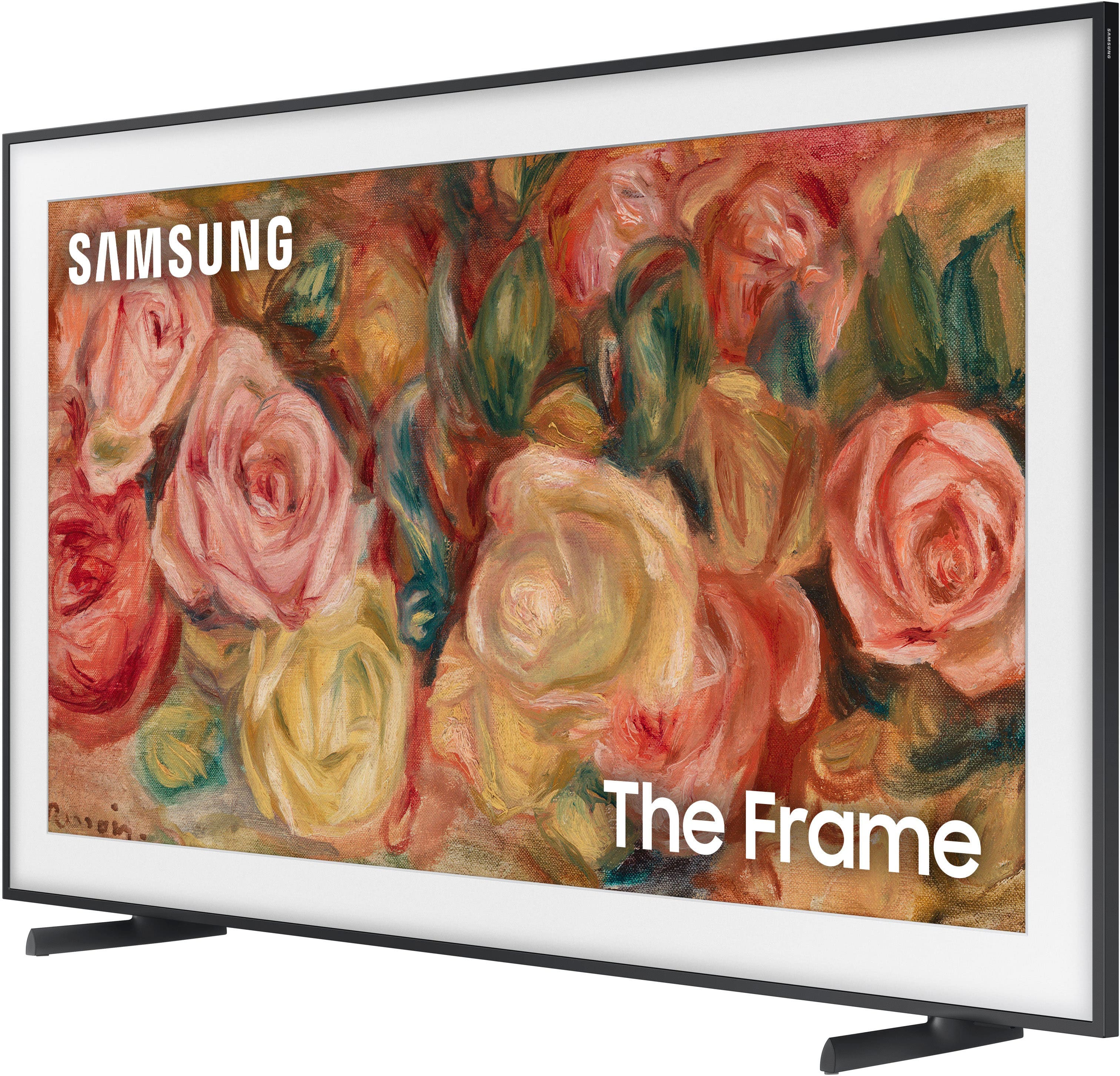
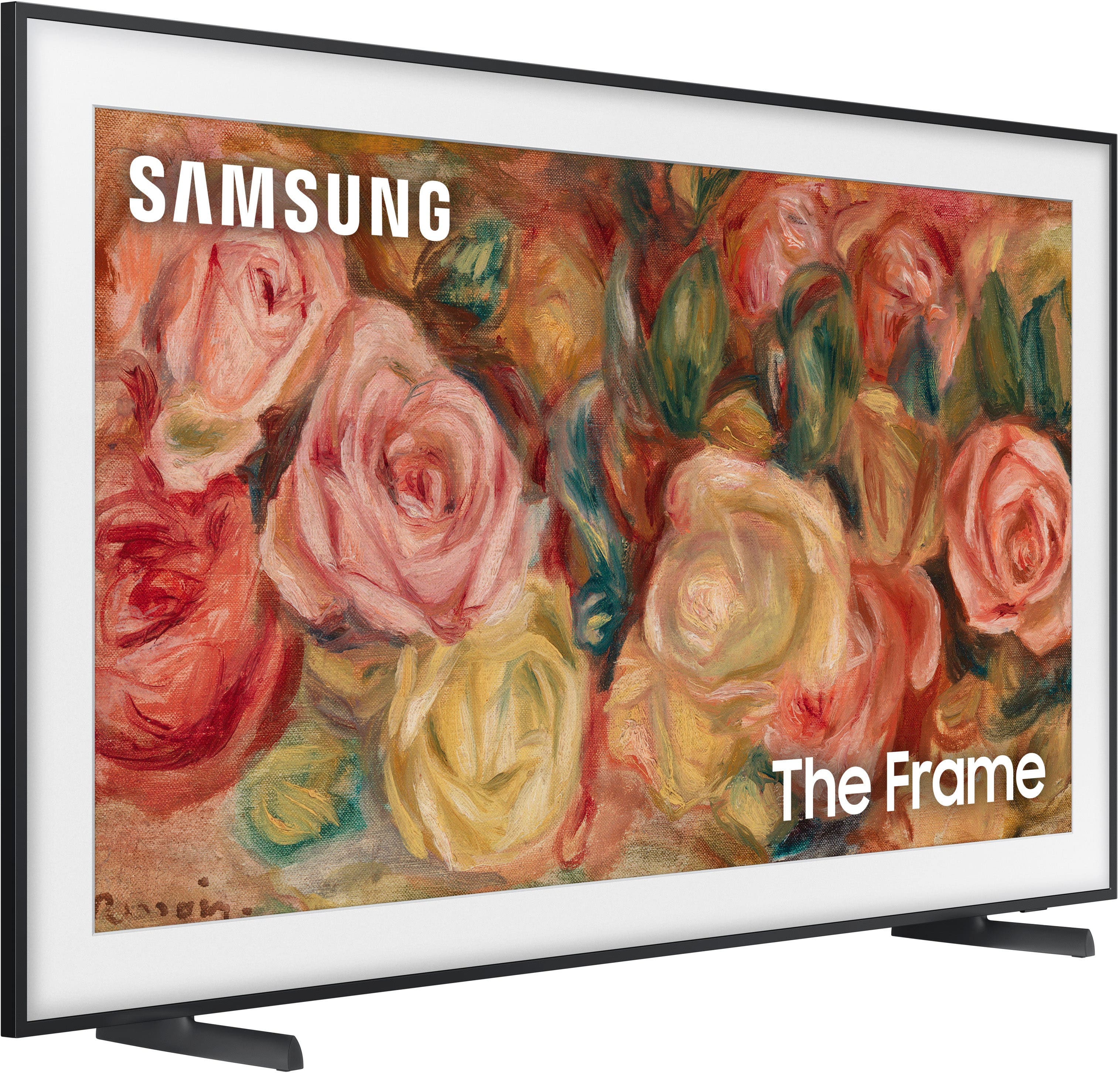














Samsung - 50” Class LS03D The Frame Series QLED 4K with Anti-Reflection and Slim Fit Wall Mount Included (2024)
Description
Features
Art Mode
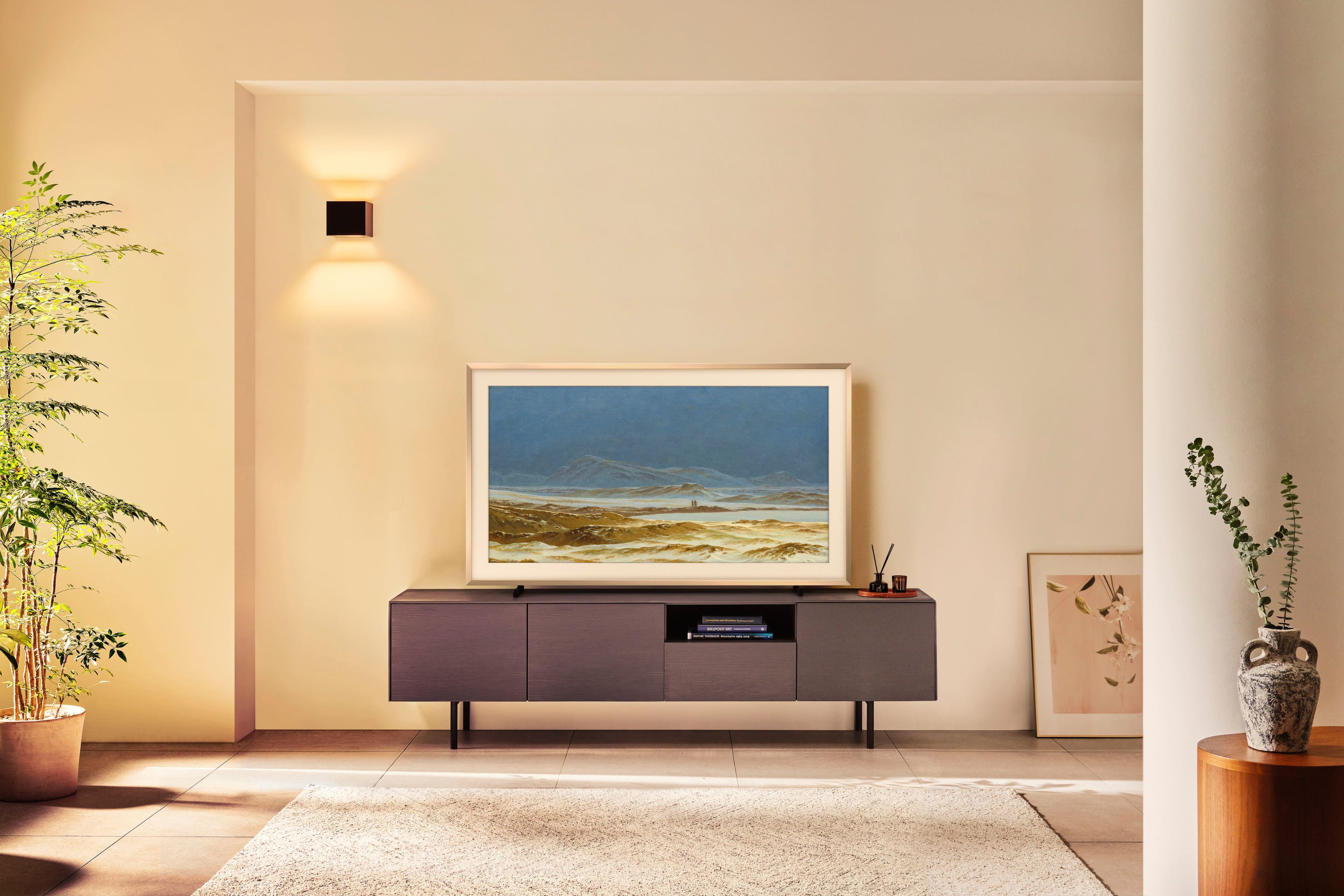
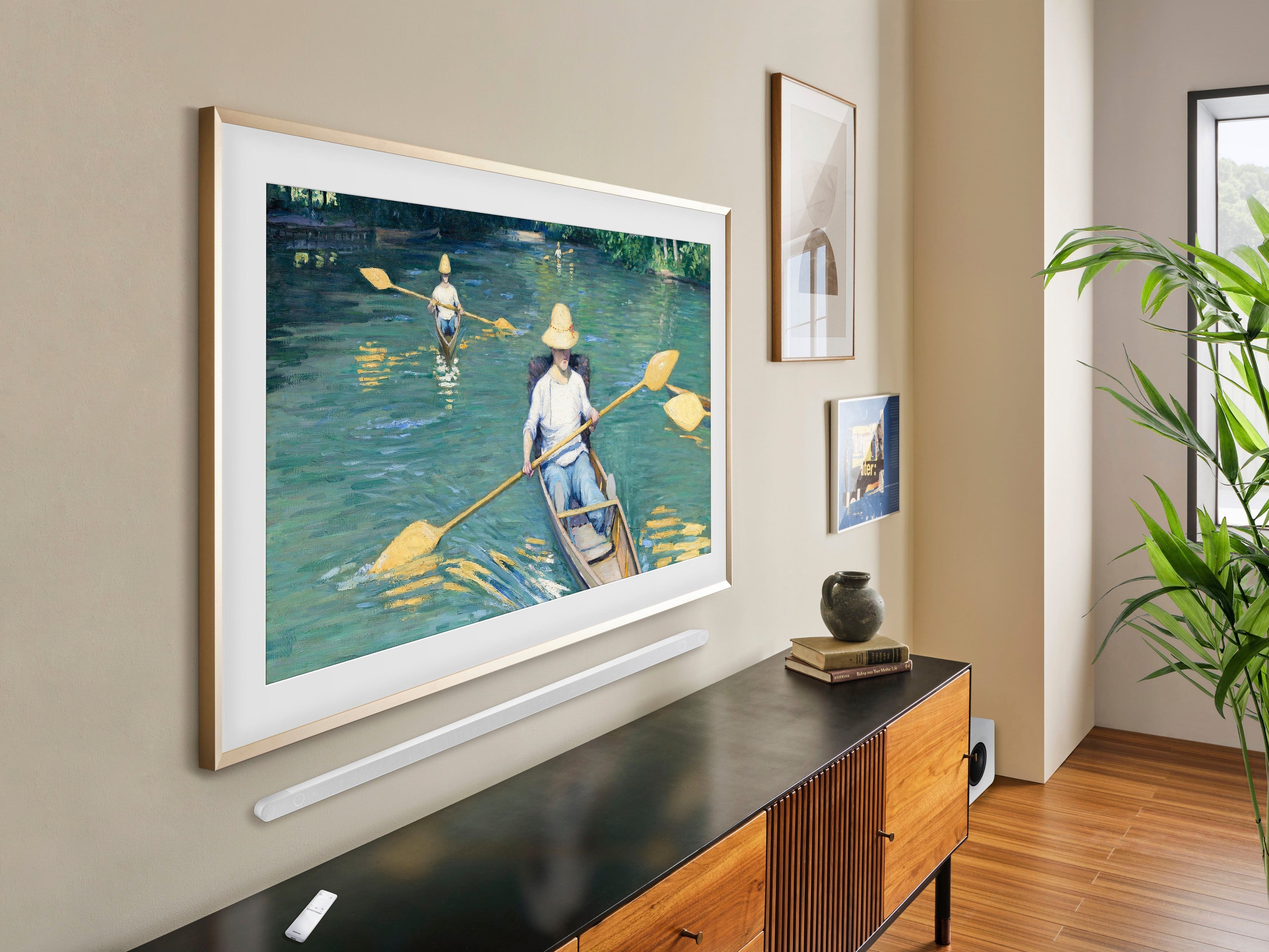
Transform your QLED 4K TV into your own art exhibit with modern art, classic art pieces or your own personal photos when you’re not watching your favorite shows.
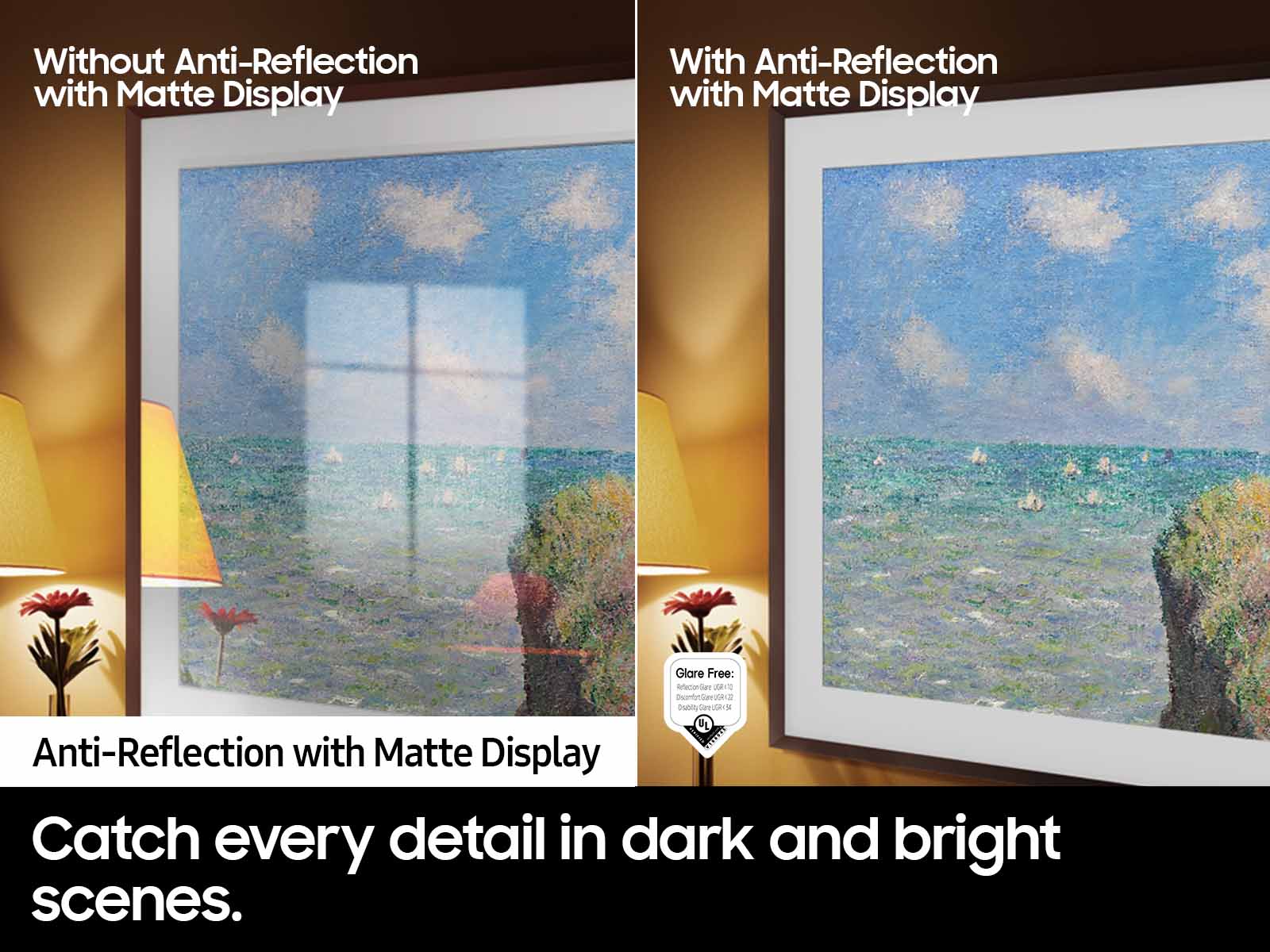
Anti Reflection with Matte Display
Enjoy more visibility of your QLED 4K TV with 100% Color Volume with virtually no light reflection, night or day. The premium Matte Display Film limits light distraction by reducing glare from all your shows, contents, and works of art.¹
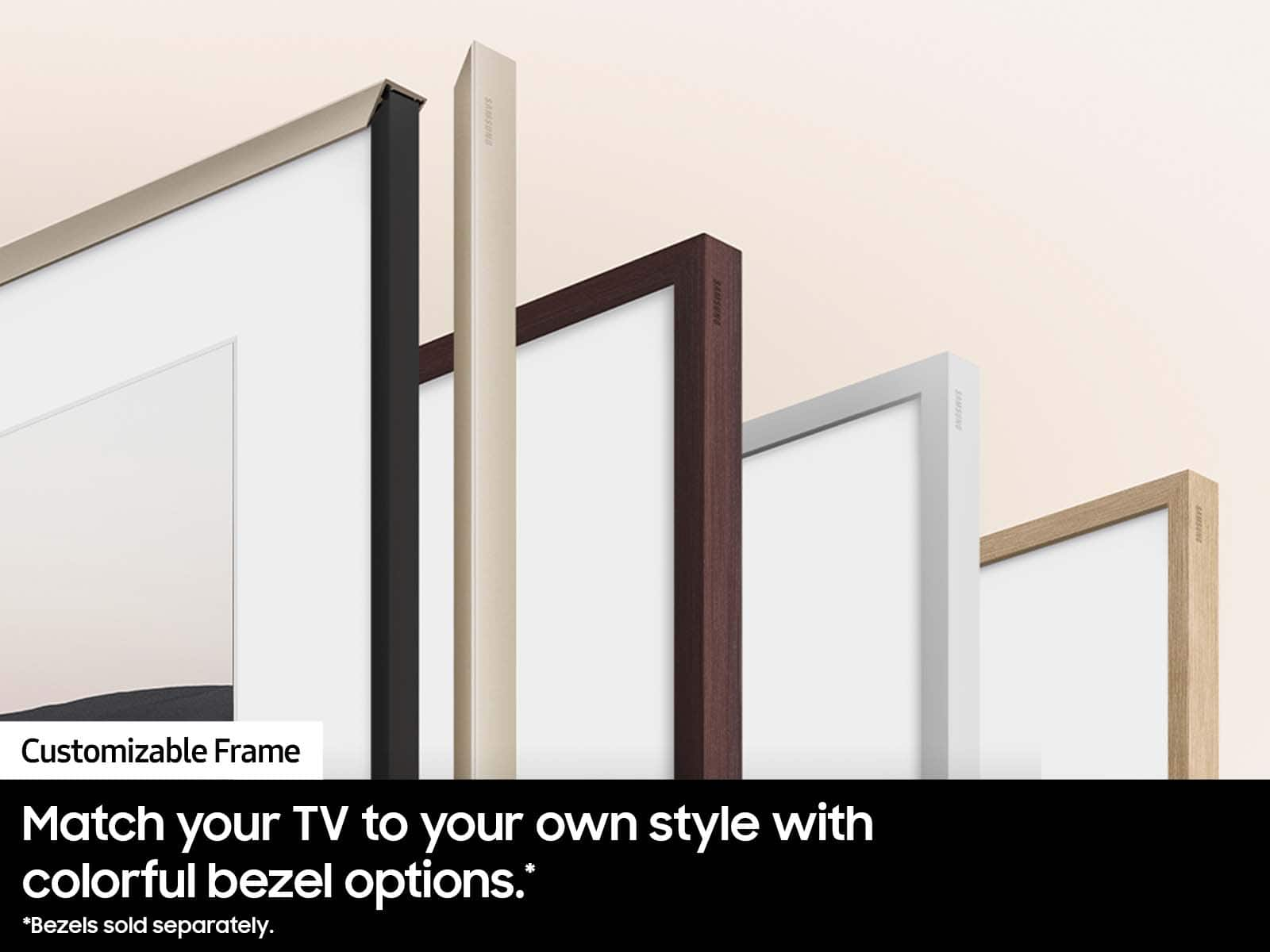
Customizable Frame
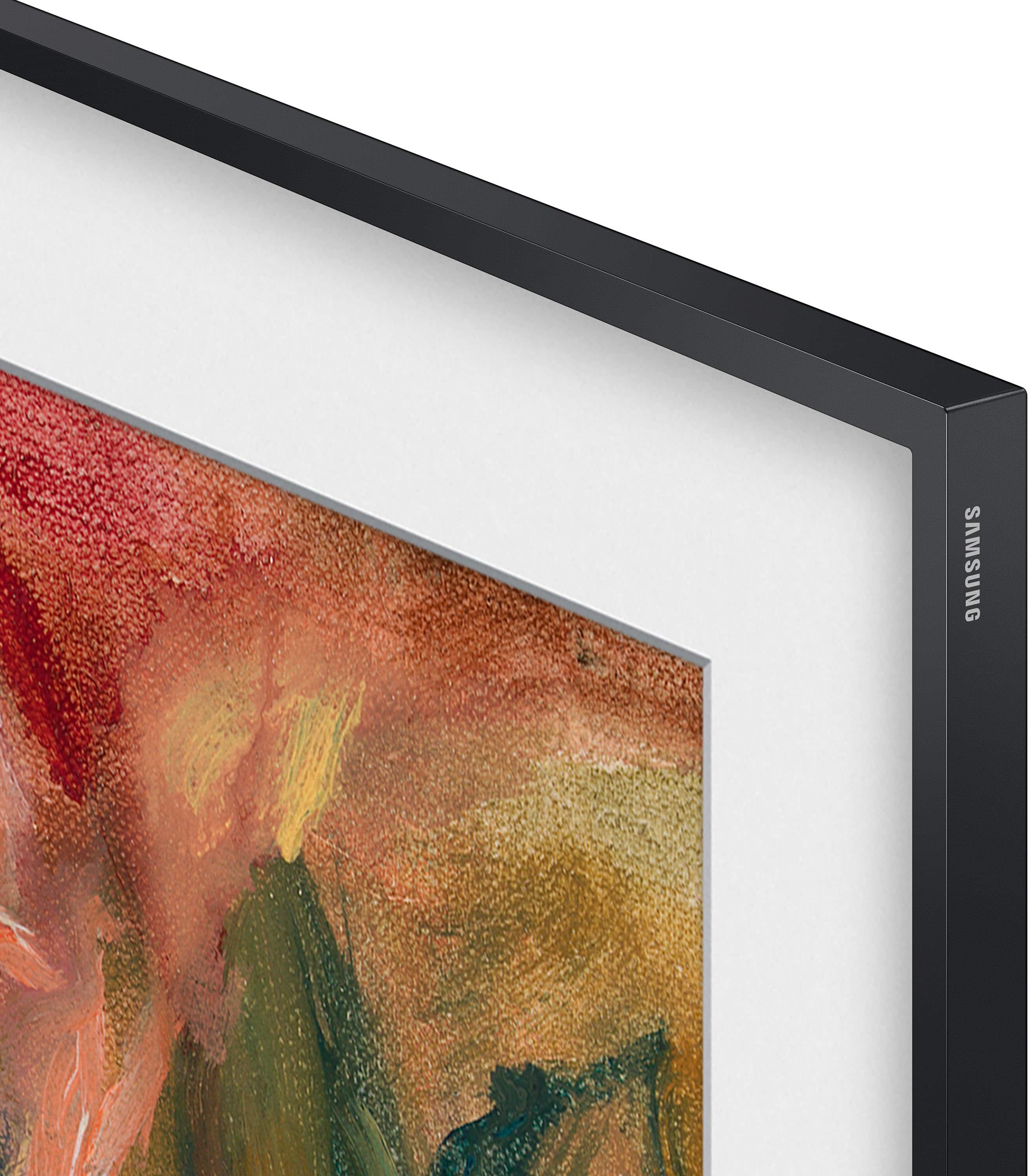
Match your TV to your own style with colorful bezel options. The magnetic bezel is easy to snap on, making design updates a breeze whatever your aesthetic, mood, or occasion.²
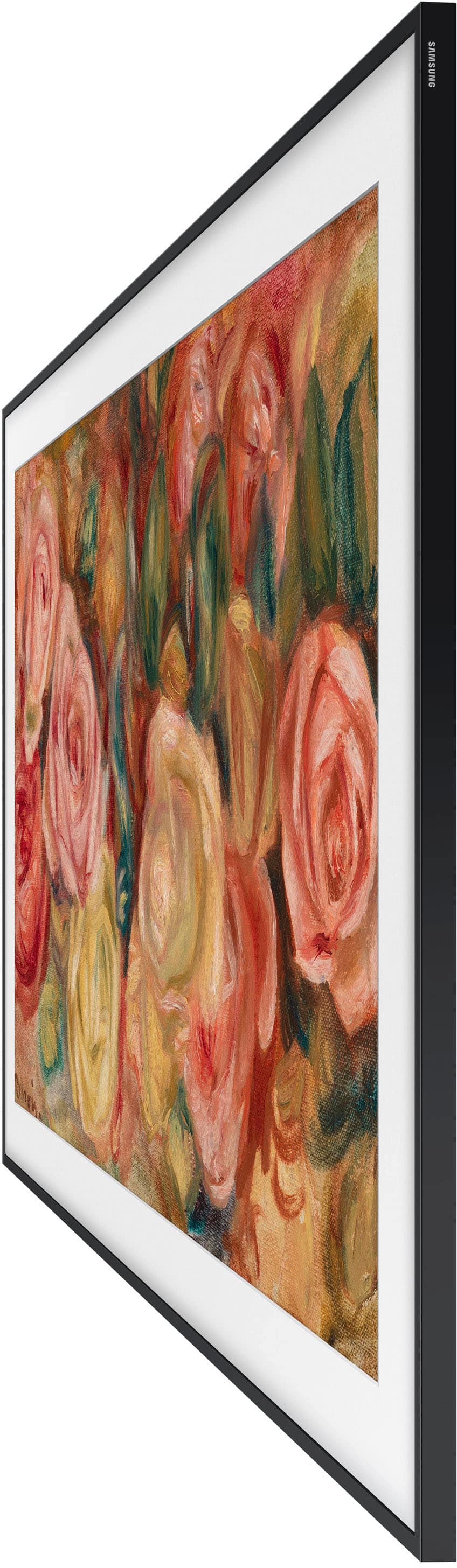
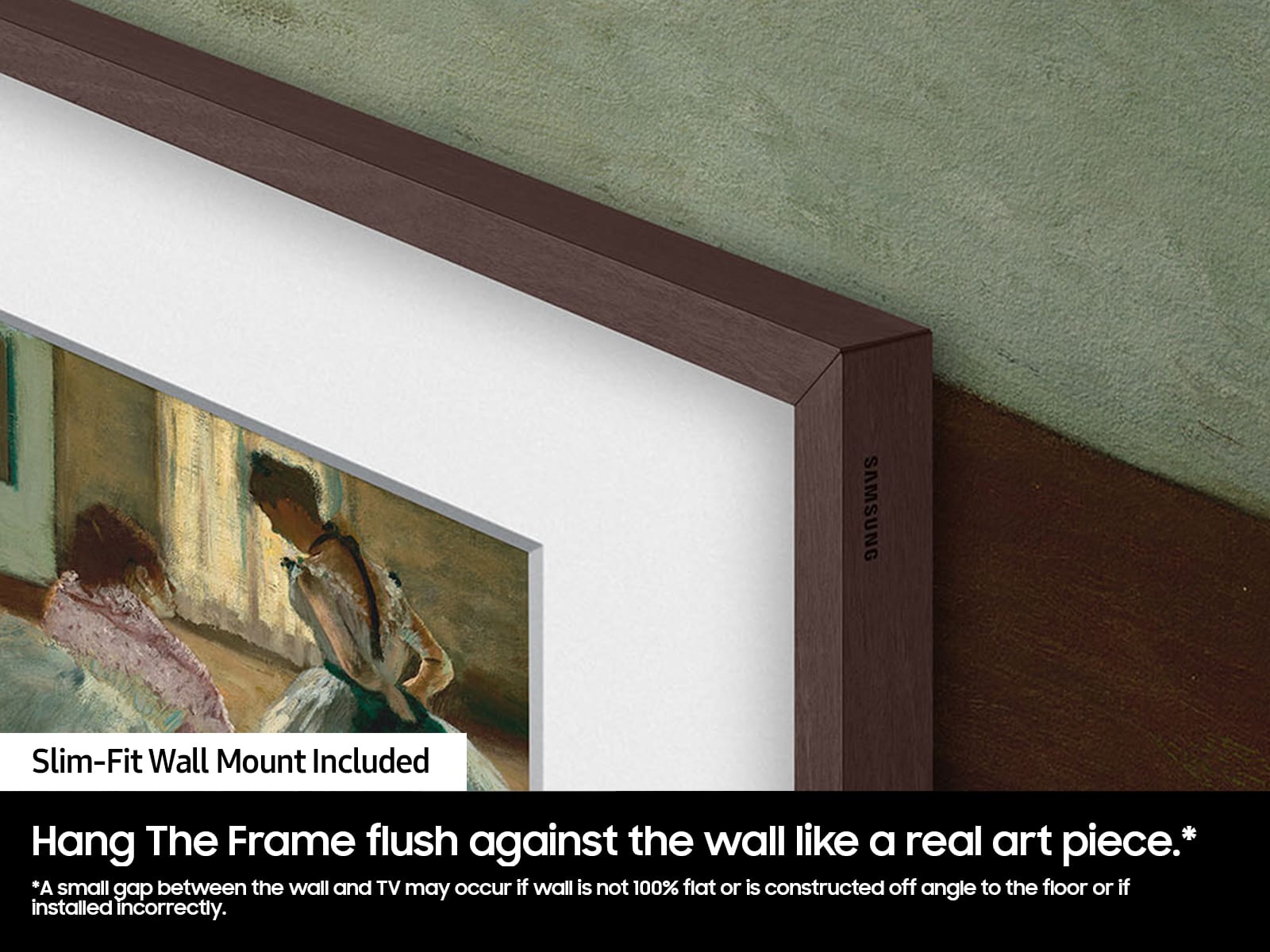
Slim Fit Wall Mount Included
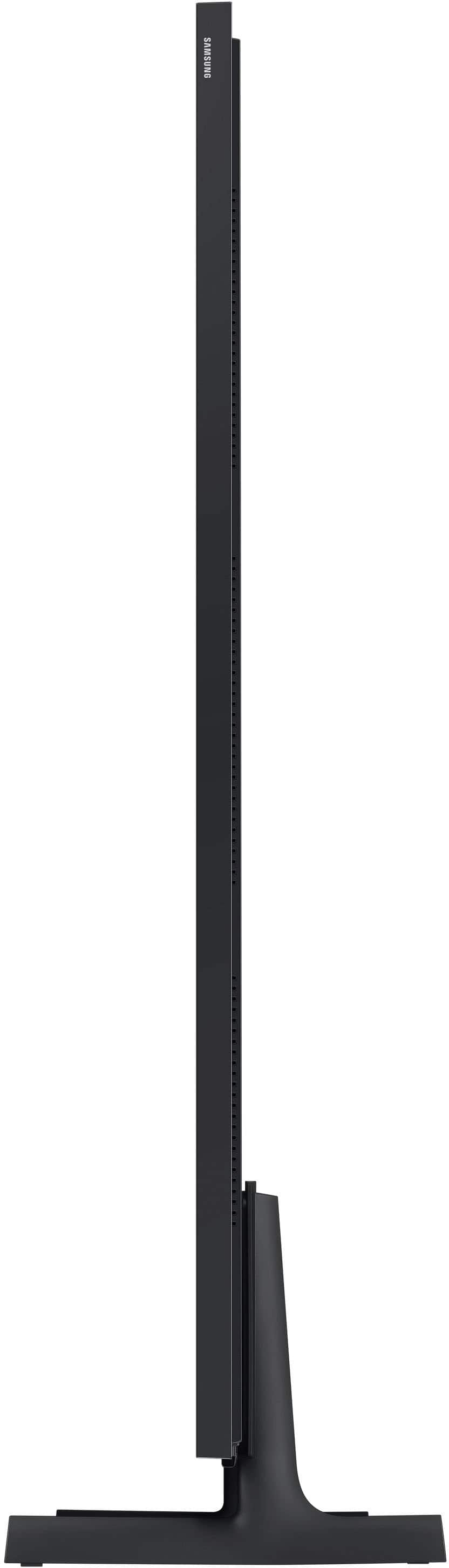
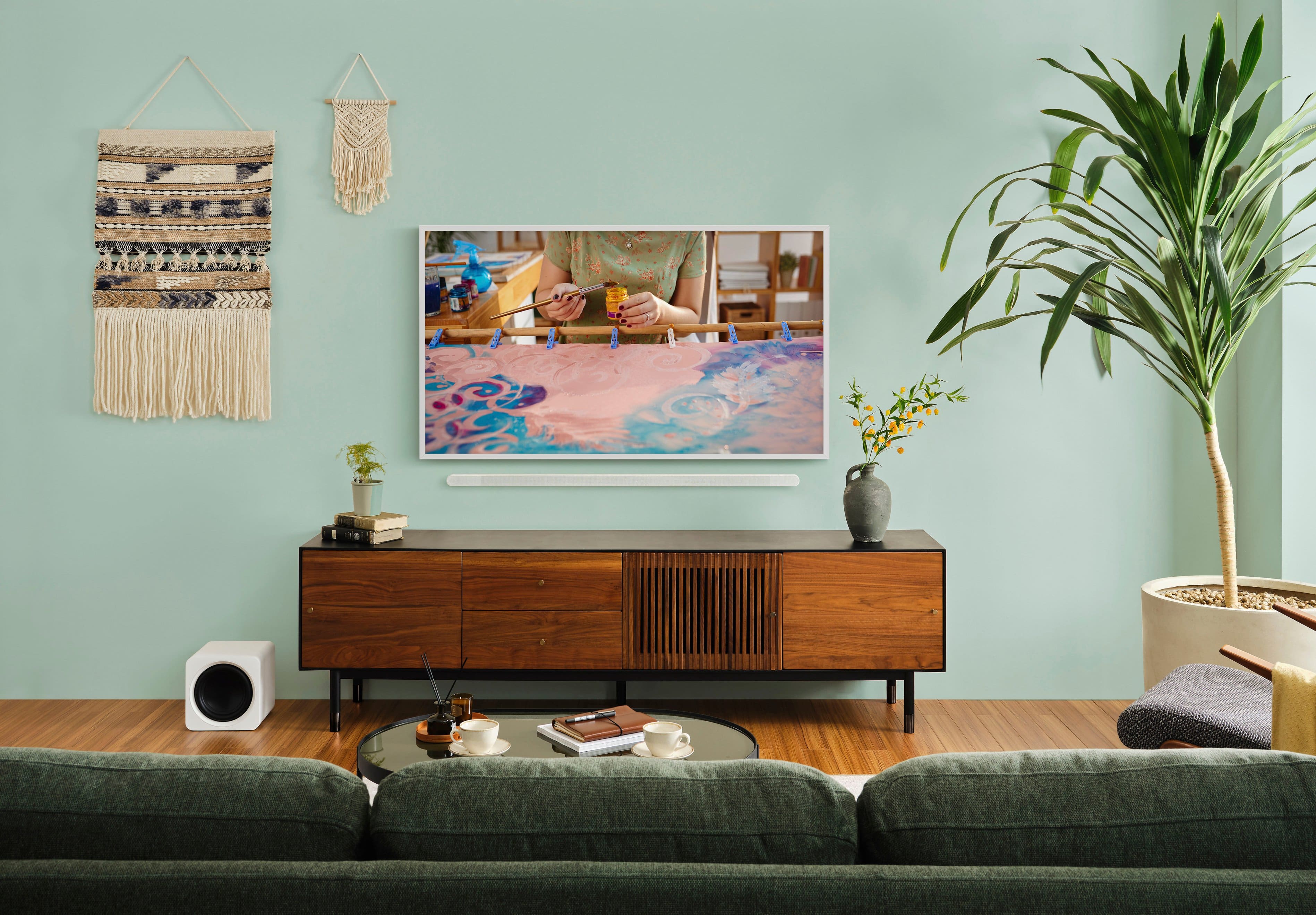
Hang The Frame flush against the wall like a real art piece. Less gap between your TV and wall means you get a sleeker look.³
Pantone Validated
Enjoy color validated by industry leading experts at Pantone, so that images on the screen look as incredible as they do in real life. Every hue, tint and skin tone offers a more accurate and beautiful picture.
Samsung Art Store Streams
The Frame now comes with Streams a complimentary set of regularly curated artworks sampled from the Samsung Art Store.⁴
Samsung Art Store
Get unlimited access to new and classic artworks from world famous galleries and museums with a subscription to the Art Store. Art Store gives you access to 2,500 + pieces of art from every genre, all PANTONE validated just like the rest of your TV.⁵
Motion Sensor + Brightness Sensor
Your art instantly turns on with movement in the room and adjusts the brightness of the TV to help maximize energy efficiency.
Quantum Processor 4K
Powers your TV’s 4K HDR picture and sound for sharp details, clear resolution and vivid color and contrast.
Samsung Tizen OS + SmartThings
Stream your favorite shows. Follow recipes. Play games. Work out with a trainer. Do all you enjoy with Smart TV Powered by Tizen. In just a few clicks, get instant access to your must have apps and endless content from the streaming services you love. And with Voice Assistants built into your TV, it’s easy to get to it all with just the sound of your voice.⁶
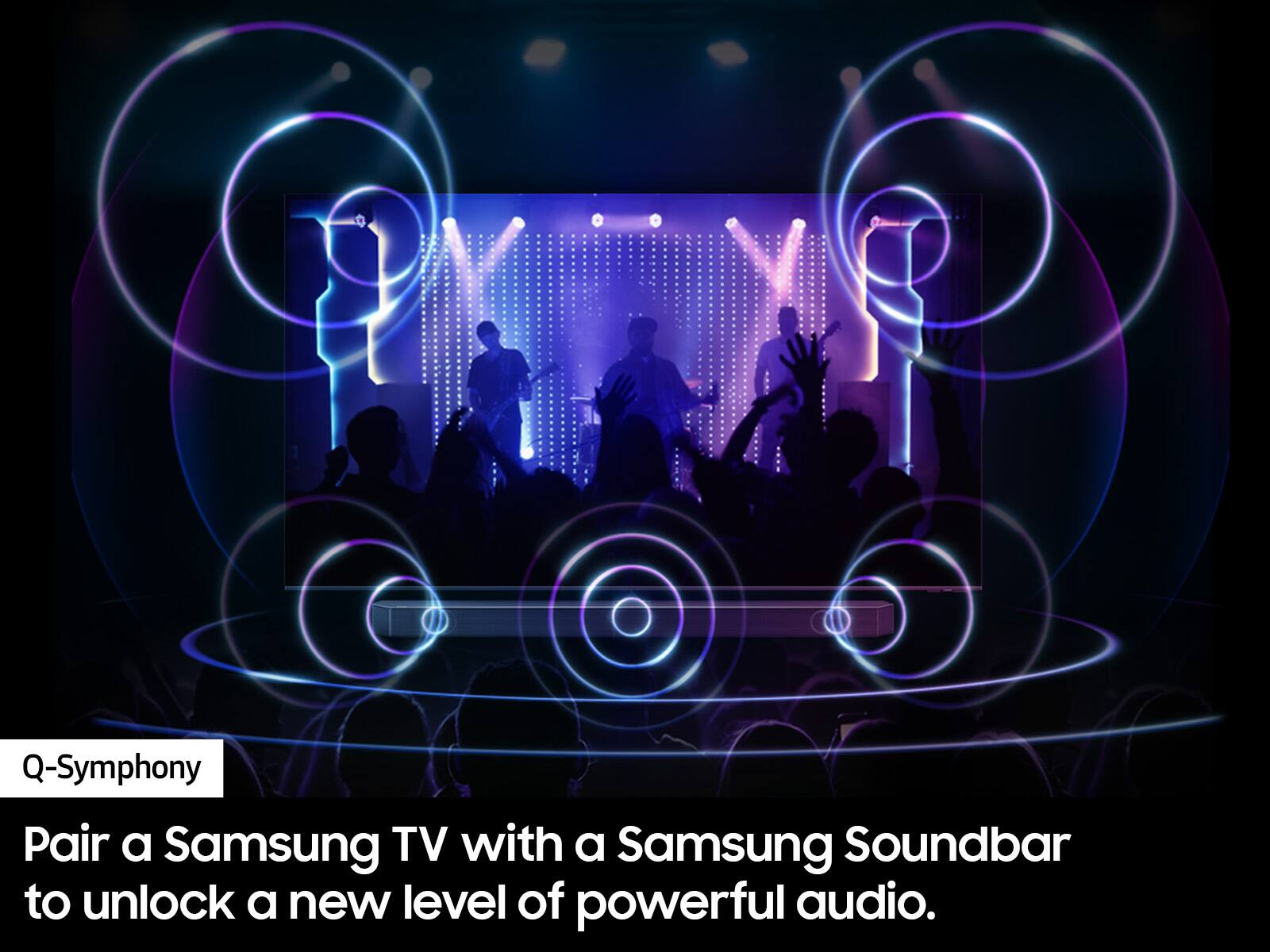
TV Speakers and Soundbar in Sync
Only Samsung gives you the power to unlock incredible when you pair your TV with a soundbar. With Q-Symphony, your TV speakers paired with Q-Series and S-Series soundbar operate as one. Together, they can optimize all the channels to bring you our most powerful sound experience.⁷
What's Included
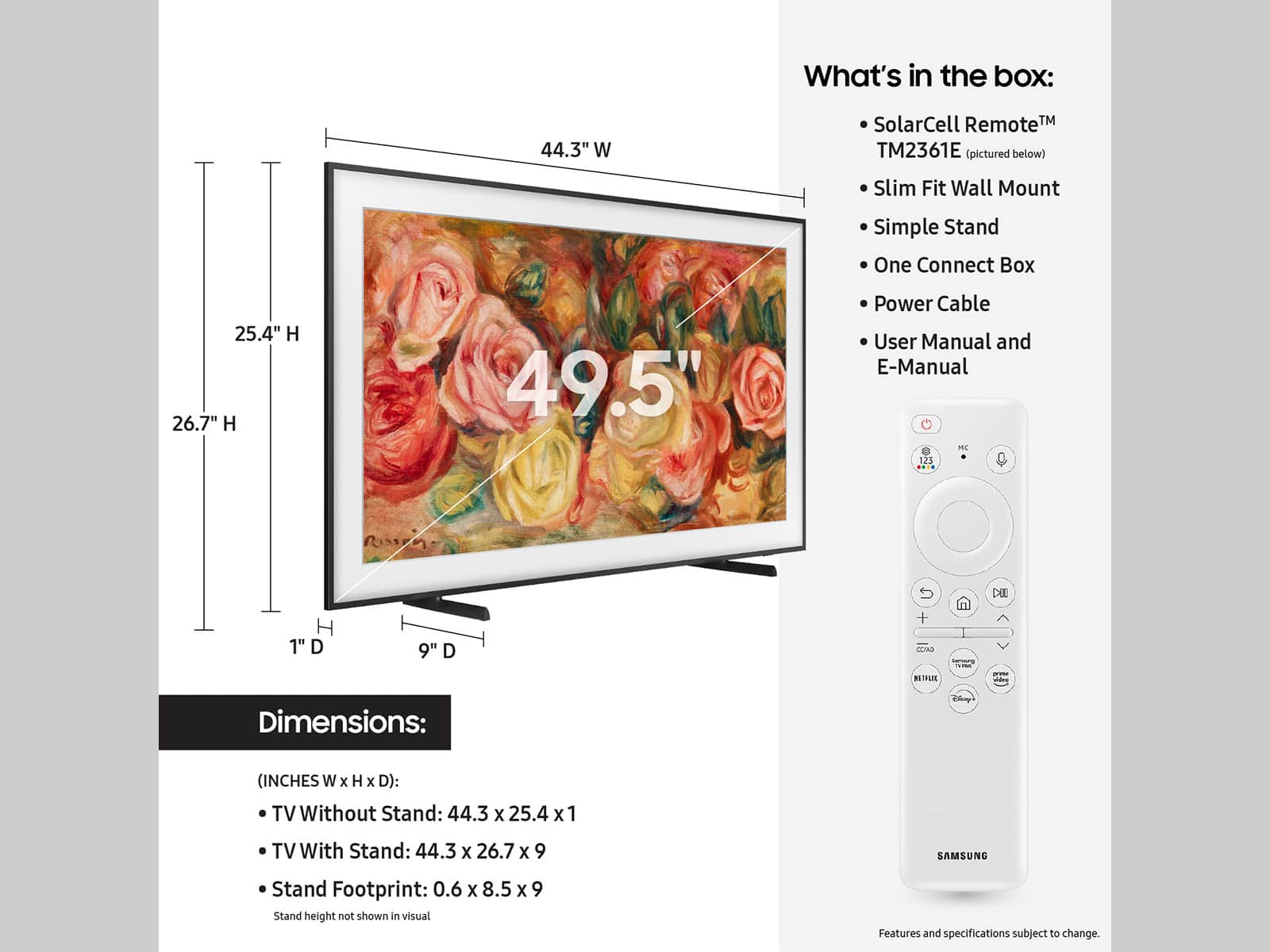
Samsung 50” Class LS03D The Frame Series QLED 4K Smart Tizen TV
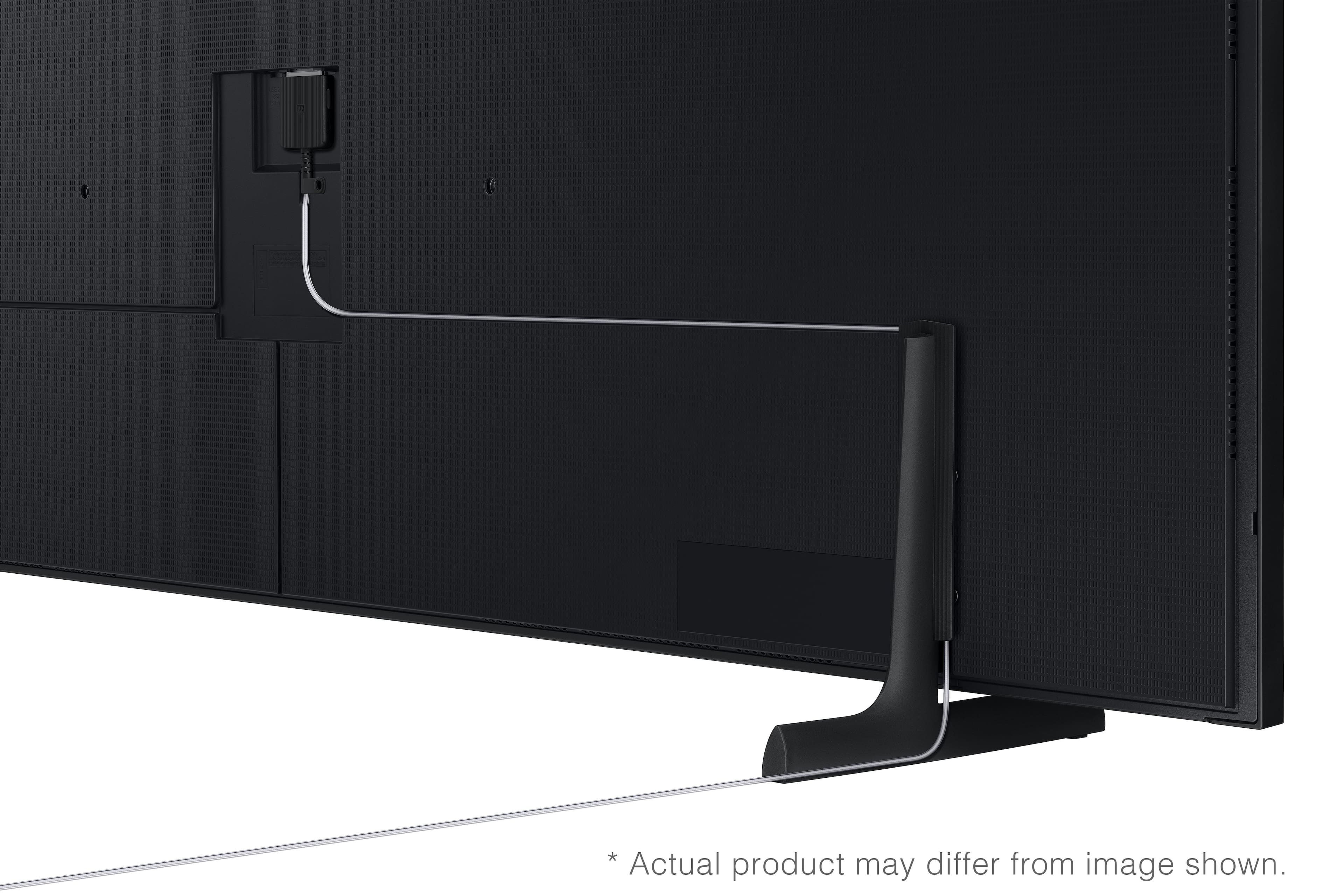
Simple Stand
SolarCell TM2361E Remote
One Connect Box
Slim Fit Wall Mount
Power cable
User Manual
E- Manual
Energy Ratings

Manuals & Guides
Key Specs
- Display TypeLED
- Resolution4K (2160p)
- Screen Size Class50 inches
- High Dynamic Range (HDR)Yes
- High Dynamic Range FormatHDR 10+
- LED Panel TypeQLED
- Backlight TypeEdge Lit
- Refresh Rate60Hz
- Motion Enhancement TechnologyMotion Xcelerator
- Specific Manufacturer TechnologiesArt Mode, Anti-Reflection with Matte Display, Pantone Validated, Motion Sensor + Brightness Sensor, Quantum Processor 4K
- Smart PlatformTizen
- Featured Streaming ServicesApple TV, Disney+, Google Play Movies & TV, Netflix, Prime Video, Sling TV, Spotify, Tubi, Twitch, YouTube
- Number of HDMI Inputs (Total)4
- TV Tuner TypeATSC, Clear QAM
- Works WithAmazon Alexa, SmartThings, Google Home
- Voice Assistant Built-inAmazon Alexa
General
- BrandSamsung
- Model NumberQN50LS03DAFXZA
- Product Name50” Class LS03D The Frame Series QLED 4K with Anti-Reflection and Slim Fit Wall Mount Included (2024)
- ColorBlack
- SeriesQLED 4K - The Frame
- Model Year2024
Dimensions
- Product Height With Stand26.7 inches
- Product Width44.3 inches
- Product Depth With Stand9 inches
- Product Height Without Stand25.4 inches
- Product Depth Without Stand1 inches
- Product Weight With Stand26.9 pounds
- Product Weight Without Stand26 pounds
- Stand Width29.8 inches
- Stand Depth9 inches
- Adjustable Stand WidthNo
Display
- Display TypeLED
- Resolution4K (2160p)
- Screen Size49.5 inches
- Screen Size Class50 inches
- High Dynamic Range (HDR)Yes
- High Dynamic Range FormatHDR 10+
- Picture Quality Enhancement TechnologyQuantum Processor 4K
- LED Panel TypeQLED
- Backlight TypeEdge Lit
- Curved ScreenNo
- Refresh Rate60Hz
- Motion Enhancement TechnologyMotion Xcelerator
- Synchronization TechnologyNot Applicable
- Closed CaptioningYes
- Language(s) DisplayedEnglish, French, Spanish
Features
- Remote Control TypeSmart, Voice control
- Specific Manufacturer TechnologiesArt Mode, Anti-Reflection with Matte Display, Pantone Validated, Motion Sensor + Brightness Sensor, Quantum Processor 4K
- Smart CapableYes
- Smart PlatformTizen
- Featured Streaming ServicesApple TV, Disney+, Google Play Movies & TV, Netflix, Prime Video, Sling TV, Spotify, Tubi, Twitch, YouTube
- Screen MirroringYes
- Screen Mirroring TechnologySmartThings
- Content SharingMobile to TV, TV to mobile
- Indoor Or Outdoor UseIndoor
- Text-To-SpeechNo
- Video DescriptionNo
- V-ChipYes
- TV TunerDigital
Connectivity
- Number of HDMI Inputs (Total)4
- Display Connector(s)4 x HDMI 2.1
- Network Connector(s)1 x LAN, 1 x RS-232
- Audio Only Outputs1 x Optical digital audio
- USB Ports2 x USB-A 2.0
- HDMI Audio Return Channel (ARC)ARC
- Wireless ConnectivityWi-Fi, Bluetooth
- HDBaseT ReceiverNo
- TV Tuner TypeATSC, Clear QAM
- RF Antenna InputYes
- Number Of USB Port(s) (Total)2
- Bluetooth Version5.2
- Headphone JackNo
Compatibility
- VESA Wall Mount Standard200mm x 200mm
- Works WithAmazon Alexa, SmartThings, Google Home
- Voice Assistant Built-inAmazon Alexa
Audio
- Built-In SpeakersYes
- Surround Sound SupportedDolby Atmos
- Speaker Output20 watts
- Number Of Speakers2
- Number of Audio Channels2.0
- Dialogue EnhancementYes
- Automatic Acoustic CalibrationObject
Power
- ENERGY STAR CertifiedNo
- EPEAT QualifiedNo
- Estimated Annual Operating Cost15 United States dollars
- Estimated Annual Electricity Use129 kilowatt hours
- Rechargeable Battery (Remote Control)Yes
- Voltage120 volts
Included
- Wall Mount IncludedYes
- Stand IncludedYes
Warranty
- Warranty - Parts1 year
- Warranty - Labor1 year
Box Dimension
- Height30.5 inches
- Width49.3 inches
- Depth6.9 inches
- CubicDimension10375.185 inches
Other
- UPC887276822570
Customer reviews
Rating 4.3 out of 5 stars with 125 reviews
(125 customer reviews)Rating by feature
- Picture Quality4.7
Rating 4.7 out of 5 stars
- Sound Quality4.4
Rating 4.4 out of 5 stars
- Brightness4.6
Rating 4.6 out of 5 stars
to a friend
Rated 5 out of 5 stars
Perfect for a bright, window rich room!
||Posted . Owned for 1 week when reviewed.This reviewer received promo considerations or sweepstakes entry for writing a review.After our last tv died, we wanted an upgrade in overall picture quality. We also have floor to ceiling windows facing the tv, and could barely watch tv during the day. The Frame TV matte anti glare surface is incredible! Absolutely no glare during the day or night, we were shocked. It has completely changed our viewing experience. Also more affordable than other matte anti glare tvs. The picture quality and depth is also great! Such an upgrade from what we had (regular LCD tv). Tinkering with the picture and around settings takes some time, but we’re very happy. The depth and movement of actors is also game changing. I don’t think we can go back to a regular LCD. The sound quality leaves much to be desired, but I guess most new tvs are that way. We opted for the Samsung HW-S50B 3.0 sound bar, we enjoy that it syncs with the TV speakers, so feels like a surround sound experience (from the back of the TV and forward from the soundbar). Overall, VERY HAPPY!
This review is from Samsung - 50” Class LS03D The Frame Series QLED 4K with Anti-Reflection and Slim Fit Wall Mount Included (2024)
I would recommend this to a friendRated 5 out of 5 stars
Best tv EVER
||Posted . Owned for 1 week when reviewed.This reviewer received promo considerations or sweepstakes entry for writing a review.Incredible tv, absolutely love it. No glare, and the art work capability is wonderful.
This review is from Samsung - 50” Class LS03D The Frame Series QLED 4K with Anti-Reflection and Slim Fit Wall Mount Included (2024)
I would recommend this to a friendRated 5 out of 5 stars
It’s not a TV, it’s an experience..
||Posted . Owned for 1 month when reviewed.This reviewer received promo considerations or sweepstakes entry for writing a review.… before you buy this TV .. that tiktok or your wife made you buy .. go talk to the guys in store.. mounting this tv is not for the faint of heart.. you don’t buy The Frame for the picture quality although it compares to samsungs’ q70 line up.. you buy it for its seemless design and elegance.. no cons, all pros. But seriously go talk to the guys in store.
This review is from Samsung - 50” Class LS03D The Frame Series QLED 4K with Anti-Reflection and Slim Fit Wall Mount Included (2024)
I would recommend this to a friendRated 5 out of 5 stars
Great for displaying art. Beautiful image.
||Posted . Owned for 1 month when reviewed.This reviewer received promo considerations or sweepstakes entry for writing a review.Great for displaying art. You have to see it in person. It’s not a conventional TV although you can use it as one. Go to store and look at it. On the expensive side compared to other TV’s but again, this is more than a TV.
This review is from Samsung - 50” Class LS03D The Frame Series QLED 4K with Anti-Reflection and Slim Fit Wall Mount Included (2024)
I would recommend this to a friendBrand response from Samsung
Posted .Hi Alex,
I’m thrilled to hear that you’re enjoying your new 2024 Frame QLED TV! With style in spades, The Frame transforms to art when you're not watching TV. Choose from the Samsung Collection or upload your own pieces to reflect your personality. From iconic classics to modern marvels and stunning photography, Art Store gives you access to an ever-broadening range of art.
If there’s anything we can ever help with such as optimizing settings, please reach Samsung Support at 1-800-SAMSUNG, 8AM - 12AM EST, 7 days a week. Or visit us on the Samsung website and click on the ‘Support’ link for:
• LiveChat with an agent
• Manuals, Software, & Warranty Info
• Product Registration: For easy access to support, promos and offers, and more
~ Samsung Specialist
Rated 5 out of 5 stars
Power of Changing Art
||Posted . Owned for 3 weeks when reviewed.This reviewer received promo considerations or sweepstakes entry for writing a review.This TV is Stunning! Love that you can choose what art you like and it rotates while the TV is off. You can turnoff the feature but this adds a nice design touch vs. having a big Black TV on the wall. Picture Quality is amazing. Highly recommend and if you can get it on sale….even better.
This review is from Samsung - 50” Class LS03D The Frame Series QLED 4K with Anti-Reflection and Slim Fit Wall Mount Included (2024)
I would recommend this to a friendRated 5 out of 5 stars
Our 2nd Samsung Frame TV!
||Posted . Owned for 1 month when reviewed.This reviewer received promo considerations or sweepstakes entry for writing a review.Purchased the TV through the Best Buy website and then did curbside pickup on the same day - quick, easy, and no hassle. This is my 2nd purchase of a Samsung Frame TV. We get a lot of compliments on The Frame TV in our living room, so my wife wanted one for her office space. The only complaint - a minor one - is with the TV's mounting bracket. The bracket comes in two separate pieces, so depending on wall stud placement, you are likely to miss being able to mount the bracket to the studs, which was my situation. Mounting bracket design could be improved.
This review is from Samsung - 50” Class LS03D The Frame Series QLED 4K with Anti-Reflection and Slim Fit Wall Mount Included (2024)
I would recommend this to a friendRated 5 out of 5 stars
Great Multi-Purpose TV
||Posted . Owned for 3 weeks when reviewed.This reviewer received promo considerations or sweepstakes entry for writing a review.I highly recommend the Samsung Frame TV to anyone looking for a television that is both functional and aesthetically pleasing. It’s a perfect combination of technology and design.
This review is from Samsung - 50” Class LS03D The Frame Series QLED 4K with Anti-Reflection and Slim Fit Wall Mount Included (2024)
I would recommend this to a friendRated 4 out of 5 stars
Great ‘living room’ tv
||Posted .This reviewer received promo considerations or sweepstakes entry for writing a review.This is a great ‘living room’ tv that straddles functionality and decoration with unique features (such as the breakout box and low profile mount) The rating is marred by a profit driven mess of an operating system. Highly suggest pairing with an Apple TV as quick as possible.
This review is from Samsung - 50” Class LS03D The Frame Series QLED 4K with Anti-Reflection and Slim Fit Wall Mount Included (2024)
I would recommend this to a friend
Q: QuestionHow many HDMI ports does this TV have?
- A:Answer This TV has 4 HDMI ports.
This question and answer was generated by AI based on customer and product data.Q: QuestionDoes this Samsung TV come with a wall mount?
- A:Answer Yes, this TV includes a Slim Fit Wall Mount.
This question and answer was generated by AI based on customer and product data.Q: QuestionCan I connect the TV to the network with an ethernet cable?
- A:Answer Yes, you can use an ethernet cable to connect your OneConnect Box directly to the network.
This question and answer was generated by AI based on customer and product data.Q: QuestionWhat is the total speaker output on this Samsung TV?
- A:Answer The total speaker output on this TV is 20 watts.
This question and answer was generated by AI based on customer and product data.Q: QuestionWhat is the refresh rate of this TV?
- A:Answer The refresh rate of this TV is 60Hz.
This question and answer was generated by AI based on customer and product data.Q: QuestionWhat kind of display does this Samsung TV have?
- A:Answer This Samsung TV has an LED display with QLED technology.
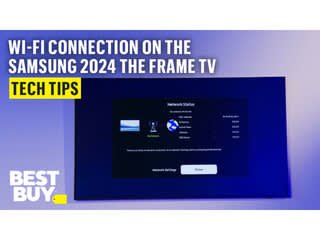
This question and answer was generated by AI based on customer and product data.Q: QuestionIs it easy to set up the Wi-Fi on this Samsung TV?
- A:Answer You will be prompted to select your Wi-Fi network and enter the password during setup.
This question and answer was generated by AI based on customer and product data.Q: QuestionWhat should I do if my Wi-Fi doesn't appear during setup?
- A:Answer If your Wi-Fi doesn't appear, check your signal strength with another device where the TV is located.
This question and answer was generated by AI based on customer and product data.