JVC - 6.8" Android Auto and Apple CarPlay Bluetooth Digital Media (DM) Receiver with Rear Camer input and SiriusXM Ready - Black
4 payments starting at
$15.50
with
Shipping
Installation: Available at select stores
More installation info is available in checkout
Description
Features
50W peak power x 4 channels
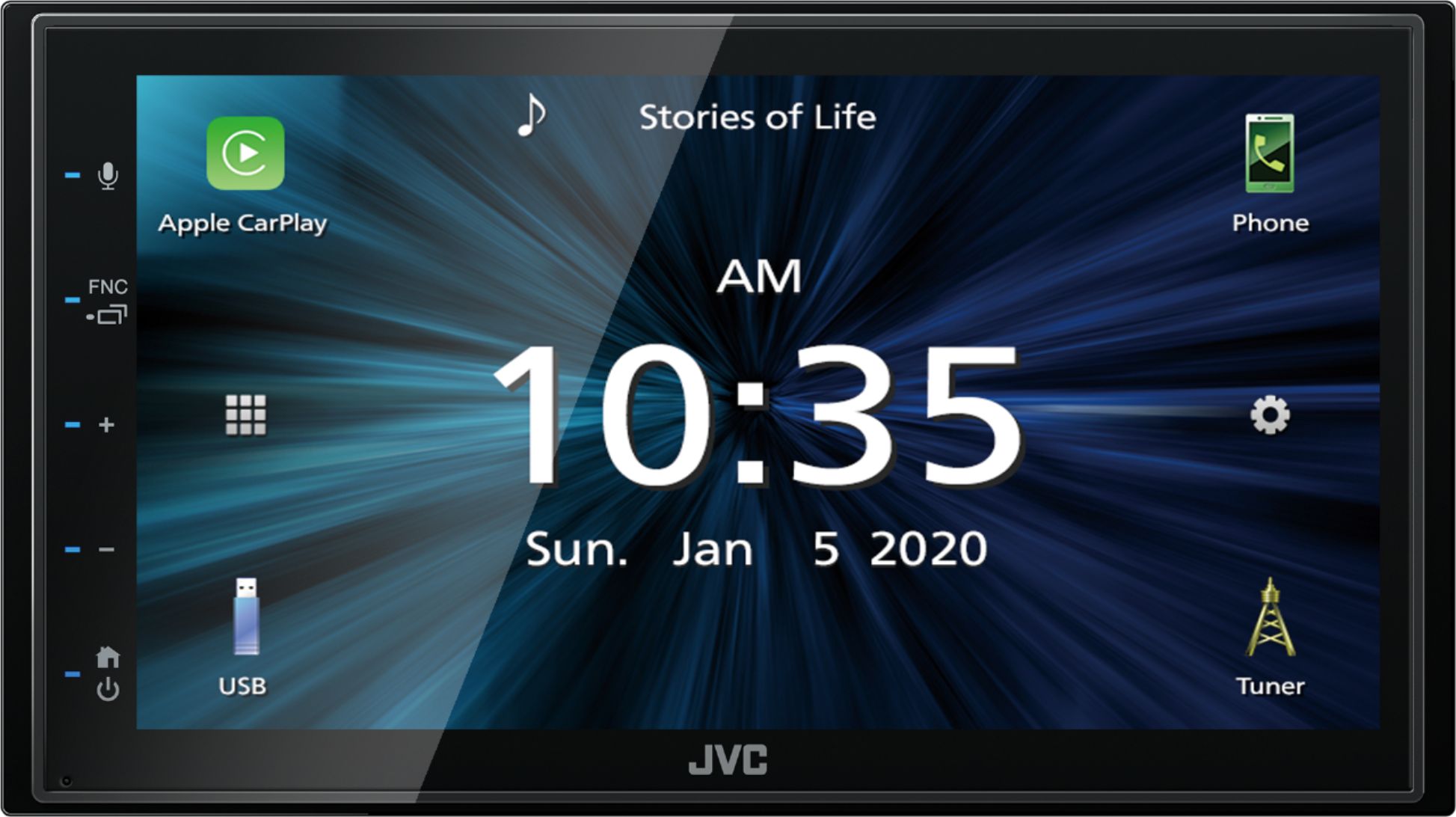
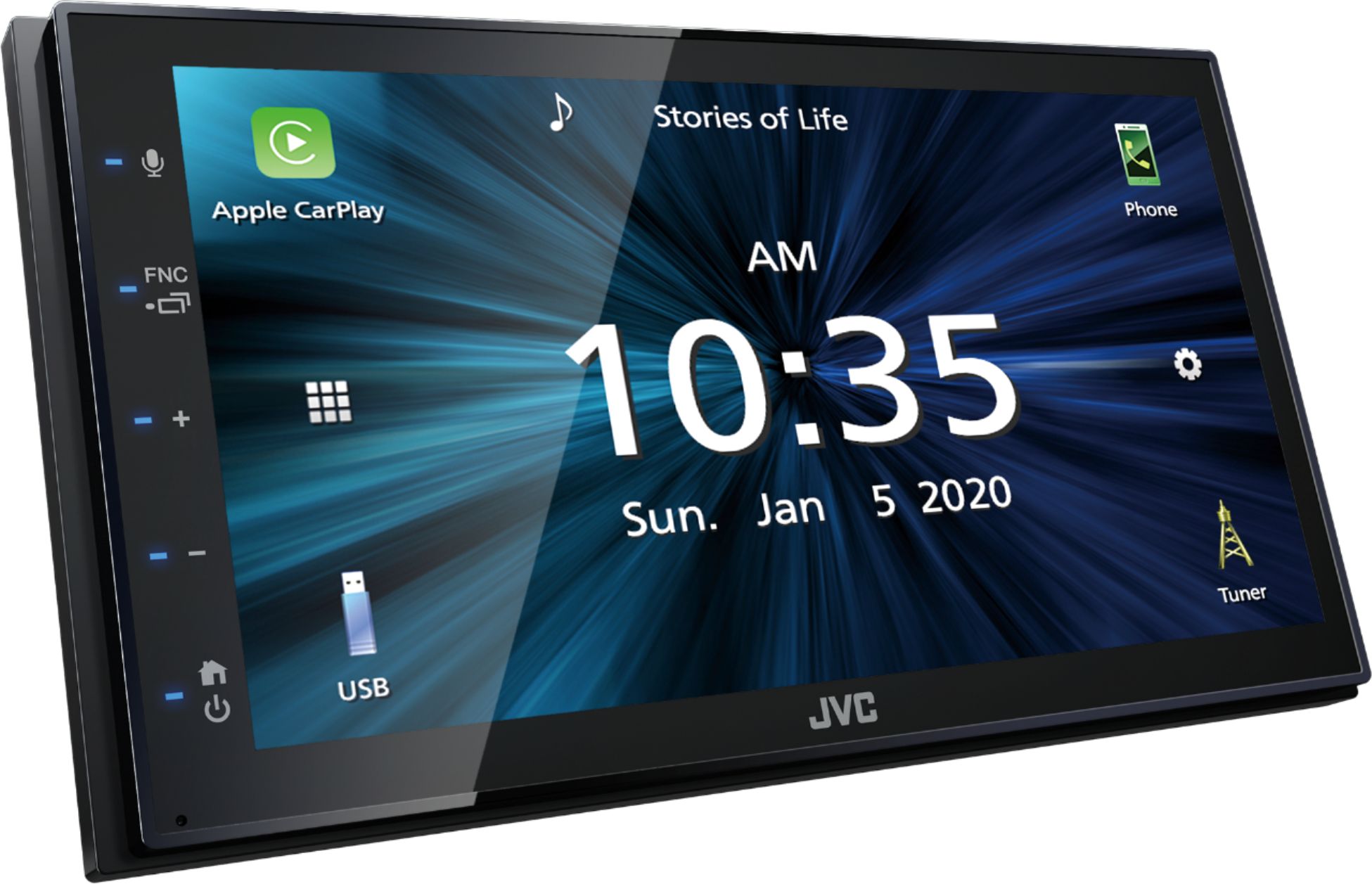
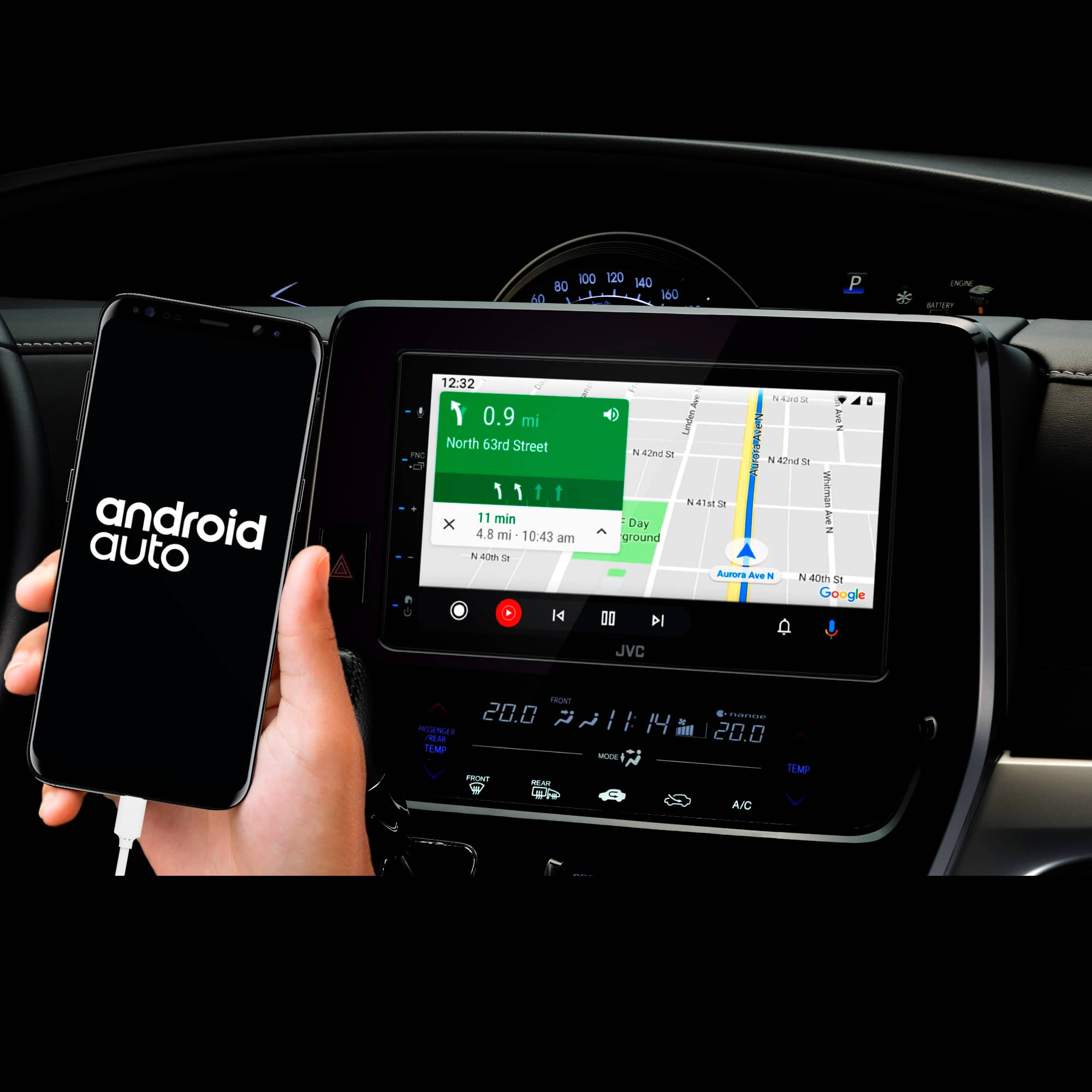
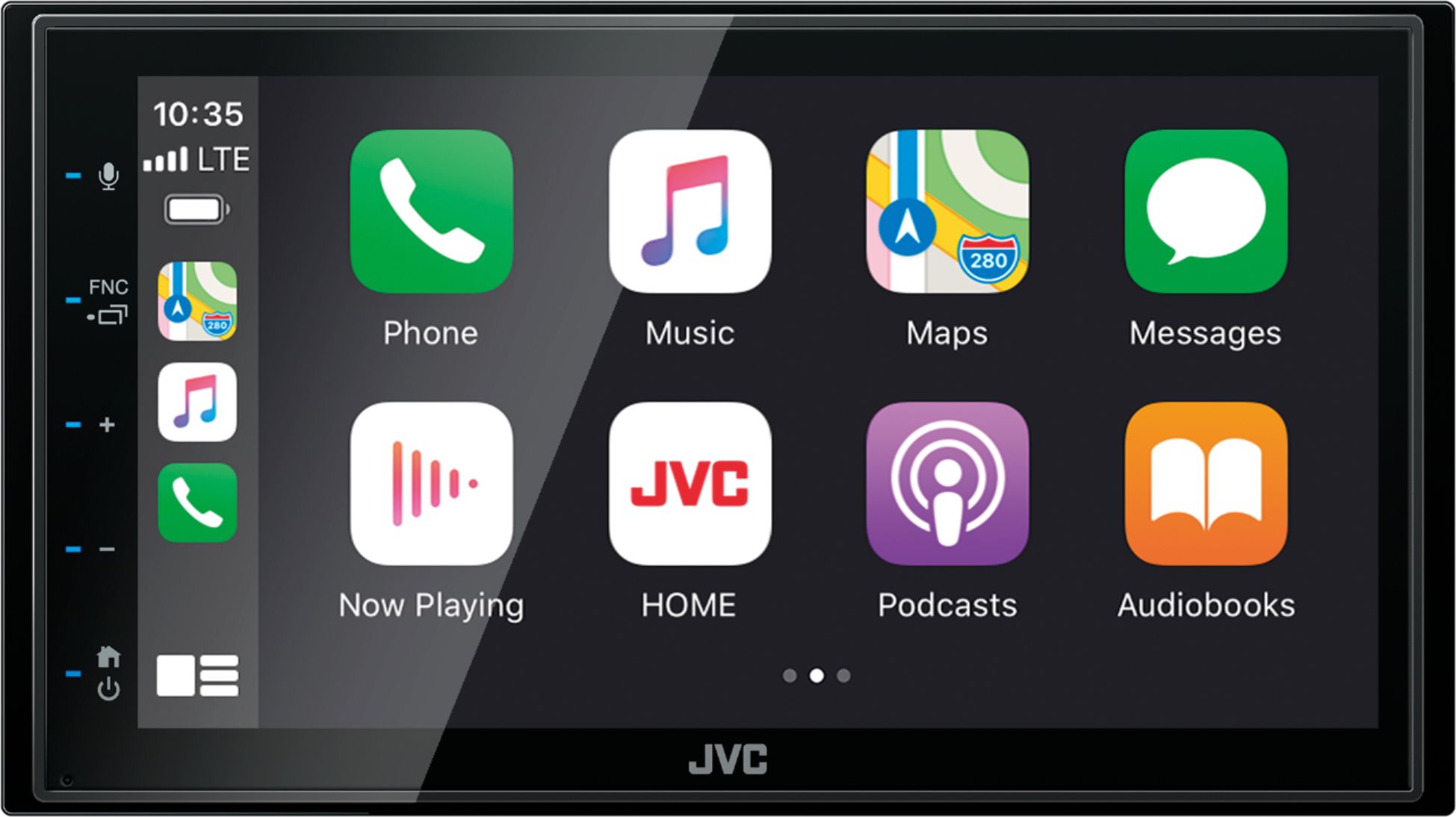
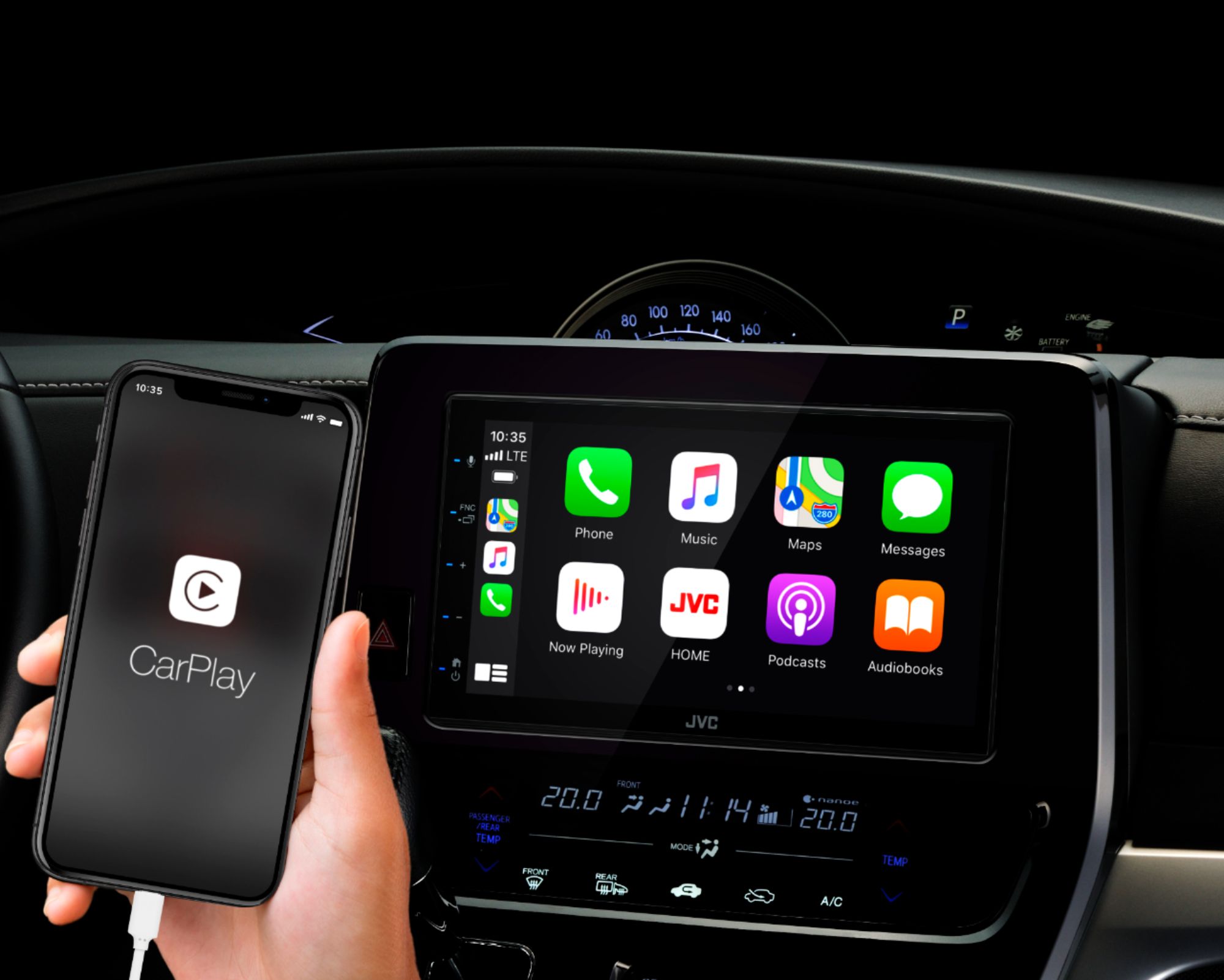
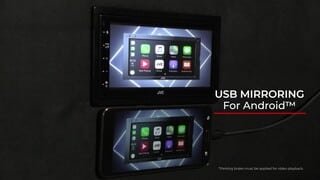
Apple CarPlay
A smarter, safer way to use your iPhone while you drive. You can get directions, make calls, send, and receive messages, and enjoy your favorite music all on the built-in display.
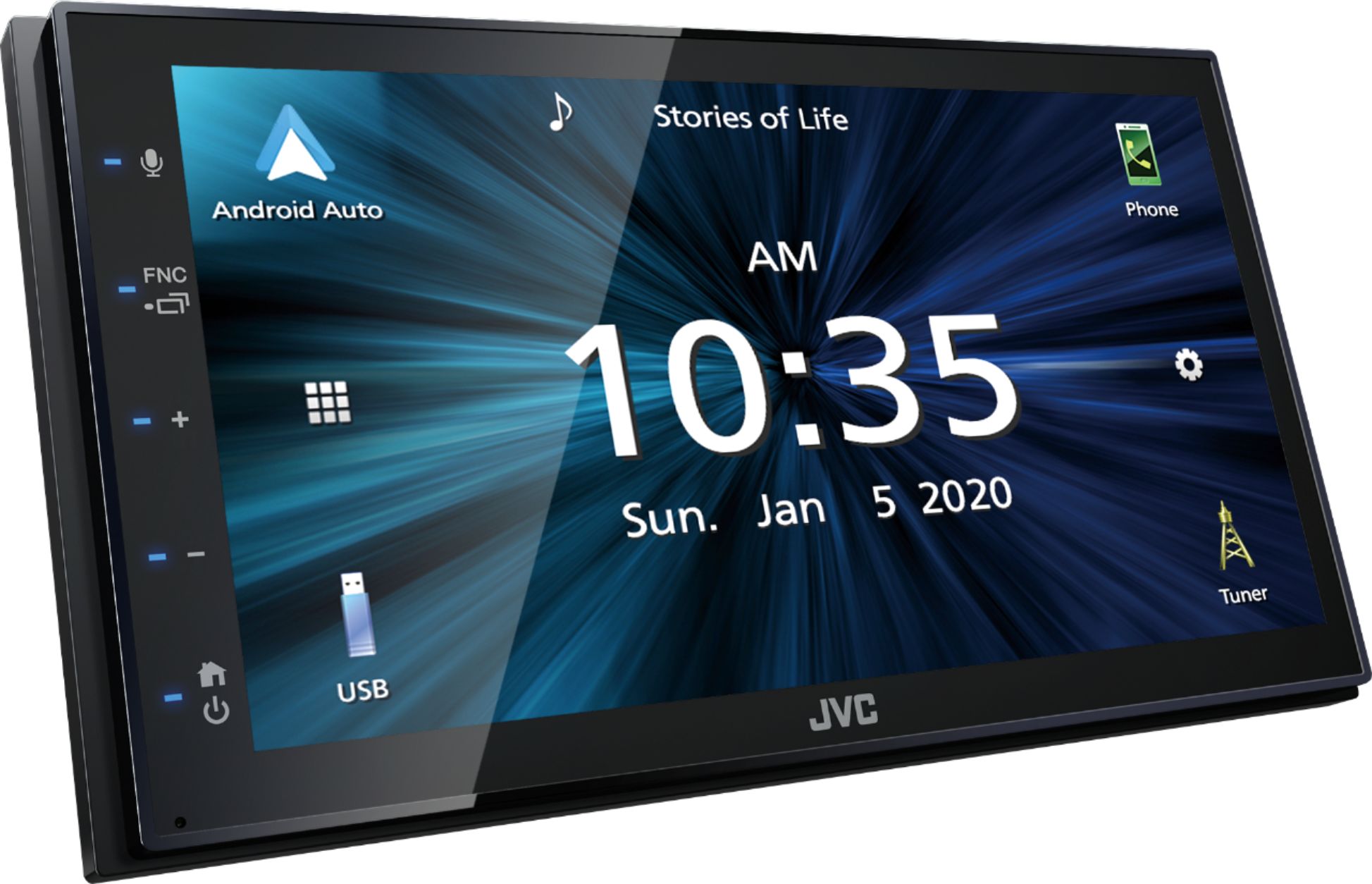
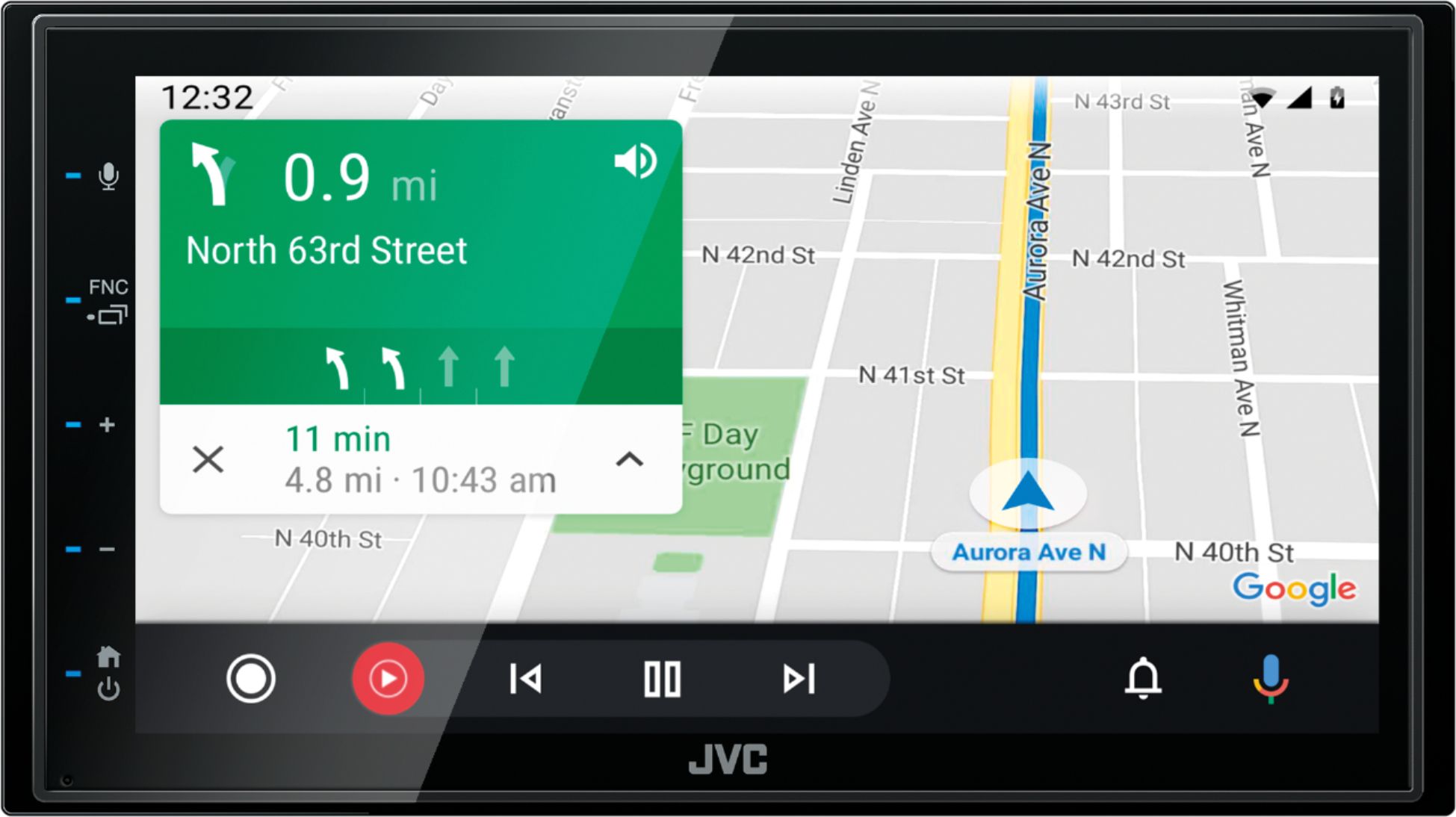
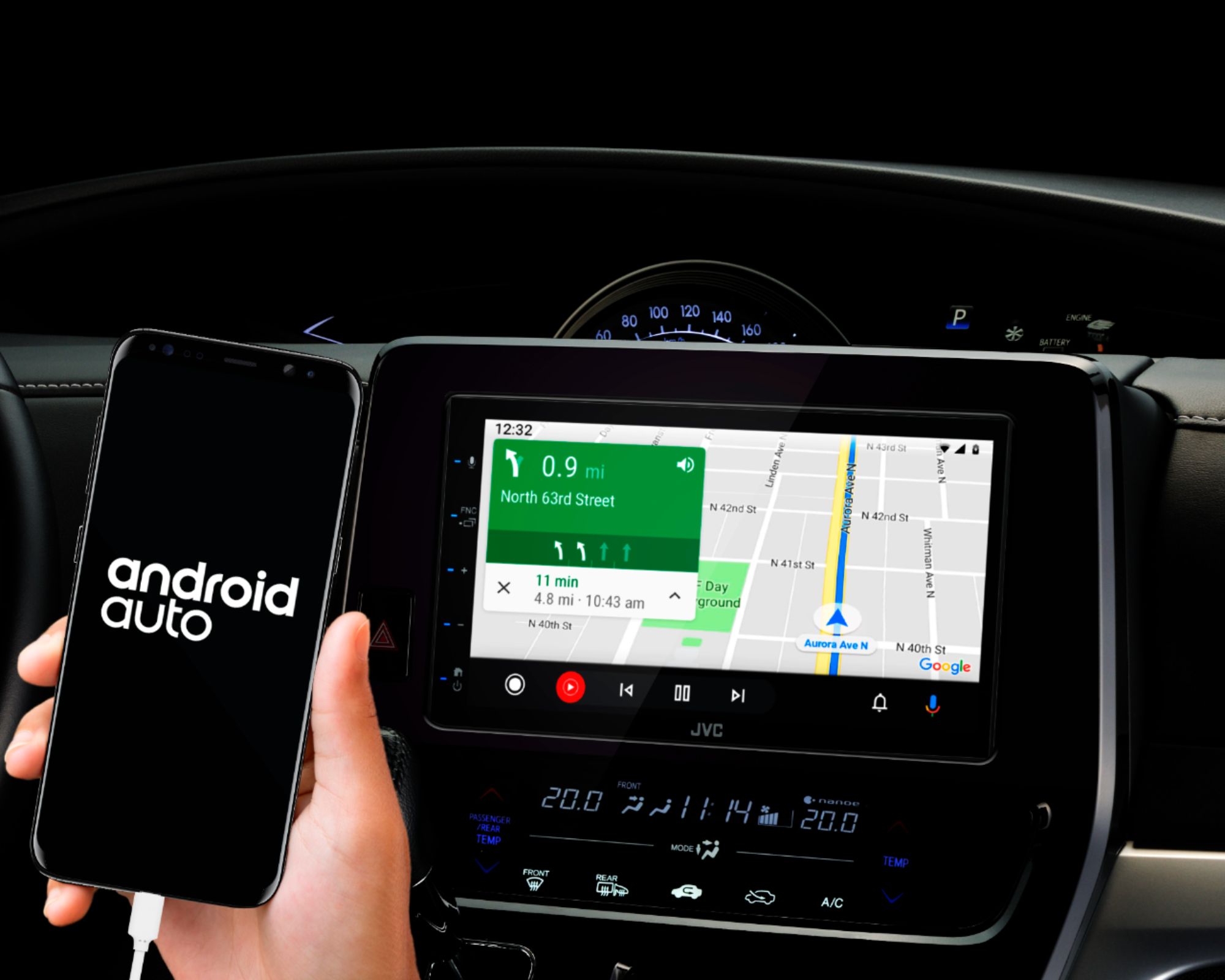
Android Auto
Android Auto allows for seamless integration of your smartphone and car's infotainment system. It allows for easy access to navigation, music, and messaging apps through the car's touch screen display.
Back Up Camera Input
Allows for the display of a live feed from a rear-facing camera on the screen. Provides driver with an improved view of the area behind the vehicle, making reversing and parking easier and safer. Useful in situations where visibility is limited
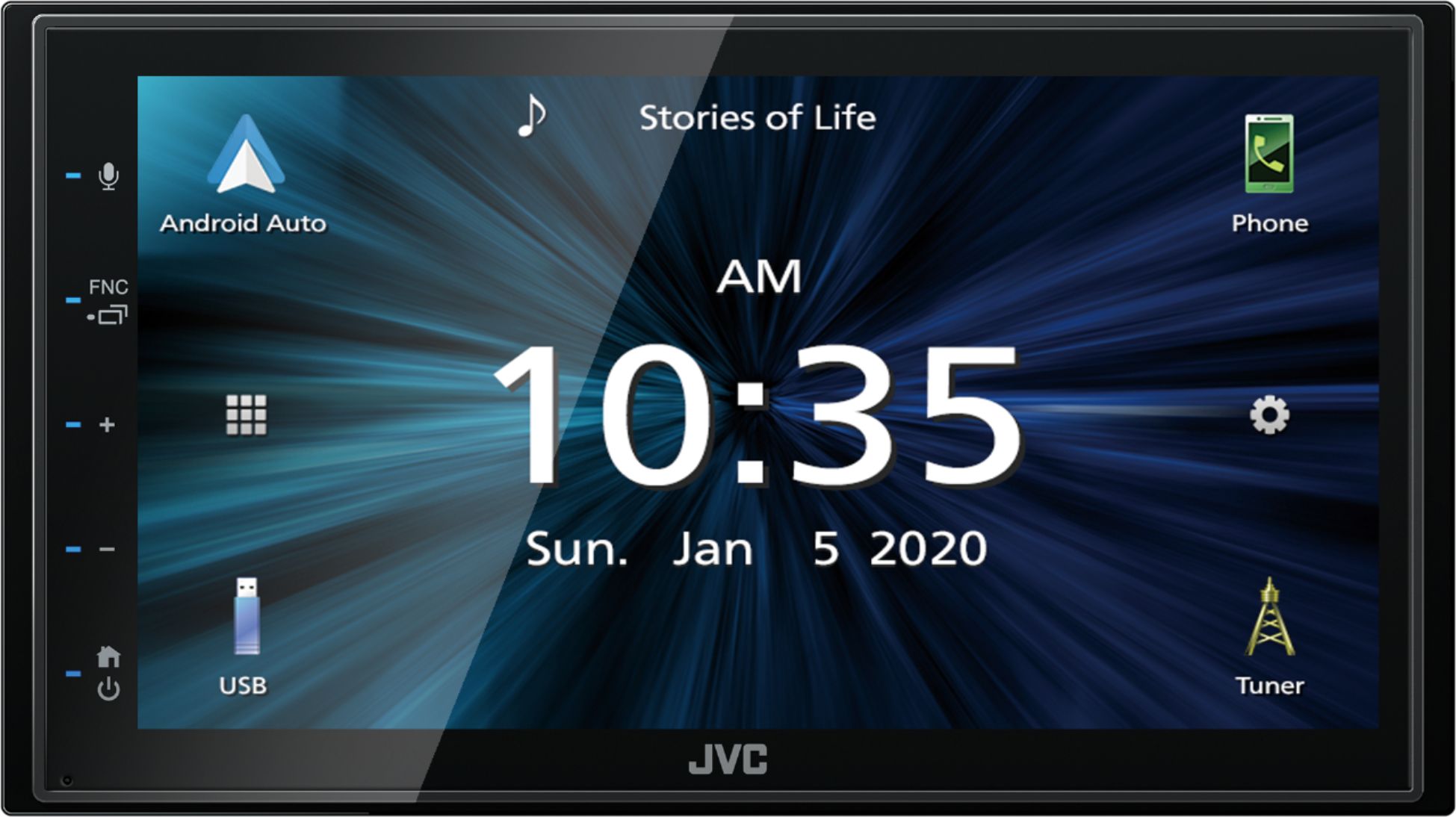
6.8" capacitive touchscreen
A more responsive and accurate touch experience. More sensitive to touch and doesn’t require pressure to register inputs, making it easier to navigate through menus and select options. Additionally, they also tend to be more durable and resistant to wear and tear
Dual Phone Full Time Connection
Bluetooth dual phone connection on a JVC car stereo allows for two phones to be connected to the system simultaneously, so you and your passenger can easily switch between phones for hands-free calling and audio streaming.
It also allows for easy switching between phones, without having to disconnect and reconnect devices, which can save time. Additionally, it allows for both driver and passenger to make and receive calls without having to share one phone, which can be convenient for business or personal use.
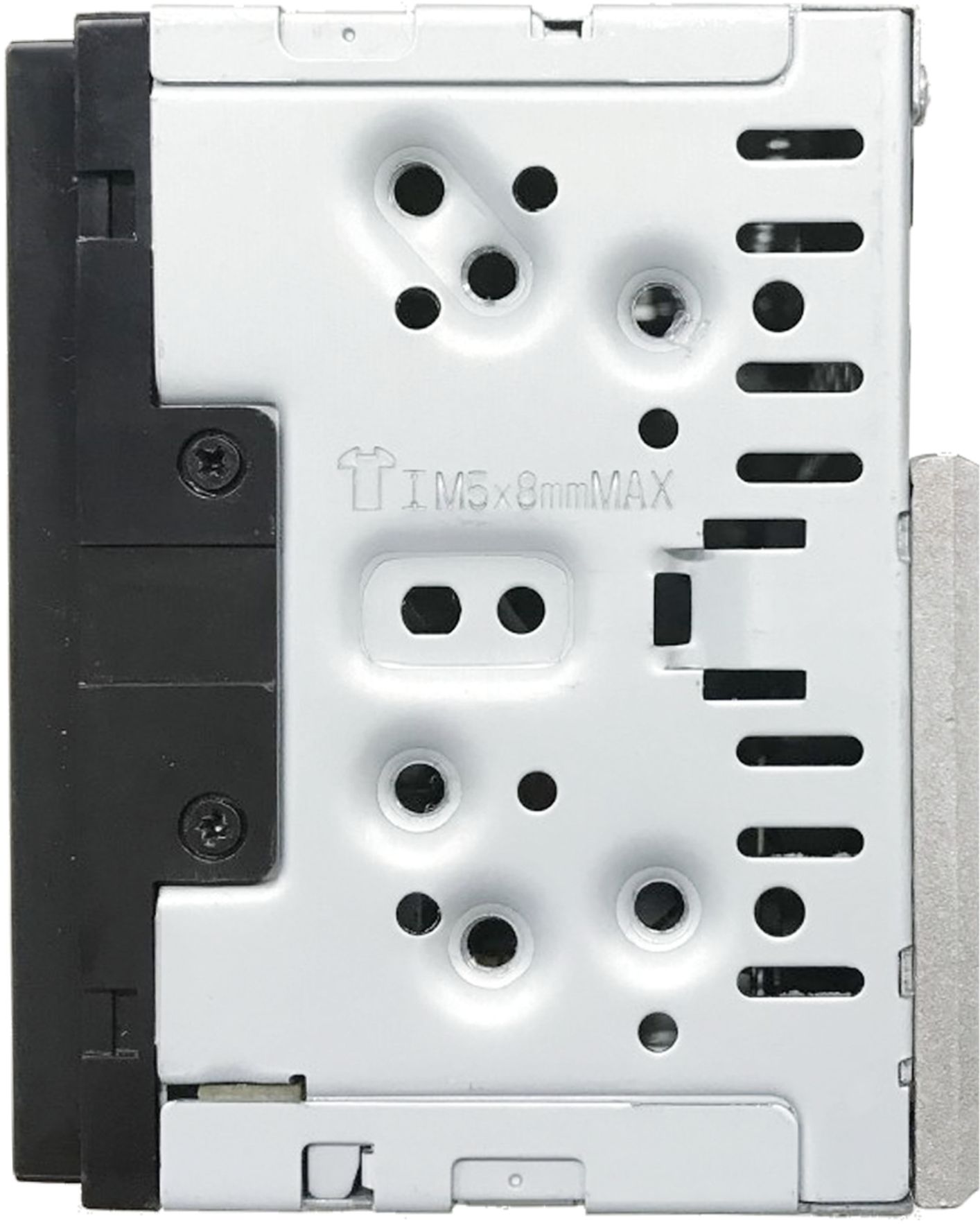
Short Chassis Design
A shallow chassis on a JVC car stereo allows for easy installation in a wide range of vehicles
SiriusXM ready
With purchase of additional tuner (Not included) you will have access to a wide range of commercial-free music, sports, news, and entertainment programming, providing a vast range of audio content.
Equipped with the Intuitive JVC Streaming Muic DJ
Up to 5 Bluetooth devices can be connected to the receiver at the same time, allowing you to take turns streaming music with your friends and family
Automatic Bluetooth Pairing
Automatic Bluetooth pairing allows for easy and seamless connection of your devices to the car stereo. It eliminates the need to manually search for and connect to the device each time you enter the car, saving time and effort.
13 Band Graphic EQ with Time Alignment
Use the graphic equalizer to tailor the sound quality to your unique tastes. Addiaonl sound staging is available with the Time Alignment feature, designed to provide optimal sound performance.
JVC Music Sync Illumination
JVC Music Sync Illumination allows the user to synchronize the color of the car stereo's lighting with the beat and rhythm of the music being played, creating a more immersive and enjoyable listening experience.
This feature can add a dynamic and visually appealing element to the car audio system.
WAV, WMA, MP3, FLAC and other playback formats
Play various audio formats such as WAV, WMA, MP3, and FLAC.
This provides a versatile and flexible music listening experience. It allows the user to play a wide range of audio files including high-quality lossless files (FLAC) and compressed audio files (MP3, WMA) which can save space in your device
USB Rapid Charge
Faster charging of USB-connected devices, such as smartphones or tablets, compared to traditional USB charging. This can be especially useful for those who frequently use their devices while driving, or for those who are on a long journey and need to charge their device quickly
What's Included
JVC KW-M56BT Digital media receiver w/ fixed 6.8" touchscreen monitor (15A fuse)
High Quality External Microphone w/ bracket (attached 10' cable terminated by a right-angle mono 3.5mm connector)
2 Radio removal tools, trim-ring removal tool, 6 Pan-head ISO-mount screws, 6 Flat-head ISO-mount screws
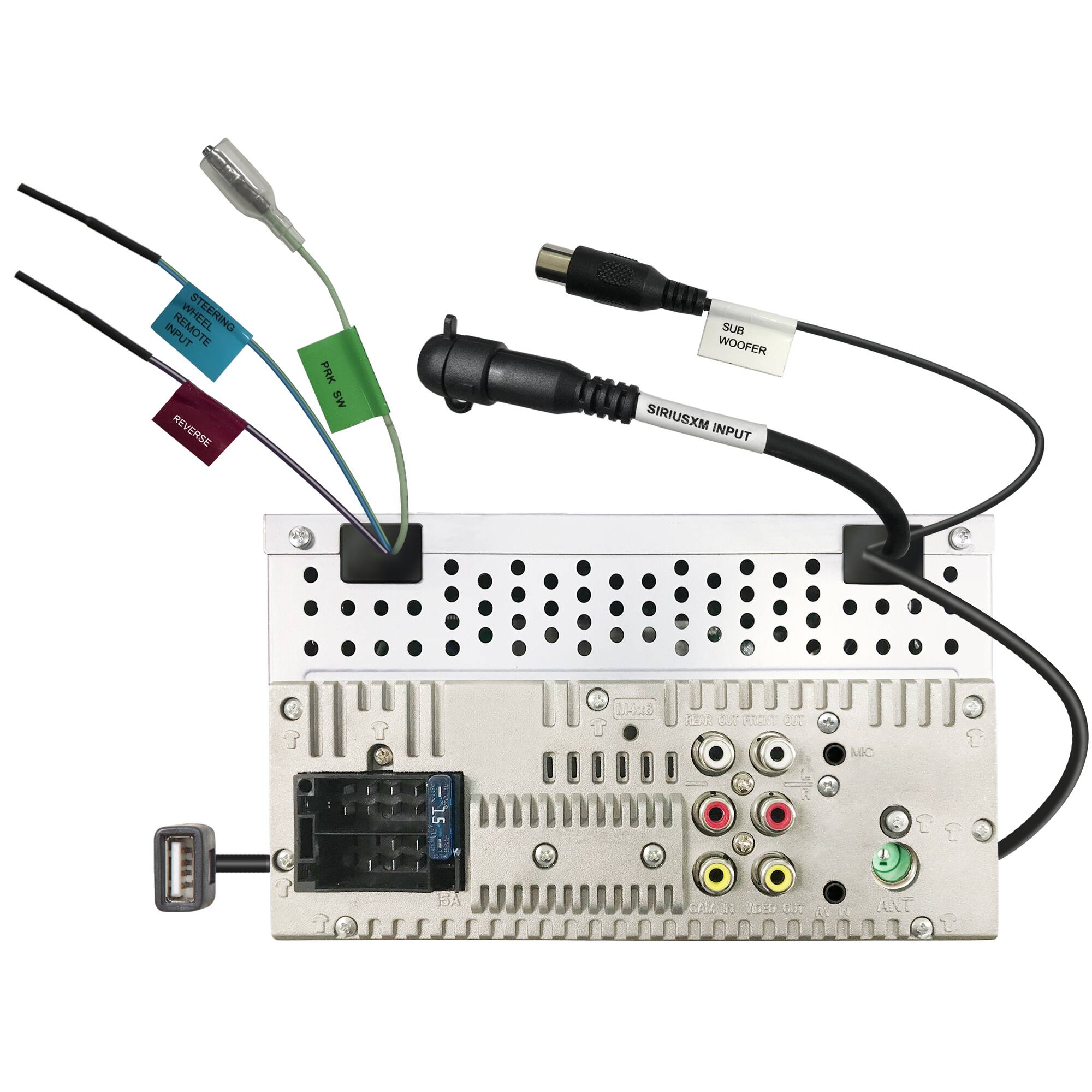
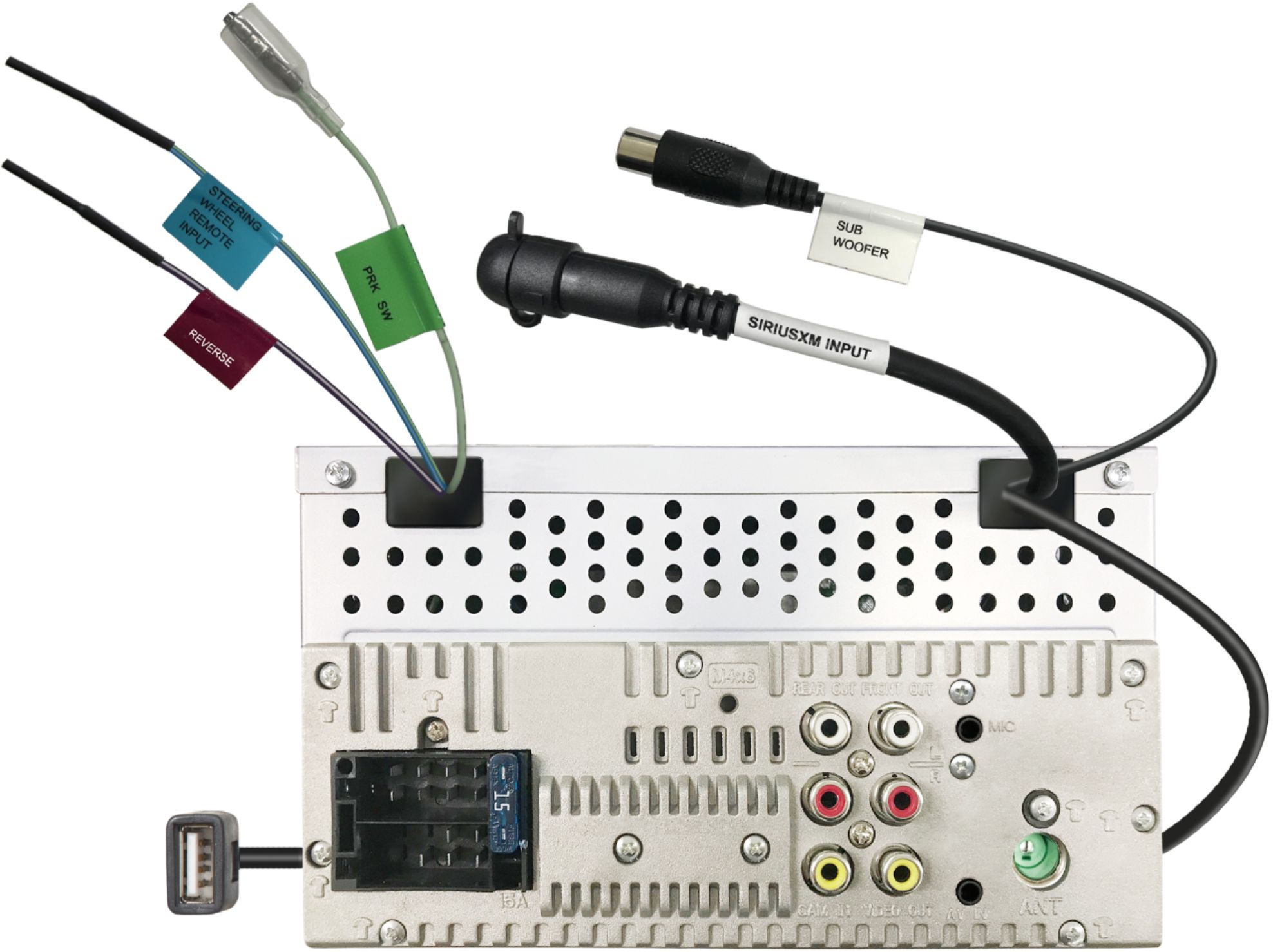
6.5' Light-green parking brake wire (pre-installed)
Quick Start Guide, Warranty Card
1
0
1
0
Manuals & Guides
Q: QuestionDoes the free installation include everything necessary for fit and function of the head unit, or do I have to purchase everything separately on my own?
Asked by Brian.
- A:Answer No, it’s not included with the installation. Best Buy sold me two extra kits that my car needed for install.
Answered by Samantha
Q: QuestionIs there a USB port to charge my phone? Can I play media via USB ? Can I mirror my iPhone? Can I use Navigation from my iPhone? Thank You so much.
Asked by Charlotte.
- A:Answer There is a USB to charge your phone and use Apple Carplay, that is located in the rear of the unit. You also can use either apple maps, google maps or Waze for Navigation. I hope that answered you question.
Answered by michael
Q: QuestionDoes the backup camera work with this system
Asked by Dan.
- A:Answer yes, it works very well with an aftermarket license plate camera that I installed.
Answered by Nandy07
Q: QuestionI asked about the USB port required to connect to my iPhone and was told the installer runs the port to the front when installing. Everything I’m reading says port is in the back. How does this work? I don’t want cables running everywhere to use this.
Asked by USBPort.
- A:Answer The installer will likely run a USB extension cable through the trim. I personally did my own installation and ran a 3-feet USB C cable through the trim as that is the type of port my phone uses.
Answered by Chris
Q: QuestionDoes Apple CarPlay work over Bluetooth? Can’t seem to make it happen.
Asked by Courtney.
- A:Answer The Apple CarPlay and Android Auto both have to be plugged in directly to work.
Answered by Anonymous
Q: Questiondoes the Steering Wheel Control Compatible?
Asked by morris88.
- A:Answer Yes, the KW-M560BT supports steering wheel controls. A steering wheel adapter is needed and can be purchased separately.
Answered by Chris @ JVC

Q: QuestionDoes this have a back-up camera or can one be added?
Asked by Tom.
- A:Answer Yes, the KW-M560BT is compatible with a back up camera. The camera is not included with the unit and must be purchased separately.
Answered by Chris @ JVC
Q: QuestionMy current car has steering wheel controls and a backup camera. Radio and screen went out, so changing decks. does the install connect the system to the steer wheel controls and the back up camera? is that included in the install?
Asked by FreezerNerd.
- A:Answer I had mine installed by Geek Squad so my answer is a qualified Yes. They should have the kit necessary to make the connections. If it is DYI, you will need a kit.
Answered by TimH