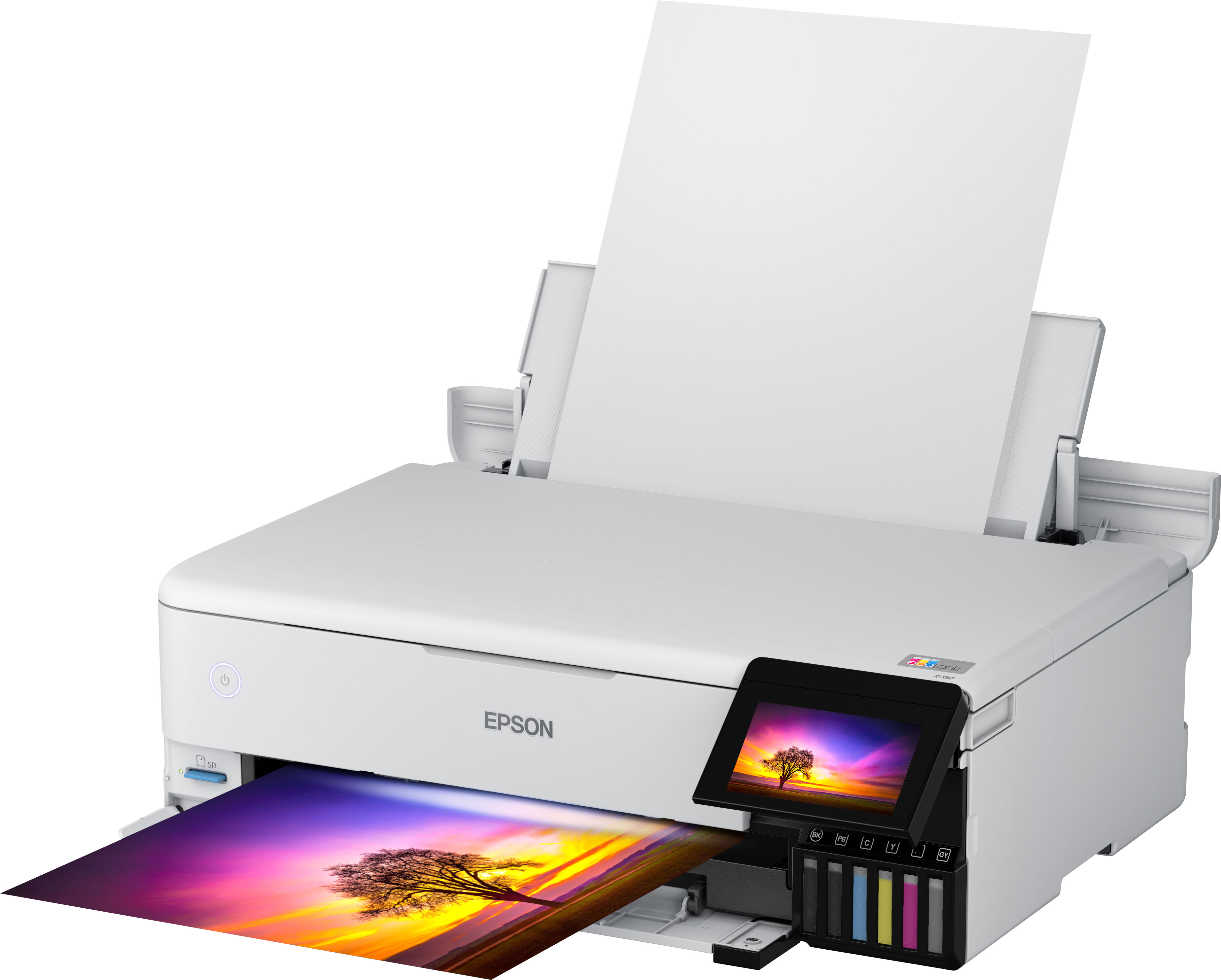
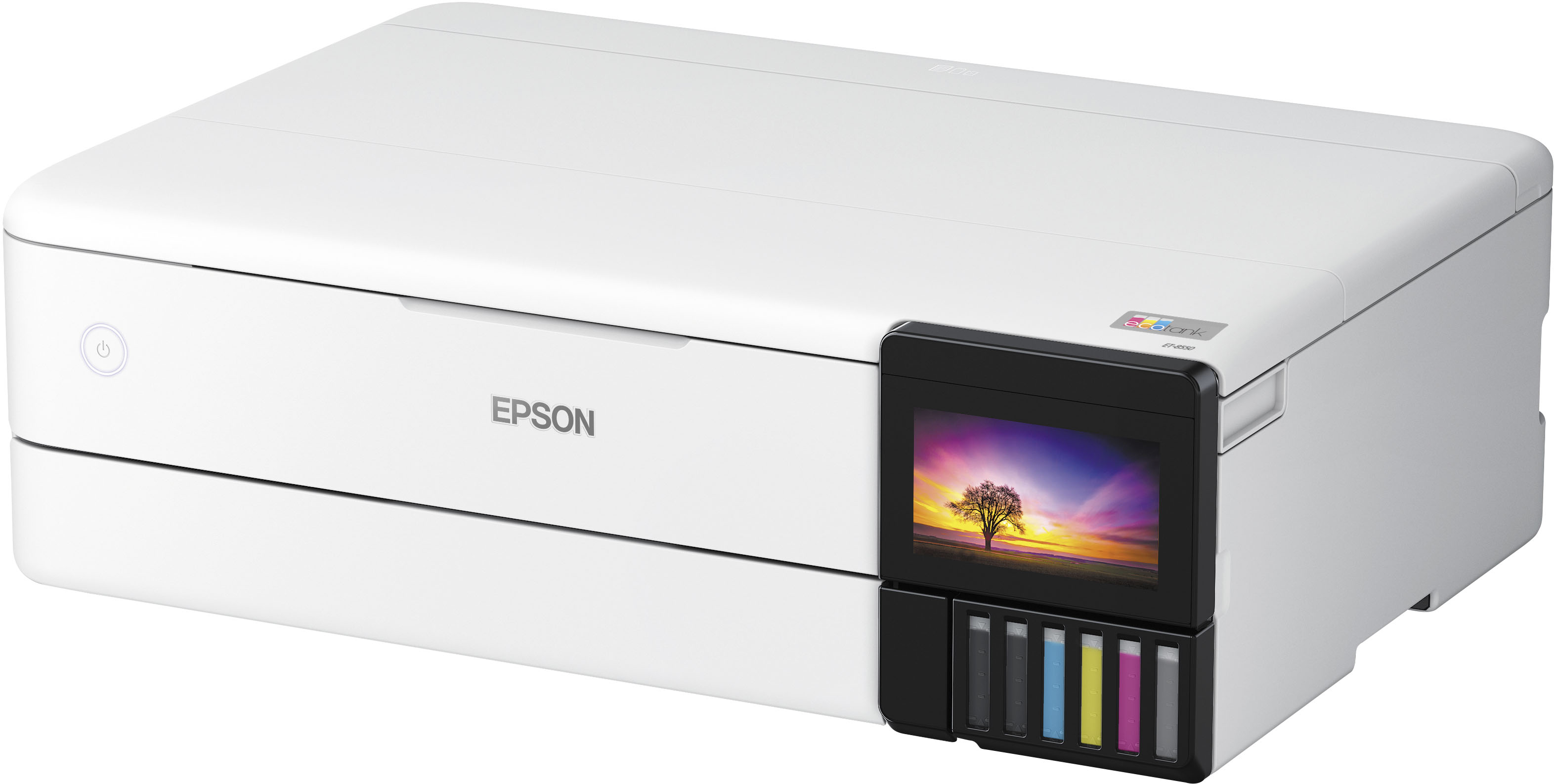
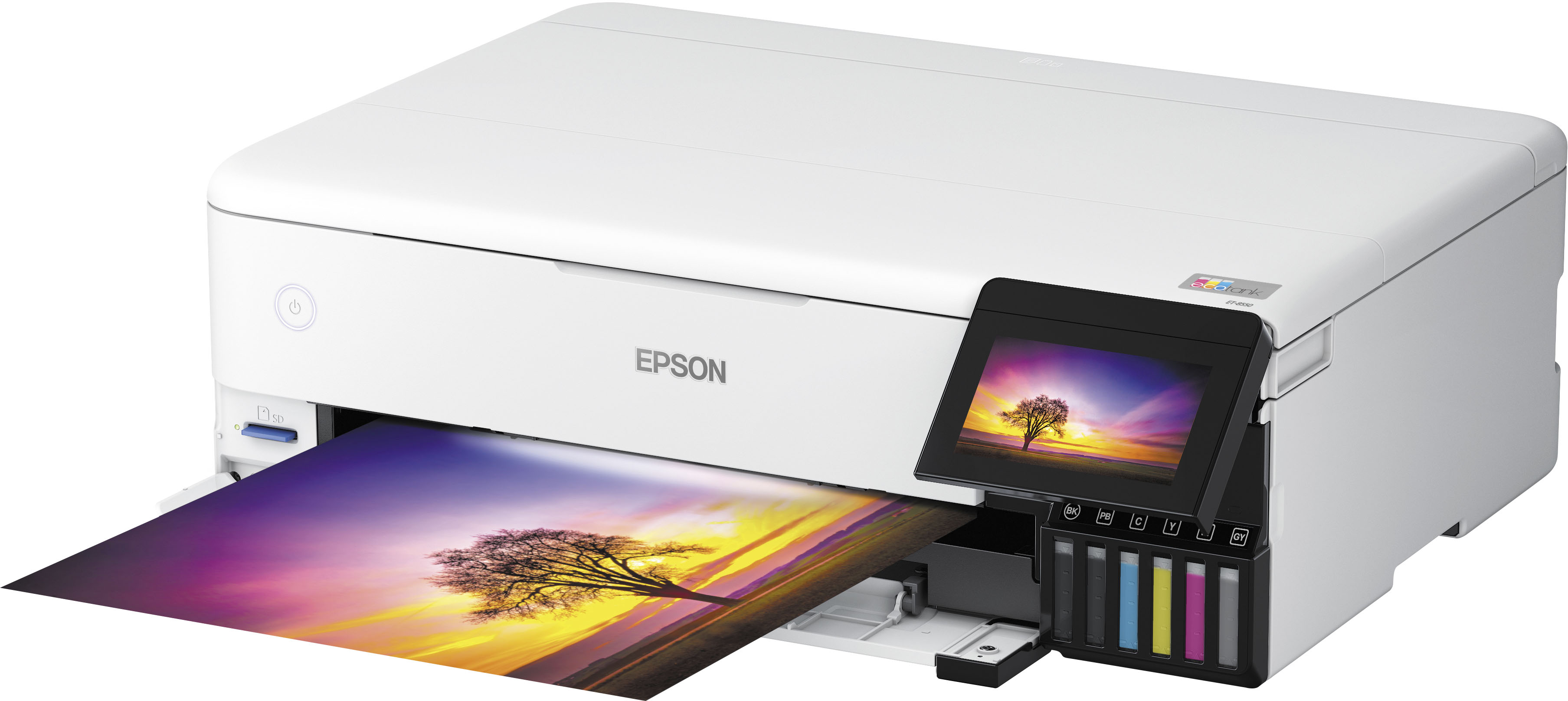
Epson - EcoTank Photo ET-8550 All-in-One Wide-format Supertank Printer - White
Shipping
Description
Features
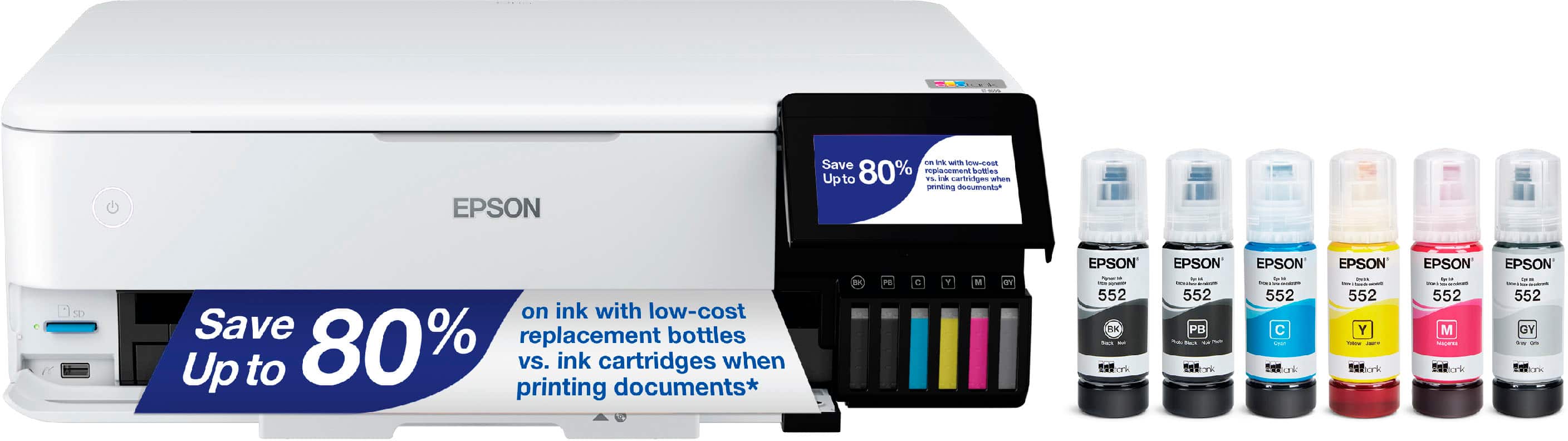
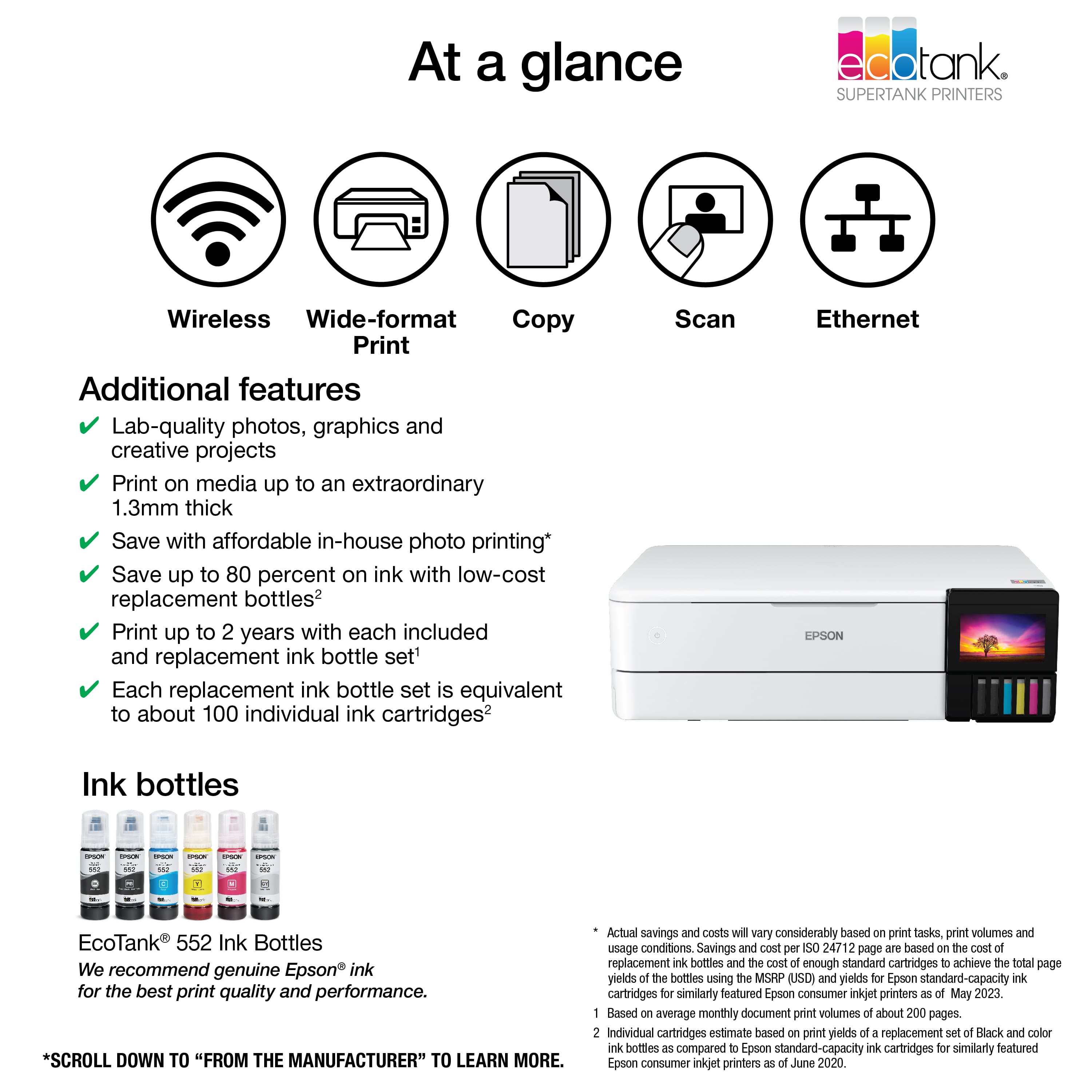
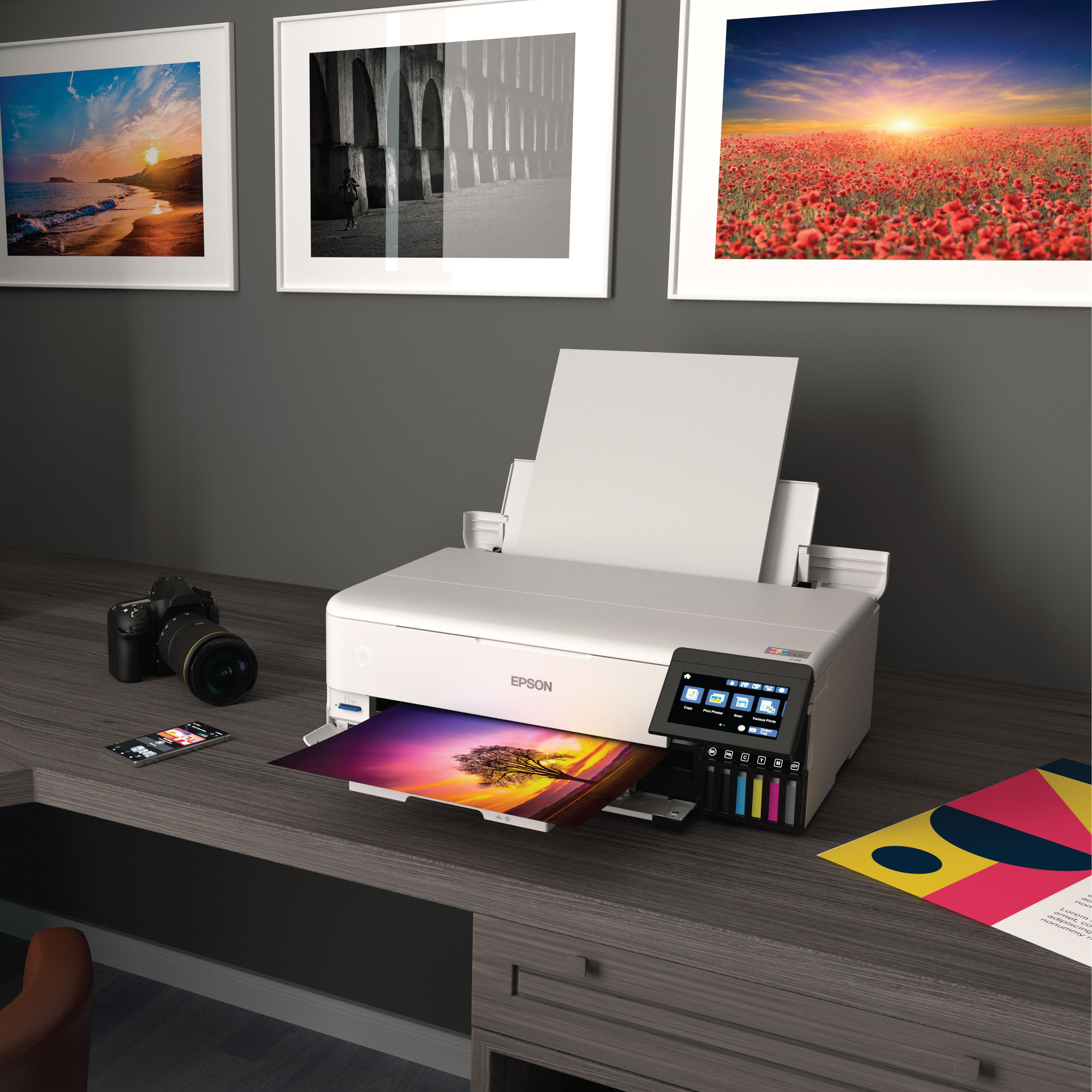
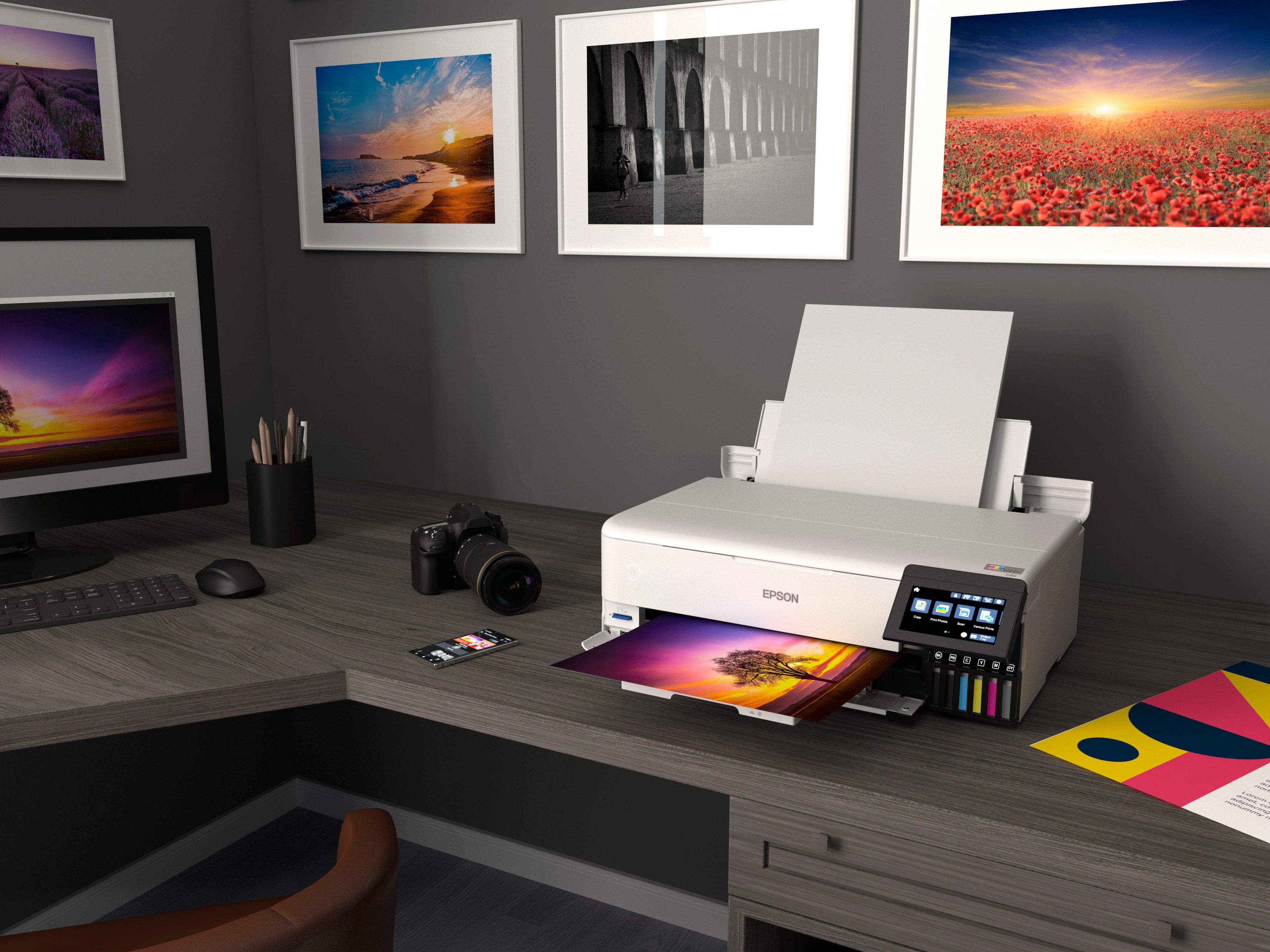
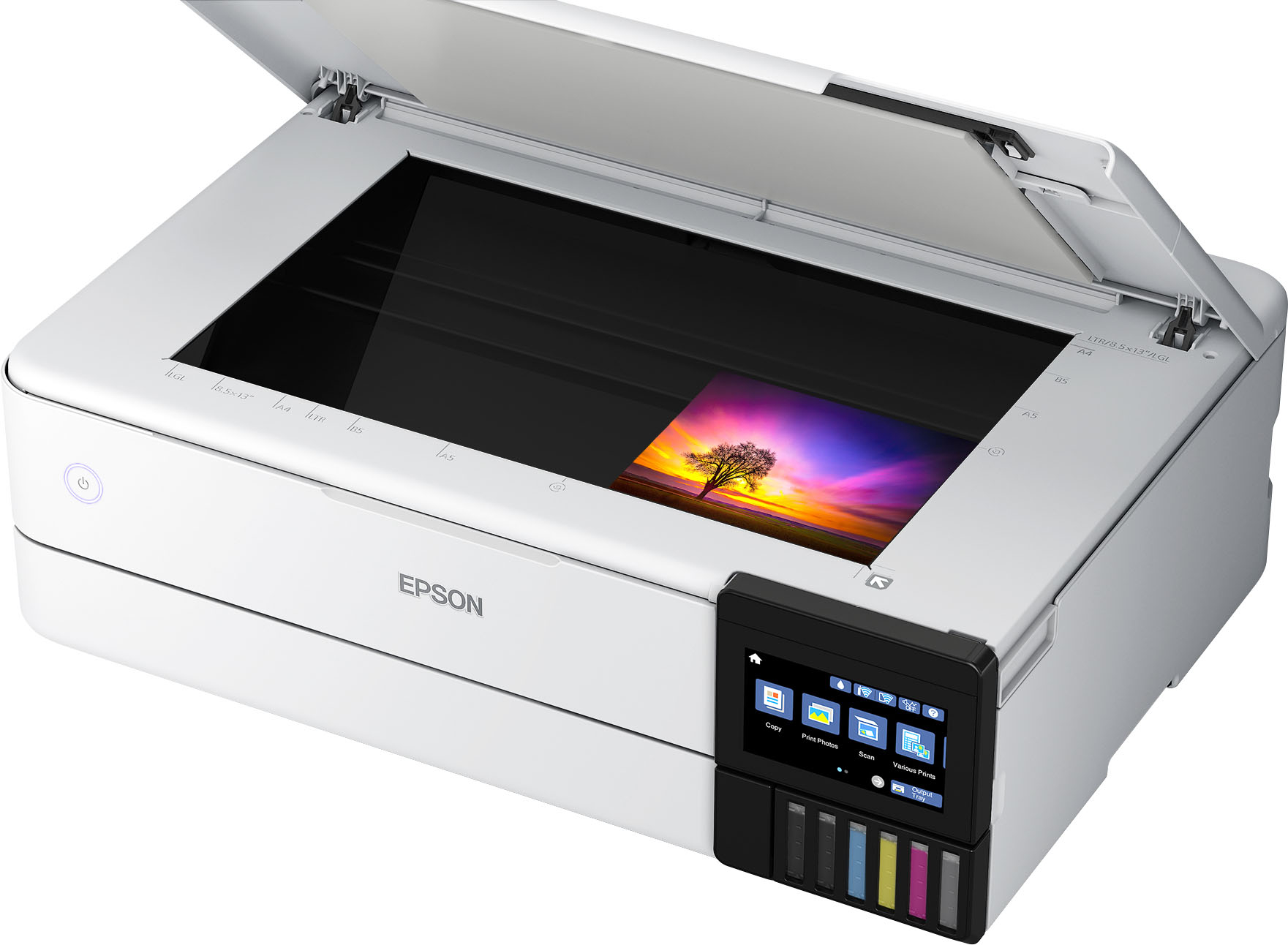
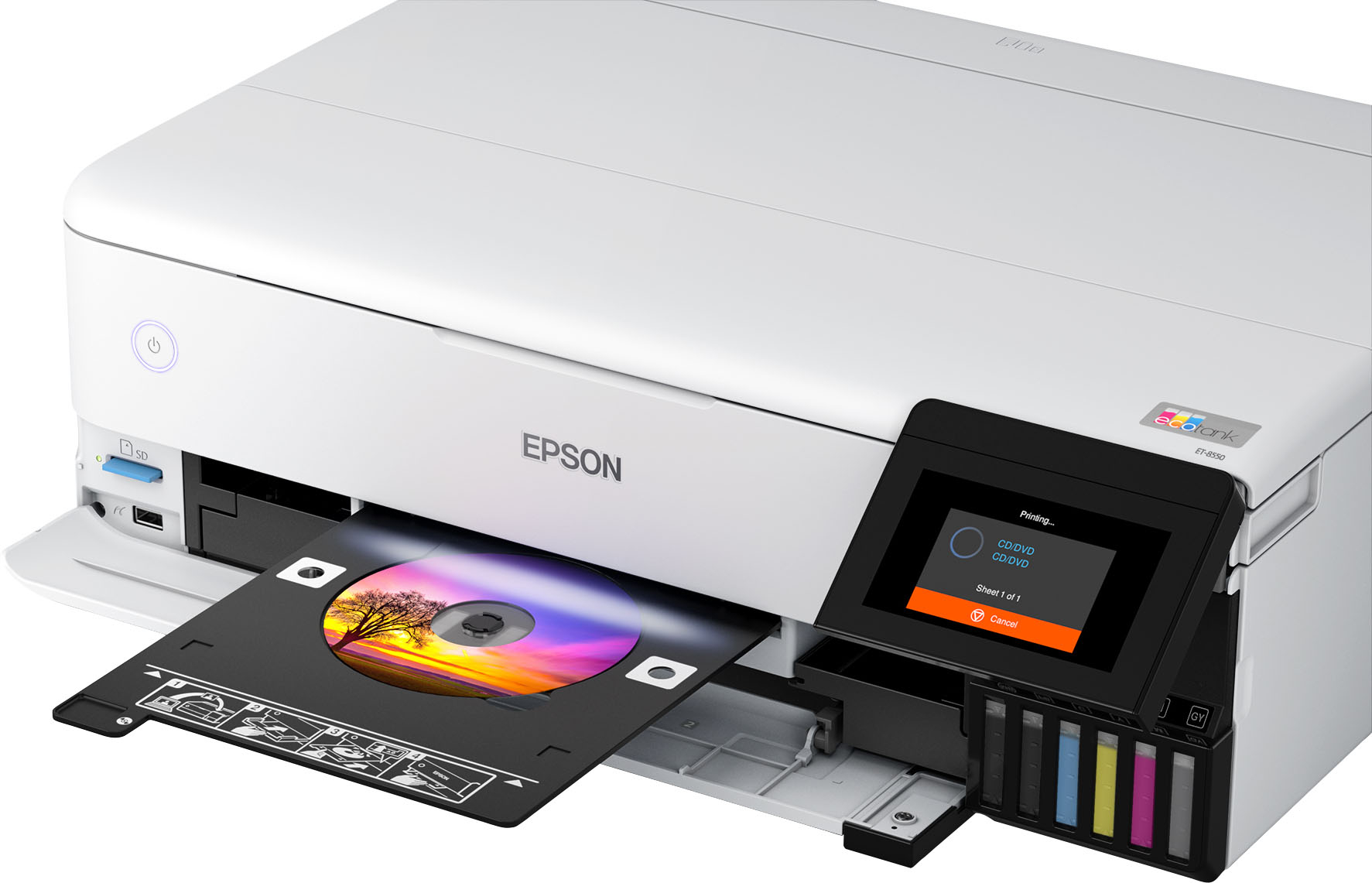
Cartridge-free printing for lab-quality photos, graphics and creative projects
Get vibrant colors and sharp text with Epson's high-accuracy printhead and Claria ET Premium 6-color inks; print a 4 x 6" photo in as fast as 15 seconds (4)
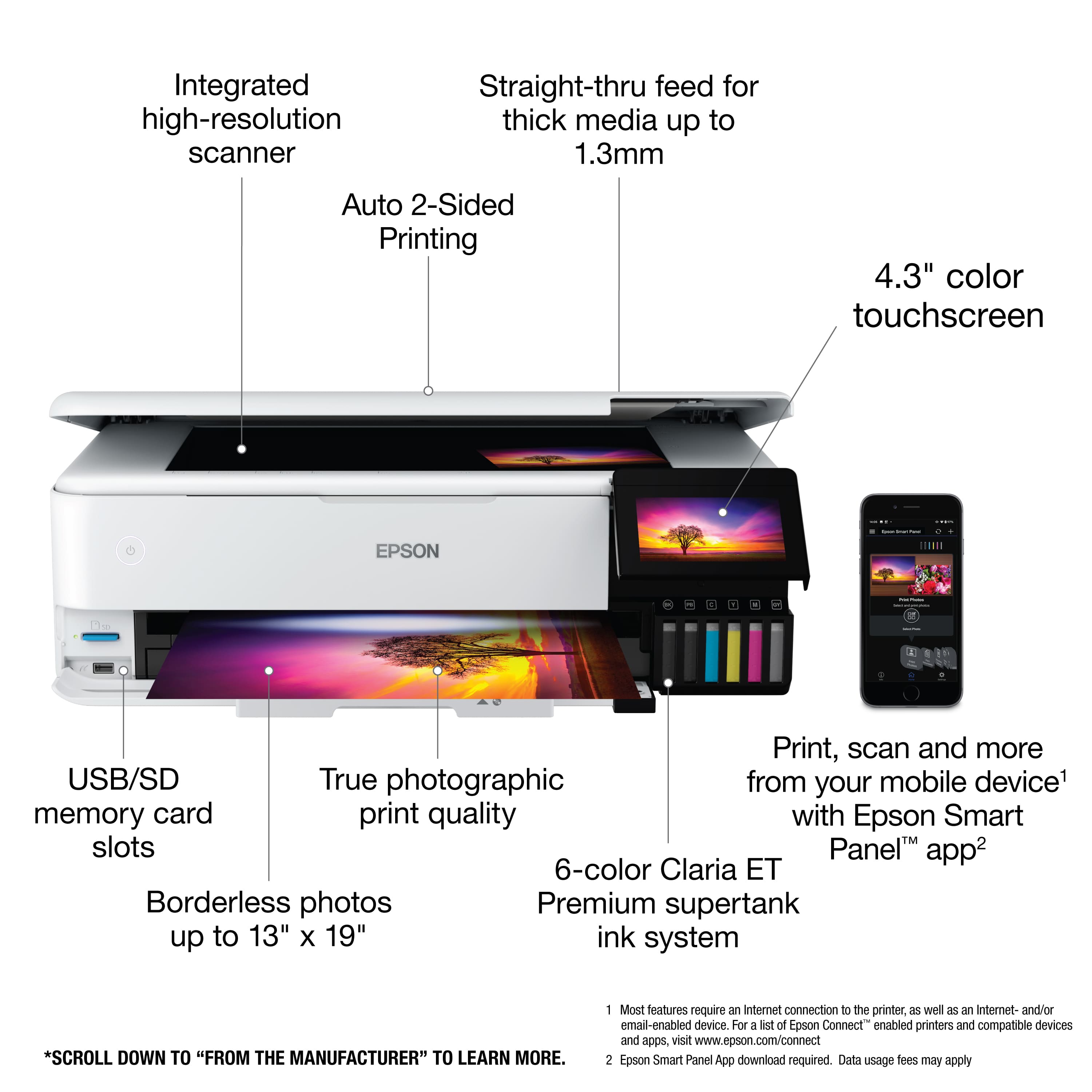
Extraordinary media support, including borderless photos up to 13" x 19"
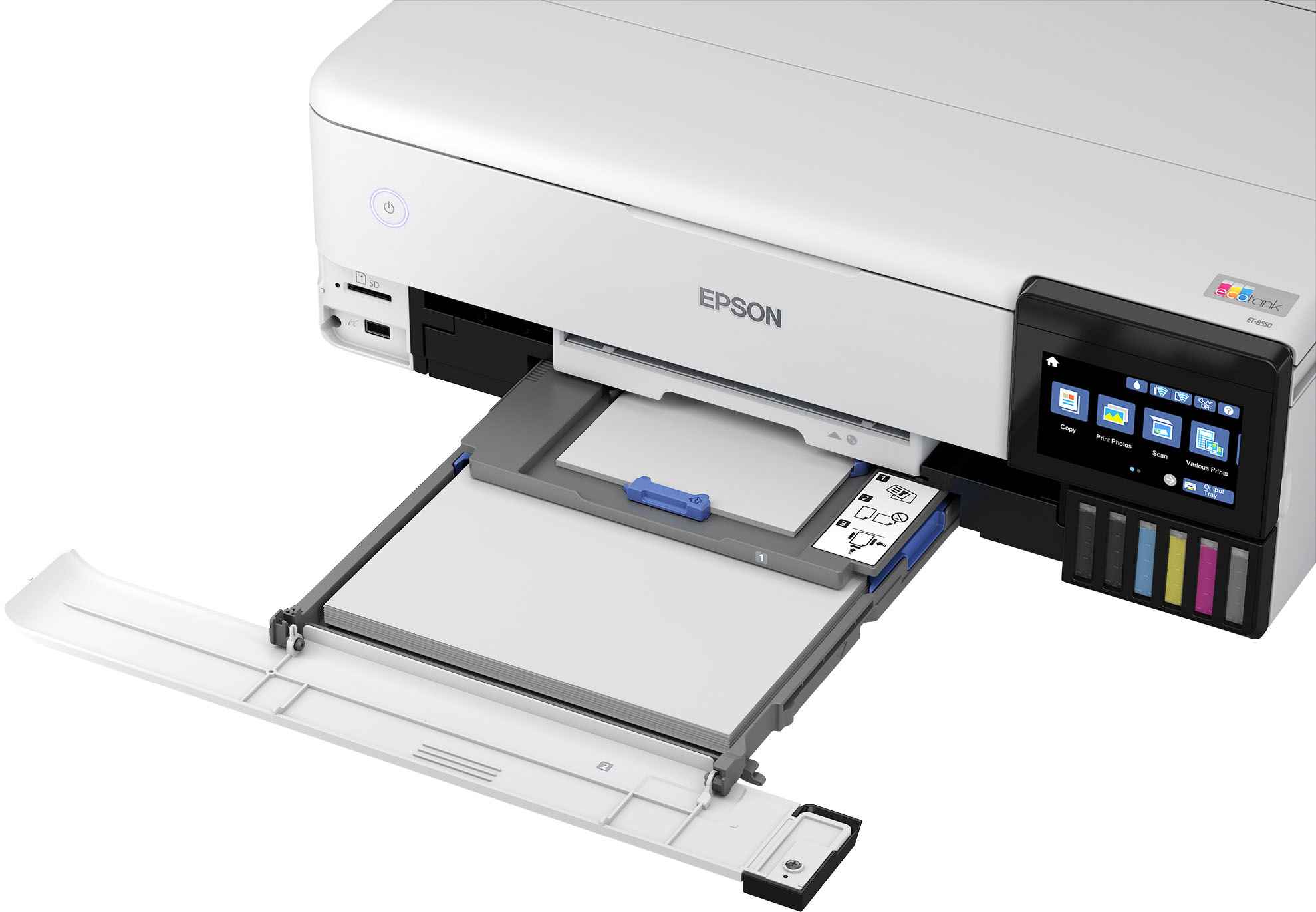
Accommodates cardstock, CD/DVDs and other specialty media up to 1.3 mm thick; auto 2-sided printing
Amazing value
Save a ridiculous amount on photos (1) and creative projects with affordable in-house photo printing; print 4" x 6" photos for about 4 cents each vs. 40 cents with traditional ink cartridges (1)
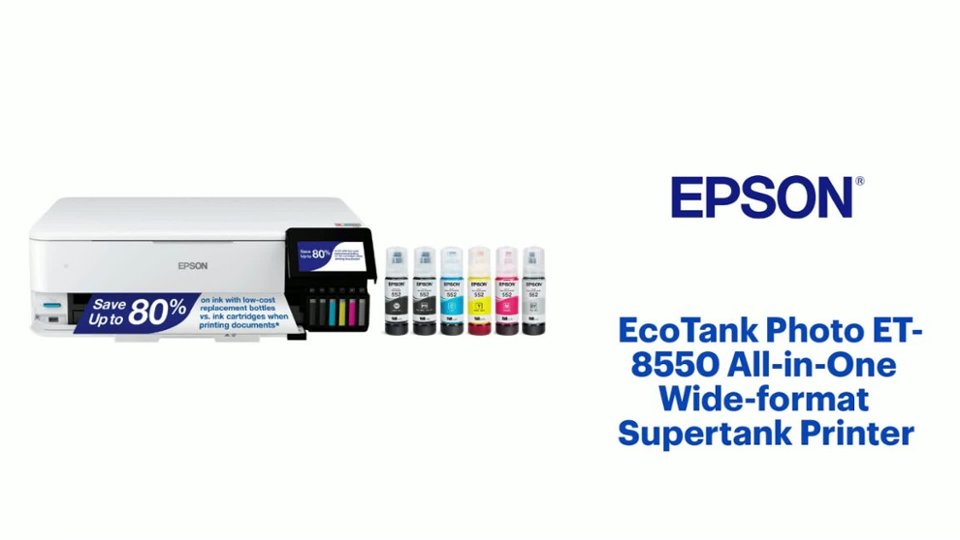
Save up to 80% with low-cost replacement ink bottles vs. ink cartridges (3)
That's about $2000 on each set (3), enough ink to print up to 6,200 pages color (5)
Print up to 2 years (2)
With each included and replacement ink bottle set
Zero cartridge waste
With high-yield ink bottles; each replacement ink bottle set is equivalent to about 100 individual ink cartridges (6)
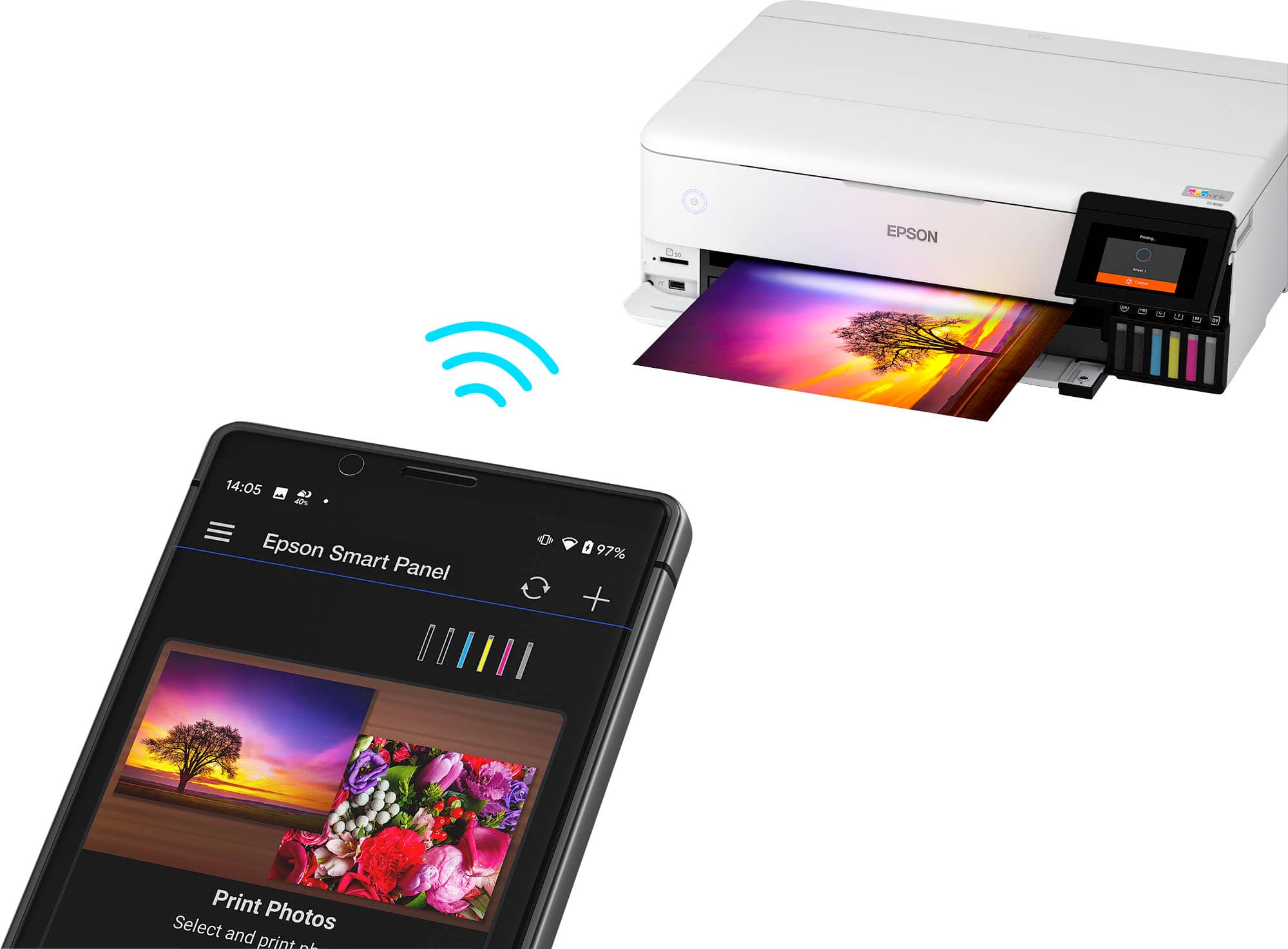
Print, scan and more from your mobile device (7) with Epson Smart Panel app (8)
Set up, monitor and operate your printer directly from your mobile device; supports iOS and Android
Intuitive touch display and wireless connectivity
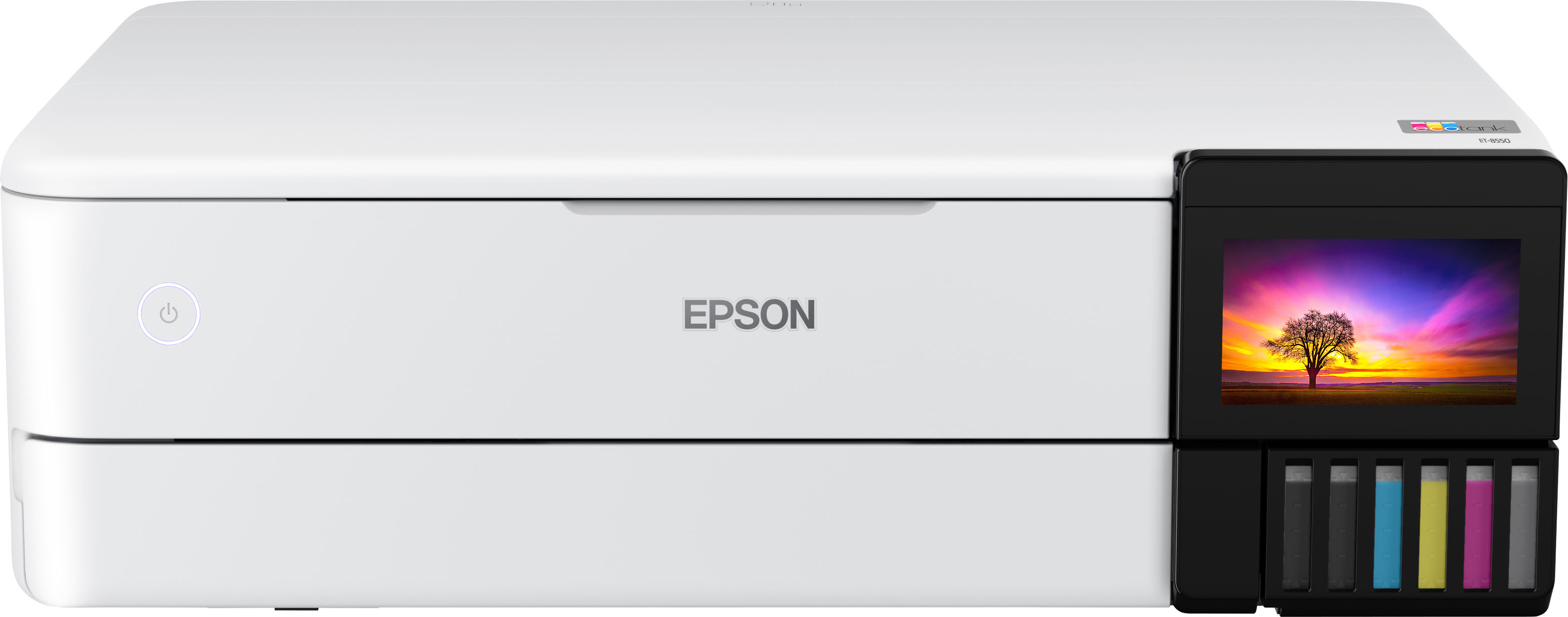
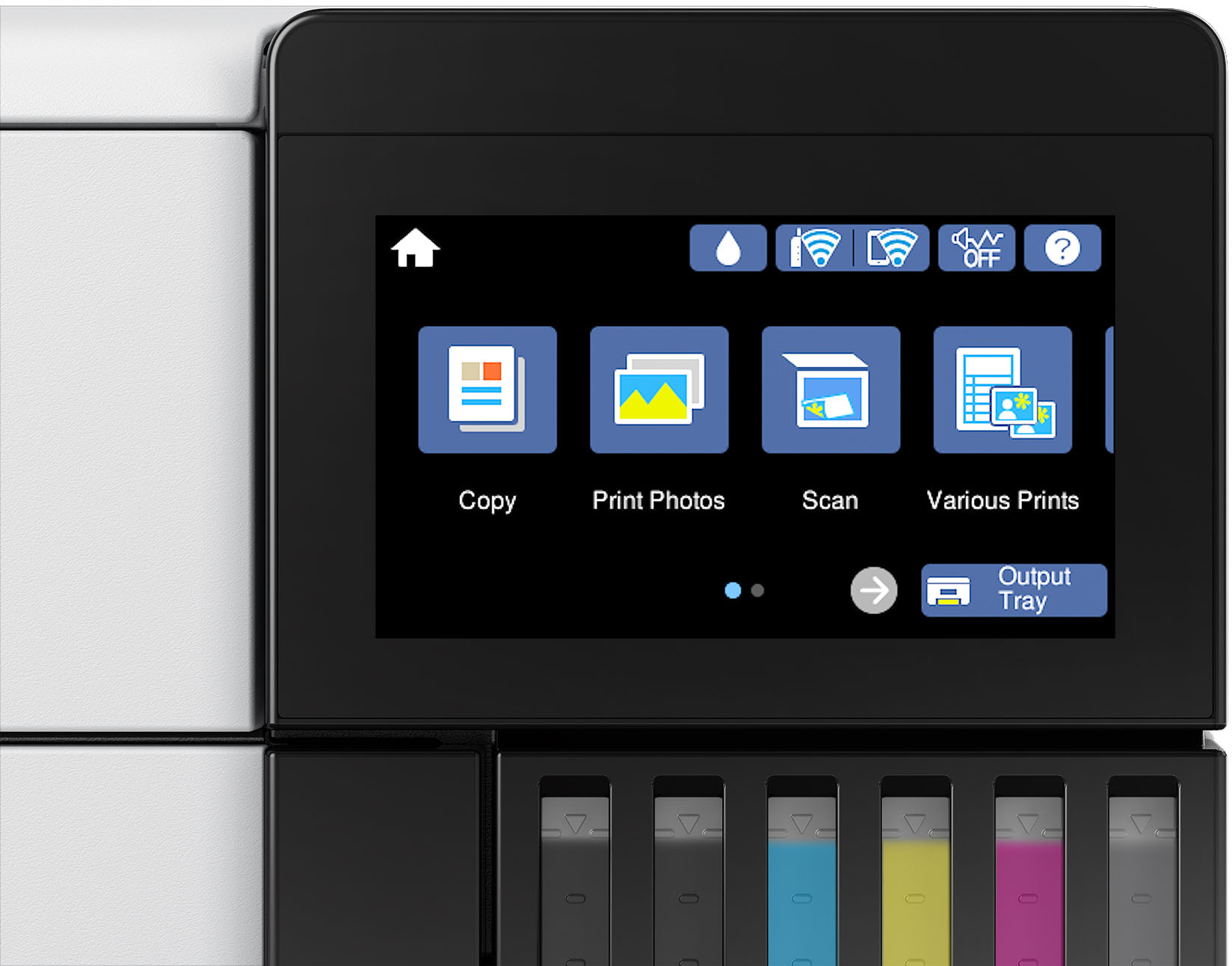
4.3" color display, voice-activated printing (9) and more for fast, easy performance
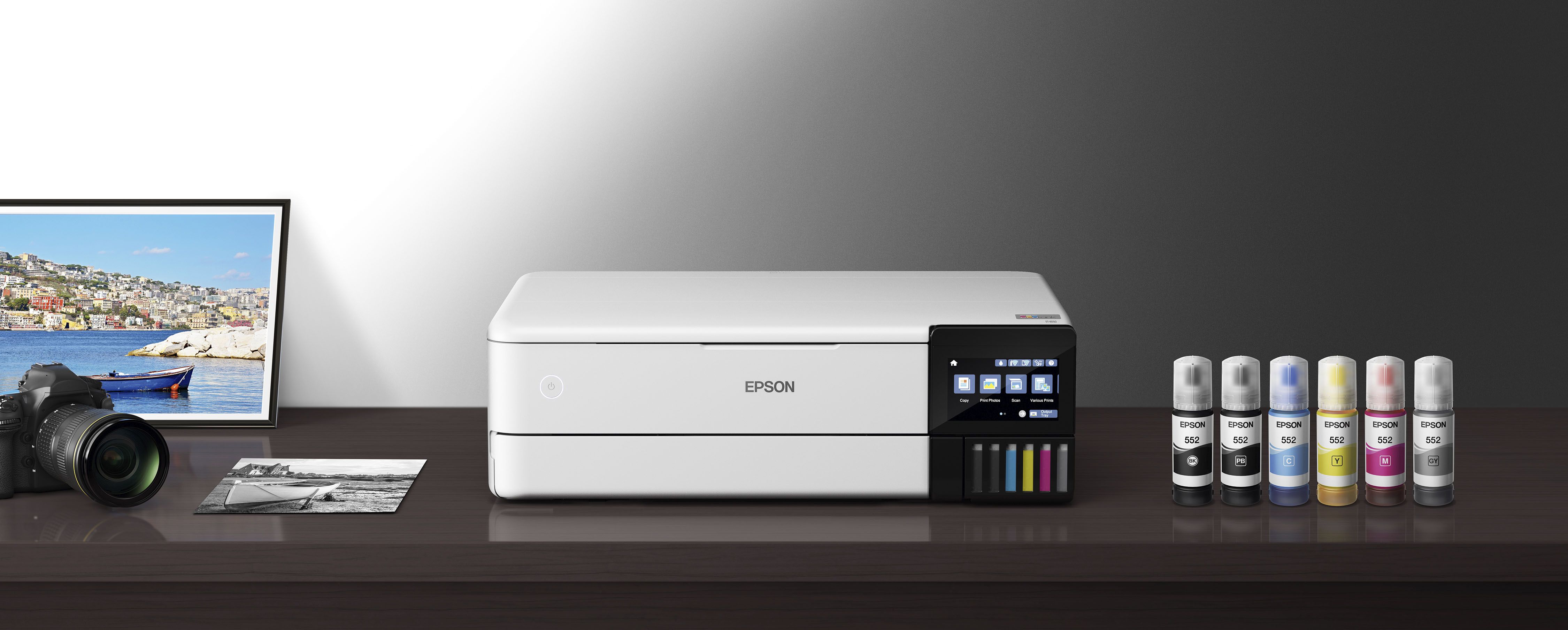
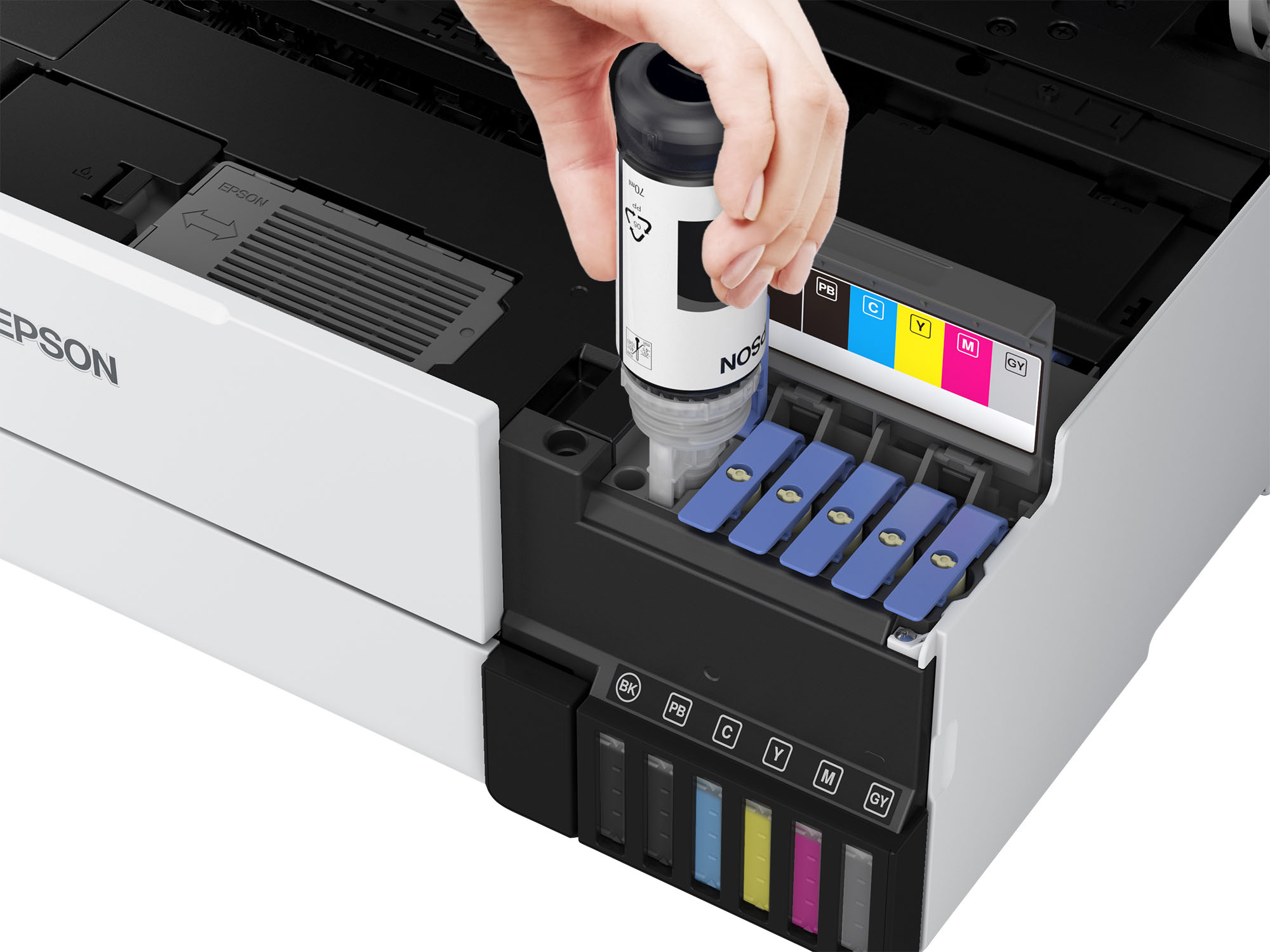
Exclusive EcoFit ink bottle design
Uniquely keyed for easy filling of each color
Use Genuine Epson Ink
For optimal print quality and performance. Non-genuine ink could cause damage not covered by the printer’s limited warranty
What's Included
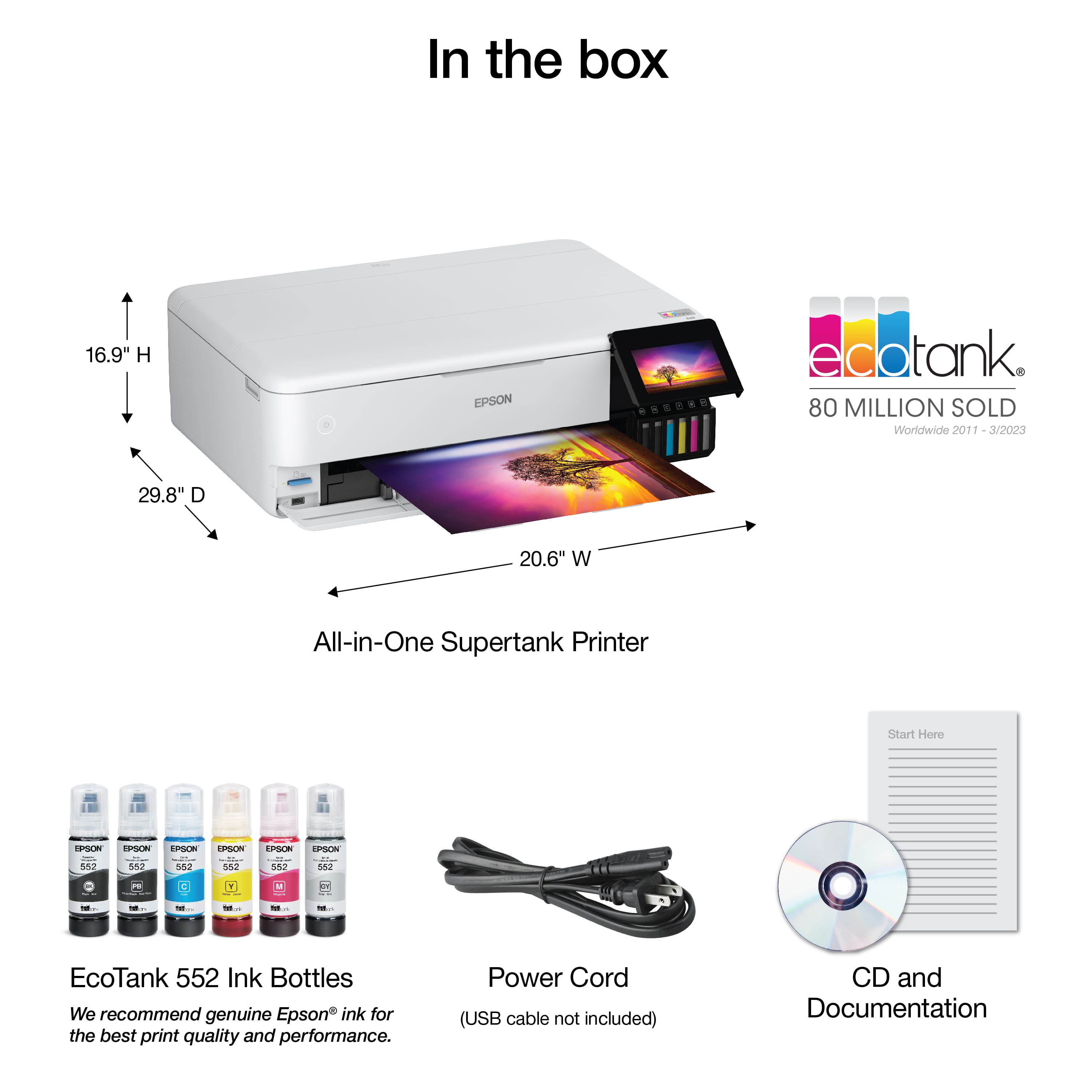
EcoTank Photo ET-8550 All-in-One Wide-format Supertank Printer
Energy Ratings

Key Specs
- NetworkingWireless, Wired
- ENERGY STAR CertifiedYes
- Printer TypeAll In One, Copier, Printer, Scanner
- ISO Color Print Speed12 pages per minute
- ISO Mono Print Speed16 pages per minute
- Touch ScreenYes
General
- BrandEpson
- Model NumberC11CJ21201
- Product NameEcoTank Photo ET-8550 All-in-One Wide-format Supertank Printer
- ColorWhite
- Display ScreenYes
- Display Screen Size4.3 inches
Dimensions
- Product Height16.9 inches
- Product Width20.6 inches
- Product Depth29.8 inches
- Product Weight24.5 pounds
Features
- Automatic Document FeederNo
- Photo PrintingYes
- Automatic Two-Sided PrintingYes
- Tray Capacity100
Connectivity
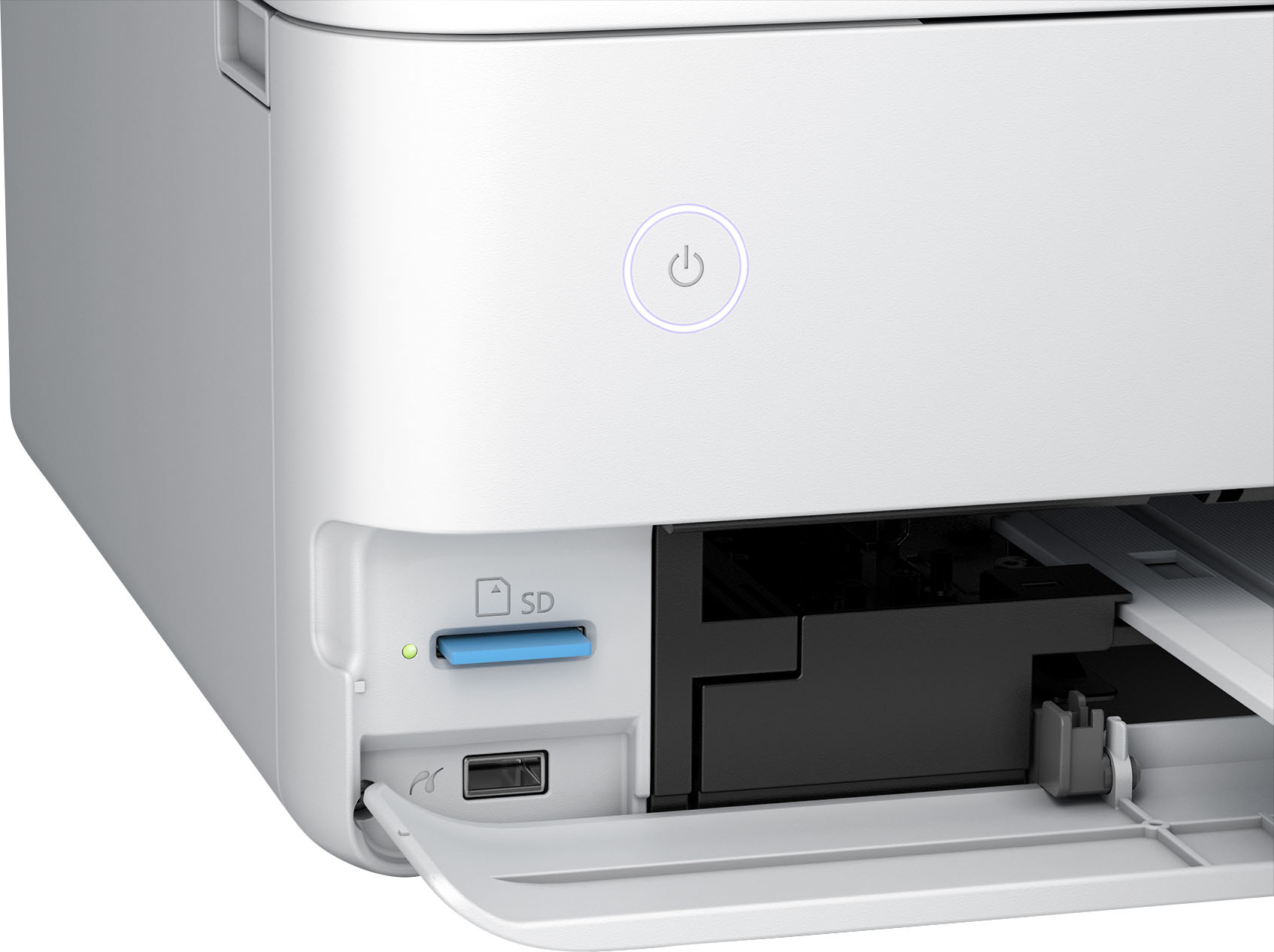
- Wired ConnectivityEthernet, USB-A
- Wireless ConnectivityBluetooth, Wi-Fi
Ink
- Compatible CartridgesEpson T522
- Ink Cartridges RequiredNone
- Ink Cartridges IncludedNone
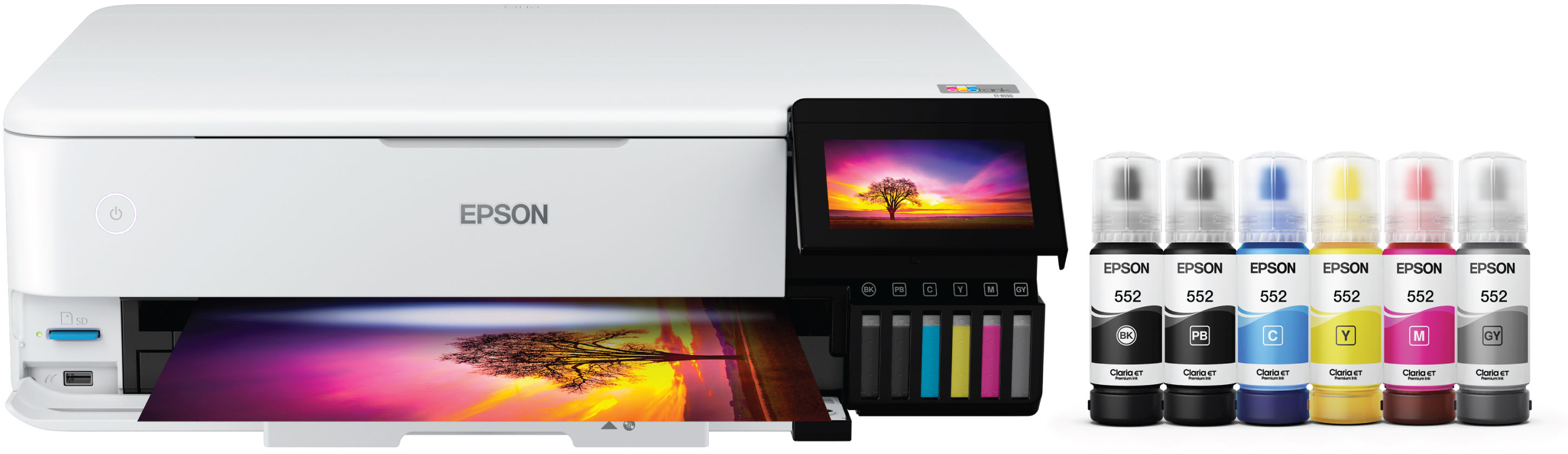
- Ink Bags/Bottles Required1 x Black, 1 x Cyan, 1 x Gray, 1 x Magenta, 1 x Photo black, 1 x Yellow
- Ink Bags/Bottles Included1 x Black, 1 x Cyan, 1 x Gray, 1 x Magenta, 1 x Photo black, 1 x Yellow
Paper Info
- Paper Handlingy Front Tray 1: 20 sheets photo 5x7”, Front Tray 2: 100 sheets plain Letter/A4, Rear: 50 sheets plain or 5 sheets photo A3+, Rear Straight Pass: 1 sheet
Performance
- Printer Resolution (Color)Up to 5760 x 1440
Warranty
- Warranty - Parts1 year limited
- Warranty - Labor1 year limited
Other
- UPC010343952492
Customer reviews
Rating 4.6 out of 5 stars with 1346 reviews
(1,346 customer reviews)Rating by feature
- Value4.5
Rating 4.5 out of 5 stars
- Quality4.6
Rating 4.6 out of 5 stars
- Ease of Use4.5
Rating 4.5 out of 5 stars
Customers are saying
Customers have good things to say about the EcoTank Photo ET-8550 All-in-One Wide-format Supertank Printer, especially regarding its excellent print quality and ease of use. Many also appreciate the overall performance and easy setup. However, some customers have reported issues with paper jams, while others feel the price is a bit high and the output tray feels flimsy.
This summary was generated by AI based on customer reviews.
- Pros mentioned:Ease of use, Overall performance, Print quality
Rated 5 out of 5 stars
Easy to set up and very versatile.
||Posted . Owned for 1 week when reviewed.This reviewer received promo considerations or sweepstakes entry for writing a review.I've only had this printer for a few days, but I am impressed. Packaging was excellent. The footprint is as small as it can be for a "large format" printer. Setup was smooth, thanks to Epson's step by step instructions and the thought that went into them. (I thoroughly read the manuals and on-line PDF guide -- be sure you do this, and be sure to accept all options, and updates.) The paper tray pops out automatically, and self-adjusts for long length paper. There is a button on the control panel to withdraw the paper tray. I wish they would design it to retract with manual push, because the retraction icon is not always visible. Ink installation was easy. Seems like there is plenty of ink. I was not expecting my personal involvement in selection of the best calibration level, nor was I expecting so many levels, but I assume this will be an infrequent activity. I connected the printer to wired Ethernet. Unlike my previous printer, this printer always seems ready to go. We also were able to connect our phones for mobile printing. There is also an option to e-mail print jobs. I set this up, too. I bought this printer because I wanted the ability to print 11x17 documents on parchment paper. Paper larger than 8 1/2 x 11 gets fed through an easy to use rear feed. It handled card-stock 11x17 without a problem. The paper tray automatically extended to accommodate the long paper. The printer includes two paper trays. I loaded the top tray with 4x6 photo paper, and the bottom with plain letter paper. Windows programs allow selection of paper and parameters. There is an option to allow the printer/program to select settings. I prefer to opt out and define my own settings. Photo printing is five-star, just as I would expect from an Epson Photo printer! This printer was easier to set up than expected, has excellent paper handling, and produces great output. At this point, I highly recommend it.
I would recommend this to a friend - Pros mentioned:Ease of use, Print quality, Setup
Rated 4 out of 5 stars
Easy to get working, high quality prints
||Posted .This reviewer received promo considerations or sweepstakes entry for writing a review.Set up was easy and the print quality is great. The only trouble is the drivers are a bit finicky around custom paper sizes and what is or isn't available for features like borderless and double-sided printing. I had a bit of trouble with streaking but running the "self-clean" once took care of it which was very impressive. Overall this is a great, high quality printer which has been easy to use and reliable.
I would recommend this to a friend - Pros mentioned:Overall performance, Print quality
Rated 5 out of 5 stars
Great quality all in one printer!
||Posted . Owned for 11 months when reviewed.This reviewer received promo considerations or sweepstakes entry for writing a review.Amazing, i repeat, AMAZING printer! For sublimation printers, this was my first and boy, it works with no issues! I love the back loader as it makes changing my print paper size or sheets very fast and easy. Great quality prints. Good speed. Reliable brand. Good price and deals. Just overall, couldn’t be more pleased with the quality and ability of this printer!
I would recommend this to a friend - Pros mentioned:Ease of use, Print quality, Setup
Rated 5 out of 5 stars
Fantastic printer, gorgeous GIANT photos!
||Posted . Owned for 1 month when reviewed.This reviewer received promo considerations or sweepstakes entry for writing a review.Excellent quality prints, super easy painless set up, solid build quality and large 4.3" color touchscreen. I am so impressed with the photo quality. What sold me was the ability to print 13" x 19" documents on cardstock and other media up to 1.3 mm thick. The Epson 8500 does NOT print 13x19 so pay close attention to the model number you purchase if you want to print up to that size, which is the 8550. There are tutorials online for turning this into a dye-sublimation printer (though the Epson black ink is dye, whereas the colors and photo black are pigment). I am sticking with the original Epson ink because the results have been perfect. I have already printed hundreds of photos and there's barely a dent in the ink tank, which was my main motivation for purchasing.
I would recommend this to a friend - Pros mentioned:Ease of use, Print qualityCons mentioned:Paper jam
Rated 5 out of 5 stars
Epson lives up to its name!!!
||Posted . Owned for 1 week when reviewed.This reviewer received promo considerations or sweepstakes entry for writing a review.I am a fan of any product manufactured by Epson. I already own the Epson Stylus 3880. Purchased used and the ink is so expensive. I decided to treat myself to the 8550 model and "Love it". The vivid colors are amazing and it was easy to set up. My only quirk is the paper trays. I find them to be hard to pull out, and put back in. I really have to put pressure on pushing the tray back in printer. For the price point, the trays should flush effortlessly without the strain of pushing them in manually.
I would recommend this to a friend - Pros mentioned:Print quality
Rated 5 out of 5 stars
Epson 8550 Yes!
||Posted .This reviewer received promo considerations or sweepstakes entry for writing a review.I have printed more than 400 photos in 4x6, 5x7 and 8x10 not to mention numerous letter size documents in less than 2 months. I have scanned in original photos and reprinted and you can hardly tell the difference btwn the original and the reprinted. The ink levels are barely passed the second marks. I am beyond pleased with this printer. As a paper crafter & Scrapbooker, I have designed and printed 12x12 pages that look fantastic. Im so very excited for all the projects I will be doing in the future. This printer does what it advertised to do. I love it! The photo shows that the original pic is on the right and the epson print is on the left printed with Koala photo paper. You can barely tell the difference in quality!
I would recommend this to a friend - Pros mentioned:Overall performance, Print quality
Rated 5 out of 5 stars
Best photo printer for value & quality!
||Posted . Owned for 3 weeks when reviewed.This reviewer received promo considerations or sweepstakes entry for writing a review.So far, this printer is incredible! Possibly the easiest printer I've ever setup. I have tried & owned several different photo printers and by far this is my favorite. The quality of prints and the affordable long lasting Echo tank ink is no brainer. Photos in a side by side comparison to something like the Canon Pro1000 may be of a slightly less quality but I guarantee that you can't tell any difference in quality if not side by side. If you're looking for an affordable top of the line photo printer, this is it. Just buy it!
I would recommend this to a friend - Pros mentioned:Overall performance
Rated 5 out of 5 stars
Best printer I ever had
||Posted . Owned for 9 months when reviewed.This reviewer received promo considerations or sweepstakes entry for writing a review.I had many different printers including high end Epson printers and I found this printer is the best printer I have had in 20+ years of computers. What is really amazing is ink usage, in the last year of usage and almost full package of Premium Luster, plus countless time of other printer, Ink has only gone down a quarter of the tank. I have it hook up on my network and scanning is also amazing. Yes I highly recommend it. If any thing it my own issue issue on remember how paper goes up or down
I would recommend this to a friend
Q: QuestionWhat is the maximum size photo this Epson printer can print borderless?
- A:Answer The Epson EcoTank Photo ET-8550 can print borderless photos up to 13 inches by 19 inches.
This question and answer was generated by AI based on customer and product data.Q: QuestionWhat is the warranty on this Epson printer?
- A:Answer The Epson EcoTank Photo ET-8550 comes with a 1-year limited warranty for both parts and labor.
This question and answer was generated by AI based on customer and product data.Q: QuestionHow much can I expect to save on ink with this Epson printer?
- A:Answer This model allows you to save up to 80% on ink compared to using ink cartridges.
This question and answer was generated by AI based on customer and product data.Q: QuestionDoes this Epson printer offer wireless connectivity?
- A:Answer Yes, the Epson EcoTank Photo ET-8550 supports wireless connectivity via Bluetooth and Ethernet.
This question and answer was generated by AI based on customer and product data.Q: QuestionDoes this model use ink cartridges?
- A:Answer No, the Epson EcoTank Photo ET-8550 is a cartridge-free printer and uses high-yield ink bottles.
This question and answer was generated by AI based on customer and product data.Q: QuestionCan I print on both sides of the paper automatically with this printer?
- A:Answer Yes, the Epson EcoTank Photo ET-8550 has an auto 2-sided printing feature.
This question and answer was generated by AI based on customer and product data.Q: QuestionWhat is the difference between the ET-8500 and ET-8550 ?
Asked by 4sallypat.
- A:Answer Hello 4sallypat. Both printers are similar in design and features. The main difference between the two is that the ET-8550 is a wide-format printer that can print up to 13" x 19" in size. The largest paper that can be used on the ET-8500 is 8.5" x 14". Regards, Kevin - The Epson Team.
Answered by Epson
Q: QuestionBecause EcoTank Photo printers use dye-based inks their prints won't have the same longevity as Epson's pigment-based ink printers. What would that difference in longevity be? How long, in typical conditions, would/should a EcoTank printed photo last?
Asked by BDphoto.
- A:Answer Epson claims with the Claire ink system in this printer 98 years framed under glass and 200 years in dark storage.
Answered by Rich
