





Shipping
Description
Features
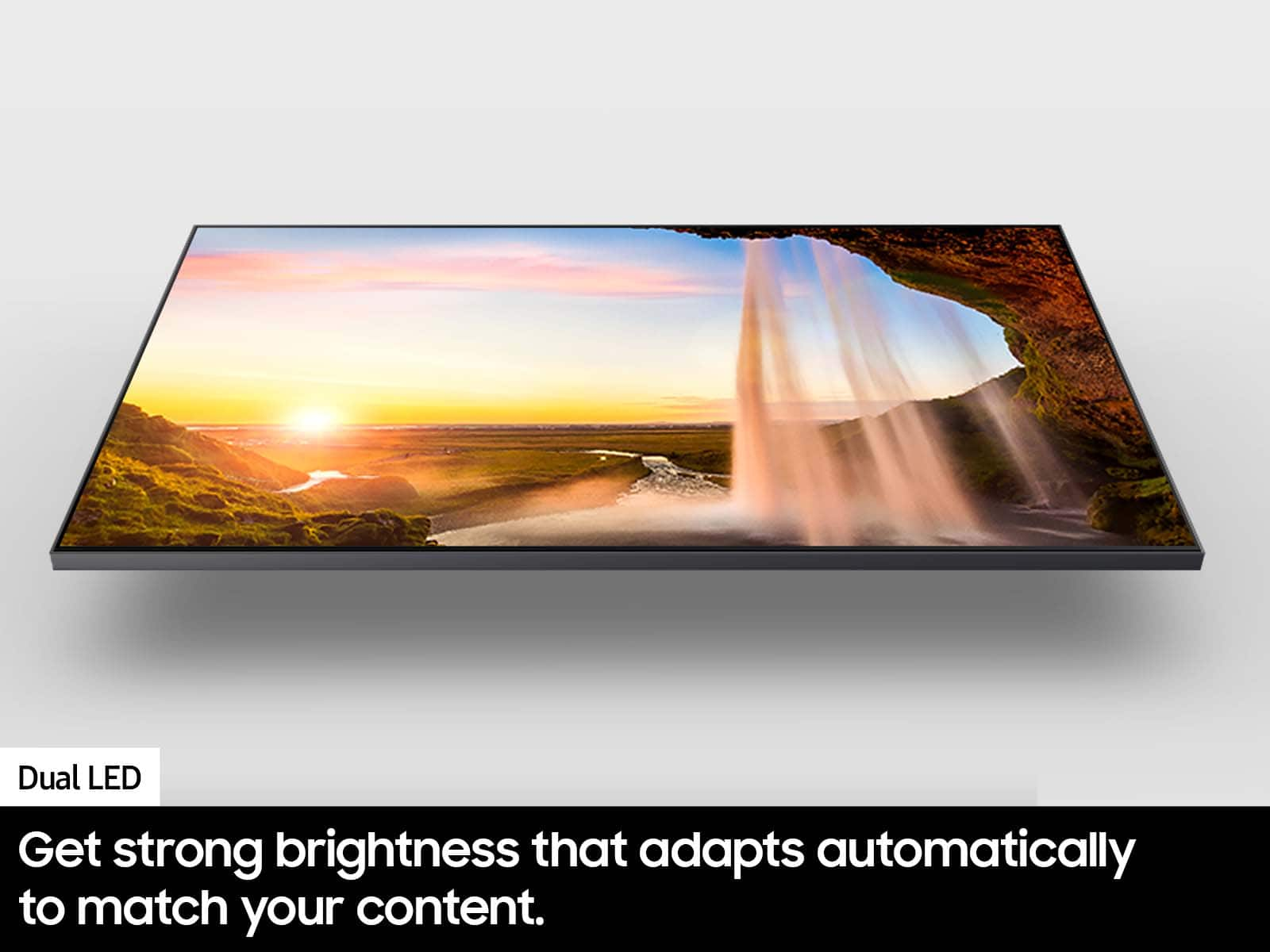
Dual LED
Get a natural, realistic picture and accurate contrast that adapts automatically to match your content with our innovative backlight technology.
100% Color Volume with Quantum Dot
Take in breathtaking color that stays true at any level of brightness. Marvel as your TV transforms light into over a billion beautiful shades.¹
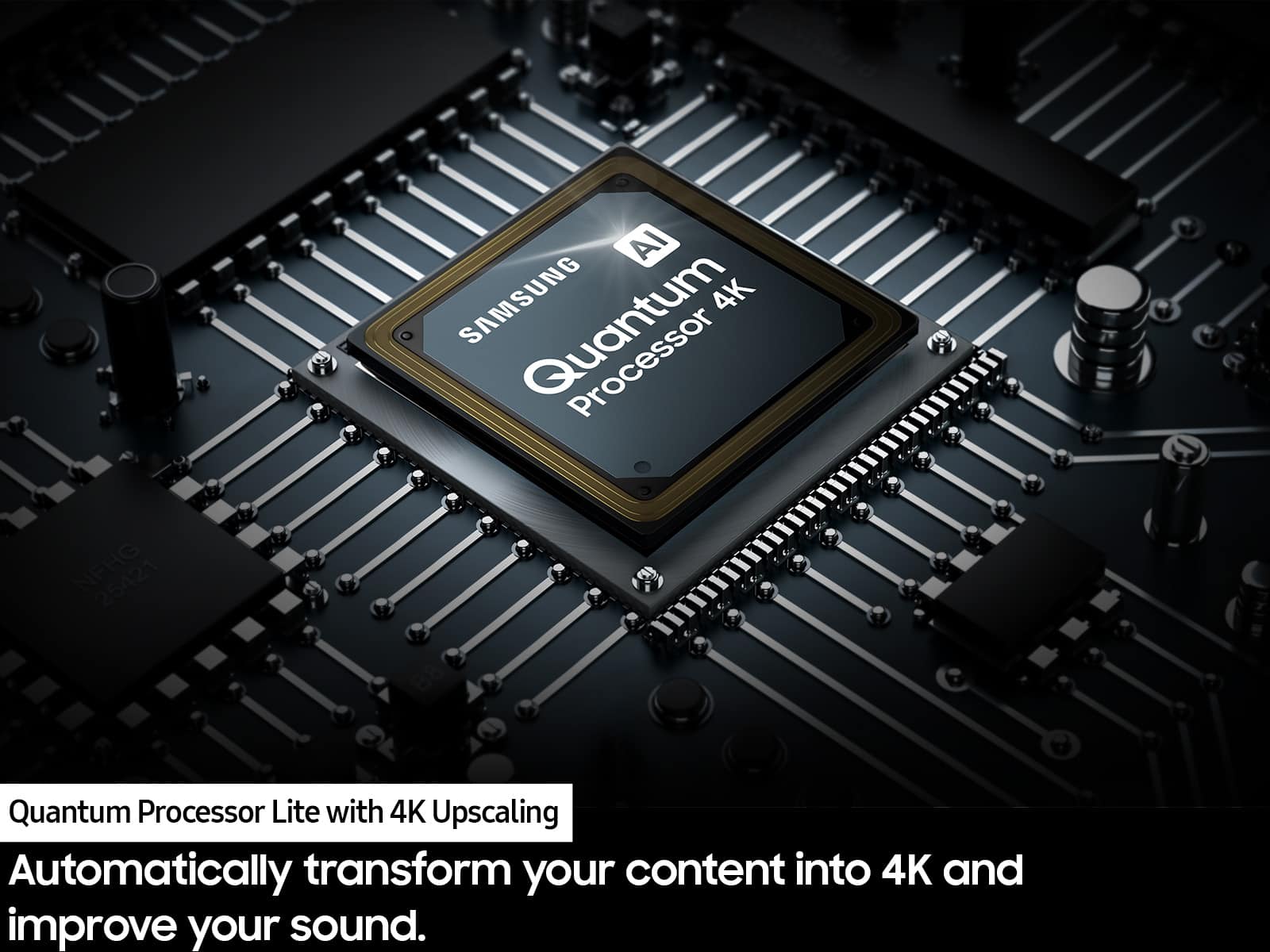
Quantum Processor Lite with 4K Upscaling
Automatically transform your content into 4K and improve your sound. Our processor enhances each pixel, regardless of the source so you get great visuals and audio.
Motion Xcelerator
Watch your content smoothly while experiencing less lag and blur. It improves motion between frames so you have a seamless picture.
Object Tracking Sound Lite
You’ll hear 3D surround sound that follows the movement on screen using our incredible virtual top channel audio putting you right in the middle of the car chase, stampede or party scene.
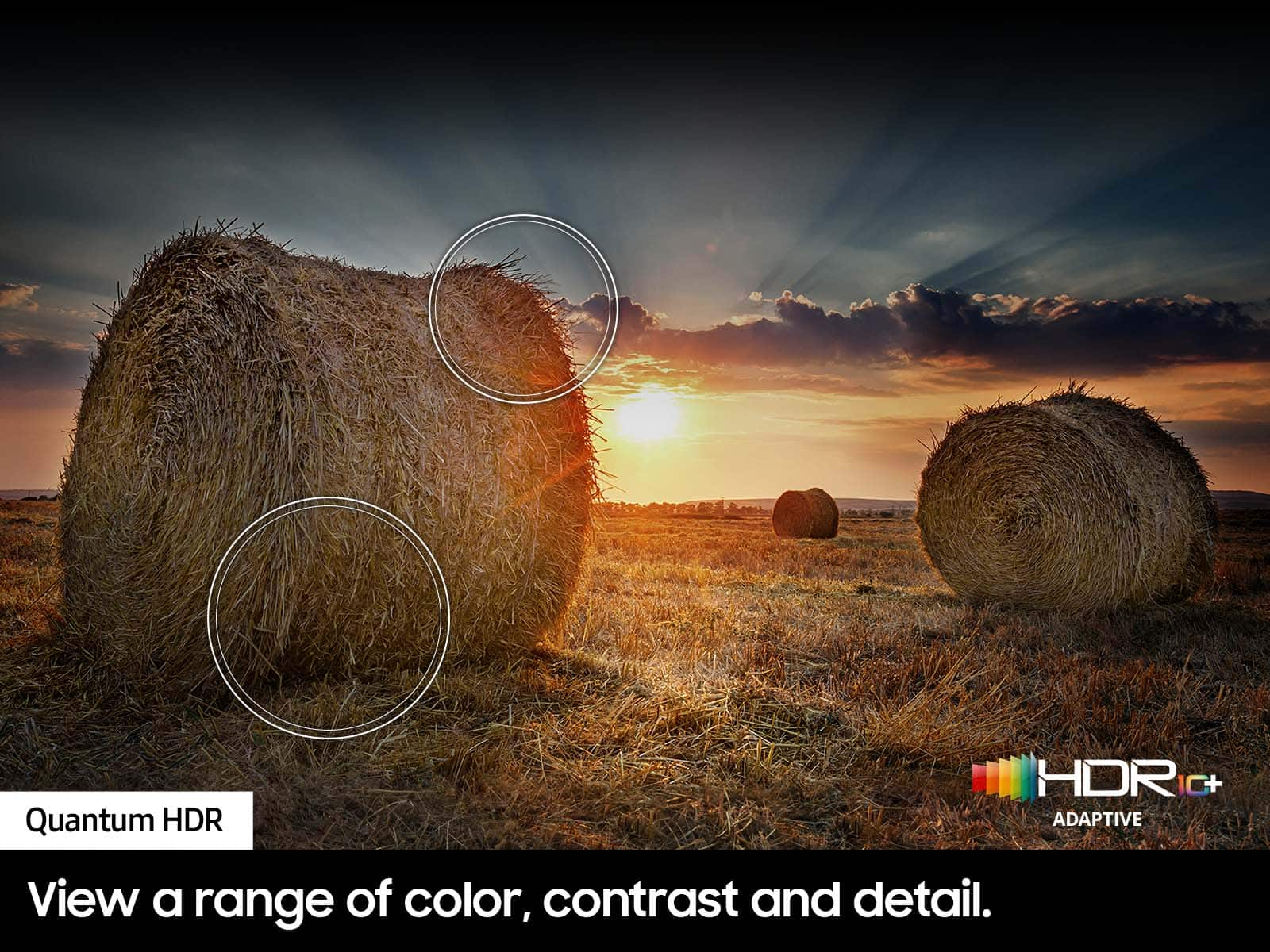
Quantum HDR
View a range of color, contrast and detail. Vibrant imagery brings full power to the picture.
AirSlim
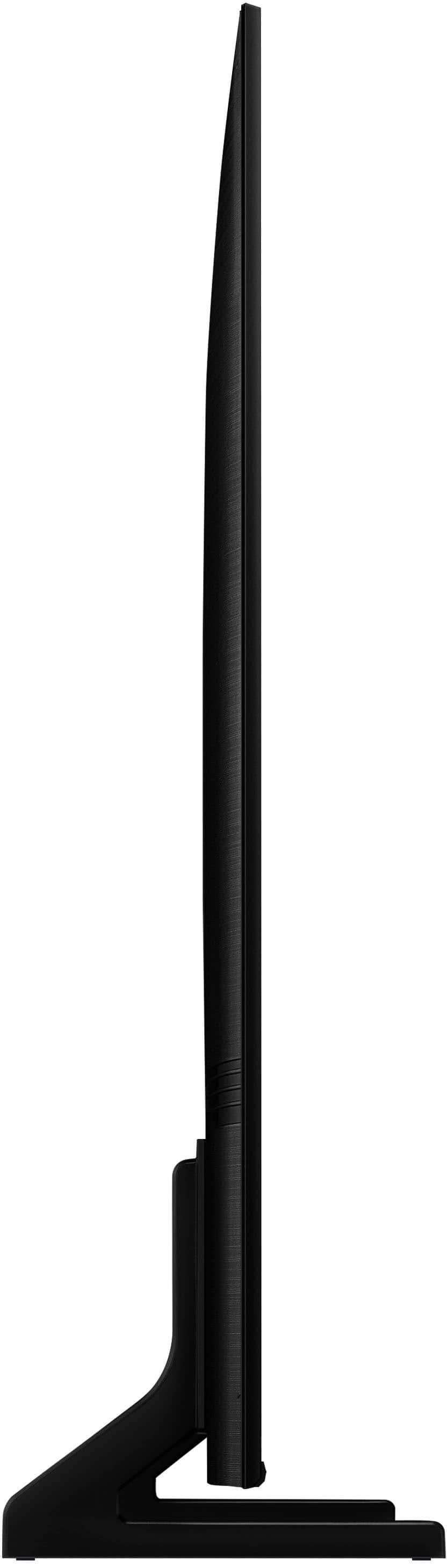
This TV blends right into your wall with a slim design. It brings clutter free minimalism to the room without distracting you from what you watch.
Samsung Tizen OS
Stream your favorite shows. Play games. Work out with a trainer. Do all you enjoy with Smart TV Powered by Tizen. Discover your must have apps and streaming services all just a few clicks away.²
PANTONE Validated
Enjoy color validated by industry leading experts at Pantone, so that images on the screen look as incredible as they do in real life. Every hue, tint and skin tone offers a more accurate and beautiful picture.
Gaming Hub
Where gaming comes together. Stream your favorite games right from your TV. No console required. You’ll also get recommendations on what to play next, based on what you like.³
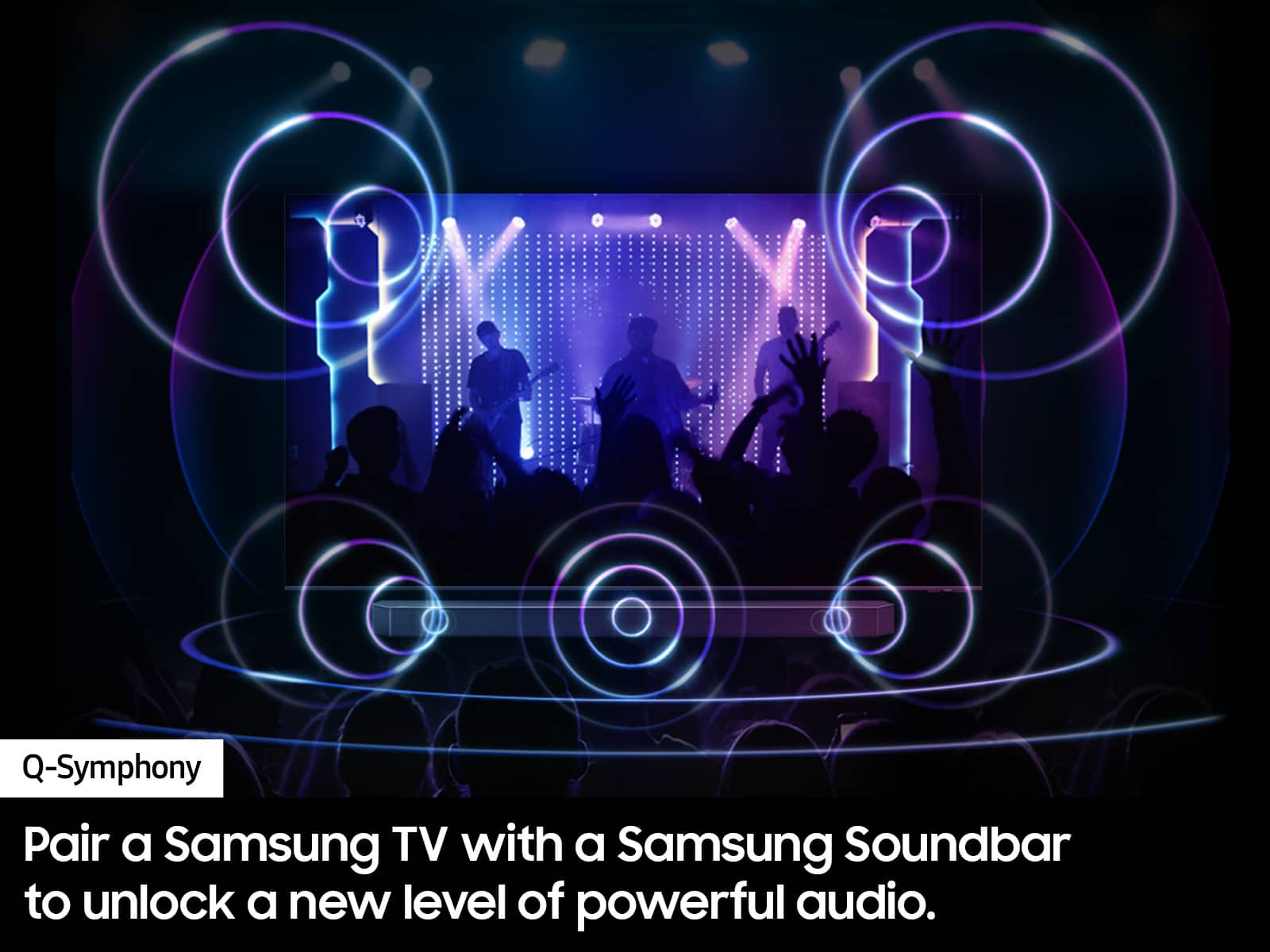
TV Speakers and Soundbar in Sync
Only Samsung gives you the power to unlock incredible when you pair your TV with a soundbar. With Q-Symphony, your TV speakers paired with Q-Series and S-Series soundbar operate as one. Together, they can optimize all the channels to bring you our most powerful sound experience ⁴
What's Included
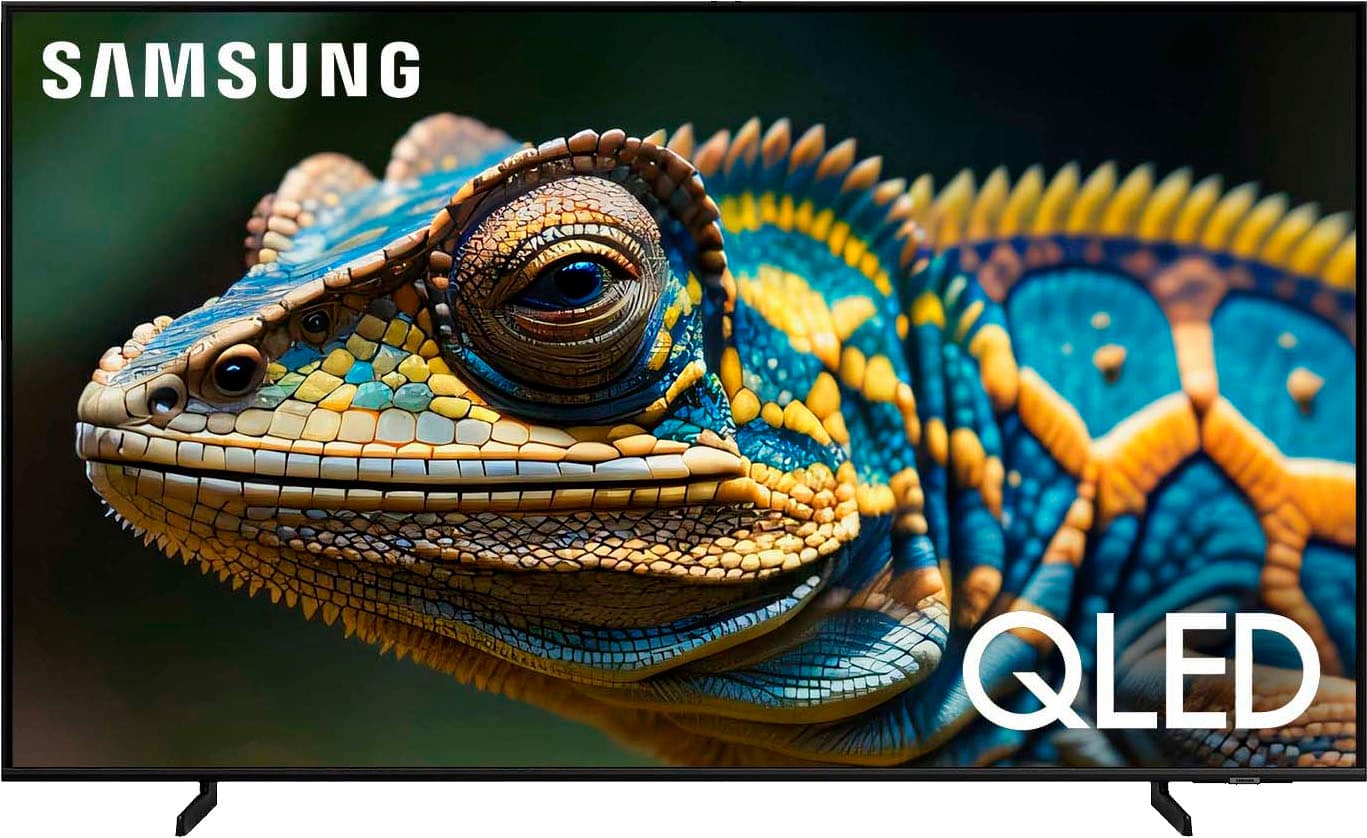
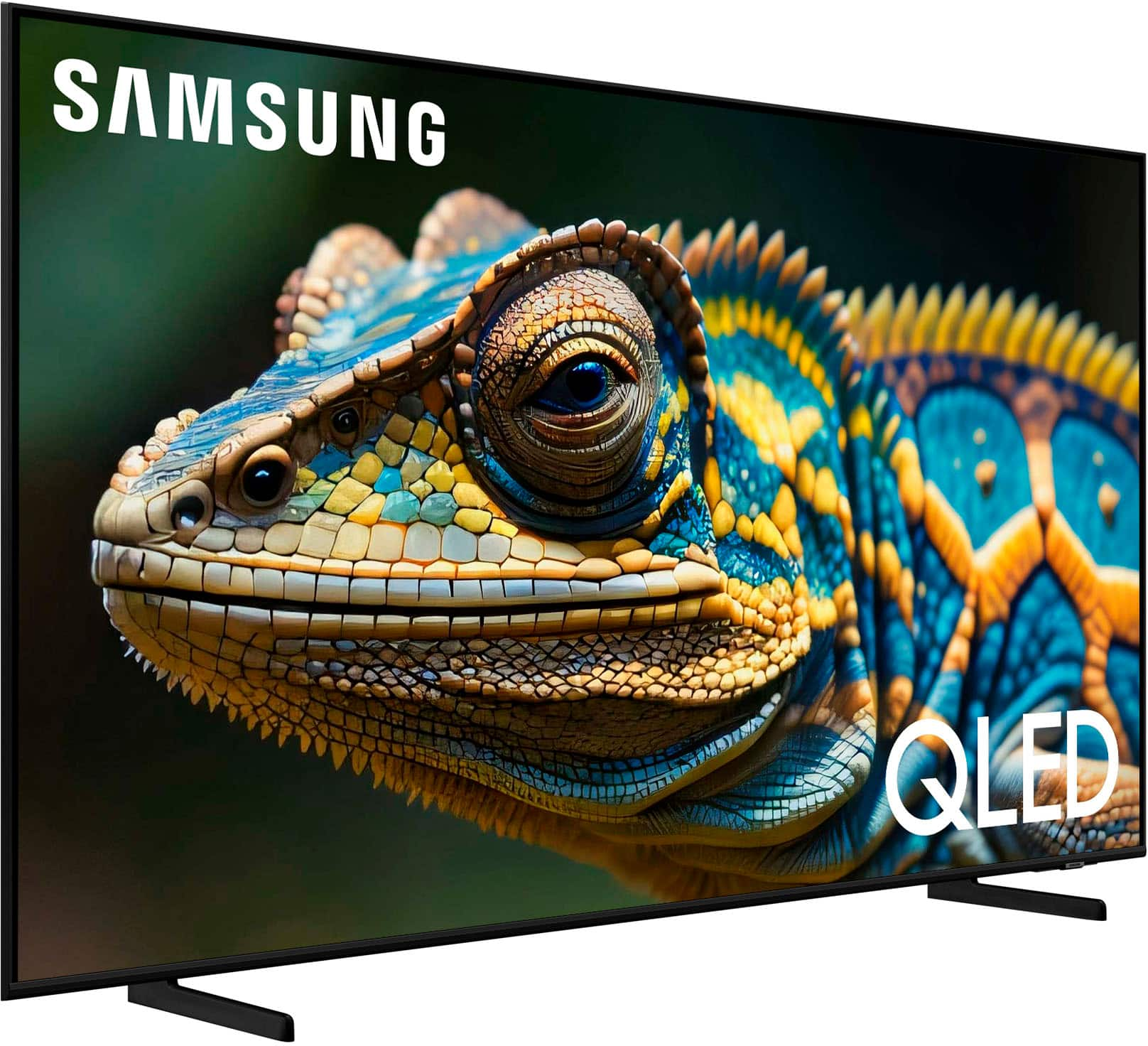
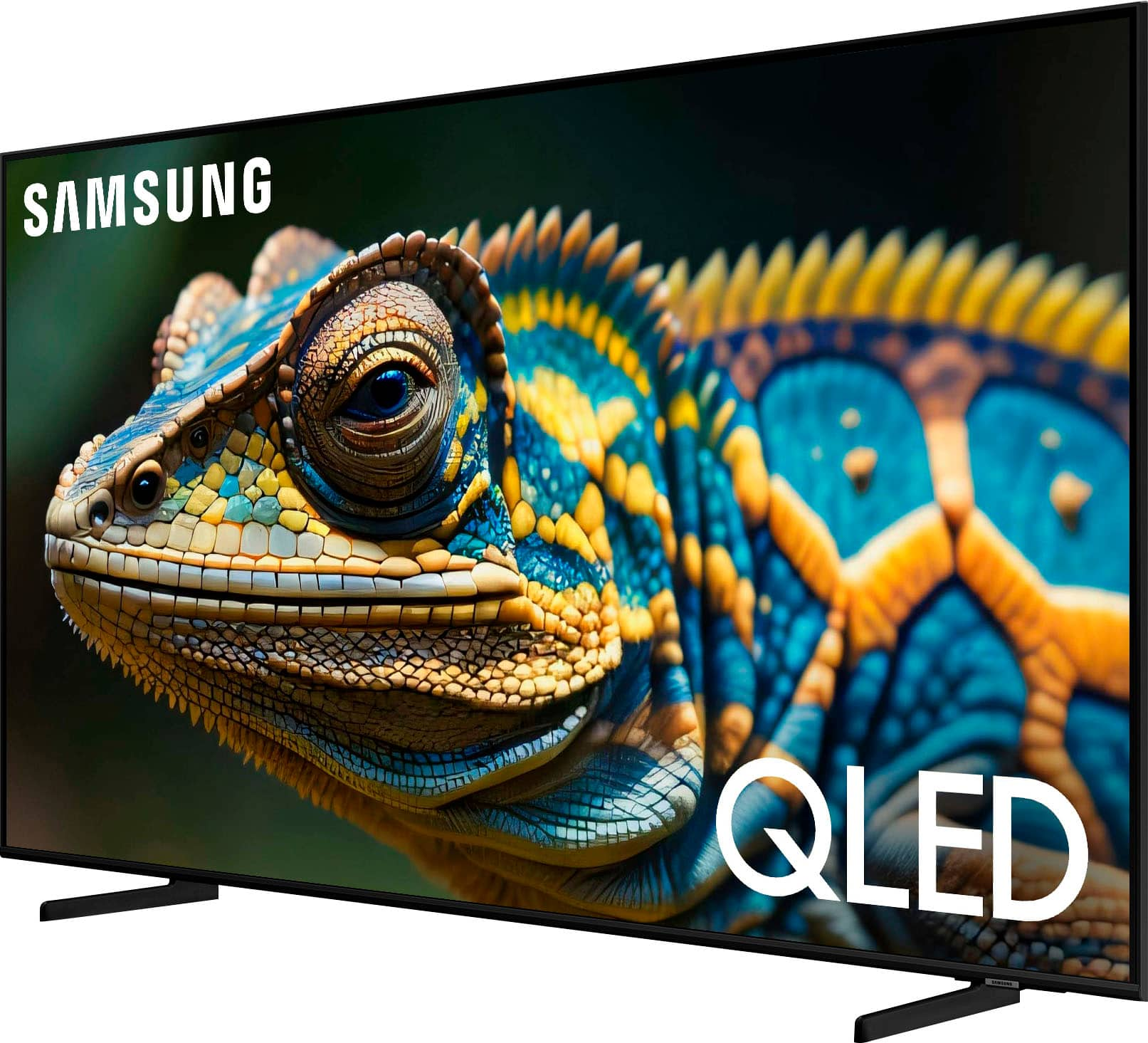
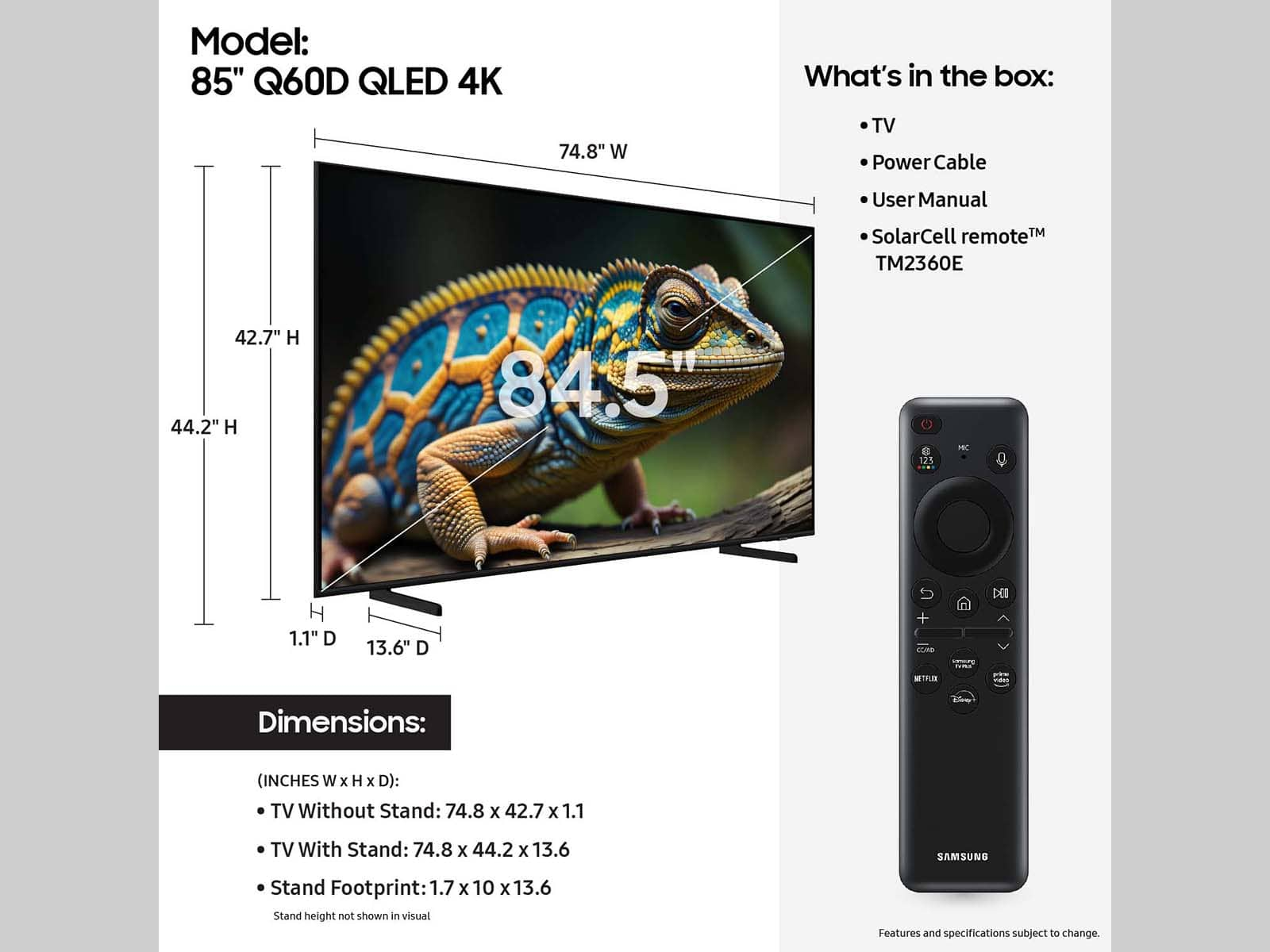
Samsung 55” Class Q60D Series QLED 4K Smart Tizen TV
Stand
SolarCell TM2360E Remote
User Manual
E- Manual
Power cable
Energy Ratings

Manuals & Guides
Key Specs
- Display TypeLED
- Resolution4K (2160p)
- Screen Size Class55 inches
- High Dynamic Range (HDR)Yes
- High Dynamic Range FormatHDR 10+
- LED Panel TypeQLED
- Backlight TypeEdge Lit
- Refresh Rate60Hz
- Motion Enhancement TechnologyMotion Xcelerator
- Specific Manufacturer TechnologiesMega Contrast, PANTONE Validated, Supreme UHD Dimming, Motion Xcelerator, Auto Game Mode, Q-Symphony
- Smart PlatformTizen
- Featured Streaming ServicesApple TV, Disney+, ESPN+, Google Play Movies & TV, Google Play Music, Netflix, Prime Video, Spotify, Tubi, YouTube
- Number of HDMI Inputs (Total)3
- TV Tuner TypeATSC, Clear QAM
- Works WithAmazon Alexa, SmartThings, Google Home
- Voice Assistant Built-inAmazon Alexa
General
- BrandSamsung
- Model NumberQN55Q60DAFXZA
- Product Name55” Class Q60D Series QLED 4K Smart Tizen TV (2024)
- ColorBlack
- SeriesQLED 4K - Q60
- Model Year2024
Dimensions
- Product Height With Stand29.4 inches
- Product Width48.5 inches
- Product Depth With Stand8.8 inches
- Product Height Without Stand27.9 inches
- Product Depth Without Stand1 inches
- Product Weight With Stand34.8 pounds
- Product Weight Without Stand34.2 pounds
- Stand Width35.3 inches
- Stand Depth8.8 inches
- Adjustable Stand WidthNo
Display
- Display TypeLED
- Resolution4K (2160p)
- Screen Size55 inches
- Screen Size Class55 inches
- High Dynamic Range (HDR)Yes
- High Dynamic Range FormatHDR 10+
- Picture Quality Enhancement TechnologyQuantum Processor Lite 4K
- LED Panel TypeQLED
- Backlight TypeEdge Lit
- Curved ScreenNo
- Refresh Rate60Hz
- Motion Enhancement TechnologyMotion Xcelerator
- Synchronization TechnologyNot Applicable
- Closed CaptioningYes
- Language(s) DisplayedEnglish, French, Spanish
Features
- Remote Control TypeSmart, Voice control
- Specific Manufacturer TechnologiesMega Contrast, PANTONE Validated, Supreme UHD Dimming, Motion Xcelerator, Auto Game Mode, Q-Symphony
- Smart CapableYes
- Smart PlatformTizen
- Featured Streaming ServicesApple TV, Disney+, ESPN+, Google Play Movies & TV, Google Play Music, Netflix, Prime Video, Spotify, Tubi, YouTube
- Screen MirroringYes
- Screen Mirroring TechnologySmartThings
- Content SharingMobile to TV
- Indoor Or Outdoor UseIndoor
- Text-To-SpeechNo
- Video DescriptionNo
- V-ChipYes
- TV TunerDigital
Connectivity
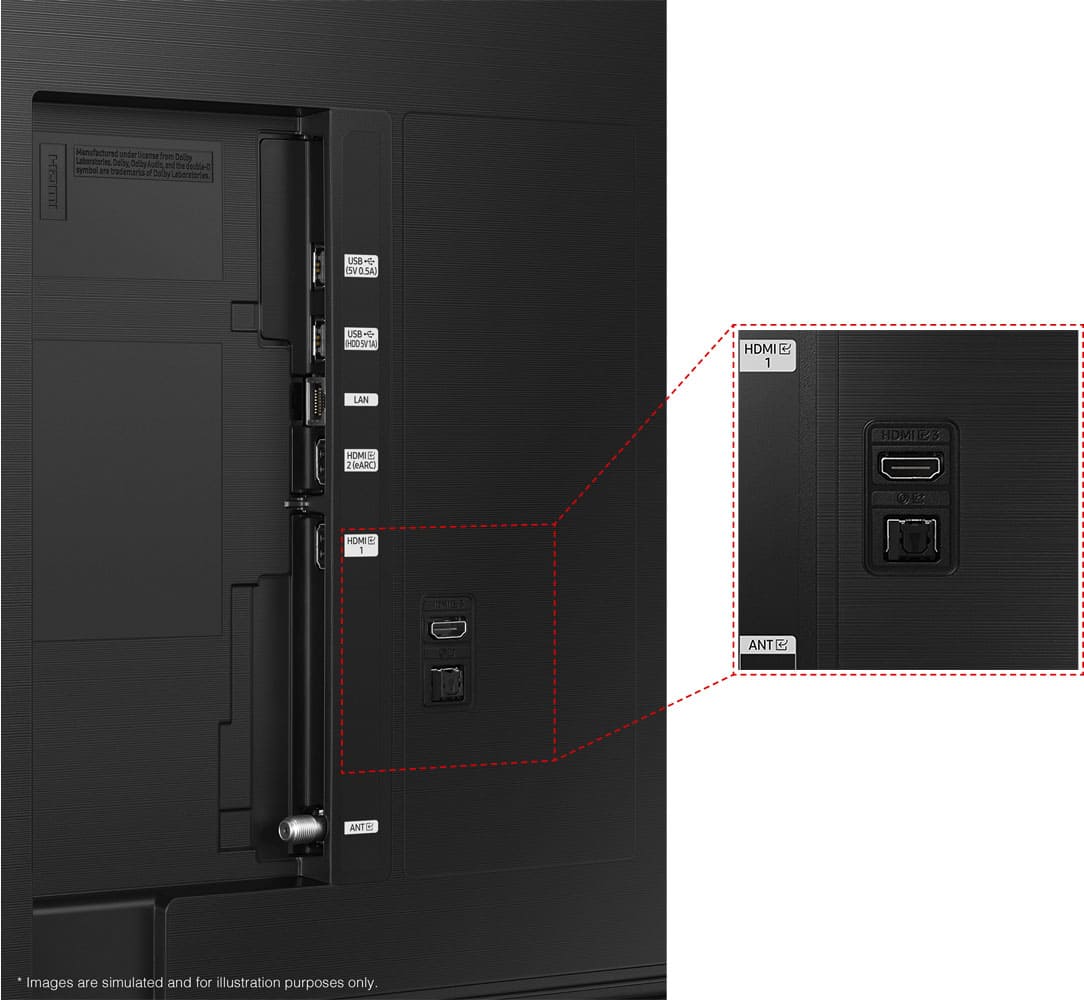
- Number of HDMI Inputs (Total)3
- Display Connector(s)3 x HDMI
- Network Connector(s)1 x LAN, 1 x RS-232
- Audio Only Outputs1 x Optical digital audio
- USB Ports2 x USB-A
- HDMI Audio Return Channel (ARC)eARC
- Wireless ConnectivityBluetooth, Wi-Fi
- HDBaseT ReceiverNo
- TV Tuner TypeATSC, Clear QAM
- RF Antenna InputYes
- Number Of USB Port(s) (Total)2
- Wireless Networking StandardWi-Fi 5
- Bluetooth Version5.2
- Headphone JackNo
Compatibility
- VESA Wall Mount Standard200mm x 200mm
- Works WithAmazon Alexa, SmartThings, Google Home
- Voice Assistant Built-inAmazon Alexa
Audio
- Built-In SpeakersYes
- Speaker Output20 watts
- Number Of Speakers2
- Number of Audio Channels2.0
- Dialogue EnhancementNo
- Automatic Acoustic CalibrationObject
Power
- ENERGY STAR CertifiedNo
- EPEAT QualifiedNo
- Estimated Annual Operating Cost13 United States dollars
- Estimated Annual Electricity Use105 kilowatt hours
- Rechargeable Battery (Remote Control)Yes
- Voltage120 volts
Included
- Wall Mount IncludedNo
- Stand IncludedYes
Warranty
- Warranty - Parts1 year
- Warranty - Labor1 year
Box Dimension
- Height33.3 inches
- Width55.1 inches
- Depth5.8 inches
- CubicDimension10642 inches
Other
- UPC887276817569
Customer reviews
Rating 4.7 out of 5 stars with 432 reviews
(432 customer reviews)Rating by feature
- Picture Quality4.8
Rating 4.8 out of 5 stars
- Sound Quality4.5
Rating 4.5 out of 5 stars
- Brightness4.8
Rating 4.8 out of 5 stars
Customers are saying
Customers appreciate the amazing picture quality and ease of use of the 55” Class Q60D Series QLED 4K Smart Tizen TV (2024). Many also find the color to be very nice and the setup to be easy. However, some customers have found the remote control to be a little tricky and noticed a slow refresh rate.
This summary was generated by AI based on customer reviews.
- Pros mentioned:Picture qualityCons mentioned:Remote control, User interface
Rated 3 out of 5 stars
Great image quality and very slim design but….
||Posted . Owned for 1 month when reviewed.This reviewer received promo considerations or sweepstakes entry for writing a review.Happy with the image quality of the tv, and it was a great deal. However somewhat disappointed in the user interface. I’ve owned previous Samsung smart tvs and was surprised the UI had changed for the 2024 model. The menu selection is no longer on the bottom of the screen and is now on the left. The apps icon has been removed entirely and replaced with a search button that searches YouTube, tv settings and shows all in one. This sounds more efficient but there is no longer a way to browse apps in an App Store. You have to do a search and know what you want to download. Also reorganizing apps on the apps bar is also much more difficult. Before it was possible to click edit and slide all apps into order. Now you must go into 3 different screens to view downloaded apps, and select to move. Which brings you back to the home screen after finishing and restarting the process again for the next app you want to move. Overall I’m a huge Samsung fan and love having a Samsung smart tv that works with all my other Samsung products but miss the old interface. One last thing to note there is more of a lag when searching things now, most likely due to the multiple pool of results you get from YouTube, google, tv settings, and apps. If I know im looking for a channel. I should be able to search within channels only and not get results from other categories. My 2020 Samsung tv feels much snappier with results and I could tailor the screen more to my liking without having to always having to have shortcuts I’ll never use on the main screen, I.e. ambient, daily+, and game mode. The new style remote also does not fit in hand comfortably. This latest remote uses solar cells and is rechargeable via usb c which is nice, but there isn’t enough weight to it and it’s easy to hold in facing the wrong way when reaching for it in the dark or dim lit room. I miss the old design with the battery bulge at the bottom so you always grabbed it and knew exactly which end is being pointed at the tv.
No, I would not recommend this to a friendBrand response from Samsung
Posted .Tony,
Thank you for sharing your user experience with Samsung's Q60D TV. If there's anything we can help with to improve your experience, please reach Samsung Support at 1-800-SAMSUNG, 8AM - 12AM EST, 7 days a week. Our LiveChat agents are also available by clicking on the ‘Support’ link on our website.
~ Samsung Specialist
- Pros mentioned:Picture qualityCons mentioned:Remote control
Rated 5 out of 5 stars
Really awesome display and overall package!
||Posted . Owned for 3 weeks when reviewed.This reviewer received promo considerations or sweepstakes entry for writing a review.Got this TV during a sale going on around the time of the big game. The QLED screen was the biggest sell for me as I love OLED displays but those TVs are too expensive for me. This is a really great tv. The colors really stand out and there’s a lot of cool features like a gaming hub and really neat user interface. The only issues I have is the sound could be better but it gets the job done and I’m not a huge fan of the remote as it’s too small and sometimes find it slipping out of my hands.. Other than that, this is an awesome TV. I’m really happy to have gotten it! Two thumbs up.
I would recommend this to a friend - Pros mentioned:Picture quality
Rated 5 out of 5 stars
Wet nice Tv.
||Posted . Owned for 8 months when reviewed.This reviewer received promo considerations or sweepstakes entry for writing a review.I really like this TV. It starts up really fast. It is very thin and I enjoy the voice activation, remote option. The color and sound is very nice.
I would recommend this to a friend - Pros mentioned:Picture quality, Price
Rated 5 out of 5 stars
Worth the price
||Posted . Owned for 1 week when reviewed.This reviewer received promo considerations or sweepstakes entry for writing a review.I wanted to upgrade to bigger TV in bedroom. Purchased 55" to replace a 43". Has a clear picture and great price. I was going to wait till Black Friday but I saw Best Buy had a price guarantee if the price drops and it did. I got refunded for the price drop difference. Happy with my purchase.
I would recommend this to a friend - Pros mentioned:Picture quality
Rated 5 out of 5 stars
Best TV ever made
||Posted .This reviewer received promo considerations or sweepstakes entry for writing a review.I bought this TV after all our Samsung appliances burned in the Eaton Canyon fire in Altadena. It's a very good TV, with clear images and vibrant colors. What I like most about it compared to my previous Samsung TV is that it automatically loads the last app you used, in my case, the Spectrum TV app. I highly recommend this 55" TV.
I would recommend this to a friend - Pros mentioned:Picture quality
Rated 5 out of 5 stars
Great TV set!
||Posted . Owned for 1 month when reviewed.This reviewer received promo considerations or sweepstakes entry for writing a review.I am so glad I bought this TV! The picture is ultra bright and crystal clear. My friends and adlt children who have seen it comment on the qulity of the picture. I had to have Best Buy Deliver it s it wouldn't fit in my car. The two men who delivered it were curteous and helpful--carrying the set into the house and upstairs to my living room where the set it down in front of my TV stand. After, they left, I unboxed the TV, put the legs on it, and made sure it would fit on my TV stand. After moving my old TV out off the living room, connecting and setting up my new TV was easily accomplished and I was soon enjoying the best TV I've ever had since I bought my first one in 1956.
I would recommend this to a friend - Pros mentioned:Color, Picture quality
Rated 5 out of 5 stars
Samsung QLED 55 inch
||Posted . Owned for 1 month when reviewed.This reviewer received promo considerations or sweepstakes entry for writing a review.Purchased this TV for my living room. The 55 inch fits great on the wall. The picture is clear, the color is great. Love this TV purchase.
I would recommend this to a friend - Pros mentioned:Color
Rated 5 out of 5 stars
Very Pleased With My Samsung
||Posted . Owned for 3 weeks when reviewed.This reviewer received promo considerations or sweepstakes entry for writing a review.The video quality is excellent. I stream both live TV and sports, together with Netflix and other streaming services via Apple TV and a fiber connection. The video quality is crisp and clear and the colors are accurate. Like all smart TVs the audio quality from the onboard speakers is sub-par, but I use a Bose audio system and it works great.
I would recommend this to a friend
Q: QuestionHow many USB ports does this TV have?
- A:Answer This Samsung TV is equipped with 2 USB ports.
This question and answer was generated by AI based on customer and product data.Q: QuestionAccording to the video, what should someone do if they have questions about the unboxing instructions?
- A:Answer The video mentions that you can contact Samsung at 1-800-SAMSUNG or online at Samsung.com/Support for help with the unboxing instructions.
This question and answer was generated by AI based on customer and product data.Q: QuestionDoes this Samsung TV come with a stand?
- A:Answer Yes, the TV includes a stand.
This question and answer was generated by AI based on customer and product data.Q: QuestionDoes this TV support HDR, and if so, which format?
- A:Answer Yes, this TV supports HDR and uses the HDR10+ format.
This question and answer was generated by AI based on customer and product data.Q: QuestionWhat is the screen size of this Samsung TV?
- A:Answer This Samsung TV has a screen size of 55 inches.
This question and answer was generated by AI based on customer and product data.Q: QuestionWhat type of display panel is used in this Samsung TV?
- A:Answer This Samsung TV uses a QLED display panel.
This question and answer was generated by AI based on customer and product data.Q: QuestionIs there any difference between the 60c and the 60d ?
Asked by Anonymous.
- A:Answer Thanks for asking! The Picture: Both models feature our Quantum Processor 4K Lite, 100% Color Volume with Quantum Dot Technology, and Dual LED backlighting to deliver vivid images with improved contrast, off-axis viewing, and color accuracy. Sound: When paired with a Q or S Series Soundbar, you can take advantage of Q-Symphony 3.0 which uses AI to further enhance and amplify your sound for a more accurate and immersive audio solution. Features: The Q60D includes Samsung Daily+, a hub for in-home activity that provides a wide range of services and features — from personal training and telehealth to video calls and remote PC solutions — in one single interface. Lastly, Gaming: While both models feature Motion Xcelerator and Auto Game Mode (ALLM) to minimize motion blur when watching action on your screen, the Q60D adds new gaming enhancements such as AI Auto Game Mode and expanded Game Bar functions. ~ Samsung Specialist
Answered by Samsung

Q: Questionwhat is the difference between the Q60 model and the Q70 model?
Asked by Anonymous.
- A:Answer Thanks for asking! The Picture: Both models feature Dual LED technology for beautifully balanced colors and Quantum HDR for rich details. When stepping up to our Q70D, you’ll get our Quantum Processor 4K with Machine Learning AI to further increase clarity and smoothness of your picture with an ultra-fast processor that adapts to every scene, no matter the source. Design: While both models feature our slim & elegant AirSlim design, the Q60D uses a 2-legged stand, whereas the Q70D comes with a center stand. Sound: The Q70D adds Active Voice Amplifier Pro and Adaptive Sound Pro to automatically adjust dialogue and real-time ambient noise to optimize sound to best fit your space. ~ Samsung Specialist
Answered by Samsung