








Hisense - 65" Class S7 Series CanvasTV 4K QLED TV with Hi-Matte Display and UltraSlim Wall Mount (2024)
Shipping
Description
Features
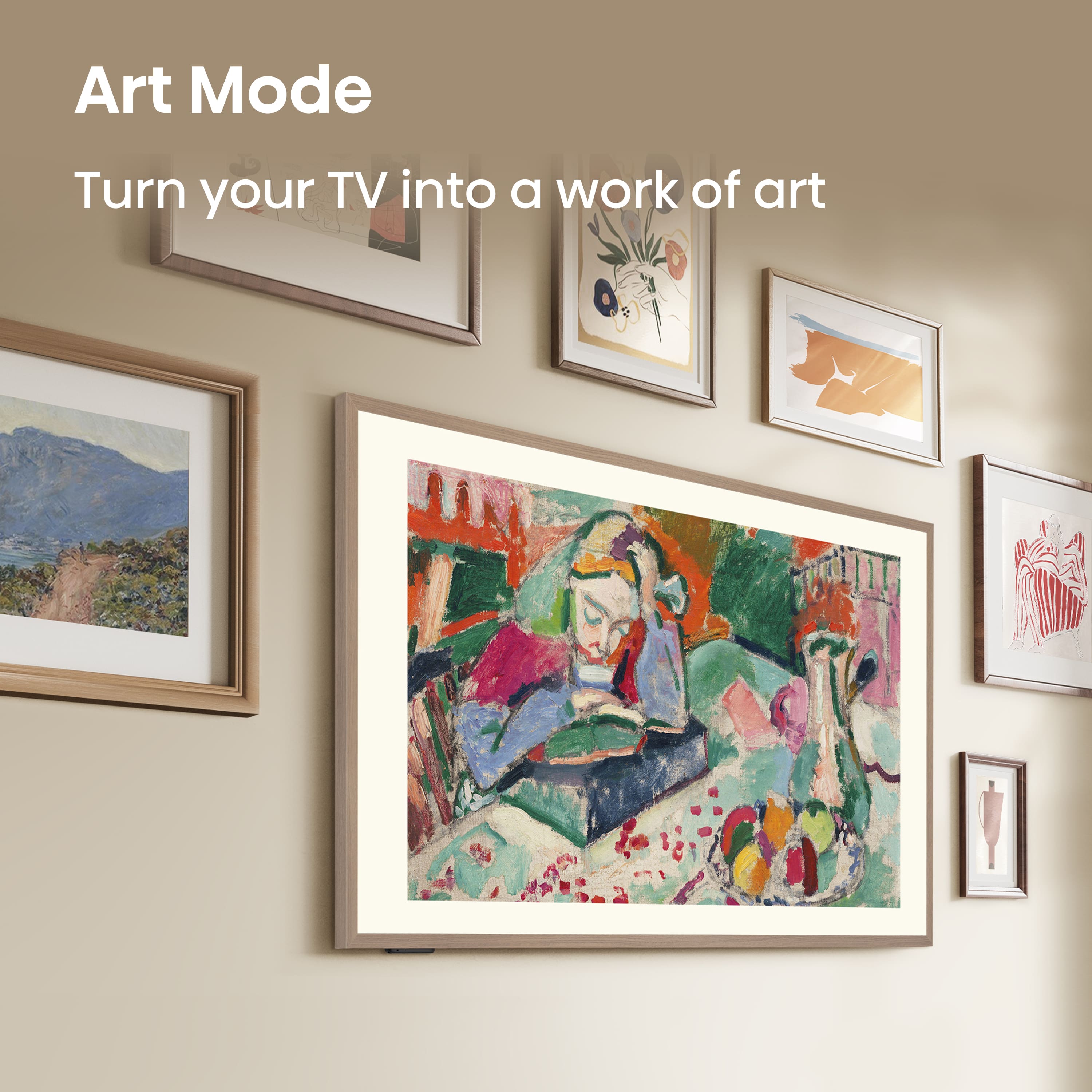
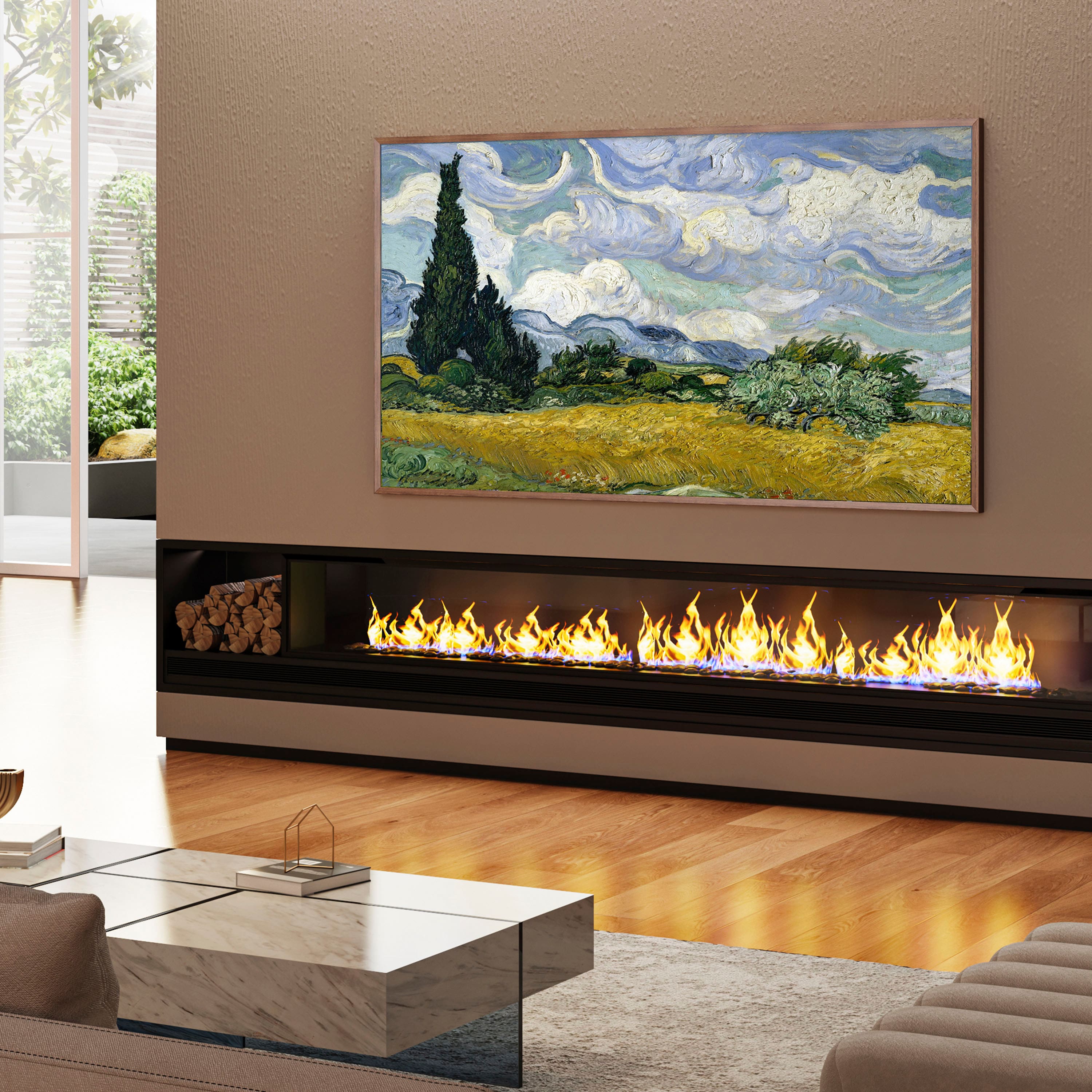
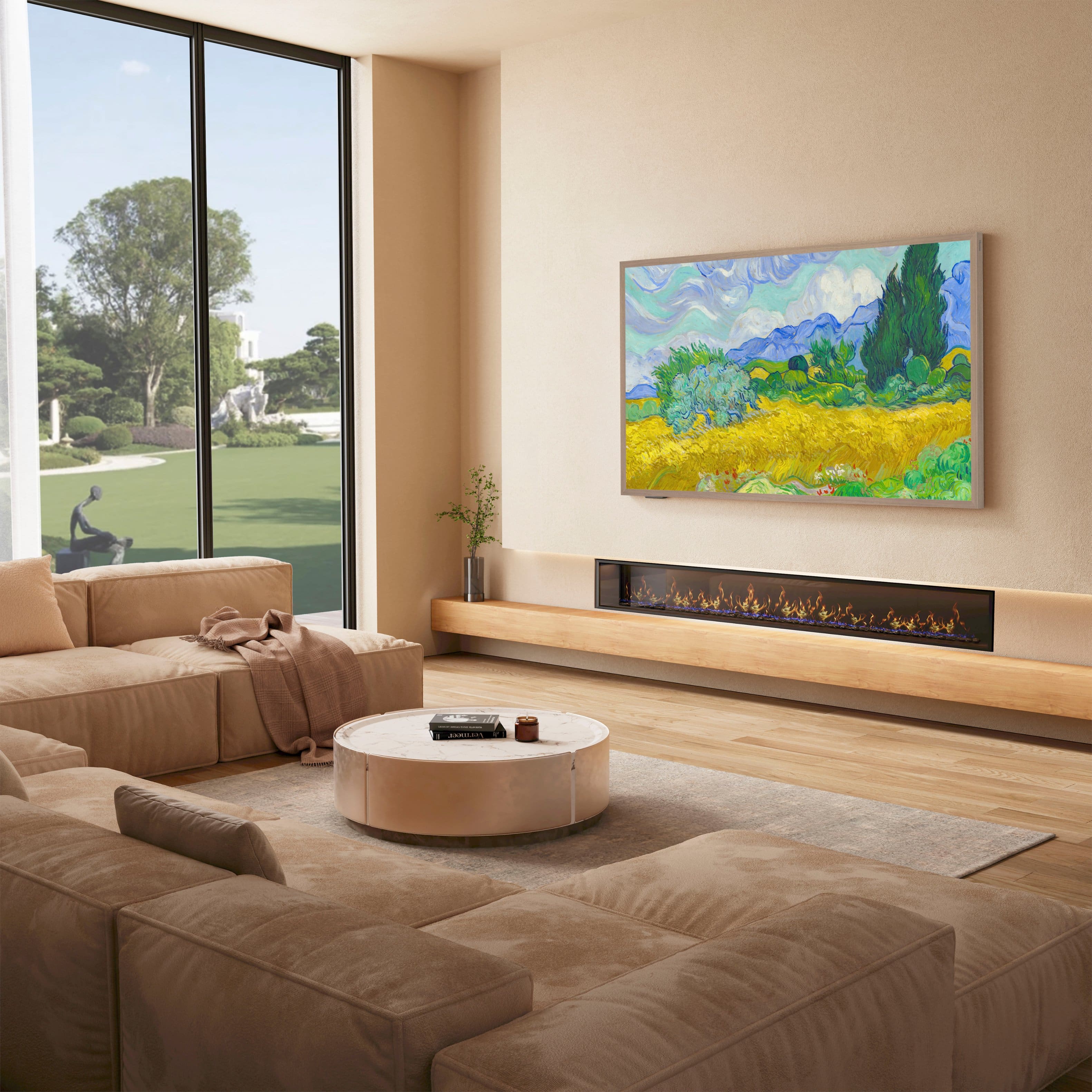
Art Mode
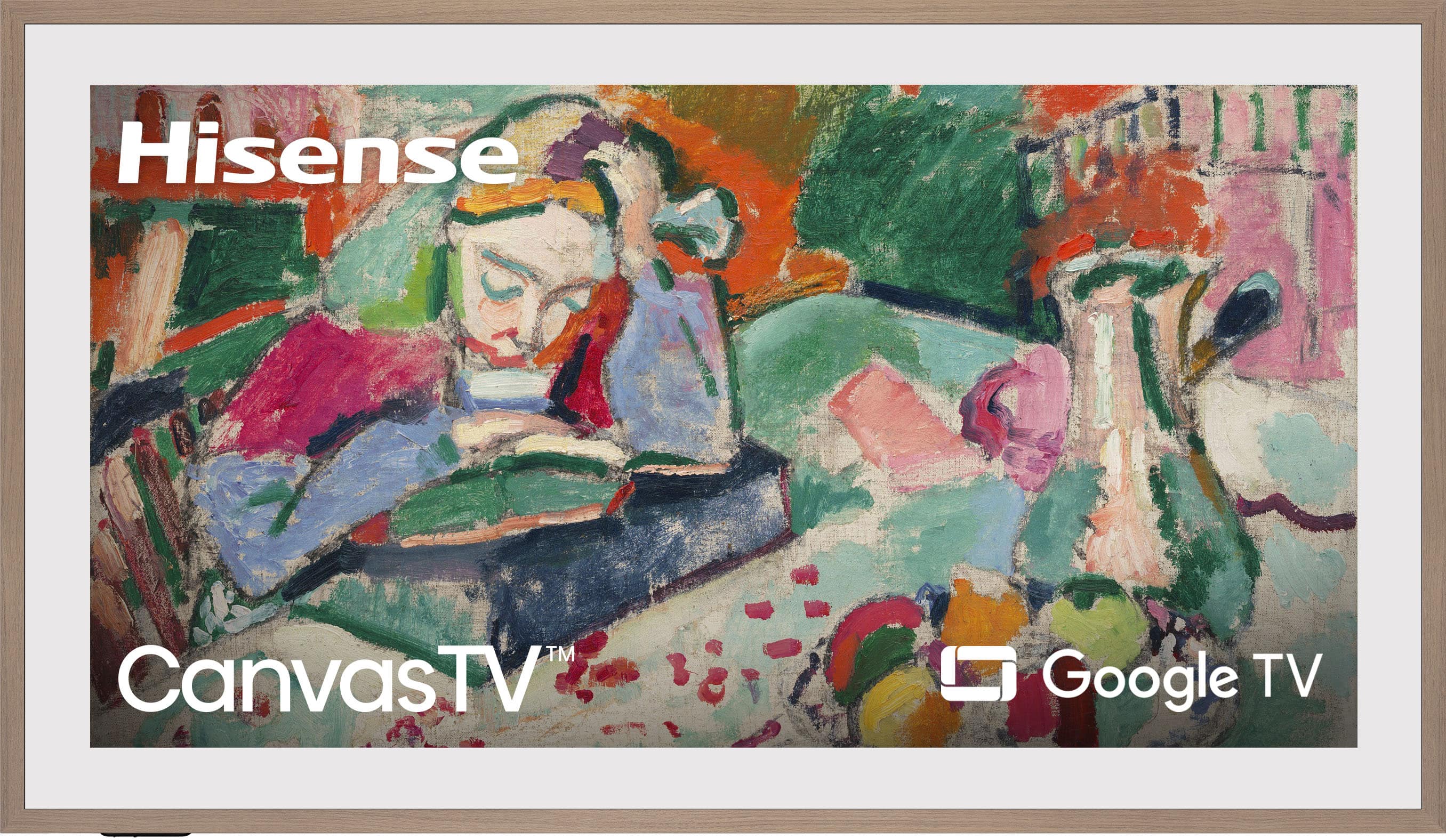
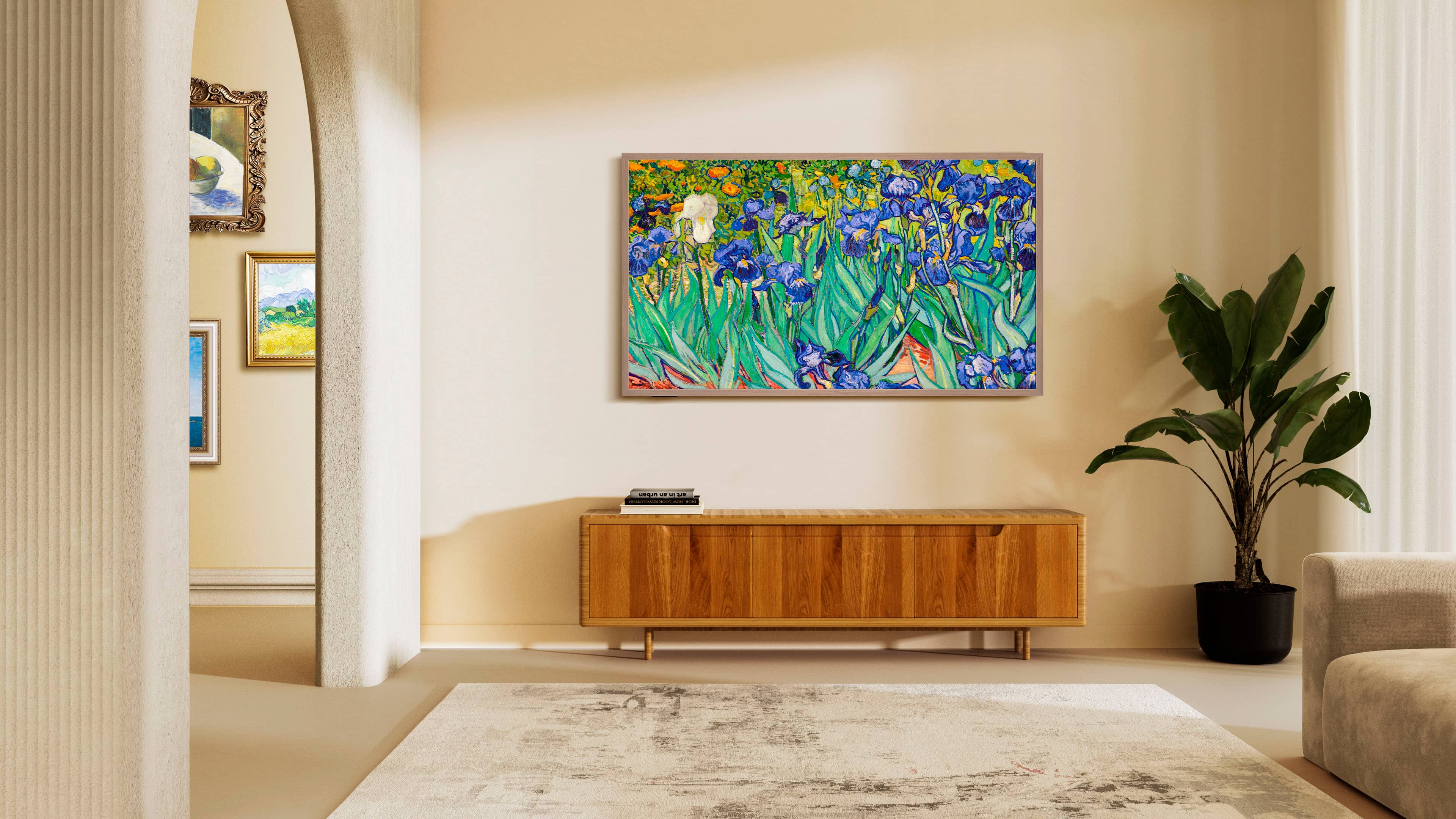
Show off your taste when you’re not watching your TV. Select a single picture or create a slideshow of paintings that match your mood. You can even share all your favorite photos on the big screen by connecting a USB or use the Art Mode app to upload your photos.
Choose Your Frame
Switch in (and out) the CanvasTV’s magnetic frame whenever the mood strikes. Just snap it into place and voila! The CanvasTV comes with the teak frame, but you can also opt for additional colors, (sold separately).
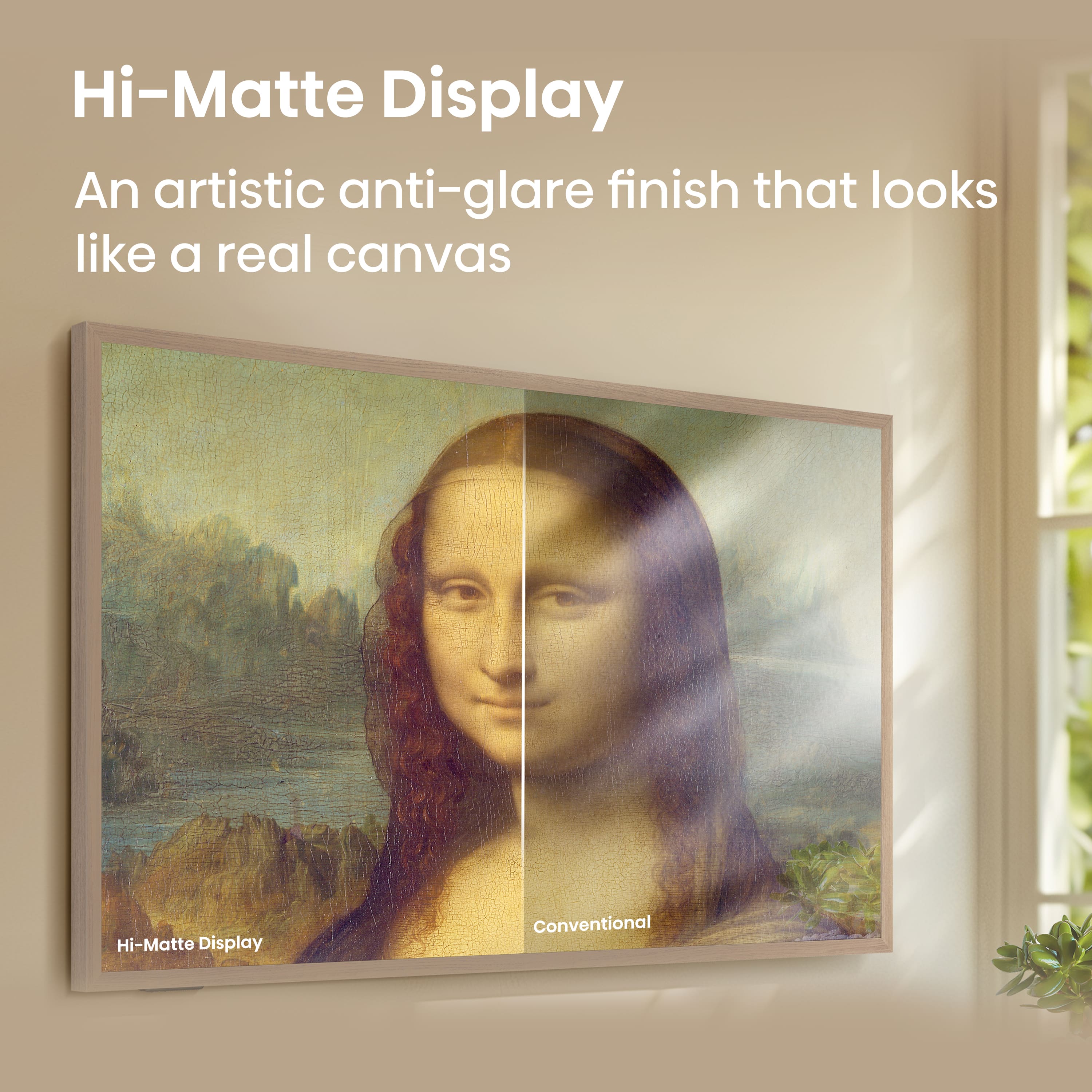
Hi-Matte Display
Admire your favorite works of art without the glare. A special, low reflection coating enhances your masterpiece-viewing experience by giving the digital artwork the depth and texture of real paintings.
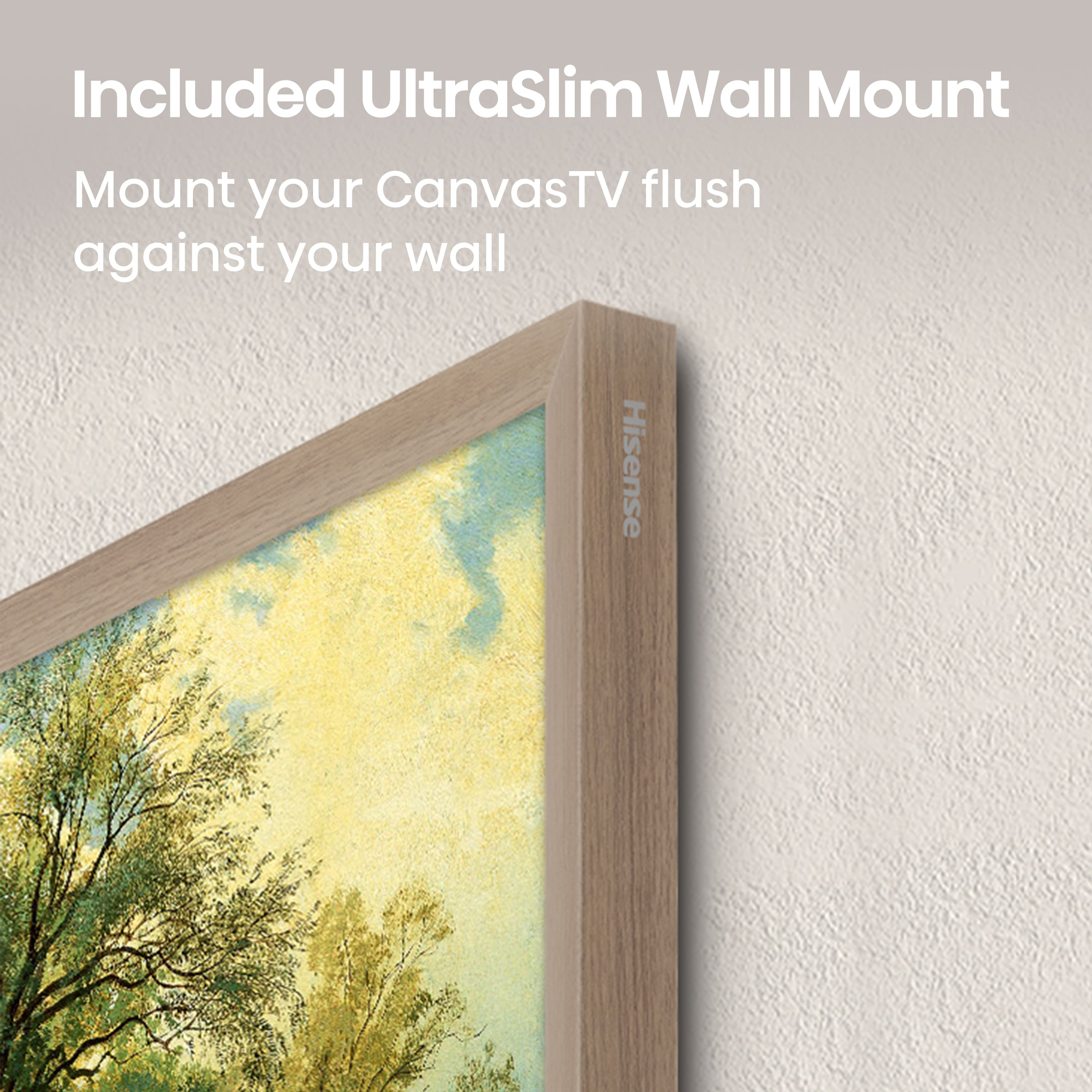
UltraSlim Wall Mount
Hang your CanvasTV flush against the wall to save space and blend in with your decor. Our innovative, two-part mounting system makes the screen light enough that it’s easy to handle and install with the help of another person.
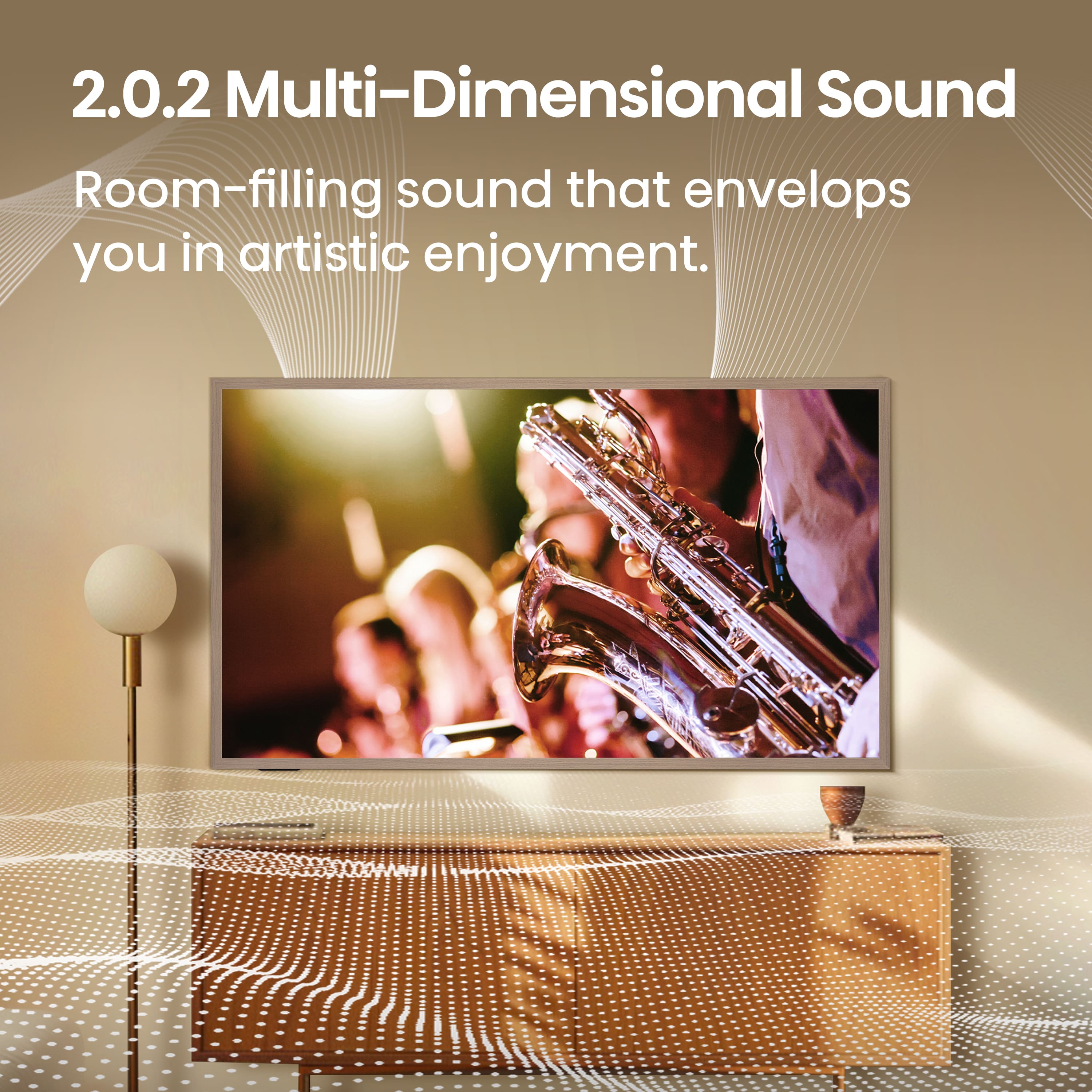
Multi-Channel Surround Sound
Get in on the action, whether you’re watching movies, playing games, or listening to music. 2.0.2 surround sound fills up your room and transports you into the scene.
4K QLED
Soak up a world of rich color and detail. 4K QLED with Quantum Dot technology relies on how light is emitted to create purer, more brilliant hues than a regular LED TV. With over a billion color combinations, QLED smart displays are in a class of their own.
Game Mode Pro
Game Mode Pro is designed with the technology you need to get on the leaderboard. With a Variable Refresh Rate, you can beat any opponent that comes your way. AMD FreeSync Premium, Auto Low Latency Mode (ALLM) and Low Latency MEMC virtually eliminate screen tearing and controller input lag in your play. And the New Game Bar lets you customize and adjust your gameplay right from your TV with your remote.
2 Year Warranty
Enjoy peace of mind thanks to Hisense’s 2-year warranty on this TV. That's double the industry standard!
What's Included
Television
Stand
Power Cable
Remote
QSG & User Manual
Q: QuestionDoes this Hisense TV support HDR?
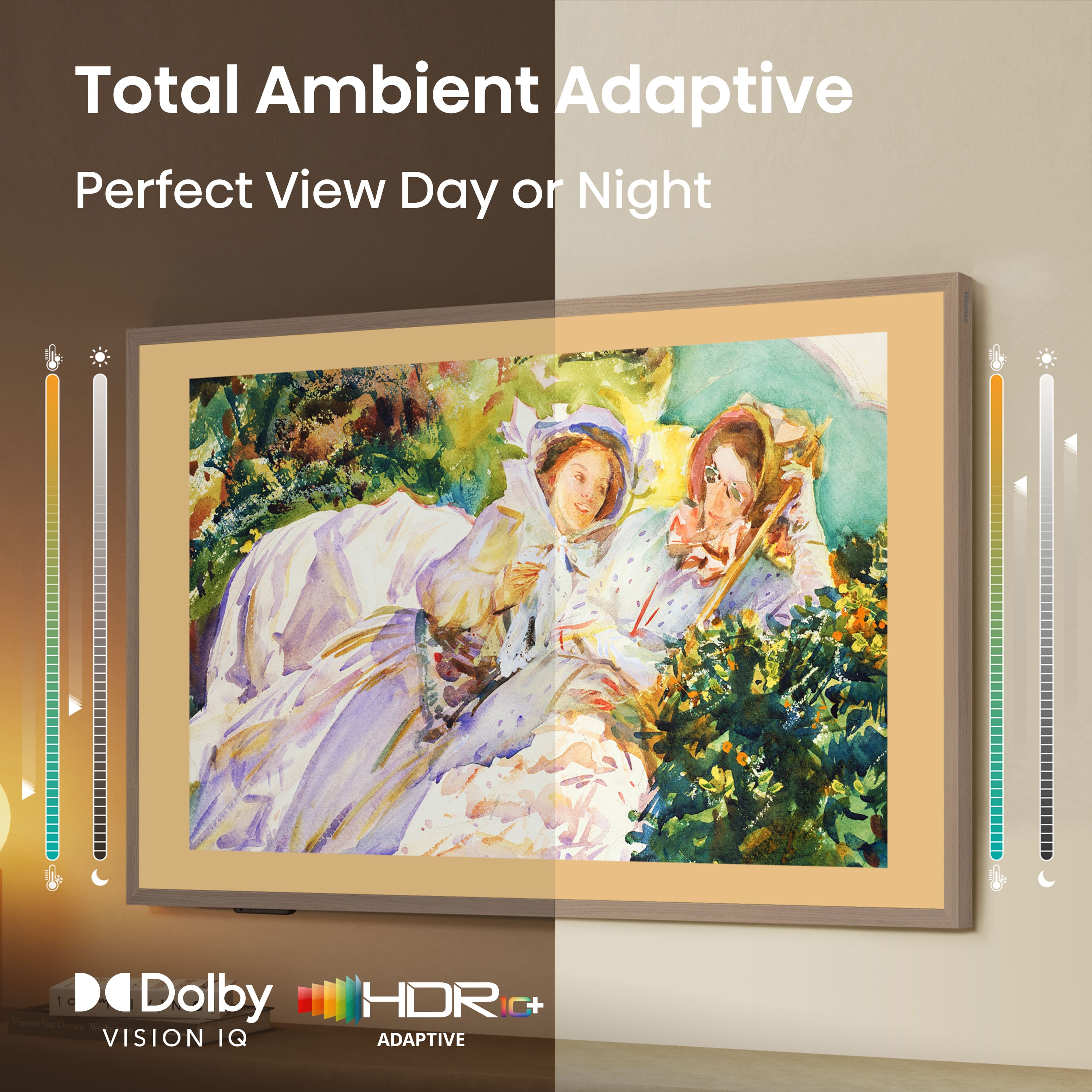
- A:Answer Yes, this Hisense TV supports HDR and uses Dolby Vision format.
This question and answer was generated by AI based on customer and product data.Q: QuestionHow is the sound quality on this Hisense TV?
- A:Answer This Hisense TV features 2.0.2 surround sound that fills up your room and transports you into the scene.
This question and answer was generated by AI based on customer and product data.Q: QuestionCan I connect this Hisense TV to my home network?
- A:Answer Yes, this Hisense TV has built-in Wi-Fi for network connectivity.
This question and answer was generated by AI based on customer and product data.Q: QuestionWhat type of display does this Hisense TV have?
- A:Answer This Hisense TV has a 4K QLED display with Quantum Dot technology.
This question and answer was generated by AI based on customer and product data.Q: QuestionDoes this Hisense TV come with a warranty?
- A:Answer Yes, this Hisense TV comes with a 2-year warranty, double the industry standard.
This question and answer was generated by AI based on customer and product data.Q: QuestionWhat is the screen size of this Hisense TV?
- A:Answer This Hisense TV has a screen size of 64.5 inches.
This question and answer was generated by AI based on customer and product data.Q: QuestionThe Frame TV comes with a black box separate from the TV that has to be placed under the TV or in a cut-out niche in the wall behind the TV. Does the CanvasTV have something like that or is everything contained within the TV?
Asked by Texan.
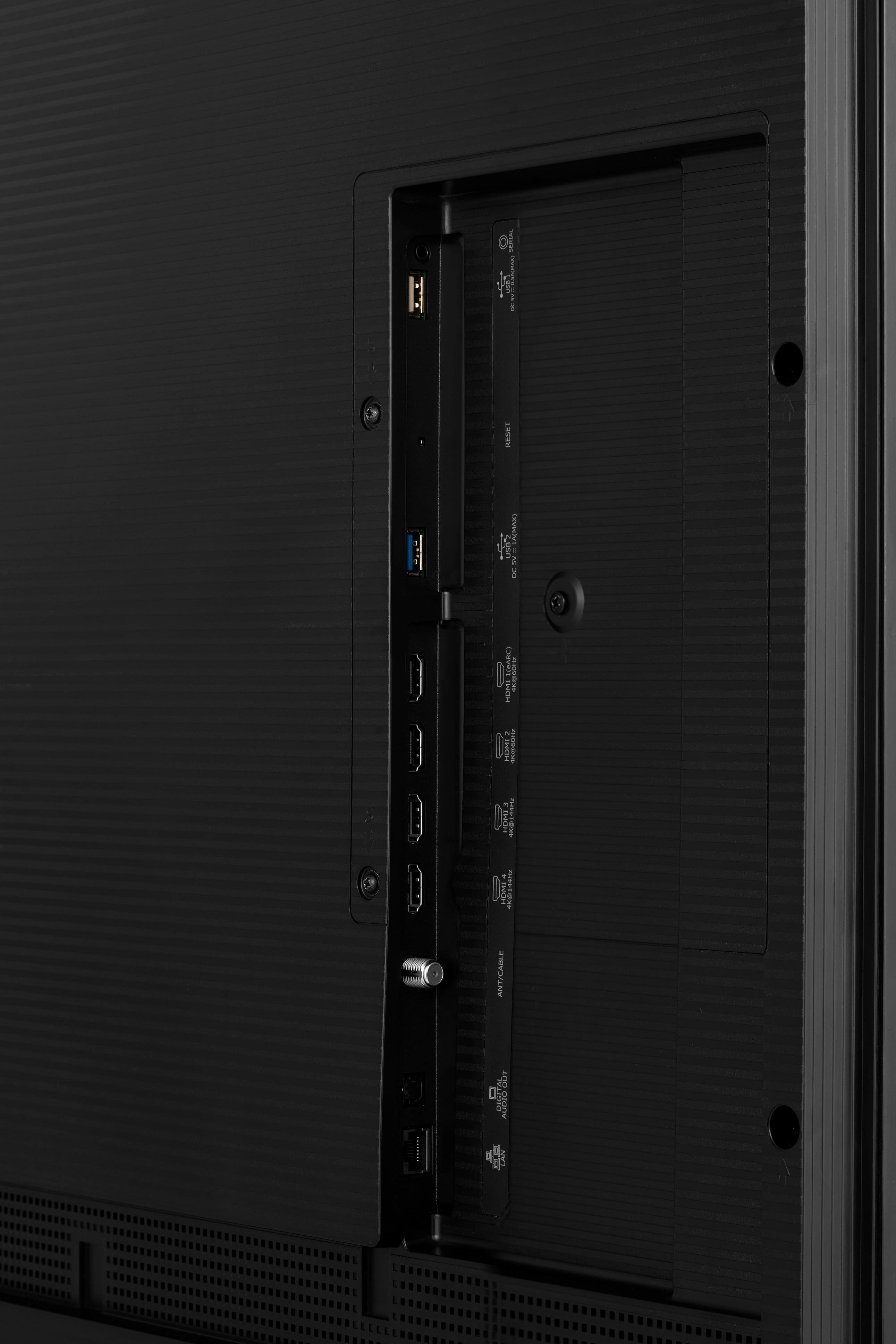
- A:Answer Everything is contained in the TV. You can see the inputs in the pictures.
Answered by Anonymous
Q: QuestionFor the art mode, is it something that I have to manually activate? Can it automatically activate if I'm turning off my devices like the competitor Samsung frame?
Asked by panda2297.
- A:Answer There is a button on the remote that can turn on the art mode, you can also manually do it in the settings. My TV will automatically go into art mode when you press the off button. If I want to turn the TV completely off, I press it again.
Answered by RyanN