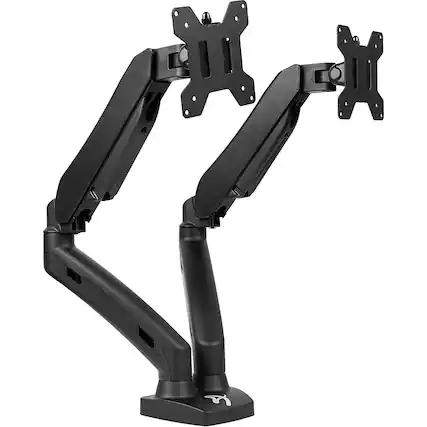
What are the benefits of using a computer monitor arm?
A computer monitor arm can significantly improve your workspace ergonomics. By elevating your screen to eye level, it helps reduce neck and shoulder strain, promoting better posture throughout the day. Whether you're using a single-monitor arm or a dual-screen arm, the flexibility to adjust height, tilt and rotation makes a noticeable difference in comfort and productivity.
PC monitor arms also free up valuable desk space. Instead of bulky monitor stands, sleek monitor arms allow for a cleaner, more organized setup. This is especially useful for those working with laptops, desktop computers or all-in-one computers. A dual-monitor arm or multi-monitor arm setup can streamline multitasking, making it easier to manage multiple applications simultaneously.
For professionals and PC gaming enthusiasts alike, the benefits extend beyond comfort. A dual-screen monitor arm can support a dual-monitor display setup, ideal for immersive gameplay or detailed design work. Combined with the best resolution for a gaming monitor and quality monitor and video cables, a computer screen arm enhances both performance and aesthetics.
Getting the most out of your monitor arms
To maximize the benefits of your computer screen monitor arm, start by choosing the best monitor arm for your needs. Consider your screen size, weight and how often you adjust your setup. A single-monitor arm may be perfect for minimalists, while a multi-monitor arm suits users juggling multiple tasks or devices like mice, keyboards and portable monitors.
Proper installation is key. Ensure your PC monitor arms are securely mounted and cables are neatly managed to avoid clutter. Dual-screen monitor arms are ideal for creative professionals or analysts who rely on extended displays. They allow seamless transitions between screens, improving workflow and reducing time spent switching windows.
Finally, think about how your monitor arms fit into your overall workspace. Whether you're using a computer screen arm for a desktop computer or a dual-monitor arm for an all-in-one computer, the goal is to create a space that supports focus and efficiency. With the right computer accessories and thoughtful setup, your monitor arms can transform your desk into a productivity powerhouse.