A:AnswerIf you want your iPad to have cell service you would need to register it with T-Mobile and add a phone line. You can only add WiFi or WiFi calling to an iPad without a phone line. To do this you will need to put your phone under settings mobile hotspot on and your phone will give you your very own password to use in your iPad. And WiFi calling is mainly free depending on the app your using I recommend whatsapp or Skype.
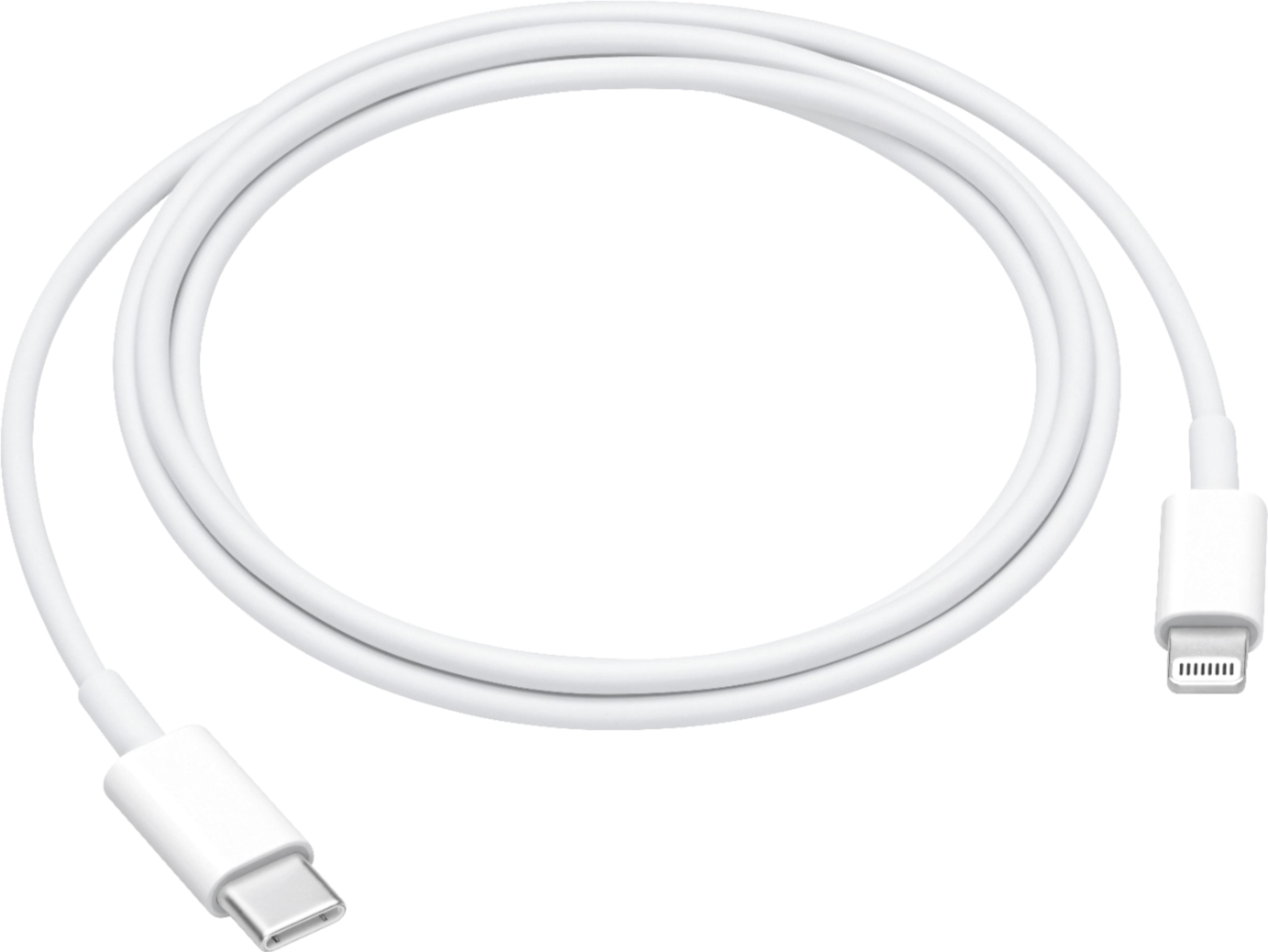
A:AnsweriPhones have a lightning port, not USB, so this cable will NOT plug into an iPhone. "C" is a type of small USB connector often used on Android phones.
A:AnswerYou need a USB C to a USB C cable to connect it to your MacBook Pro or MacBook. I am not sure what laptop you're talking about so you will have to be more specific. But if you are using an Apple MacBook Pro or a MacBook that will solve all of your problem if your iPad Pro is third generation or later.