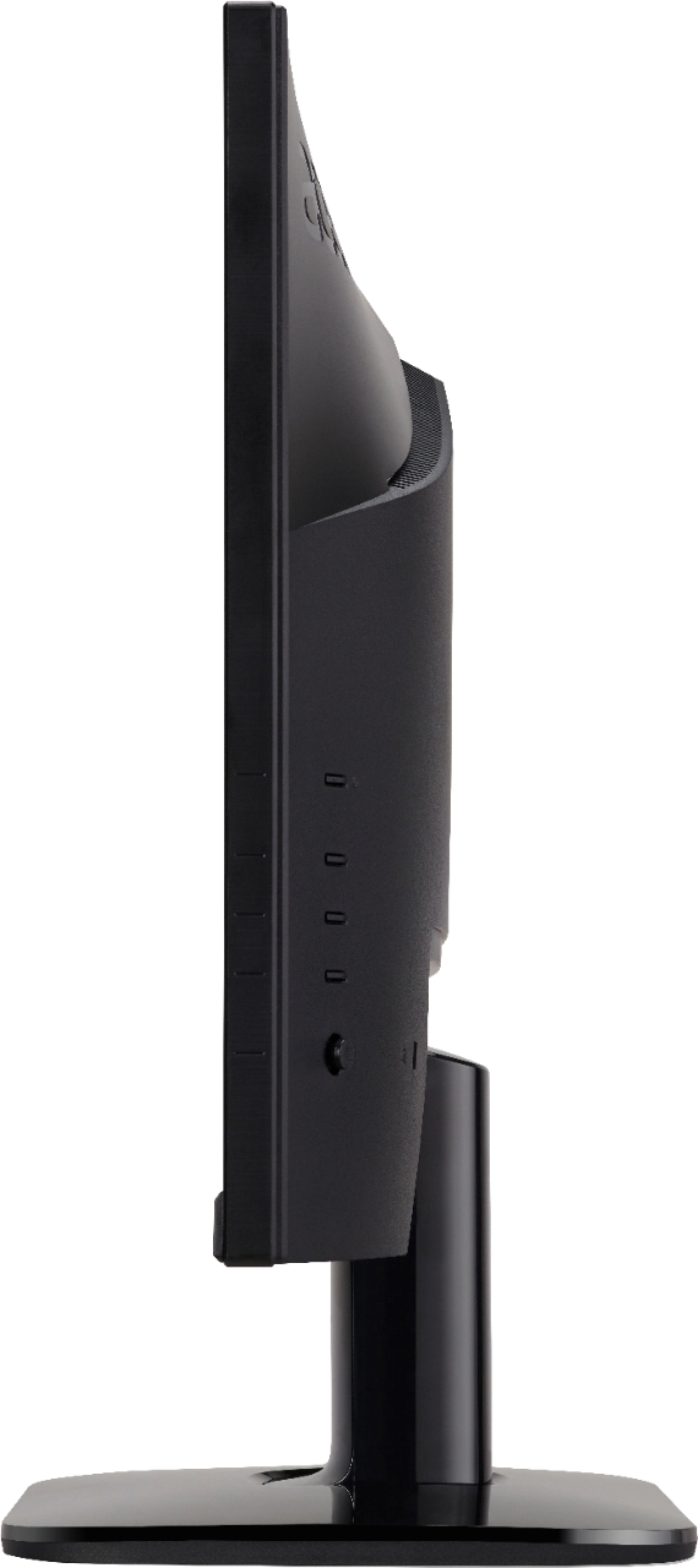
A:AnswerIt will go into whatever power savings mode you have the PC set to. You don't have to power off the monitor every time you are through using it.

A:AnswerYou need to check your laptop to see if it has two video ports to connect two monitors. Some laptops have just one video port but if it has two you can connect two monitors.
A:AnswerYou don't mention what smart phone you have; for Android phones we found this on the internet: "You can connect a USB Keyboard to an Android device via a USB OTG (On-The-Go) adapter, provided that your device is USB OTG-supported. If you bought your Android devices in the last 3 years, chances are, it will support using USB OTG". If you have an iPhone: "However, you can't connect any sort of mouse to an iPhone – it's just not possible, but Bluetooth keyboards aren't a problem. ... Therefore, if you're an iPhone user, your only option is to use a Bluetooth keyboard." Hope this helps.
A:AnswerYou may need an additional pc, laptop, media box or gaming device. The pc is your safest bet if you want to get your mouse and keyboard from target working with the KA272 sku 6401007.