A:AnswerI would like to say no, it wont damage your eyes. To be honest I am not completely sure but I do know that you can adjust the picture settings in a variety of ways including adjusting the levels of blue light. Hope that helps.

A:AnswerIf you have a monitor that connects via HDMI, test that using the same cable. If the monitor works then you know the port on the monitor is fine. If neither work with that cable, the next thing to try is a different cable. Also if you are using an adapter, try a direct connection or different adapter. You might also post your question on the Acer Community where there are many users that post questions and offer help and advice on Acer products. The link is: https://community.acer.com/
A:AnswerPlease contact Acer support to inquire about a replacement power cord. They can be reached at 866-695-2237 and are available 24/7 for in-warranty products.
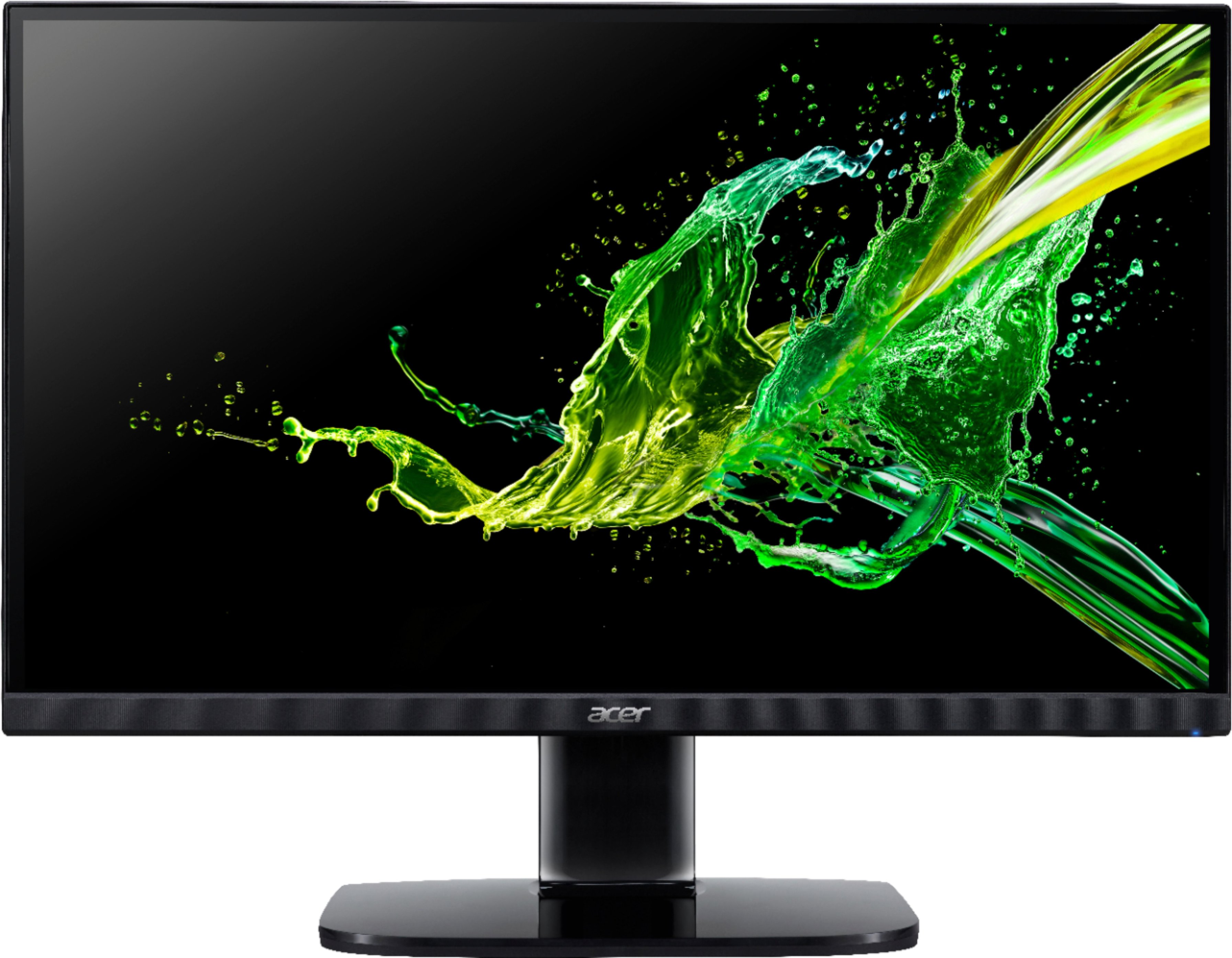
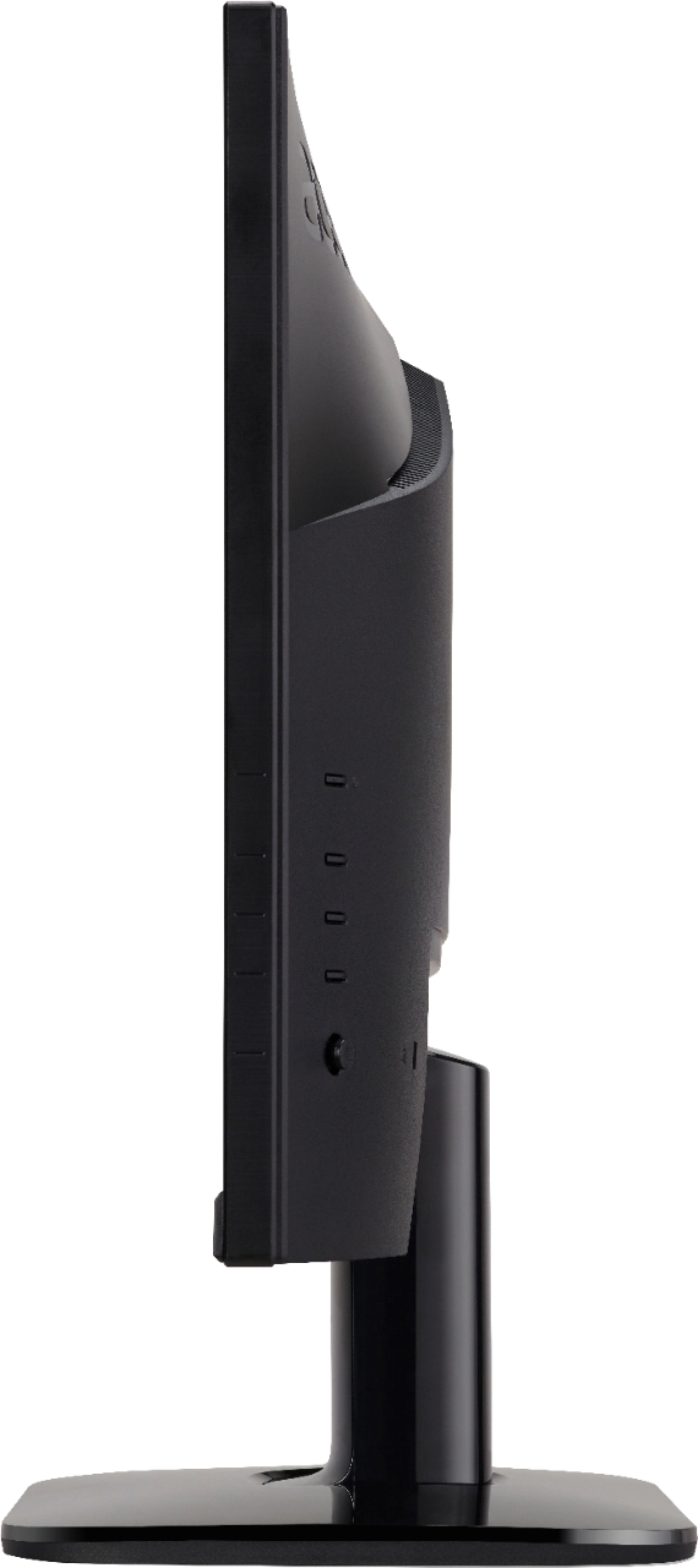
A:AnswerIt doesn't have a headphone jack or any other type of audio in/out, although in the pictures it does show a spot to plug in audio so they should fix that.
A:AnswerNo onboard speakers, but there is a headphone jack. So If your video source is through HDMI, the jack will also deliver sound. Hope that helps!