A:AnswerI am not that wise on computers. Other than the fact that I am having to buy a 70.00 adapter to make the 2 screens that I have work I don't know how it compares.
A:AnswerPlease contact Acer support for assistance with your monitor. They can be reached at 866-695-2237 and are available 24/7 for in-warranty products.

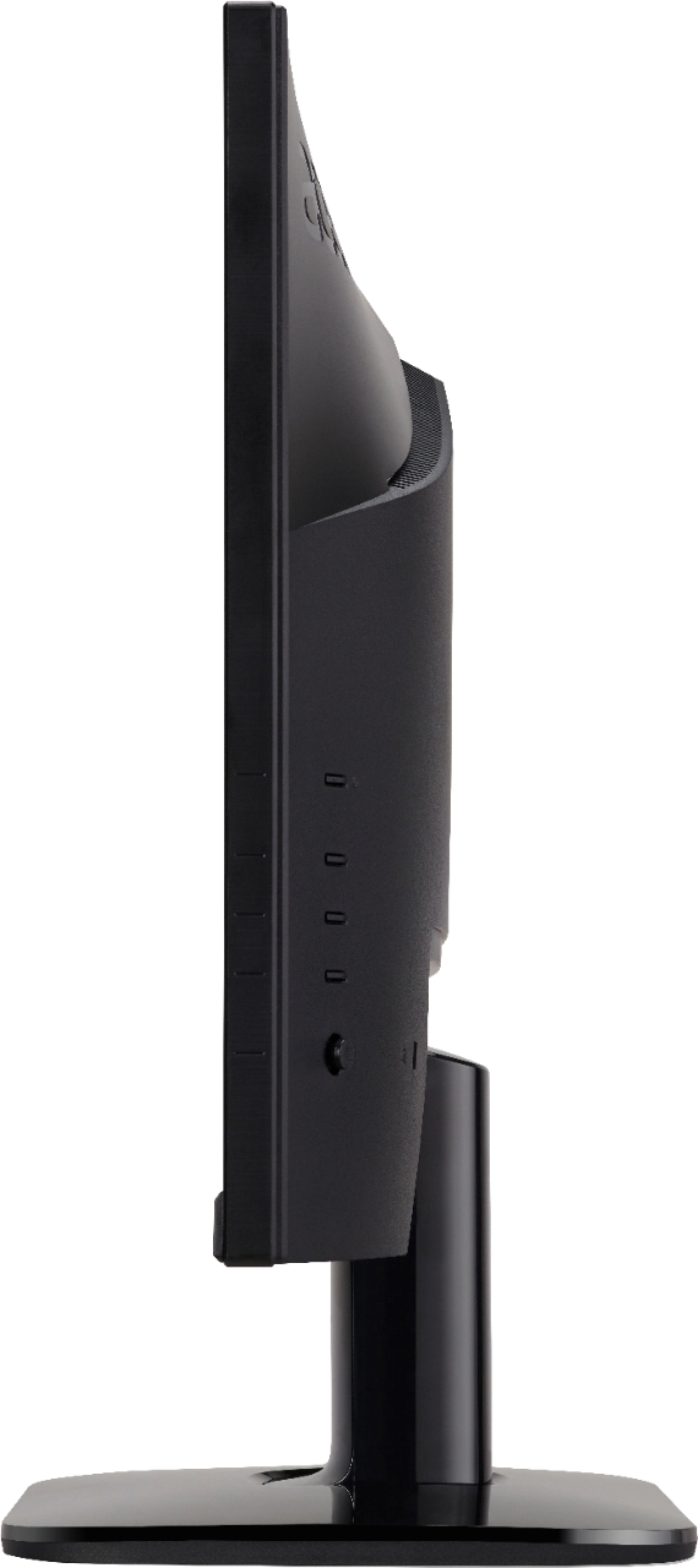
A:AnswerThe power button is on the back right at the top of the rows of buttons.
I just leave the monitor up, so if the computer goes to sleep or is shut down, it sleeps too.
If you have a power hiccup or lose power for a bit, everything will need to be brought back up with a button press.