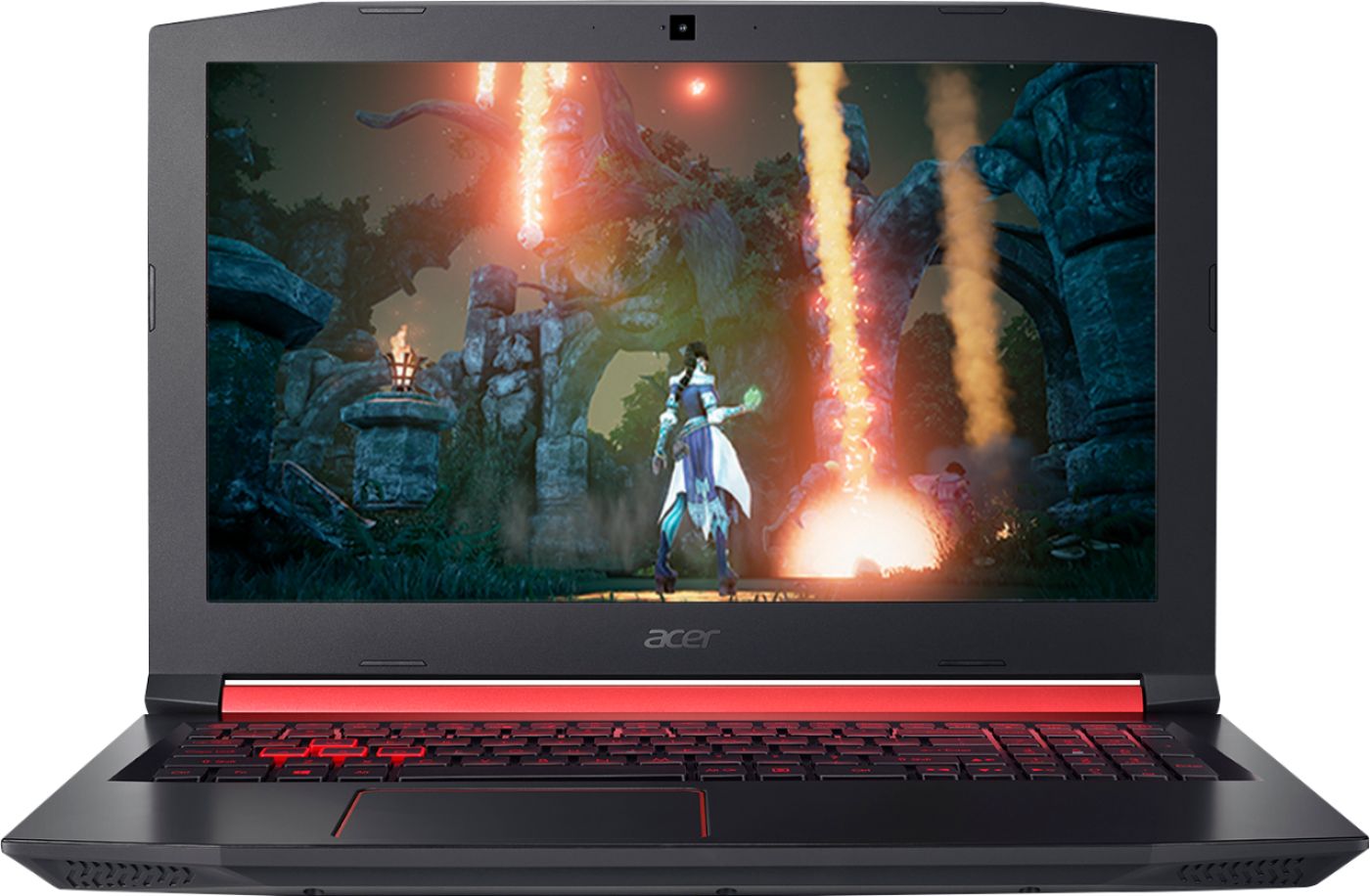
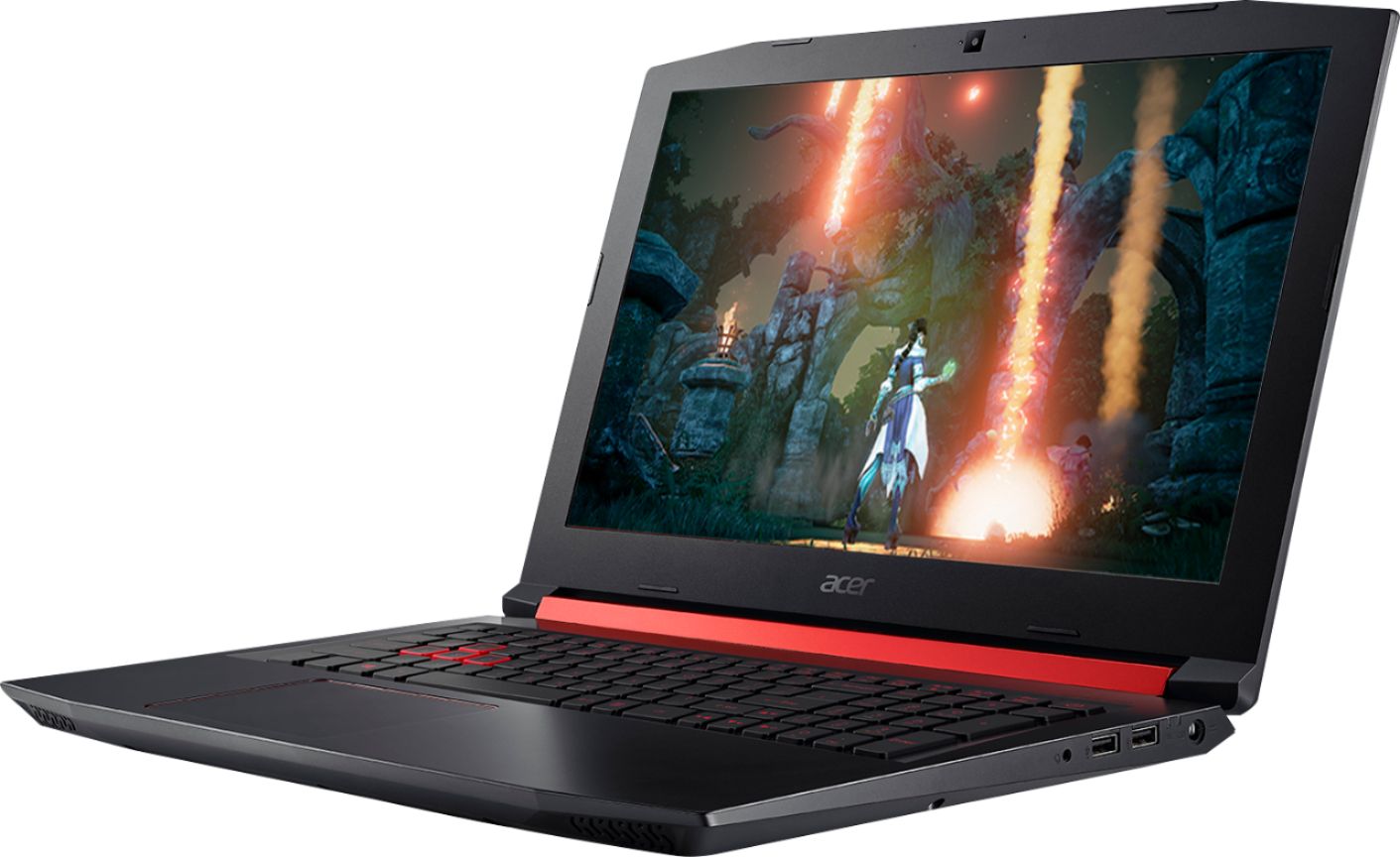
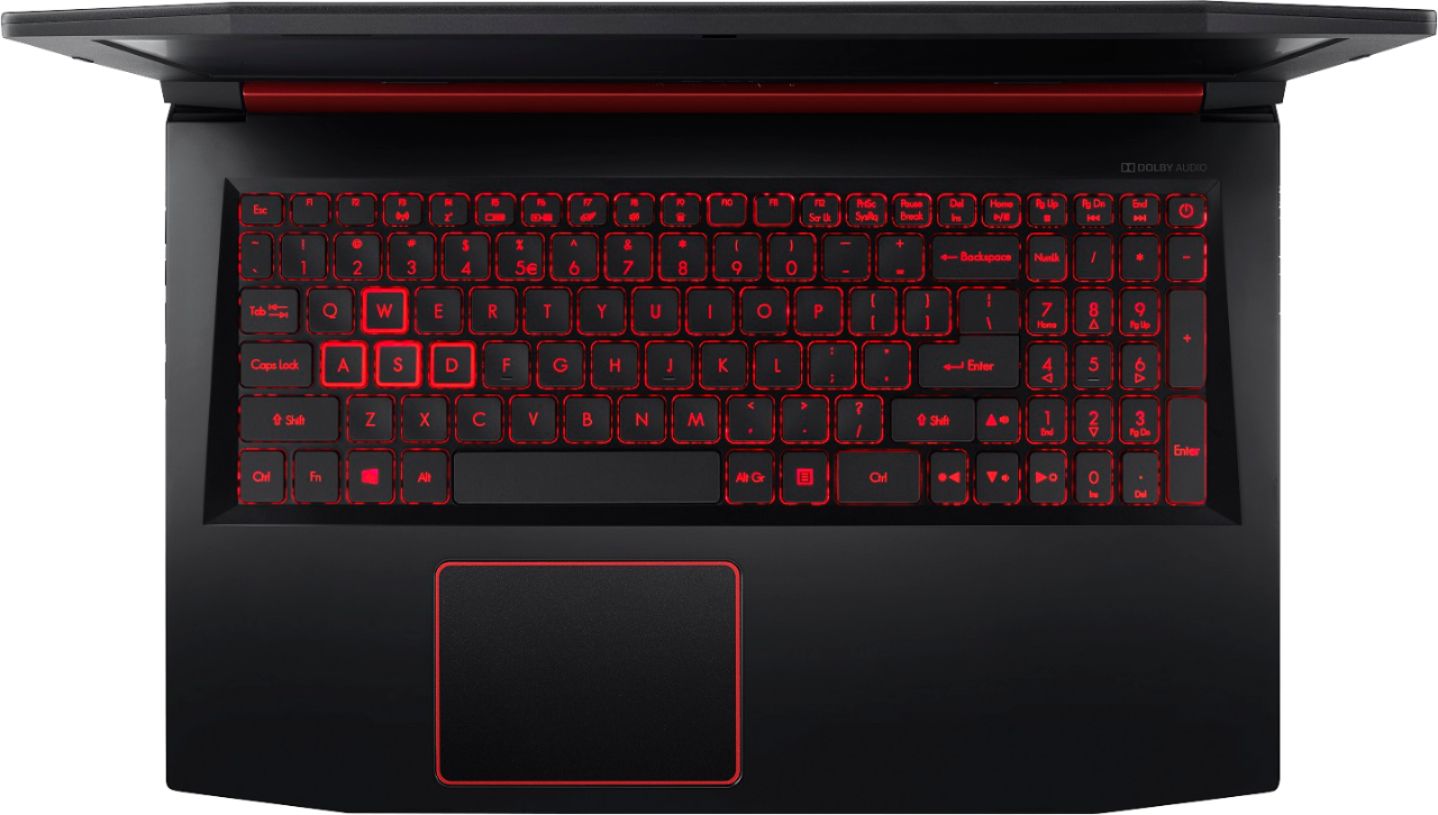
A:AnswerYes, this is a good laptop for gaming or schoolwork. While Acer does not test many gaming applications we would recommend you check that the computer meets the system requirements of the application/game to determine if it will work. You can also contact the software vendor to see if they can provide information on compatibility with their software. You might also post your question on the Acer Community where there are many users that post questions and offer help and advice on Acer products. The link is: https://community.acer.com/
A:AnswerI use blender on the laptop. When I model something it works fine but rendering is a little slow. Overall it is on the slow side for that type of work. I play new games on low to medium settings on this device.
A:AnswerHere is a link to the specs on the CPU that you might find helpful. Scroll about halfway down for the listed specs: https://www.amd.com/en/products/apu/amd-ryzen-5-2500u
A:AnswerThis Nitro laptop does not support VR. The Predator line of laptops do, however. Here is a link to those products: https://www.acer.com/ac/en/US/content/predator-home
A:AnswerWhile Acer does not test many gaming applications we would recommend you check that the computer meets the system requirements of the application/game to determine if it will work. You can also contact the software vendor to see if they can provide information on compatibility with their software. You might also post your question on the Acer Community where there are many users that post questions and offer help and advice on Acer products. The link is: https://community.acer.com/
A:AnswerThis laptop has a one year manufacturer's warranty against hardware defects. Warranty details are posted here for your convenience: https://www.acer.com/ac/en/US/content/standard-warranty
A:AnswerThis gaming laptop should do fine for school work online. We just recommend you make sure that the system specs meet or exceed the recommendations of the game/software you want to use, for best results.
A:AnswerWhile Acer does not test many gaming applications we would recommend you check that the computer meets the system requirements of the application/game to determine if it will work. You can also contact the software vendor to see if they can provide information on compatibility with their software. You might also post your question on the Acer Community where there are many users that post questions and offer help and advice on Acer products. The link is: https://community.acer.com/
A:AnswerWhile Acer does not test many gaming applications we would recommend you check that the computer meets the system requirements of the application/game to determine if it will work. You can also contact the software vendor to see if they can provide information on compatibility with their software. You might also post your question on the Acer Community where there are many users that post questions and offer help and advice on Acer products. The link is: https://community.acer.com/