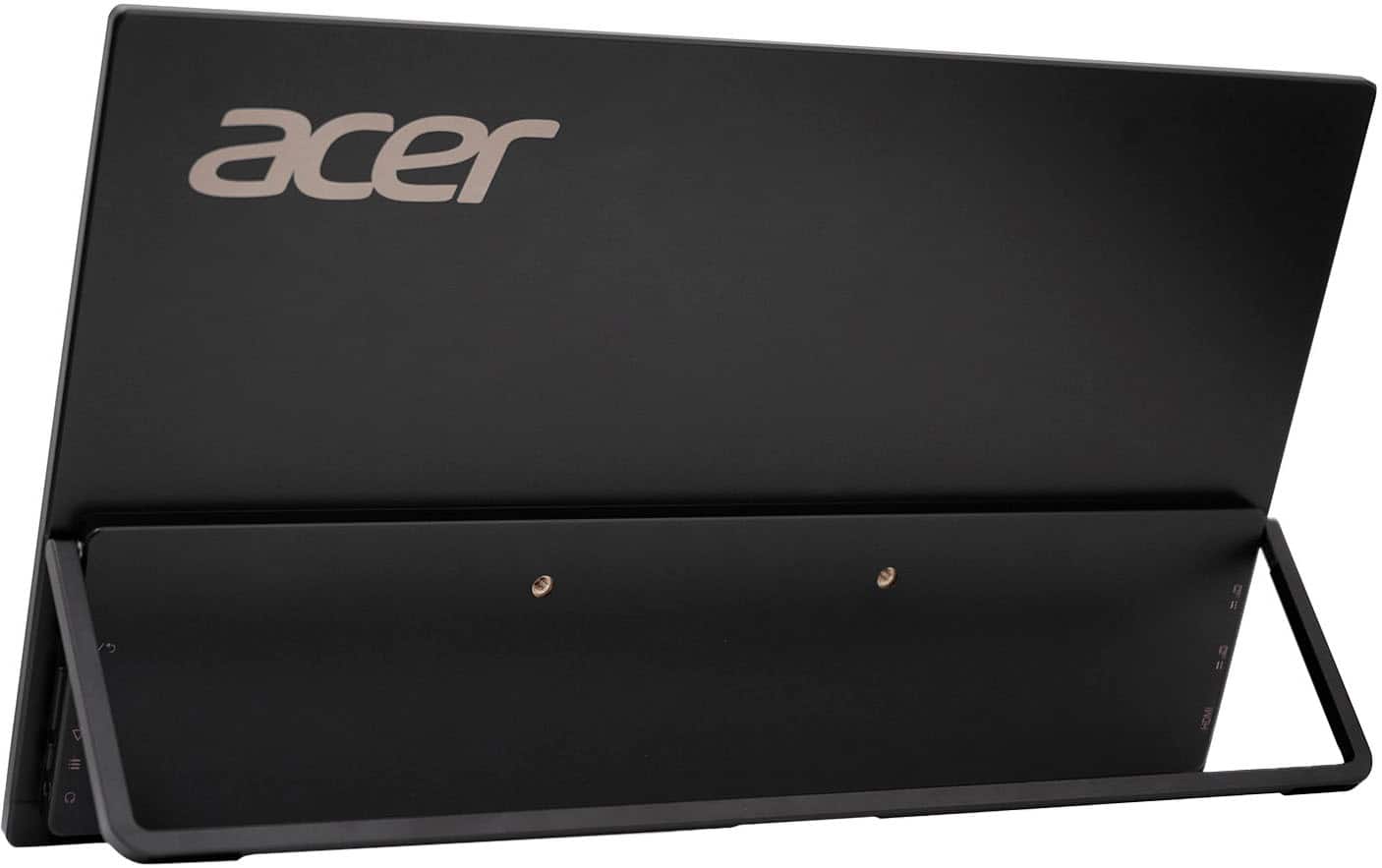
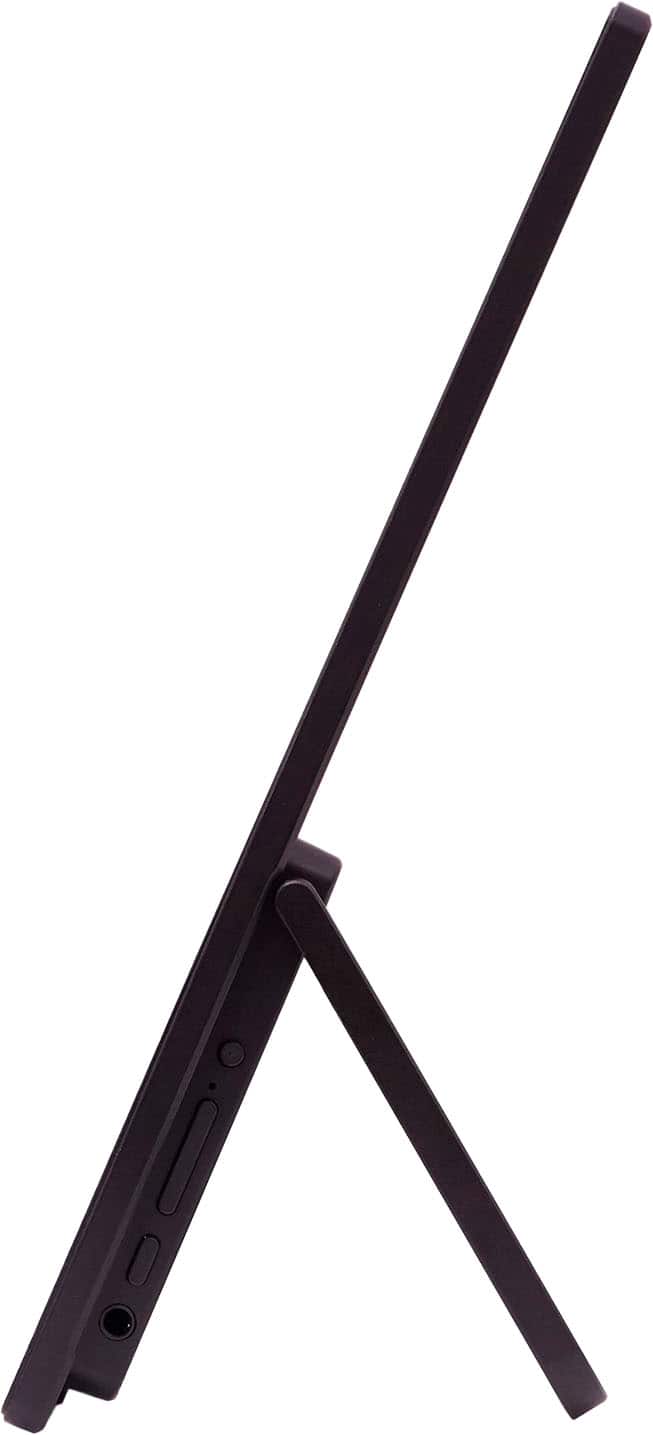
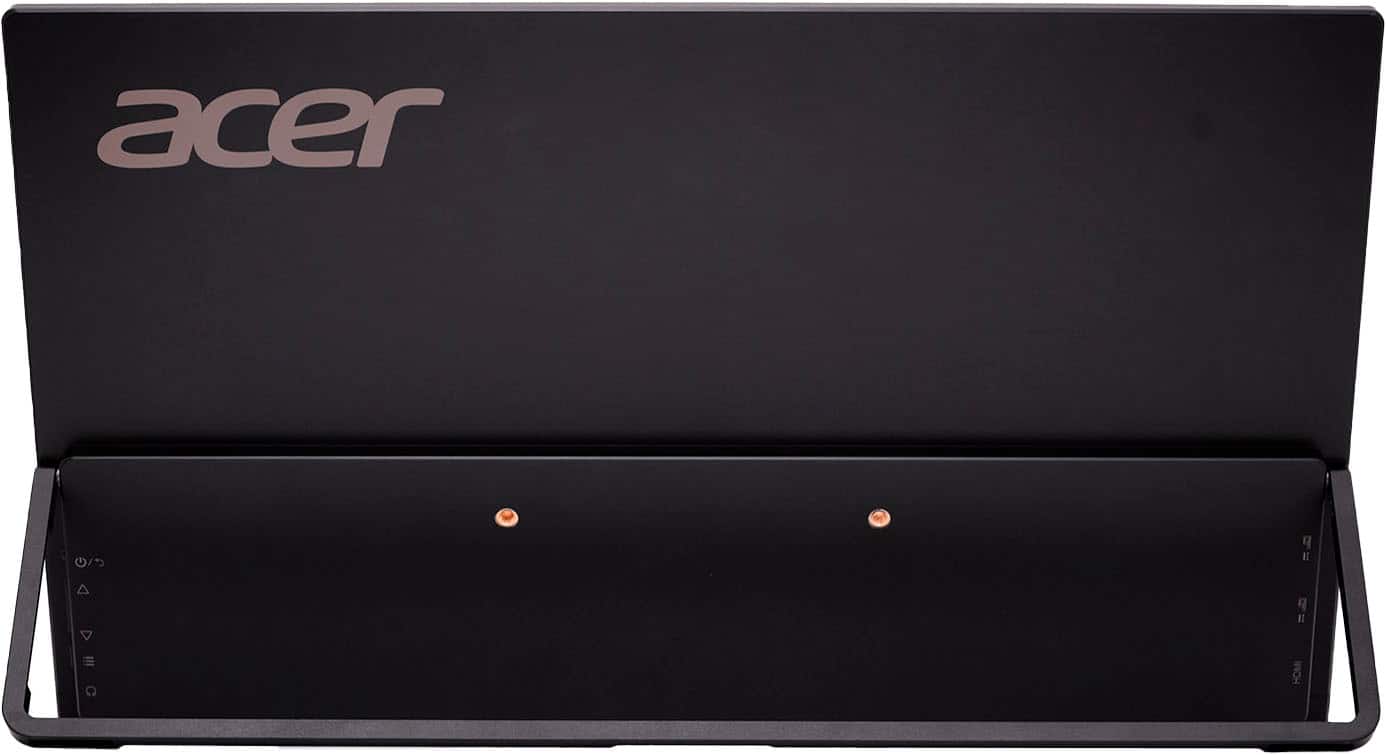
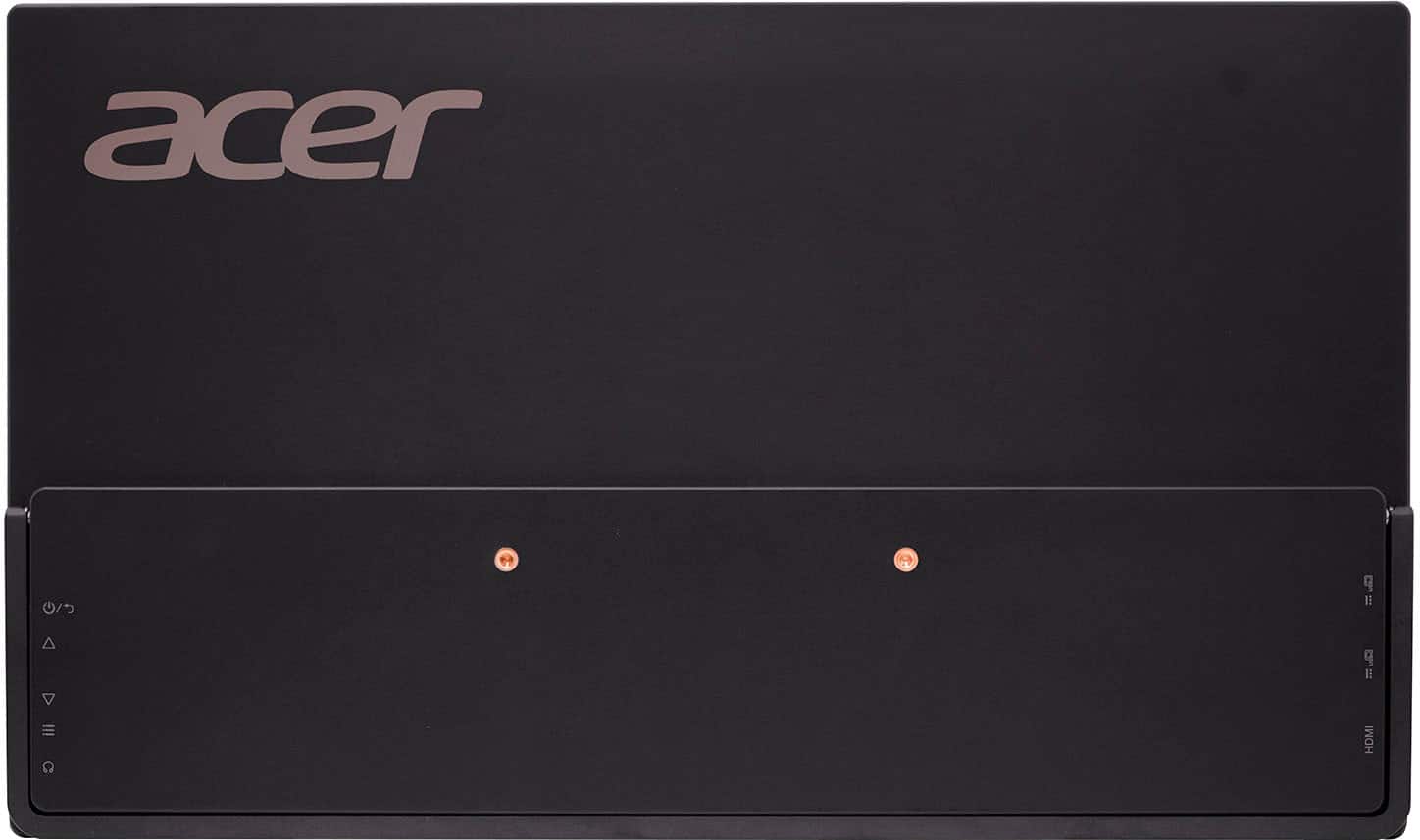
A:AnswerTo adjust the volume on your Acer PM161W, you'll need to access the monitor's on-screen display (OSD) menu using the physical buttons located on the monitor, usually on the bottom or side. Once in the OSD, navigate to the audio settings and adjust the volume using the appropriate buttons. If this does not resolve the issue, please feel free to contact our support team at 866-695-2237; they are available to assist 24/7 for in-warranty products.
A:AnswerAcer has not tested this with Apple devices, but if your iPad has USB-C or mini HDMI, it should work. You might post your question on the Acer community forum at community.acer.com. This is a very good peer-to-peer forum for questions and answers on Acer products.
A:AnswerIf you're experiencing low volume on your Acer PM161W, there are several troubleshooting steps you can take:
Check Physical Connections and Monitor Settings:
Adjust volume on the monitor itself: The Acer PM161W likely has physical buttons to access the on-screen display (OSD) menu.
Locate the physical buttons, usually at the bottom or side of the monitor.
Press the menu button to open the OSD.
Navigate to the audio settings section.
Increase the volume using the corresponding buttons.
If these steps do not resolve the issue, please feel free to contact our support team at 866-695-2237; they are available to assist 24/7 for in-warranty products.
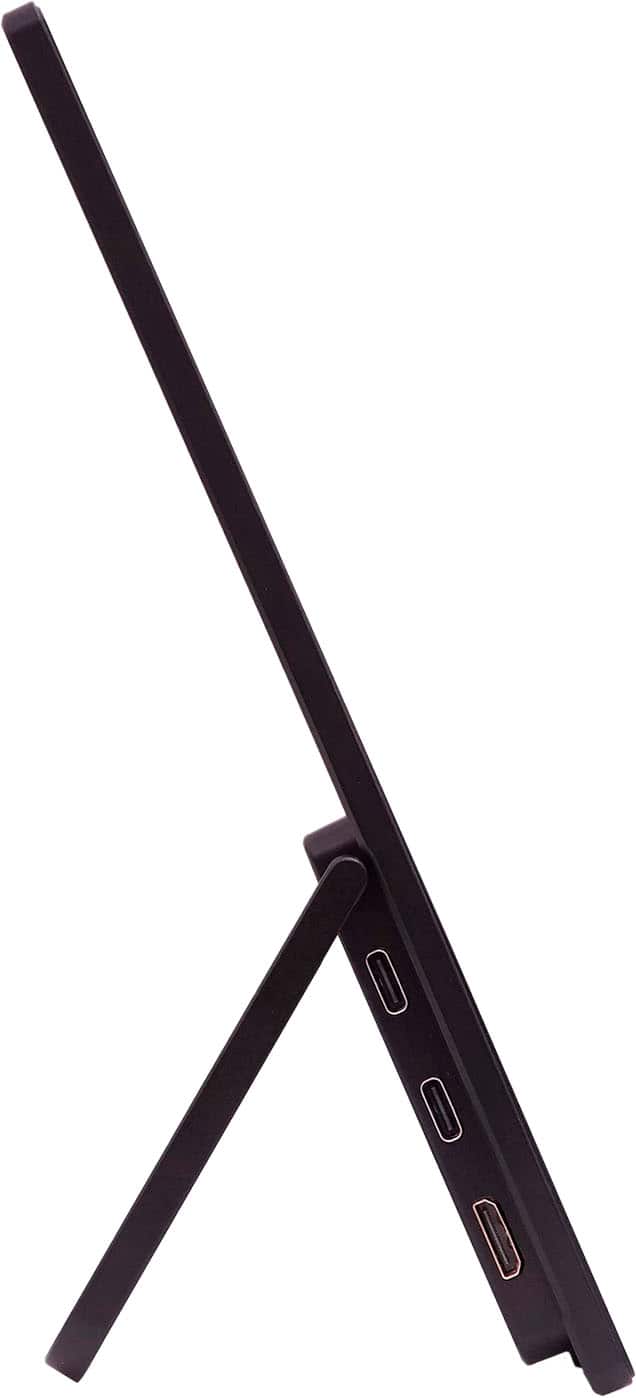
A:AnswerYes, although Acer has not specifically tested this configuration, you can generally use a USB hub with PD pass-through in the second USB-C port of a PM161W portable monitor to charge devices like a MacBook or Steam Deck.
A:AnswerThis portable monitor has a mini-HDMI v1.4 so you would need an adapter but you might check with Sony to see if the PS5 supports mini-HDMI (with adapter), version 1.4.
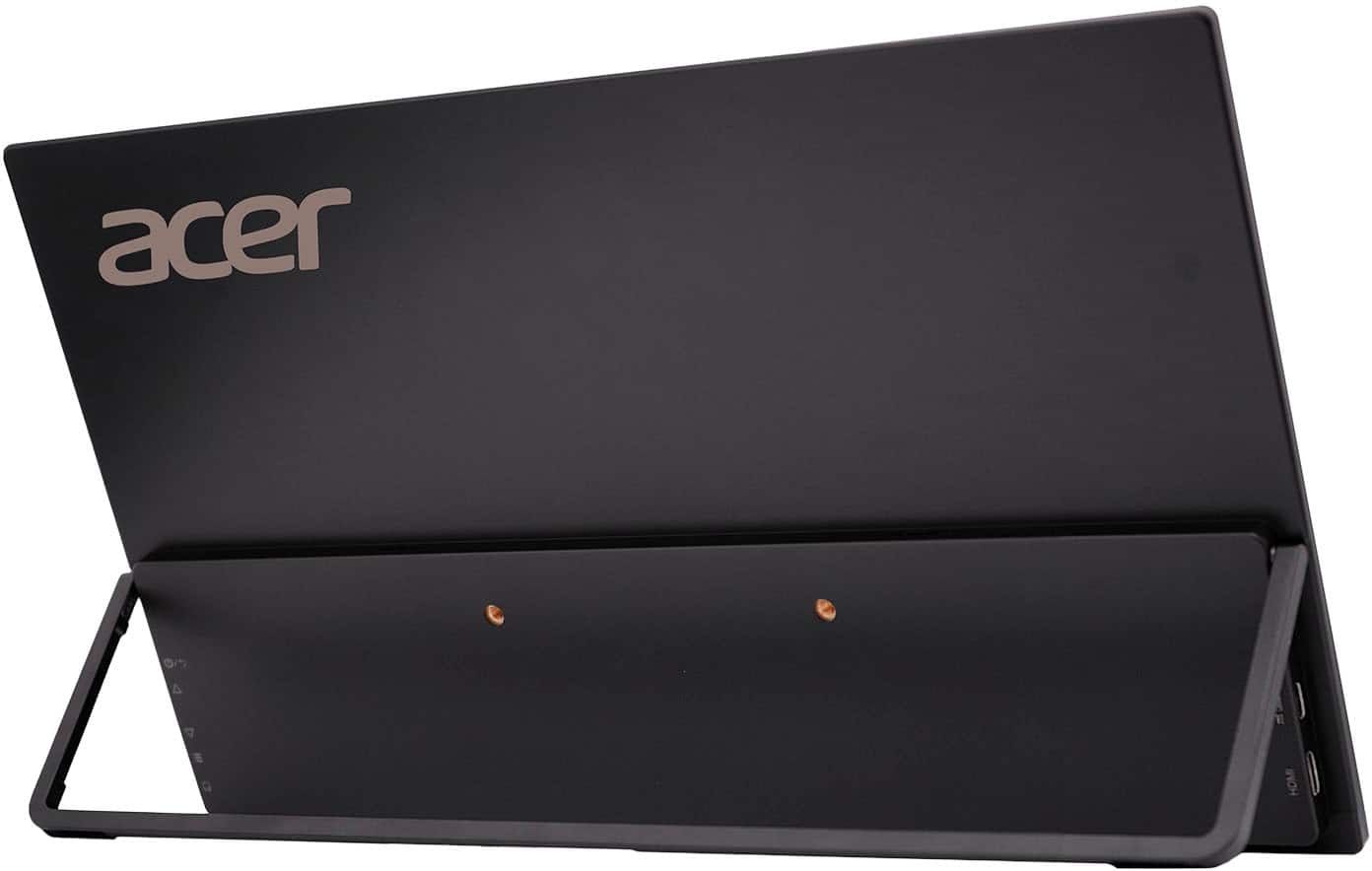
A:AnswerIt has 2 USB-C ports and standard daisy chaining should apply.
If you have a usb-c to usb-A or whatever your dongle type is, I would expect it to work.
A:AnswerFor assistance with the volume in your portable monitor, please contact our support team at 866-695-2237; they are available to assist 24/7 for in-warranty products.
A:AnswerTHE IS ACTUALLY 2 usb-c spots for you to power either from your mac usb-c port and just plug your laptop in and it powers both or just plug usb-c directly to wall it also comes with a c to c cord and a mini hdmi to regular one .