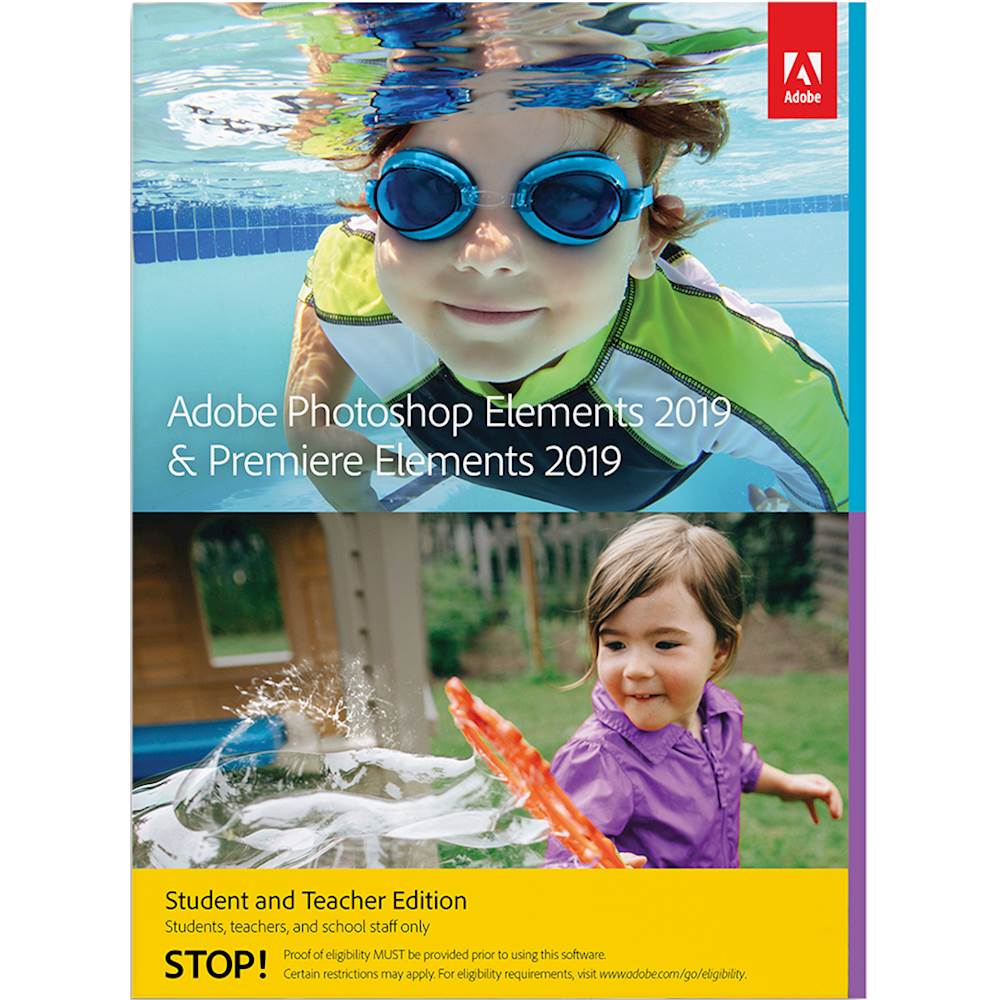
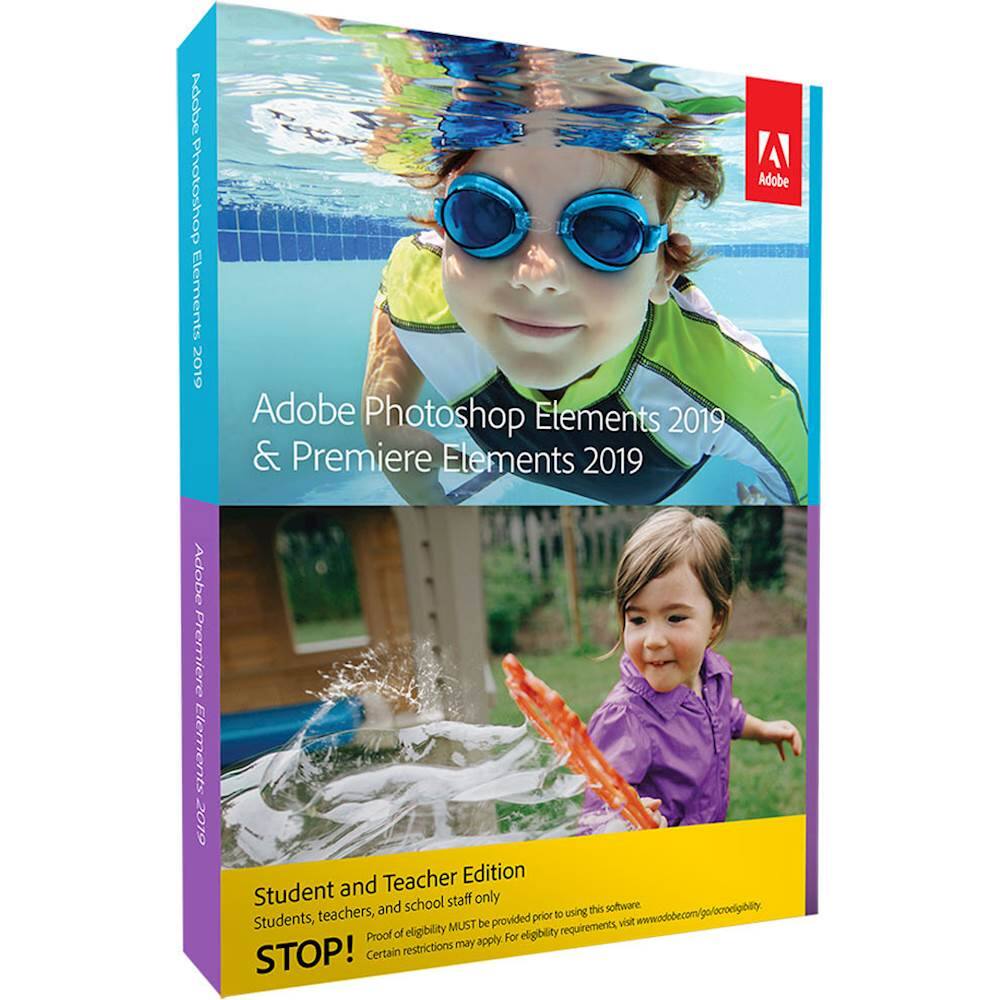
A:AnswerAcademic editions are available to high school students. You just need to prove your academic status. An email address that is clearly associated with an accredited school is easiest, but other options are provided in Adobe's Eligibility Guide. Just search for it on their website.
A:AnswerThe student\teacher version is the same as the Photoshop Elements 19 with the Premiere. The big difference is the price tag. Student\teacher software I paid $79. If I would have bought the non-student version I would have paid $149. With the student\teacher version you will have to show proof that you are a student or teacher at check out and also when you load the software to your computer there are steps to go through for validation of student\teacher. I hope this helps!
A:AnswerOnce the software is purchased by you as a student or a teacher it belongs to you, even after you graduate from school, or even after you retire from teaching.